
Sticky Action Buttons
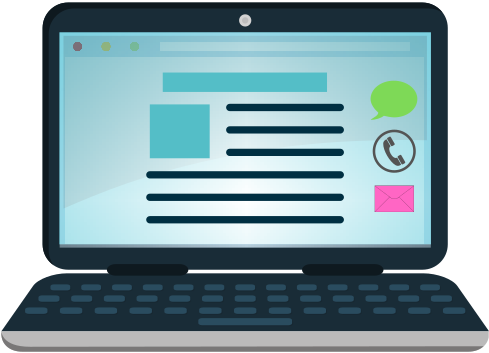
Implement Click to Chat with WhatsApp, Call, Email like buttons in your Website.
Plugin info
Maintenance & Compatibility
Maintenance score
Possibly abandoned • Last updated 1727 days ago • 1 reviews
Is Sticky Action Buttons abandoned?
Possibly abandoned (last update 1727 days ago).
Compatibility
Similar & Alternatives
Explore plugins with similar tags, and compare key metrics like downloads, ratings, updates, support, and WP/PHP compatibility.
Description
Sticky Action Buttons are collection of Social link buttons, which are hang on a part of your website pages to let the User do some actions like Click to chat on WhatsApp or Click to Call or Click to Open the Email App.
Installation
Upload the Sticky Action Buttons plugin to your blog, activate it, and then navigate to the Sticky Action Buttons Menu.
That’s it 🙂
Frequently Asked Questions
Click + Add Custom Button in the Plugin page to add Custom Buttons.
Yes, There’s a field called Size to adjust the size of the Buttons. This will be applied to all the Buttons.
Just clear the Values of the Default Buttons to Hide them.
Review feed
Screenshots

Add your Phone Number & Email Address in the Admin Dashboard -> Stick Action Buttons and Save the Changes.

Visit your Website, The Sticky Buttons will appear at the right side of all the Pages.

Add Button of your choice using
+ Add Custom Buttonoption.
Decide how the Buttons appear using the given provision to change Size, Direction, Placement, View mode and other options.
Changelog
1.0
Initial release with default Buttons: WhatsApp, Call, Mail
1.1
Add custom Buttons option implemented.
Customization provisions to Change Size, Direction, Placement, View mode, Icons and Colors are implemented.
Notification like option enabled to get the User attention 🤔.