

Plugin info
Maintenance & Compatibility
Maintenance score
Stale • Last updated 230 days ago • 2 reviews
Is Liveticker (by stklcode) abandoned?
Likely maintained (last update 230 days ago).
Compatibility
Developers
Languages
Similar & Alternatives
Explore plugins with similar tags, and compare key metrics like downloads, ratings, updates, support, and WP/PHP compatibility.
Description
Liveticker is a simple liveticker plugin for WordPress.
Easily add multiple livetickers, add them to posts with shortcode or use them as Widget.
Features
- Handle multiple Tickers
- Automatic update via AJAX
- RSS feed capability
- Gutenberg block and shortcode to display liveticker
- Add ticker to sidebar widgets
- Ability to customize through CSS
- Localization support
Installation
If you don’t know how to install a plugin for WordPress, here’s how.
You can obtain the plugin through fhe official WordPress plugin repository.
Alternatively you can also use Copmposer.
Requirements
- PHP 7.2 or above
- WordPress 5.0 or above
Frequently Asked Questions
On WordPress 5 sites there is a Gutenberg Block available to embed a liveticker in your post.
You can also use the shortcode [liveticker ticker="my-ticker"] on WordPress 4 or classic-mode sites.
If you want to define a custom tick limit, you might also add a limit with [liveticker ticker="my-ticker" limit="10"].
Of course.
You can deactivate the default stylesheet on the settings page and include your own instead.
If you activate AJAX updates (enabled by default), the JavaScript will automatically update the content, even when the
page is loaded from cached.
If AJAX is disabled, it depends on your update and caching intervals. If you update your ticker every 5 minutes, a
caching time of 12 hours obviously makes no sense.
Review feed
Screenshots
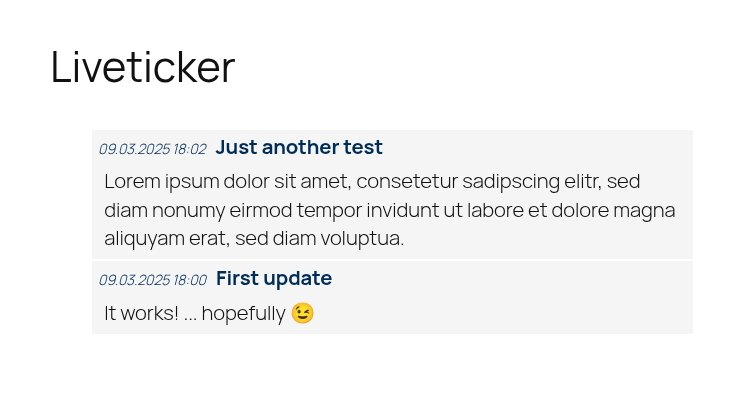
Example liveticker (frontend)
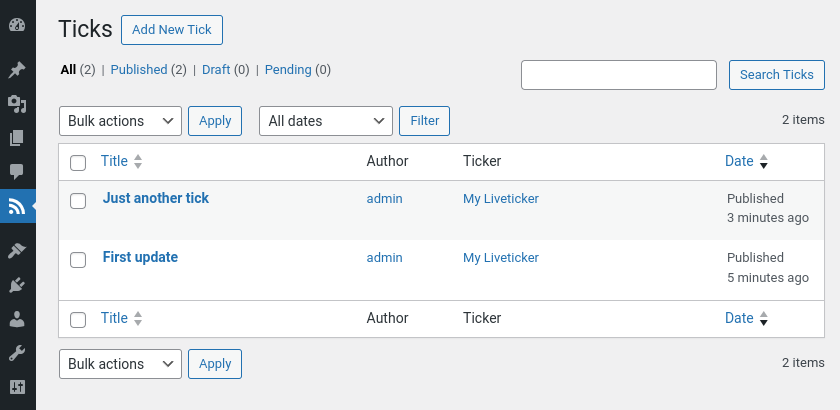
Tick management
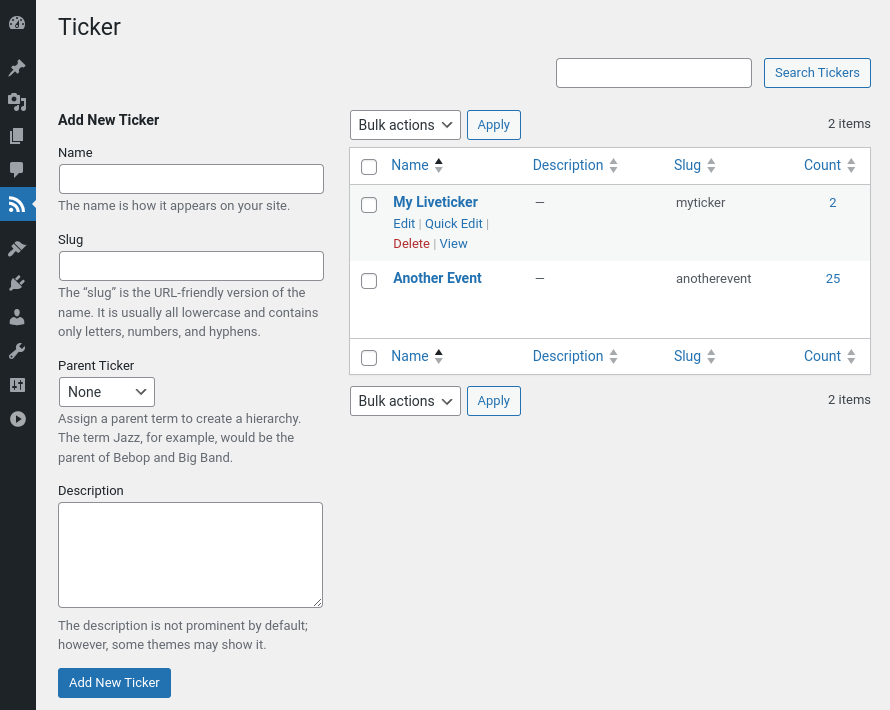
Ticker configuration.
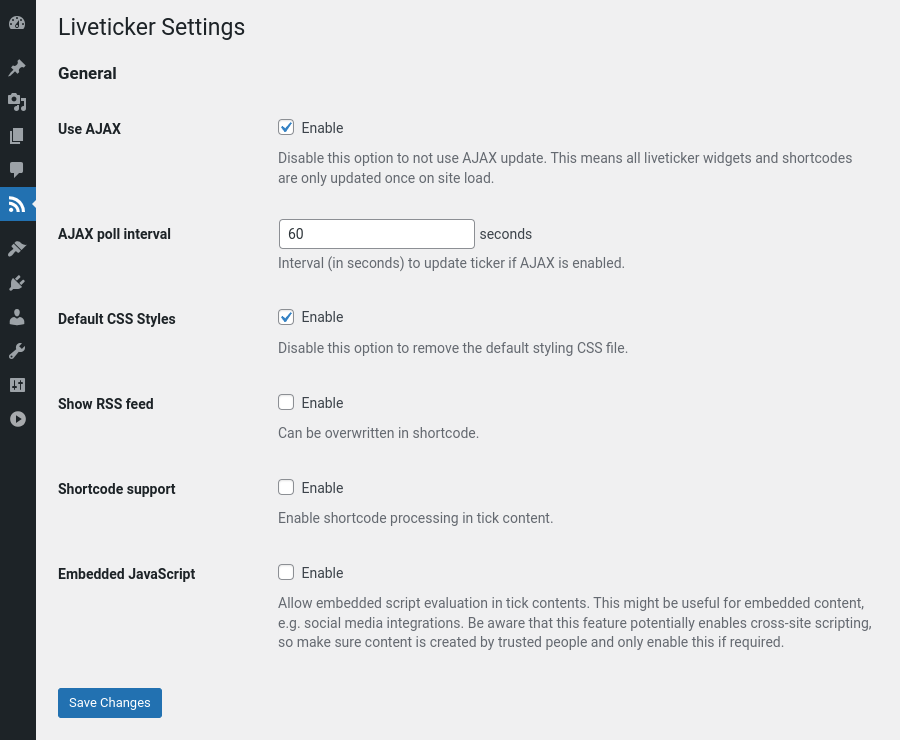
Settings page
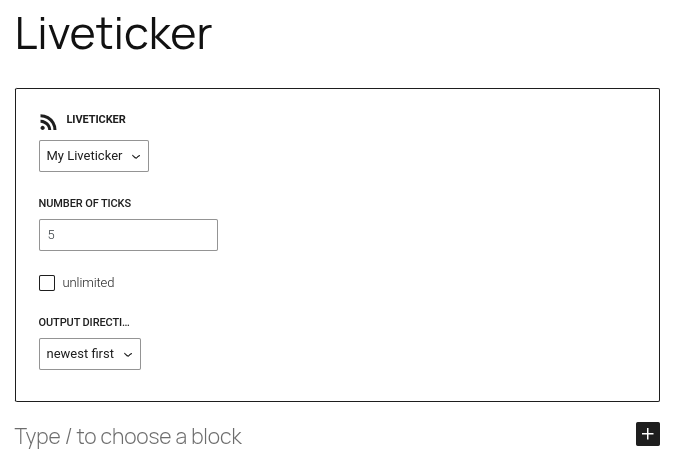
Gutenberg block
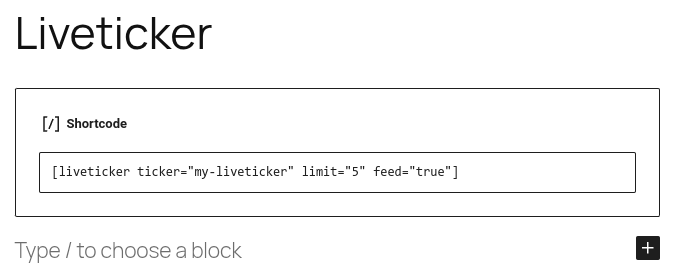
Example shortcode
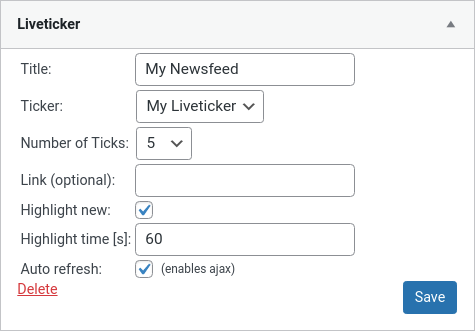
Example widget
Changelog
1.3.1 – 2025-08-16
- Textdomain is no longer loaded explicitly
- Internal filter and action hooks consolidated
- Minor internal code fixes
- Tested with WP 6.8
1.3.0 – 2025-03-10
- Requires at least PHP 7.2 and WordPress 5.0
- Sorting direction can now be changed for liveticker blocks
1.2.3 – 2025-02-04
- Escape ticker ID in shortcode output
- Tested with WP 6.7
1.2.2 – 2024-03-02
- Update use of deprecated WP core functions
- Extend output sanitization
- Tested with WP 6.4
1.2.1 – 2022-02-01
- Fix issue with limit in Gutenberg block.
1.2.0 – 2022-01-23
- Requires WordPress 4.7 or above
- Migrated AJAX to REST API
- Resolved Javascript compatibility issues with IE11
- Added optional shortcode support for tick content
- Support embedded JavaScript execution in tick content (e.g. for social media integrations)
1.1.1 – 2021-03-20
- “Ticker” taxonomy name is now translatable
1.1.0 – 2020-05-02
- Requires PHP 5.6 or above
- Use GMT for automatic updates
- Gutenberg Block available
- Ticks exposed through REST API
- Changed AJAX update logic for embedded media compatibility
1.0.0 – 2018-11-02
- Initial release