

Stop Spammers Classic
A simplified, restored, and preserved version of the original Stop Spammers plugin.
Plugin info
Maintenance & Compatibility
Maintenance score
Maintained • Last updated 134 days ago • 242 reviews
Is Stop Spammers Classic abandoned?
Likely maintained (last update 134 days ago).
Compatibility
Languages
Similar & Alternatives
Explore plugins with similar tags, and compare key metrics like downloads, ratings, updates, support, and WP/PHP compatibility.
Description
A simplified, restored, and preserved version of the original Stop Spammers plugin.
Development for Stop Spammers has slowed down; I recommend switching to Dam Spam.
However, rest-assured that if you can’t migrate to Dam Spam, I’ll still continue making sure that Stop Spammers is safe, stable, and supported.
Installation
Go to Plugins > Add New from your WP admin menu, search for Stop Spammers, install, and activate.
OR
- Download the plugin and unzip it.
- Upload the plugin folder to your wp-content/plugins folder.
- Activate the plugin from the plugins page in the admin.
Frequently Asked Questions
You’ll need to access your site files (most likely via FTP), navigate to /wp-content/plugins, and rename the /stop-spammer-registrations-plugin folder by adding a “1” to the beginning. Once you’re back in your admin, remove the “1” from the folder name and make sure to add yourself to the Allow List.
Yes. But, you may need to restore visitor IPs.
Yes. The two can compliment each other. However, if you have only a small amount of hosting resources (mainly memory) or aren’t even allowing registration on your website, using both might be overkill.
Yes. But, in some configurations, you may need to go to Stop Spammers > Protection Options > Toggle on the option for “Only Use the Plugin for Standard WordPress Forms” > Save if you’re running into any issues.
Review feed
Poor Support
Screenshots
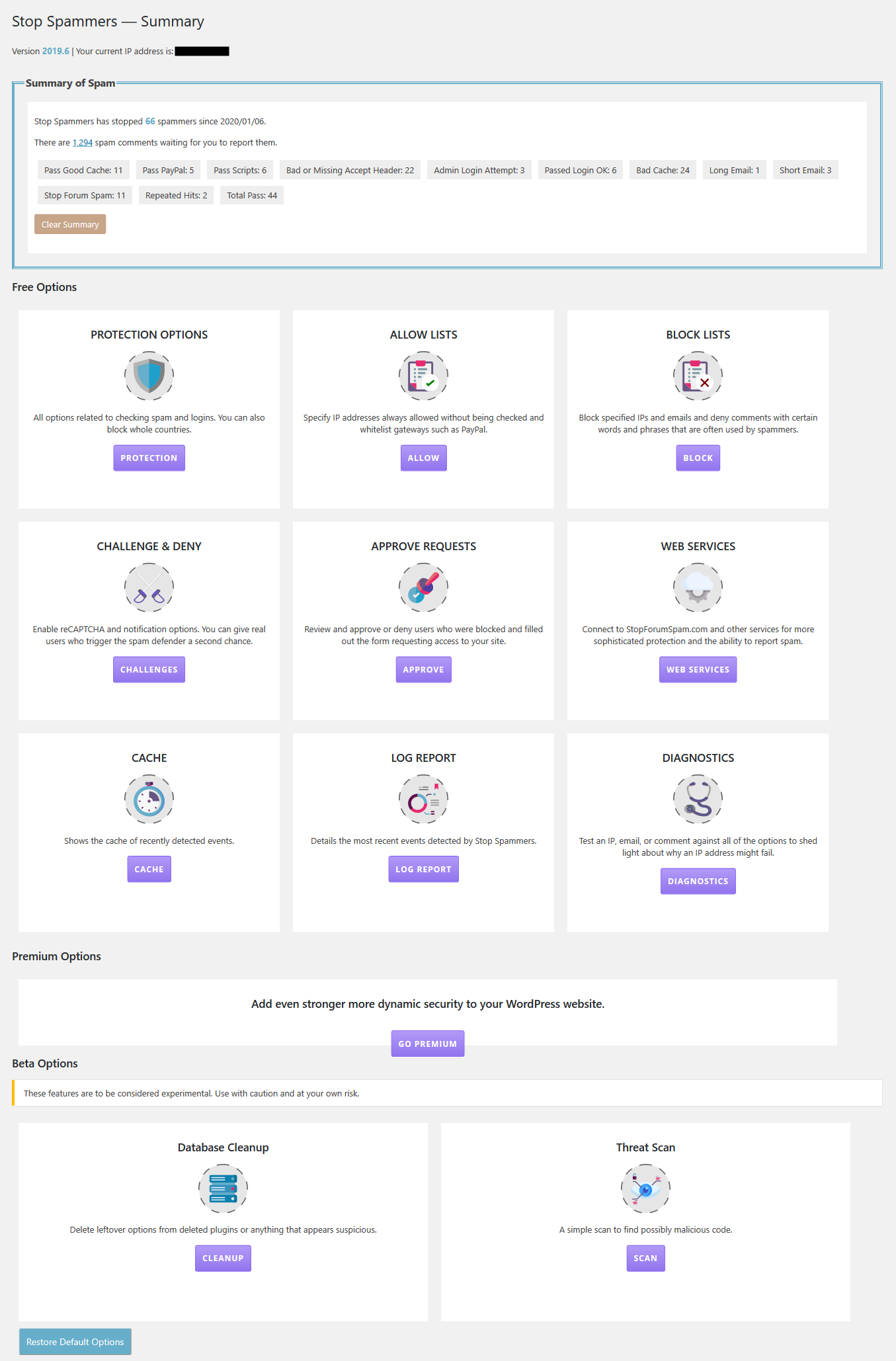

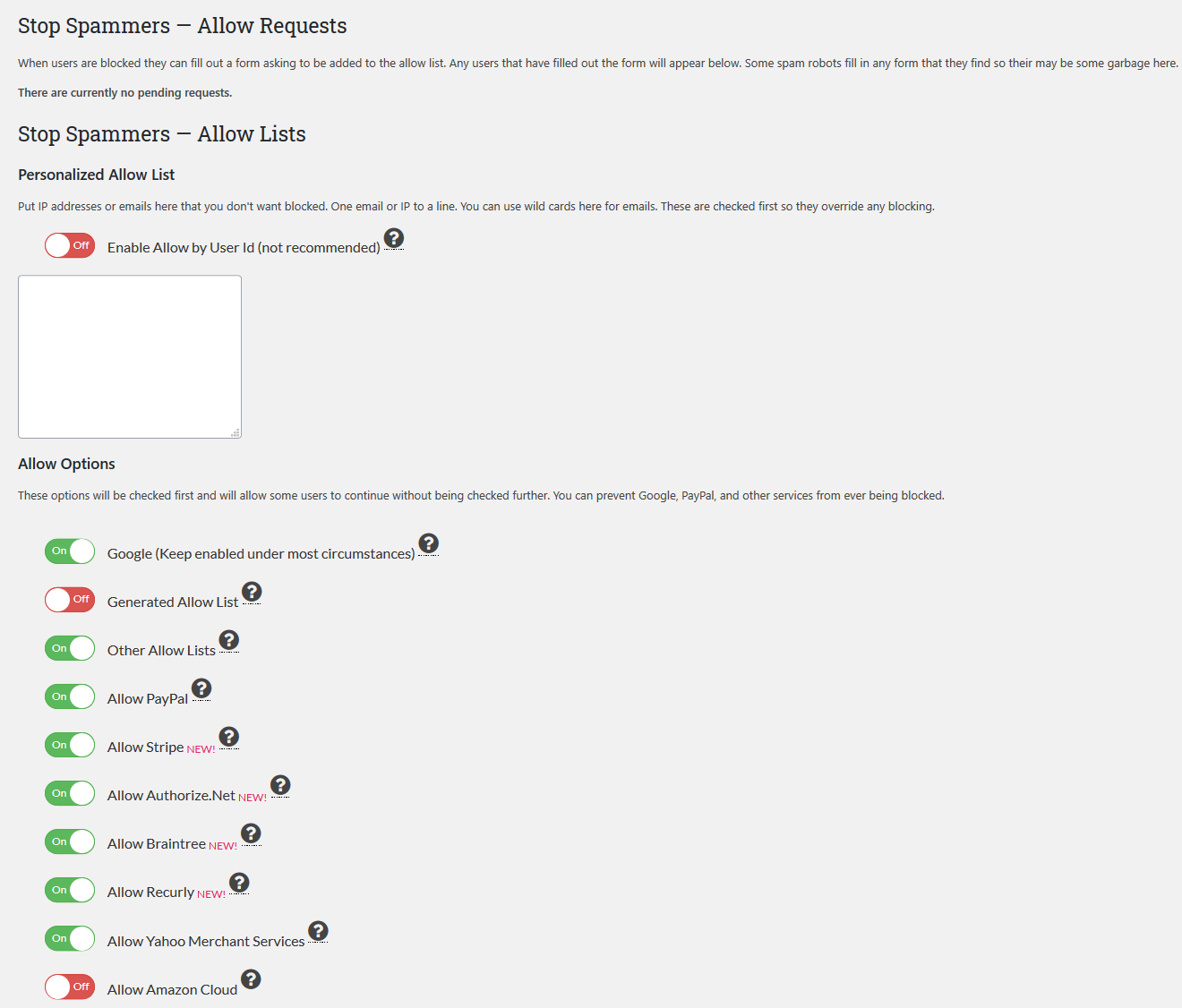
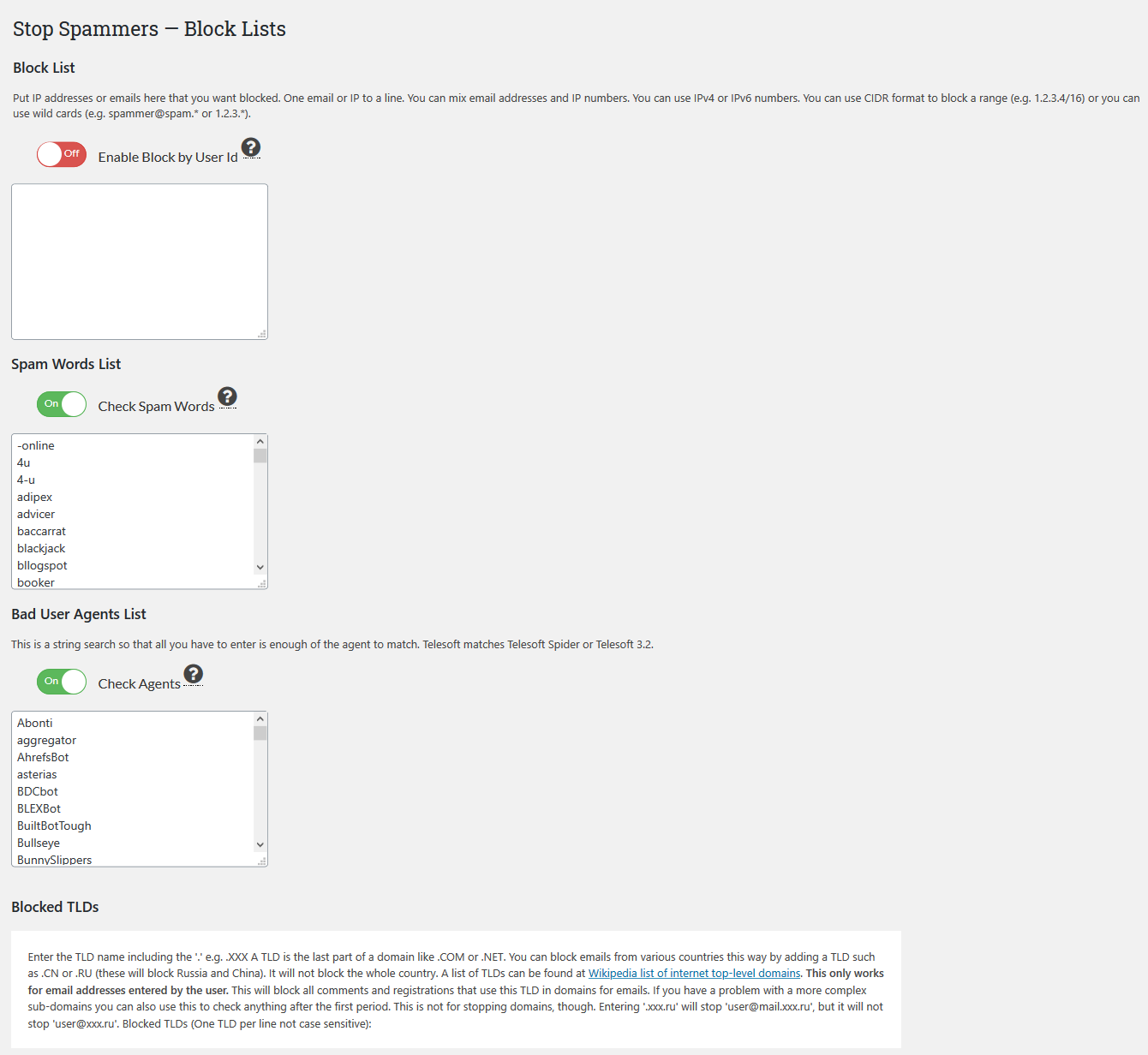


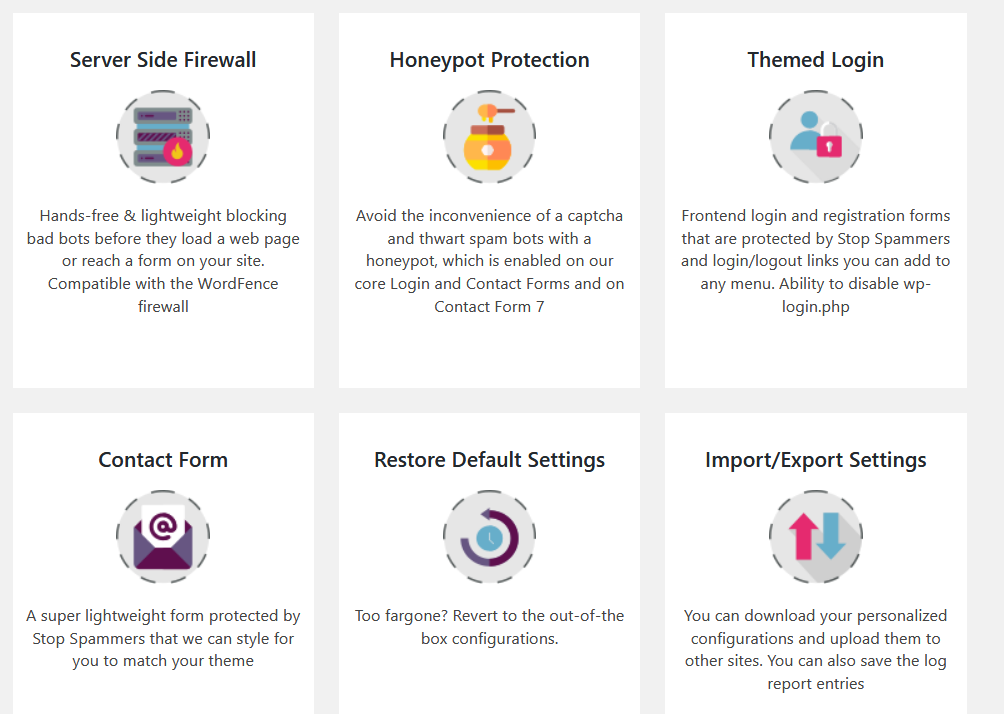
Changelog
2025.4
- Cleanup
2025.3
- Donations needed
2025.2
- Bug fixes
2025.1
- Fixes (aggressive escaping breaking stuff)
2025
- Recovered version, which has been cleaned up
2024.7
- Previous version, which I still consider safe to use
Credits: Created and maintained by Keith P. Graham (@kpgraham) from 2010-2017. Adopted and maintained by Web Guy (@webguyio) from 2017-2025.