

StoragePress
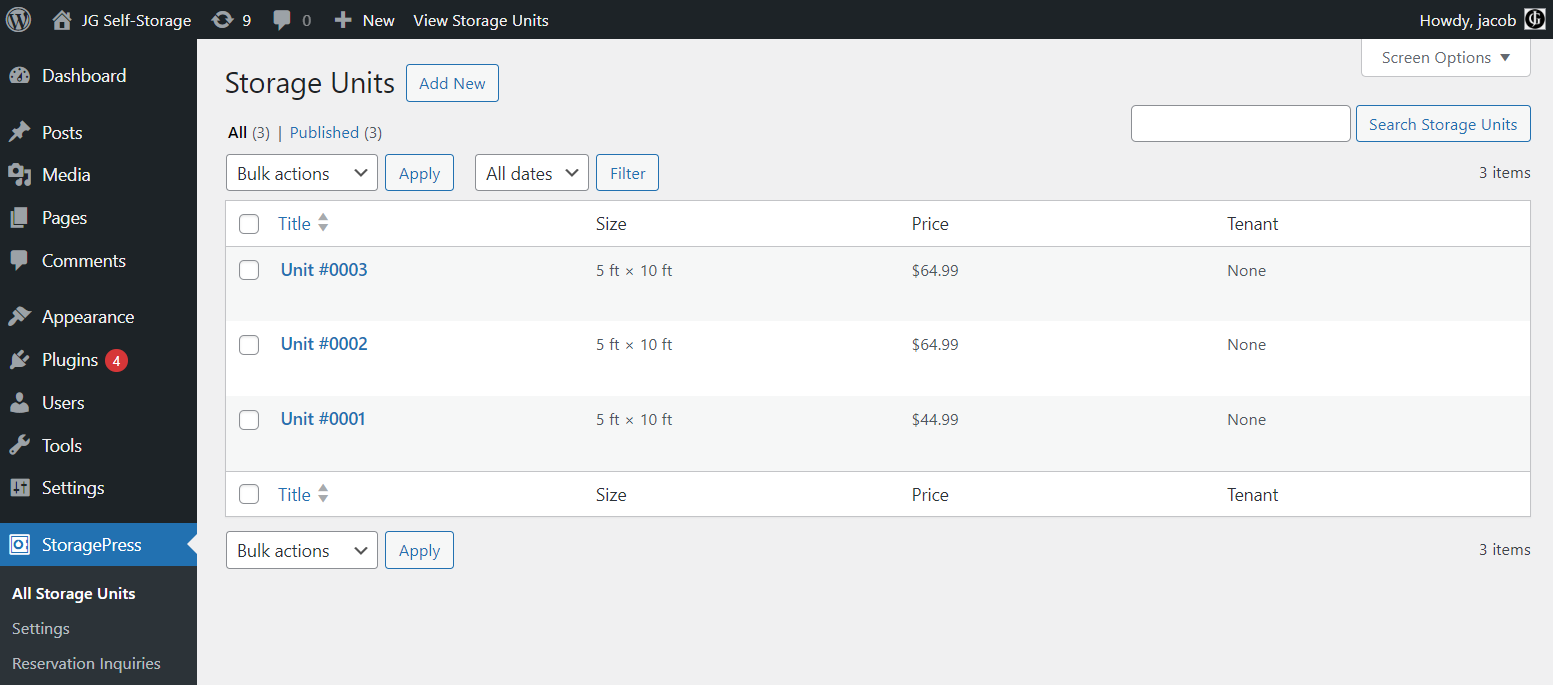
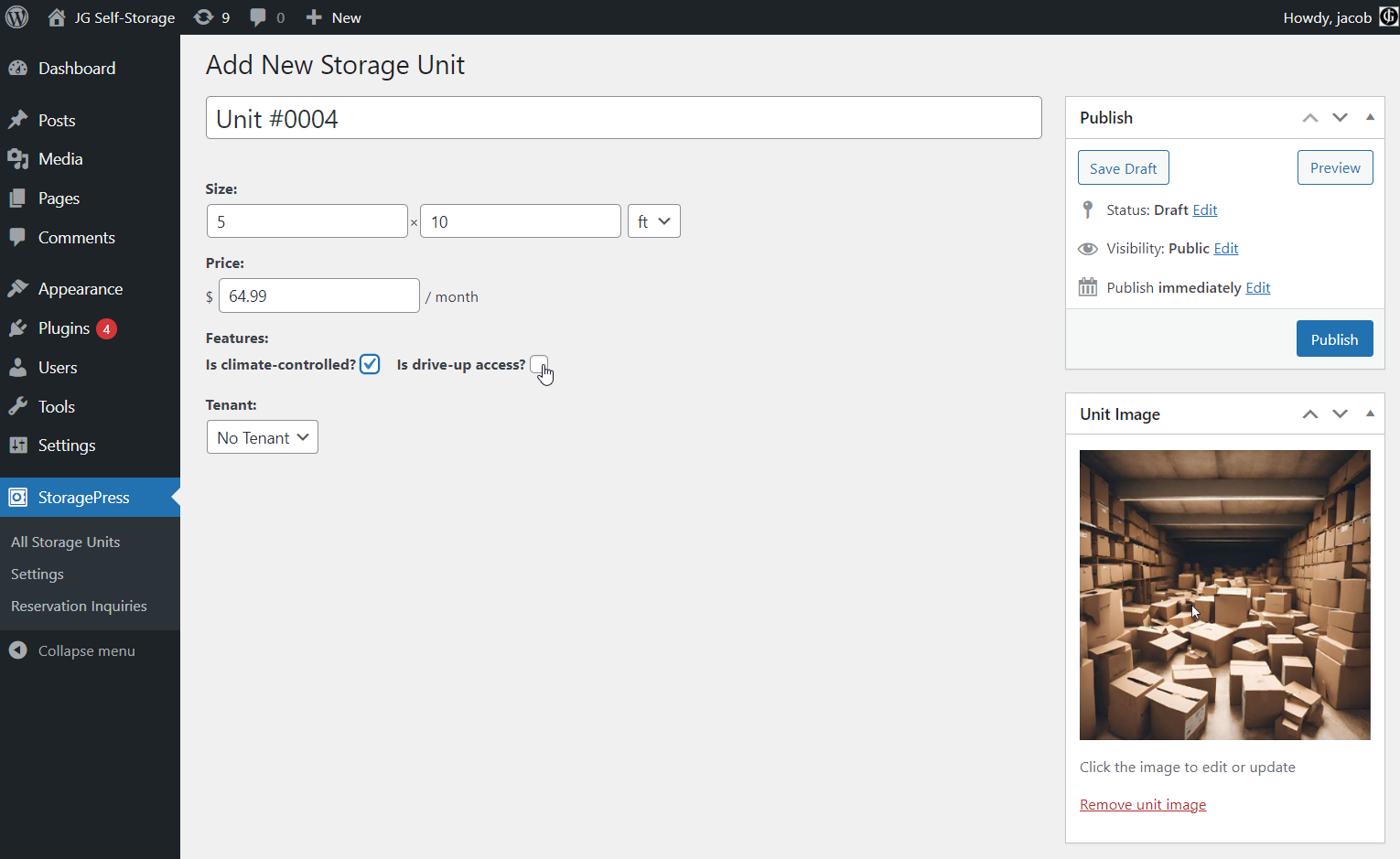
A plugin designed to let owner's of self-storage businesses list their storage units for rent on their WordPress website.
Plugin info
Maintenance & Compatibility
Maintenance score
Maintained • Last updated 118 days ago
Is StoragePress abandoned?
Likely maintained (last update 118 days ago).
Compatibility
Similar & Alternatives
Explore plugins with similar tags, and compare key metrics like downloads, ratings, updates, support, and WP/PHP compatibility.
Description
StoragePress is a powerful new plugin for WordPress websites, designed to be a one-stop shop for owners of self-storage and mini-storage businesses to list their storage units for sale online. Easily installable on a business’ existing WordPress website, it makes it easy for owners of storage businesses to connect their physical business to their online presence. StoragePress is fully compatible with the WordPress block editor, allowing business owners to customize their listing interface to their heart’s content. A series of premium add-ons allow business onwers who are serious aboput their online presence to extract even more value from their website.
3rd-Party Libraries
This plugin makes use of one third party javascript library, AlpineJS, for reactivity on certain parts of the admin interface. It is a lightweight library that makes it easy to sprinkle in reactive variables and client-side DOM rendering throughout an application. View its source code here: https://github.com/alpinejs/alpine
Installation
- Upload the plugin folder to your /wp-content/plugins/ folder.
- Go to the Plugins page and activate the plugin.
Frequently Asked Questions
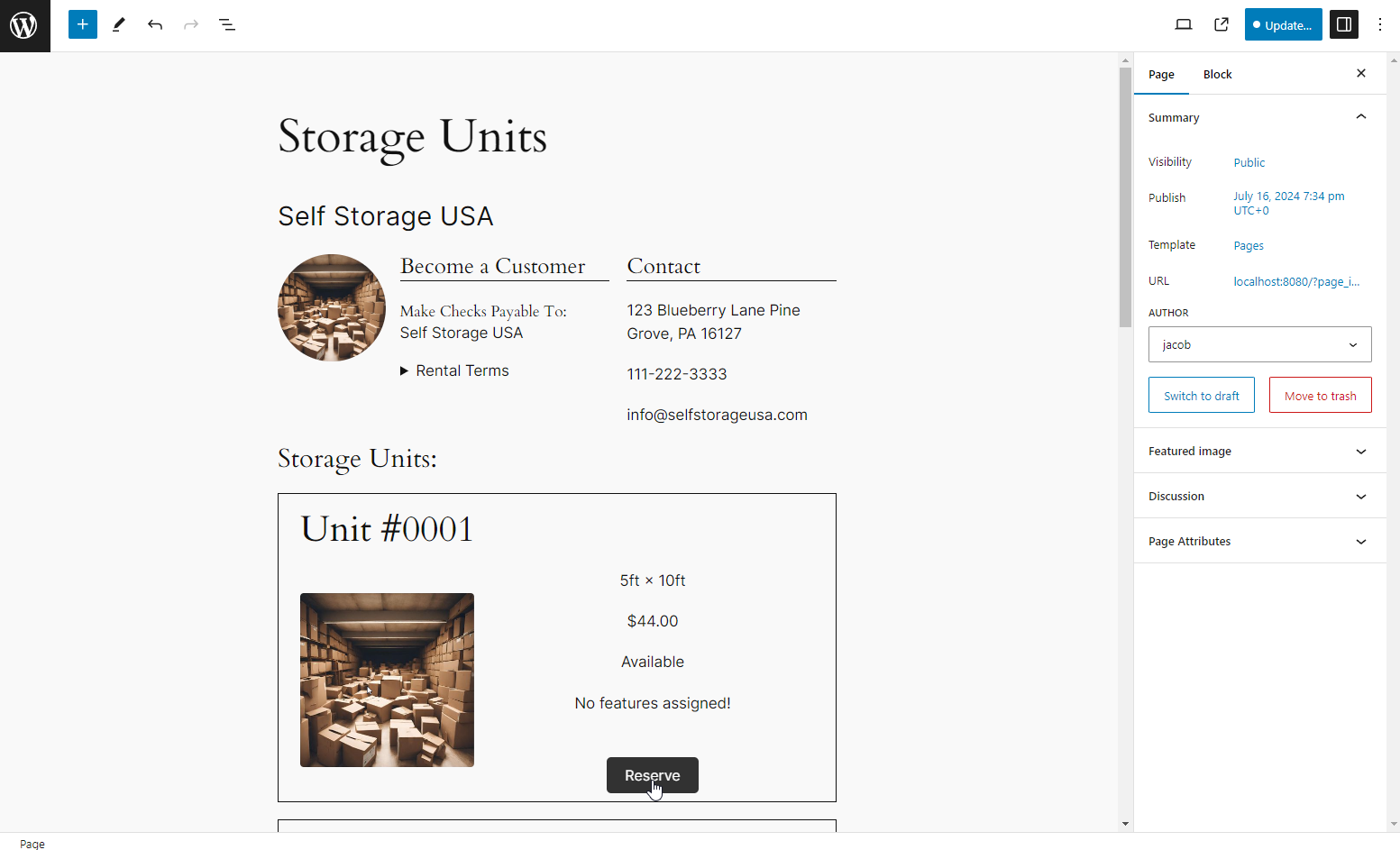
When you first install the plugin and configure it’s settings, StoragePress will create a new page in your WordPress site. This page will contain a paginated query loop with all you Storage Units listed on the page. If you wish to customize this page, you can do so using the normal block editor and the extra blocks that StoragePress provides. Should you wish use a different page as your listing page, simply build out a new page in the block editor, and then select that page in the StoragePress settings under “Unit Listing Page:”.
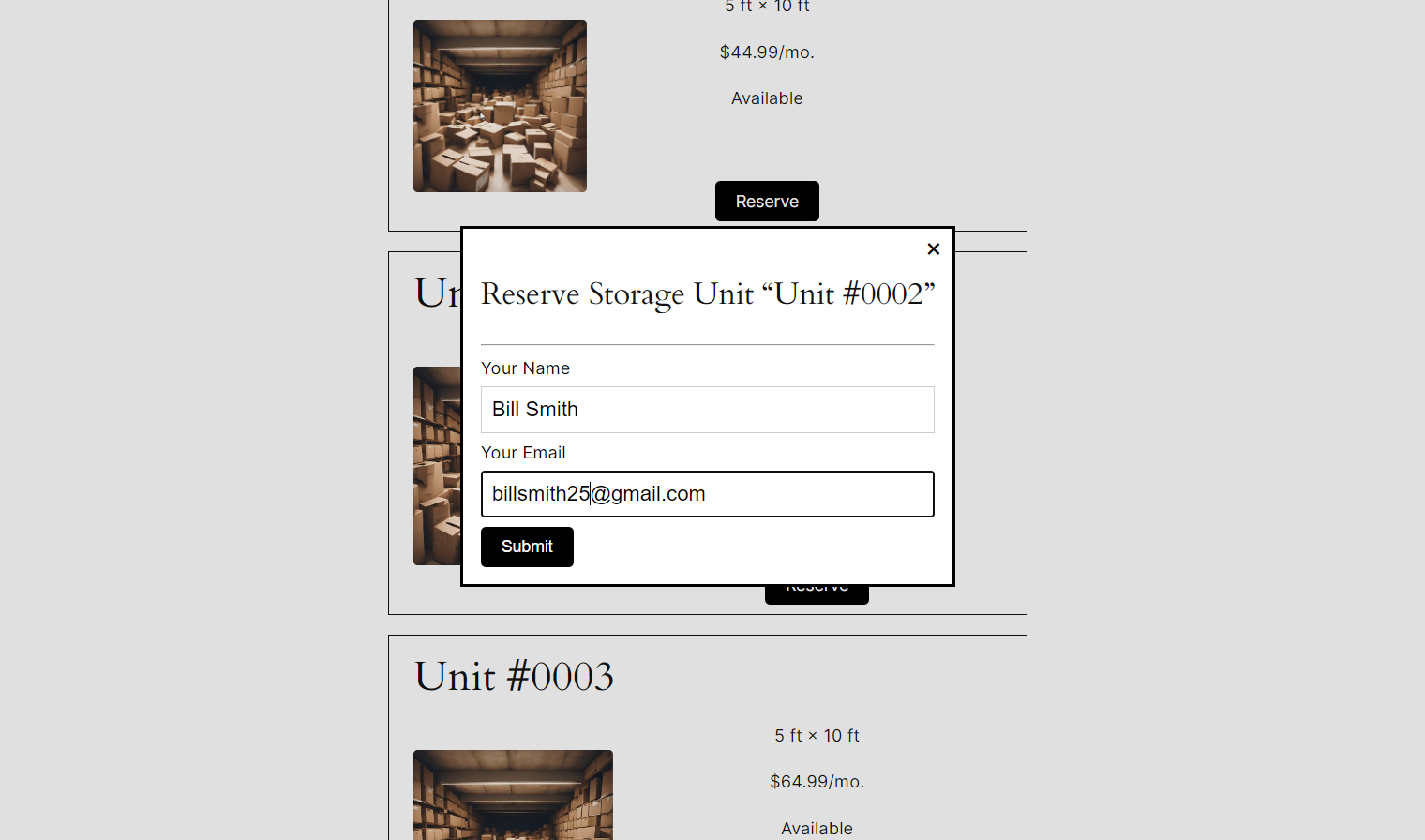
Yes, it does! StoragePress sends emails when a number of different events occurs. It sends an email to the business admin email address when a new request to use a storage unit is made, and an email to the person who requested to reserve the storage unit when the business owner decides whether to grant or deny their request. Contact me if you would like email notifications when other events occur.
Review feed
Screenshots


Changelog
1.0.0
- Plugin released.
1.0.1
- Tested with WordPress version 6.8.3.