

Sumtics – AI Summarizer for WordPress
Generate AI-powered TL;DR summaries for your WordPress posts and pages with support for ChatGPT, Gemini, Claude, Google AI, Grok, and Perplexity.
Plugin info
Maintenance & Compatibility
Maintenance score
Maintained • Last updated 120 days ago • Support resolved 100%
Is Sumtics – AI Summarizer for WordPress abandoned?
Likely maintained (last update 120 days ago).
Compatibility
Similar & Alternatives
Explore plugins with similar tags, and compare key metrics like downloads, ratings, updates, support, and WP/PHP compatibility.
Description
Sumtics – Generate AI-powered TL;DR summaries for your WordPress posts and pages, helping visitors quickly understand your content.
How It Works:
Sumtics automatically generates concise summaries of your website content, making it easier for users to quickly grasp the key points of your articles, blog posts, and pages. With just one click, visitors can get an AI-generated summary of your content, improving engagement and user experience.
Key Features:
- Automatic TL;DR Generation – Automatically create summaries for your posts and pages
- Floating AI Button (FAB) – Position it anywhere (bottom-right, bottom-left, top-right, top-left, left-center, right-center)
- Automatic Inline Insertion – Automatically insert “Summarize this” buttons before/after title or content
- Multiple AI Models – Support for ChatGPT, Gemini, Claude, Grok, Google AI and Perplexity
- Per-Post Overrides – Customize prompts, length, and position for individual posts
- Content Type Targeting – Control which post types display the summary buttons
- Custom Prompts – Global defaults with per-model and per-post overrides
- Flexible Summary Lengths – Choose from short, medium, or detailed summaries
AI Models Supported:
- ChatGPT (OpenAI)
- Gemini (Google)
- Claude (Anthropic)
- Grok (xAI)
- Perplexity
- Google AI Mode
Perfect for content-heavy websites, news sites, blogs, and educational platforms where users need quick access to content summaries.
Installation
- Upload the
sumticsfolder to/wp-content/plugins/directory - Activate the plugin through the ‘Plugins’ menu in WordPress
- Go to Settings AI Summarize Assistant to configure
- Configure display options and prompts
Frequently Asked Questions
Review feed
Screenshots
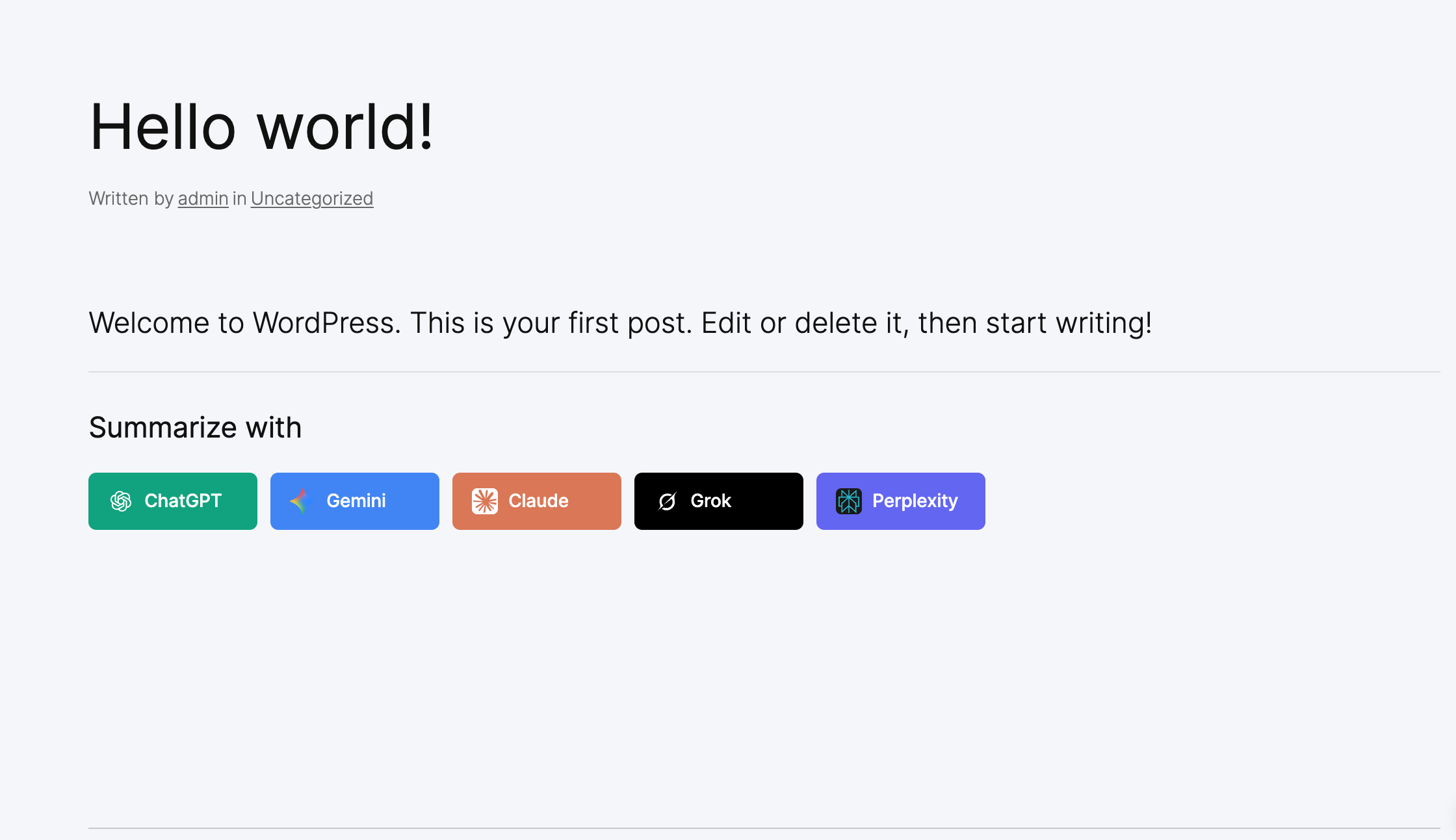
brand-inline
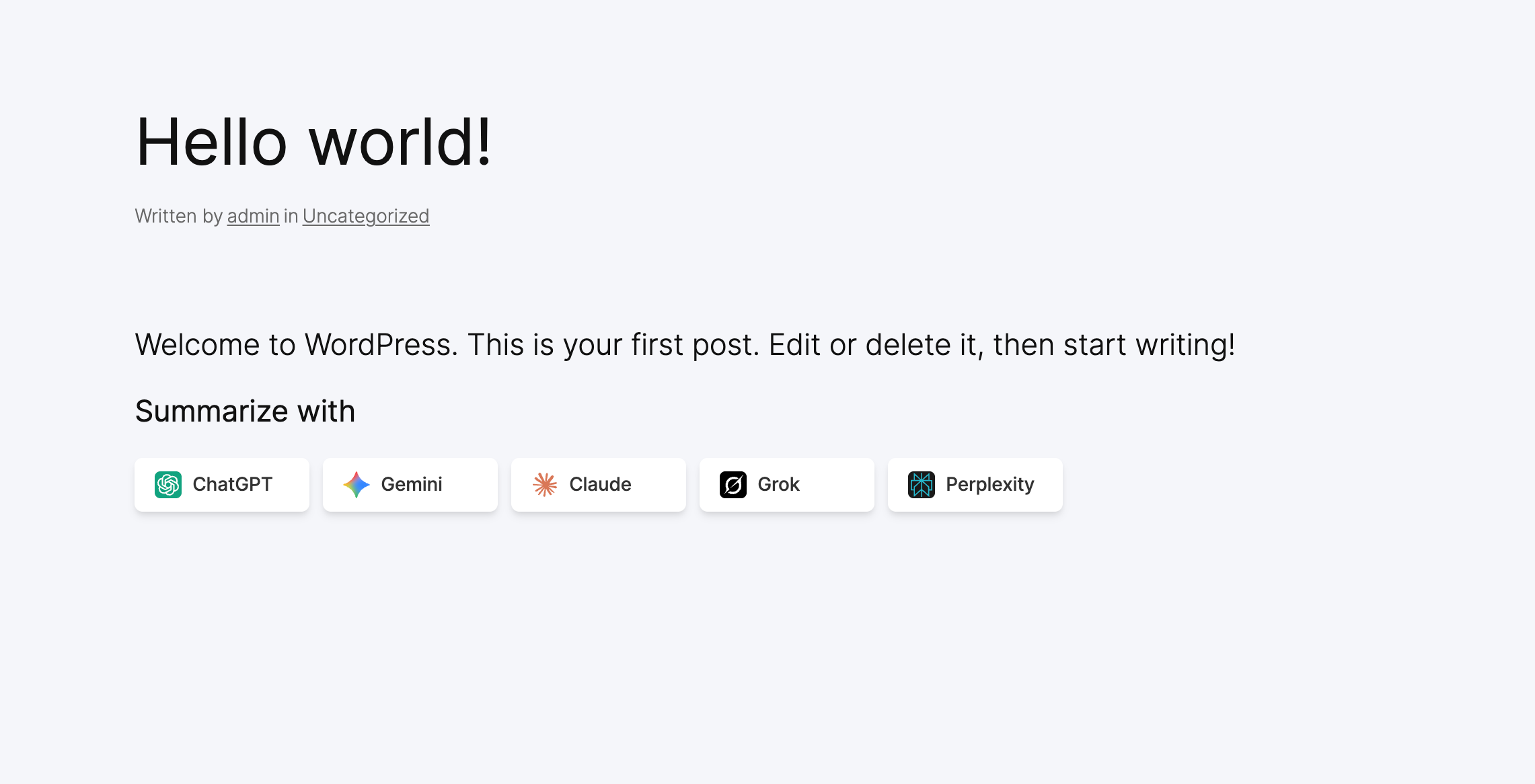
minimal-inline
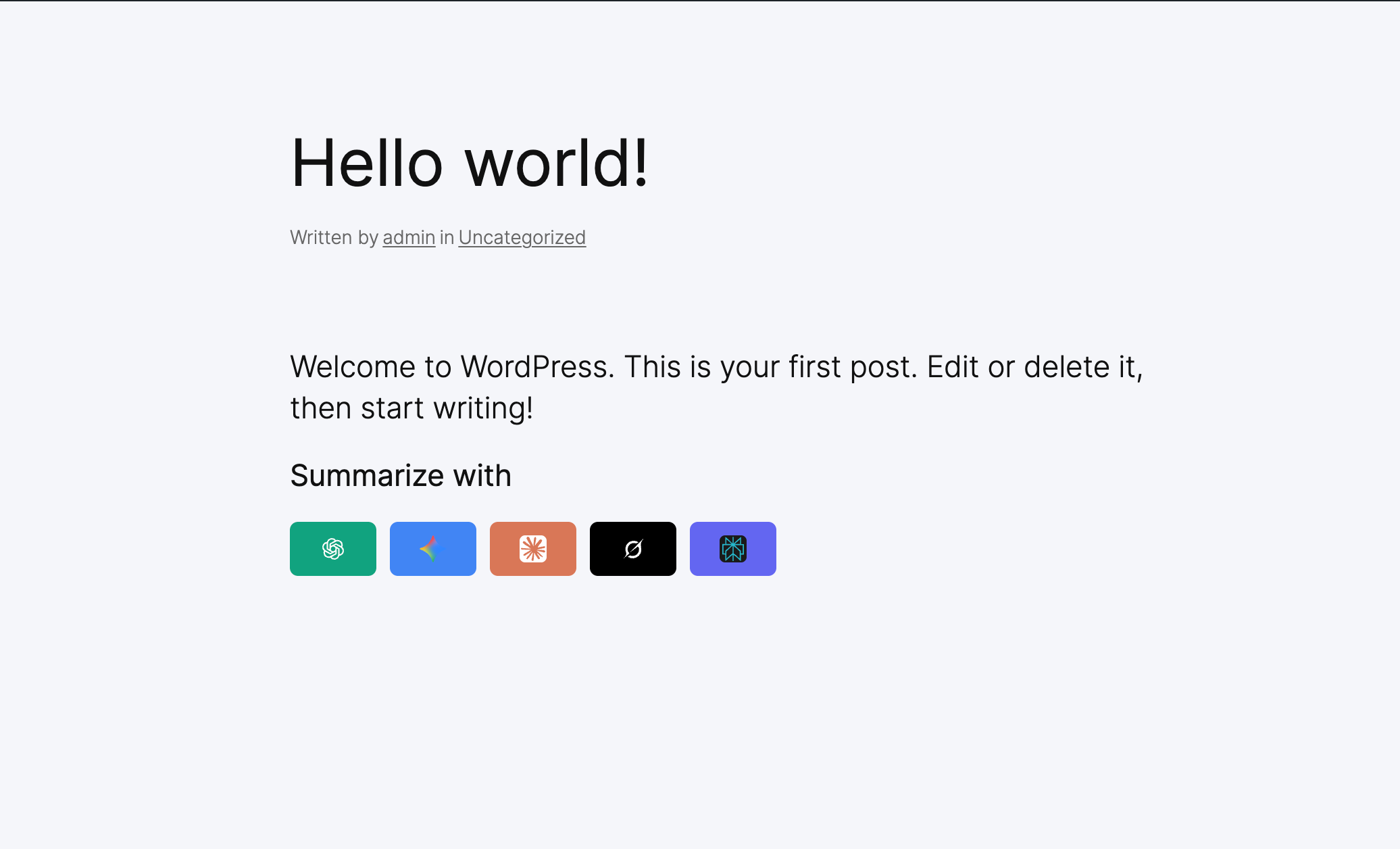
icon-only-inline
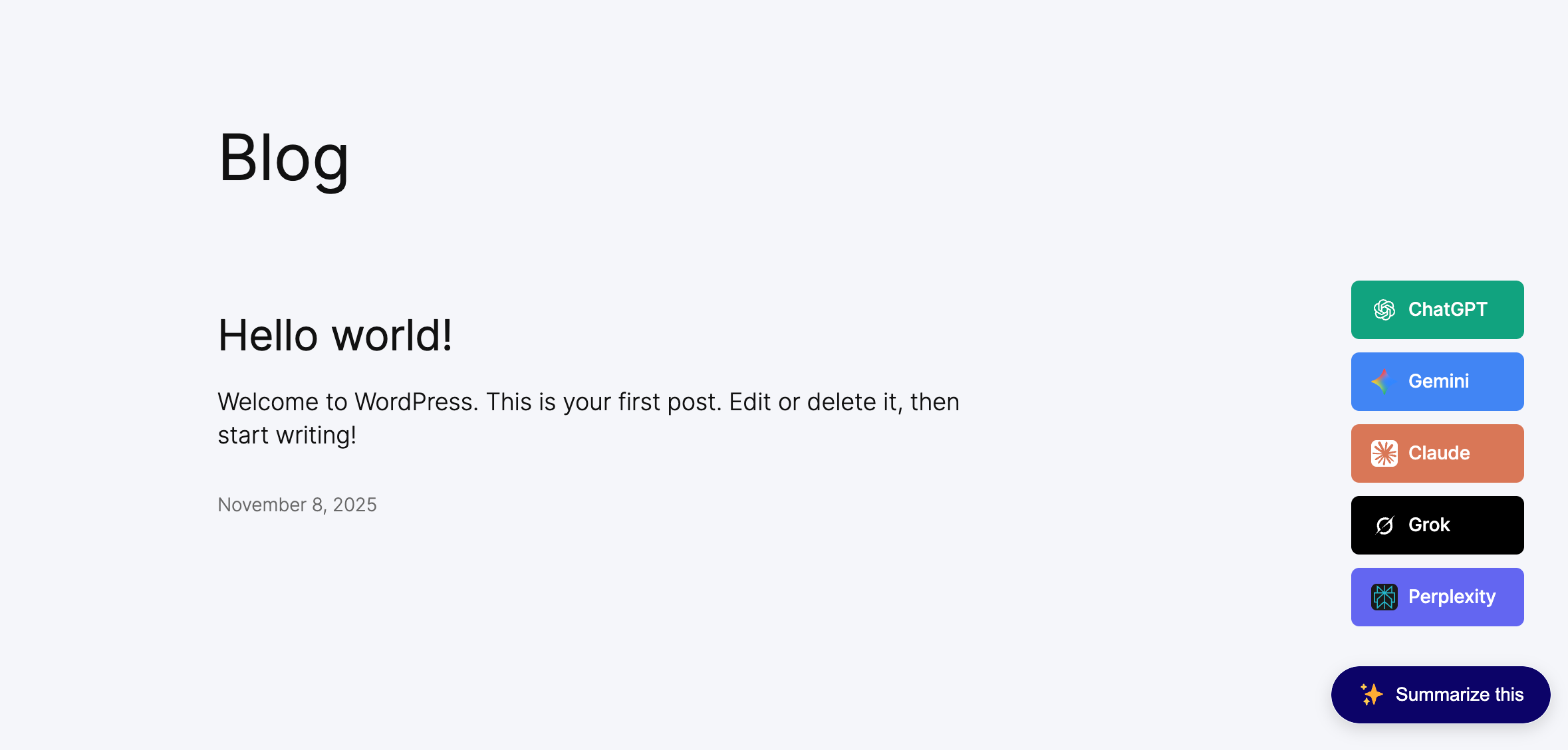
floating-button1
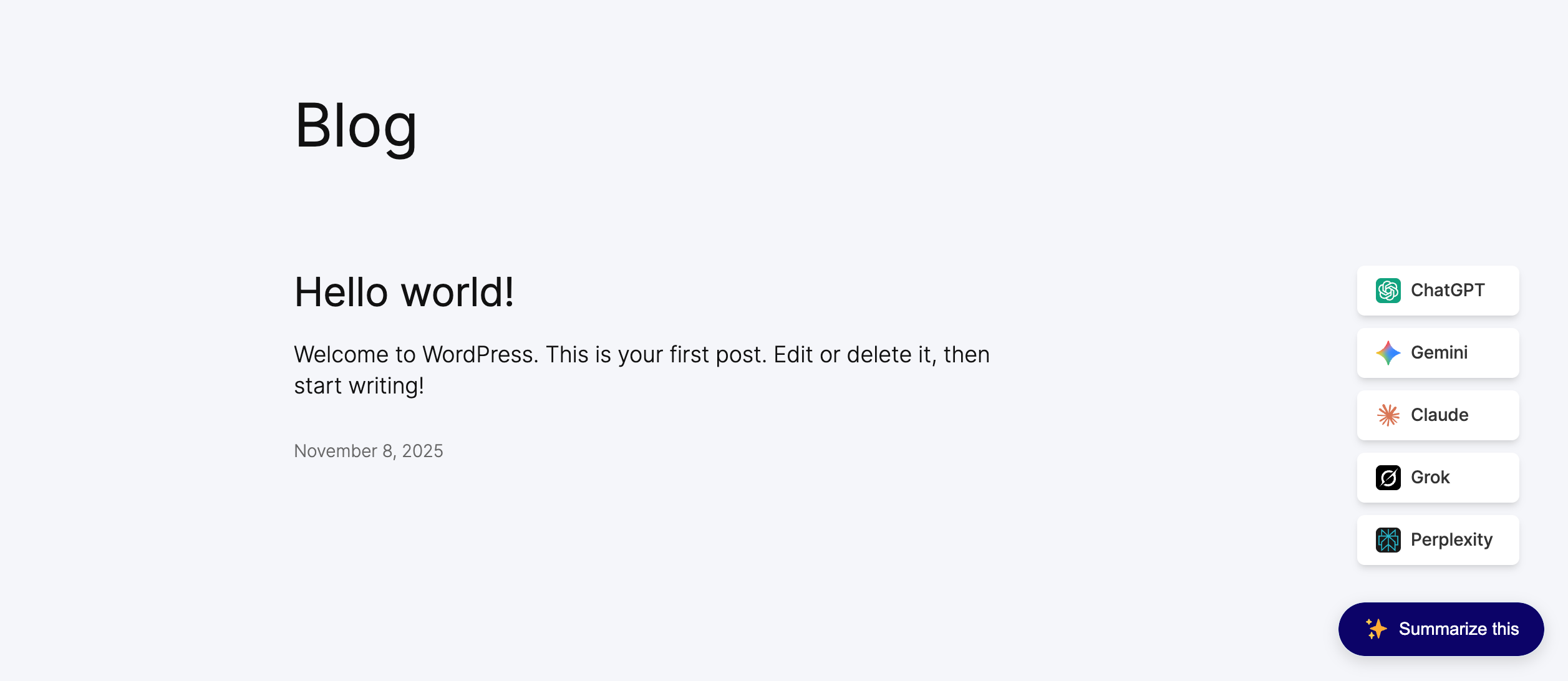
floating-button2
Changelog
1.0.1
- New: Google AI support added
- New: No Follow attribute option added for button link
- New: WordPress 6.9 compatiblity added
1.0.0
- Initial release