

Super Advent Calendar
Add a super flexible advent calendar to your website for festive giveaways or counting down the holidays.
Plugin info
Maintenance & Compatibility
Maintenance score
Maintained • Last updated 124 days ago • Support resolved 100% • 5 reviews
Is Super Advent Calendar abandoned?
Likely maintained (last update 124 days ago).
Compatibility
Similar & Alternatives
Explore plugins with similar tags, and compare key metrics like downloads, ratings, updates, support, and WP/PHP compatibility.
Description
WordPress Advent Calendar Plugin
Give your website a festive makeover this holiday season with Super Advent Calendar! Easily add a fun, dynamic calendar that adapts to whatever you need. Pick from a bunch of cool pre-built styles or create your own unique design. Whether you’re hosting holiday giveaways or just counting down the days, this plugin’s got you covered. Customize every door, front to back, to create the perfect vibe for your visitors. Plus, with eye-catching animations and special effects, your calendar is sure to stand out!
Free Features
- Flexible entries: control how many doors your calendar has
- Layout: customize with grid columns and rows
- Animations: choose a revealing animation
- Themes: choose a festive default theme or create your own
- Schedule: control when a door can be opened
- Content: add content such as text, links or embeds (via shortcodes)
- Appearance: open a link, a modal or show directly
- Styles: change typography, padding, colors and dimensions for each slot
- Guarded: daily surprises unlocked each day, previous and future content remains hidden
Premium Features
- Images: personalize the calendar by adding your own images
- Animations: 8 additional revealing animations
- Special effects: such as different types of confetti and falling snow (upon opening)
- Save state: keep doors open on future visits
- Premium support
Learn more about the Premium version.
Translation Ready
Speak another language? You can help make Super Advent Calendar available in your language! Join our translation project on WordPress.org and contribute to translating the plugin for the global community.
Documentation
You can find the documentation on our site.
Installation
- Upload
super-advent-calendarfolder to the/wp-content/plugins/directory. - Activate the plugin through the ‘Plugins’ menu in WordPress.
- Go to any post or page and search for the ‘Advent Calendar’ block.
Frequently Asked Questions
You can find the documentation at: verdant.studio/plugins/super-advent-calendar
Yes, while the Super Advent Calendar plugin is designed as a Gutenberg block, you can use it with page builders such as Divi, Elementor and WPBakery. For detailed instructions, check out our page builder documentation.
Review feed
Screenshots
Create an Advent Calendar

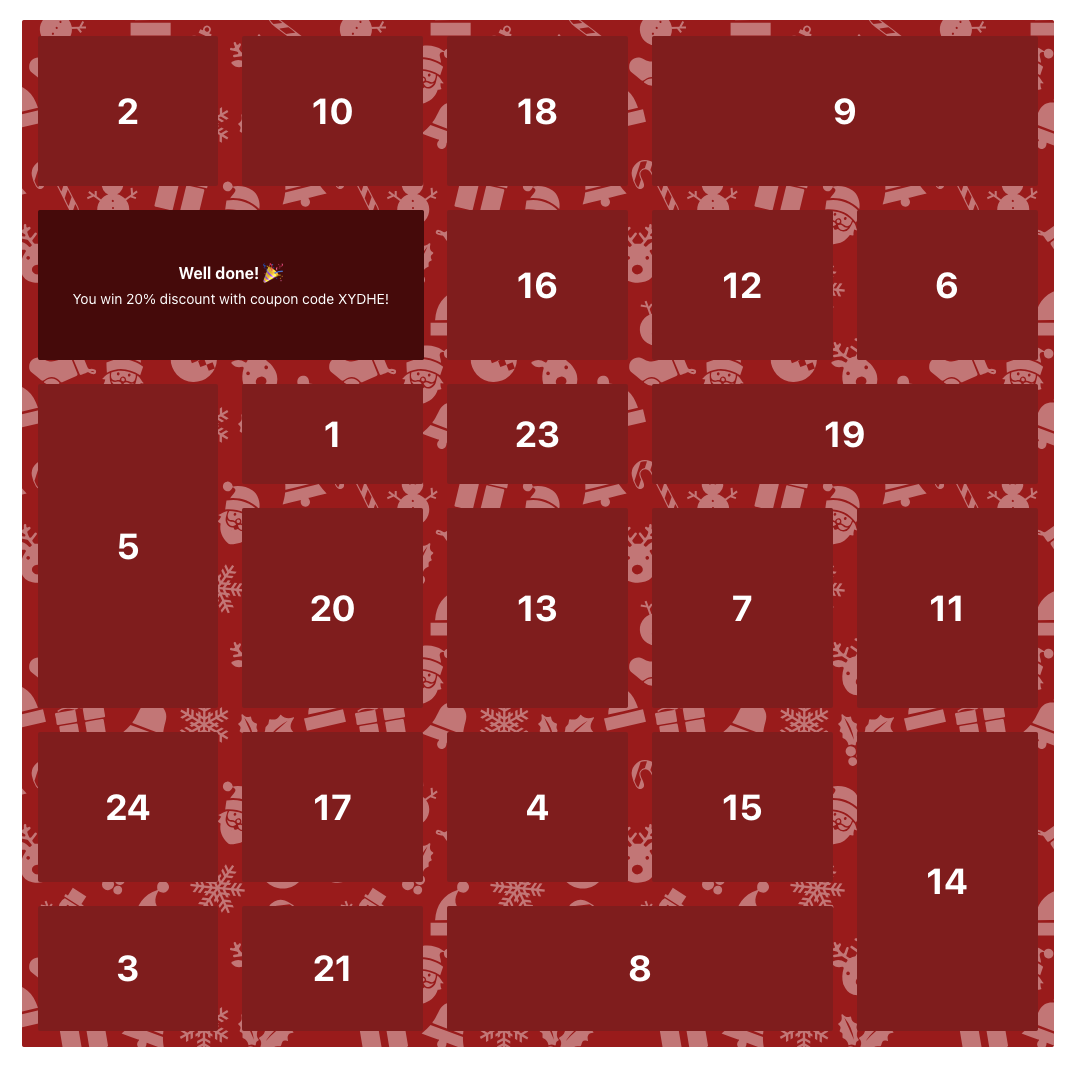
You can also show content in a modal
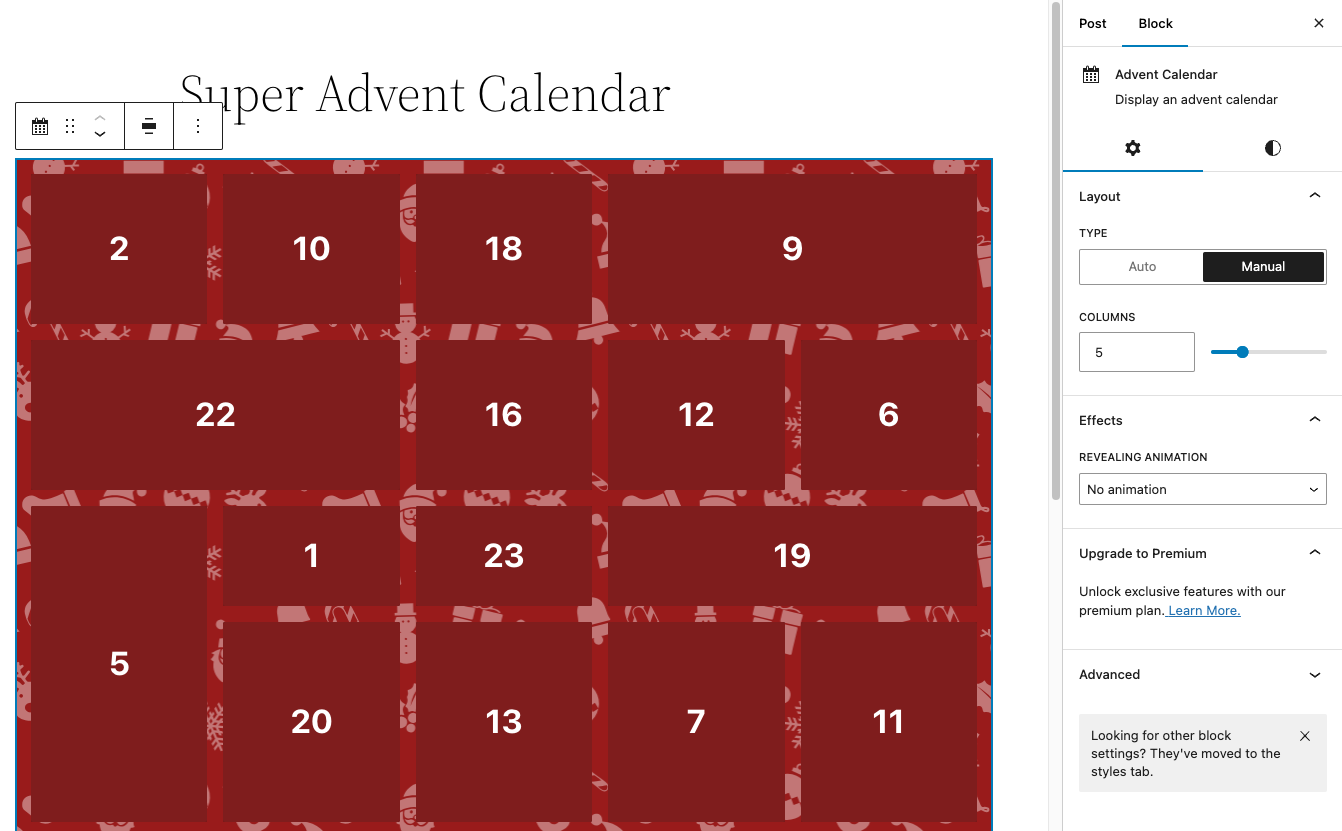
Change the layout and add animations
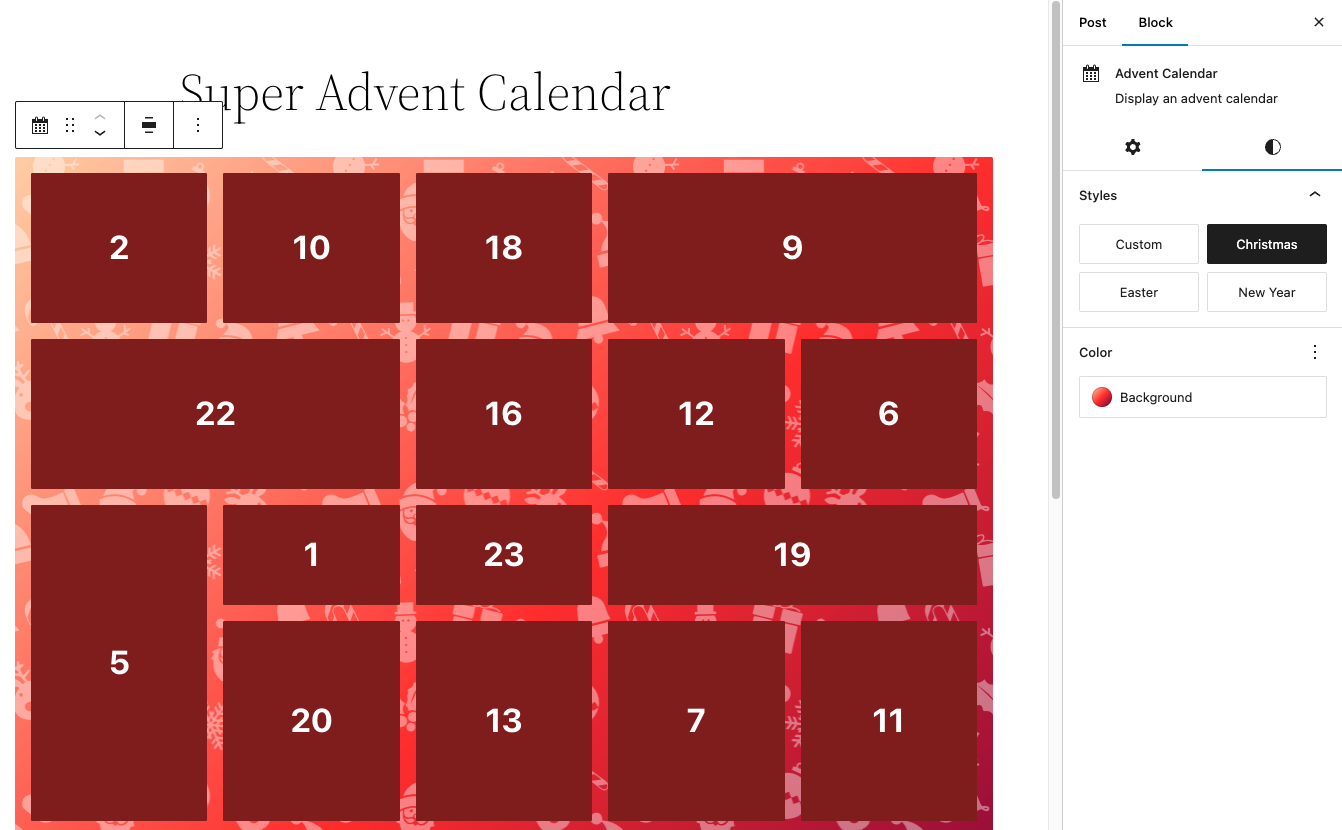
Select a default theme or create your own
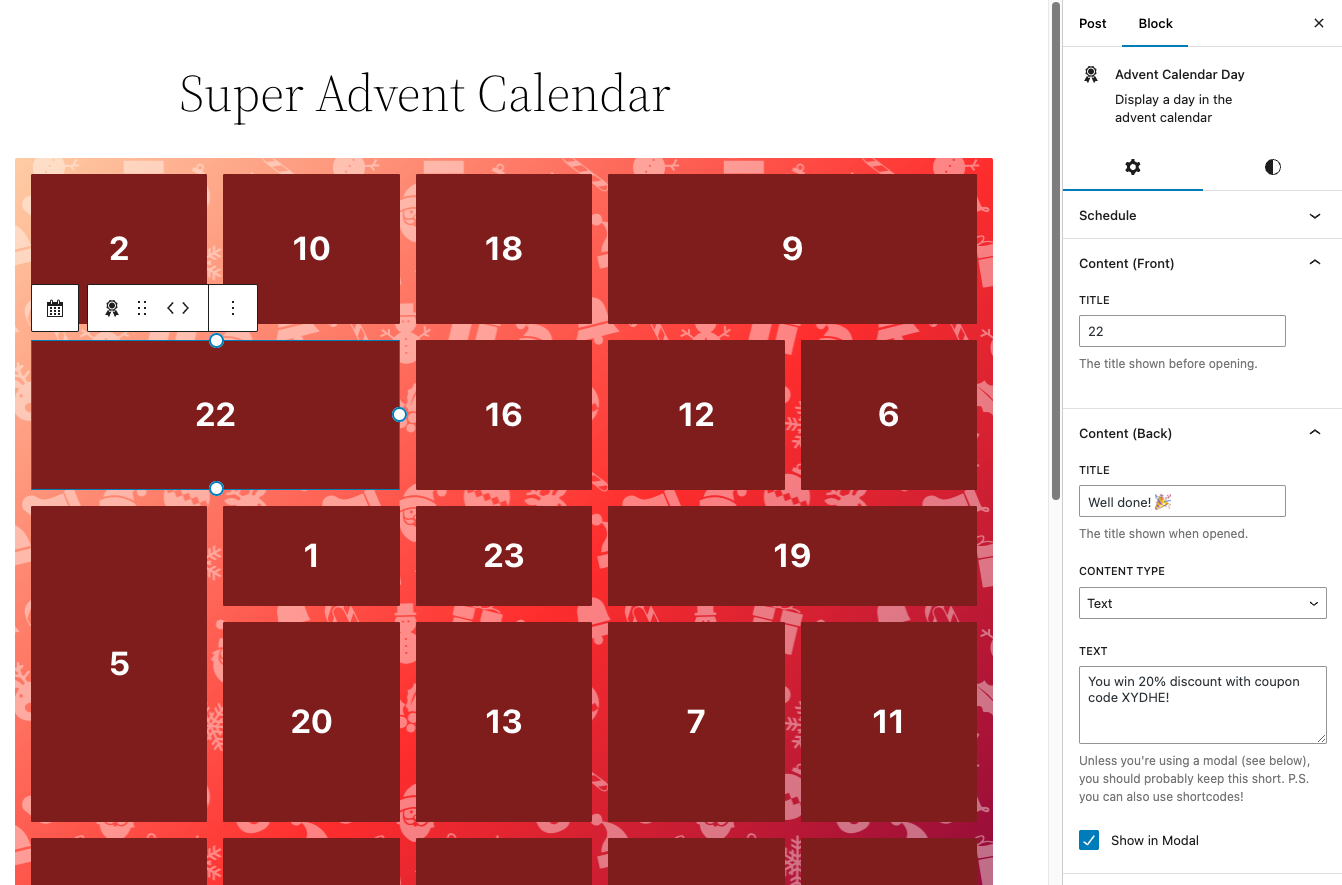
Add and schedule content to unlock at a certain date/time

Change colors, typography and dimensions per day
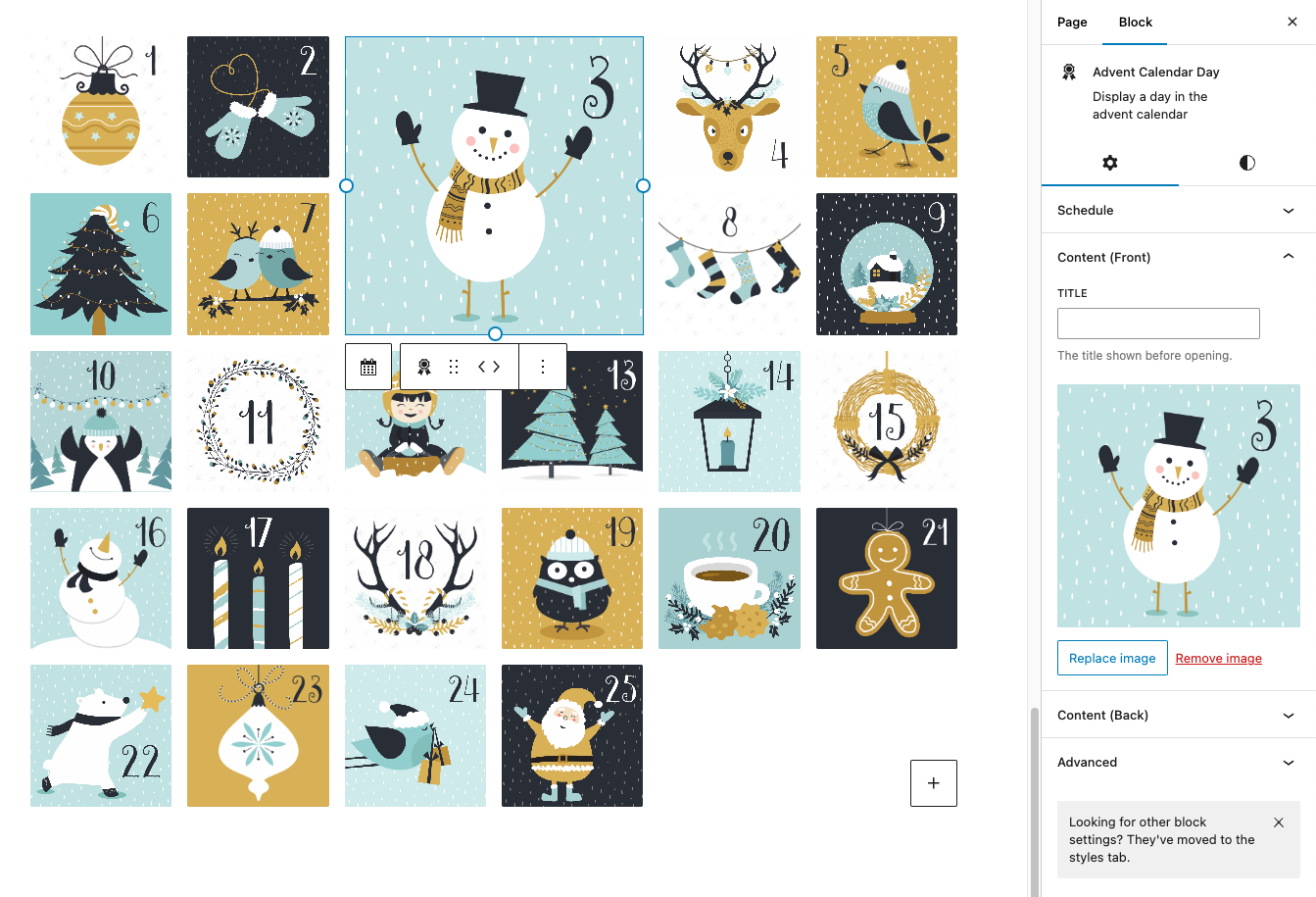
Super Advent Calendar premium lets you add images to personalize the calendar

Super Advent Calendar premium also lets you choose from special effects
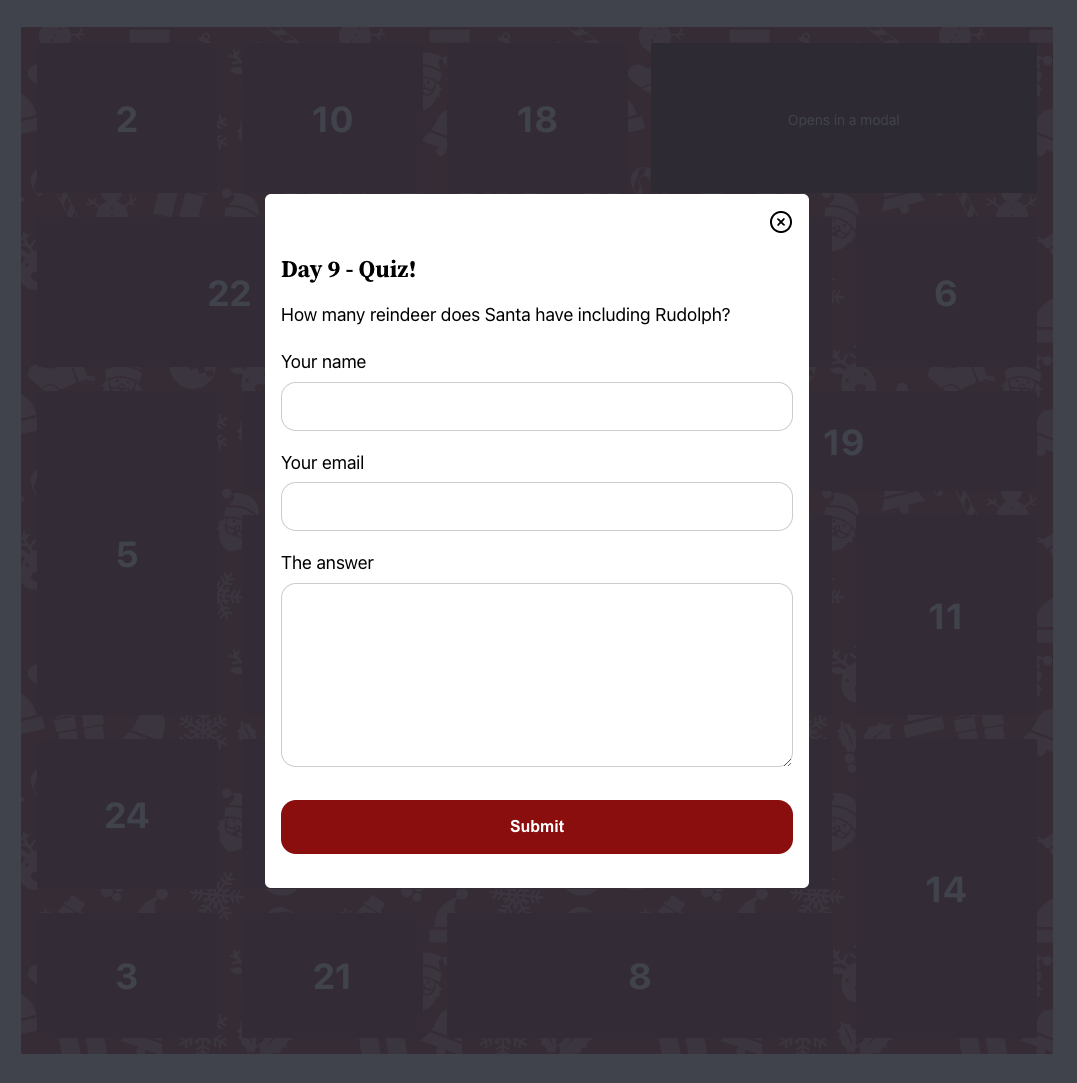
You can use shortcodes in the content to display a form for example
Changelog
1.20.2: Dec 1, 2025
- Change: test with WordPress 6.9 and update support
1.20.1: Nov 26, 2025
- Change: update dependencies
- Fix: broken links in readme documentation
- Fix: grid should now autofill on smaller screens
- Fix: make superac-day selector more specific
1.20.0: Nov 16, 2025
- Change: use custom DI container and remove dependency to external DI container
- Change: update dependencies
- Fix: prevent locked door with href from scrolling up the page
- Fix: enforce no margin on superac day class on the editor
1.19.1: Oct 12, 2025
- Change: update dependencies
- Fix: load just one canvas element, improves performance on large calendars
1.19.0: Sep 10, 2025
- Add: is-unlocked class to doors which may be opened
- Change: update dependencies
1.18.0: Aug 14, 2025
- Add: filters to be able to change “re-open this door/link” text on demand
- Change: “click to view …” to “re-open this …” text
- Fix: loading spinner not showing when checking/opening a door
1.17.0: Aug 8, 2025
- Change: update dependencies
1.16.1: Jul 16, 2025
- Change: update dependencies
1.16.0: May 24, 2025
- Add: loading spinner while retrieving contents
- Change: text “Opens in a modal” to “Click to view modal”
- Change: text “Opens a link” to “Click to view link”
- Change: keep the door open even when a modal is closed
- Change: use cached version of api results when clicking a door multiple times
- Change: update dependencies
1.15.1: May 14, 2025
- Fix: confetti effects not working
Earlier versions
For the changelog of earlier versions, please refer to the changelog on verdant.studio.