

SwiftXR (3D/AR/VR) Viewer
Easily enhance customer engagement with immersive 3D, AR, and VR experiences
Plugin info
Maintenance & Compatibility
Maintenance score
Possibly abandoned • Last updated 374 days ago • 8 reviews
Is SwiftXR (3D/AR/VR) Viewer abandoned?
Possibly abandoned (last update 374 days ago).
Compatibility
Similar & Alternatives
Explore plugins with similar tags, and compare key metrics like downloads, ratings, updates, support, and WP/PHP compatibility.
Description
Boost engagement with immersive 3D, AR, and VR experiences. SwiftXR seamlessly integrates interactive visuals into your store, enhancing product exploration and customer interaction. With effortless setup, optimized performance, and scalable solutions, you can create an engaging shopping experience without any technical hassle.
Features
-
WooCommerce Support and Direct Website Embeding
-
Immersive 3D, AR & VR – Engage customers with interactive product views
-
Smart Optimization – Auto-compression for fast loading without quality loss
-
Easy 3D Conversion – Convert .FBX, .OBJ, and .STL to .GLB effortlessly
-
AI 3D Creation – Turn 2D images into 3D models or avatars instantly
-
Virtual Try-On – Let customers try products in AR instantly, no app required
Learn More
https://home.swiftxr.io/
Installation
This section describes how to install the plugin and get it working.
e.g.
- Upload
swiftxr-viewerto the/wp-content/plugins/directory - Activate the plugin through the ‘Plugins’ menu in WordPress
- Use shortcode in page, post or in widgets.
- The “Guide” page in the SwiftXR Viewer Admin dashboard contains step by step tutorial
Frequently Asked Questions
SwiftXR currently supports the following 3D file formats: .glb, .gltf, .fbx, .obj, and .stl.
No problem! SwiftXR has direct integrations with Sketchfab, Opensea, and Rarible, which provide access to millions of free 2D and 3D models for you to use and test with.
Yes! Simply paste the shortcode for the SwiftXR Viewer inside Elementor’s Shortcode elements.
Currently, SwiftXR only supports the 3D file formats listed above, which are widely supported across various software programs. If you have a specific file type you would like to use, please send an email to [email protected], and we will see if it is possible to integrate.
For any support or customization needs, please do not hesitate to reach out to us via email at [email protected].
Review feed
Screenshots
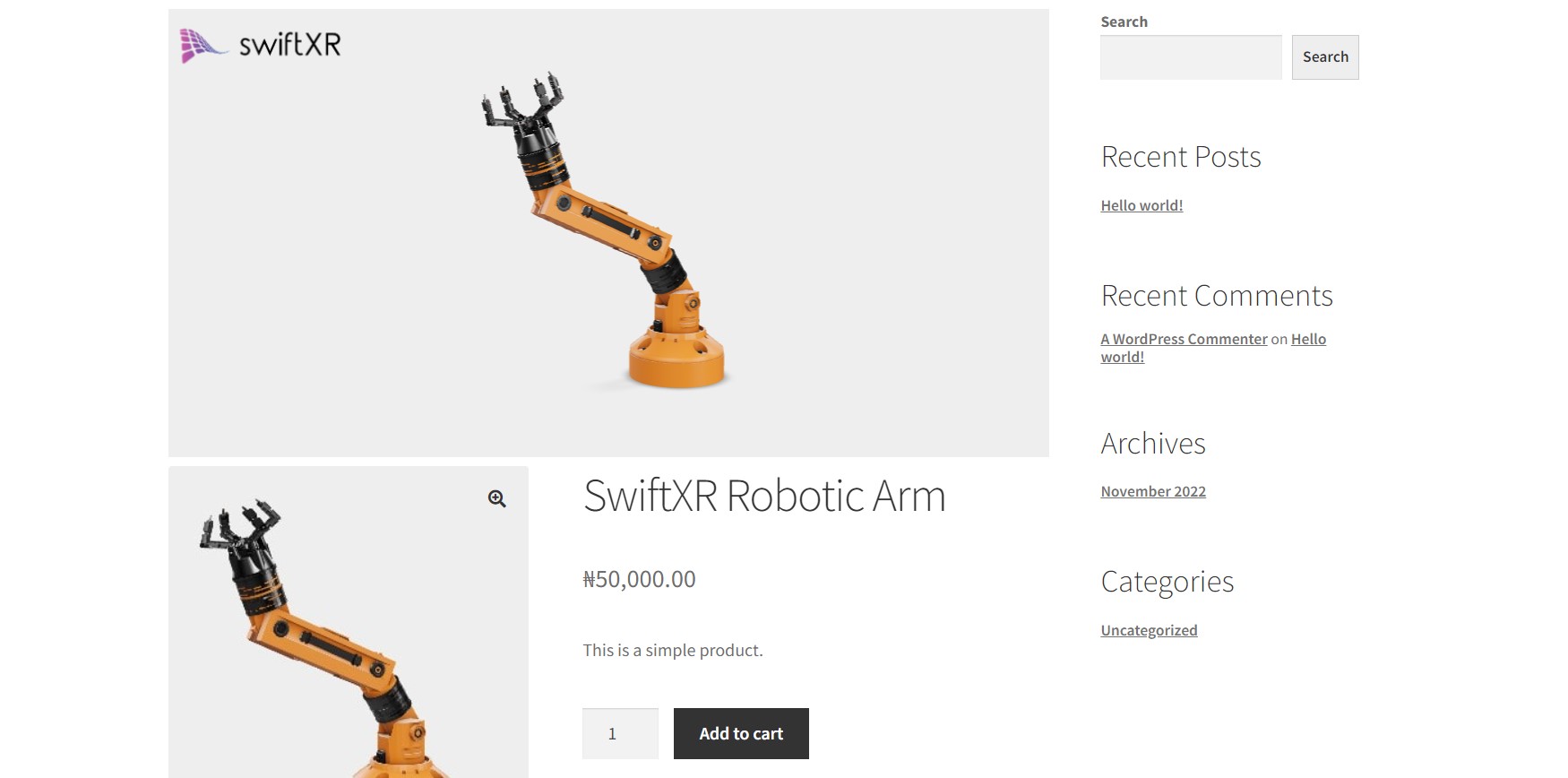
WooCommerce Store using SwiftXR.

Wordpress Post Page 3D Embed.
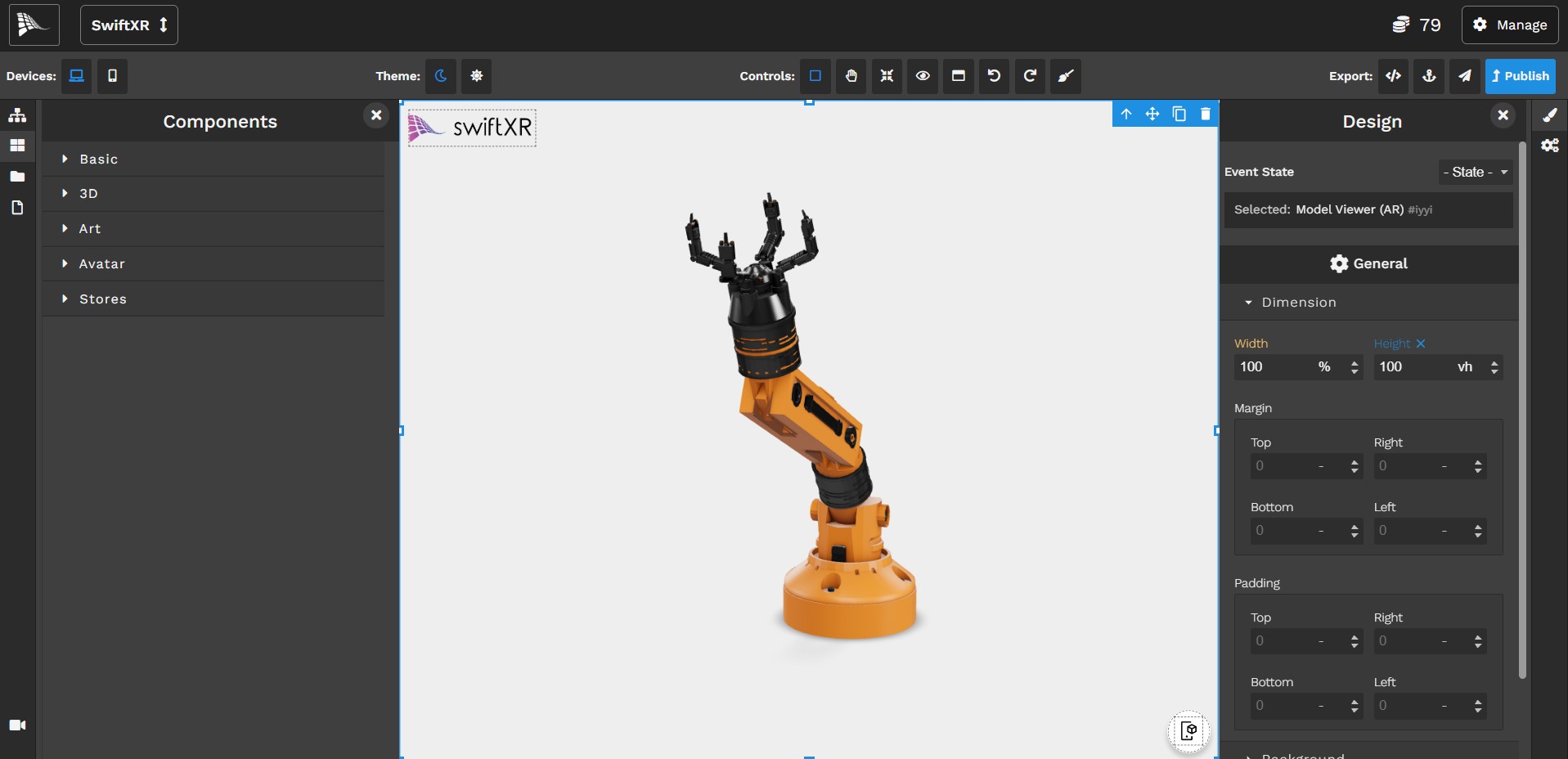
SwiftXR Platform.

SwiftXR Viewer plugin admin dashboard page.
Changelog
1.0.7
- Updated wordpress version.
1.0.6
- Updated documentation.
1.0.5
- Added Support for Face and Image Tracking.
1.0.4
- Updated ReadMe Information.
1.0.3
- Updated ReadMe Tags.
1.0.2
- Added SwiftXR user guide tutorial.
1.0.1
- Fixed issue with shortcode not rendering.
1.0.0
- Added initial plugin release build files.