

Plugin info
Maintenance & Compatibility
Maintenance score
Stale • Last updated 272 days ago • 5 reviews
Is Table for Divi abandoned?
Likely maintained (last update 272 days ago).
Compatibility
Similar & Alternatives
Explore plugins with similar tags, and compare key metrics like downloads, ratings, updates, support, and WP/PHP compatibility.
Description
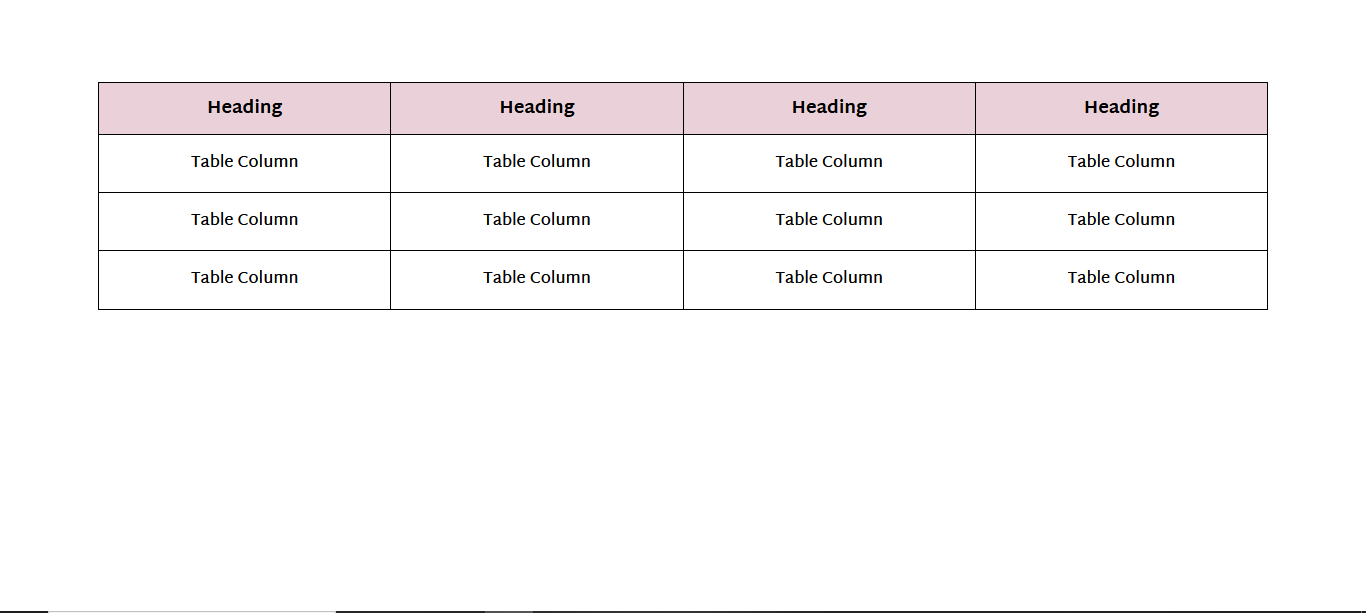
Table for Divi is a free plugin that provides a Divi table module that can be used to make simple and complex table layouts.
Requirements
- WordPress (Version 5.0 or higher)
- Divi Theme or Extra Theme
- Divi Builder
ℹ️ How it works
First, activate the plugin (no configuration needed!)
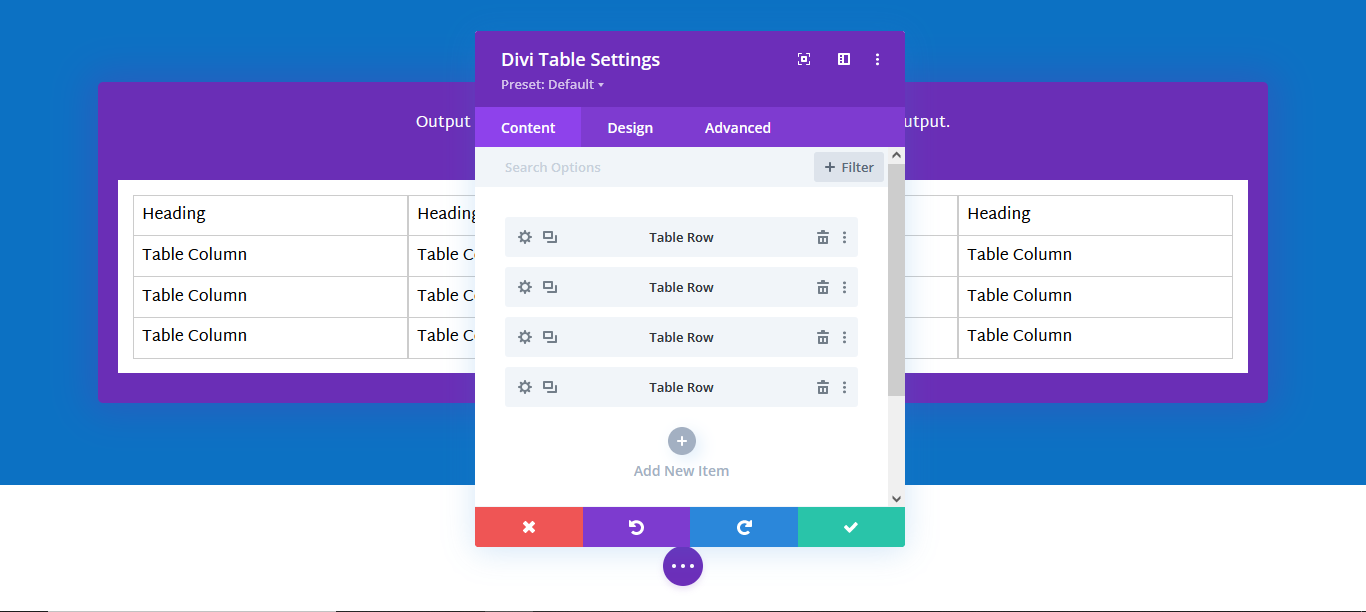
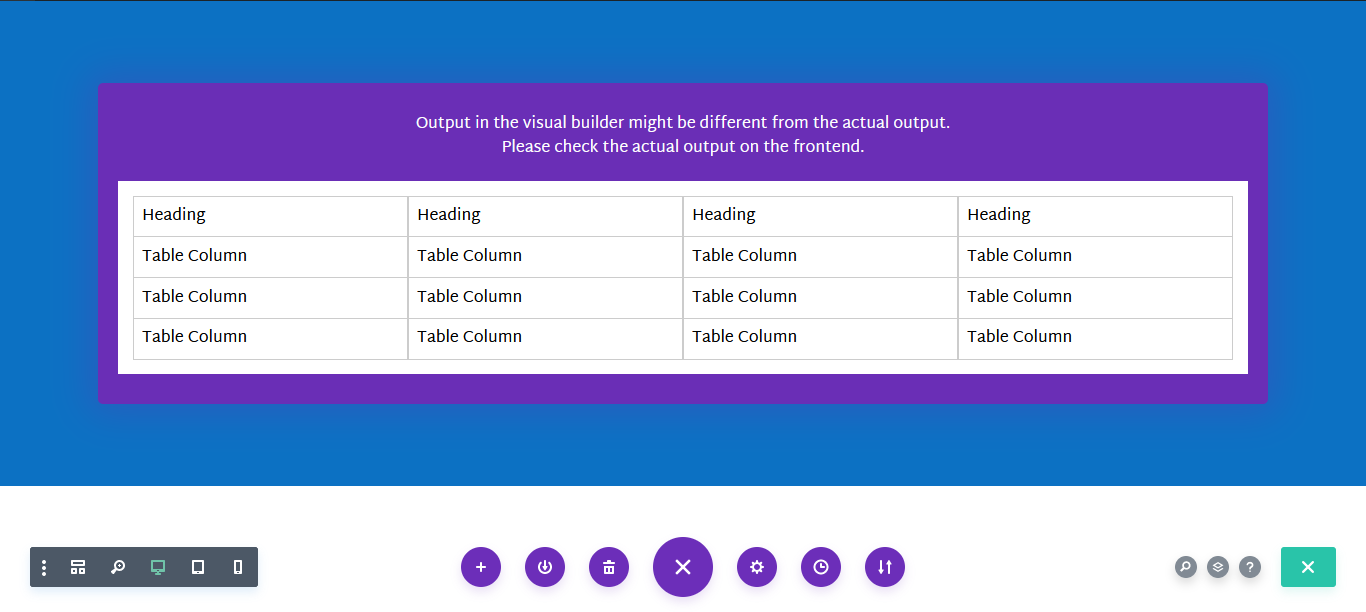
- Open up your Visual Builder and click on Plus (+) icon to add new module
- Select the Tab Divi Table module
- Create new row and add your data to columns
How to add blank column
To add a blank column in the row just add HTML space entity code ( ) to your column
Installation
Install the plugin from the WordPress admin page “Plugins > Install”
or
- Upload
table-for-dividirectory to the/wp-content/plugins/directory - Activate the plugin through the ‘Plugins’ menu in WordPress
Frequently Asked Questions
Actually none! We designed it with maximum page performance in mind. Our tests did show literally no change in page loading speed.
Yes, absolutely! There is no dynamic logic in the PHP code like other plugins have.
This plugin is kept compatible with the latest Divi release.
We did test it with all releases since the initial Divi 3.0 release. Possibly it will also work with older versions
You can report security bugs through the Patchstack Vulnerability Disclosure Program. The Patchstack team help validate, triage and handle any security vulnerabilities. Report a security vulnerability.
Review feed
Free Divi Table Plugin
Great Free Plugin
Screenshots


Changelog
1.4.0
- Add plugin review functionality
1.3.0
- Add responsive style for the Divi Table module
1.2.0
- Added the Dynamic label for the table rows from the content. before, it was the same for all rows which made a problem while editing multiple rows. but now it will pick up the title for the row from the column content.
1.1.0
- Add a Class field for the table row column. (The user can use this field to add different classes to the separate cell)
1.0.0
- Initial version of the plugin