

Taxonomy CSV Import Export
Easily import and export WordPress taxonomies like categories and tags using CSV files.
Plugin info
Maintenance & Compatibility
Maintenance score
Maintained • Last updated 173 days ago • 2 reviews
Is Taxonomy CSV Import Export abandoned?
Likely maintained (last update 173 days ago).
Compatibility
Similar & Alternatives
Explore plugins with similar tags, and compare key metrics like downloads, ratings, updates, support, and WP/PHP compatibility.
Description
Taxonomy CSV Import Export helps you manage your WordPress site’s taxonomies (like categories, tags, and custom taxonomies) with ease by importing or exporting them as CSV files.
This is especially useful for developers or site administrators who need to migrate, back up, or bulk edit taxonomy terms efficiently.
Key Features:
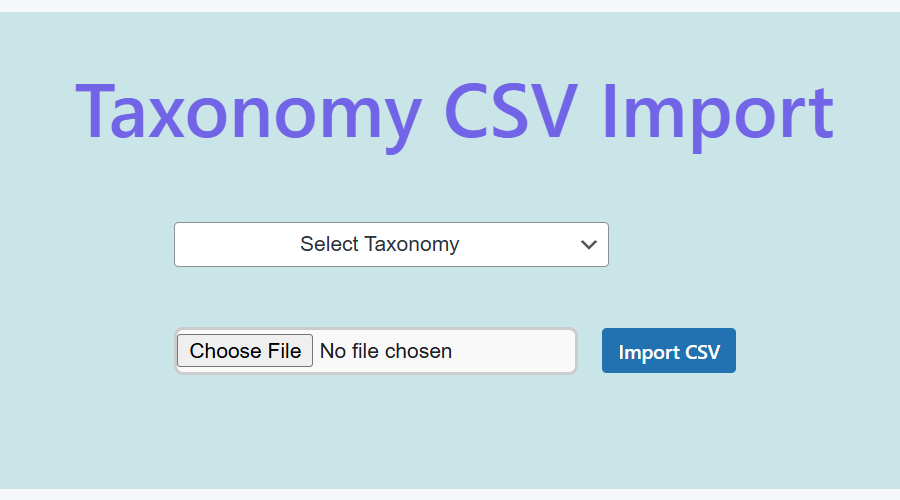
- Import taxonomy terms from a CSV file
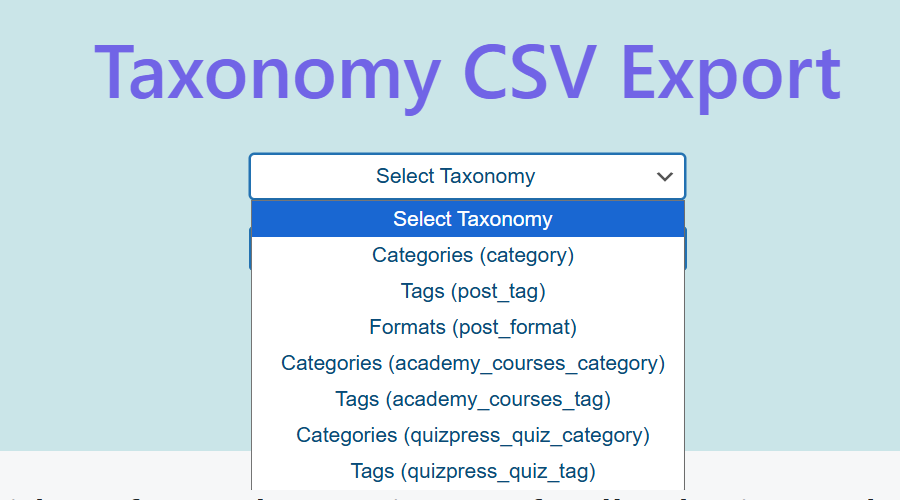
- Export existing taxonomy terms to a CSV
- Supports built-in and custom taxonomies
- Works with categories, tags, and more
- Simple and easy-to-use interface
- No setup or configuration needed
Plugin Documentation:
https://wordpress.org/plugins/search/taxonomy-csv-import-export/
Video Tutorial
Coming soon!
You can make my day by submitting a positive review on
WordPress.org!
Installation
- Upload the plugin files to the
/wp-content/plugins/directory - Activate through the ‘Plugins’ screen
Frequently Asked Questions
Review feed
Screenshots
Changelog
0.1
- Initial version
0.2
- Fixed: Text domain issues
- Fixed: short function naming issue.
1.0
- Fixed: Plugin Security issues.
- Fixed: Translate issues.
1.1
- Added: Display of all imported data in a structured table.
- Improved: Implementation of enhanced UI/UX design for a smoother experience.
1.2
- Fixed: Display of all imported data in a structured table not showing.
- Fixed: Not working Implementation of enhanced UI/UX design.