

Testimonials for Gutenberg Blocks
📝 Easily manage, sort, and display testimonials on your WordPress site using customizable Gutenberg blocks!
Plugin info
Maintenance & Compatibility
Maintenance score
Possibly abandoned • Last updated 382 days ago
Is Testimonials for Gutenberg Blocks abandoned?
Possibly abandoned (last update 382 days ago).
Compatibility
Similar & Alternatives
Explore plugins with similar tags, and compare key metrics like downloads, ratings, updates, support, and WP/PHP compatibility.
Description
🎉 Testimonials for Everyone is the ultimate solution for showcasing customer feedback on your WordPress website. Seamlessly integrated with the Gutenberg block editor, this plugin makes it incredibly easy to add, display, and sort testimonials in a visually appealing way. Whether you’re a business owner, blogger, or developer, this plugin empowers you to build trust with your audience through customer reviews and testimonials.
🌟 Main Features:
- 🛠️ Full Gutenberg Compatibility – Effortlessly add and customize testimonials using Gutenberg blocks.
- 🎨 Customizable Design – Choose from multiple layouts, fonts, colors, borders, and styles.
- 🔄 Sortable Testimonials – Easily rearrange testimonials in the desired order to highlight important reviews.
- 🌐 Multiple Display Layouts – Showcase testimonials in a grid, slider, or list format to fit any design.
- 👤 Flexible Options – Show or hide the author, company, image, rating, and more to suit your needs.
- 📋 Shortocode ready – Use the shortcode to display testimonials on any post, page, or widget area, making it easy to showcase reviews anywhere on your site.
- 📱 Responsive Design – Testimonials are fully responsive and look great on all devices.
- ⭐ Star Ratings – Display ratings in a stylish and customizable star format for added credibility.
- ⚡ Fast & Optimized – Lightweight and built for performance, ensuring your site loads quickly.
- 🔧 **Easy Management – Add, edit, sort, or delete testimonials right from your WordPress dashboard with ease.
- 🤖 AI Content Generation – Quickly craft and refine testimonials with the help of cutting-edge AI, reducing writer’s block and saving valuable time.
With Testimonials for Gutenberg Blocks, you can quickly build credibility with AI, increase trust, and showcase the positive feedback your business deserves. Perfect for businesses, freelancers, service providers, and more!
🌟 Upcoming Features:
- Generate sortcode for page testimonials to use it in multiple pages ✅
- Testimonials re-usability in other pages/posts ✅
- Google Reviews integration ⏳
- Advanced styling options ⏳
- Font size adjustments ✅
- Font weight adjustments ✅
- Spacing(padding) adjustments ✅
- More layout options ⏳
- Custom rating image (instead of stars) ⏳
- Testimonials carousel option ✅
- other…
Additional Information
- 📋 License: GPLv2 or later.
- 💬 Support: If you have any issues, feel free to reach out via WPPFE.com.
Installation
🚀 Follow these steps to install and start using the plugin:
- Download the plugin from the WordPress plugin directory or upload the
testimonials-for-everyonefolder to the/wp-content/plugins/directory. - Activate the plugin through the ‘Plugins’ screen in WordPress.
- Create a new page or post, click the “+” button in the Gutenberg editor to add a block, and search for “Testimonials for Everyone”.
- Customize the testimonial block using the available settings (layout, colors, borders, sorting options, etc.).
- Publish the page or post, and the testimonials will be live on your site!
Frequently Asked Questions
You can add a testimonials block by going to the Gutenberg editor, clicking the “+” button, and searching for “Testimonials for Everyone”. Select the block, and you can then add and customize your testimonials.
Yes! You can easily change the order of testimonials by dragging and dropping them within the block editor or by manually setting the display order using the “Testimonial Order” setting.
Yes! You can adjust the background color, border size, star size, text alignment, and much more using the Gutenberg block settings. This allows you to ensure the testimonials match your site’s design and brand.
Absolutely! You can enable star ratings within the block settings and customize the star color, size, and alignment to suit your needs.
Yes! You can choose from multiple layouts such as grid, list, or slider to best display your testimonials.
Yes, the plugin gives you full control over what to display. You can choose to show or hide the author name, company, image, rating, and even add a link to the author’s website.
You can easily manage testimonials directly in the Gutenberg editor. Just click on the testimonials block within the page or post, and you can add, edit, sort, or delete testimonials from there.
The plugin is fully responsive and optimized for mobile devices, ensuring your testimonials look great on screens of all sizes.
You can find the uncompressed source code in the admin/js/ and admin/css/ directories inside the plugin.
You can leverage our built-in AI Content Generator to create tailored testimonials in seconds. Simply enter a short prompt describing the product, service, or customer experience you want highlighted, and the AI will generate a concise, positive testimonial for you—perfect for quick and easy updates without writer’s block!
- Ensure you have Node.js installed.
- Navigate to the plugin’s root directory in your terminal.
- Run
npm installto install the necessary dependencies. - Run
npm run buildto generate the compressed files using Webpack.
This will create the minified files used in production, which are located in the admin/js/dist/ directory.
Review feed
Screenshots
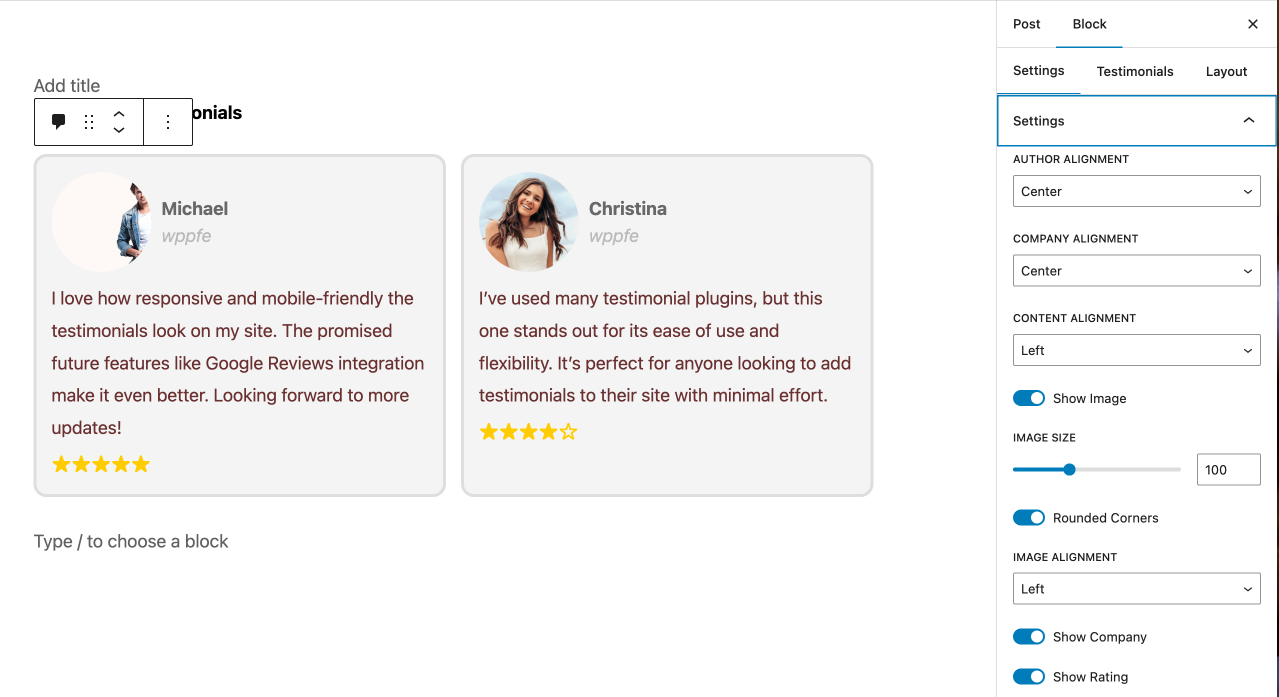
screenshot-1.png
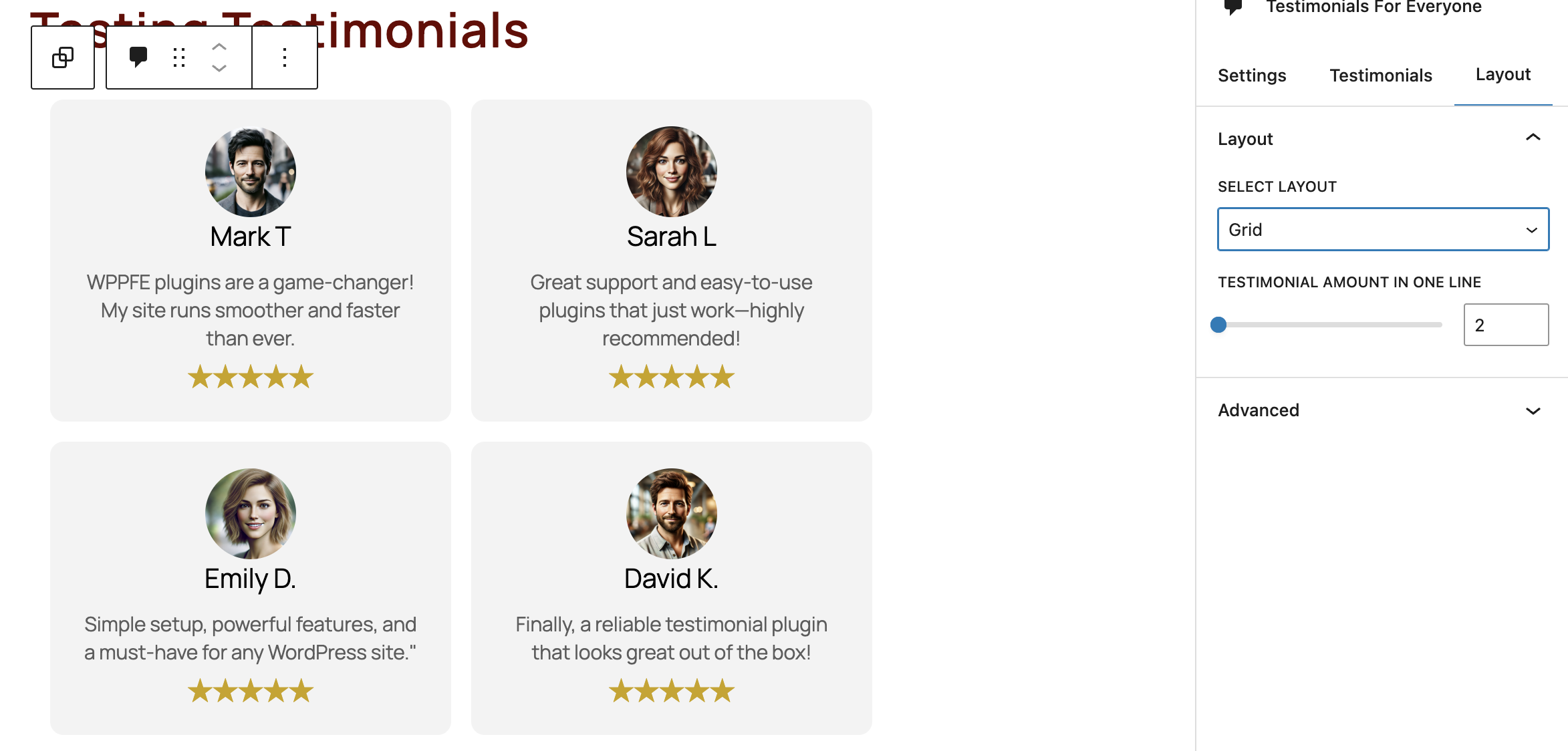
screenshot-2.png
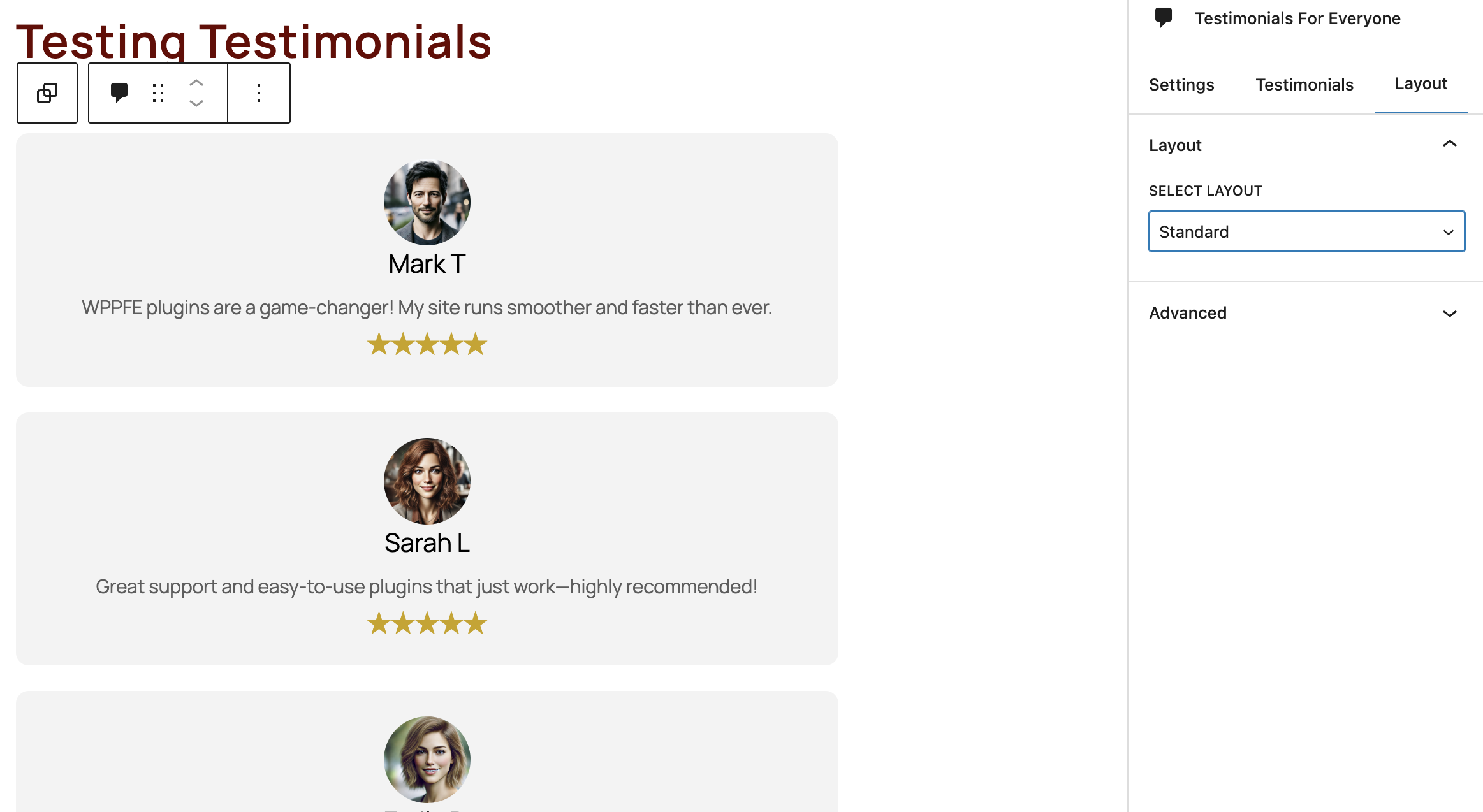
screenshot-3.png
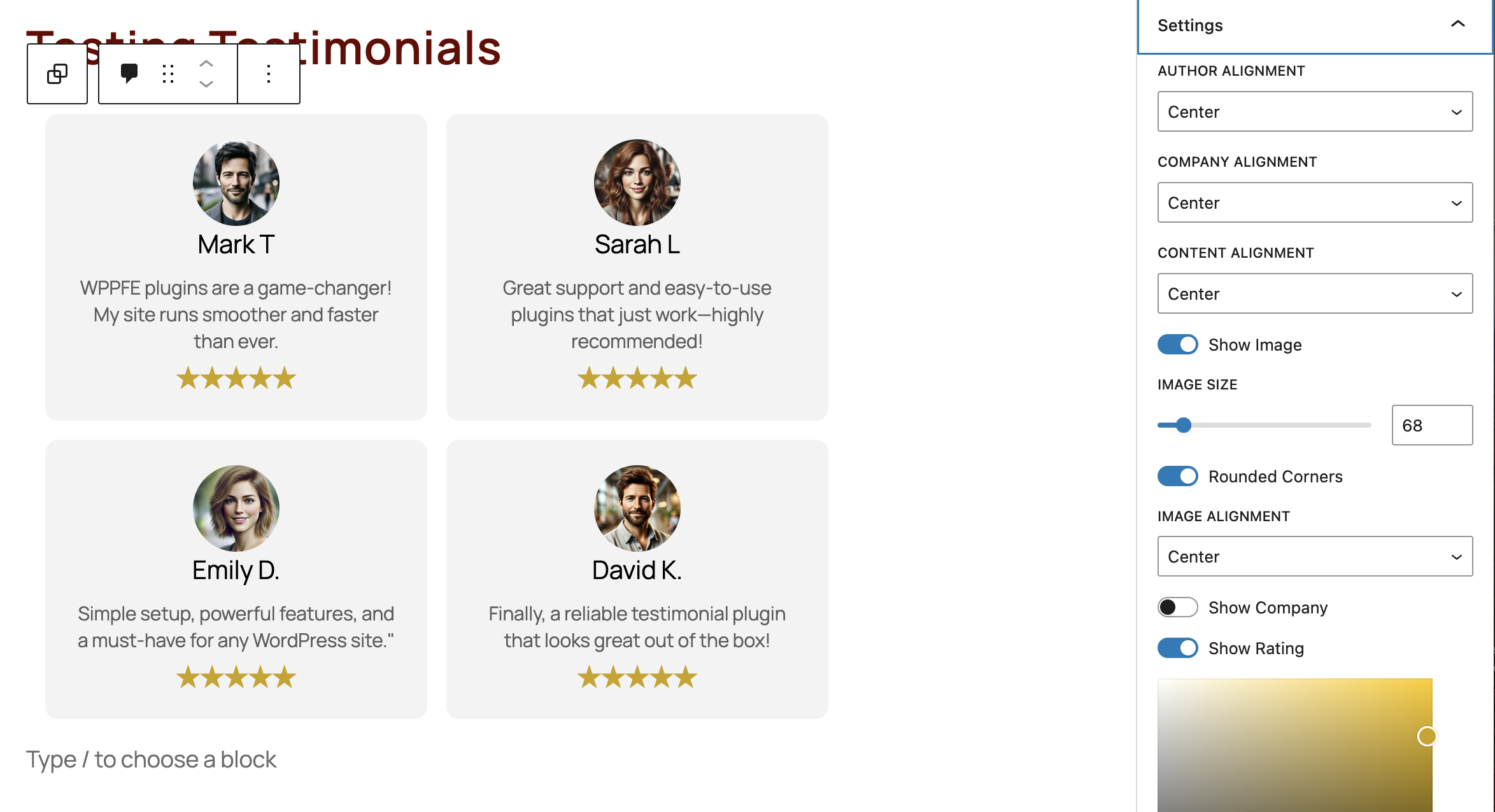
screenshot-4.png
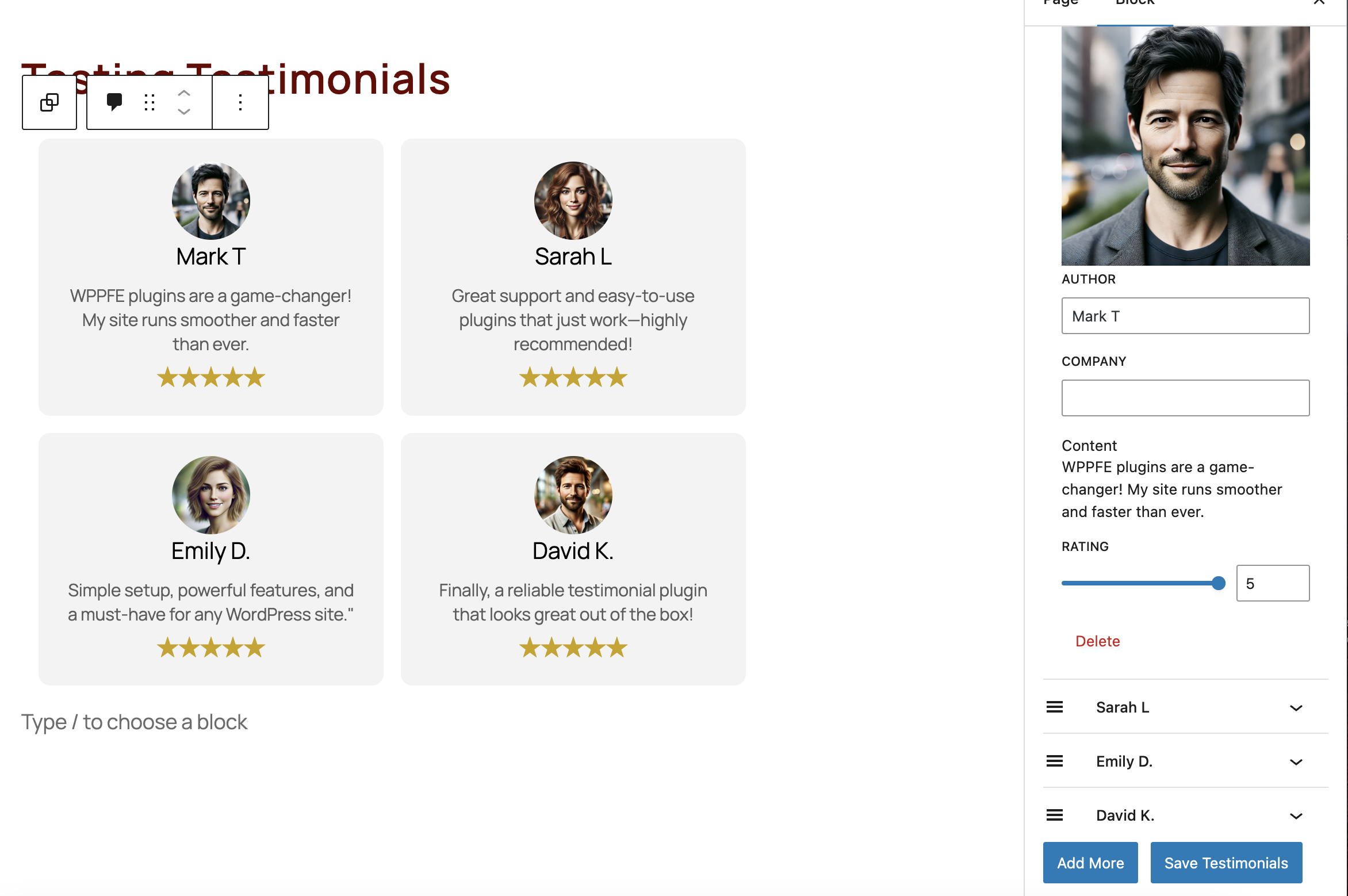
screenshot-5.png
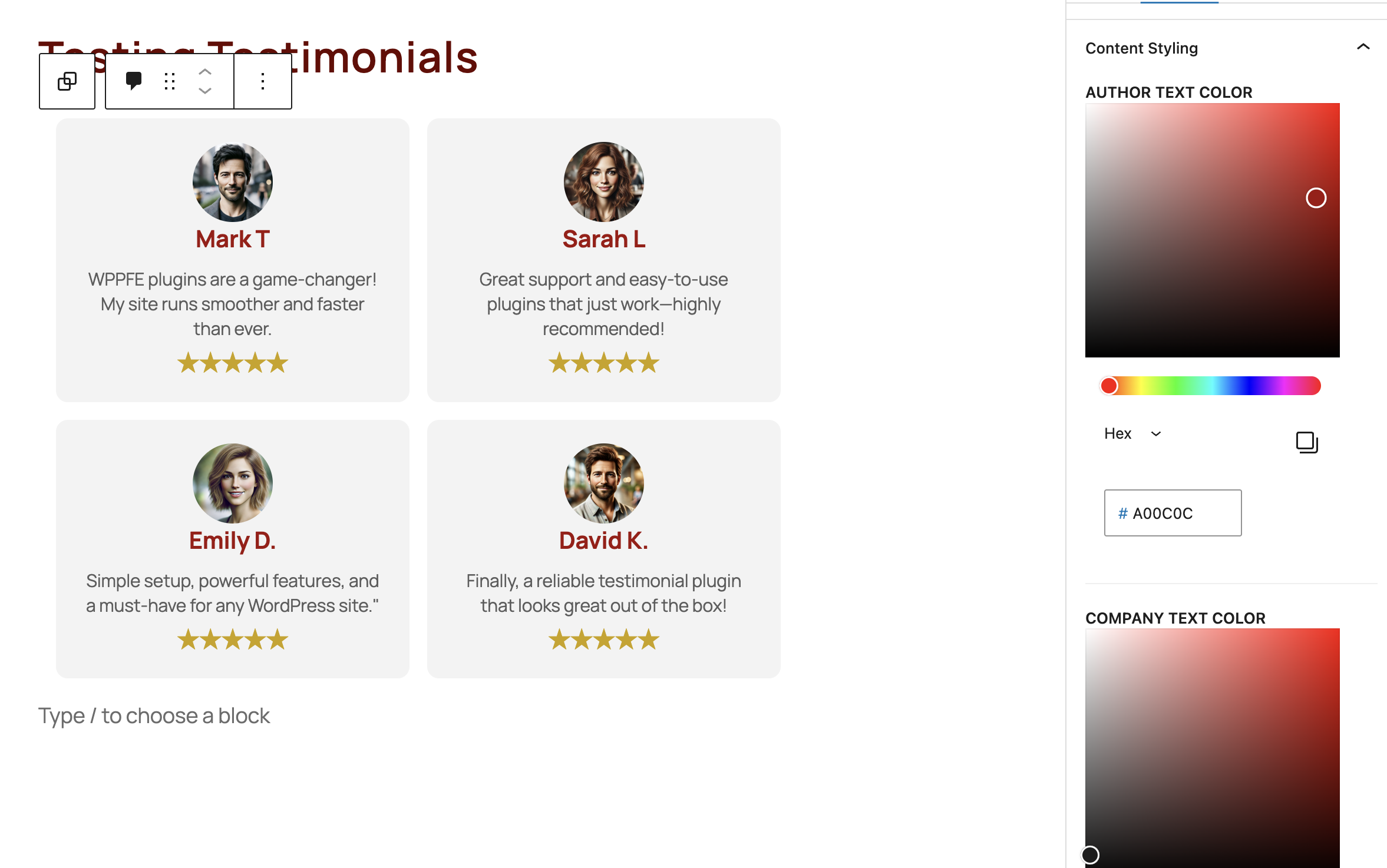
screenshot-6.png
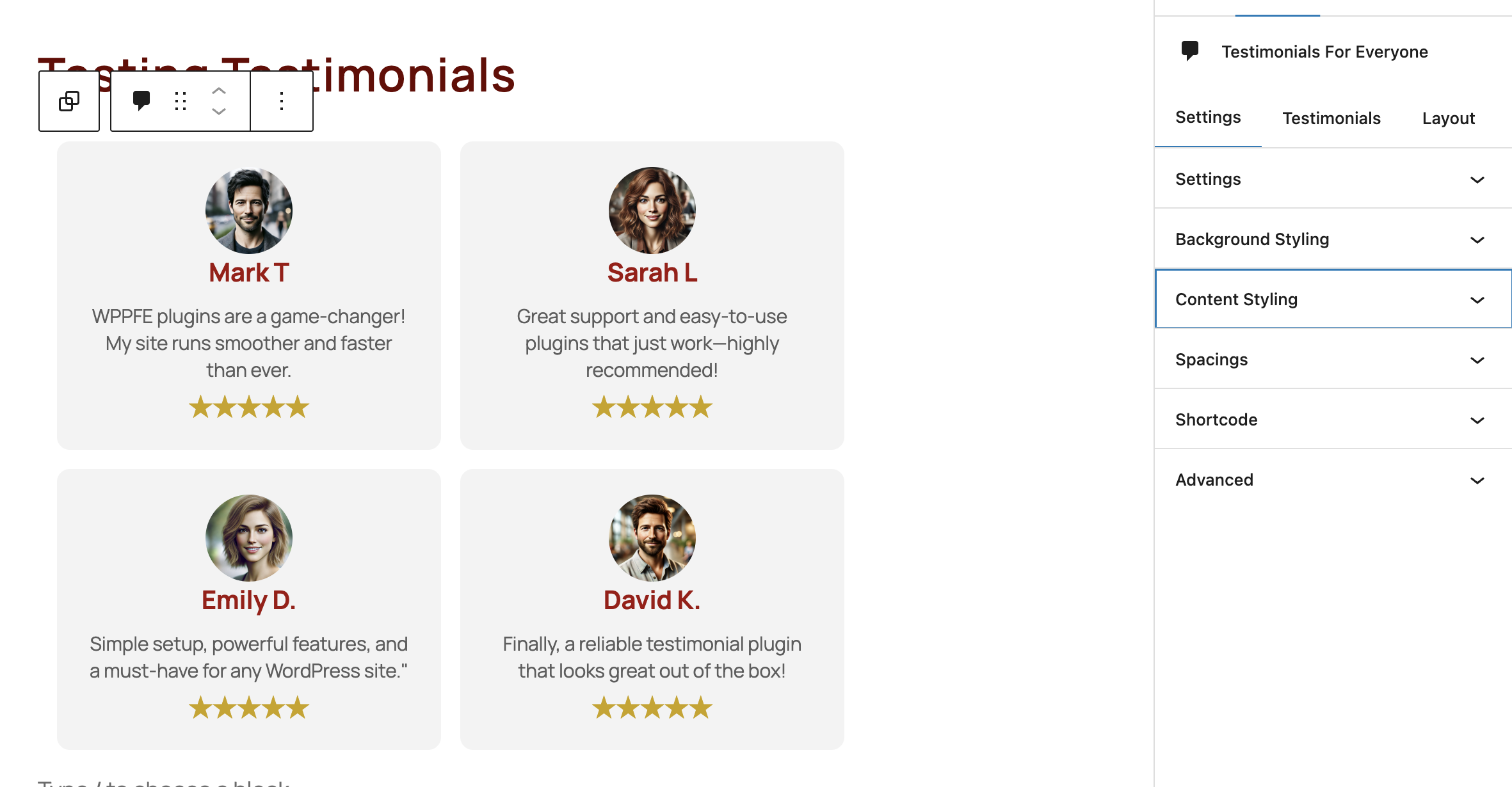
screenshot-7.png
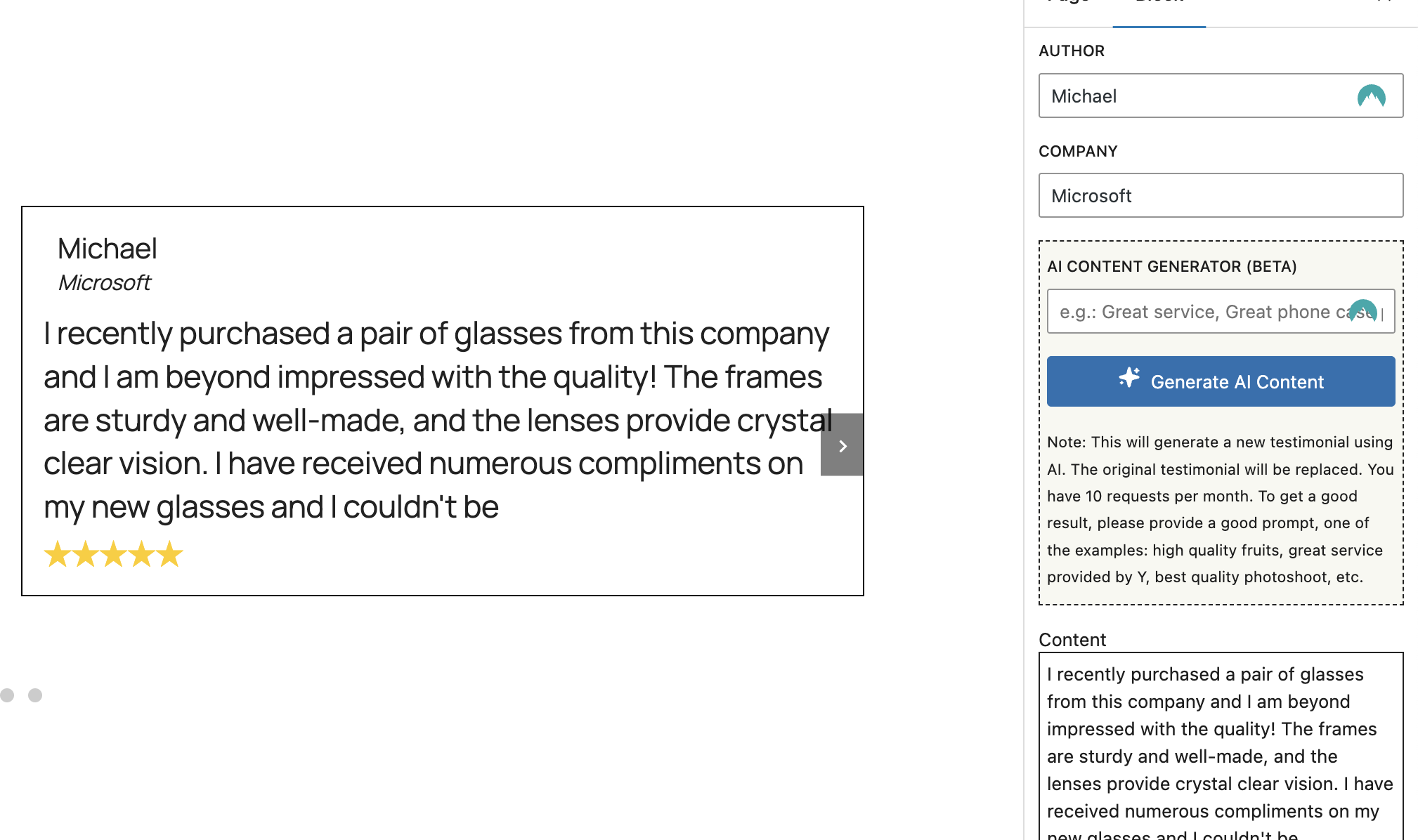
screenshot-8.png
Changelog
1.7.0
- Added AI generator to generate nice testimonial content!
1.6.3
- Fix High Vulnerability – axios
1.6.2
- Added notification for users to let them know about new feature
1.6.1
- Fix cache of JS
1.6.0
- Added new layout type – CAROUSEL!
- Fixed errors
- Upgraded JS from Vulnrabilites and outdated packages
1.5.5
- Upgrade the plugin
1.5.4
- Fix issues with selecting layout
1.5.3
- Small fixes
1.5.2
- upgraded to the latest WP version
1.5.1
- Fixed vulnerabilities!
1.5.0
- Added posibility to create a shortcode and re-use it anywhere else!!
1.4.1
- Added support!
1.4.0
- Added ability to add spacings to the testimonial
1.3.1
- Naming changes
1.3.0
- Added Author font Weight adjustments
- Added Company font Weight adjustments
- Added Main Testimonial font Weight adjustments
1.2.1
- Fix versioning of JS
1.2.0
- Added Author font size adjustments
- Added Company font size adjustments
- Added Main Testimonial font size adjustments
1.1.2
- Fix credentials
1.1.1
- Fix styling issues for wordpress pages/posts
1.1.0
- Fix requirements for the plugin
1.0.9
- Improved compatibility with WordPress 6.6.1.
- Added more customization options for testimonials (font size, text alignment).
- Fixed bugs related to the testimonial display on mobile devices.
1.0.8
- Enhanced the Gutenberg block editor interface for better user experience.
- Fixed minor issues with block saving.
1.0.7
- Added support for star ratings.
- Introduced more design customization options (border radius, star colors).
- Bug fixes and performance improvements.