
Typing Text – Add Animated Typing Effects to Headings or Text
Add stunning animated typing effects to your WordPress headings or text.
Plugin info
Maintenance & Compatibility
Maintenance score
Maintained • Last updated 129 days ago • 6 reviews
Is Typing Text – Add Animated Typing Effects to Headings or Text abandoned?
Likely maintained (last update 129 days ago).
Compatibility
Languages
Similar & Alternatives
Explore plugins with similar tags, and compare key metrics like downloads, ratings, updates, support, and WP/PHP compatibility.
Description
Bring your content to life with beautiful typing animations – directly inside the Gutenberg editor.
Key Features
- Prefix and Suffix: Add prefix and suffix text around the typing.
- Options: Configure the typing such as Type Speed, Start Delay, Back Speed, Back Delay, enable/disable Shuffle, Fade Out Effect, Loop, and Cursor.
- Style: Change the colors and more.
🚀 Upgrade to Text Typing Pro
- 6+ Stylish Themes: Unique typing animations to impress visitors.
- Custom Colors & Gradients: Text, cursor, background, with smooth gradient support.
- Typing Speed Control: Adjust typing & backspacing speed.
- Loop & Delay Options: Repeat or pause typing with precise timing.
- Cursor Styling: Change style, size, and color for a personalized look.
- Text Shadow Effects: Add depth, glow, or emphasis.
- Prefix & Suffix Text: Add extra words before or after typing text.
- Responsive Settings: Optimize font size, alignment, and appearance for mobile, tablet, and desktop.
- Premium Animations: Exclusive smooth effects available only in Pro.
- Optional Icons for Each Text: Users can add icons before/after text or skip entirely.
- Icon Customization: Set icon size, color, and style freely.
How to use
- First, install the Text Typing plugin.
- Add the Text Typing block from the block category called “Widgets” in the Gutenberg editor.
- You can change block settings from the right-side settings sidebar.
-
Enjoy!
-
For Installation help click on Installation Tab
Feedback
- Did you like this plugin? Dislike it? Do you have a feature request? Please share your feedback with us
Check out the Parent Plugin of this plugin-
B Blocks – A blocks collection and page building tool for Gutenberg.
Check out our other WordPress Plugins-
Html5 Video Player – Display videos as single and playlist in multiple skins.
PDF Poster – Display/Embed PDF files with different styles.
Html5 Audio Player – Listen audios with awesome visuals.
StreamCast – Customizable radio player with different skins.
3D Viewer – Embed 3D models and 3D products with interaction.
Advanced Post Block – Show posts and custom posts in different layouts.
Installation
From Gutenberg Editor:
- Go to the WordPress Block/Gutenberg Editor
- Search For Text Typing
- Click on the Text Typing block to add the block
Download & Upload:
- Download the Text Typing plugin (.zip file)
- In your admin area, go to the Plugins menu and click on Add New
- Click on Upload Plugin and choose the
text-typing.zipfile and click on Install Now - Activate the plugin and Enjoy!
Manually:
- Download and upload the Text Typing plugin to the
/wp-content/plugins/directory - Activate the plugin through the Plugins menu in WordPress
Frequently Asked Questions
Yes, Text Typing Block is a free Gutenberg block plugin.
Yes, it will work with any standard WordPress theme.
Yes, you can change block settings from the Gutenberg block editor’s right sidebar.
You can use unlimited times as you want.
You can post your questions on the support forum here
Please report security bugs found in the source code of the Typing Text – Give your texts many typing effects plugin through the Patchstack Vulnerability Disclosure Program. The Patchstack team will assist you with verification, CVE assignment, and notify the developers of this plugin.
Review feed
This is what I was looking for. Working as expected
Screenshots
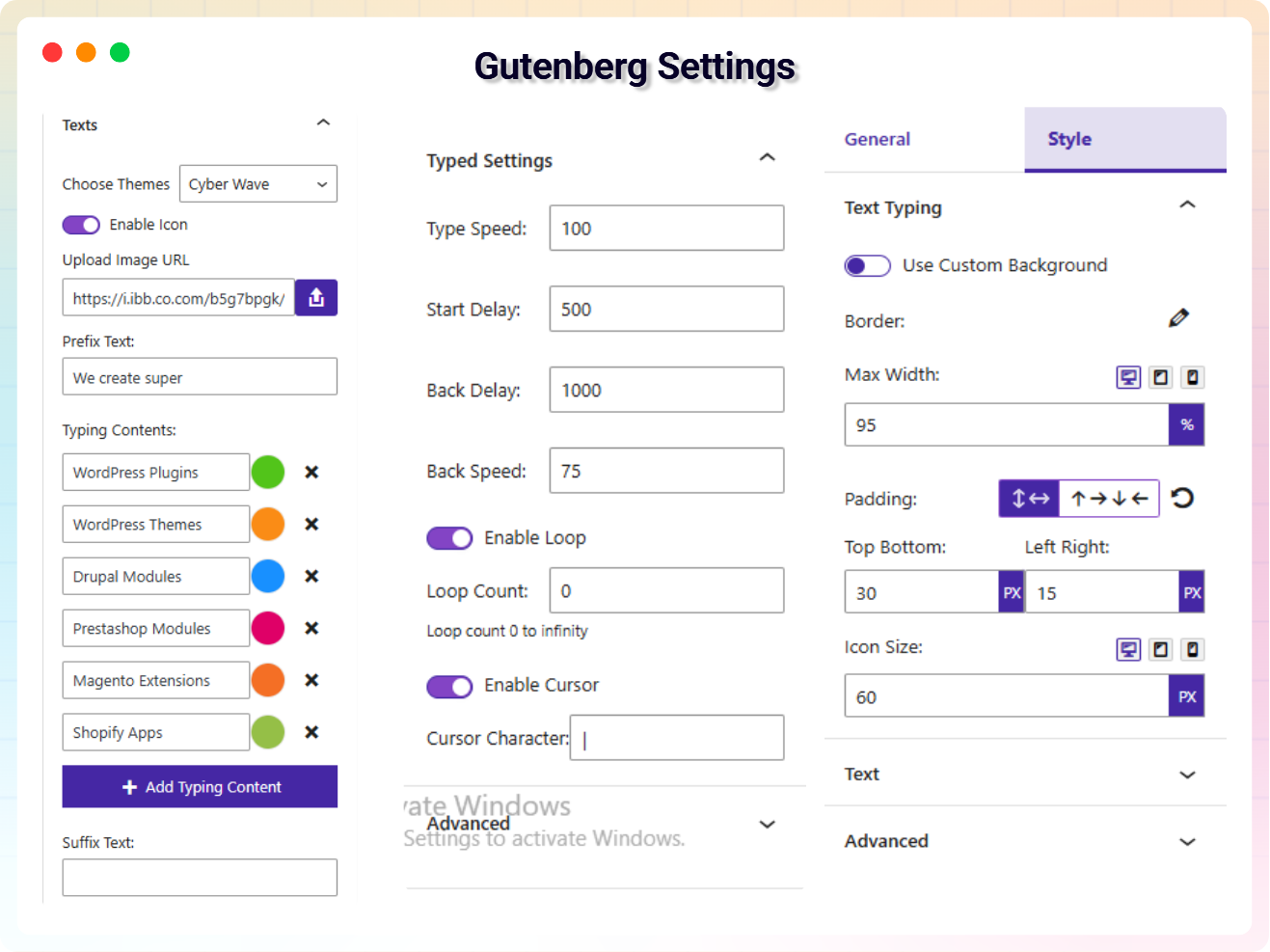
Gutenberg Setting
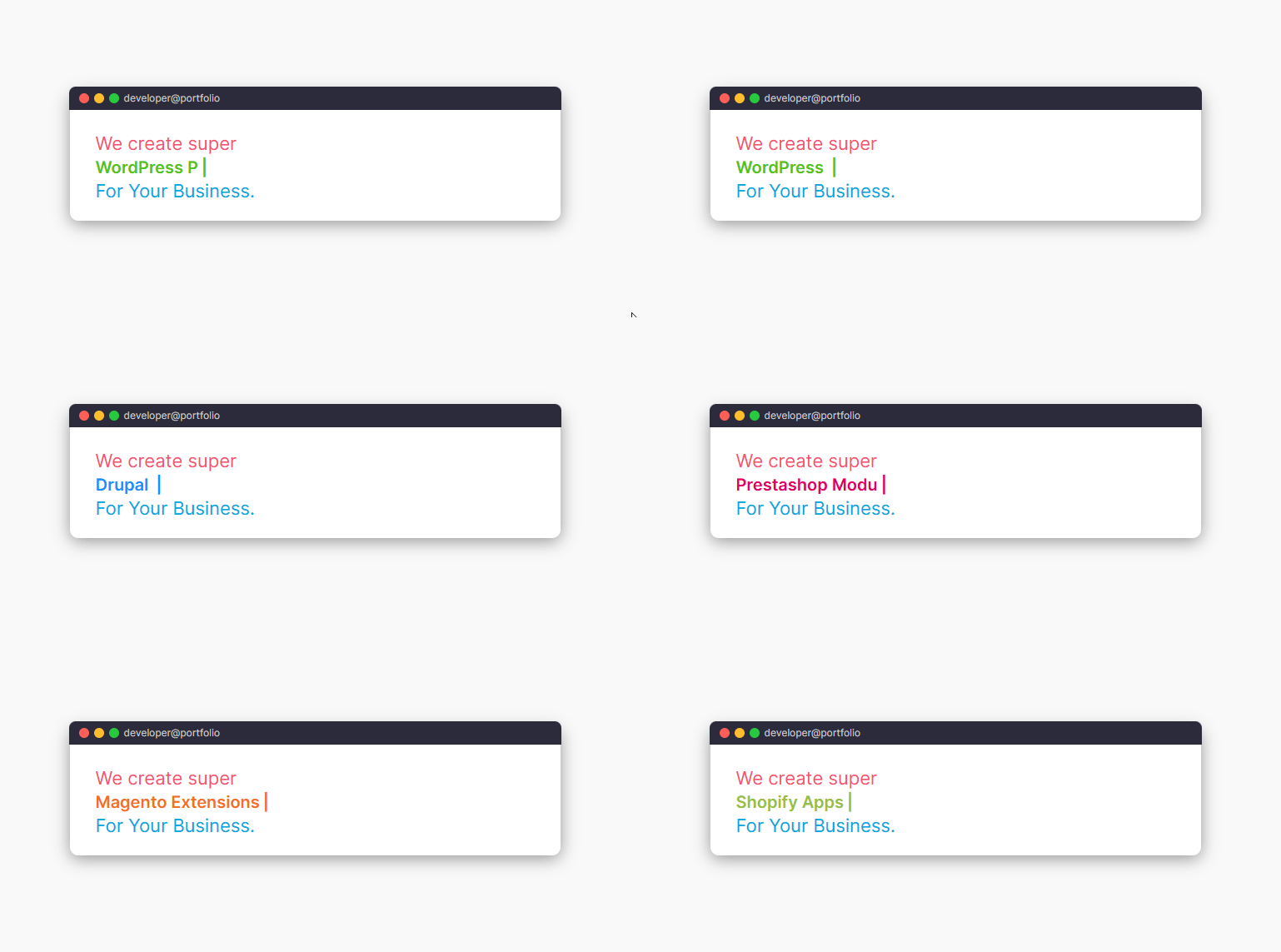
Default layout
Terminal
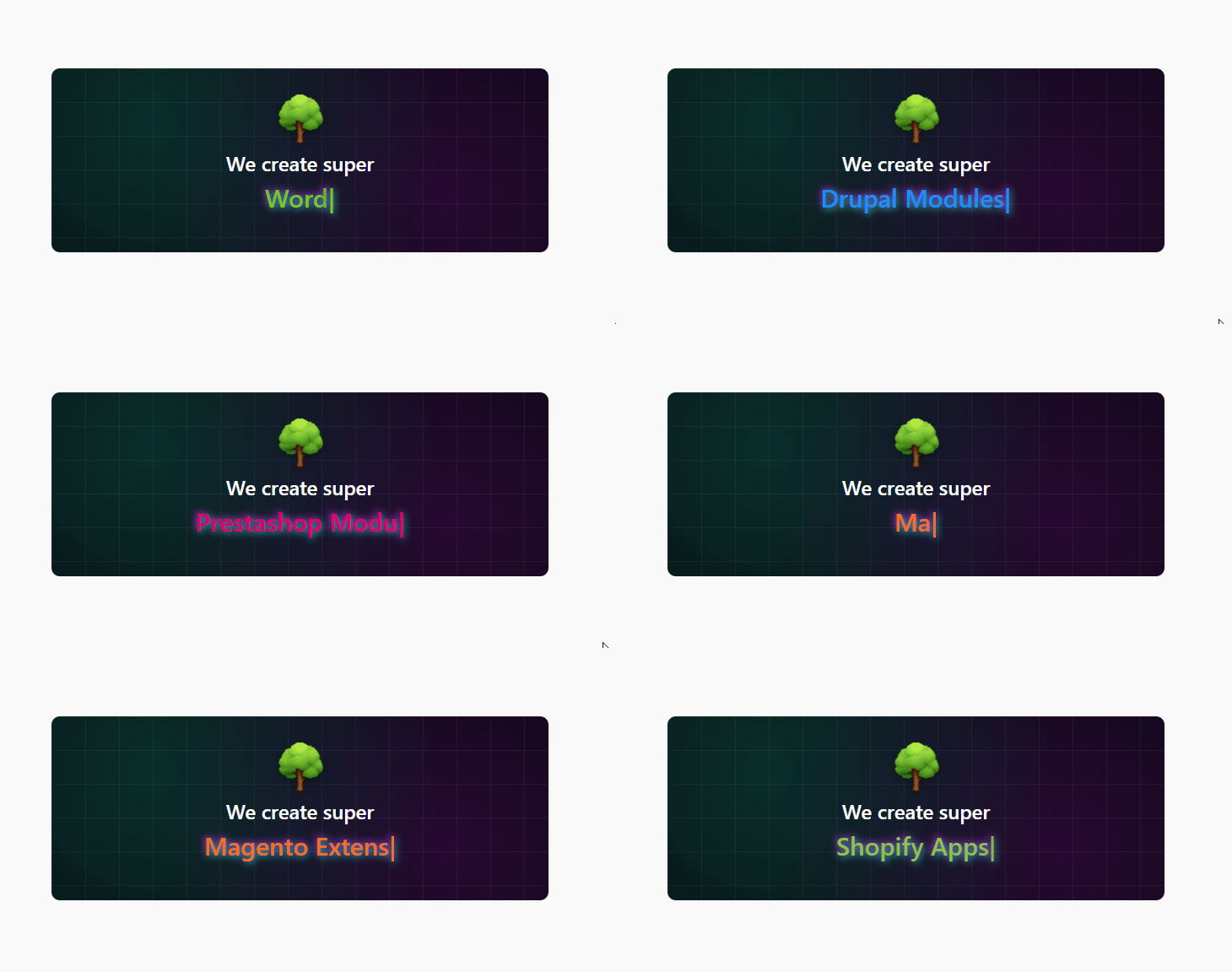
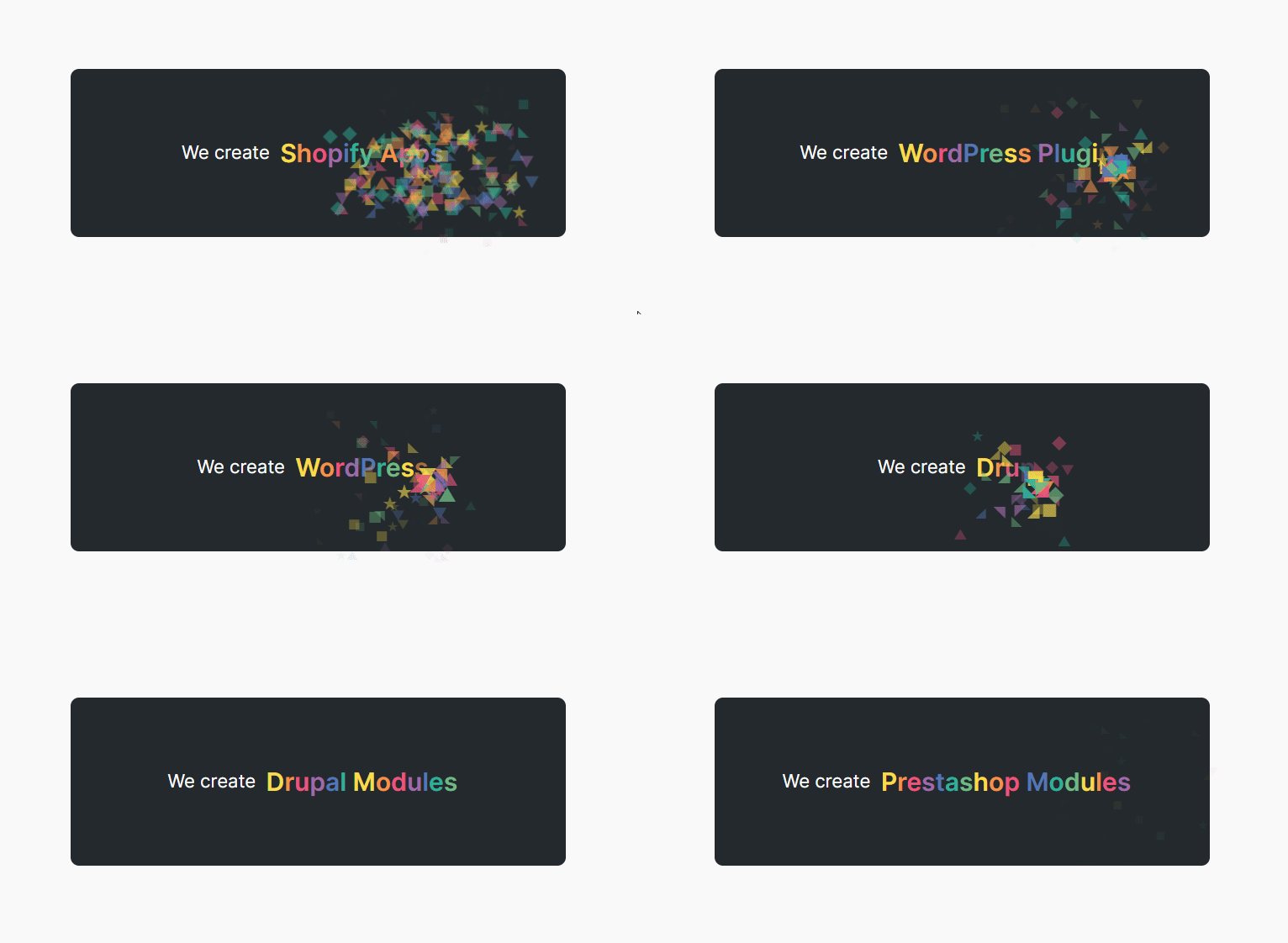
Star Flower

Cyber Wave
Changelog
2.0.3 – 16 Nov 25
- freemius latest sdk version updated and demo page created
- Demo page created for this plugin
2.0.2 – 5 Nov 25
- freemius_lite sdk version updated
2.0.1 – 04 Oct 25
- Added a modern dashboard
- Fix the text alignment
- Add theme options on the align toolbar
2.0.0 – 29 Sep 25
- Added pro Features
- Added ShortCode
1.0.6 – 13 Aug 25
- Increase Performance
1.0.5 – 24 Apr 24
- Fix issue
1.0.4
- Not load scripts if block is not used
1.0.3
- Add translate feature
1.0.2
- Fix Dependency
1.0.1
- Reduce PHP Code
- Performance Improvement
1.0.0
- Initial Release.