
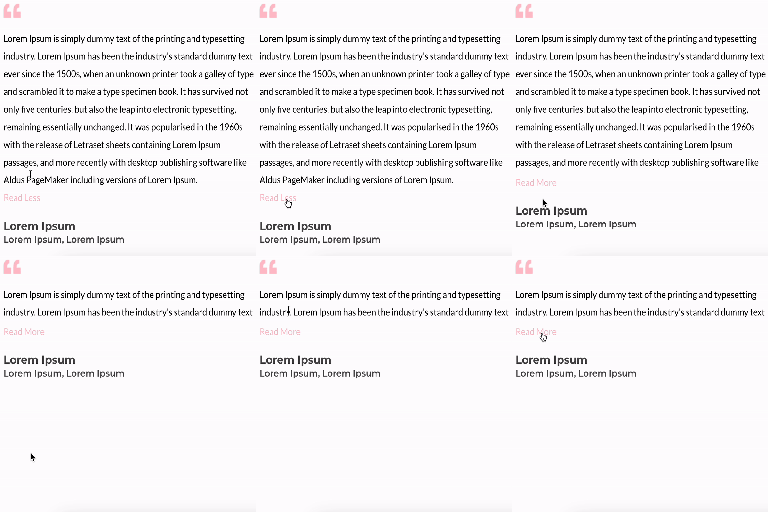
Text Unfold For Elementor
Unfold Text is a straightforward yet powerful add-on for Elementor that allows you to expand and collapse text with ease.
Maintenance 42/100135d since update
Active installs
2,000
Downloads
9,015
Reviews
5
Age
2.2y
Plugin info
Total downloads: 9,015
Active installs: 2,000
Total reviews: 5
Average rating: 4.6
Support threads opened: 1
Support threads resolved: 0 (0%)
Available in: 3 language(s)
Contributors: 4
Last updated: 11/18/2025 (135 days ago)
Added to WordPress: 2/6/2024 (2 years old)
Minimum WordPress version: 6.0
Tested up to WordPress version: 6.8.3
Minimum PHP version: 7.0
Maintenance & Compatibility
Maintenance score
Maintained • Last updated 135 days ago • Support resolved 0% • 5 reviews
42/100
Is Text Unfold For Elementor abandoned?
Likely maintained (last update 135 days ago).
Compatibility
Requires WordPress: 6.0
Tested up to: 6.8.3
Requires PHP: 7.0
Similar & Alternatives
Explore plugins with similar tags, and compare key metrics like downloads, ratings, updates, support, and WP/PHP compatibility.
No similar plugins found yet.
Description
A simple plugin that makes it possible for text to unfold.
Features
- Option to add image, title, and content
- Customizable height of the container to display the amount of text
- Customizable ‘Read More’ and ‘Read Less’ text with option to include icons
- Customizable icon color and size.
- Modify the dimensions of the image.
- Option of dynamics tags on title and content
Installation
Minimum Requirements
- WordPress 6.0 or greater
- PHP version 7.0 or greater
- MySQL version 5.0 or greater
Installation
Step 1: Navigate to the WordPress Plugins dashboard and upload the plugin file to install, or search for the ‘Text Unfold For Elementor’ plugin and install it on your WordPress site.
Step 2: After installation, click the “activate” button to activate the plugin.
Frequently Asked Questions
No FAQ available
Review feed
No reviews available
Screenshots
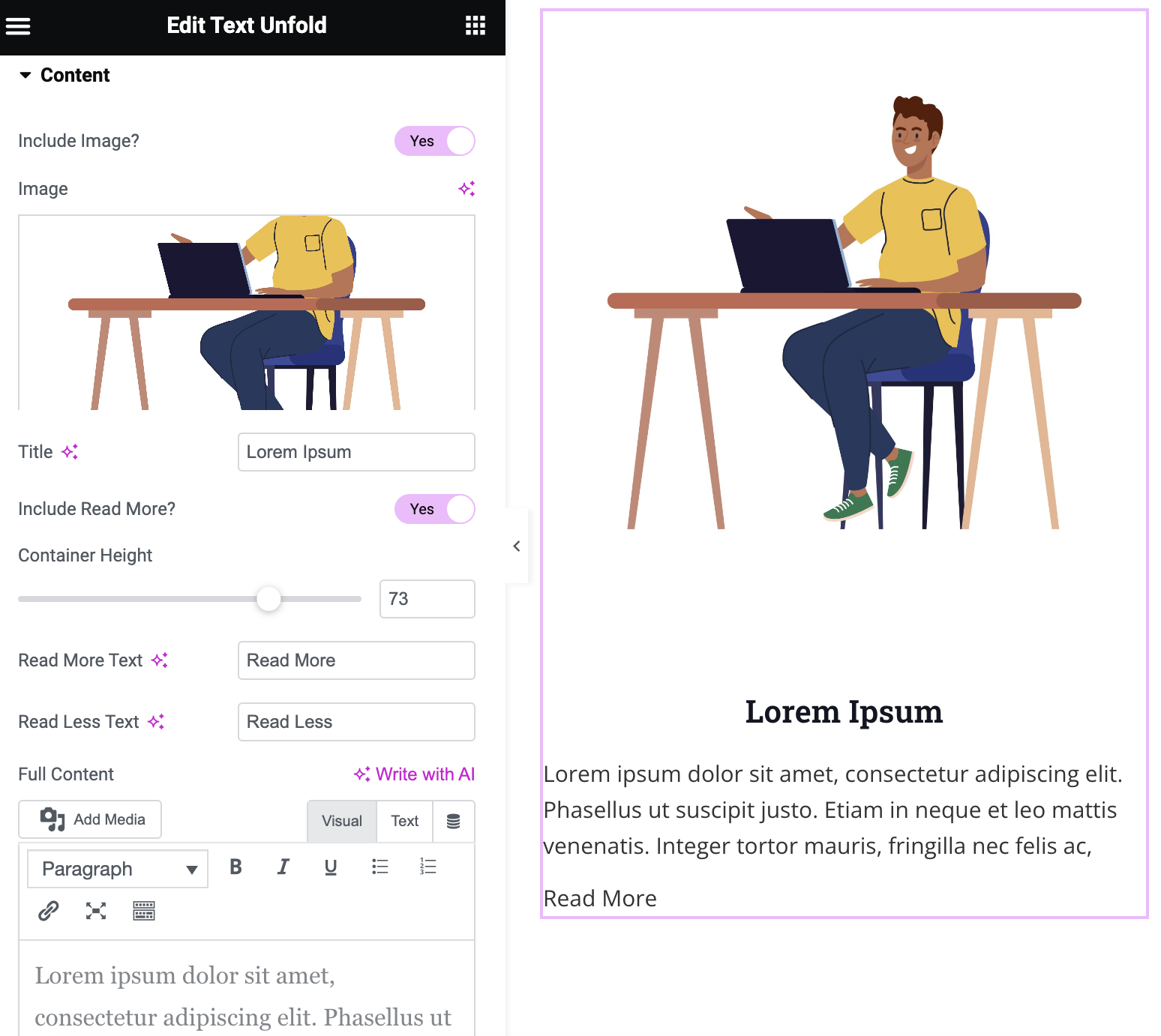
Screenshot of Text Unfold widget options.
Changelog
1.0.0
- Plugin released.
1.1.0
- New: Added feature to include icon within ‘Read more’ and ‘Read Less’ text.
- Fix: Fixed image size issue, removed ‘Image Resolution’ field and added fields for height and width of the image.
1.1.1
- Fix: Compatibility with latest Elementor 3.21 version
1.1.2
- Fix: Compatibility with latest Elementor 3.23 version
- Fix: Changed display flex to inline-block for the “Read More” option
1.1.3
- New: Enabled the option of default dynamic tags on title and content
- New: Increased the option of container height up to 1000px
1.1.4
- Fix: Fixed the issue “Trying to access array offset on value of type null” on existing container height settings
1.1.5
- New: Added translation support with a generated “.pot” file in the “/languages” folder.
- Fix: Resolved CSS issue where the ‘Icon Gap’ setting was not properly applied to the read more/less button.
1.1.6
- New: Added image border option with box shadow support.