
Plugin info
Maintenance & Compatibility
Maintenance score
Possibly abandoned • Last updated 3989 days ago
Is TextUs.Biz Widget abandoned?
Possibly abandoned (last update 3989 days ago).
Compatibility
Similar & Alternatives
Explore plugins with similar tags, and compare key metrics like downloads, ratings, updates, support, and WP/PHP compatibility.
Description
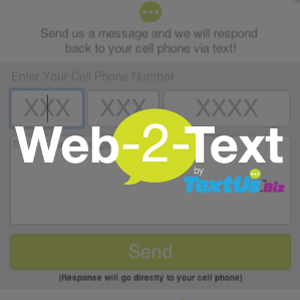
This plugin allows you to embed the TextUs.Biz Web-2-Text Widget on your website which will allow visitors to initiate a two-way text message conversation. Visitors can click on a TextUs tab, enter their cell phone number and send you message that will instantly pop up in your TextUs.Biz web app. When you respond back, it goes directly to the customer?s phone as a text message where you can then continue the conversation.
Visit TextUs.Biz to learn more about two-way text messaging for business!
*TextUs.Biz Account Required
Installation
Quick and easy to install:
-
Sign Up or Log In for a TextUs.Biz account, click on the top right navigation and choose Marketing.
-
You have the option to choose between a Floating Tab option or Static Button option to open the Web-2-Text widget.
-
Paste the code snippets into the proper section of the plugin settings.
Frequently Asked Questions
Does this serve the same function as live chat?
No. This is not an online chat. You can use the tab to have a visitor start a text message conversation with you. The conversation stays purely SMS and the interactions go from cell phone to your Messages dashboard.
Can I install a floating tab or a button?
Both! You can choose the tab or button type from within your Messages account settings in the widget section.
When I reply to a visitor, where does the text go?
The text will go straight to the visitor?s cell phone. When they reply back, the message will appear in the Messages dashboard.
Review feed
Screenshots

screenshot-1.png

screenshot-2.png
Changelog
0.1
- Initial Release