

Plugin info
Maintenance & Compatibility
Maintenance score
Maintained • Last updated 129 days ago
Is The Get Hired Button abandoned?
Likely maintained (last update 129 days ago).
Compatibility
Similar & Alternatives
Explore plugins with similar tags, and compare key metrics like downloads, ratings, updates, support, and WP/PHP compatibility.
Description
Once you install the plugin, the Get Hired Button usually appears on your site automatically. 🎉
No complicated setup. No coding. It just works.
If the button doesn’t show right away, no stress — it just means we need your widget token.
Add Your Widget Token (only if needed)
Most users won’t ever need to do this, but if auto-connect didn’t pick up your site:
1. Log in to TRYclub.com
2. Open Get Hired Button Settings
3. Copy your widget token
4. Paste it into the plugin settings and click Save
💡 Tip: Even if you skip the token, the plugin still runs safely in automatic mode so you can try it right away.
What the Plugin Does
The Get Hired Button brings TRY’s hiring widget to your WordPress site.
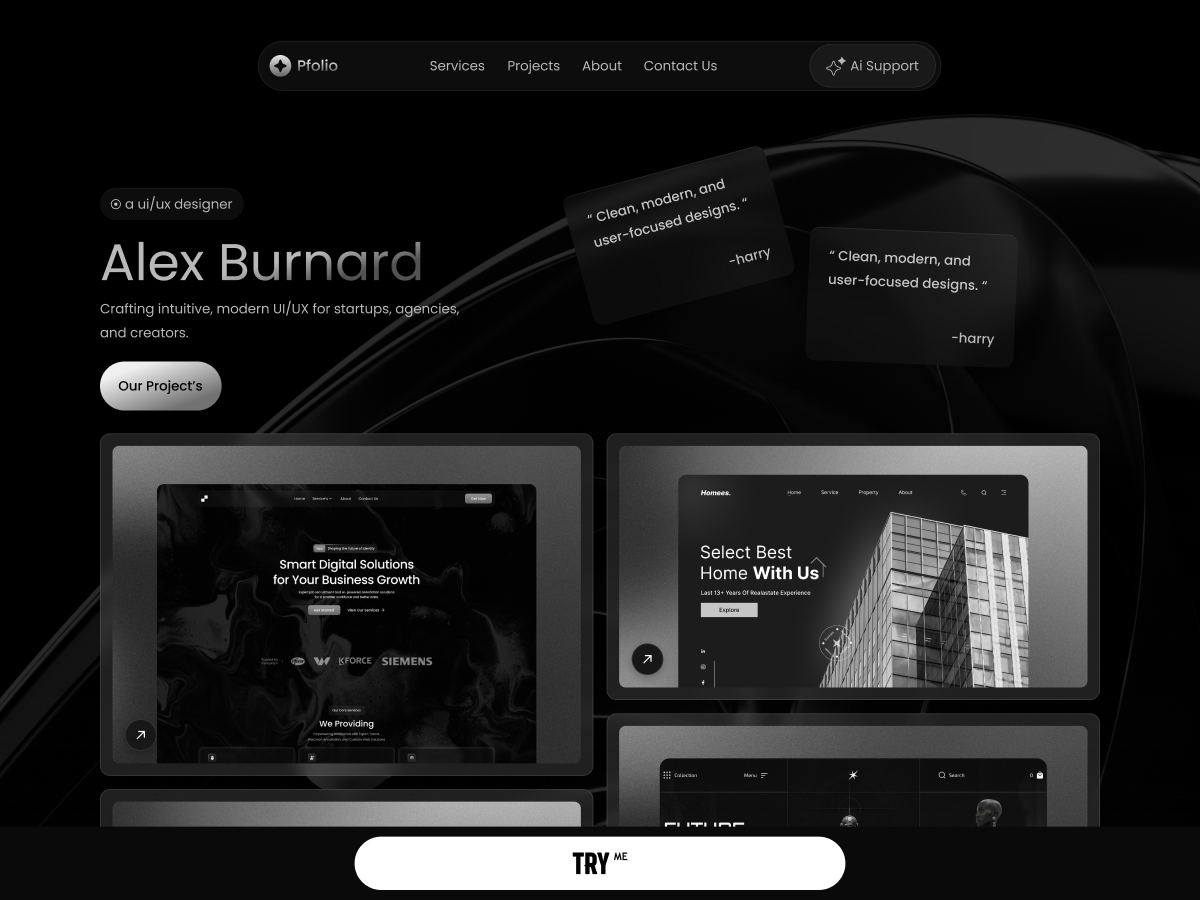
Visitors can chat, request proposals, book appointments, or hire you — directly from your own website.
No code required. No theme headaches. No performance issues.
How It Connects (Behind the Scenes)
Everything is designed to “just work”:
1. Token Mode (best) — If you paste in a token, we connect instantly and securely.
2. Auto-Detect Mode — No token? We automatically try to match your site’s domain to your TRY account.
3. Guest Mode — Not connected yet? The button still works so you can test it immediately.
Why People Love It
- Works automatically in most cases
- Friendly, no-stress setup
- Loads asynchronously (keeps your site fast)
- Secure and fully HTTPS-compatible
- Works with WordPress multisite
- Great for freelancers, creators, consultants, agencies, and small businesses
Requirements
- WordPress 5.8 or higher
- PHP 7.4 or higher
- A TRY account (free at TRYME.co)
- HTTPS recommended for best reliability
Privacy
The plugin loads a small external script from TRYME.co to display your widget.
All visitor interactions follow TRY’s privacy policy.
The plugin itself collects no personal data.
Troubleshooting
- Confirm your site URL matches the one in your TRY account
- Try clearing your cache or opening your site in incognito mode
- HTTPS improves reliability
- Need help? We’re here tryclub.com/contact
For Developers (optional)
- Uses standard WordPress hooks (
wp_body_open,admin_menu,admin_init) - Async loading for performance
- Clean uninstall removes all plugin options
- Constants include:
GHB_VERSION,GHB_PLUGIN_FILE,GHB_PLUGIN_DIR
Thanks for using the Get Hired Button — helping you turn every visitor into an opportunity.
Installation
Automatic Installation
- Log in to your WordPress admin panel.
- Navigate to Plugins Add New.
- Search for “Get Hired Button”.
- Click Install Now, then Activate.
- Go to Settings Get Hired Button to configure the plugin.
Manual Installation
- Download the plugin ZIP file.
- Extract the ZIP file.
- Upload the get-hired-button folder to
/wp-content/plugins/directory - Activate the plugin through the Plugins menu in WordPress
- Go to Settings > Get Hired Button to configure the plugin.
Configuration
Most of the Time, No Setup Is Needed
After activating the plugin, the Get Hired Button will usually appear automatically using your site’s domain.
If your domain matches the one in your TRY account, it connects immediately.
If not, the button still works in Guest Mode so you can try it right away.
Automatic Mode (Host Matching + Guest Mode)
If you prefer not to add a token yet:
– Activate the plugin.
– The button will attempt to auto-connect using your domain.
– If no match is found, it will run in Guest Mode so you can preview the button.
– For full functionality, register your domain inside TRY.
If the Button Does Not Appear: Add Your Token (Recommended)
1. Log in to your TRY dashboard at TRYclub.com.
2. Navigate to Get Hired Button -> Settings.
3. Select your widget and click View to reveal your token.
4. Copy the token (a long UUID).
5. In WordPress, go to Settings Get Hired Button.
6. Paste your token and click Save Settings.
Your site is now fully connected.
Need help? We’re here to assist: https://www.tryclub.com/contact
Frequently Asked Questions
While a TryMe account is recommended for full functionality, the button will work in guest mode immediately after installation. To unlock all features and connect to your recruitment dashboard, create a free account at tryme.co.
The button widget is loaded on all public pages of your site. The exact appearance and behavior are controlled through your TryMe dashboard settings.
Yes, the plugin is completely free.
- Token Mode: Most secure and reliable. Uses a unique token to authenticate your site
- Host Matching: Automatically matches your WordPress domain with your TryMe account
- Guest Mode: Allows testing without authentication but with limited features
Yes! The plugin works on multiple WordPress installations. Each site can use its own token or rely on host matching.
Yes, the plugin fully supports WordPress multisite installations. Each site in the network can have its own configuration.
No. The widget script loads asynchronously, meaning it doesn’t block your page from rendering. Impact on page speed is minimal.
Check the troubleshooting section in Settings > Get Hired Button. Common solutions:
– Verify your domain matches your TryMe account
– Check that HTTPS is enabled
– Clear your browser cache
– Check browser console for errors
– Verify your token is correct (if using token mode)
Simply deactivate and delete the plugin through WordPress. All settings will be automatically removed from your database.
Yes. All connections use HTTPS encryption. The plugin only stores your widget token (if provided) in your WordPress database.
Candidate data is handled securely by TryMe according to their privacy policy.
Button customization is managed through your TryMe dashboard, not the WordPress plugin.
This allows you to maintain consistent branding across all your recruitment channels.
Review feed
Screenshots
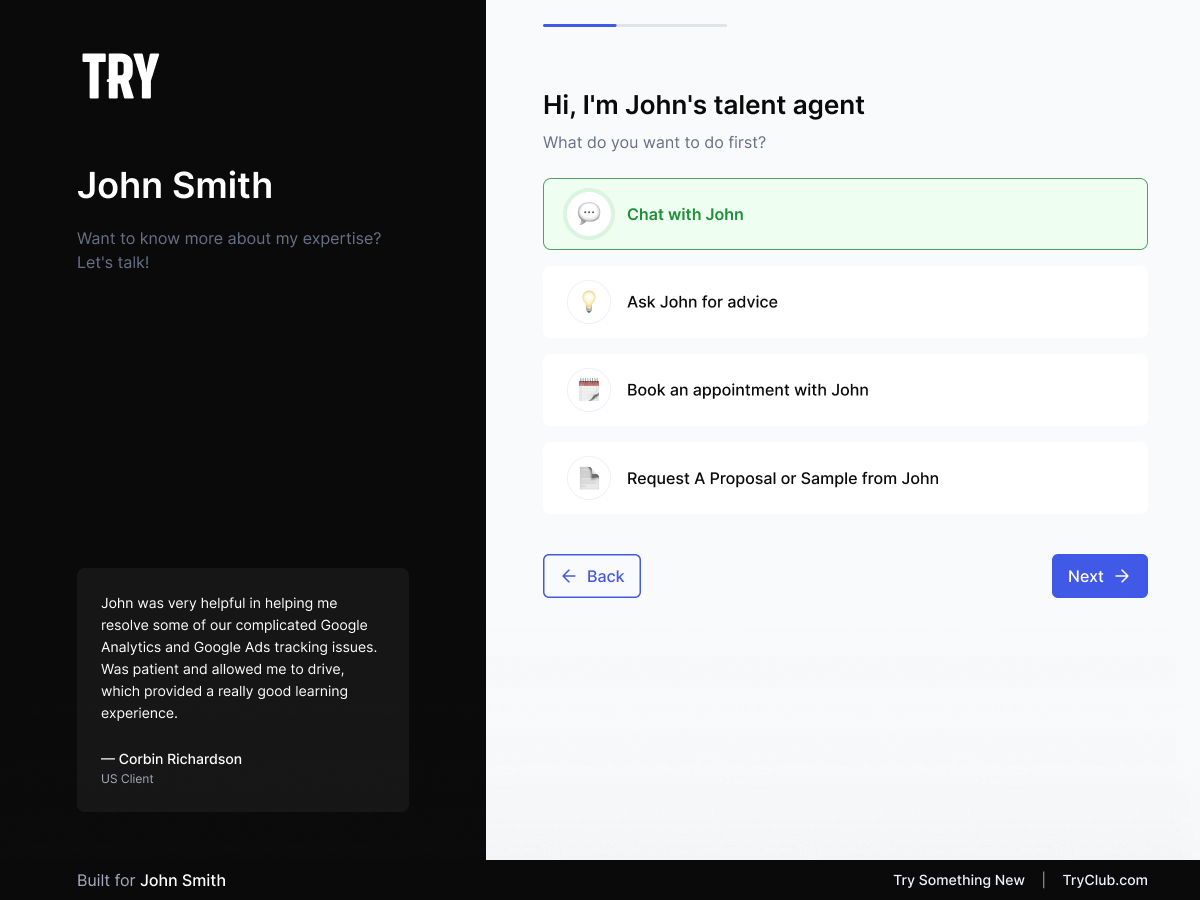
Admin settings page showing token configuration
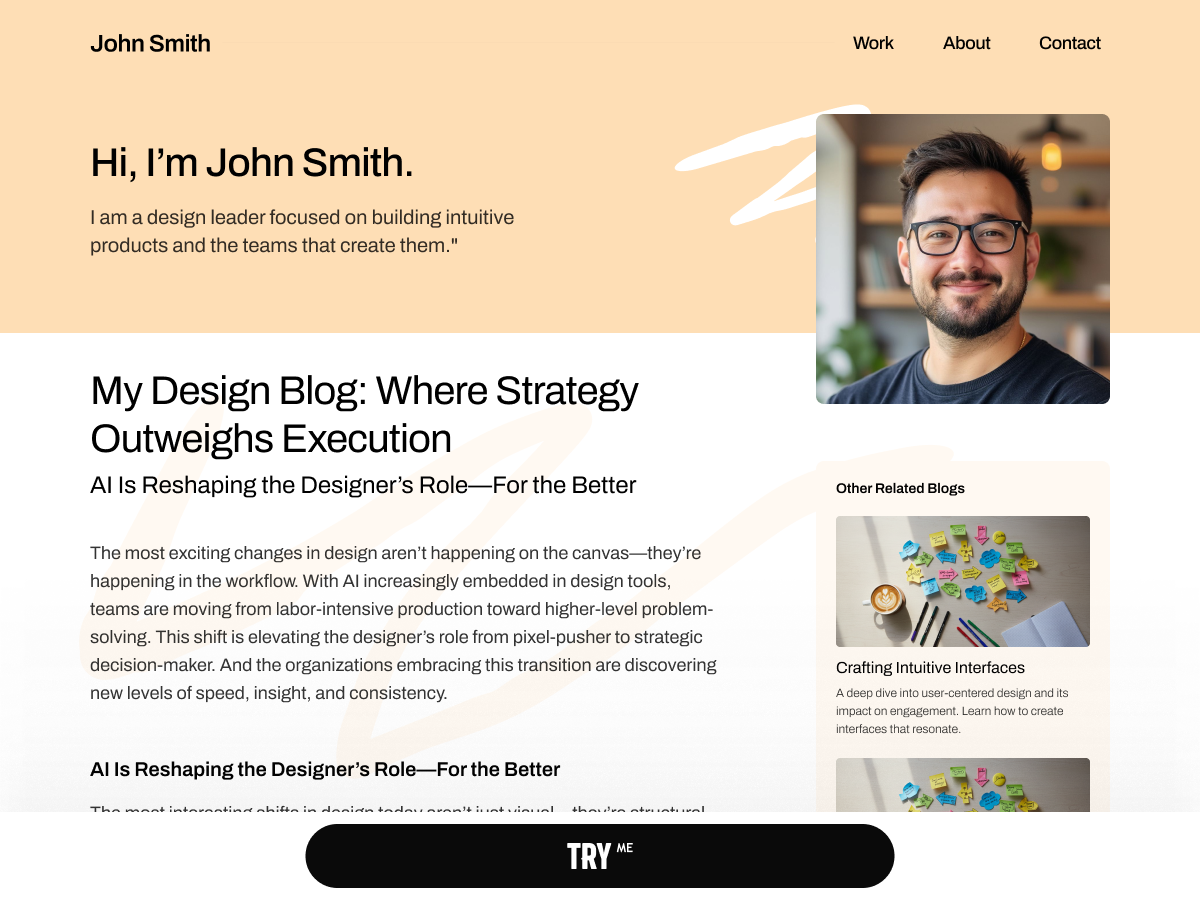
Example of the Get Hired button on a career page
Changelog
1.0.0 – 2025-11-13
- Initial release
- Token-based authentication
- Host matching support
- Guest mode functionality
- WordPress multisite support
- Comprehensive admin interface
- HTTPS security
- Async script loading
- Uninstall cleanup
1.1.0 – 2025-11-14
- Update README with improved Instructions and Description
1.2.0 – 2025-11-14
- Updated README to fix formatting in Troubleshooting and For Developers sections.
1.3.0 – 2025-11-24
- Updated plugin version to 1.3.0 in readme and main plugin file.
- Fix plugin warnings and errors of Plugin Check tool.
- Fix script URL to use correct URL.