

The Library
A comprehensive WordPress plugin for creating a files/books/videos library with user data collection for downloads.
Plugin info
Maintenance & Compatibility
Maintenance score
Stale • Last updated 226 days ago
Is The Library abandoned?
Likely maintained (last update 226 days ago).
Compatibility
Similar & Alternatives
Explore plugins with similar tags, and compare key metrics like downloads, ratings, updates, support, and WP/PHP compatibility.
Description
The Library is a powerful WordPress plugin that allows you to create a comprehensive files library with advanced user data collection features. Perfect for businesses, educational institutions, and content creators who want to track and manage file downloads.
Admin Features
- Custom Post Type: “Files Library” with file upload capability
- File Management: Upload files directly within the post editor
- Categories: Organize files with custom taxonomy
- Download Tracking: Track all download requests with user data
- CSV Export: Export collected user data as CSV
- Admin Dashboard: View and manage download requests
- File Statistics: View download counts and file details
Frontend Features
- Library Archive: Main library page similar to blog archive
- Search & Filters: Search files and filter by category, file type, and sort options
- Responsive Design: Mobile-friendly interface
- Download Protection: Users must provide contact information to download
- User Data Collection: Collect name, email, and mobile number before download
- Download Tokens: Secure download links valid for 24 hours
Security Features
- Nonce Protection: All AJAX requests are protected with nonces
- Data Validation: Server-side validation of all user inputs
- Download Tokens: 24-hour tokens for secure downloads with multiple use
- Rate Limiting: Prevent multiple requests from same user within 24 hours
- IP Tracking: Track IP addresses for download requests
Usage
Adding Files
- Go to Files Library > Add New in your WordPress admin
- Add a title and description for your file
- Set a featured image (recommended)
- Use the “File Upload” meta box to upload your file
- Assign categories if needed
- Publish the post
Managing Downloads
- Go to Files Library > Download Requests to view all download requests
- Use the search and filter options to find specific requests
- Export data as CSV using the “Export CSV” button
- Delete individual requests or use bulk actions
Customization
Template Override
You can override the plugin templates by copying them to your theme:
- Copy
templates/archive-files-library.phpto your theme root - Copy
templates/single-files-library.phpto your theme root - Customize as needed
Installation
- Upload the plugin folder to
/wp-content/plugins/ - Activate the plugin through the ‘Plugins’ menu in WordPress
- The plugin will automatically create the necessary database table
- Start adding files through the “Files Library” menu in admin
Frequently Asked Questions
Currently, the plugin collects name, email (optional), and mobile number. Future versions will include customizable fields.
Yes, the plugin uses secure download tokens that expire after 24 hours and includes nonce protection for all requests.
Yes, you can export all collected user data as CSV from the admin dashboard.
Review feed
Screenshots

Files Library archive page with search and filters

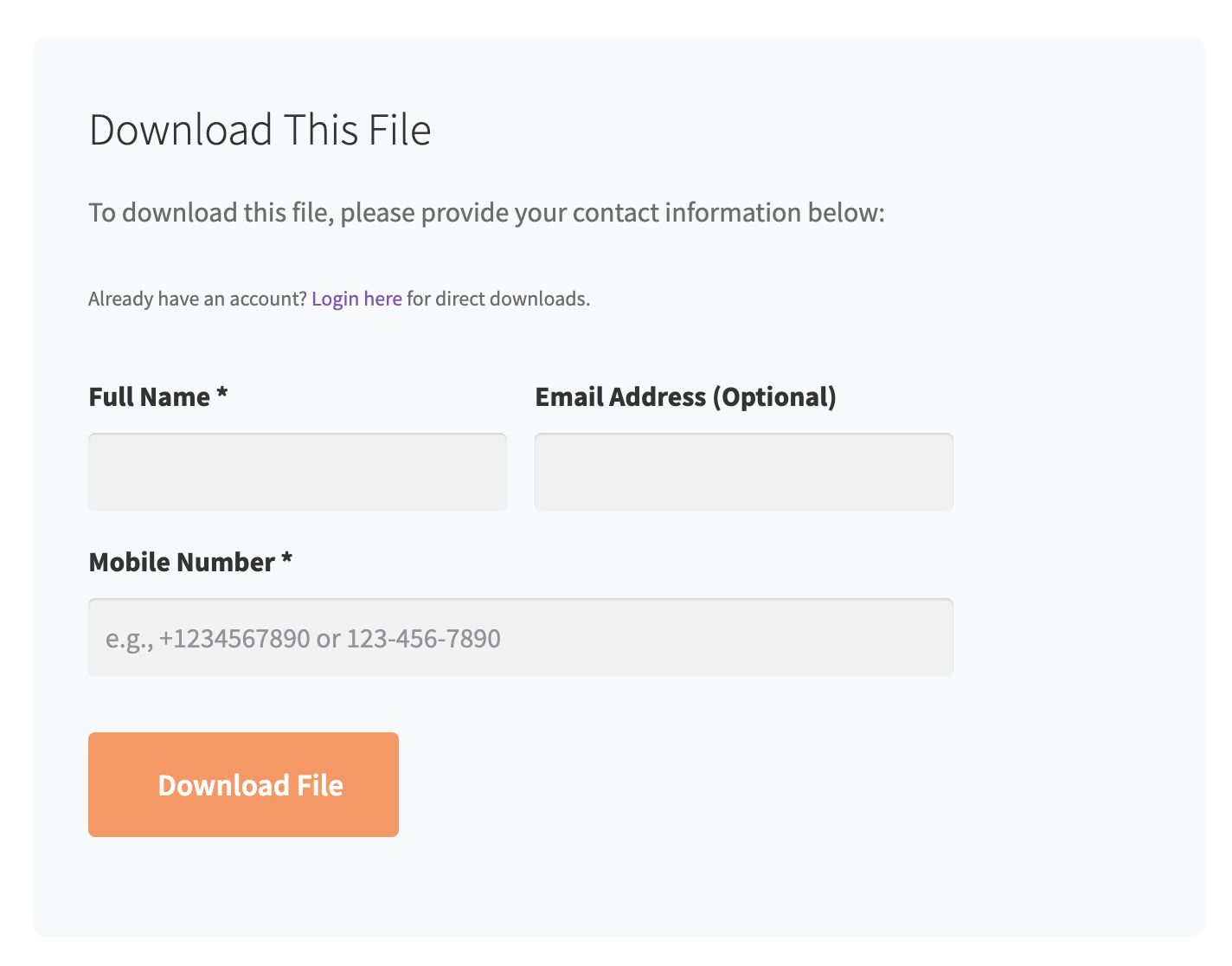
Single file page with download form
Admin dashboard showing download requests

File upload interface in admin
Changelog
1.0.2
- PHP and JS warnings fixes.
1.0.1
- Security fix.
1.0.0
- Initial release.