

Plugin info
Maintenance & Compatibility
Maintenance score
Possibly abandoned • Last updated 1255 days ago • 6 reviews
Is TJ Custom CSS abandoned?
Possibly abandoned (last update 1255 days ago).
Compatibility
Similar & Alternatives
Explore plugins with similar tags, and compare key metrics like downloads, ratings, updates, support, and WP/PHP compatibility.
Description
This plugin will enable a custom css manager on administration page to add Custom CSS code to your WordPress website. It will automatically override any theme or plugin default styles. It also very useful if you want to add customization to your website but do not want to edit your theme or plugin css files.
It comes with two ways to add the custom css code:
1. Setting
You can go to Appearance → Custom CSS, then you will see a big box/textarea. Put your css code there.
2. Customizer – Live Preview
If you want to see the live preview while you adding the custom css code, then you can go to Appearance → Customize, after that open the Custom CSS section tab.
Features Include:
- No configuration needed
- Live preview
- Easy-to-use
- Child theme alternative to add customization
- Uninstall procedure
Plugin Info
- Developed by Theme Junkie
- Check out the Github repo to contribute.
Installation
Through Dashboard
- Log in to your WordPress admin panel and go to Plugins -> Add New
- Type theme junkie custom css in the search box and click on search button.
- Find Theme Junkie Custom CSS plugin.
- Then click on Install Now after that activate the plugin.
- Go to Appearance → Custom CSS.
Installing Via FTP
- Download the plugin to your hardisk.
- Unzip.
- Upload the theme-junkie-custom-css folder into your plugins directory.
- Log in to your WordPress admin panel and click the Plugins menu.
- Then activate the plugin.
- Go to Appearance → Custom CSS.
Frequently Asked Questions
Review feed
Simply works
Screenshots
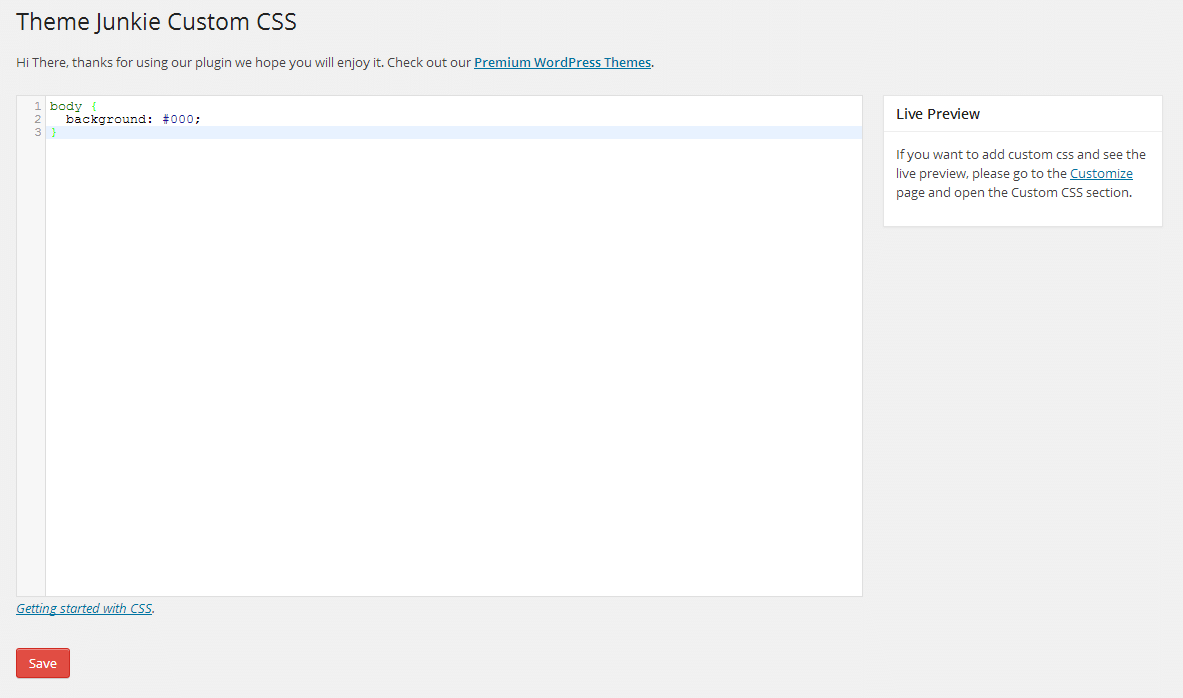
Custom CSS settings.
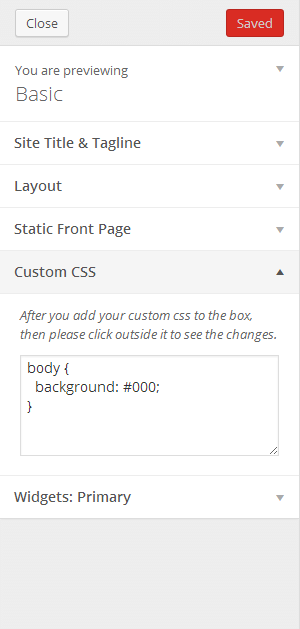
Customizer.
Changelog
0.1.6 – Feb 26, 2016
- Support WordPress 4.4.2
- Change text domain to
theme-junkie-custom-css
0.1.5 – 9/08/2015
- Fixed some selecter being striped
0.1.4 – 9/06/2015
- Support WordPress 4.3
- Update language
- Sanitize output with
wp_filter_nohtml_ksesto prevent user add any HTML code to the custom css
0.1.3 – 9/04/2014
- Tested for WordPress 4.0
0.1.2 – 8/26/2014
- Fixed:
stripslasheserror when using customizer.
0.1.1 – 8/18/2014
- Allow html entities in css selector eg.
#id > .class
0.1 – 4/20/2014
- Initial Release