

Plugin info
Maintenance & Compatibility
Maintenance score
Possibly abandoned • Last updated 498 days ago
Is Thumbnail Remover and Size Manager abandoned?
Possibly abandoned (last update 498 days ago).
Compatibility
Similar & Alternatives
Explore plugins with similar tags, and compare key metrics like downloads, ratings, updates, support, and WP/PHP compatibility.
Description
WP Thumbnail Remover and Size Manager is a powerful tool designed to help WordPress users manage their media library efficiently. This plugin removes unnecessary thumbnail images, prevents new thumbnails from being generated, and provides a simple interface to manage and customize thumbnail sizes. It’s lightweight, easy to use, and fully compatible with the latest version of WordPress.
Features:
* Remove existing thumbnails
* Disable thumbnail generation
* Manage thumbnail sizes
* Backup media files
* Lightweight and easy to use
* Compatible with the latest WordPress version
Translation :
To contribute in translating this plugin please visit: WordPress Translation Repository
Installation
- Upload the plugin files to the
/wp-content/plugins/thumbnail-removerdirectory, or install the plugin through the WordPress plugins screen directly. - Activate the plugin through the ‘Plugins’ screen in WordPress.
- Navigate to the plugin settings page to configure your options.
Frequently Asked Questions
- After activating the plugin, go to the plugin settings page and click on the ‘Remove Thumbnails’ button.
- Yes, you can manage and customize thumbnail sizes from the plugin settings page.
- Go to the plugin settings page and find the ‘Backup Images’ section. You can choose to backup all media files or select a specific year and month to backup. Click the ‘Create Backup’ button to start the process.
- Yes, we regularly update the plugin to ensure compatibility with the latest WordPress version.
Review feed
Screenshots
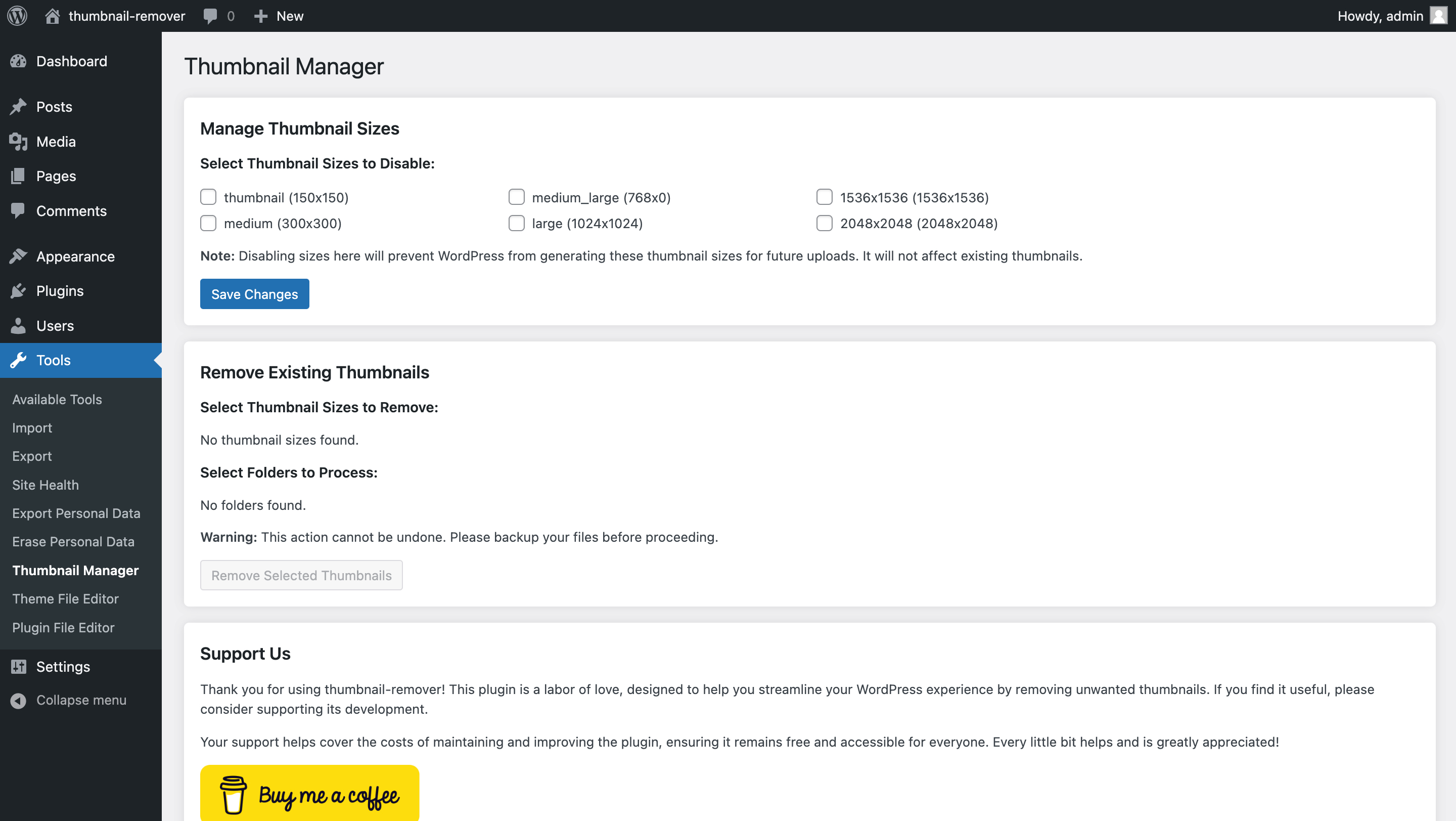
Settings Page

Thumbnail Management

Media Backup Options
Changelog
1.1.4
- Added new feature: Media file backup functionality
- Improved user interface for backup options
- Bug fixes and performance improvements
1.1.3 Stable version
- fix wordpress publish plugin issues
[… rest of the changelog …]