

Plugin info
Maintenance & Compatibility
Maintenance score
Possibly abandoned • Last updated 2309 days ago • 1 reviews
Is Ticketor abandoned?
Possibly abandoned (last update 2309 days ago).
Compatibility
Similar & Alternatives
Explore plugins with similar tags, and compare key metrics like downloads, ratings, updates, support, and WP/PHP compatibility.
Description
Ticketor is a full-featured event ticketing and box-office solution. You can use this plug-in to add event ticketing and box-office features to your WordPress site.
Please note that this plug-in is just a light-weight shell container and does not require updates. It easily works with newer versions of Word-Press. As a result you may not see much updates on this plug-in. However Ticketor is well maintained and gets updated very frequently.
To use this plug-in, you need to sign up for a Ticketor account, then use the plugin to embed a specific page or feature to your WordPress website.
To sign up, simply go to https://www.Ticketor.com , click on sign up, provide your basic information and you will get a ticketing and box-office portal immediately, where you can create and manage your events.
As part of the portal, you will get a page that lists all your upcoming events and one page per event and other optional pages.
You can embed any of those pages in your WordPress website.
To embed a page, go to that page and then from the “Control Panel > Settings tab” select the “Embed” option. You will be provided the short-code to use in WordPress. There are a few options there that you can customize the behavior and the shortcode.
Installation
1- Download the Plugin and install it on your WordPress server. Then activate the Plugin.
2- Then you have to edit the content of a page and add the proper [ticketor] shortcode. You will get the proper shortcode to add any feature from your Ticketor administrative portal after you sign up.
Samples:
Below you will find samples for an EXAMPLE site as well as more realistic samples from Ticketor demo site at https://Ticketor.com/Demo to your WordPress page:
Generic Sample:
Assuming that your Ticketor site address is Ticketor.com/Example, below shortcode will embed your upcoming events page in your WordPress site:
[ticketor id=”TicketorFrame” allowtransparency=”true” style=”background:transparent;” src=”https://www.ticketor.com/EXAMPLE/upcomingevents?frame=1&moduleOnly=1&noheader=1¬opnav=1&nomodulewrap=1&transparent=1&linktarget=frame” frameborder=”0″ width=”100%” height=”1000″]
1- List of events from https://www.Ticketor.com/demo:
[ticketor id=”TicketorFrame” allowtransparency=”true” style=”background:transparent;” src=”https://www.ticketor.com/demo/upcomingevents?pageid=343&frame=1&moduleOnly=1&noheader=1¬opnav=1&nomodulewrap=1&transparent=1&linktarget=frame” frameborder=”0″ width=”100%” height=”1000″]
2- Ticketing page for the kids show (Assigned seat) from https://www.Ticketor.com/demo:
[ticketor id=”TicketorFrame” allowtransparency=”true” style=”background:transparent;” src=”https://www.ticketor.com/demo/tickets/a-kids-show-1323?frame=1&moduleOnly=1&noheader=1¬opnav=1&nomodulewrap=1&transparent=1&linktarget=frame” frameborder=”0″ width=”100%” height=”1000″]
3- Ticketing page for the Conference 2020 (General Admission) from https://www.Ticketor.com/demo:
[ticketor id=”TicketorFrame” allowtransparency=”true” style=”background:transparent;” src=”https://www.ticketor.com/demo/tickets/conference-2020-603?frame=1&moduleOnly=1&noheader=1¬opnav=1&nomodulewrap=1&transparent=1&linktarget=frame” frameborder=”0″ width=”100%” height=”1000″]
Frequently Asked Questions
Do I need a Ticketor.com account to use this plug-in?
Yes, you need a Ticketor.com account to use it. Just go to https://www.Ticketor.com to get more information and sign up.
What does this plug-in actually do?
It embeds any page from your Ticketing portal, to your WordPress website. You will need to create and manage events on Ticketor.
Is Ticketor free or open-source?
No Ticketor is not free and is not open-source, however, this plug-in is free and open-source. Ticketor is a paid service but you can transfer all the fees to ticket buyers and not pay any fees. Since you have full control and flexibility with fees, you can even set the buyer fees higher to make extra income..
Review feed
Easy to use, great features
Screenshots
![<p>[ticketor] shortcode. How to use Ticketor WordPress plug-in.</p>](https://ps.w.org/ticketor/assets/screenshot-1.png?rev=1539413)
[ticketor] shortcode. How to use Ticketor WordPress plug-in.

Ticketing for an assigned seat event on an interactive seating chart

List of events on the home page

Hard tickets printed using Ticketor in 6 different beautiful colors

E-tickets and mobile tickets with barcode generated by Ticketor

Barcode scanning and gate control using your mobile

Ticketing solution for dance studios, rehearsal, performances and performing art

Ticketing software for Conferences, Seminars, Workshops and political, professional or religious-events

Ballroom event ticketing and box-office system for ballrooms with support for amphi-theater style or round-table seating charts
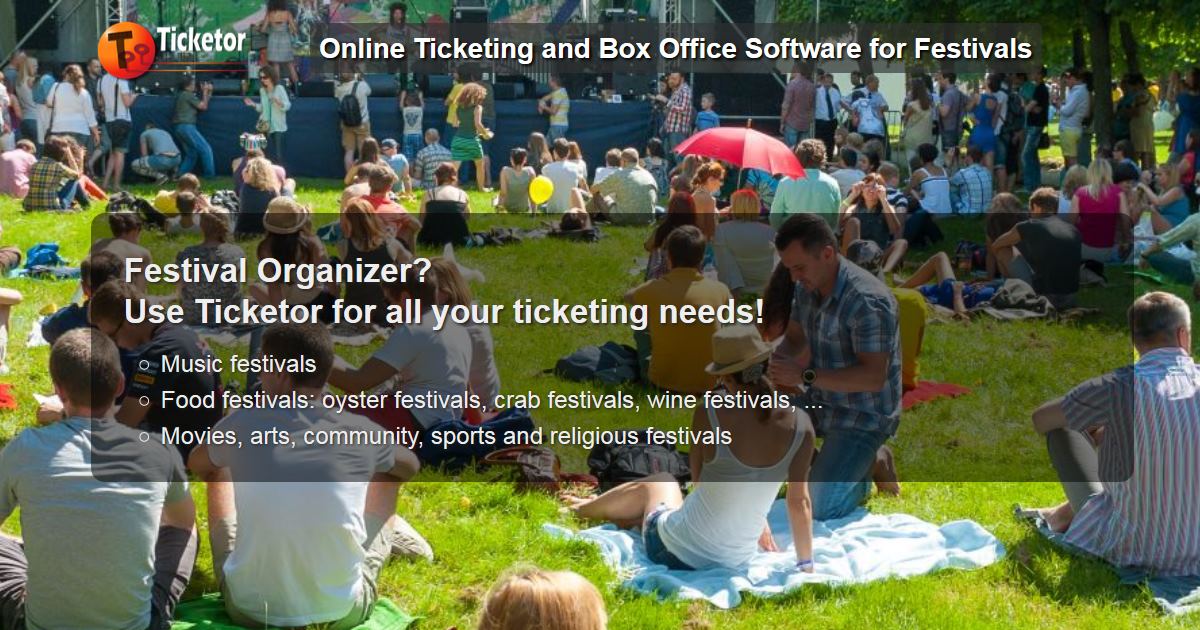
Festival and carnival ticketing and box-office system

Ballroom event ticketing and box-office system for ballrooms with support for amphi-theater style or round-table seating charts

Ticketing software for concerts and national and worldwide concert tours with support for over hundred currencies

Performing arts and community players ticketing solution and box-office

Ticketing and box-office solution for venues, concert-halls, arenas and theaters
Changelog
2.3 – 2019-12-06
- minor fixes.
2.2 – 2019-01-20
- minor fixes.
2.1 – 2016-01-22
- minor fixes.
2.0 – 2015-11-16
- Enhancement for iframe height
1.0 – 2015-09-12
- Initial version