

Timeline Full Widget
Add a Timeline Widget easily to your WordPress site. Elementor Widget and Gutenberg Block for your site.
Plugin info
Maintenance & Compatibility
Maintenance score
Stale • Last updated 181 days ago
Is Timeline Full Widget abandoned?
Likely maintained (last update 181 days ago).
Compatibility
Similar & Alternatives
Explore plugins with similar tags, and compare key metrics like downloads, ratings, updates, support, and WP/PHP compatibility.
Description
Adds Timeline Addons/Widgets designed to be used with the Elementor Page Builder.
You can also add a Timeline Gutenberg Block for modern WordPress sites, or a Timeline Widget for classic themes.
Installation
- Upload the plugin files to the
/wp-content/plugins/timeline-full-widgetdirectory, or install it through the WordPress plugins screen directly. - Activate the plugin through the ‘Plugins’ screen in WordPress.
- Use the Elementor editor or Gutenberg editor.
Frequently Asked Questions
Yes, tested with Elementor 3.32.4 and WordPress 6.8.
Yes, but then the styles for the timeline may shift. To correct them, you will need to specify the styles separately. For example:
@media (min-width: 701px) {
.tl-mark:has(img) {
max-width: 42px !important;
height: 30px;
left: calc(50% + 2px);
}
}
Review feed
Screenshots
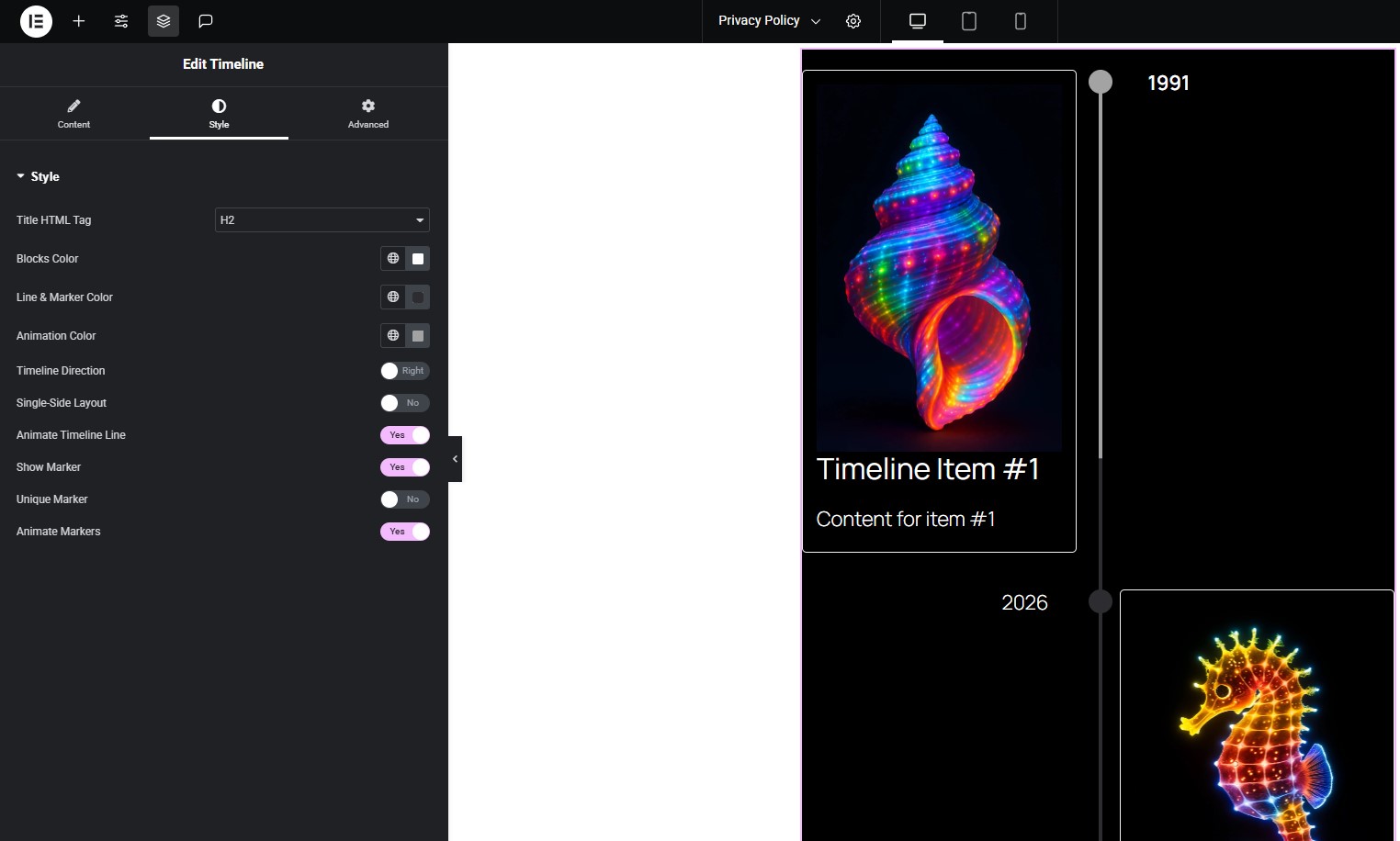
Timeline widget in Elementor.
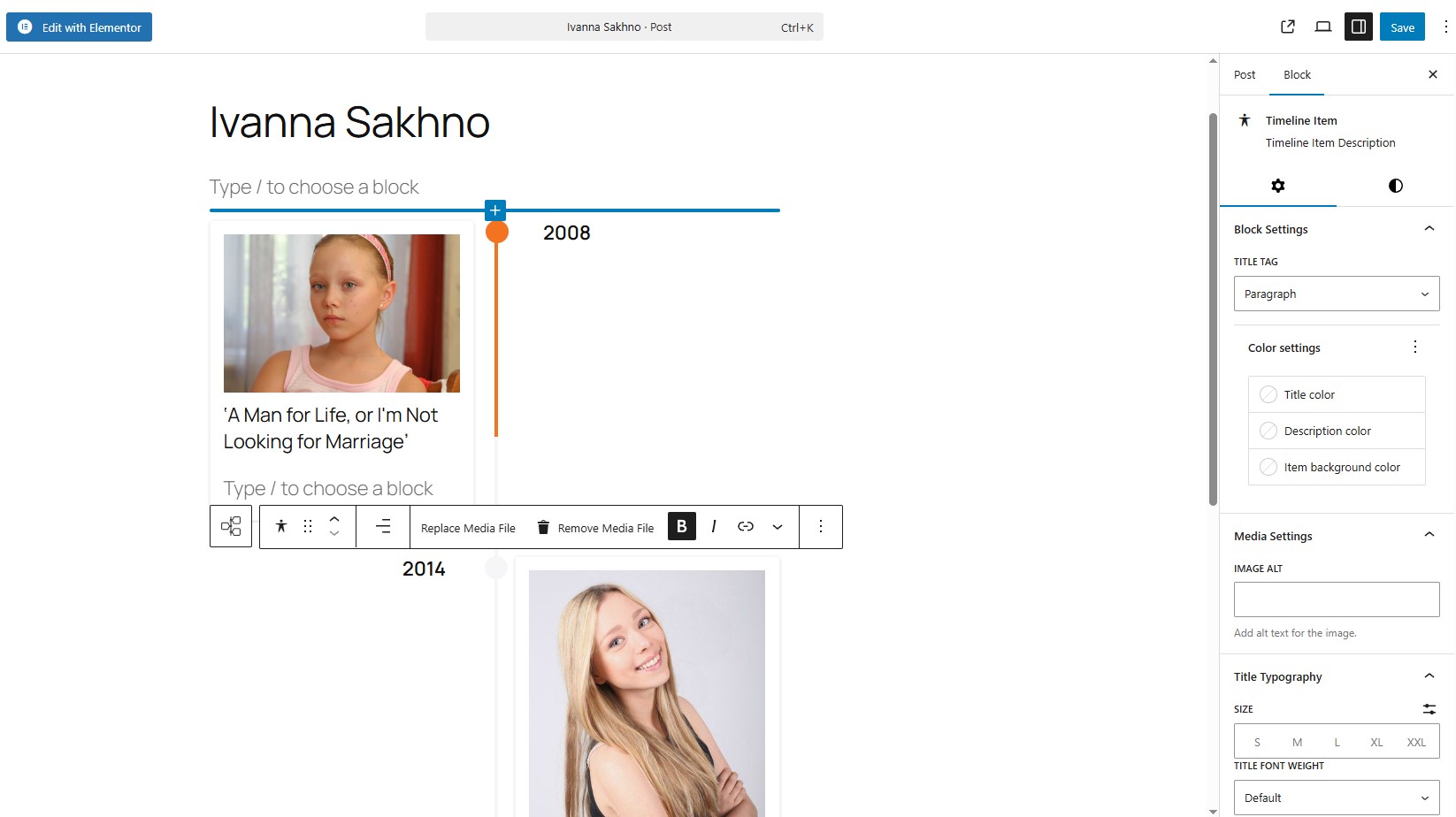
Timeline block in Gutenberg.
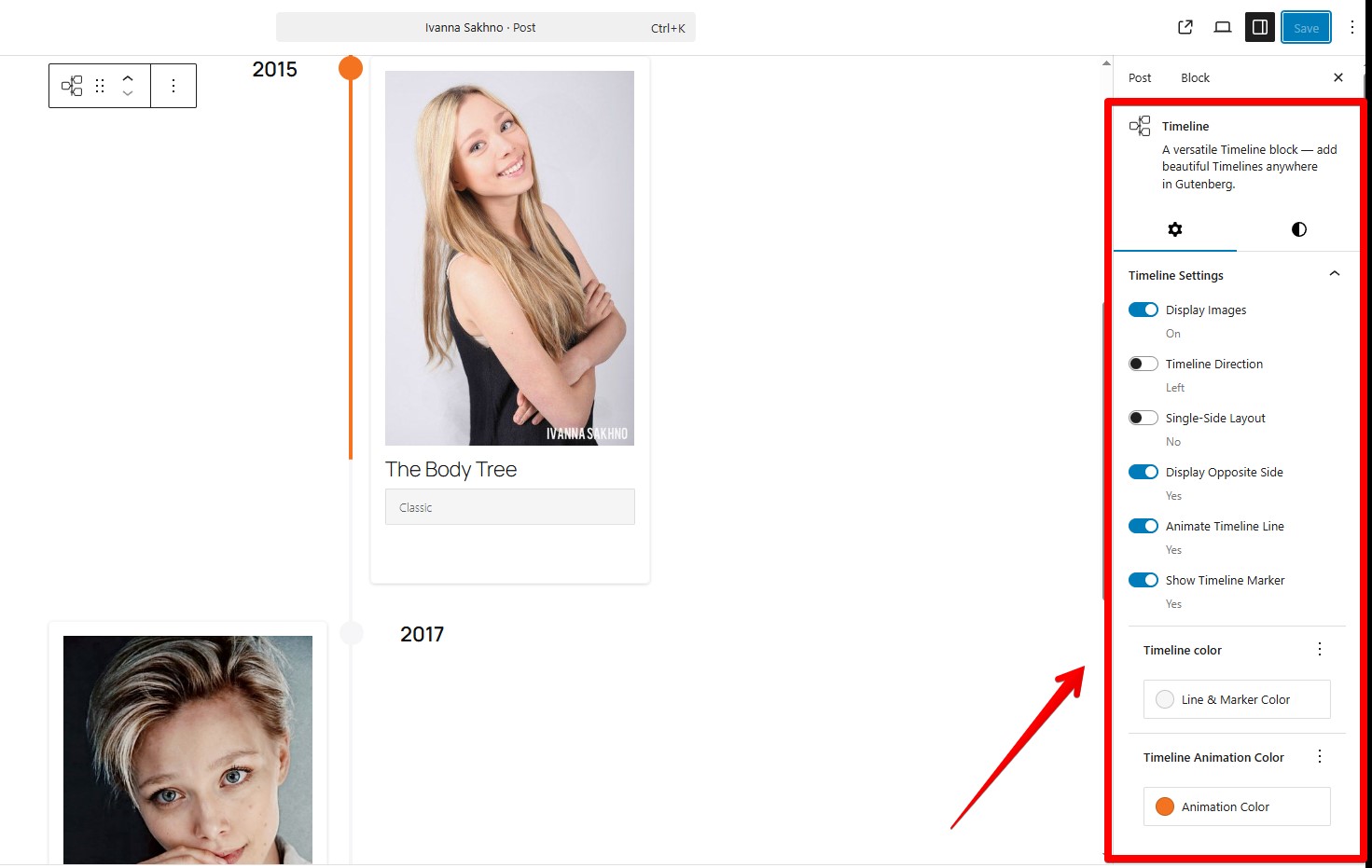
Timeline block in Gutenberg.
Changelog
1.1.0
- Bug fixes.
- Add choosing font-family for a Title element in the Gutenberg block.
1.0.1
- Added sticky text settings on the opposite side of the timeline.
- Corrected animation for markers.
1.0.0
- Release Date – 25th September 2025.
- Initial Release.