

TurtleNetwork Gateway for Woocommerce
Show prices in TN or any other token on TurtleNetwork and accept payments with that token your woocommerce webshop
Plugin info
Maintenance & Compatibility
Maintenance score
Possibly abandoned • Last updated 2487 days ago
Is TurtleNetwork Gateway for Woocommerce abandoned?
Possibly abandoned (last update 2487 days ago).
Compatibility
Similar & Alternatives
Explore plugins with similar tags, and compare key metrics like downloads, ratings, updates, support, and WP/PHP compatibility.
Description
Display prices in TN or token and let your clients pay through the TurtleNetwork client software. Built on top of Ripple Gateway developed by Casper Mekel and uses Base58 library developed by Stephen Hill for encoding and decoding.
- Display prices in TN or token in store and on checkout
- Prices are calculated based on TurtleNetwork DEX rate
- Links can be copied by clicking and a QR code is supplied which can be used in the TurtleNetwork wallet app op iOS and Android
- Countdown refreshes form each 10 minutes, updating amounts using the most recent conversion reate
- Matches payments on (encoded) attachment and amount
- Checkout page is automatically refreshed after a successful payment
- Dutch and Russian translations included. More translations are welcome.
Installation
Install the plugin by uploading the zipfile in your WP admin interface or via FTP:
- Upload the plugin folder to the
/wp-content/plugins/directory - Activate the plugin through the ‘Plugins’ menu in WordPress
- Find the configuration in Woocommerce->Payment page and fill out your settings and preferences
Frequently Asked Questions
Review feed
Screenshots

Payment methods in Woocommerce

TurtleNetwork payments

QR-code/address/attachment for your order
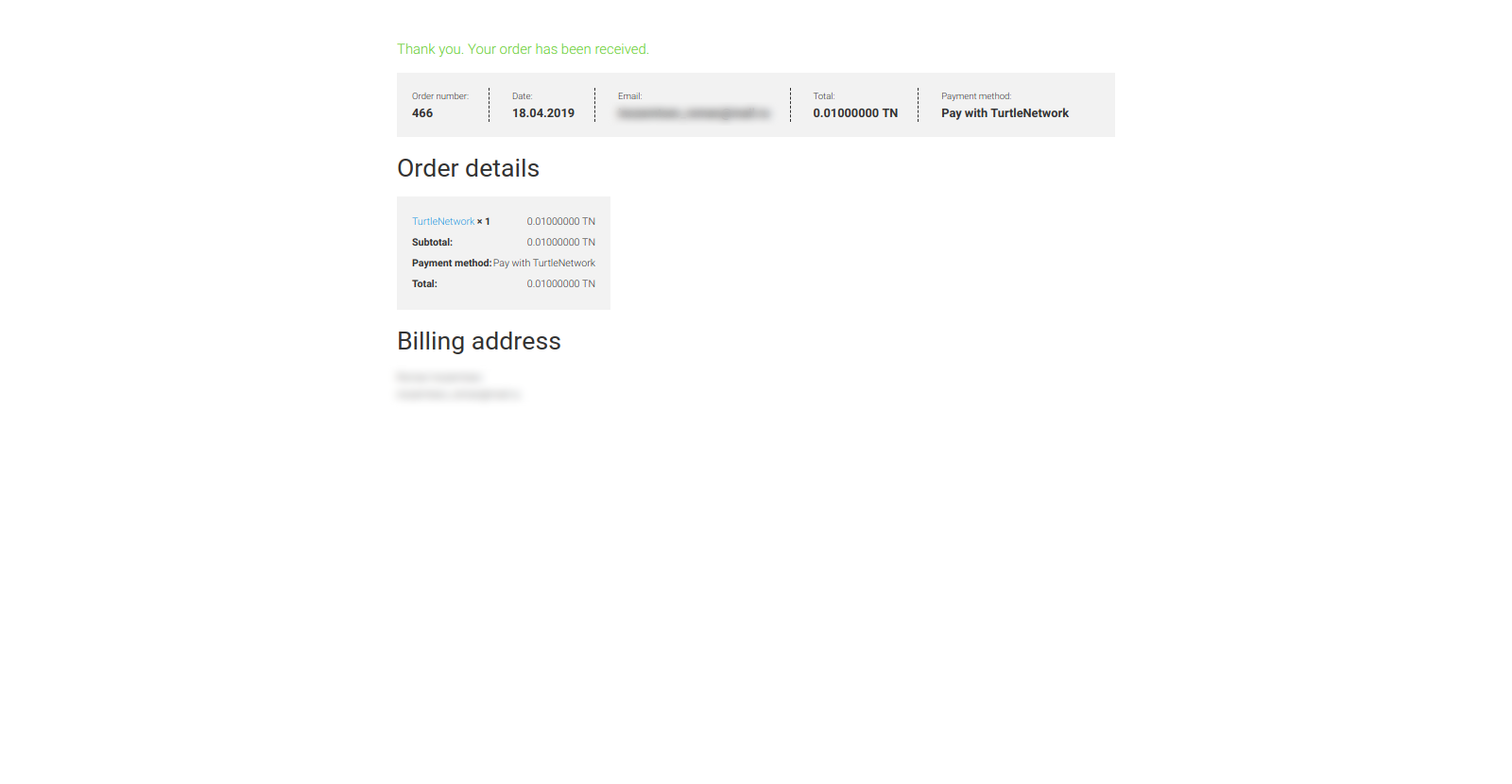
Order has been received

Tx from explorer TurtleNetwork
Changelog
- 1.0.0
- Initial release