

Toolbox for Asgaros Forum
This toolbox allows you to extend the functionality of Asgaros Forum.
Plugin info
Maintenance & Compatibility
Maintenance score
Possibly abandoned • Last updated 696 days ago • Support resolved 0% • 73 reviews
Is Toolbox for Asgaros Forum abandoned?
Possibly abandoned (last update 696 days ago).
Compatibility
Developers
Languages
Similar & Alternatives
Explore plugins with similar tags, and compare key metrics like downloads, ratings, updates, support, and WP/PHP compatibility.
Description
Use Toolbox for Asgaros Forum to customize your Forum without the struggle to write some code. You can easily create some custom menu entries or change the url to the User Profile.
Support & Documentation
If you need further help with Toolbox for Asgaros Forum, please visit our Documentation. For personalized assistance, consider booking an appointment with us at domra Web Solutions. Visit our Contact Page to schedule setup and customization services. Enhance your forum experience with our Toolbox for Asgaros Forum plugin. For community support, please visit our Support Forum.
Features
- Add custom menu entries at the forum menu
- Remove the whole menu
- Customize the Asgaros Forum URLs (e.g. Member List, Profile)
- Shortcodes to integrate Asgaros Forum Profile in the ultimate Member Profile
- Create a custom tab at the ultimate member profile for the forum history
- Allow users to upload images inside a post
- Subscribe Users automatically to their own topics and posts
Installation
- Install the plugin
- Activate the plugin through the ‘Plugins’ screen in WordPress
- Go to “Toolbox-for-Asgaros-Forum” and select the tools that you want to use. The menu entries will appear after
activating the tools.
Frequently Asked Questions
Just go to the Official Translation Tool of WordPress and use your WordPress Account to login.
Review feed
Screenshots
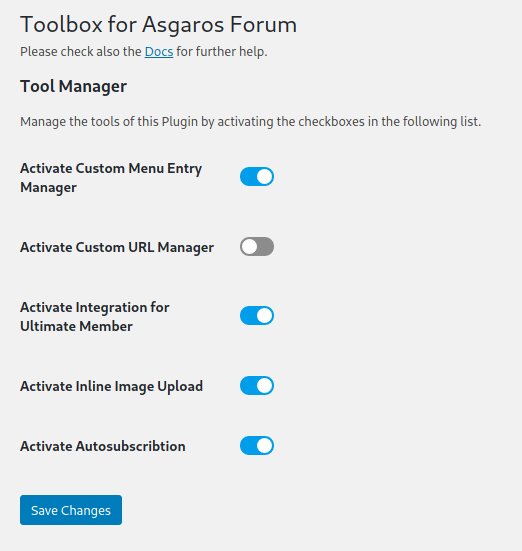
Dashboard
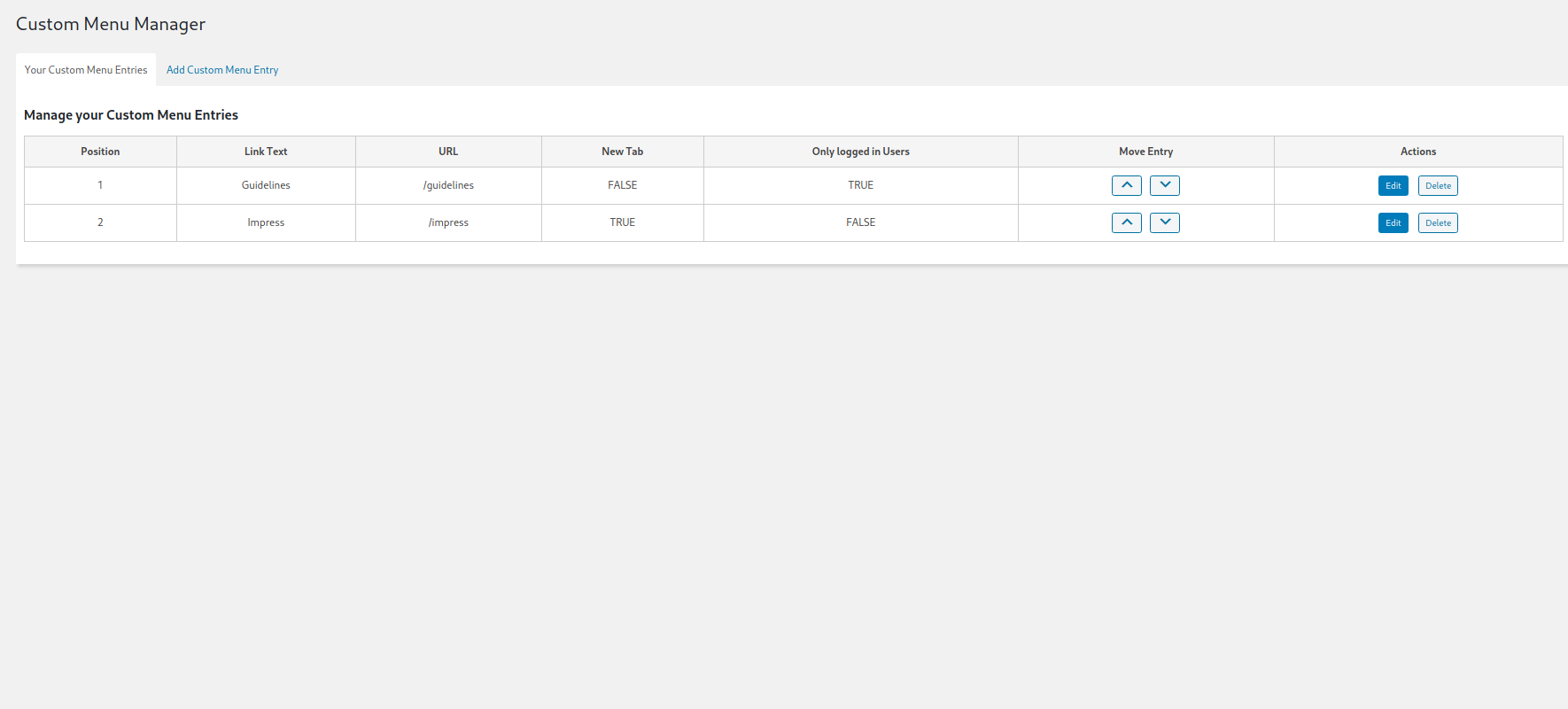
Custom Menu Manager
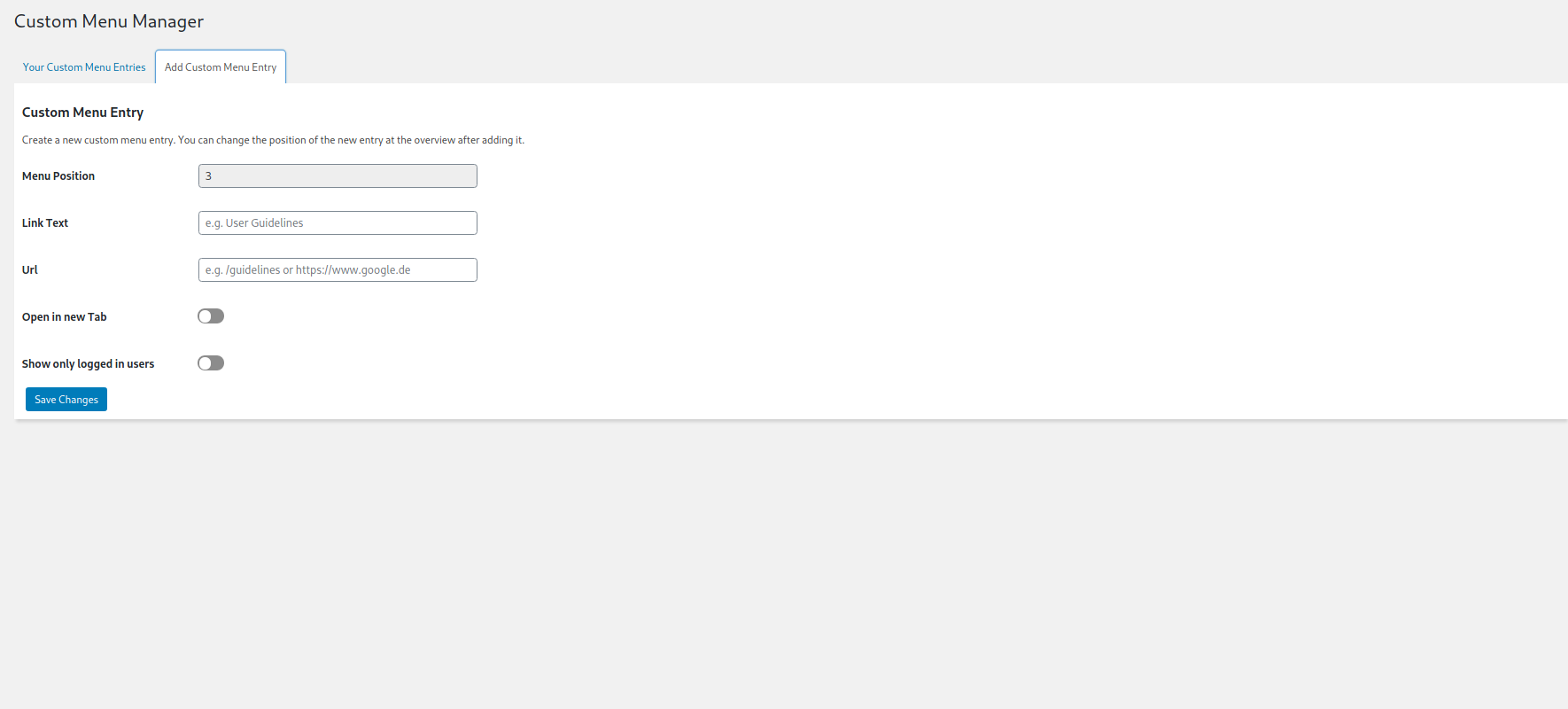
New Custom Menu Entry
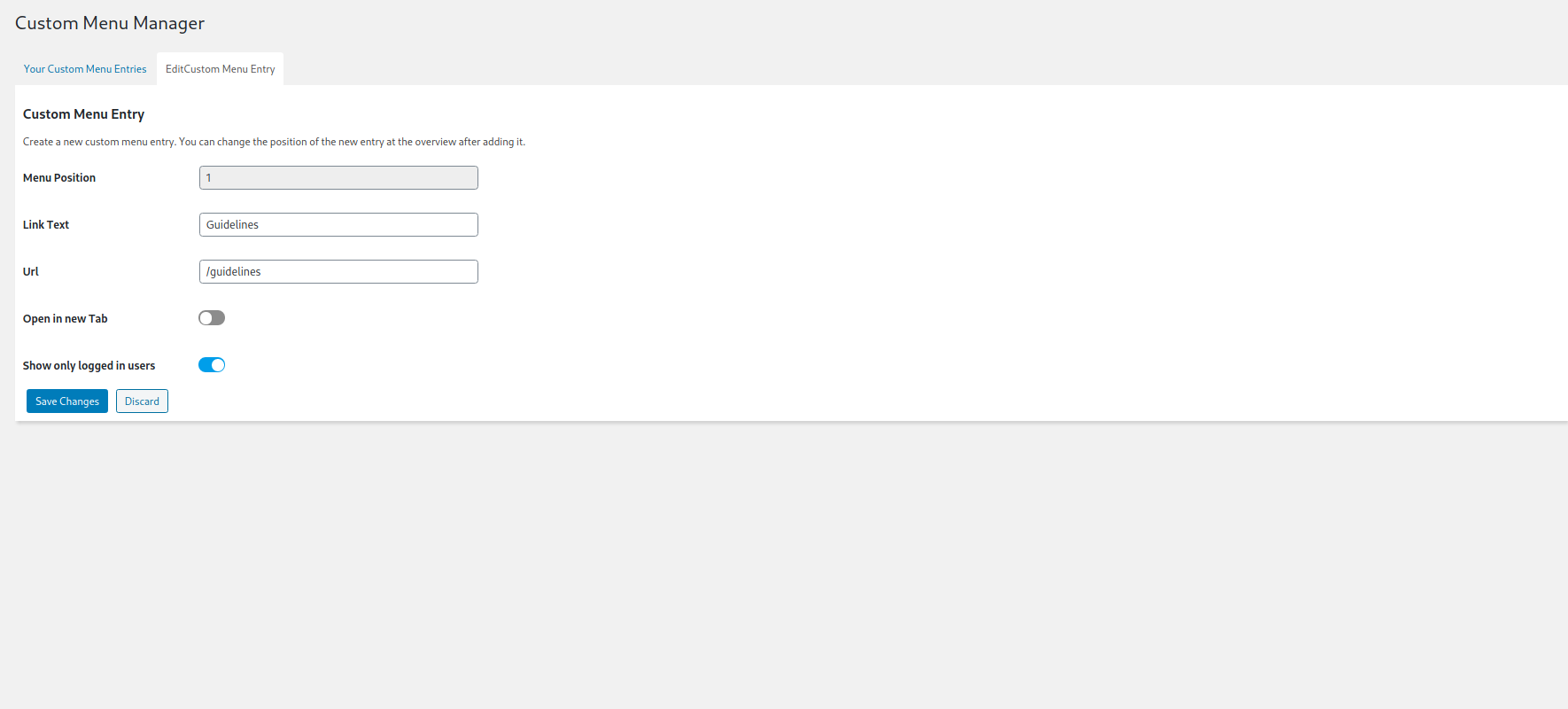
Edit Custom Menu Entries
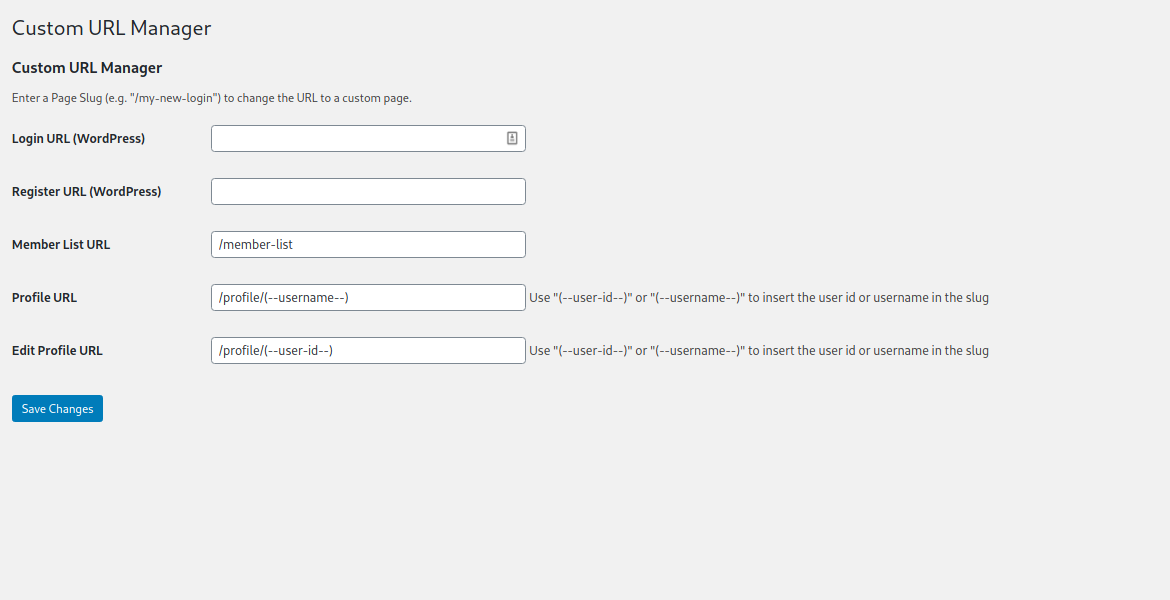
Custom URL Manager
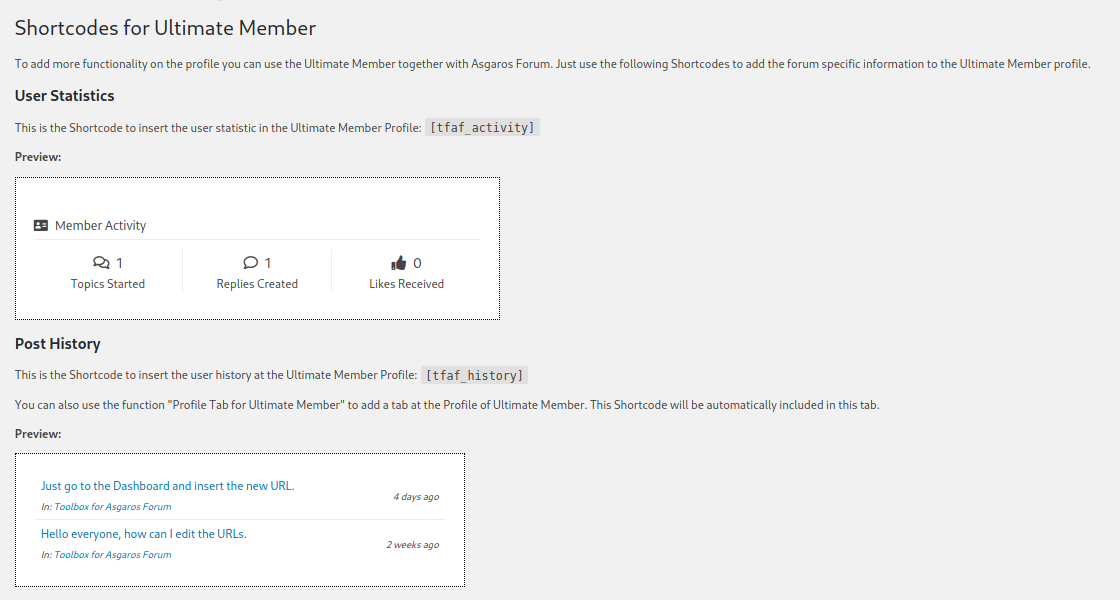
Shortcodes for Ultimate Member
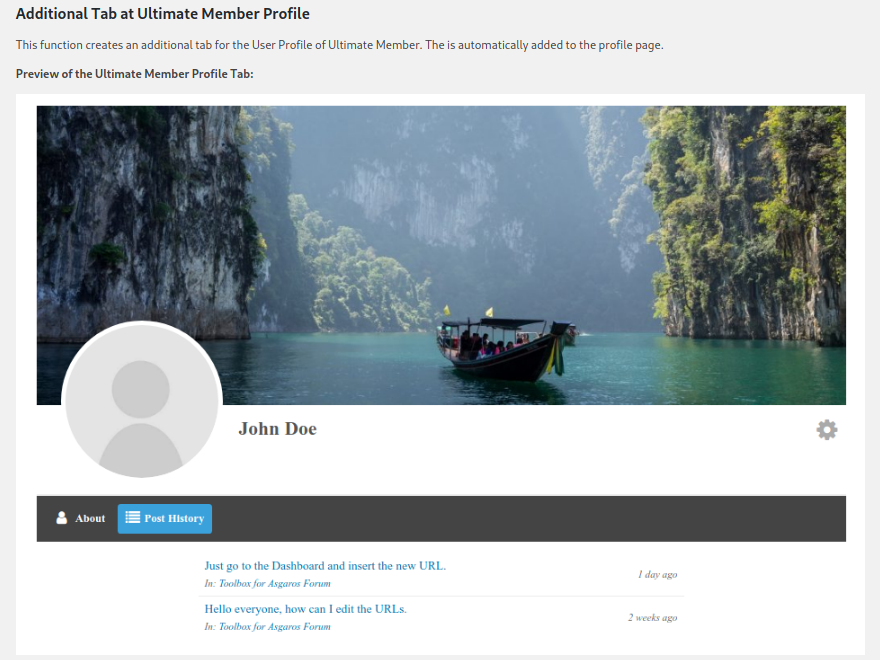
Custom Tab for Ultimate Member profile
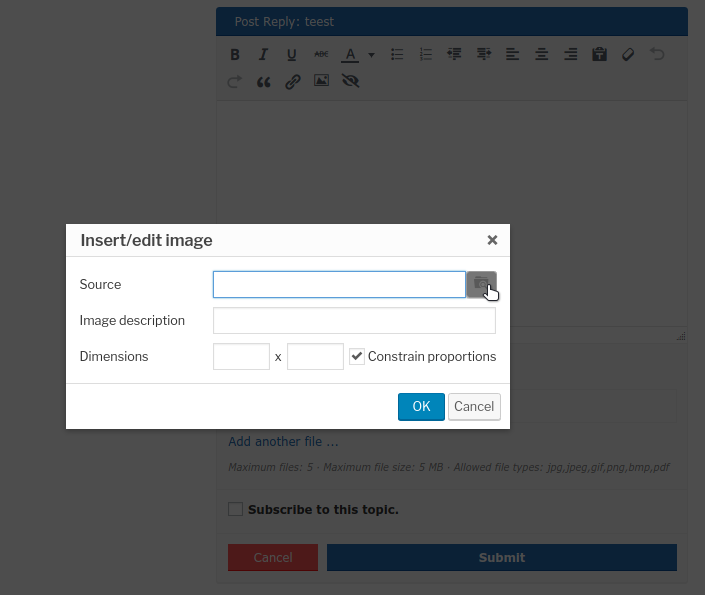
Inline Image Upload
Changelog
1.2.4
- Add: Hide Forum Menu and Forum Header
- Fix: Delete last custom menu entry
1.2.3
- Add: Compatibility with Responsive Menu
1.2.2
- Fix: CSS
1.2.1
- Fix: CSS
1.2.0
- Add Autosubscription
- Fix: duplicate output
1.1.5
- Fix: Compatibility PHP
1.1.4
- Add Advanced header menu
- Fix: Image Upload JS
1.1.3
- Add debugging mode for Image upload
1.1.2
- Fix: Error when using https for Image upload
1.1.1
- Fix: Notifications
1.1.0
- Add Inline Image Upload
1.0
- Initial Version