

Tour Booking
This plugin is designed for travel agencies, private guides and other companies that provide the opportunity to book a tour for their customers - hote …
Plugin info
Maintenance & Compatibility
Maintenance score
Possibly abandoned • Last updated 1959 days ago
Is Tour Booking abandoned?
Possibly abandoned (last update 1959 days ago).
Compatibility
Similar & Alternatives
Explore plugins with similar tags, and compare key metrics like downloads, ratings, updates, support, and WP/PHP compatibility.
Description
This plugin is designed for travel agencies, private guides and other companies that provide the opportunity to book a tour for their customers – hotels and other booking companies.
Each tour is a post that has the following properties:
– name
– annotation
– description
– initial picture
– tour duration in hours
– cost
– transport type (pedestrian, automobile/car, ship/boat, bycicle, etc.)
– city
– starting point
– finish point
– order (number; the smaller it is, the closer the tour is to the top of the list; by default, tours are arranged by date of creation)
Also a tour, like other WordPress posts, can have a category and tags.
The plugin has a filter (widget) that allows you to select tours by city, transport, tag and category. It has also an automatic shortcode generator that allows you to place on the page tours selected by these parameters.
Installation
- Upload
tour-booking.phpto the/wp-content/plugins/directory - Activate the plugin through the ‘Plugins’ menu in WordPress
Frequently Asked Questions
Review feed
Screenshots
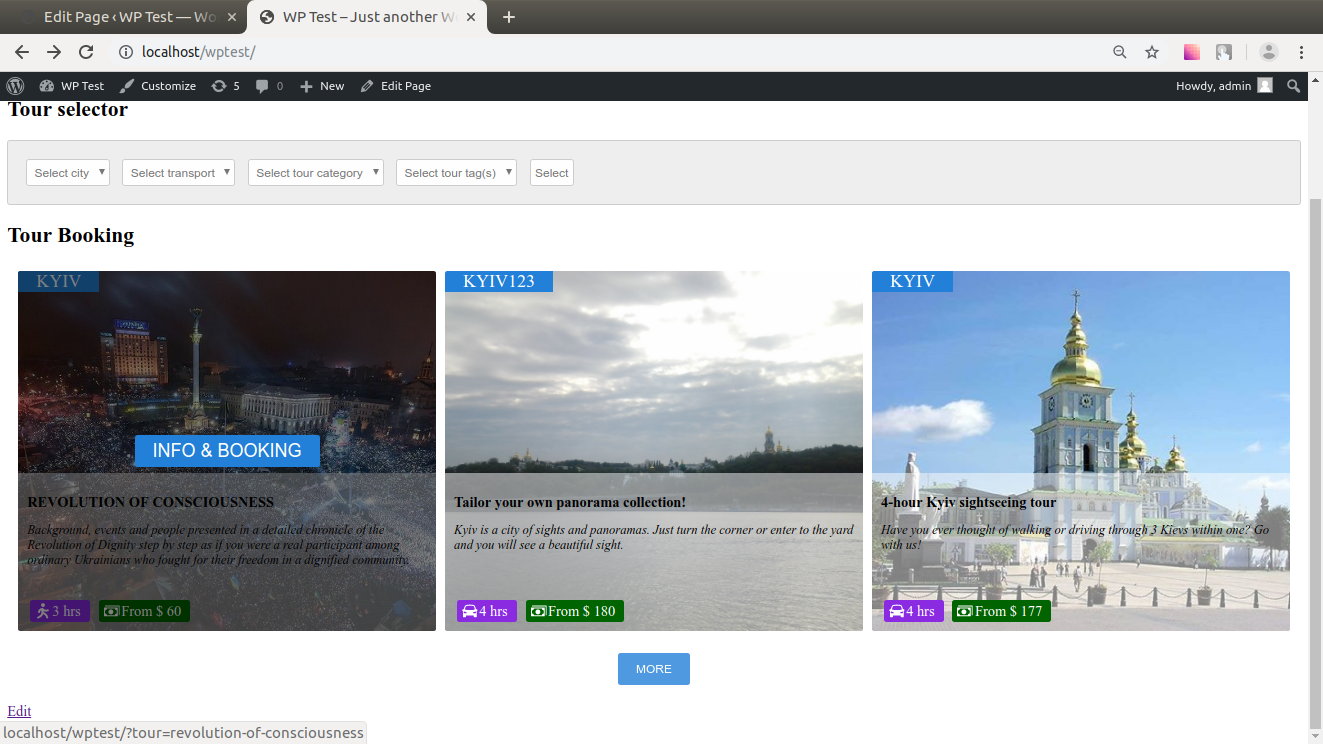
Listing of tours.
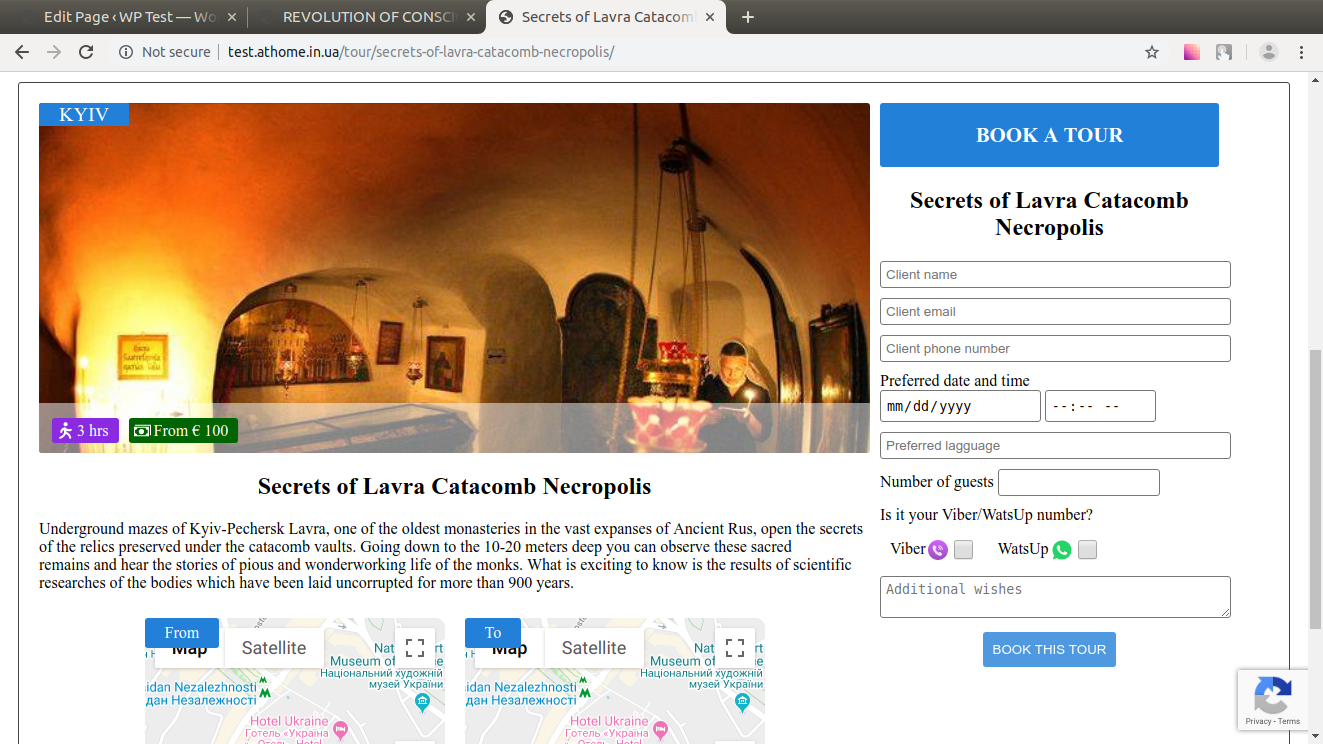
Page of tour with the booking form.
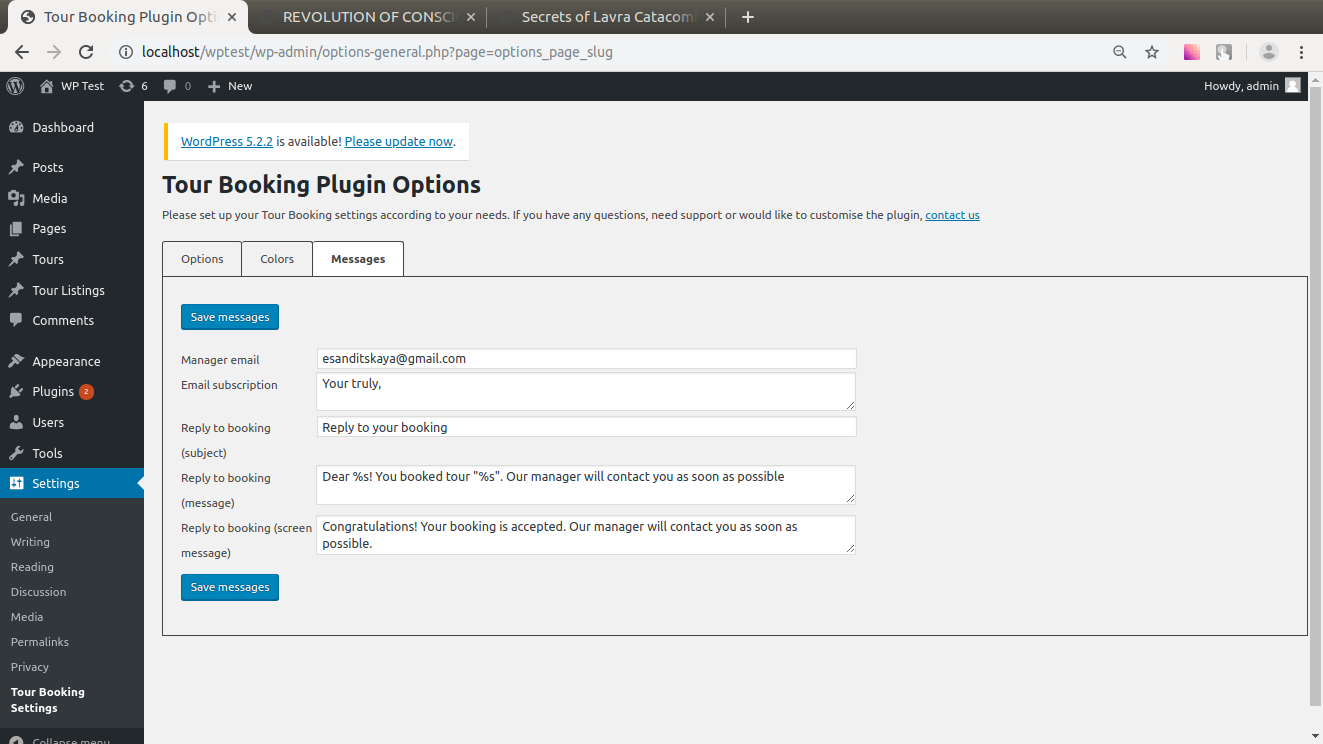
Admin page for the plugin: general settings
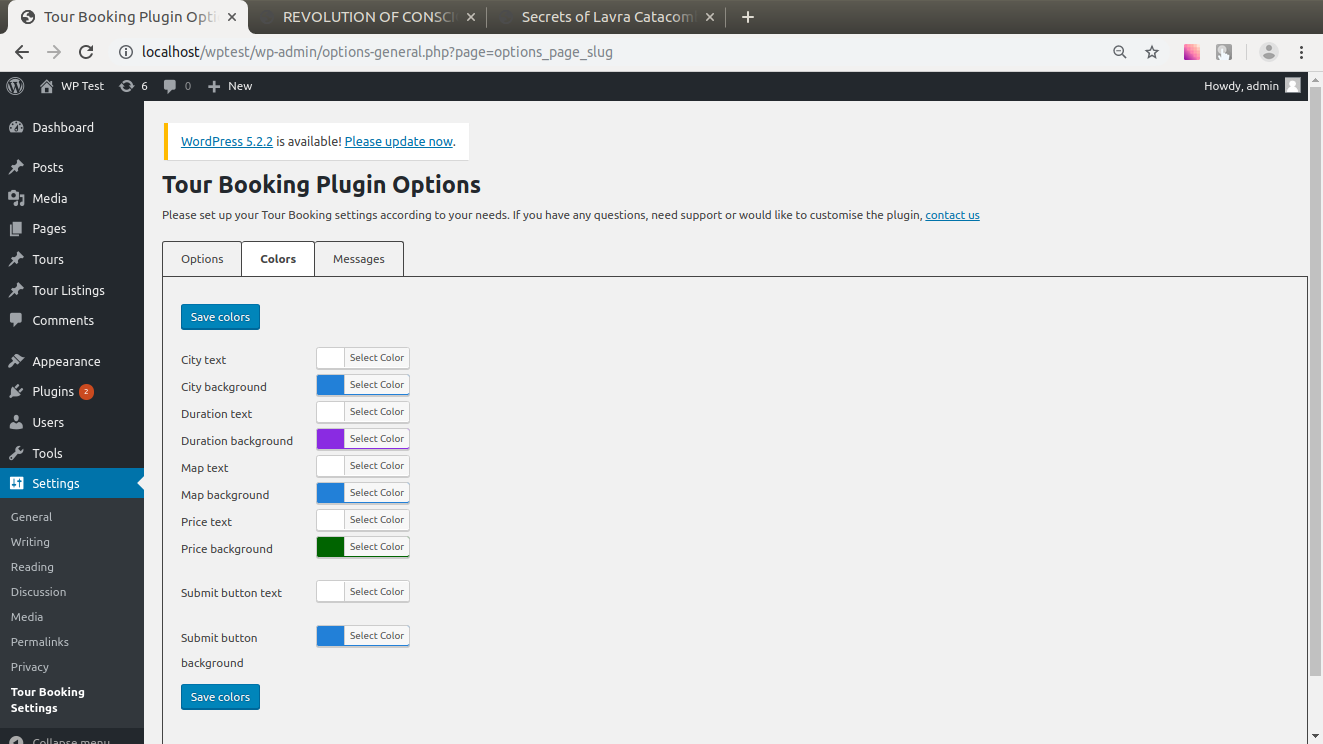
Admin page for the plugin: color settings
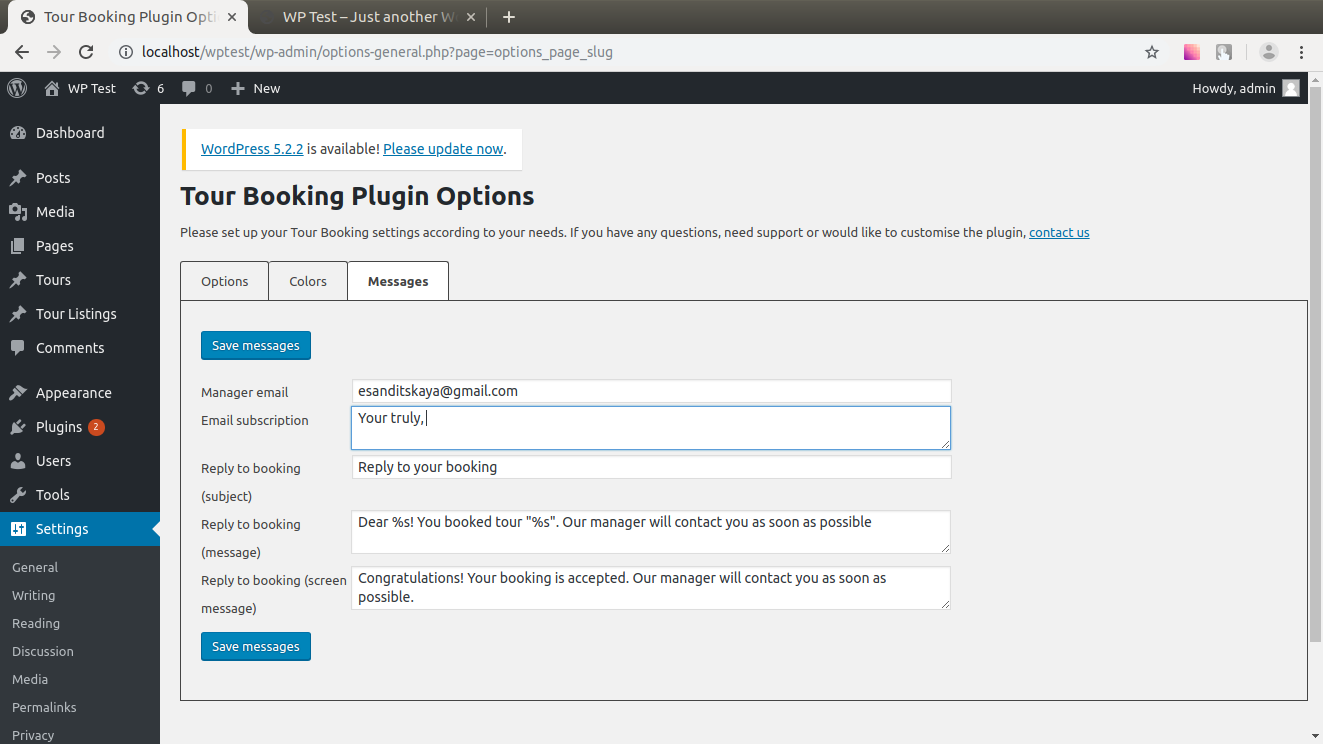
Admin page for the plugin: settings for the messages
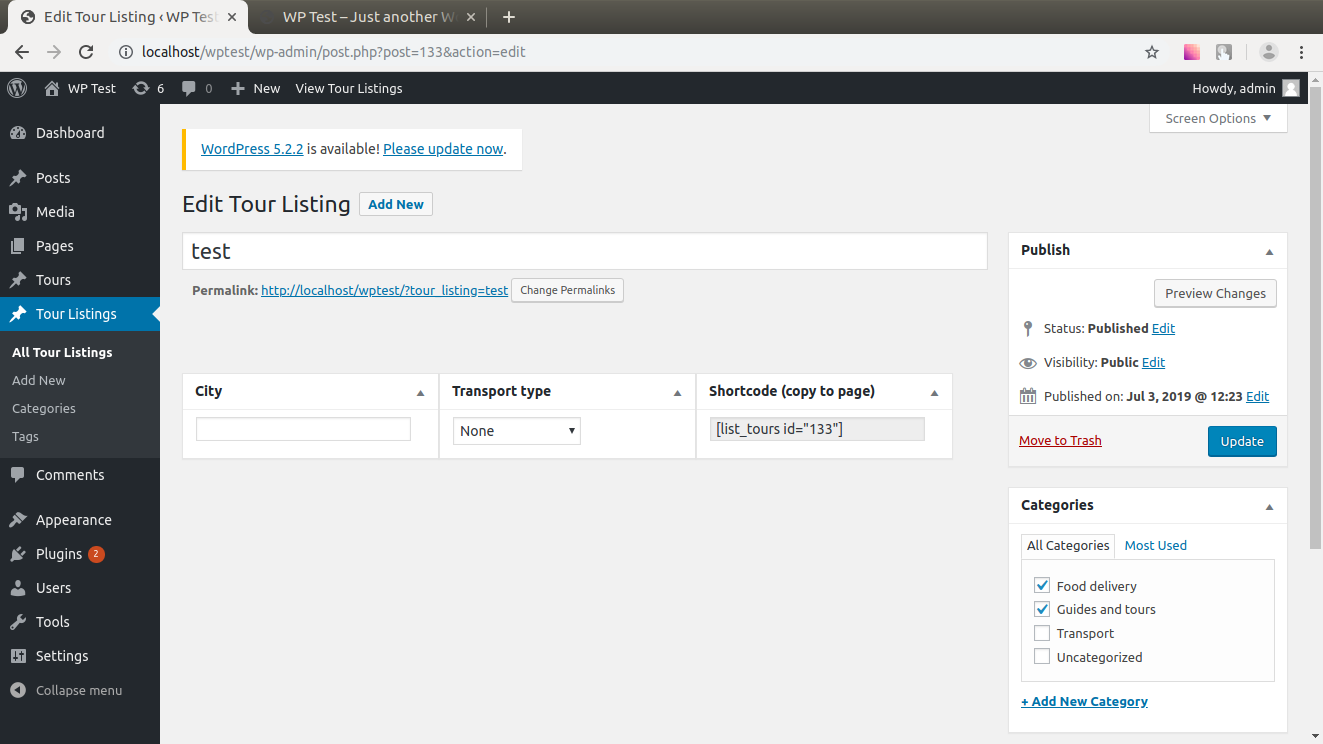
Shortcode generator