

Travelly – Tour & Travel Booking Manager for WooCommerce | Tour & Hotel Booking Solution
Enhance and manage travel bookings effortlessly with WPTravelly—your complete WordPress booking solution for websites.
Plugin info
Maintenance & Compatibility
Maintenance score
Maintained • Last updated 123 days ago • Support resolved 75% • 42 reviews
Is Travelly – Tour & Travel Booking Manager for WooCommerce | Tour & Hotel Booking Solution abandoned?
Likely maintained (last update 123 days ago).
Compatibility
Languages
Similar & Alternatives
Explore plugins with similar tags, and compare key metrics like downloads, ratings, updates, support, and WP/PHP compatibility.
Description
Travelly is the ultimate tour and travel booking solution for WordPress websites. Ideal for travel agencies and tour operators, this plugin enables you to create and manage customized packages effortlessly.
Launch your travel booking site in under five minutes using the most feature-rich booking plugin available.
Explore the Demo:
🌐 Live Demo
📘 Online Documentation
🛍️ Install Travelly
🏆 The #1 WordPress Booking Plugin With 1000+ Installations
Features
🌐 Support for All Payment Methods
Integrate seamlessly with WooCommerce to accept payments through various gateways.
🖥️ Cross-Browser Support
Ensure a consistent user experience across all modern browsers.
📱 Responsive and SEO-Friendly
Enjoy responsive design and search engine optimization for your booking system.
🌍 Multilingual Translation Support
Reach a wider audience with multilingual compatibility.
🔍 Shortcodes for Customization
Customize and embed tour details easily using shortcodes.
🌟 Comprehensive Tour Management
- Tour Name & Description
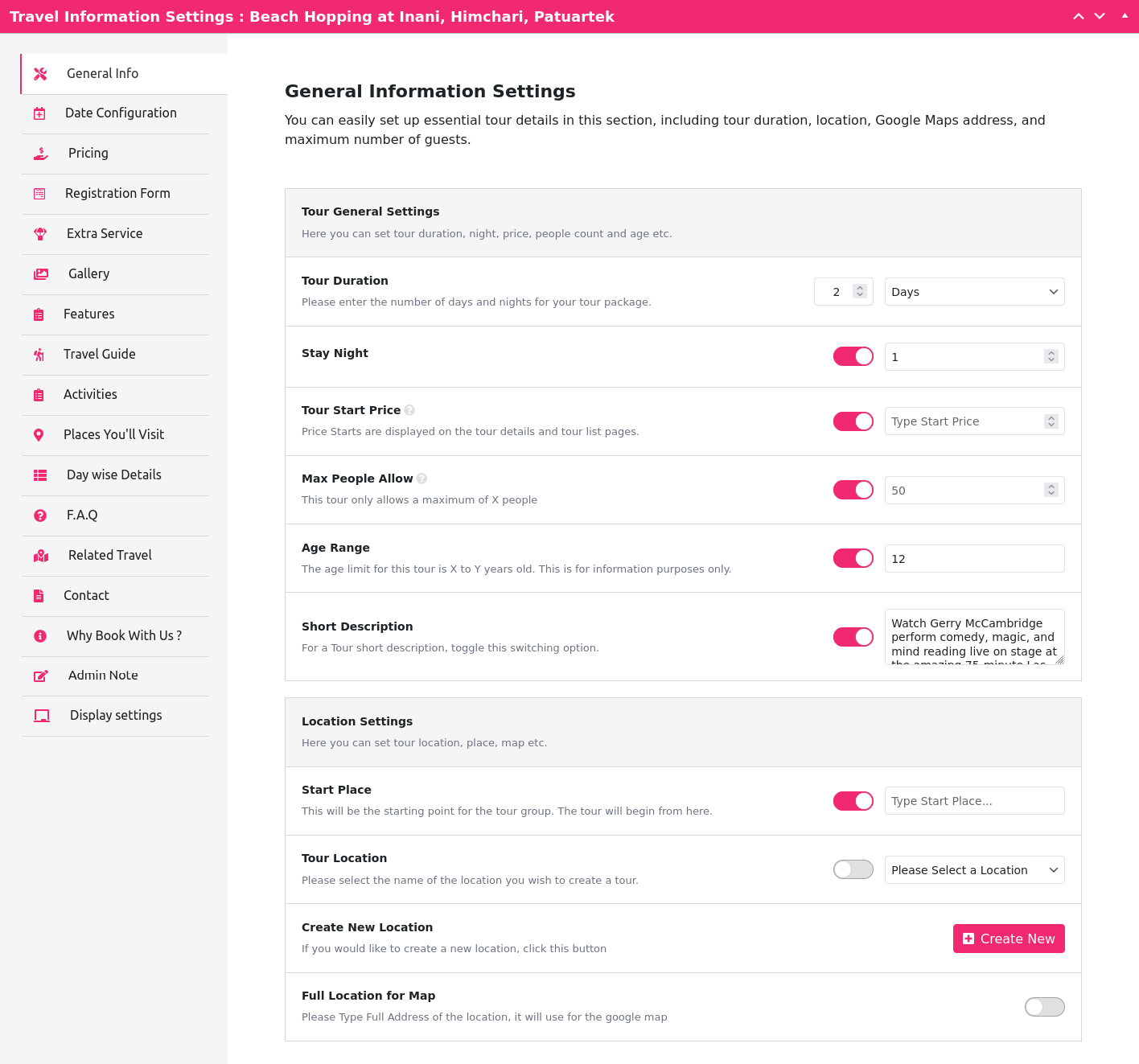
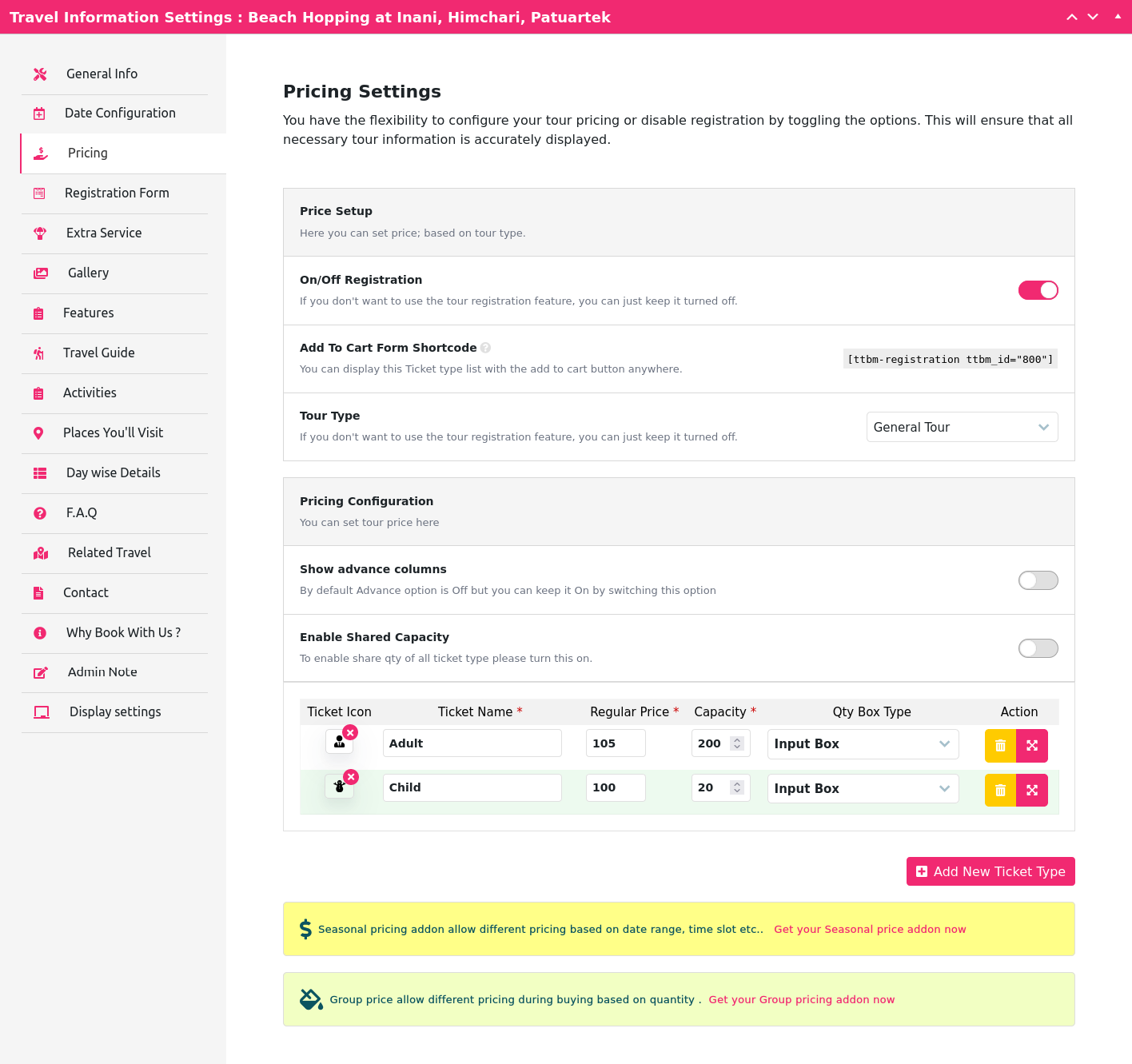
- Ticket Type, Quantity, Price, Category & Organizer
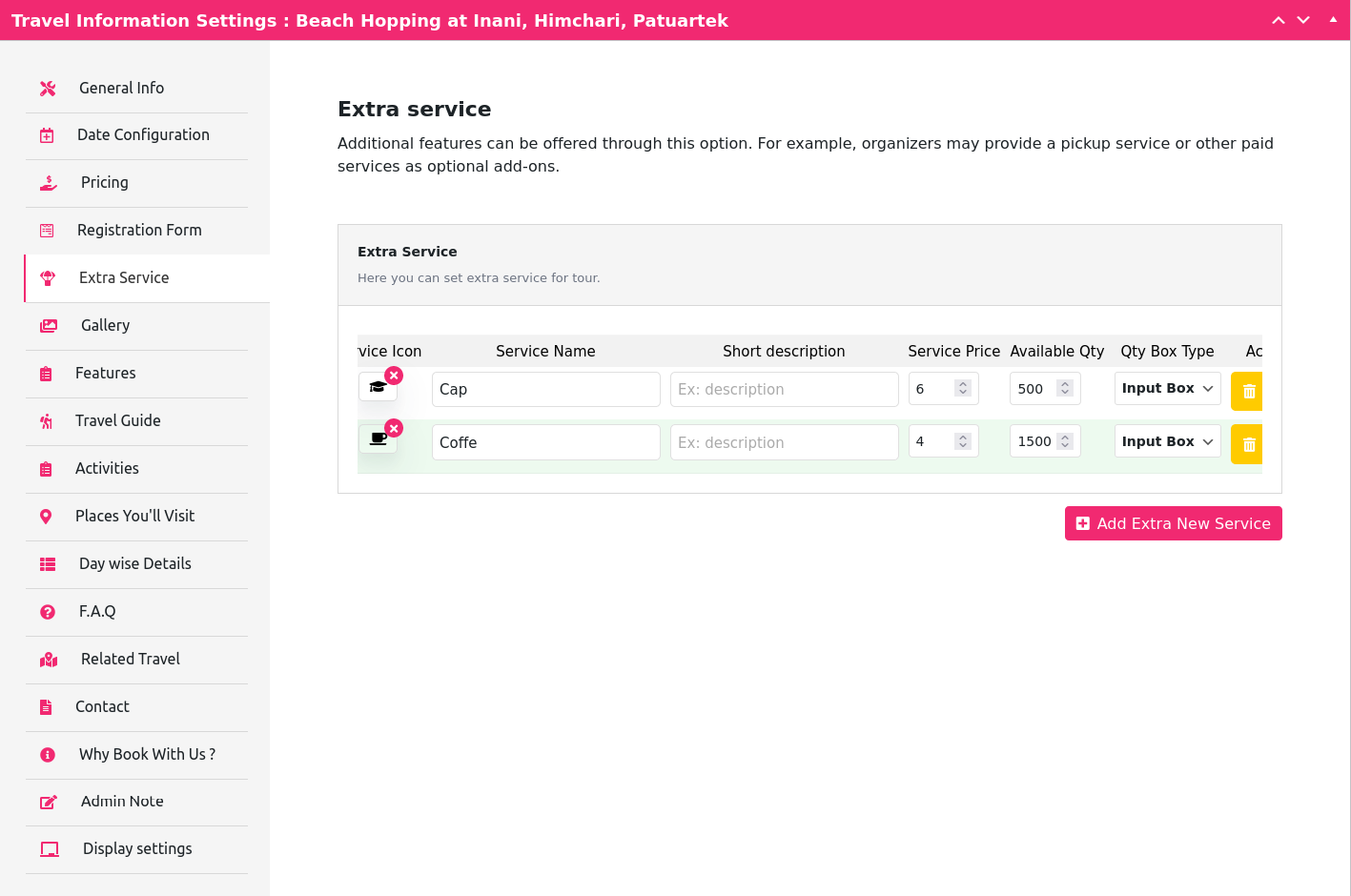
- Extra Services with Price & Quantity
- Google Maps Integration
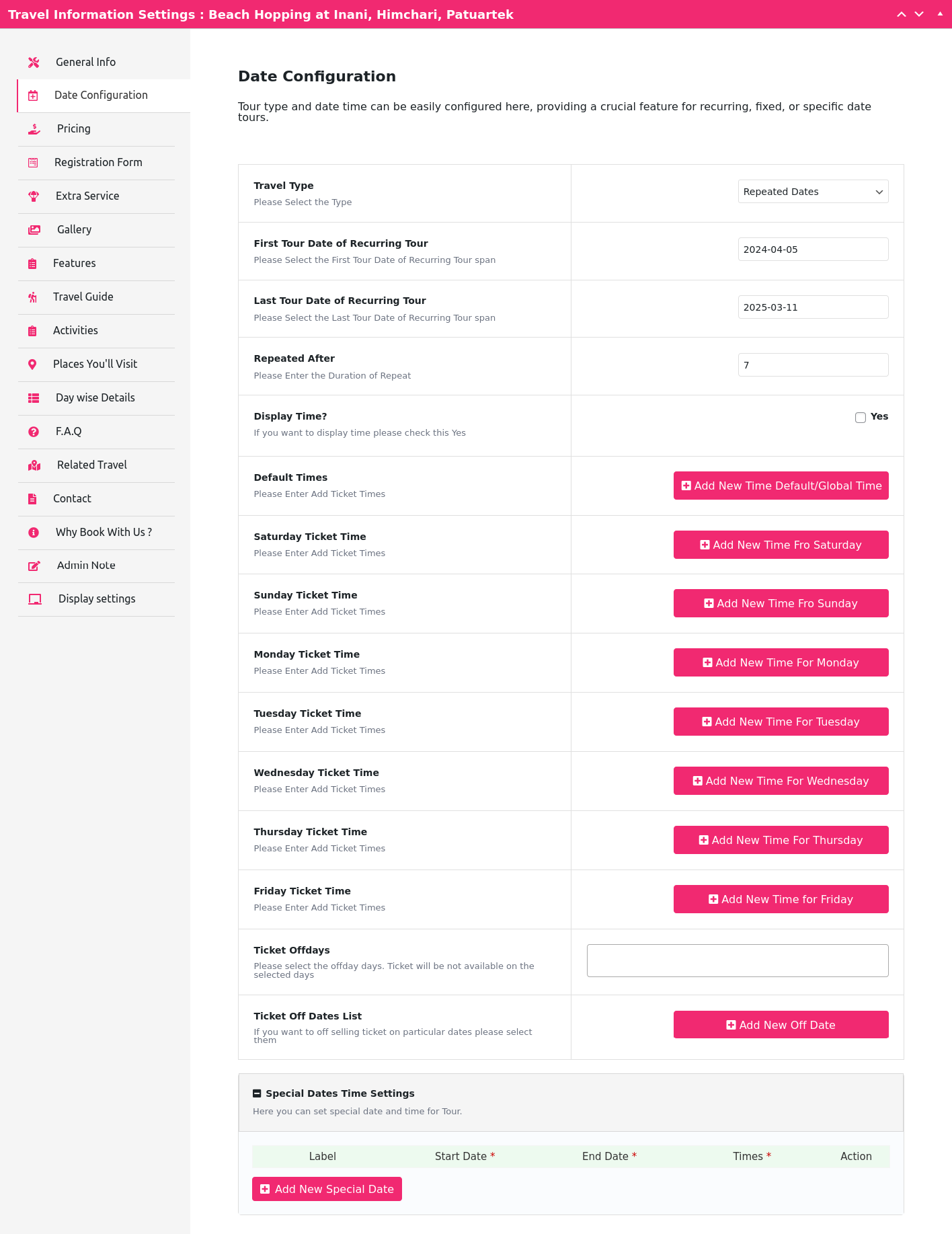
- Start Date, End Date, Time Options
- Guest Info via WooCommerce Order Details
- Compatible with any standard WordPress theme
🛒 WooCommerce Integration
Sell travel packages independently from other WooCommerce products.
Premium Features (PRO Version)
🚀 Ready to take your booking system to the next level? Upgrade to the PRO Version to unlock:
- 🎫 Downloadable PDF Tickets
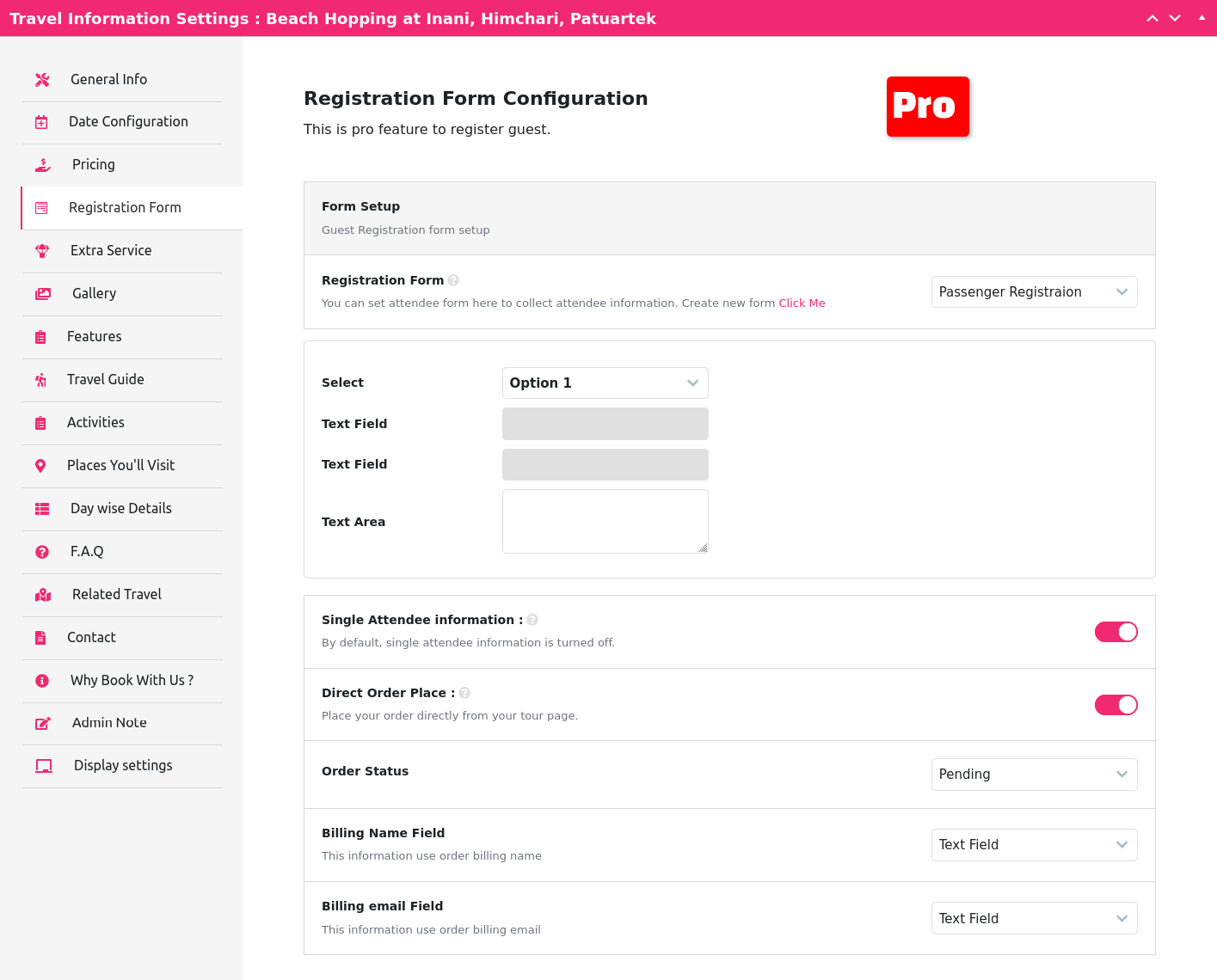
- 📝 Custom Registration Forms
- 📧 Automatic Email Confirmations with PDF Ticket
- 📊 CSV Export of Attendee List
- 📅 Recurring Tours with Specific and Repeated Dates
Ready to upgrade your tour booking experience? View our live PRO Version Demo now.
Let’s go ahead and install the Plugin and find out what is waiting for you.
Try Travelly Pro Plugin
Shortcodes included with Tour & Travel Booking Manager
[travel-list cat='' org='' style='grid' show='' pagination='no' sort='ASC' city='' country='' status='']
Tour List view
To Show the Tour list Style you need to use the shortcode below. example 👉 List Style Demo 👈:
[travel-list style='list']
Tour Grid view
To Show the Tour grid Style you need to use the shortcode below. example 👉 Grid Style Demo 👈:
[travel-list style='grid']
Tour Grid view style Lotus
To Show the Tour grid Style lotus you need to use the shortcode below. example 👉 Grid lotus Style Demo 👈:
[travel-list style='lotus' column=3]
Tour Grid view style Flora
To Show the Tour grid Style Flora you need to use the shortcode below. example 👉 Grid Flora Style Demo 👈:
[travel-list style='flora' column=3 show='15' pagination='yes']
Tour Grid view style Blossom
To Show the Tour grid Style Blossom you need to use the shortcode below. example 👉 Grid Blossom Style Demo 👈:
[travel-list style='blossom' show='9' column=3 pagination='yes']
Tour Grid view style Orchid
To Show the Tour grid Style Orchid you need to use the shortcode below. example 👉 Grid Orchid Style Demo 👈:
[travel-list style='orchid' column=3 pagination='yes' show=12]
Tour Location grid view
To show the Tour location grid view you need to use the shortcode below. example 👉 Tour Location list Demo 👈:
[travel-location-list column=4 show=4]
Tour Search form
To show the Tour search form you need to use the shortcode below. example 👉 Tour search form Demo 👈:
[ttbm-top-search]
Tour list without sidebar filter
To Show the Tour list without a sidebar filter you need to use the shortcode below. example 👉 Tour list without sidebar Demo 👈:
[travel-list style='grid' show='9' column=3 pagination='yes' sidebar-filter='no']
Tour list with top filter
To Show the Tour list top filter you need to use the shortcode below. example 👉 Tour list without sidebar Demo 👈:
[ttbm-top-filter style='list']
Expire Tour list Only
To Show the Expire Tour list only, we use the shortcode below. example 👉 Expire Tour list Only Demo 👈:
[travel-list style='list' status='expired']
Display featured Tour list
To Show the featured Tour list only, we use the shortcode below. example 👉 featured Tour list Only Demo 👈:
[wptravelly-tour-list type='feature' column=2 show=4 carousel='no']
Display popular Tour list
To Show the popular Tour list only, we use the shortcode below. example 👉 popular Tour list Only Demo 👈:
[wptravelly-tour-list type='popular' column=2 show=4 carousel='no']
Display trending Tour list Only
To Show the trending Tour list only, we use the shortcode below. example 👉 Display trending Tour list Only Demo 👈:
[wptravelly-tour-list type='trending' column=2 show=4 carousel='no']
Display deal-discount Tour list Only
To Show the deal-discount Tour list only, we use the shortcode below. example 👉 deal-discount Tour list Only Demo 👈:
[wptravelly-tour-list type='deal-discount' column=2 show=2 carousel='no']
Display Hotel Search form
To display search form of hotel use this shortcode
[wptravelly-hotel-search]
Display Hotel Search Result
if you did not create hotel search result page then create page wth slug hotel-search-result and use this shortcode
[wptravelly-hotel-search-list]
Display Hotel list with left sidebar
To disply hotel list with sidebar use this shortcode.
[wptravelly-hotel-list sidebar-filter='yes' price-filter = 'yes']
Tour Page Templates
Preview different Tour Details page styles:
- Title Section Style 1
- Title Section Style 2
- Title Section Style 3
- Default Template
- Viator Style Template
Available Add-ons
Take your tour booking system to the next level with these premium add-ons:
- 👉 Backend Order Addon – Admins can create bookings manually from the dashboard.
- 👉 Seat Plan Addon – Let users pick specific seats while booking.
- 👉 Seasonal Pricing Addon – Set ticket prices by date range.
- 👉 Group/Bulk Pricing Addon – Apply discounts based on booking quantity.
- 👉 Early Bird Pricing Addon – Offer time-limited discounts.
- 👉 QR Code Addon – Enable QR code check-ins and verify roles for ticket checkers.
PAYMENT GATEWAYS
Our plugin works seamlessly with WooCommerce, so all WooCommerce-supported payment gateways are compatible with WPTravelly. This is one of the key advantages of using this plugin.
Support and Suggestions
Need help or have an idea to improve the plugin?
📩 Submit a Support Ticket
We welcome feedback and suggestions to make WPTravelly even better!
Theme Compatibility
WPTravelly is compatible with any WordPress theme that works with WooCommerce. This gives you the flexibility to integrate it into your existing website design without hassle.
How to Install & Create a Tour
Privacy Policy
Tour Booking Manager For Woocommerce uses Appsero SDK to collect some telemetry data upon the user’s confirmation. This helps us to troubleshoot problems faster & make product improvements.
Appsero SDK does not gather any data by default. The SDK only starts gathering basic telemetry data when a user allows it via the admin notice. We collect the data to ensure a great user experience for all our users.
Integrating Appsero SDK DOES NOT IMMEDIATELY start gathering data, without confirmation from users in any case.
Learn more about how Appsero collects and uses this data.
Installation
Uploading in WordPress Dashboard
- Navigate to the ‘Add New’ in the plugins dashboard
- Navigate to the ‘Upload’ area
- Select tour-booking-manager.zip from your computer
- Click ‘Install Now’
- Activate the plugin in the Plugin dashboard
Using FTP
- Download tour-booking-manager.zip
- Extract the tour-booking-manager directory to your computer
- Upload the tour-booking-manager directory to the /wp-content/plugins/ directory
- Activate the plugin in the Plugin dashboard
Frequently Asked Questions
Please report security bugs found in the source code of the undefined plugin through the Patchstack Vulnerability Disclosure Program. The Patchstack team will assist you with verification, CVE assignment, and notify the developers of this plugin.
Review feed
AMAZING PLUGIN !!! HIGHLY RECOMMENDED FOR TOUR MANAGERS
Screenshots

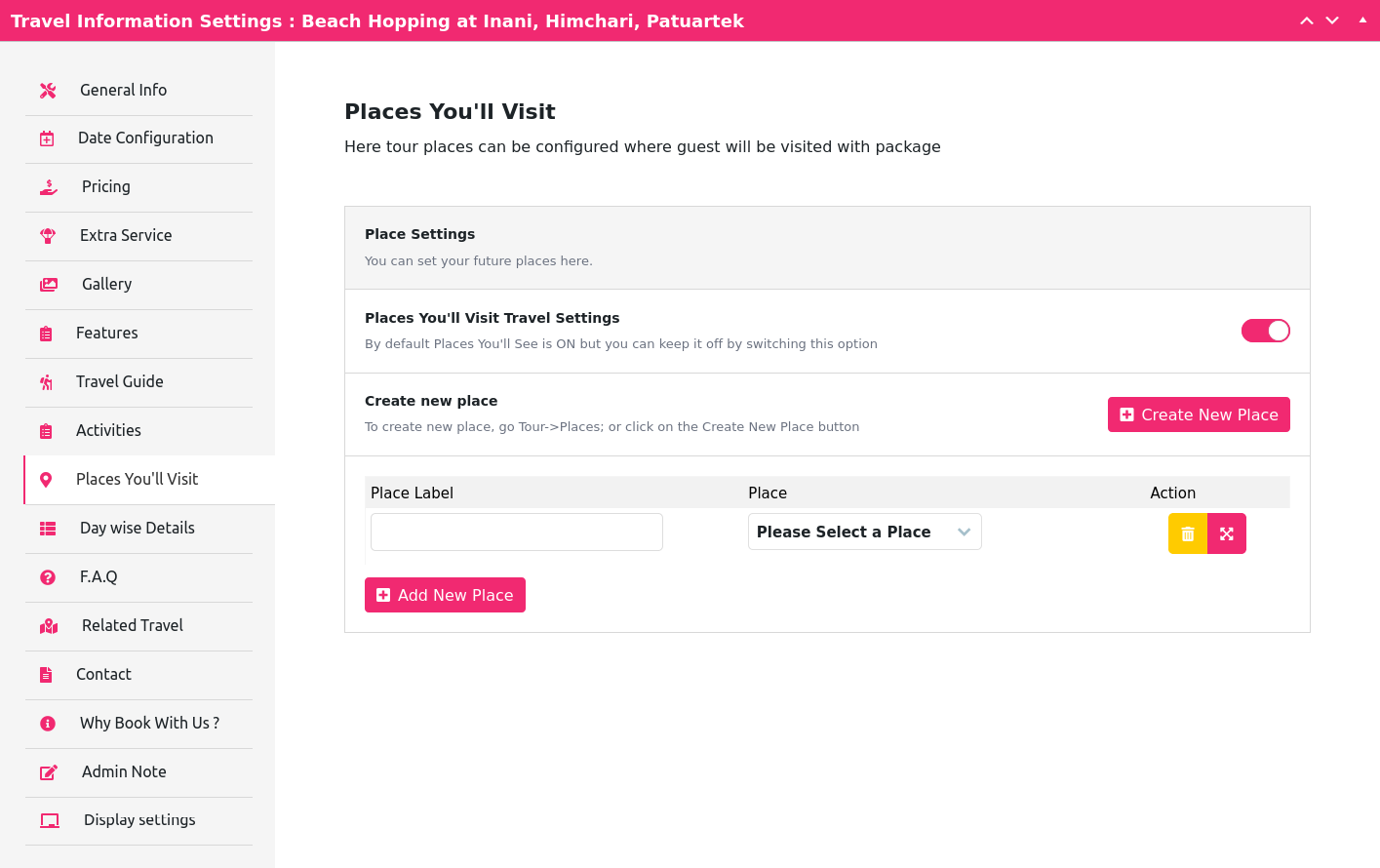
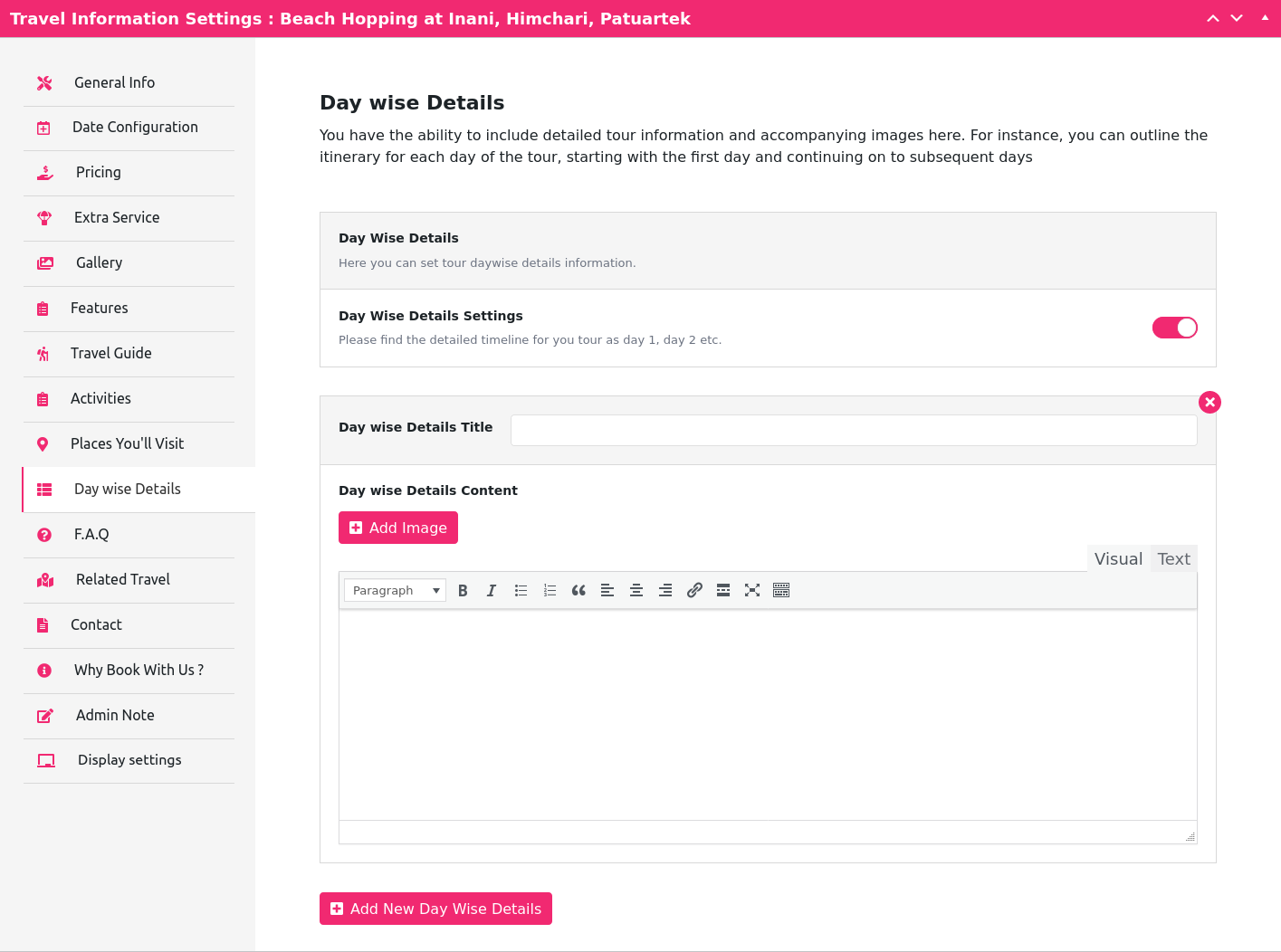
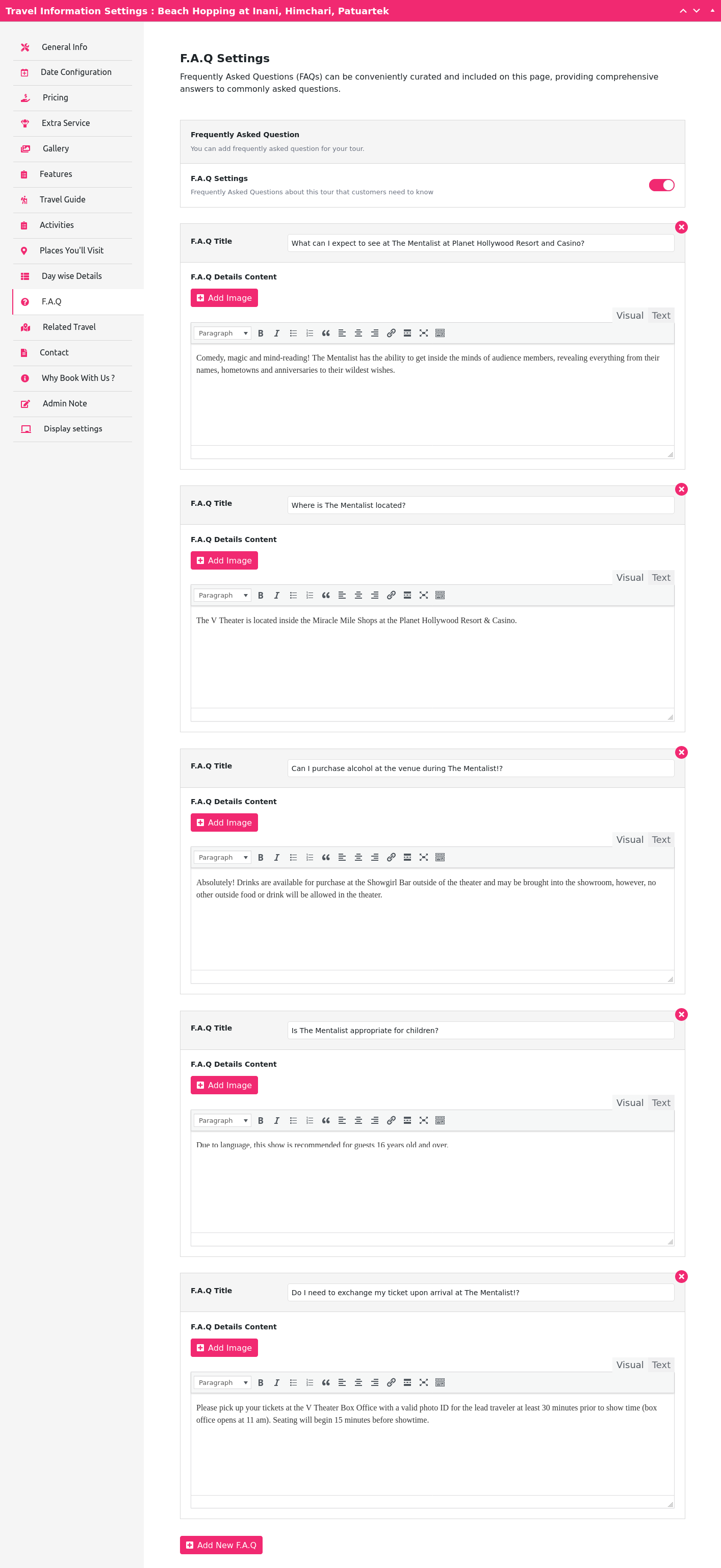
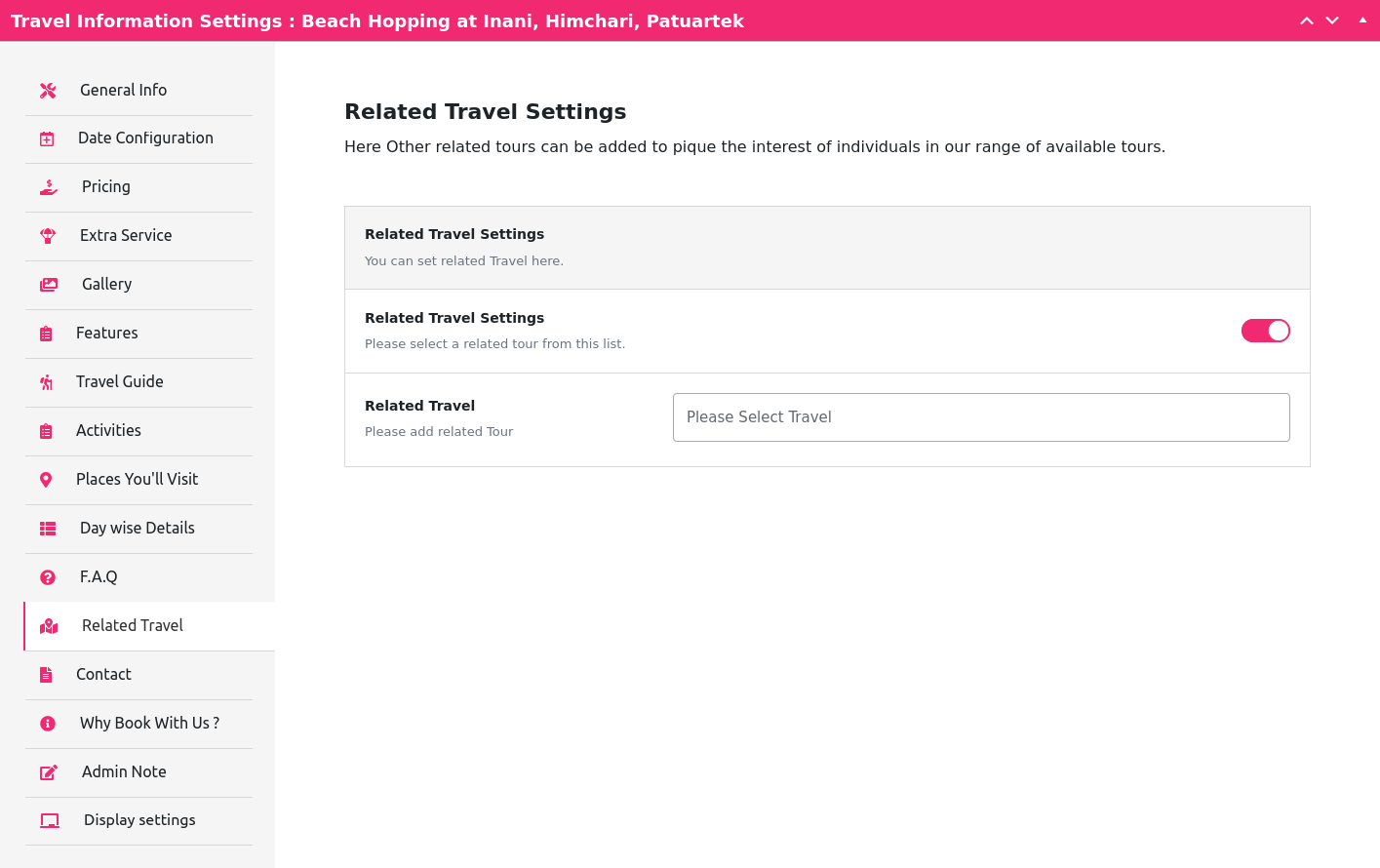
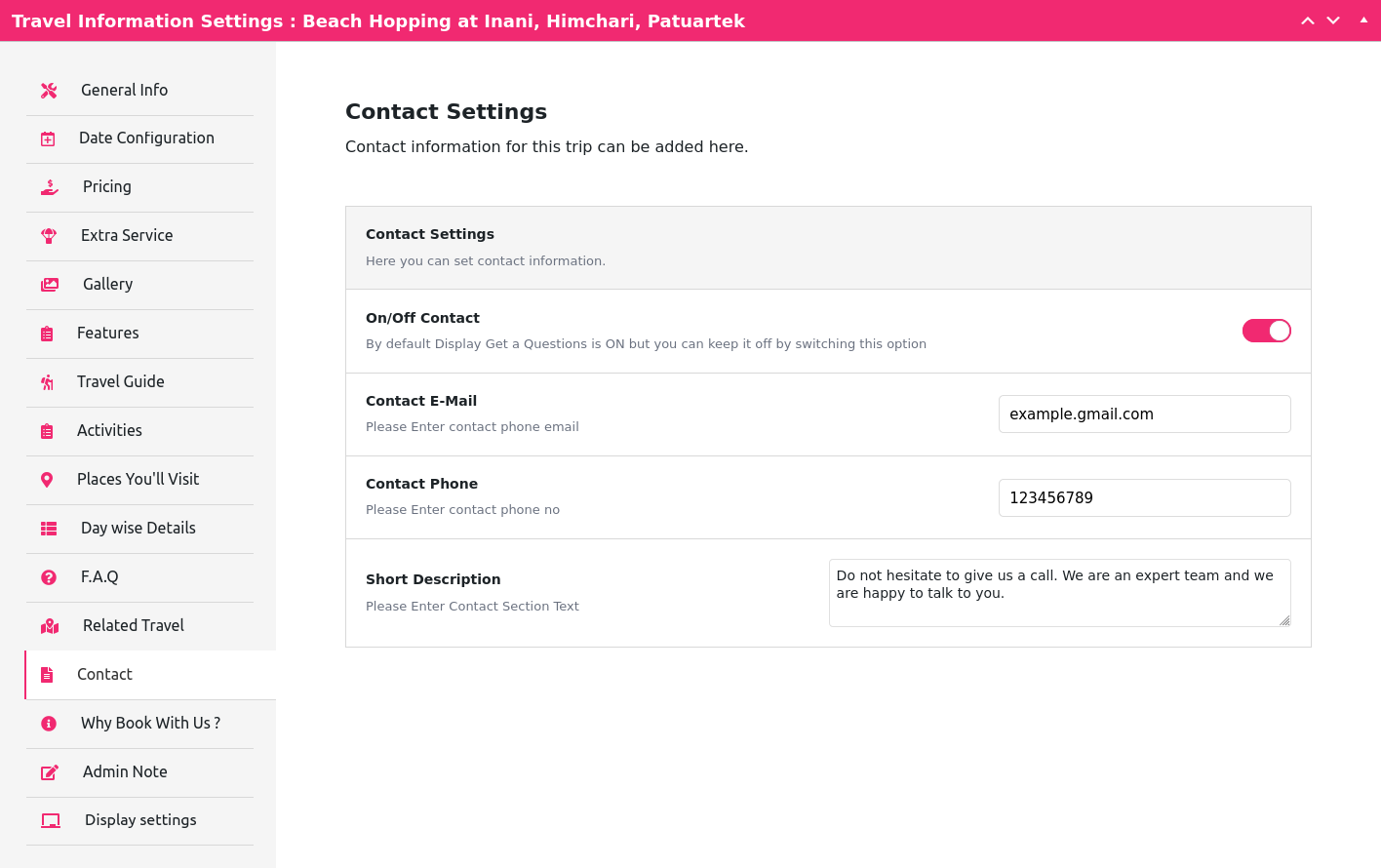
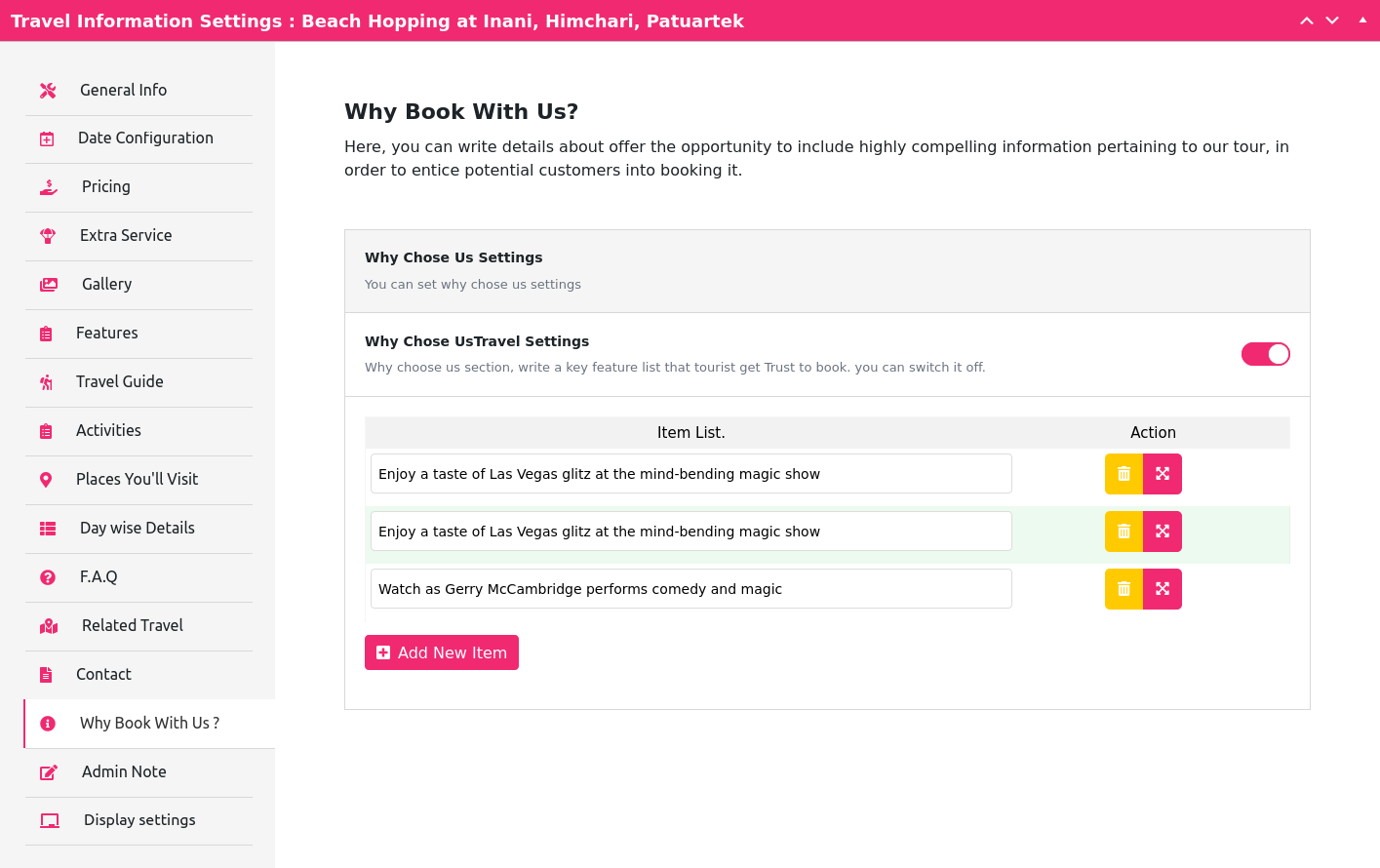
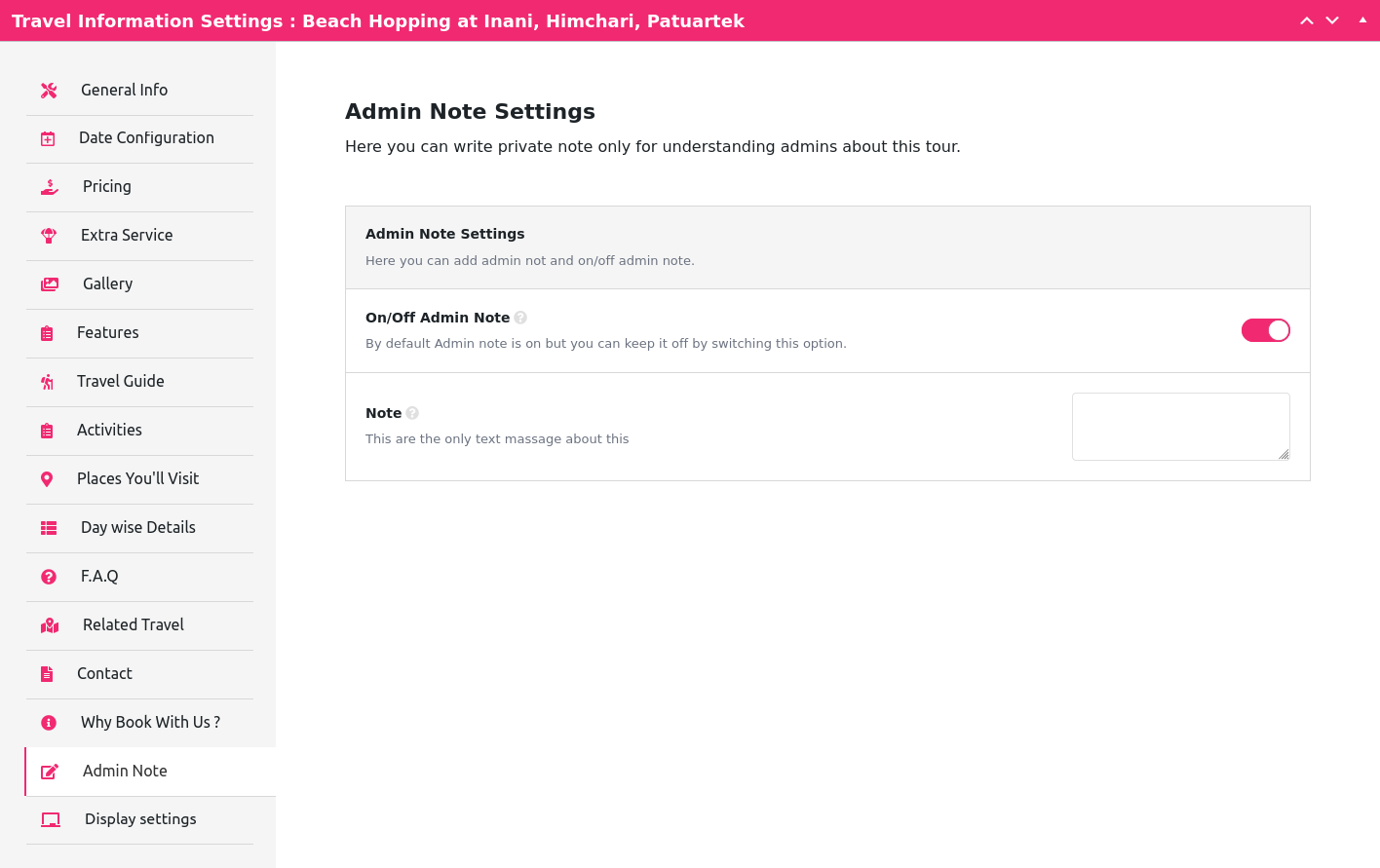
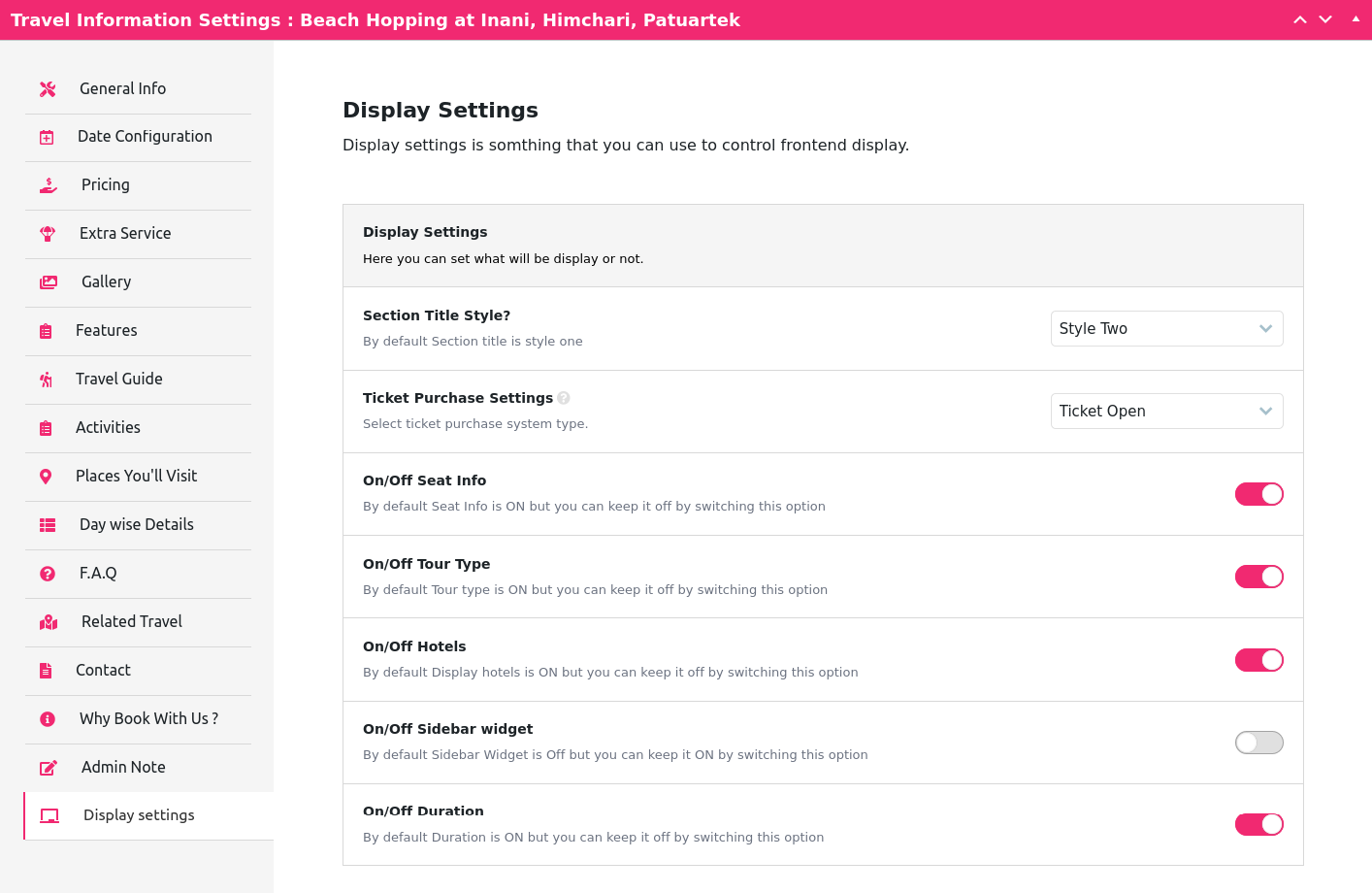
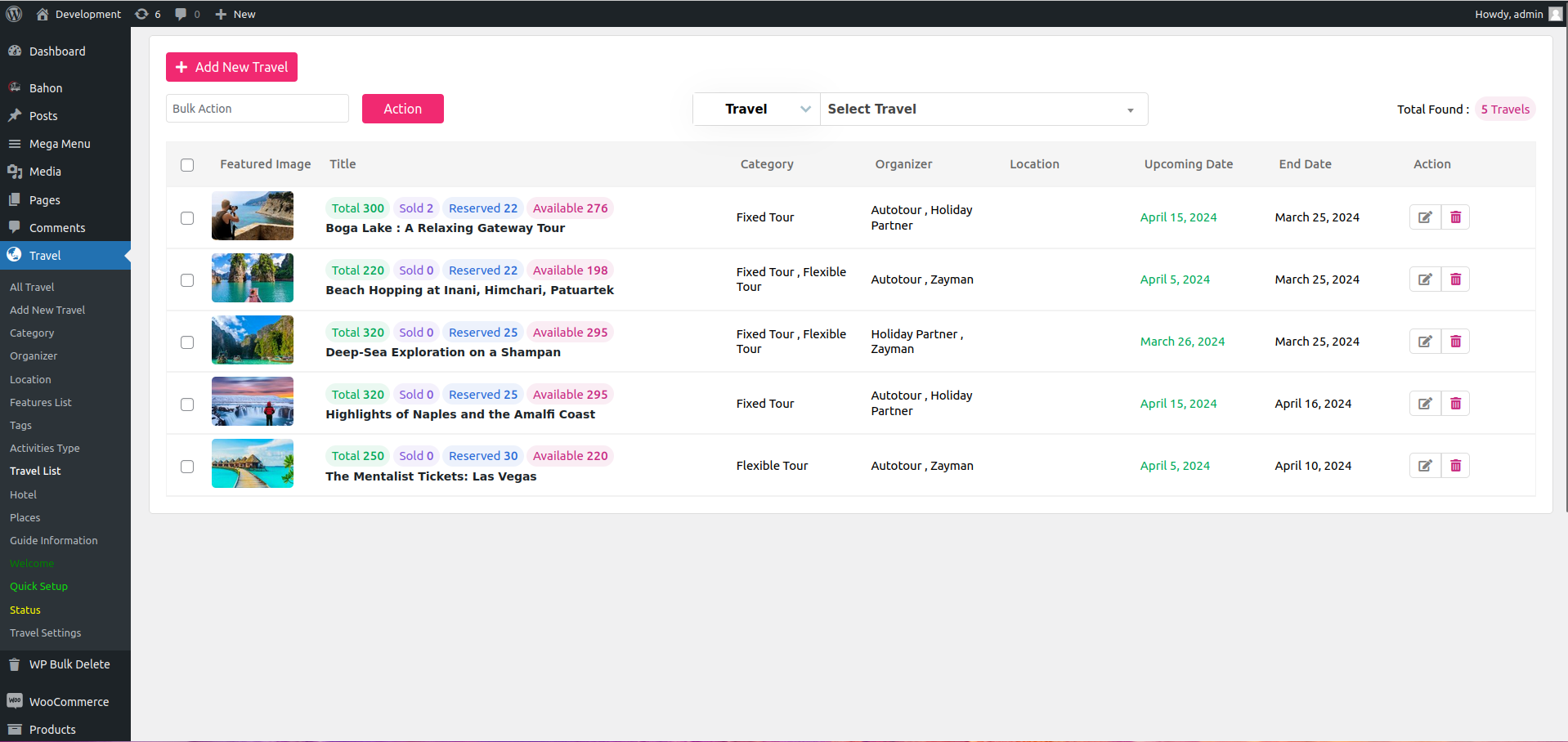
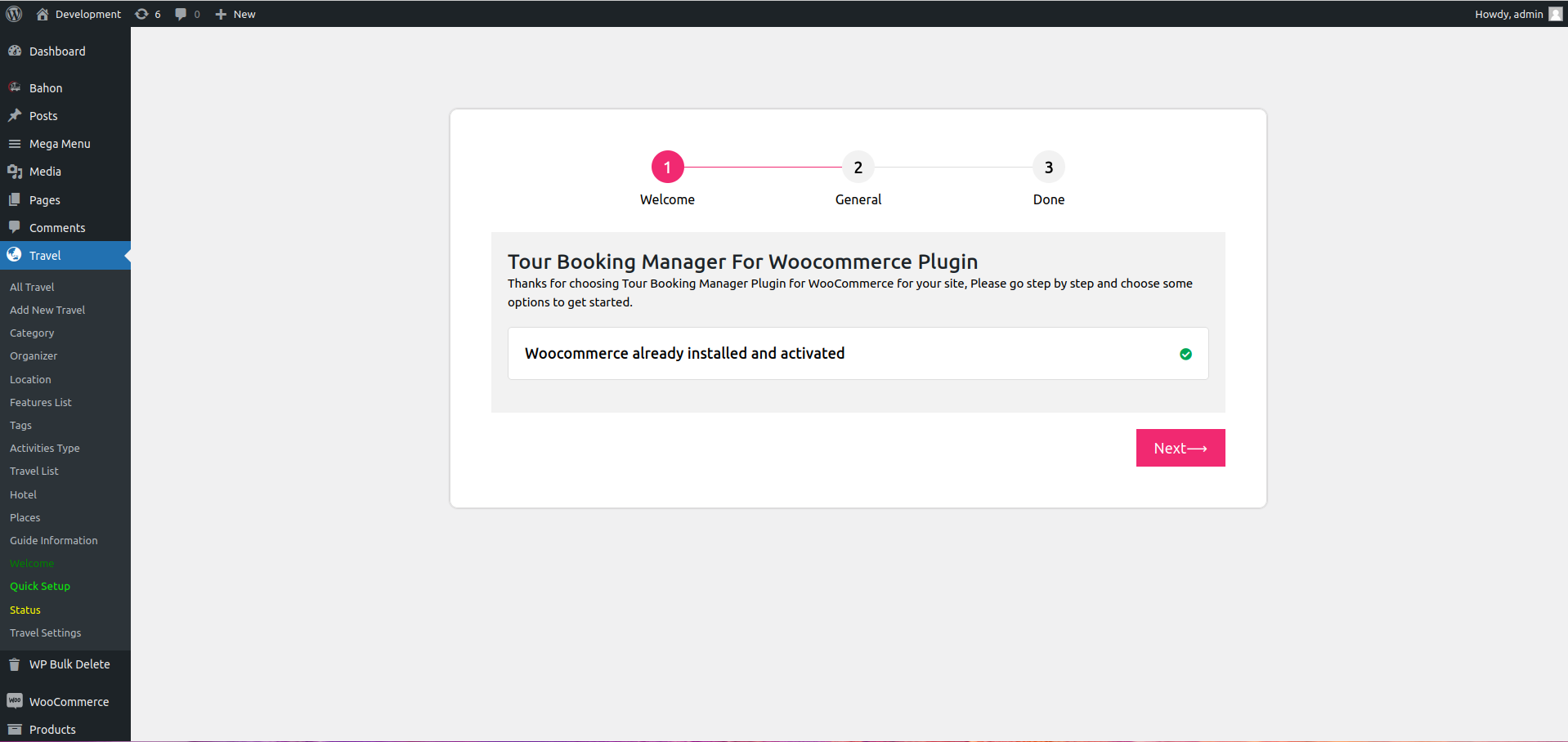
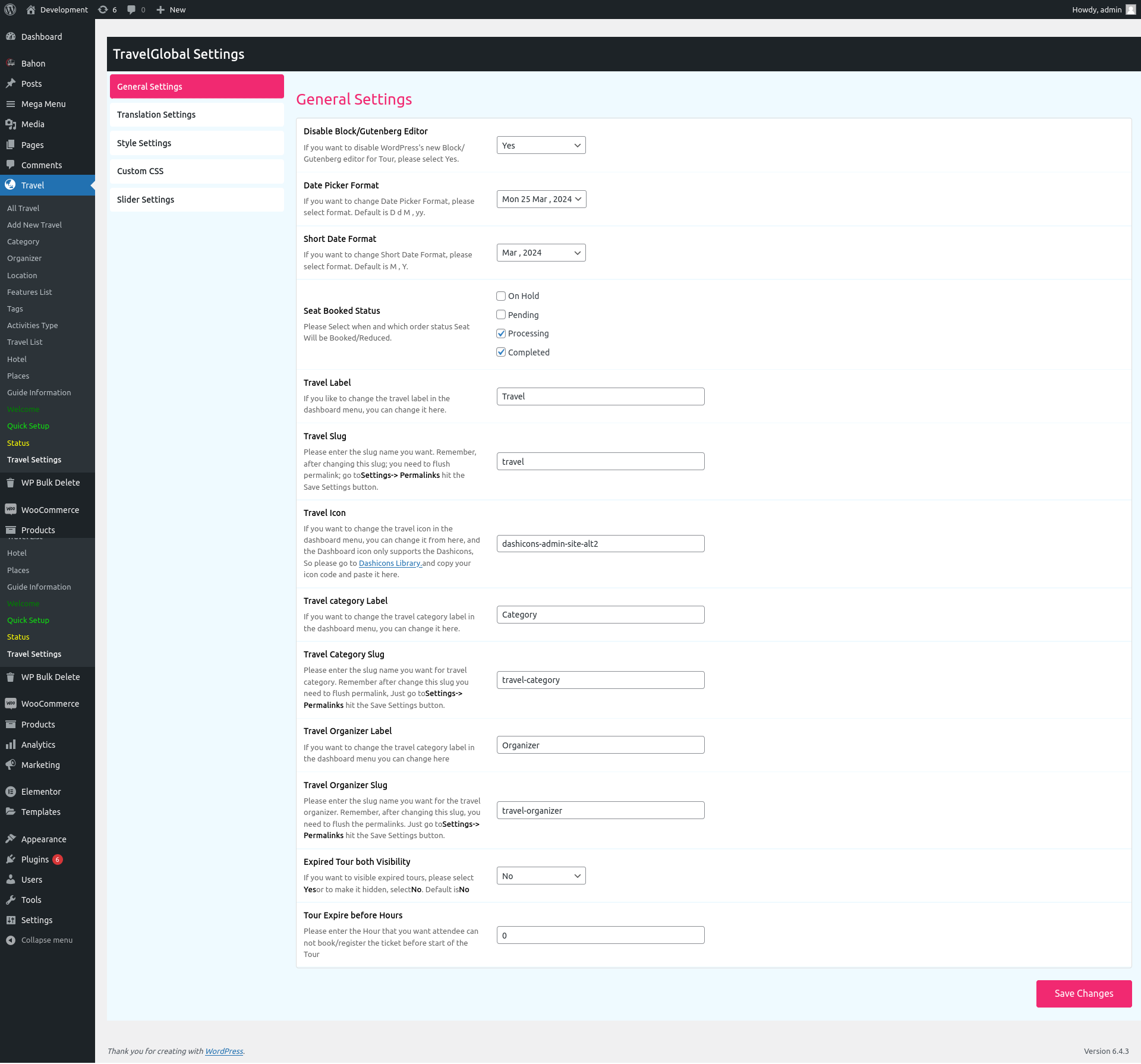
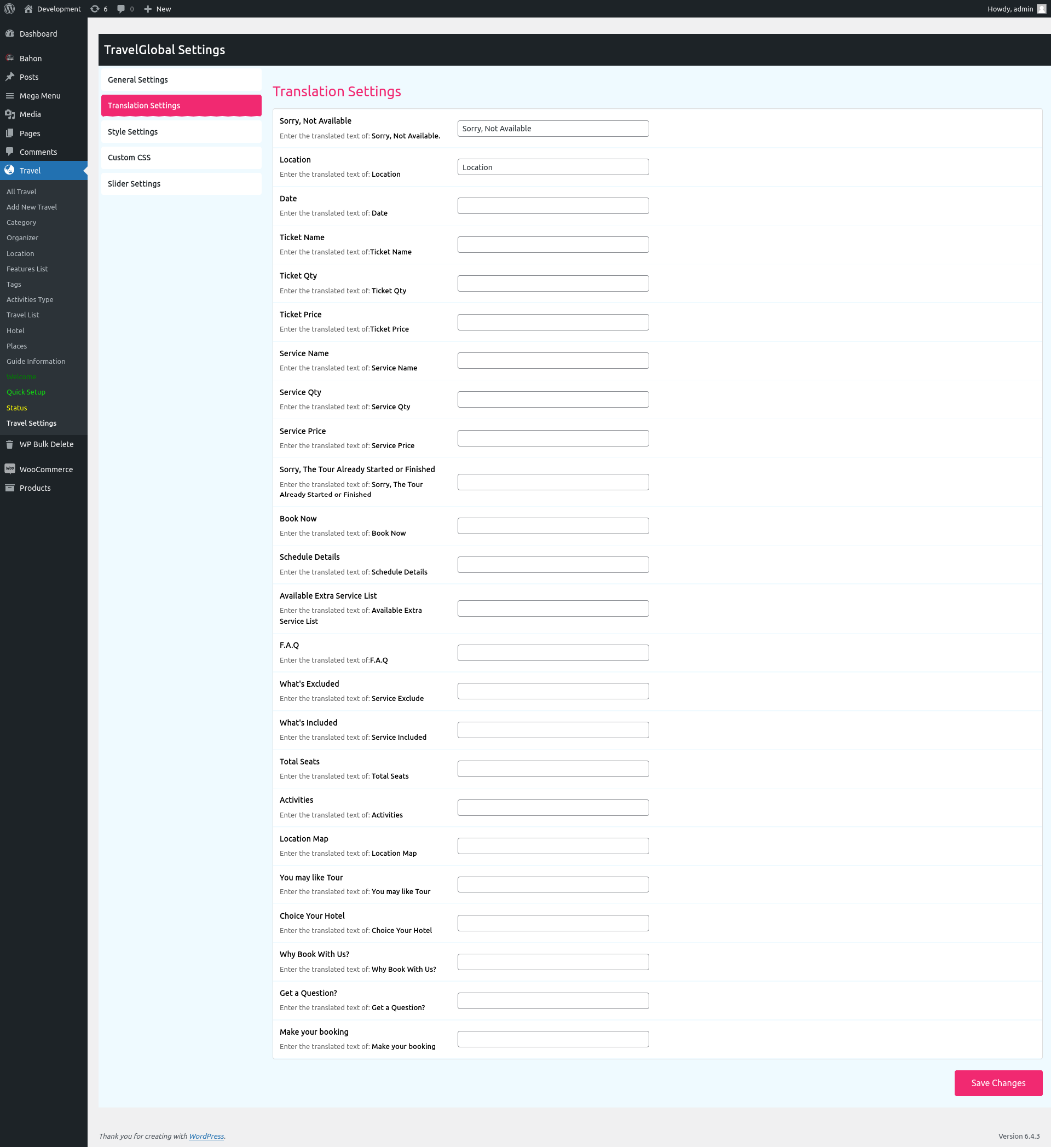
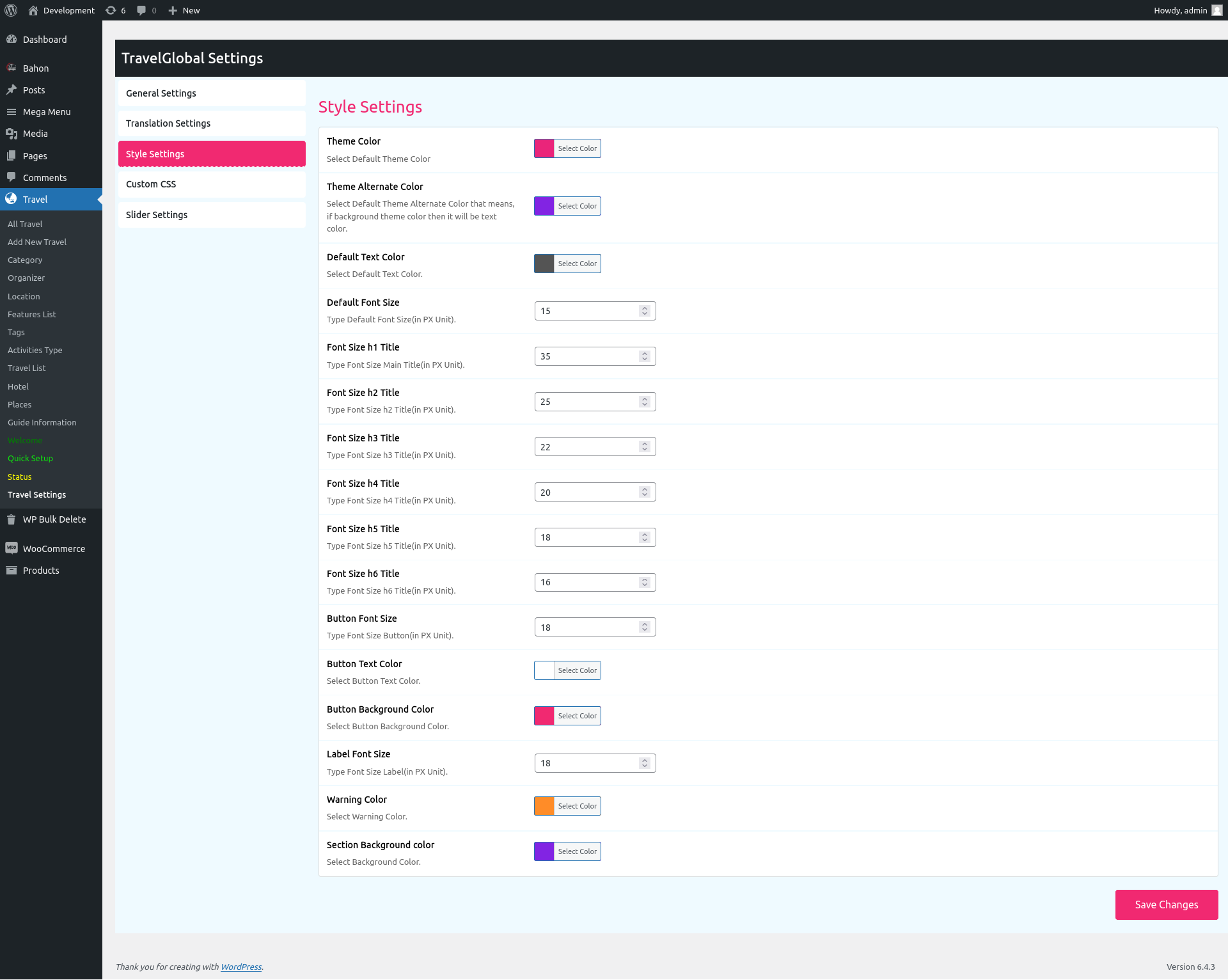
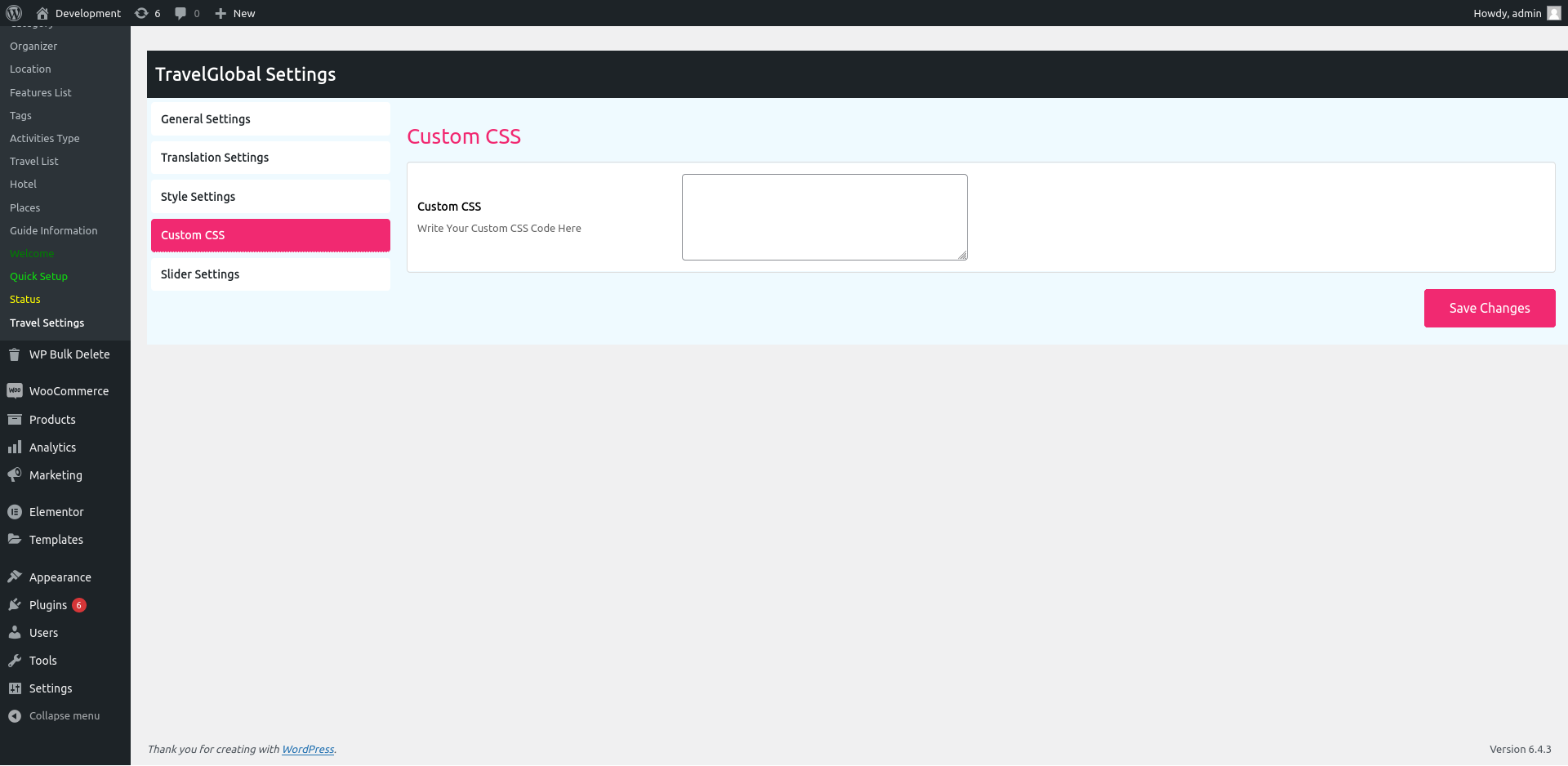
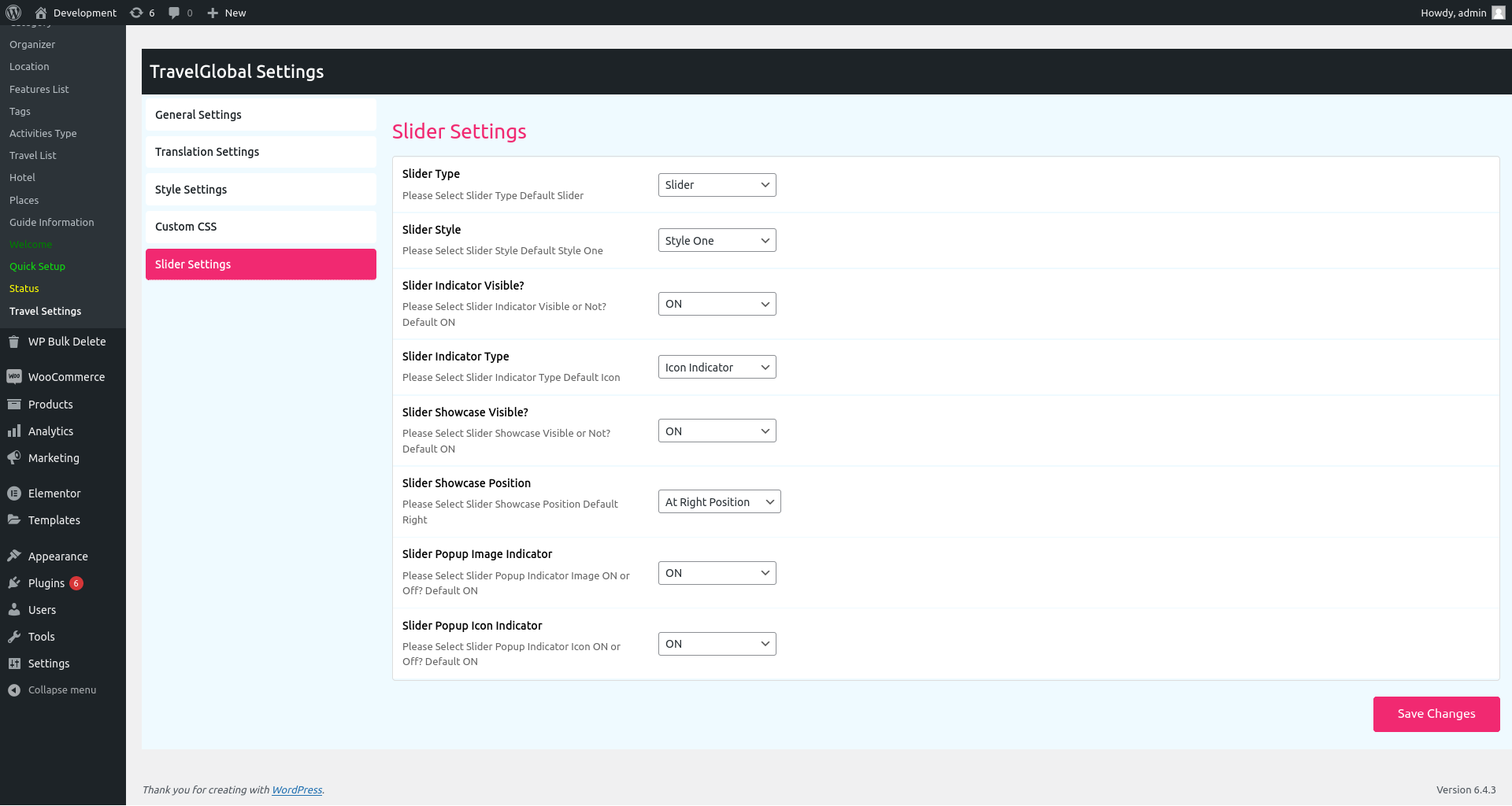
Changelog
1.0.0
Initial Release – 11 February 2021
1.0.1
*
Bug Fixed
New Hook Added
Code Optimized
Elementor Support Added
Shortcode New Attribute Added
– 14 February 2021*
1.0.2
*
Bug Fixed
New Hook Added
Code Optimized
– 18 February 2021*
1.0.3
*
Hotel Type Added
HipHop Tour Added
Bug Fixed
New Hook Added
Code Optimized
– 07 June 2021*
1.0.7
*
Bug Fixed
New Hook Added
Code Optimized
– 09 Sep 2021*
1.1.3
*
New UI Added
Bug Fixed
New Hook Added
Code Optimized
– 27 Jan 2022*
1.1.4
*
New UI Added
Bug Fixed
New Hook Added
Viator theme added
– 11 feb 2022*
1.1.5
*
PHP error fixed
New UI Added
Bug Fixed
New Hook Added
Viator theme added
– 11 feb 2022*
1.1.6
*
PHP error fixed
New UI Added
Bug Fixed
New Hook Added
– 01 March 2022*
1.2.1
*
PHP error fixed
New UI Added
Bug Fixed
New Hook Added
– 01 March 2022*
1.2.3
*
PHP error fixed
– 15 April 2022*
1.2.8
*
PHP error fixed
– 27 Jun 2022*
1.3.6
*
PHP error fixed
– 13 Sep 2022*
1.4.3
*
PHP error fixed
– 13 Dec 2022*
1.4.5
*
Bug Fixed
– 03 Feb 2023*
1.4.6
*
Hotel Saving issue fixed
Review & Ratings issue solved
Category & Organizer Page Tour List issue fixed.
Bug Fixed
– 16 Feb 2023*
1.4.7
Bug Fixed
– 10 March 2023*
1.4.8
Releted Tour Shortcode added
Repeated Inventory Issue fixed
Bug Fixed
– 22 March 2023*
1.4.9
Email Text Format issue fixed
– 23 March 2023*
1.5.0
Bug Fixed
– 29 March 2023*
1.5.1
Bug Fixed
– 11 May 2023*
1.5.2
Bug Fixed
– 17 May 2023*
1.5.3
Tour List Menu Added
Qucik Setup Improved
Available Seat Issue fixed
Admin Note Feature Added
Design issue fixed
Code Optimized
New Hooks added
Bug Fixed
– 12 July 2023*
1.5.4
Releted Tour Same Image and URL issue fixed
Multi Language Support added (WPML & Polylang)
Code Optimized
New Hooks added
Bug Fixed
– 13 July 2023*
1.5.5
Astra Theme issue fixed
Quick Setup Fixing
Code Optimized
New Hooks added
Bug Fixed
– 27 July 2023*
1.5.6
Astra Theme issue fixed
Quick Setup Fixing
Code Optimized
New Hooks added
Bug Fixed
– 09 Aug 2023*
1.7.8
Security Issue Fixed.
Code Optimized
1.8.2
Style fixing.
Code Optimized
New Hooks added
Bug Fixed
– 20 Aug 2024*
1.8.3
Style fixing.
Bug Fixed
– 23 Aug 2024*
Customer Dashboard & Cancellations
Allow your customers to view their bookings and request cancellations directly from a modern dashboard.
Shortcode:
[ttbm-customer-dashboard]
– Customers can see their orders and request a cancellation (if within the allowed window).
– Admin can manage all cancellation requests from the backend, approve/reject, and send notifications.
– The cancellation window is set globally in Travel Settings.