

TP Product Image Flipper for Woocommerce
Add more image to your product shop/category page and flip them by mouse over.
Plugin info
Maintenance & Compatibility
Maintenance score
Stale • Last updated 203 days ago • Support resolved 0% • 24 reviews
Is TP Product Image Flipper for Woocommerce abandoned?
Likely maintained (last update 203 days ago).
Compatibility
Similar & Alternatives
Explore plugins with similar tags, and compare key metrics like downloads, ratings, updates, support, and WP/PHP compatibility.
Description
Get a beautiful and better product flipper image to your store, 100% Responsive, Give your customers a glimpse of another image from your product.
This plugin get your product featured image with the first gallery image and flipp between them on mouse over.
Click Here to Get the Pro Version
Plugin Features
- Flip between 2 images on product shop/category page.
- Responsive Layout.
- Responsive Images – Responsive images with srcset, sizes.
- 100% mobile friendly.
- Working with Most of Premium themes.
- Compatible with HPOS (High-Performance Order Storage).
- New! Remove duplicate images: Remove any additional images of a product on shop/category pages. This ensures only the images generated by the plugin will be shown.
- New! Images from the gallery only: Use only images from the product gallery for the image flipper. If there are less than two images in the gallery, it will show the product’s main image.
Pro Version Features
- Work with Elementor products grid.
- Display all your product gallery images.
- Responsive Layout.
- Navigation support.
- Slider AutoPlay Options.
- Display Dots (Show/Hide).
- Customize Slider Arrow (Color/Background/Icons).
- Customize Slider Dots (Circle/Square/Rectangle).
- Infinite Loop.
- Mouse Dragging option.
- RTL support.
- Touch and Swipe support for images etc.
- Customize animation transform (36 type of animations).
- Working with Most of Premium themes.
- Images size select (all your theme sizes).
- Change images by dots or thumbs.
Pro Version Video
👍 You May Also Like
Change image size
TP Product Image Flipper is using woocommerce image size called: woocommerce_thumbnail, if you want to change this size you can do it with our new filter:
add_filter('tppif_image_size', 'your_function');
Example
The following example is using full image size. You can add this function to your functions file.
Installation
- Unzip the downloaded zip file.
- Upload the plugin folder into the wp-content/plugins/ directory of your WordPress site.
- Activate TP Product Image Flipper for Woocommerce through the ‘Plugins’ menu in WordPress.
No need for configuration, just Activate the plugin and that’s it.
Frequently Asked Questions
Of course, Our plugin works with Woocommerce so you need Woocommerce shop in your site.
TP Product Image Flipper for Woocommerce is 100% Responsive and tested on any device and screen resolution.
However, in mobile we dont have the “onhover” event so you will see only the first image.
No problem! Contact Us Here and tell us what you need our team will be happy to help you.
If you activate the plugin but it’s not working this could be for several reasons:
The most common reason is can be another plugin that using remove_action hook
TP Product Image Flipper for Woocommerce use remove_action hook “woocommerce_template_loop_product_thumbnail” to remove the default woocommerce image from shop/category page and insert our image section,
if another plugin or theme are do the same it can create a collision.
Yes you can.
Use this filter to change image size:
add_filter(‘tppif_image_size’, ‘your_function_name’);
function your_function_name($default_image_size) {
return ‘thumbnail’;
}
Review feed
Screenshots
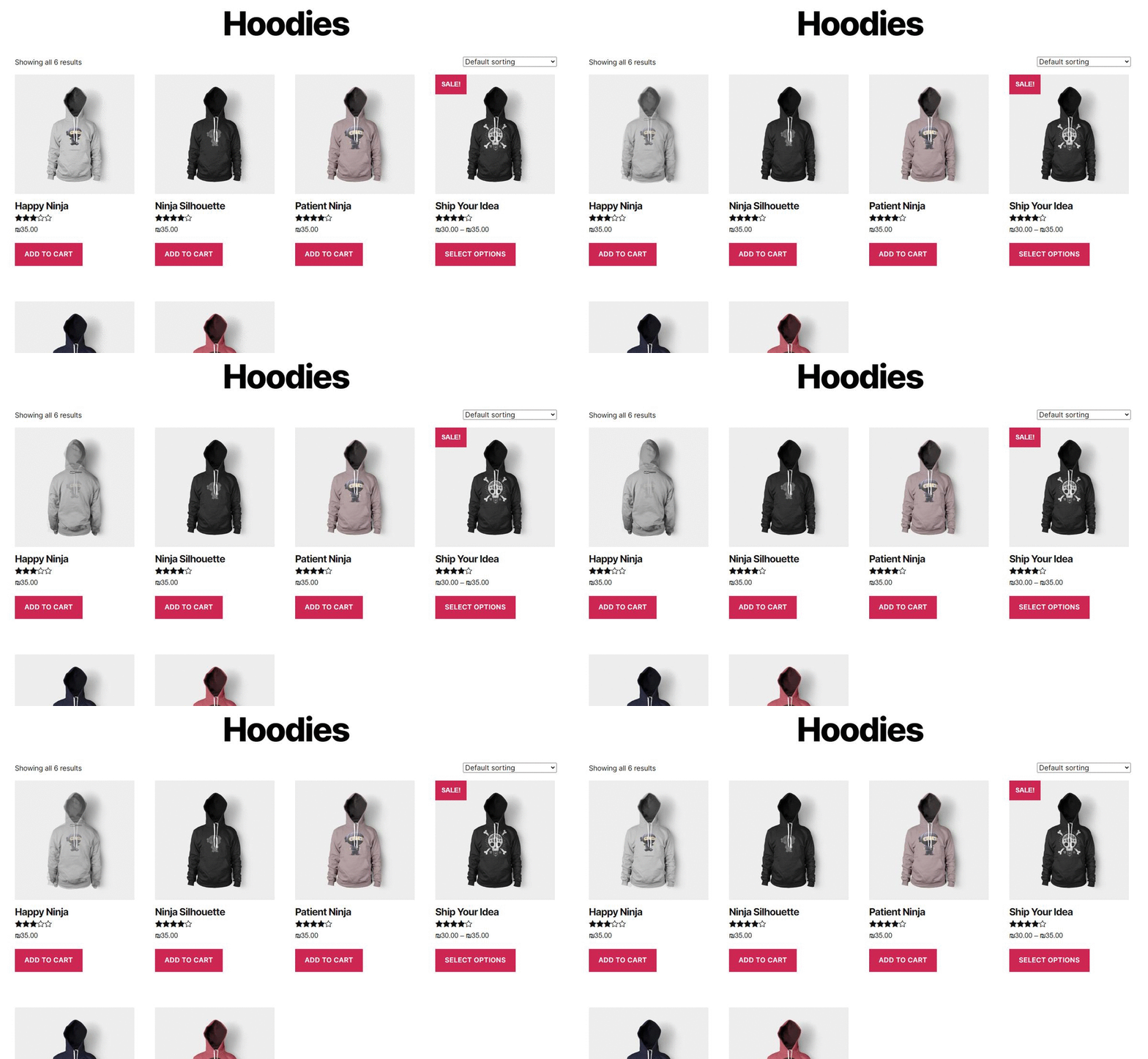
Shop Page (1/4)
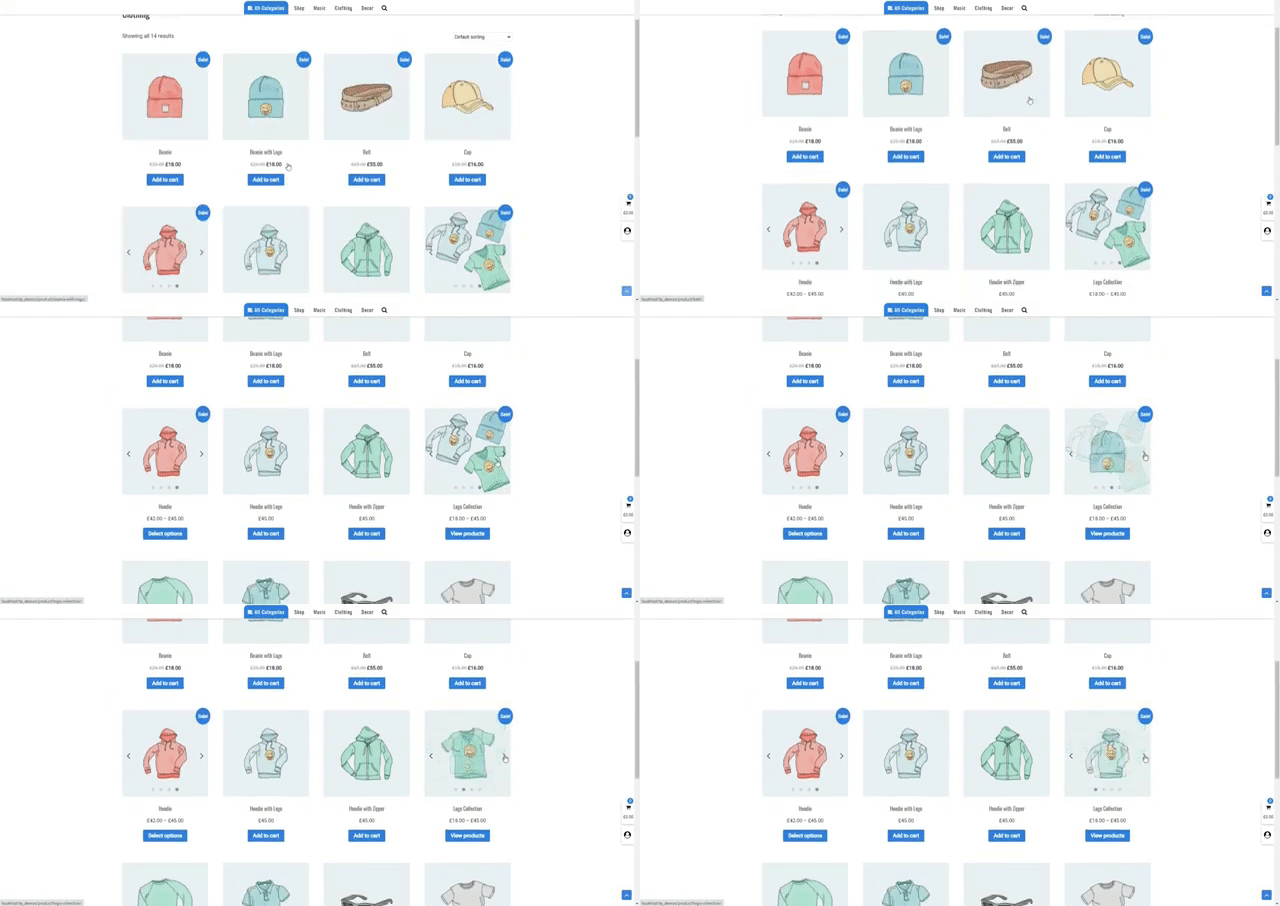
Pro Version dots mode (2/4)
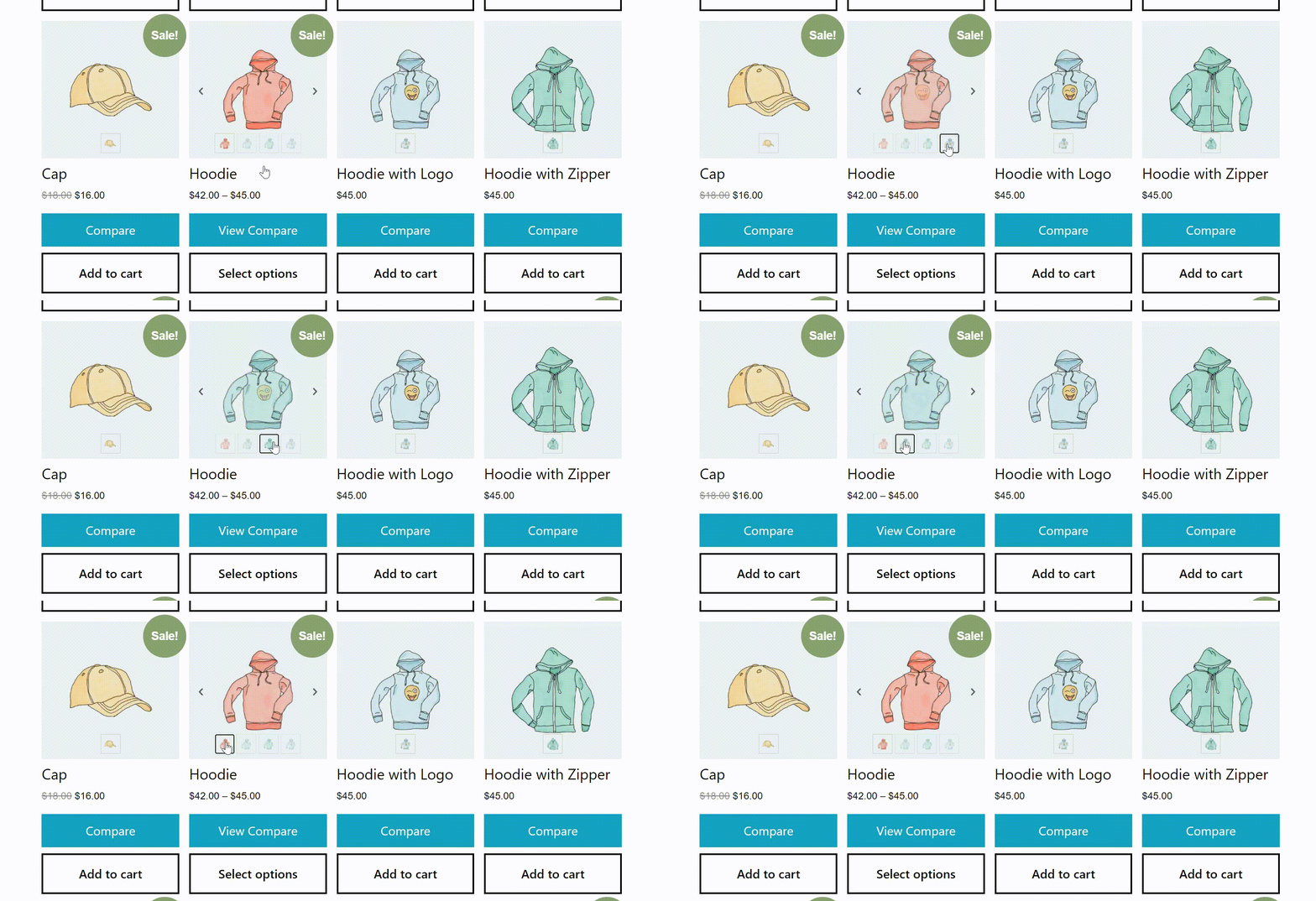
Pro Version thumbs mode (3/4)
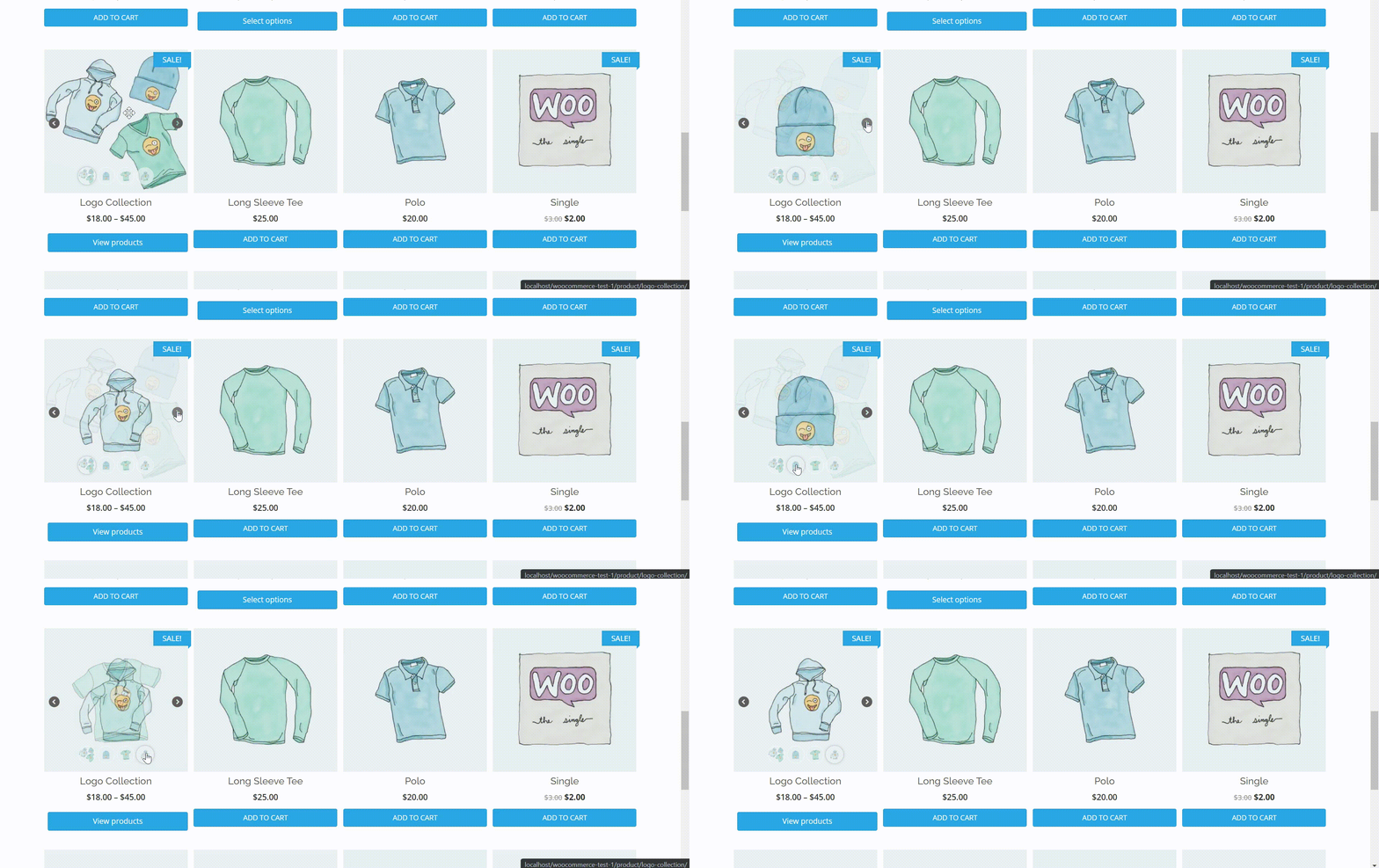
Pro Version thumbs mode change css (4/4)
Changelog
2.0.5 – Update
- Update – WordPress 6.8.2 compatibility
- Update – WooCommerce 10.1.2 compatibility
2.0.4 – Update
- Update – WordPress 6.7.1 compatibility
- Update – WooCommerce 9.5.2 compatibility
2.0.3 – Update
- Update – WordPress 6.5.2 compatibility
- Update – WooCommerce 8.7.0 compatibility
2.0.2 – Update
- Update – WordPress 6.4.2 compatibility
- Update – WooCommerce 8.4.0 compatibility
2.0.1 – Update
- Update – WordPress 6.3.2 compatibility.
- Update – WooCommerce 8.2.1 compatibility
- Compatible with HPOS (High-Performance Order Storage)
2.0.0 – Update
- New – Settings page: Go to admin area under wordpress settings new submenu “TP Product Image Flipper”.
- Update – WooCommerce 7.9.0 compatibility
- New option: Remove duplicate images – In some templates / plugins the image is duplicated because they use the same hook, this option fixes it.
- New option: Images from the gallery only.
- Added WooCommerce High-Performance order storage feature compatibility.
1.0.8 – Update
- Update – WordPress 6.2.2 compatibility.
- Update – WooCommerce 7.8.2 compatibility
1.0.7 – Update
- Responsive Images – with srcset, sizes.
1.0.6 – Update
- Add new image size filter.
1.0.5 – Update
- Update – WordPress 5.8.2 compatibility
- Update – WooCommerce 6.0.0 compatibility
1.0.4 – Update – WordPress 5.8 compatibility
1.0.3 – Add ALT attribute to Flipper images
- If image ALT is empty get product title
1.0.2 – Fix RTL sites admin area CSS
1.0.1 – Update demo link
1.0.0 – Released on 30 August 2020
- Initial release