

Twenty20 Image Before-After
Professional before & after image comparison slider for WordPress. Create engaging visual comparisons with an intuitive drag & drop interface.
Plugin info
Maintenance & Compatibility
Maintenance score
Possibly abandoned • Last updated 396 days ago • Support resolved 0% • 55 reviews
Is Twenty20 Image Before-After abandoned?
Possibly abandoned (last update 396 days ago).
Compatibility
Similar & Alternatives
Explore plugins with similar tags, and compare key metrics like downloads, ratings, updates, support, and WP/PHP compatibility.
Description
Twenty20 is a professional-grade image comparison tool that helps you showcase transformations in a highly engaging way. Perfect for:
- Photography portfolios
- Real estate before/after
- Renovation projects
- Design makeovers
- Product comparisons
- Restoration work
- Medical procedures
- And much more!
Video Tutorial
Live Demo
Check the Live Demo.
Key Features
- Responsive design – works perfectly on all devices
- Horizontal and vertical sliding options
- Customizable slider position and orientation
- Custom “before” and “after” labels
- Adjustable image widths and alignments
- Mouse hover sliding effect
- Touch-enabled for mobile devices
- Multiple sliders per page
- Widget support for sidebars
- SEO-friendly with proper alt tag support
- Accessibility compliant image comparisons
Page Builder Support
- Elementor
- WPBakery Page Builder (Visual Composer)
- Flatsome UX Builder
- Classic Editor
Perfect For
- Photography before/after edits
- Home renovation comparisons
- Web design makeovers
- Product transformations
- Restoration projects
- Beauty transformations
- Real estate renovations
Usage
Shortcode Example
Quick Example
[twenty20 img1="" img2="" direction="vertical" offset="0.5" align="right" width="60%" before="Before" after="After" hover="true"]
Shortcode Parameters
img1– image ID.img2– image ID.offset– range from 0.1 to 1.0.direction–horizontal|vertical.align–none|right|left.width– supports bothpxand%.before– text for the “before” label.after– text for the “after” label.hover–trueorfalse.
Installation
- Upload the
twenty20folder to your/wp-content/plugins/directory - Activate the plugin through the ‘Plugins’ menu in WordPress
- Use the shortcode
[twenty20]in your posts/pages or use the widget
Quick Start Guide
- Click the “Add Twenty20” button in your editor
- Select your before and after images
- Customize settings as needed
- Insert and publish
Frequently Asked Questions
Twenty20 works by stacking two images on top of each other. As the slider moves across the image.
[twenty20 img1=”” img2=”” direction=”vertical” offset=”0.5″ align=”right” width=”60%” before=”Before” after=”After” hover=”true”]
img1– image ID.img2– image ID.offset– range from 0.1 to 1.0.direction–horizontal|vertical.align–none|right|left.width– supports both px and %.before– text for the “before” label.after– text for the “after” label.hover–trueorfalse.
Check the demo Video demo.
Watch the video demo on YouTube.
Yes, the Twenty20 plugin allows users to add unlimited before-after sliders.
Review feed
Works Well
Screenshots
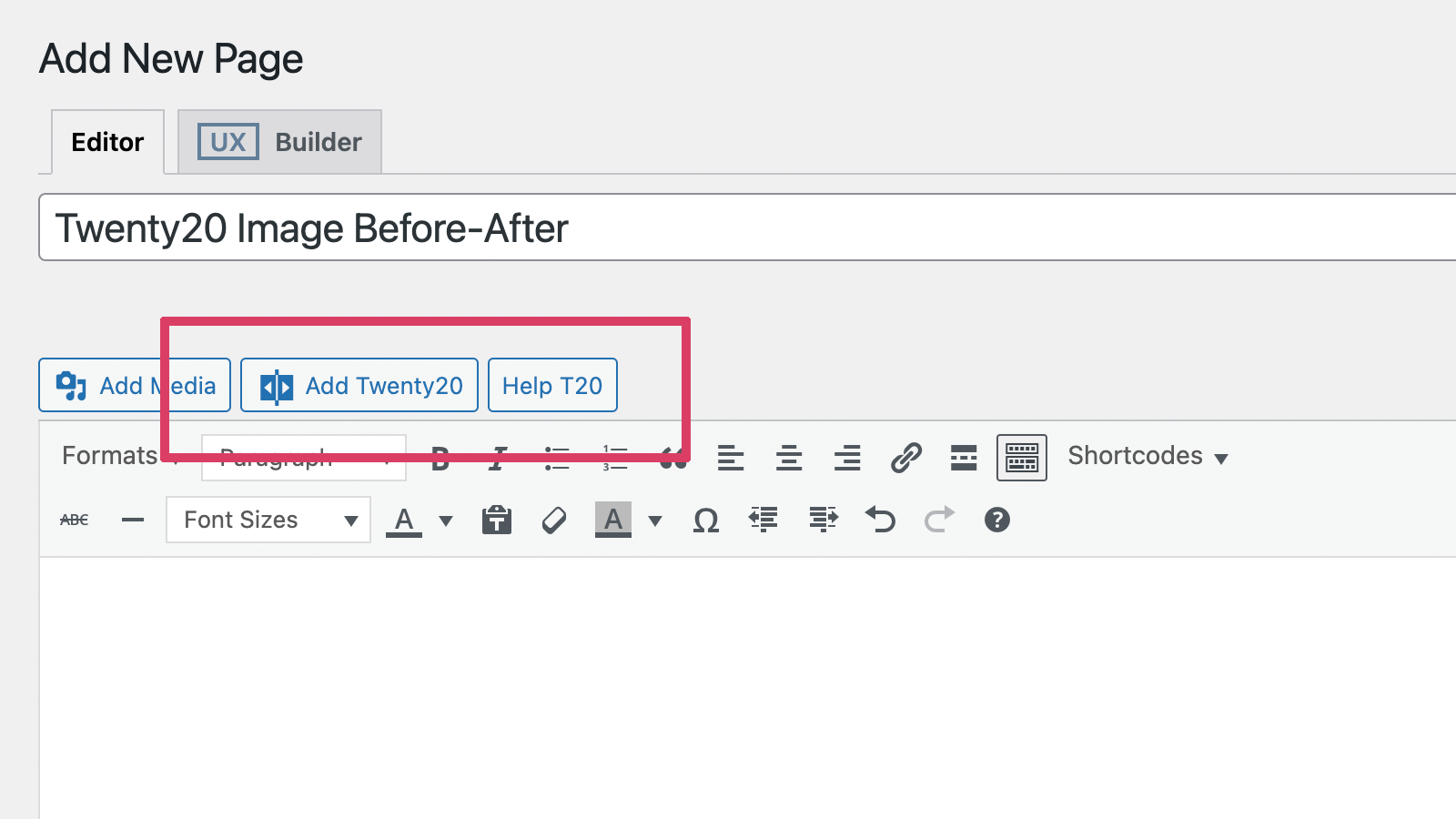
Add a Twenty20 before-after image.
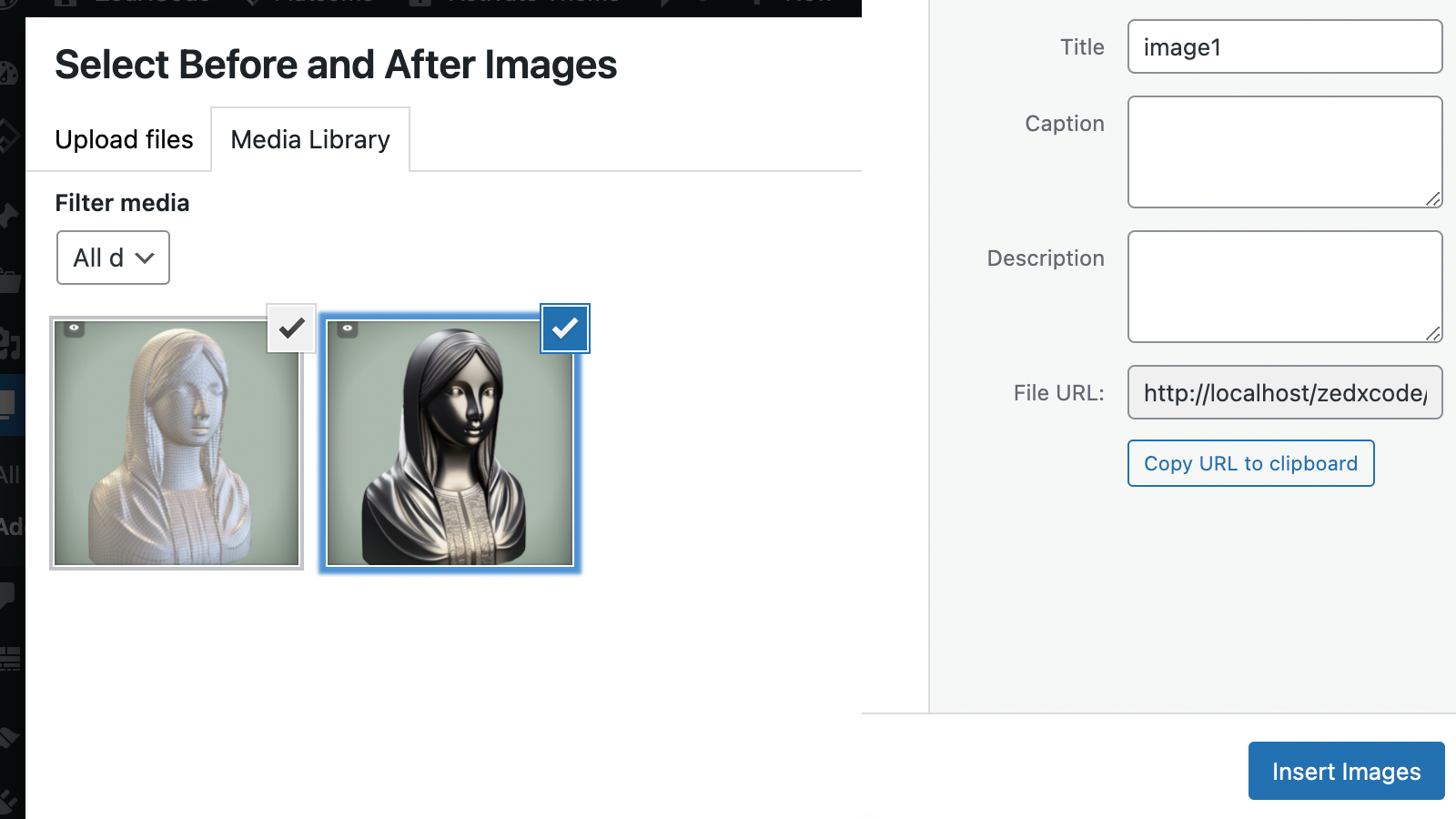
Select any two images from the Media Library.
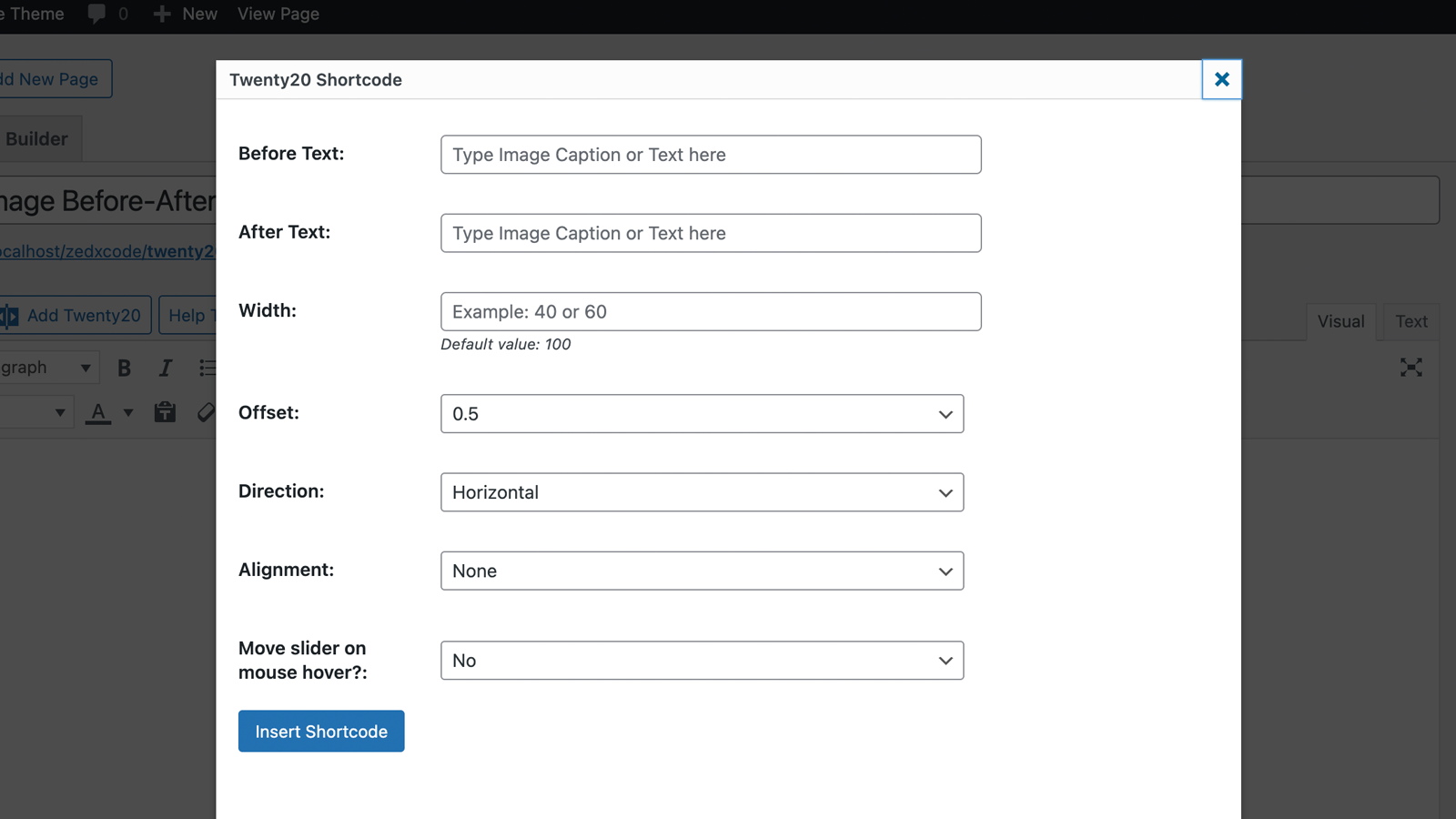
Twenty20 shortcode settings page.
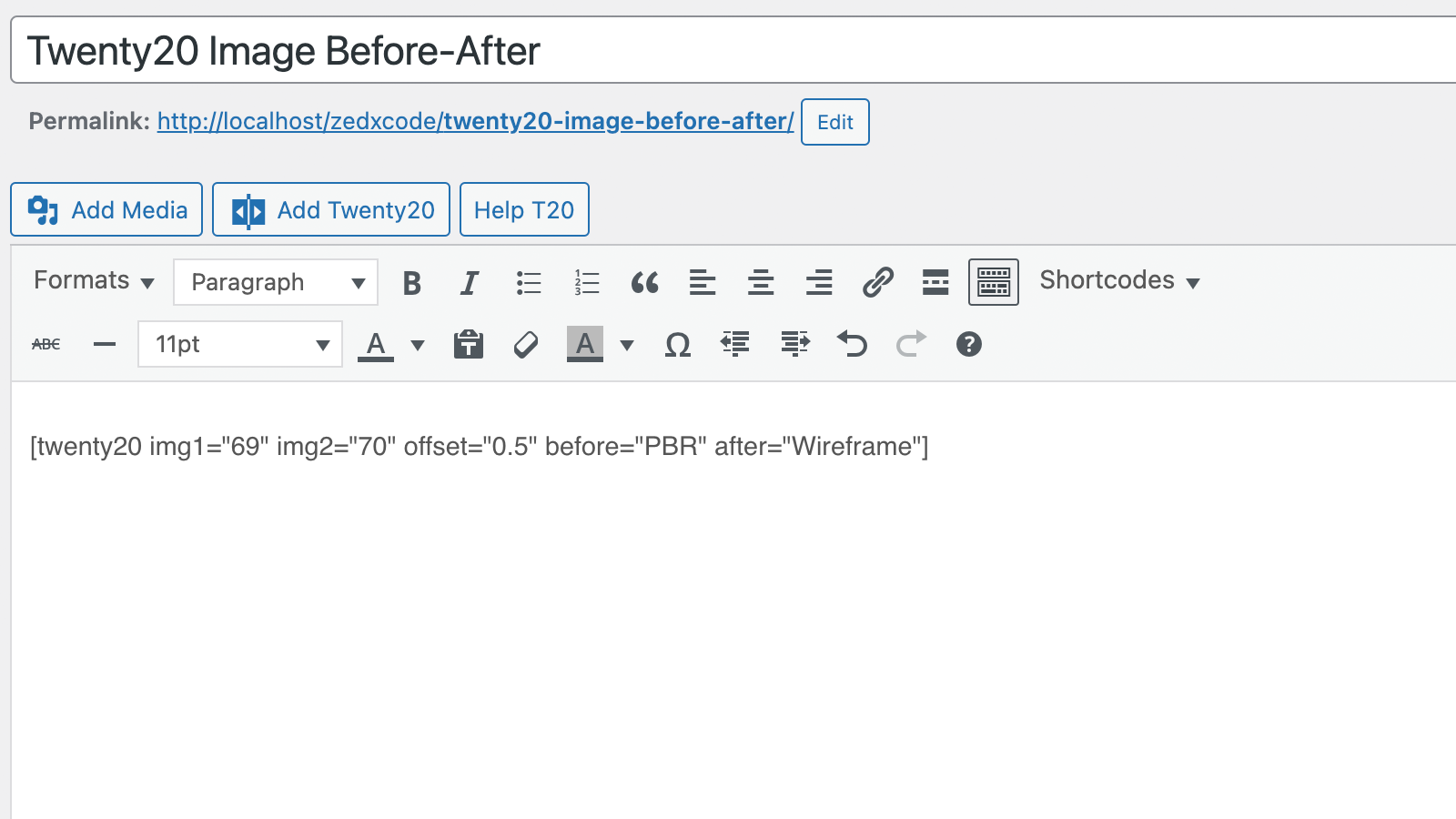
Shortcode.
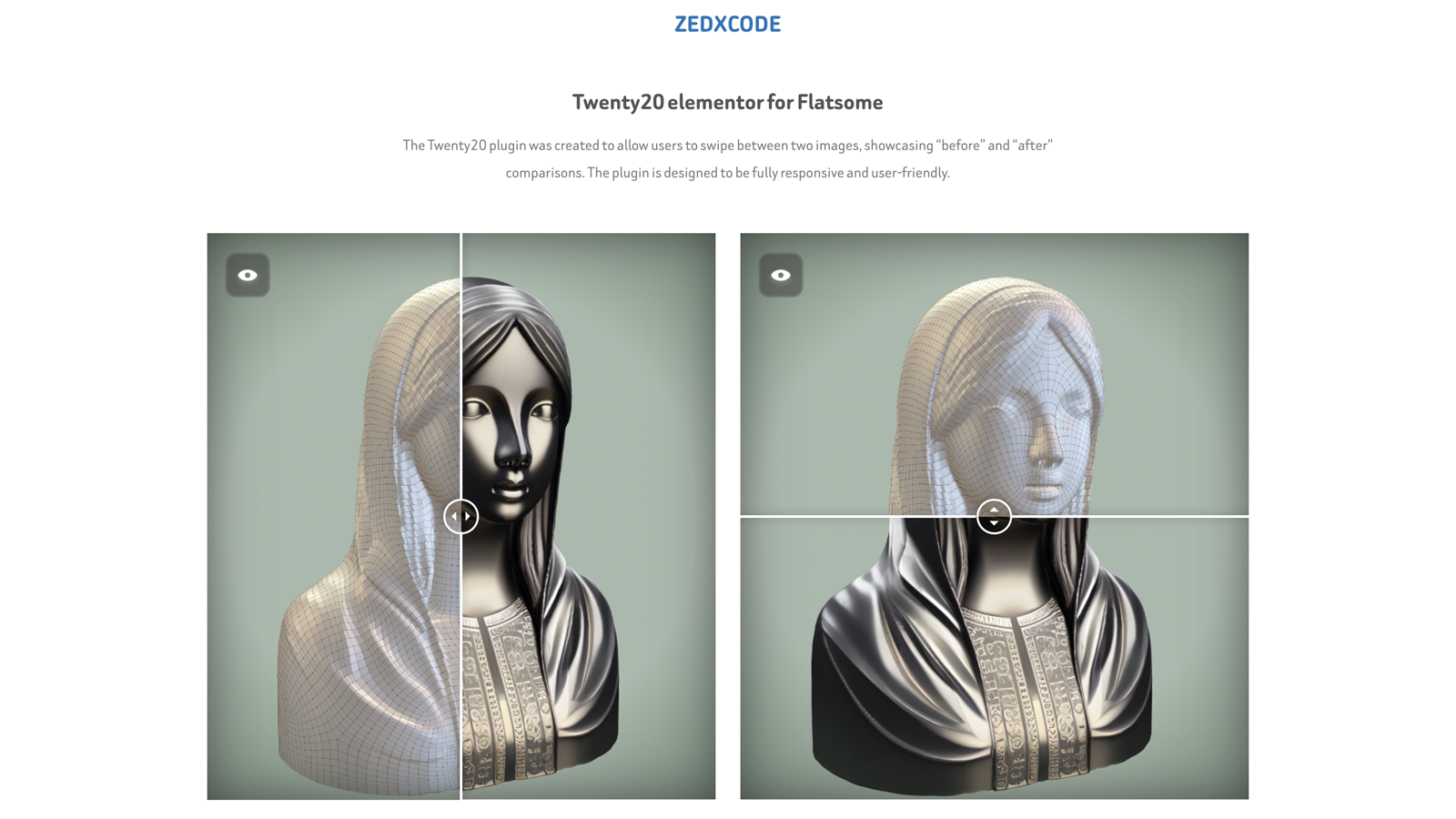
Twenty20 in action.
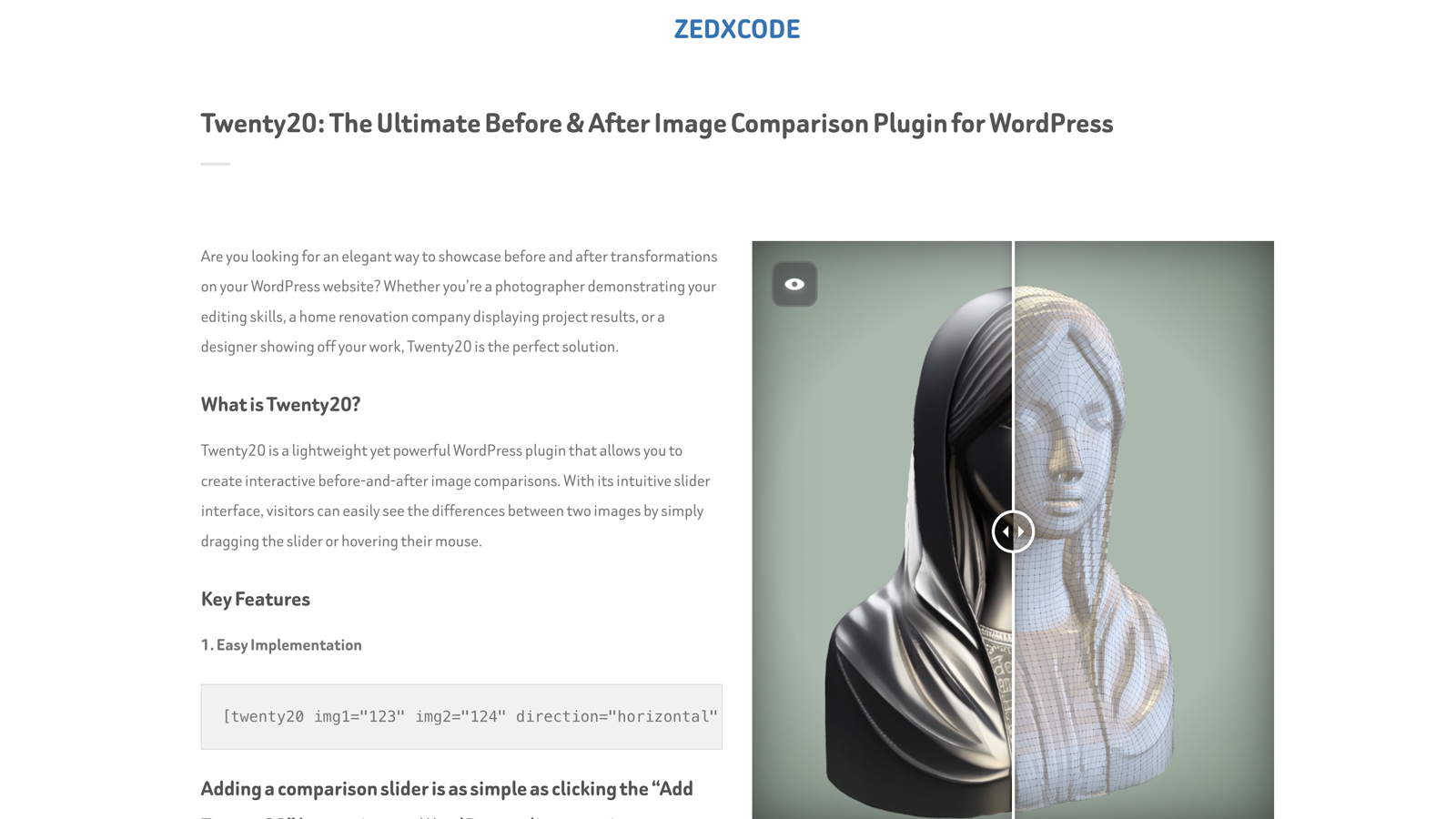
Multiple sliders in different directions.
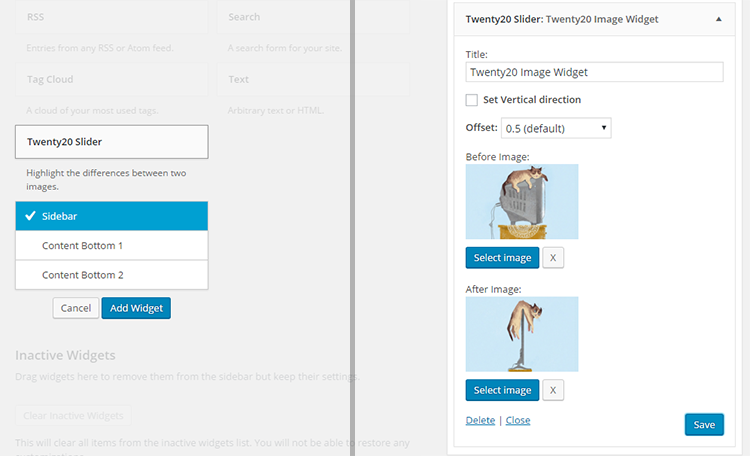
Twenty20 widget.
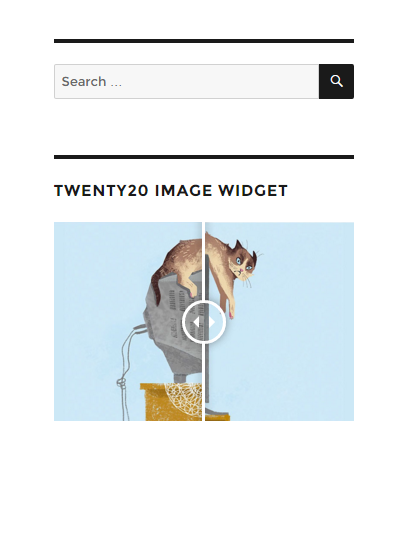
Widget in action.
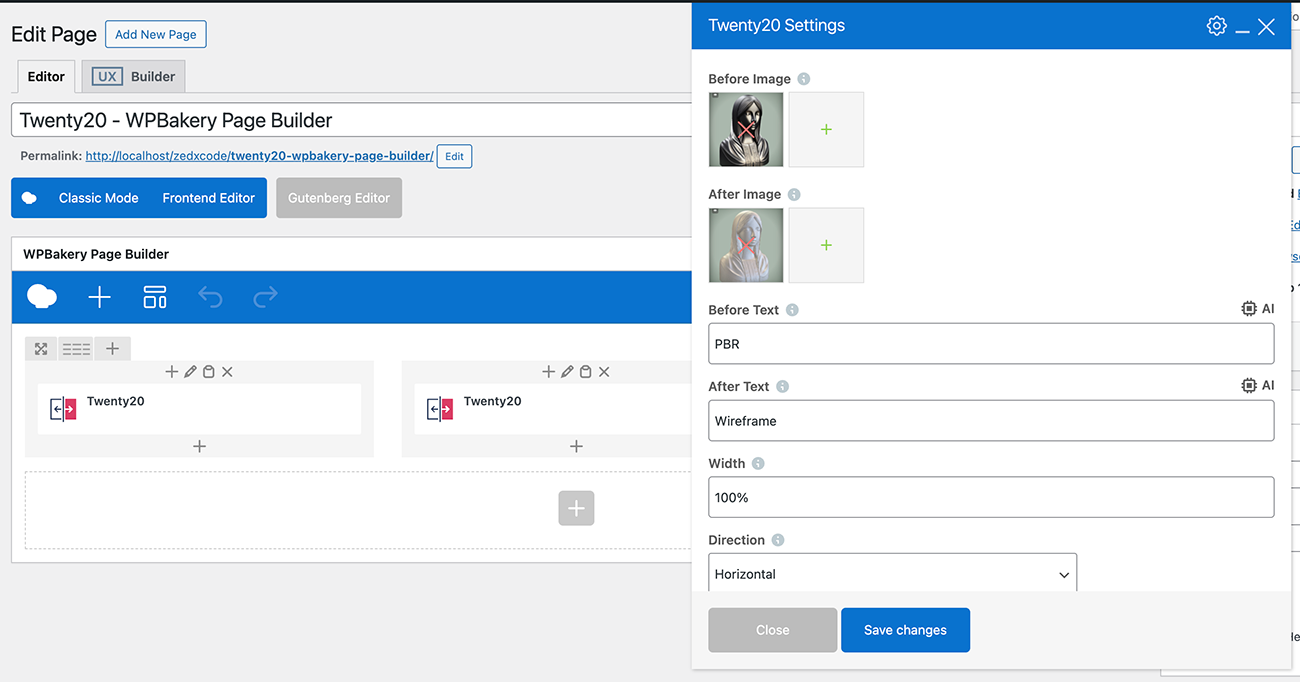
WP Bakery Visual Composer settings.
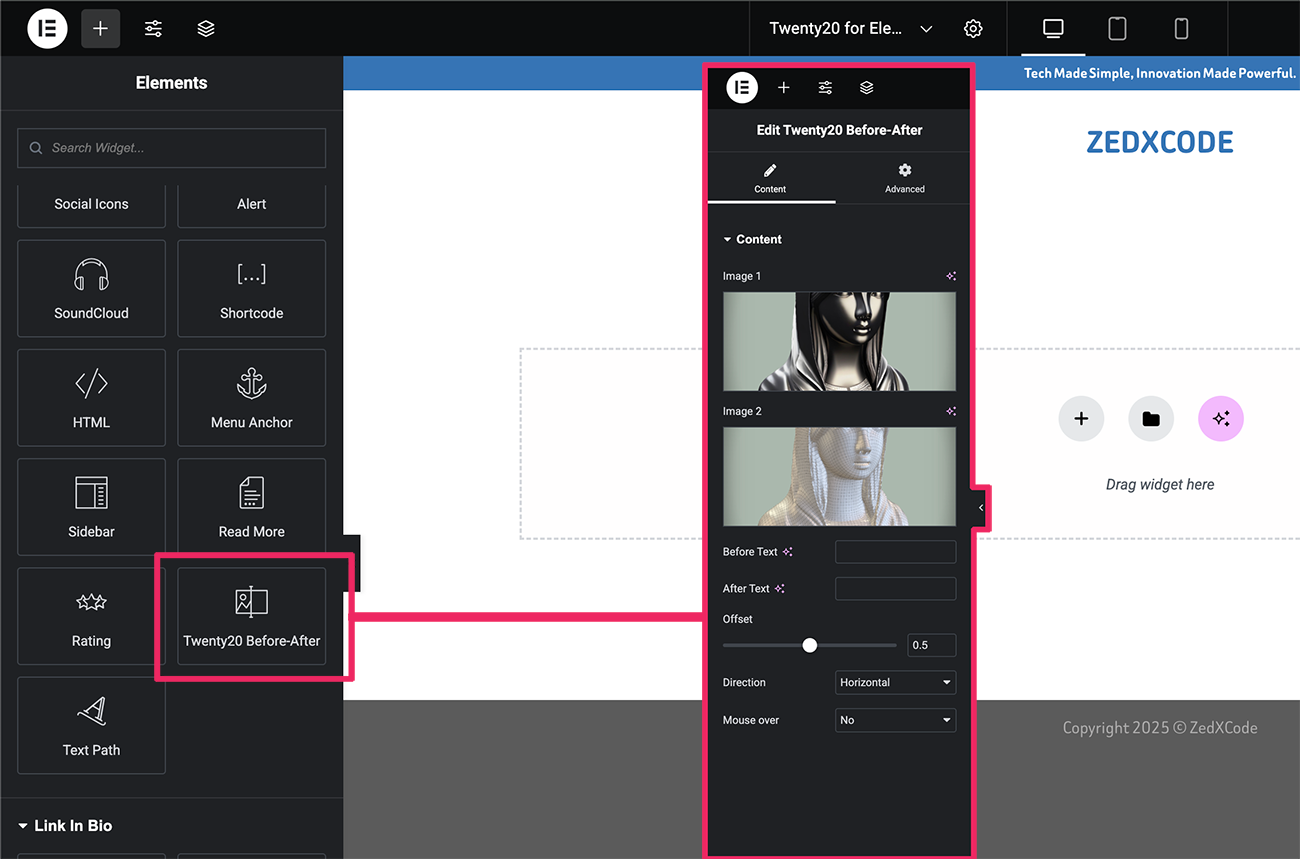
Elementor element.
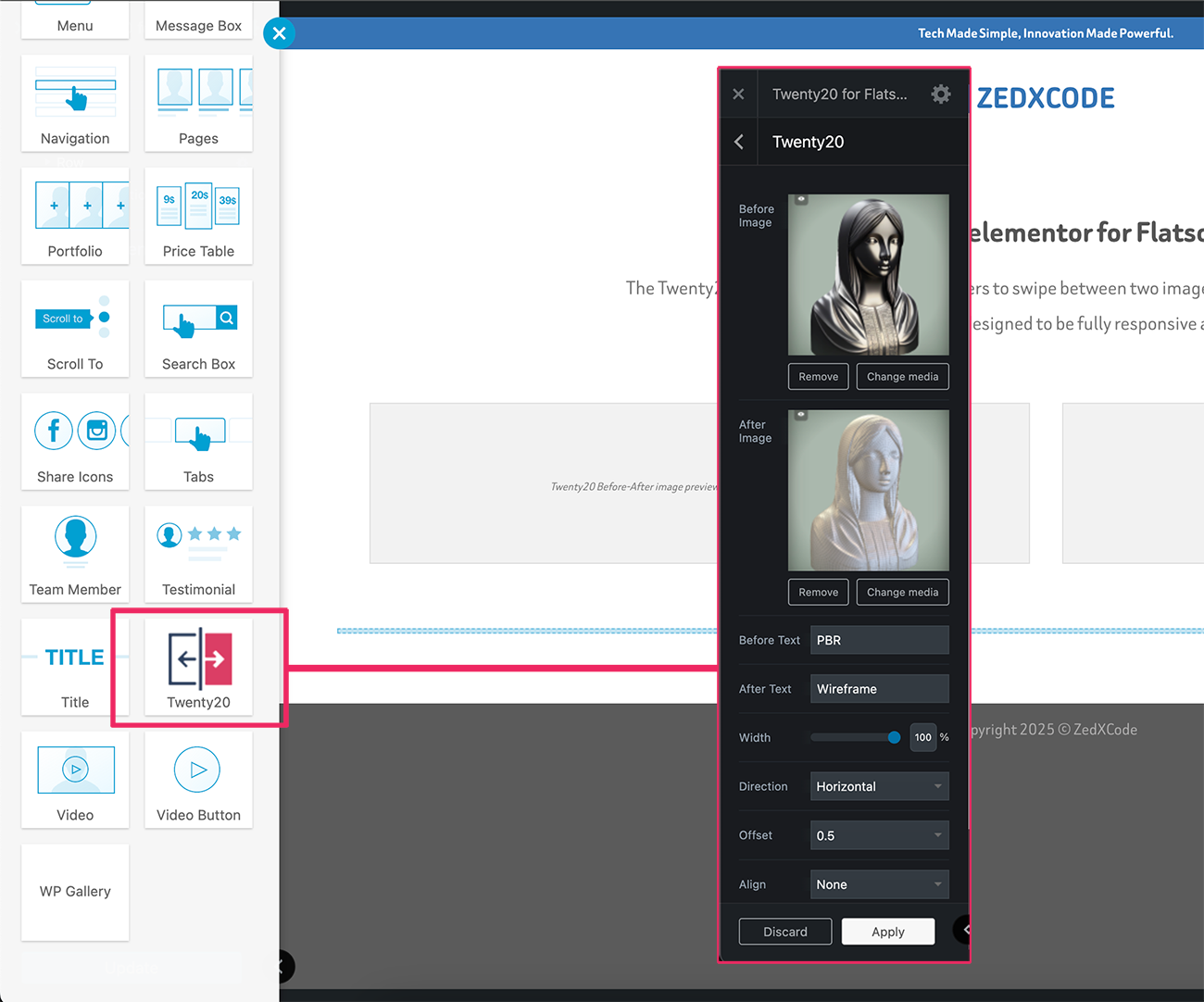
UX Builder element.
Changelog
2.0.4
- Minor fixes
2.0.3
- Minor fixes
2.0.2
- Fixed: Missing alt attributes in image comparison
2.0.1
- Improved: Accessibility compliance
- Improved: SEO optimization for image comparisons
2.0.0
- Complete codebase modernization
- New: Enhanced image loading system
- New: Improved mobile touch response
- New: Better compatibility with page builders
- New: Modernized admin interface
- Fixed: Widget image selection issues
- Fixed: Image replacement bug in widgets
- Fixed: Admin CSS loading in editor
- Fixed: Multiple slider initialization issues
- Improved: Script loading reliability
- Improved: Overall performance optimization
1.7.6
- Fixed Elementor Widget
- Improved mobile responsiveness
- Performance optimizations
1.7.5
- Fixed Elementor Widget
1.7.4
- Fixed Elementor Widget
1.7.3
- Bug fixes
1.7.2
- Improve script
1.7.1
- Bug fixes
1.7.0
- Bug fixes
1.6.1
- Bug fixes.
1.6.0
- Security fixes, and passed in WordPress review.
1.5.9
- Security fixes
1.5.8
- Fix: Minor jQuery fix
1.5.7
- Fix: WP 5.6 Uncaught TypeError (Thanks to @negru13)
1.5.6
- Fix: Jetpack’s lazy load images issue
1.5.5
- Fix: Widget mouse over.
1.5.4
- Added: Integrated with WP Image alt.
1.5.3
- Fixed cation overlay issue.
1.5.2
- Fixed Before and After shortcode insert issue
1.5.1
- Fixed loading issue
1.5
- NEW: Add Elementor Page builder support.
- NEW: Add UX Builder by UXThemes support.
- Minor CSS fixes
1.4
- NEW: ‘Move slider on mouse over’.
1.3
- NEW: Image Before and After caption.
- Fixed arrow shadow css.
- Widget updated.
1.2
- Fixed alignment bug
1.1
- Fixed width issue
1.0
- First Release