TWG AMP Related Posts
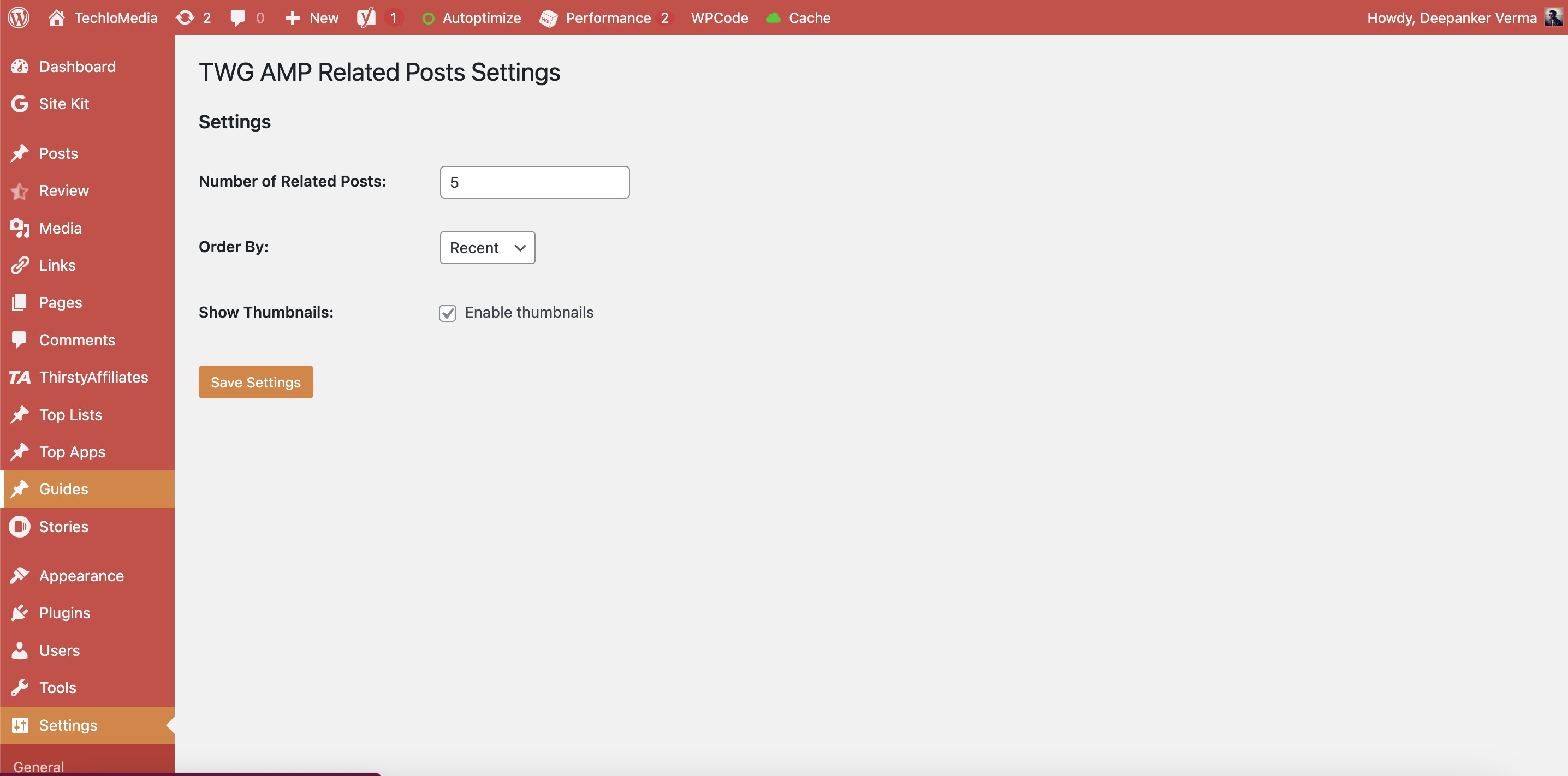
Display related posts on AMP pages with images and titles. Allows customization of the number of related posts, sorting order, and thumbnail display.
Plugin info
Maintenance & Compatibility
Maintenance score
Possibly abandoned • Last updated 391 days ago
Is TWG AMP Related Posts abandoned?
Possibly abandoned (last update 391 days ago).
Compatibility
Similar & Alternatives
Explore plugins with similar tags, and compare key metrics like downloads, ratings, updates, support, and WP/PHP compatibility.
Description
TWG AMP Related Posts is a lightweight WordPress plugin that displays related posts on AMP pages based on post categories. It includes an admin settings page for customization.
Features:
- Display related posts on AMP pages.
- Choose number of related posts to display.
- Sort by Recent or Random.
- Enable/Disable thumbnails.
- Uses wp_get_attachment_image() for optimized images.
- Fully translation-ready.
This plugin is optimized for performance and security, ensuring a smooth AMP experience.
License
This plugin is licensed under GPL-2.0+.
For more details, visit GNU License.
Installation
- Download the plugin ZIP file and extract it.
- Upload the
twg-amp-related-postsfolder to/wp-content/plugins/. - Activate the plugin through the Plugins menu in WordPress.
- Go to Settings > AMP Related Posts to configure the plugin.
Frequently Asked Questions
Go to WordPress Admin > Settings > AMP Related Posts.
No, this plugin is specifically designed for AMP pages only.
It finds posts from the same categories as the current post.
Yes! You can modify the CSS inside twg_amp_related_posts_inline_styles() in the main plugin file.
Yes, it supports WordPress localization.