

Two-Factor
Enable Two-Factor Authentication (2FA) using time-based one-time passwords (TOTP), Universal 2nd Factor (U2F), email, and backup verification codes.
Plugin info
Maintenance & Compatibility
Maintenance score
Stale • Last updated 209 days ago • Support resolved 0% • 195 reviews
Is Two-Factor abandoned?
Likely maintained (last update 209 days ago).
Compatibility
Developers
Languages
Similar & Alternatives
Explore plugins with similar tags, and compare key metrics like downloads, ratings, updates, support, and WP/PHP compatibility.
Description
Use the “Two-Factor Options” section under “Users” “Your Profile” to enable and configure one or multiple two-factor authentication providers for your account:
- Email codes
- Time Based One-Time Passwords (TOTP)
- FIDO Universal 2nd Factor (U2F)
- Backup Codes
- Dummy Method (only for testing purposes)
For more history, see this post.
Actions & Filters
Here is a list of action and filter hooks provided by the plugin:
two_factor_providersfilter overrides the available two-factor providers such as email and time-based one-time passwords. Array values are PHP classnames of the two-factor providers.two_factor_providers_for_userfilter overrides the available two-factor providers for a specific user. Array values are instances of provider classes and the user objectWP_Useris available as the second argument.two_factor_enabled_providers_for_userfilter overrides the list of two-factor providers enabled for a user. First argument is an array of enabled provider classnames as values, the second argument is the user ID.two_factor_user_authenticatedaction which receives the logged inWP_Userobject as the first argument for determining the logged in user right after the authentication workflow.two_factor_user_api_login_enablefilter restricts authentication for REST API and XML-RPC to application passwords only. Provides the user ID as the second argument.two_factor_email_token_ttlfilter overrides the time interval in seconds that an email token is considered after generation. Accepts the time in seconds as the first argument and the ID of theWP_Userobject being authenticated.two_factor_email_token_lengthfilter overrides the default 8 character count for email tokens.two_factor_backup_code_lengthfilter overrides the default 8 character count for backup codes. Providers theWP_Userof the associated user as the second argument.
Installation
Frequently Asked Questions
This plugin supports the last two major versions of WordPress and the minimum PHP version supported by those WordPress versions.
The best place to report bugs, feature suggestions, or any other (non-security) feedback is at the Two Factor GitHub issues page. Before submitting a new issue, please search the existing issues to check if someone else has reported the same feedback.
The plugin contributors and WordPress community take security bugs seriously. We appreciate your efforts to responsibly disclose your findings, and will make every effort to acknowledge your contributions.
To report a security issue, please visit the WordPress HackerOne program.
Review feed
Good Plugin, But need some improvements
Great plugin
My go-to plugin for 2FA!
Extremely safe and secure
Extremely Secure
Screenshots
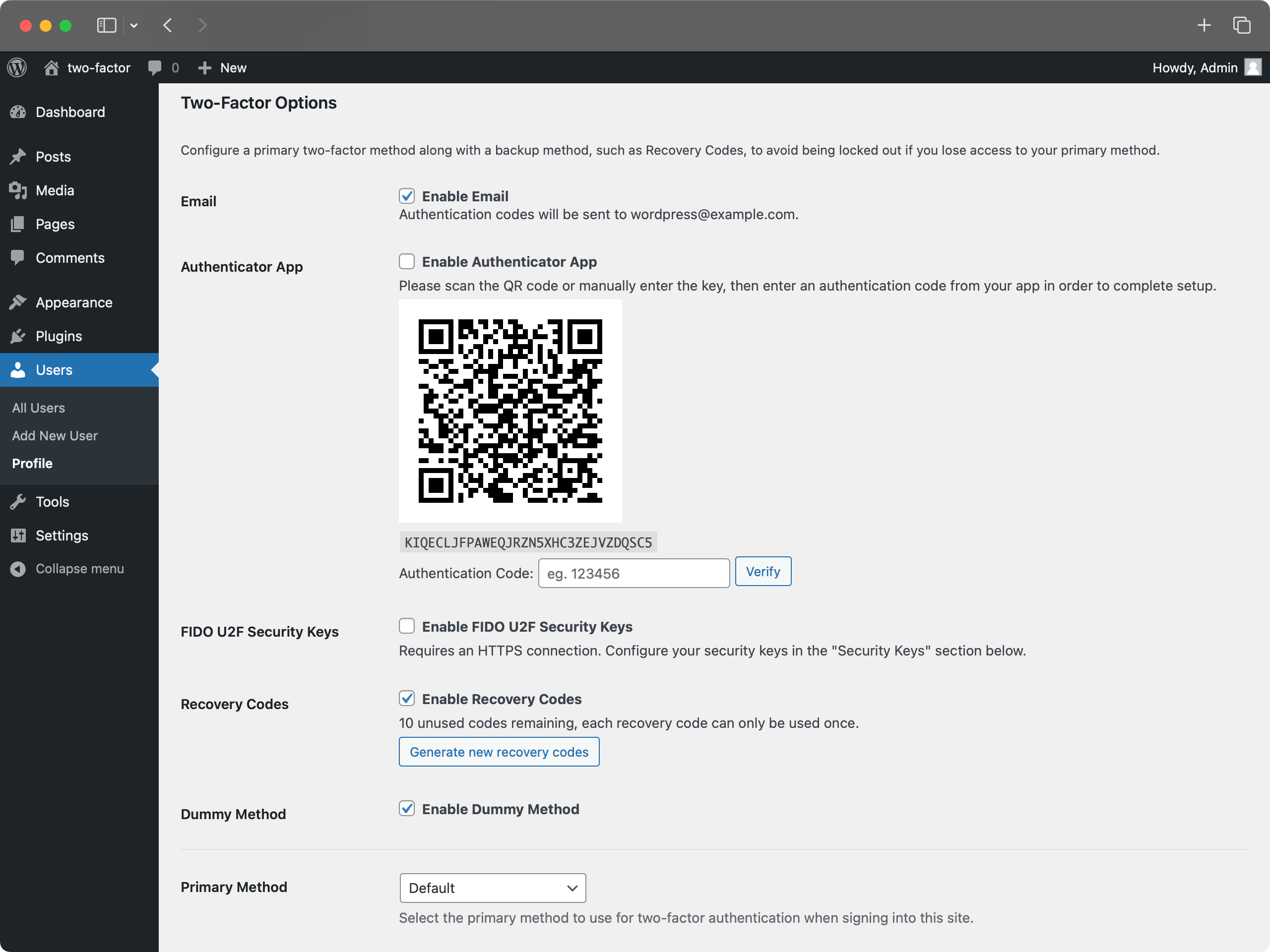
Two-factor options under User Profile.
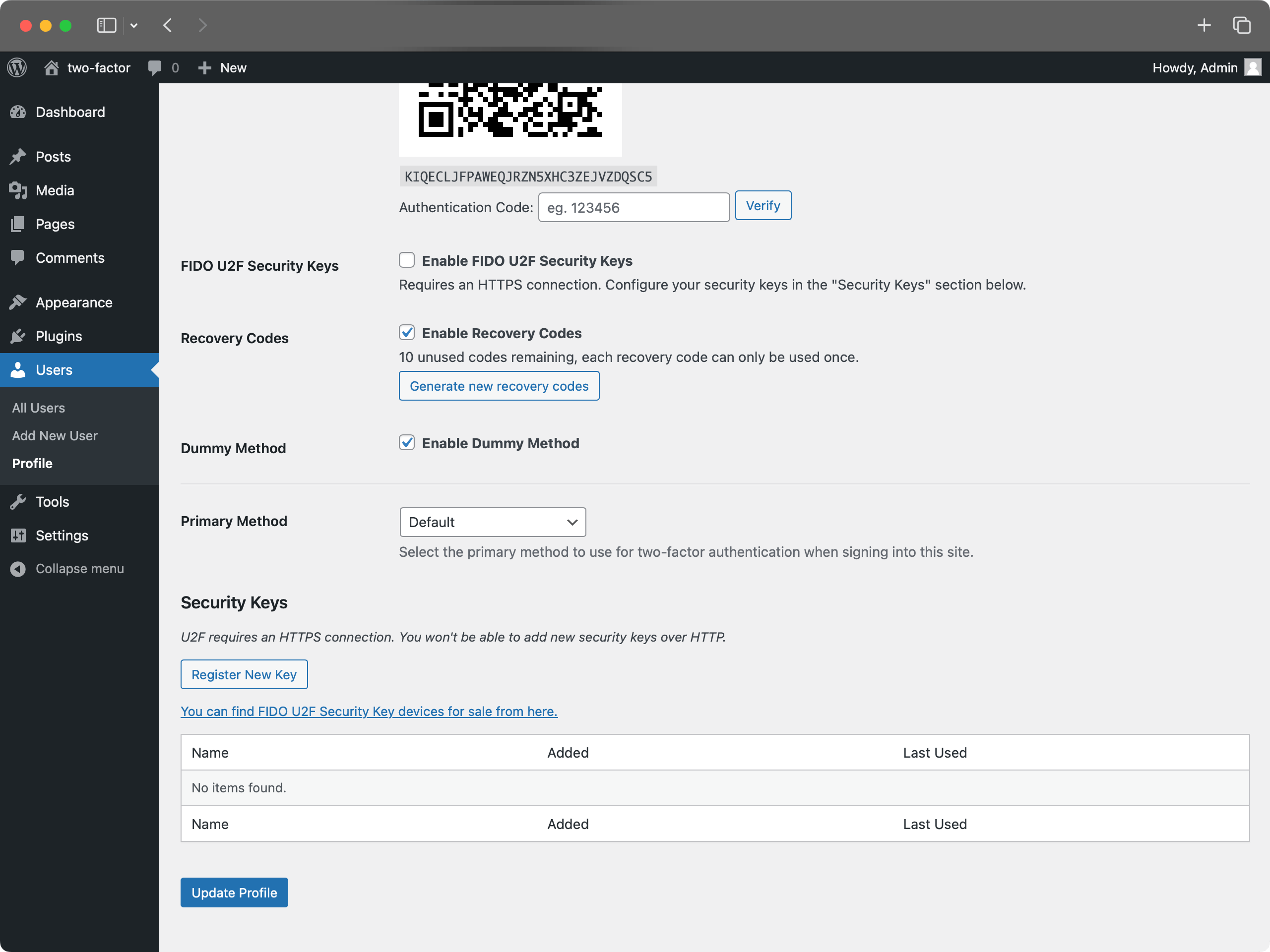
U2F Security Keys section under User Profile.
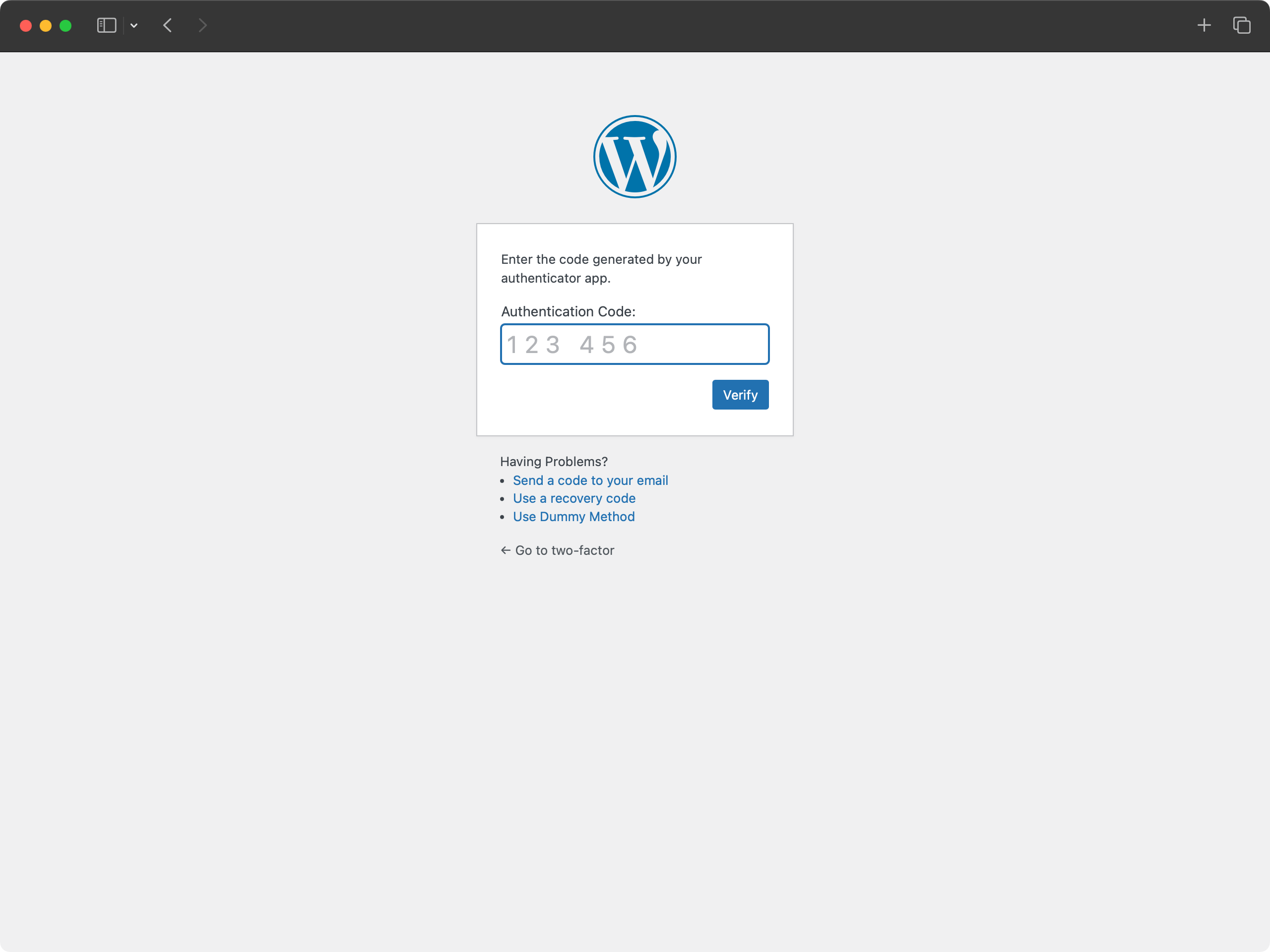
Login with authentication app code.
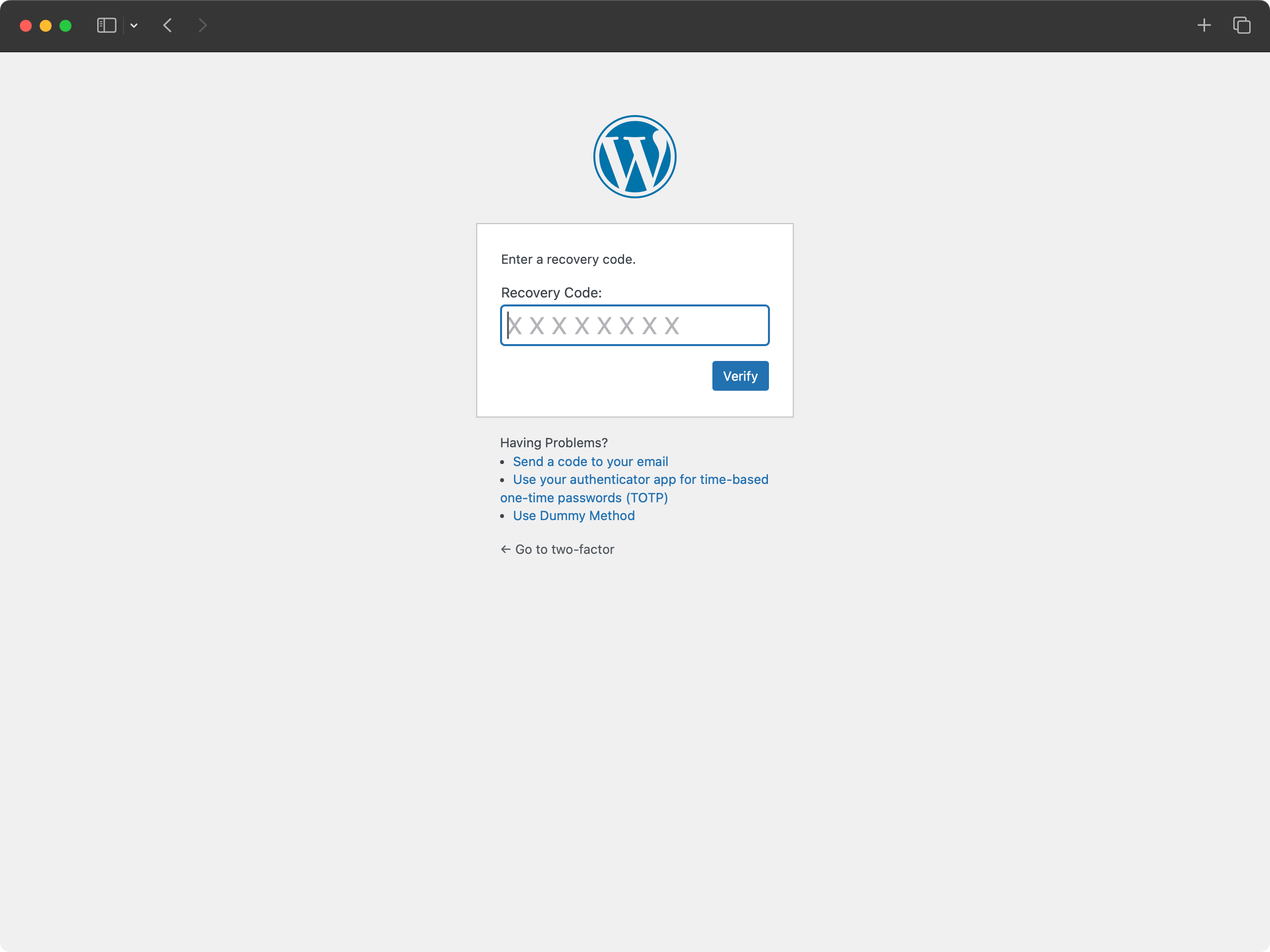
Login with recovery code.
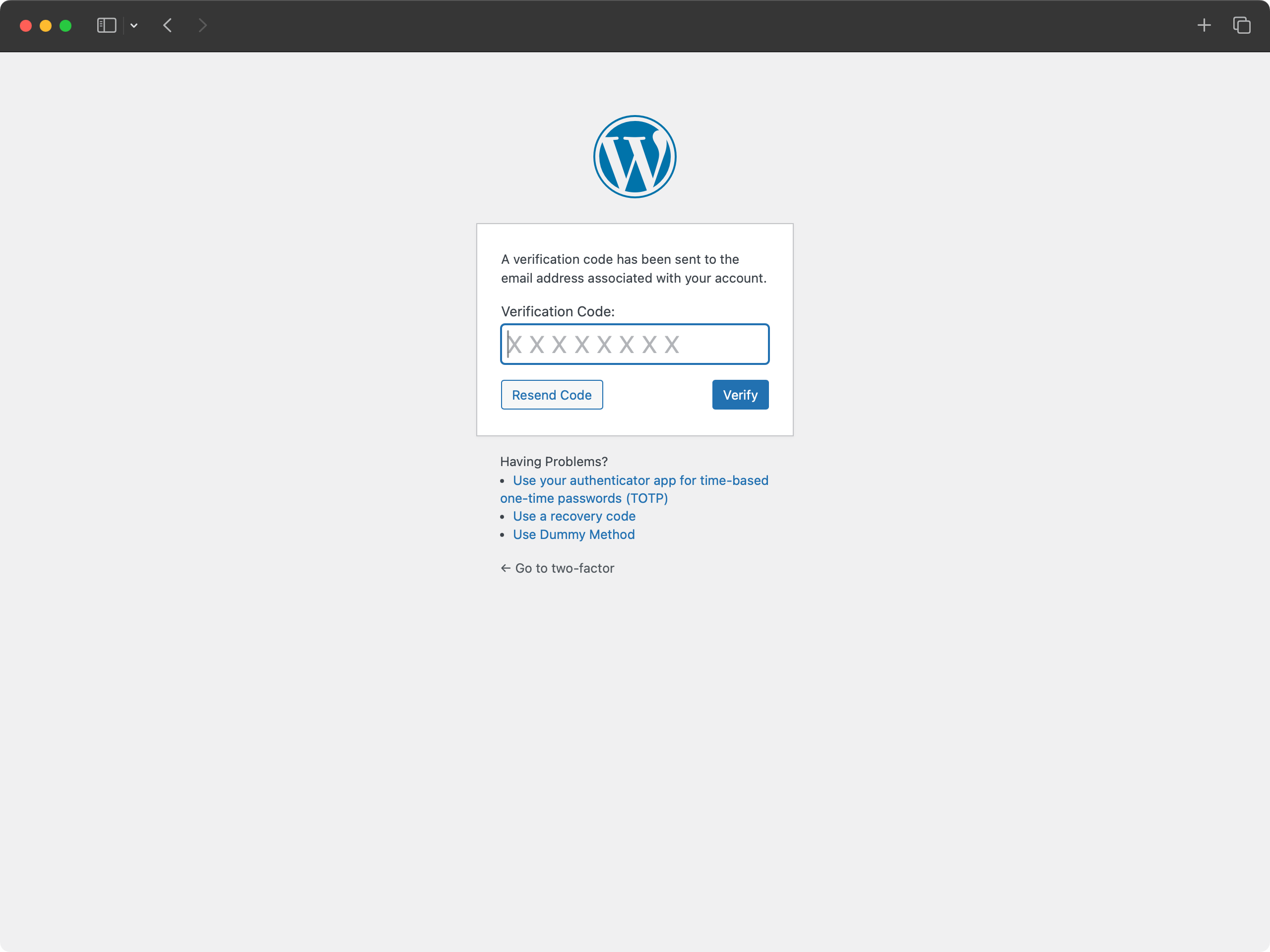
Login with email code.
Changelog
See the release history.