

Ultimate Addons for Beaver Builder – Lite
Extend Beaver Builder with powerful modules and ready-made templates to build stunning WordPress websites faster.
Plugin info
Maintenance & Compatibility
Maintenance score
Maintained • Last updated 121 days ago • 326 reviews
Is Ultimate Addons for Beaver Builder – Lite abandoned?
Likely maintained (last update 121 days ago).
Compatibility
Similar & Alternatives
Explore plugins with similar tags, and compare key metrics like downloads, ratings, updates, support, and WP/PHP compatibility.
Description
Ultimate Addons for Beaver Builder (UABB) is a lightweight yet powerful plugin that adds extra design modules and templates directly inside Beaver Builder. It helps you build better websites, without needing extra tools or custom code.
UABB is trusted by thousands of WordPress users to create beautiful sections and layouts visually. Everything works inside the familiar Beaver Builder editor, and no coding is needed.
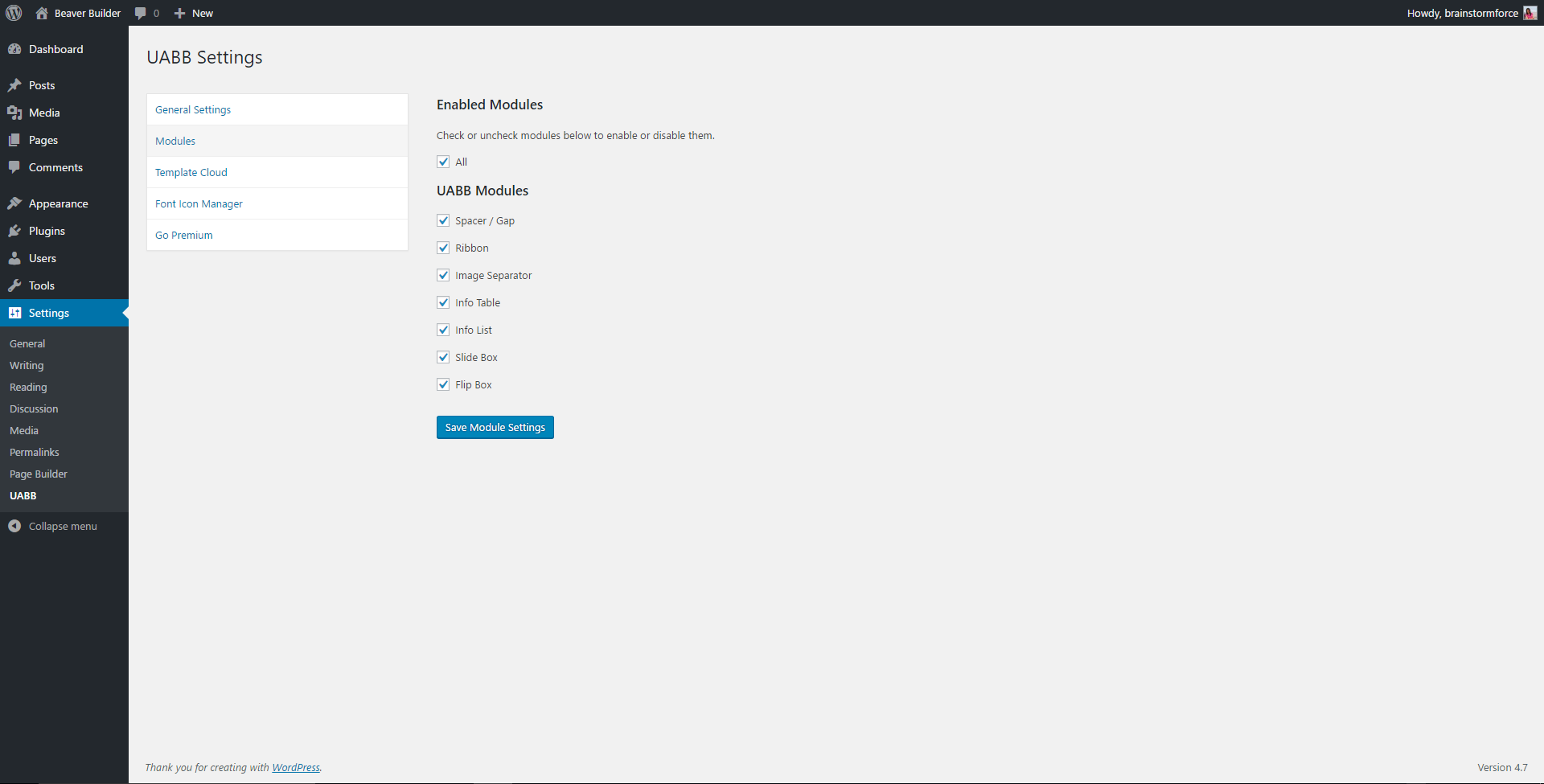
The free version includes a selection of useful modules like info boxes, call-to-action blocks, content toggles, and more. You also get access to pre-designed sections and page templates that make building websites faster and easier.
When you’re ready for more, UABB Pro offers a growing library of advanced modules, dynamic content support, WooCommerce widgets, and white-label options for agencies and power users.
Whether you’re just getting started with WordPress or building multiple sites for clients, UABB gives you control, performance, and reliability to design beautiful, high-converting websites efficiently.
Try the live demo of Ultimate Addons for Beaver Builder.
Why Choose Ultimate Addons for Beaver Builder
Ultimate Addons is designed to help you work faster and design better—without complicating your workflow. Whether you’re building simple landing pages or full websites, UABB gives you the building blocks you need, all in one place.
Here’s why users choose UABB:
- Build Cleaner Designs – Flexible modules like info boxes, content toggles, separators, and more.
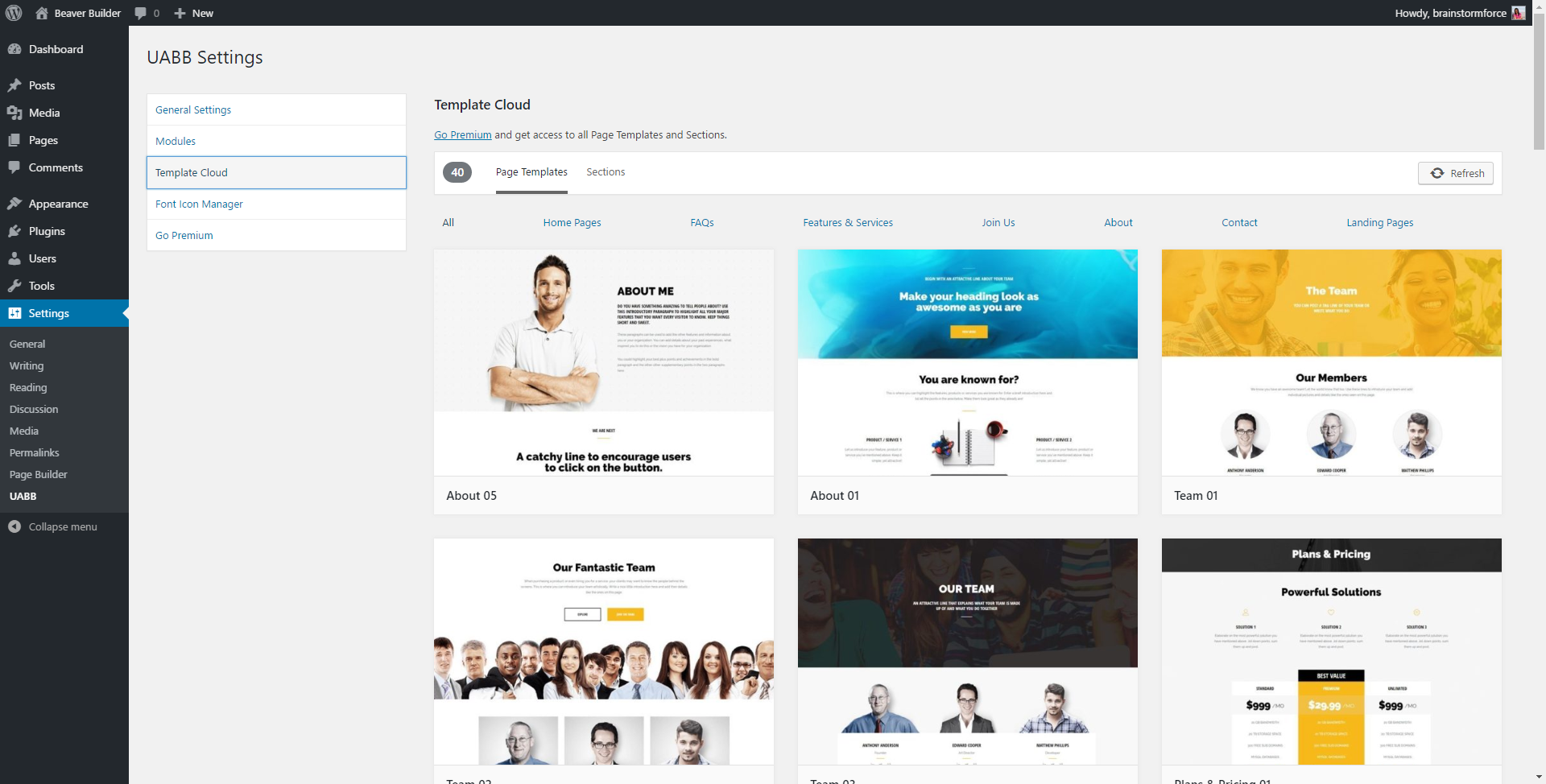
- Save Time With Pre-Built Templates – Insert professionally designed sections or full pages in seconds.
- No Coding Required – Everything works visually inside the Beaver Builder interface.
- Works With Any Theme – Tested with Astra, GeneratePress, and other leading themes.
- Beginner-Friendly + Agency-Ready – Simple UI, deep customization, and white-labeling options.
- Grows With Your Needs – Start free, upgrade for advanced functionality.
No matter your experience level, UABB helps you design faster, avoid bloat, and build sites that look and perform better.
Free Widgets in Ultimate Addons for Beaver Builder
These are the core modules included in the free version of UABB. Each is designed to add real value to your layouts, without adding clutter.
- Info Box – Heading, icon, and text in a flexible content block.
- Call to Action – Highlight offers with buttons and styled text.
- Image Separator – Add stylish image dividers between content sections.
- Content Toggle – Switchable content (e.g., Pricing Monthly/Yearly).
- Dual Button – Two buttons side-by-side for split CTAs.
- Creative Button – Buttons with modern hover effects and gradients.
- Timeline – Vertical timeline for steps or history.
- Team – Showcase team members with images and roles.
- Testimonials – Display client feedback elegantly.
- Social Share – Add share buttons to boost content visibility.
- Advanced Heading – Headings with subtext, lines, and styling.
- Price Box – Clean layouts for pricing and service offers.
Note: These modules are available right after activation. You can start designing with them inside the Beaver Builder editor.
What’s Included in UABB Pro
Upgrade to UABB Pro and unlock access to advanced modules, templates, and agency-friendly features:
- 60+ Custom Modules – Access a wide range of advanced design and content modules for every type of layout.
- 200+ Row Templates – Insert ready-made section layouts to build pages faster with consistent design.
- 100+ Page Templates – Choose from full-page templates for various industries and site types.
- WooCommerce Modules – Add product grids, cart buttons, and other WooCommerce elements with drag-and-drop ease.
- White Label Branding – Replace UABB branding with your own when building client websites.
- Regular Product Updates – Stay current with performance improvements, new features, and compatibility updates.
- Premium Support – Get fast, priority assistance from the UABB team when you need help.
- Risk-Free 100% Money-Back Guarantee – Try UABB Pro with confidence thanks to a 100% money-back guarantee.
Love what you see? Get Pro Now
How These Beaver Builder Widgets Help
- Build content sections, callouts, and pricing layouts visually in Beaver Builder
- Avoid relying on external plugins or custom CSS for design elements
- Keep your page layout consistent across all devices
- Improve overall site readability, usability, and visual appeal
- Design faster with essential modules that support most website types
The free UABB widgets provide a strong starting point for professional websites, and they work well with any Beaver Builder-compatible WordPress theme.
🚀 Ready to expand? Upgrade to Ultimate Addons for Beaver Builder Pro to access advanced modules, features, and templates.
More Tools To Enhance Your WordPress Website
If you enjoy using Ultimate Addons, explore our other tools that simplify building and managing websites:
- Astra Theme – A popular WordPress theme known for speed, flexibility, and ease of use.
- Starter Templates – Choose from over 300+ ready-to-use website templates or use AI to create a custom layout in minutes.
- OttoKit – Automate everyday WordPress tasks by connecting plugins and apps.
- Ultimate Addons for Elementor – Extend Elementor with powerful widgets, templates, and features built to speed up design and enhance creativity, without adding bloat.
Each tool is built to help you create faster, manage better, and grow your online presence without extra effort.
Need help getting started?
Love Ultimate Addons?
- Leave a review on WordPress.org and help others discover UABB!
Professional Support
Get world-class support directly from developers. We prioritize helping you succeed at every stage.
Contact now!
Learn & Connect
Access 170+ tutorials for guidance. Join our Facebook group to share ideas and connect with the community.
Credits
- animate.css is distributed under the terms of the MIT License.
- Bowser JS is distributed under the terms of the MIT License.
- JQuery LazyLoad is distributed under the terms of the MIT License.
- JQuery Shuffle is distributed under the terms of the MIT License.
- JQuery throttle / debounce is distributed under the terms of the MIT and GNU General Public License v2.0.
Installation
- Install via WordPress plugin directory or upload files to
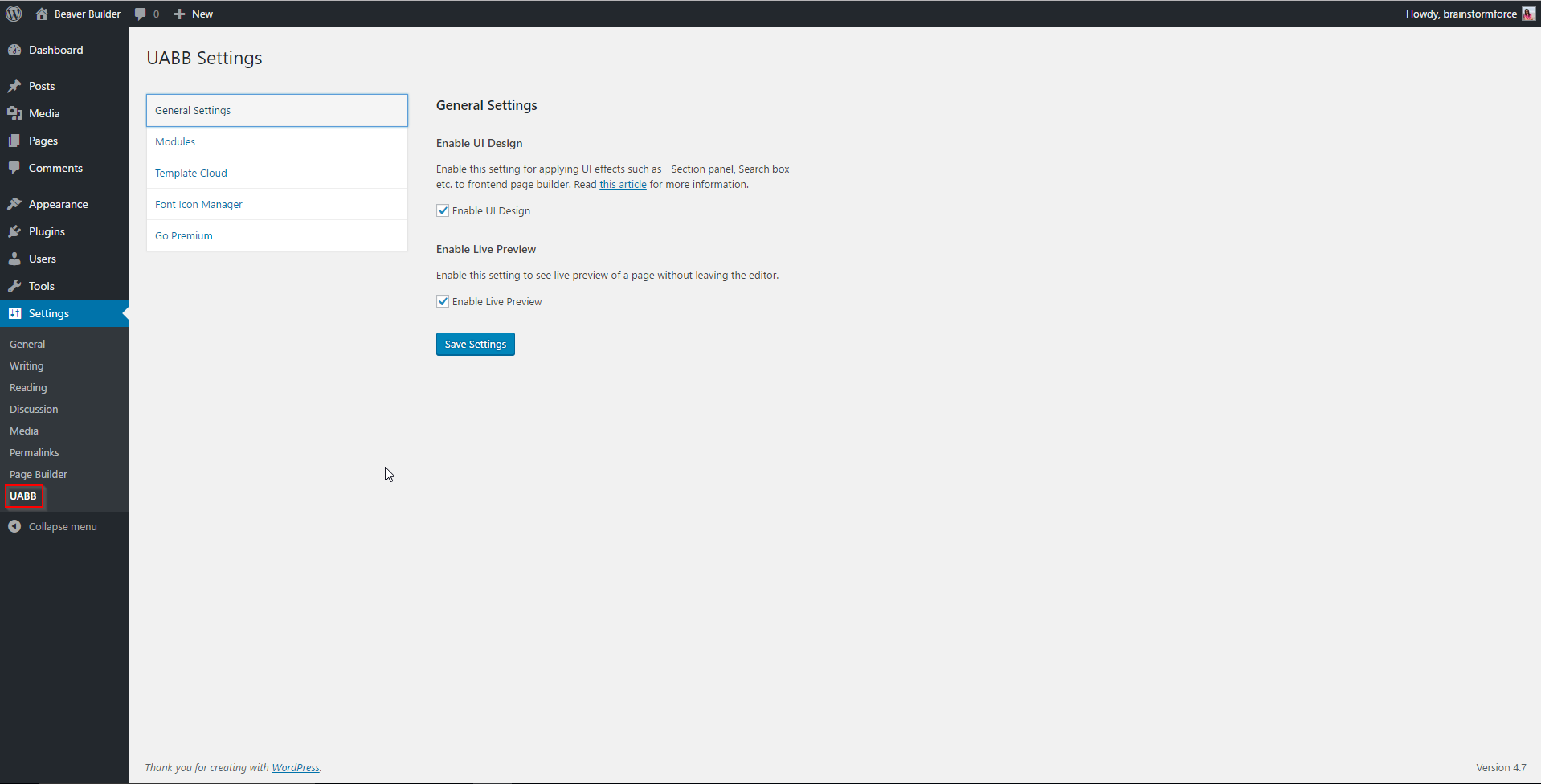
wp-content/plugins. - Activate and configure settings at Settings > Beaver Builder.
- Access Page Builder from the Edit Page/Post area or the WordPress Admin Bar.
Frequently Asked Questions
Anyone building professional websites with Beaver Builder
No, it’s entirely drag-and-drop.
Yes, both free and pro versions support unlimited sites.
No, it’s optimized for performance.
Yes, with .po and .mo files and GlotPress support.
We take plugin security extremely seriously. If you discover a security vulnerability, please report it in a safe and responsible manner.
You can report the issue through our Bug Bounty Program.
Review feed


Changelog
1.6.6
- Improvement: Updated dependent libraries.
1.6.5
- Improvement: Updated Readme file.
1.6.4
- Improvement: Optimized codebase and improved code quality.
1.6.3
- Fixed: Resolved the issue for function _load_textdomain_just_in_time was called incorrectly in WP 6.8.
1.6.2
- Improved adherence to accessibility standards throughout the plugin.
1.6.1
- This update addressed a security bug. Please make sure you are using the latest version on your website.
- Improved accessibility compliance throughout the plugin.
1.6.0
- New: UABB Lite now includes translations for Dutch, French, Spanish, and German enhancing multilingual accessibility.
- New: Added NPS Survey to gather your valuable feedback for UABB Lite!
1.5.14
- Improvement: Revised the README content.
- Fixed: Flip Box – Box content bounce on page load.
1.5.13
- Fixed: Info List – Resolved warning for undefined array key when selecting image size in the module.
1.5.12
- Improvement: Improved code quality syntax and security checks for better coding standards and practices.
- Fixed: Info List – Icon overlap issue.
1.5.11
- Improvement: Hardened the security of plugin.
- Improvement: Compatibility with Beaver Builder 2.9
- Improvement: Added support for Global Colors selection in UABB lite modules.
1.5.10
- Improvement: This update addressed a security bug. Props to Patchstack for privately reporting it to our team.
1.5.9
- Improvement: WPML compatibility for the Heading and Ribbon module.
- Improvement: Improved codebase for improved security.
1.5.8
- Improvement: This update addressed a security bug. Props to Patchstack for privately reporting it to our team.
- Fixed: Info List – Undefined variable issue with PHP 8.
1.5.7
- Improvement: Compatibility with WordPress 6.3.
1.5.6
- Security – Added nonce check to refresh cloud templates.
1.5.5
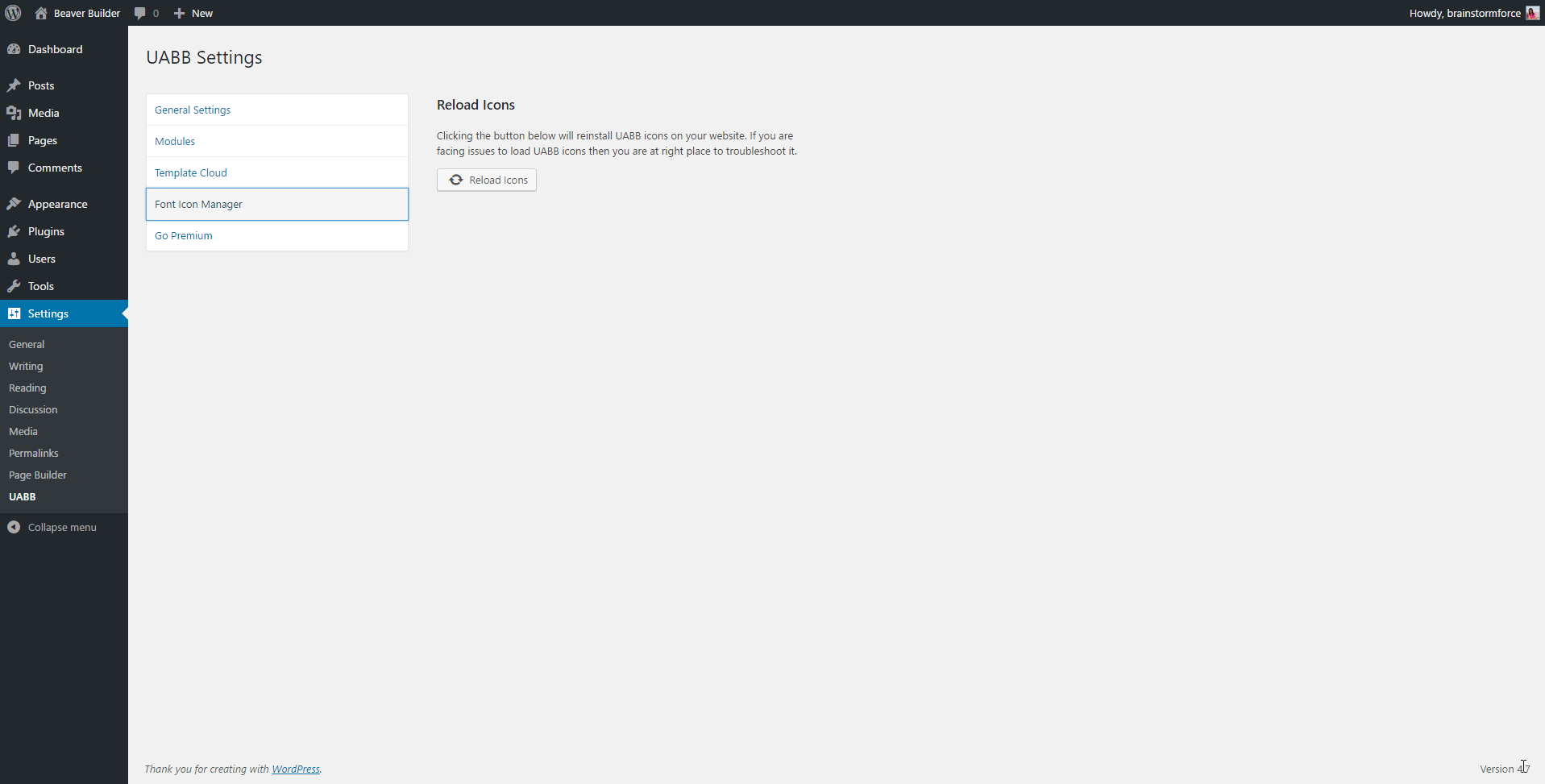
- Security – Added nonce check to reload icon action.
1.5.4
- Fixed: Info List – Resolved PHP notice error in Info List module.
1.5.3
- Fixed: Info List – PHP Fatal error while using with WPML plugin.
1.5.2
- Fixed: Flip Box – Repeat setting not working for Front and Back Background Images.
- Fixed: Heading – Resolved PHP warning for undefined property.
1.5.1
- Improvement: Compatibility with WordPress 5.7.
- Improvement: Heading – Parsed the description in the heading in a better way by using
$wp_embed->autoembed.
1.5.0
- New: New: Users can now share non-personal usage data to help us test and develop better products.
1.4.0
- New: Introduced Advanced Icon
- New: Introduced Star Rating
1.3.2
- Improvement: Optimised the query loading time for Notices.
1.3.1
- Improvement: Added Astra Theme Button compatibility from v2.2.0 for Button module
- Improvement: Added new style type Default for Button module
- Improvement: Added Background Color and Padding setting options in Heading module
- Fixed: Info List – Non Numeric value notice for Image Size in rare cases
1.3.0
- New: Added Typography field compatibility with Beaver Builder 2.2
- New: Added Border field compatibility with Beaver Builder 2.2
- New: Added Link field compatibility with Beaver Builder 2.2
- Improvement: Added color connections to all color fields
- Improvement: Added slider support to all unit fields
1.2.4
- Fixed: Improved performance of the field replacement functionality
- Fixed: Reduced the frontend data render calls to help with performance
1.2.3.1
- Fixed: Heading Module responsive font size not working
1.2.3
- New: Added Heading module
- New: Custom field compatibility with Beaver Builder 2.0
- Improvement: Deprecated uabb-simplify field and replaced it with BB’s unit field
- Improvement: Deprecated uabb-spacing field and replaced it with BB’s dimension field
- Improvement: Deprecated uabb-toggle-switch field and replaced it with BB’s select field
- Improvement: Deprecated uabb-blank-spacer field
- Improvement: Deprecated uabb-msg-box field
- Improvement: Replaced line-height’s unit from px to em for all modules
1.2.2
- New: WPML Support
1.2.1
- Fixed: Global settings compatibility with Astra theme
1.2.0
- New: Beaver Builder 2.0 support.
1.1.0
- New: Added Beaver Themer support, Use modules from ultimate beaver to create dynamic page layouts with Beaver Themer.
1.0.2
- Fixed: Sections and Templates not visible issue
1.0.1
- Fixed: BB v1.10 compatibility issue
- Fixed: Image Separator – Fixed scroll bar issue on small devices
1.0
- Initial release