
Display Posts As List, Grid, Thumbs
This plugin lets you list posts by category, author, tags, and more, using a shortcode on posts, pages, or widgets with plenty of customization option …
Maintenance 40/100290d since update
Active installs
900
Downloads
14,222
Reviews
7
Age
6.4y
Plugin info
Total downloads: 14,222
Active installs: 900
Total reviews: 7
Average rating: 5
Support threads opened: 0
Support threads resolved: 0 (0%)
Available in: 1 language(s)
Contributors: 1
Last updated: 6/15/2025 (290 days ago)
Added to WordPress: 11/23/2019 (6 years old)
Minimum WordPress version: 3.5
Tested up to WordPress version: 6.8.3
Minimum PHP version: 7.3
Maintenance & Compatibility
Maintenance score
Stale • Last updated 290 days ago • 7 reviews
40/100
Is Display Posts As List, Grid, Thumbs abandoned?
Likely maintained (last update 290 days ago).
Compatibility
Requires WordPress: 3.5
Tested up to: 6.8.3
Requires PHP: 7.3
Similar & Alternatives
Explore plugins with similar tags, and compare key metrics like downloads, ratings, updates, support, and WP/PHP compatibility.
Author Recommended Posts
Rating 5.0/5 (9 reviews) • Active installs 100
Description
This plugin lets you list posts by category, author, tags, and more, using a shortcode on posts, pages, or widgets with plenty of customization options.
Plugin features:
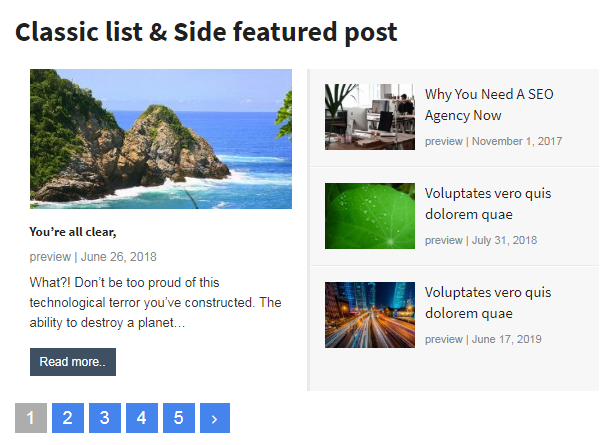
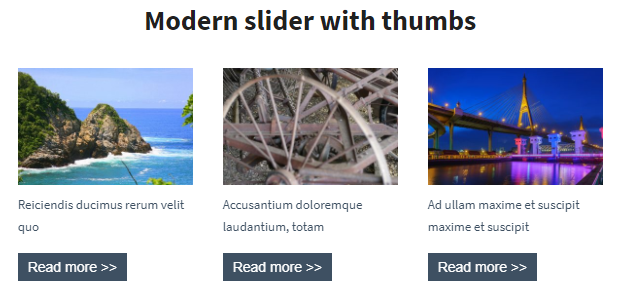
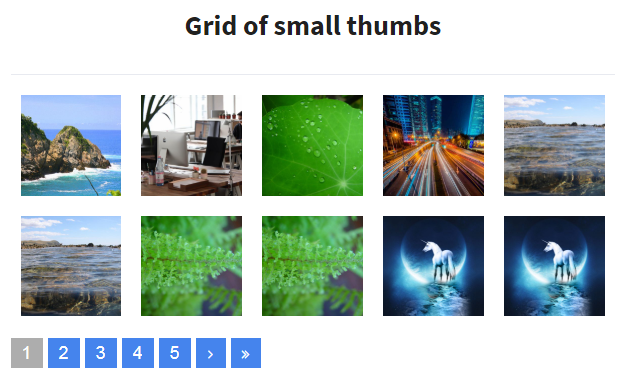
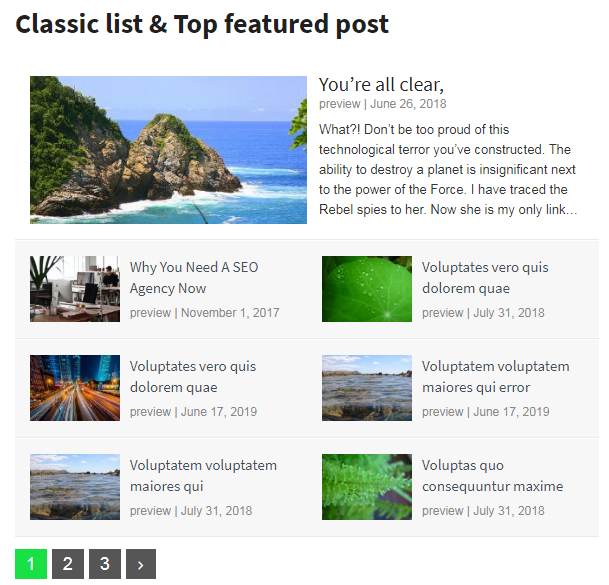
- Responsive Templates (Grid list, a list with thumbnails, etc..)
- Image size – thumbnail, medium, large, or any custom size
- Choose categories, tags, authors
- Custom post types and taxonomies support
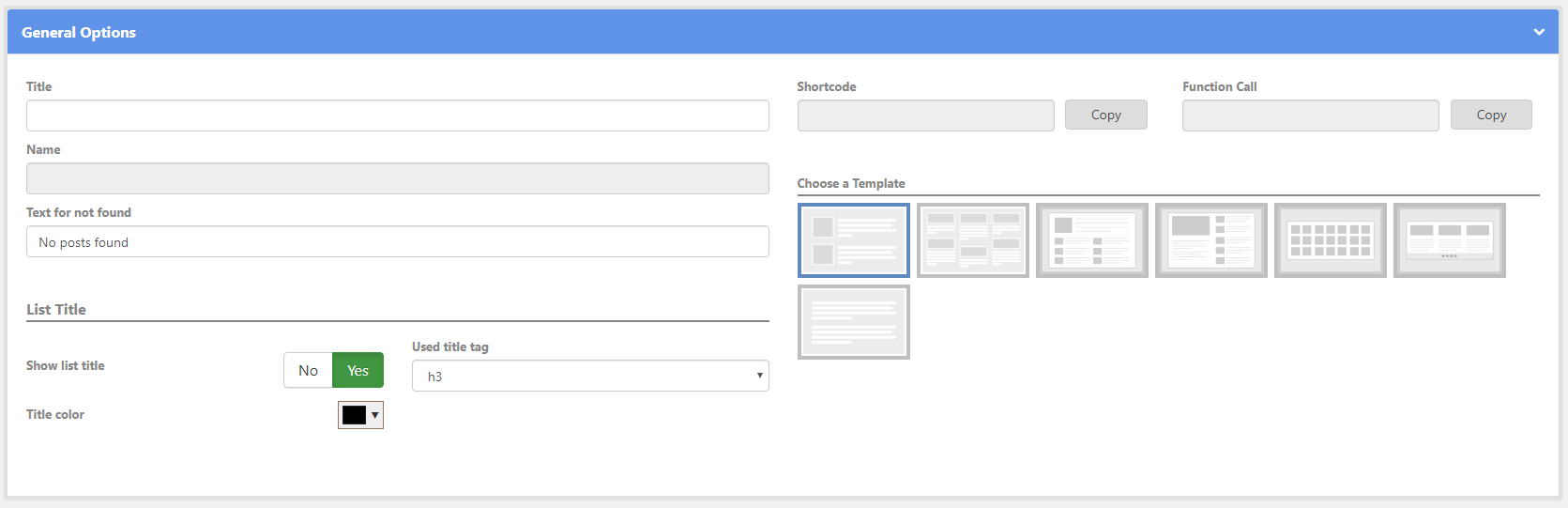
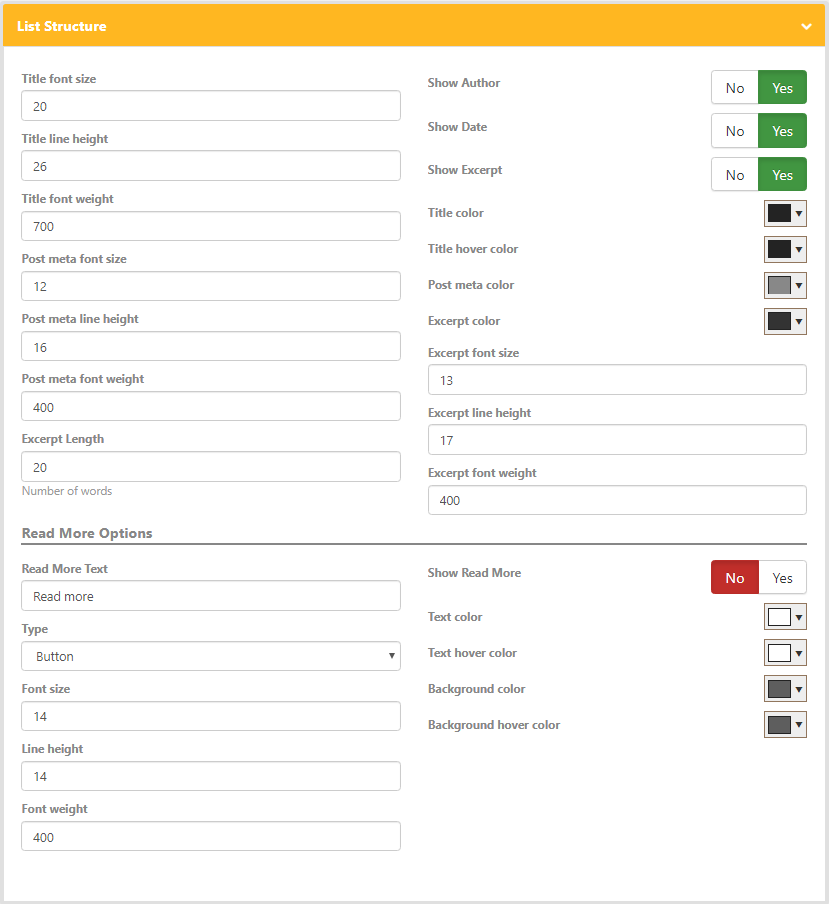
- Customize the Title, excerpt, date
- Image positioning – top, right, left, in or out of the excerpt
- Custom CSS class for every widget’s instance
- Comprehensive options page (Filter posts by category, tags, authors, etc..)
- List posts from any category
- List posts from any post type (one or more)
- List posts based on the post date & status
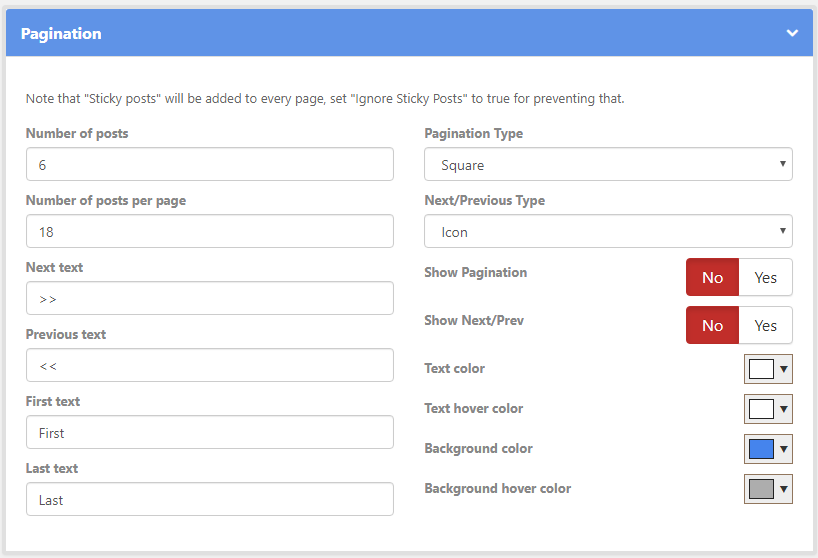
- Pagination options (posts per page, pagination styling)
- Read more options (button text and styling)
- Exclusion options (exclude posts by the author, category, and tags)
- Order by options (order by date ascending or descending or randomly)
- Shortcode support
Installation
- Download the package.
- Upload the package using your plugins page > add new > upload or Extract the contents of .zip folder to wp-content/plugins/ folder
- Activate the Plugin via plugins page
- After activating this plugin, please regenerate your thumbnails using this plugin (https://wordpress.org/plugins/regenerate-thumbnails/)
Thanks!
Frequently Asked Questions
No FAQ available
Review feed
wp-buy
You will love it
Great plugin
Salman Khan
Easy To Use
great work
Screenshots
screenshot-1
screenshot-2
screenshot-3
screenshot-4

screenshot-5
screenshot-6
Changelog
4.4
- Checking compatibility with wordpress 6.6.1
4.3
- fixing options collapse
- Bug fixing content trim in pagination
4.2
- The priority parameters changed to integer value (not float), in hooks(add_action, add_filter).
- In templates: Bug fixing images path and links url
4.1
- The priority parameters should be integer value (not float), in hooks(add_action, add_filter).
- In template(1, 5, 6): There is an error in the images path
- Checking with PHP 8.2
- Checking with wordpress 6.3.1
3.3
- bug fixing styling
3.2
- bug fixing in the post title styling
3.1
- Bug fixing in the list name
- General enhancements
2.9
- Bug fixing sorting
2.8
- Bug fixing in the tags & categories
2.7
- Bug fixing in the tags
2.6
- Bug fixing in thumbnails
- css enhancements
2.5
- css enhancements
2.4
- Bug fixing in escap string – implode function
2.3
- update tags
2.2
- bug fixing in generating thumbnails
- adding vote message
2.1
- bug fixing in images thumbnails
- css enhancements
1.3
- bug fixing in carousel slider
- css enhancements
1.2
- bug fixing in the plugin activation
1.1
- Initial version