
Ultimate WP Captcha
Enables Google reCAPTCHA and hCaptcha for the WordPress website forms.
Plugin info
Maintenance & Compatibility
Maintenance score
Possibly abandoned • Last updated 908 days ago • 2 reviews
Is Ultimate WP Captcha abandoned?
Possibly abandoned (last update 908 days ago).
Compatibility
Developers
Similar & Alternatives
Explore plugins with similar tags, and compare key metrics like downloads, ratings, updates, support, and WP/PHP compatibility.
Description
Ultimate WP Captcha plugin is an effective security solution that prevents spam Login and registration of your WordPress website, WooCommerce and LearnDash. We are offer you to integrated Google reCaptcha and hCaptcha.
The Users need to confirm that they are not a robot before submitting WordPress forms.
Features
- Add reCaptcha to:
- WordPress Registration form
- WordPress Login form
- WordPress Reset password form
- WordPress Comments form
- WooCommerce Registration form
- WooCommerce Login form
- WooCommerce Reset password form
- WooCommerce Checkout page
- LearnDash Registration form
- LearnDash Login form
If you have any feedback or featur requests we’d love to hear about it!
Help & Support
Visit our Help Center if you have any questions, our friendly Support Team is happy to help – https://webdesireltd.com/contact-us/
Installation
- Upload the
google-captchafolder to the/wp-content/plugins/directory. - Activate the plugin via the ‘Plugins’ menu in WordPress.
- Plugin settings are located in WUC Captcha menu.
Frequently Asked Questions
Follow the below steps in order to get and enable Google reCaptcha:
1. Open your WordPress admin dashboard.
2. Left Navigate “UWC Captcha” to go plugin Settings page.
3. Select Google reCaptcha.
4. Click the “Click here” link to create or view keys for Google reCaptcha.
5. Enter your domain name and click “Create Key” button.
6. Copy your site key and secret key them and paste to the appropriate fields on plugin Settings page.
7. Save changes
Follow the below steps in order to get and enable hCaptcha:
- Open your WordPress admin dashboard.
- Left Navigate “UWC Captcha” to go plugin Settings page.
- Select hCaptcha.
- Click the “Click here” link to create or view keys for Google reCaptcha.
- Register your account Or Create Key.
- Copy your site key and secret key them and paste to the appropriate fields on plugin Settings page.
- Save changes.
Sorry not now.
We are open to your suggestions and feedback.
Review feed
Screenshots
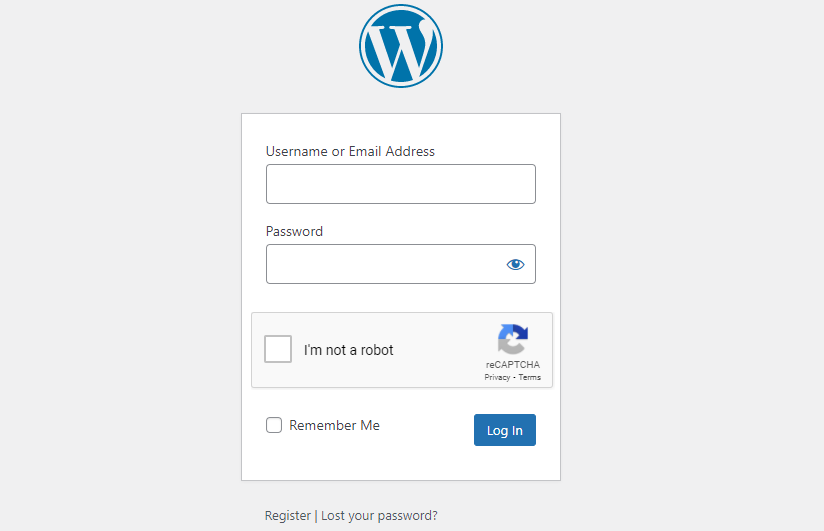
WordPress Login form with hCaptcha.

WordPress Login form with reCaptcha.
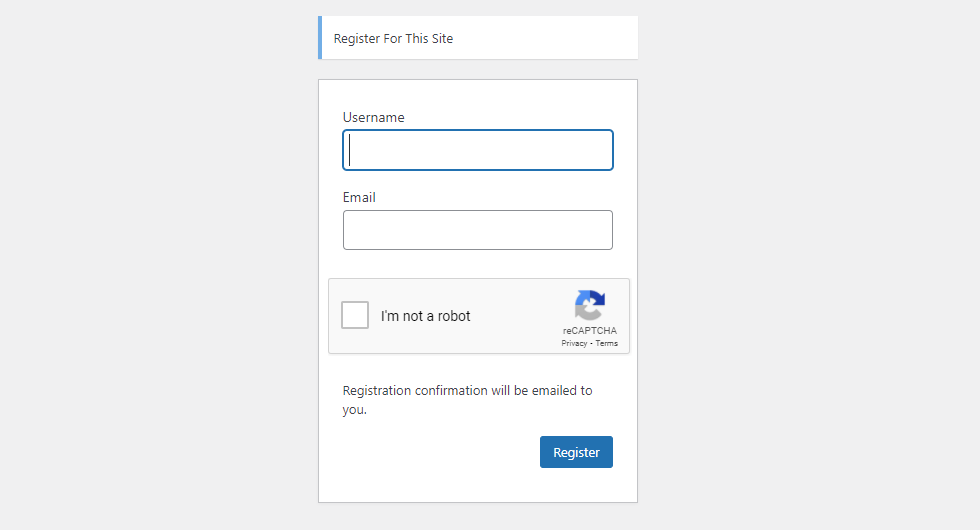
Registration form with reCaptcha.
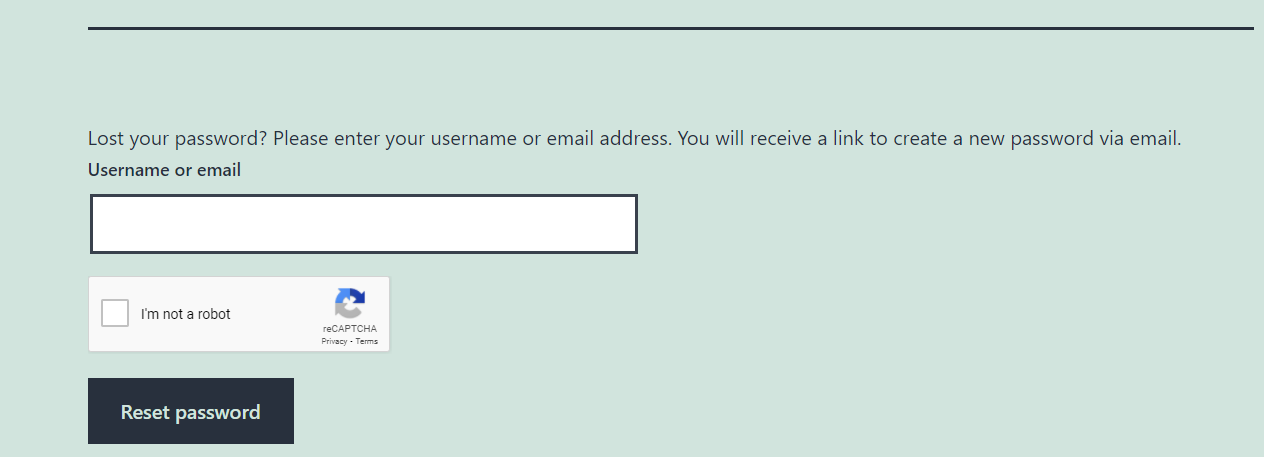
Lost password form with reCaptcha.
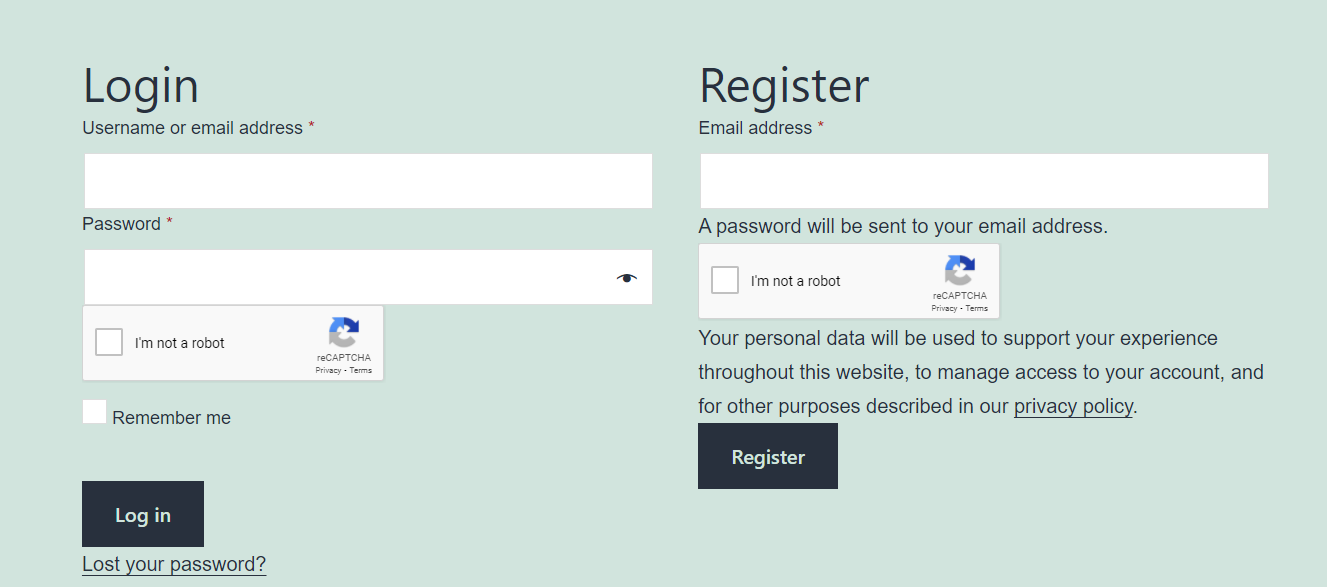
WooCommerce Login and registration form with reCaptcha.
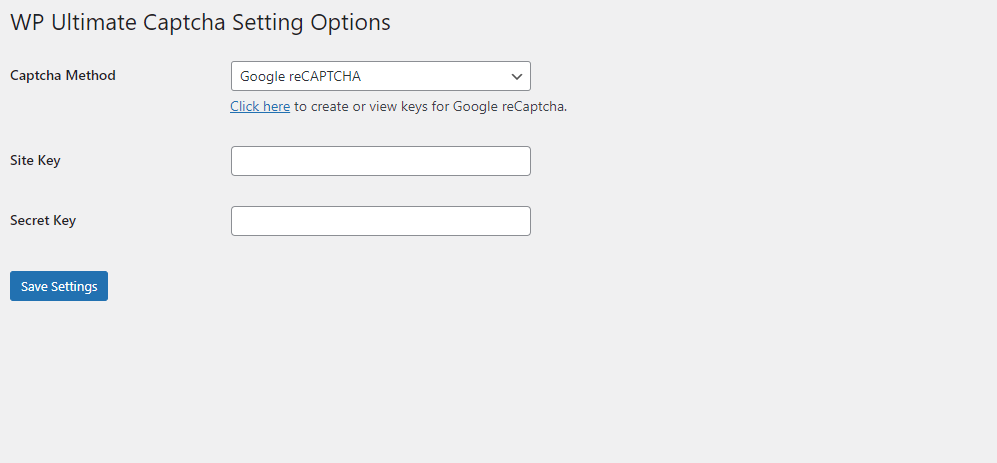
Captcha Settings page.

WooCommerce checkout with reCaptcha.
Changelog
1.1.8
- Minor code improvement.
1.1.7
- Bugfix: Captcha was not working on LearnDash registration page.
1.1.6
- New: Add captcha to wordpress comment form.
1.1.5
- Removed uused files
1.1.4
- New: Add option to choose the captcha theme.
- Tested up to 5.8.2
1.1.2
- Tested up to 5.8
1.1.1
- New: Add captcha to woocommerce checkout page.
- New: Option to select where to display captcha.
1.1.0
- Correction to readme help link
- Added screenshot, banner and icon images
1.0.0
- Initial Release.