

URL Image Importer
Import images from URLs, CSV files, or WordPress XML exports directly into your WordPress Media Library to use across your entire site!
Plugin info
Maintenance & Compatibility
Maintenance score
Maintained • Last updated 139 days ago • 1 reviews
Is URL Image Importer abandoned?
Likely maintained (last update 139 days ago).
Compatibility
Similar & Alternatives
Explore plugins with similar tags, and compare key metrics like downloads, ratings, updates, support, and WP/PHP compatibility.
Description
URL Image Importer allows you to effortlessly import images from URLs, CSV spreadsheets, or WordPress XML export files directly into your Media Library. Simply paste one or multiple image links, upload a CSV file, or import your WordPress export file—and it will handle the rest, importing them all with ease!
The plugin fetches images directly from external links, validates them, and adds them to your Media Library—saving you time and effort. It’s perfect for quickly adding assets to your site without the hassle of downloading files to your computer and manually uploading them to WordPress.
URL Image Importer Plugin Features
- Import any image directly into your WordPress Media Library from a URL—no file uploads required.
- Import multiple images at once using a CSV spreadsheet with image URLs in bulk.
- Import from WordPress XML export files to restore or migrate images between sites.
- Works seamlessly with any hosting environment or server setup.
- Automatically validate and save images, ensuring they’re ready to use in your content.
- Get smart recommendations based on available space in your temporary uploads directory.
- Works with any server or hosting provider.
- Upload any size file directly to a connected Infinite Uploads cloud account.
- Uploads directory disk utility for quickly analyzing storage usage in your media library.
Import Images to your Media Library
Paste in a publicly accessible URL with a compatible file extension or upload a CSV/XML file and enjoy media management ease.
Bulk Import Support
Allows you to paste multiple URLs, upload a CSV file, or use a WordPress XML export to import several images simultaneously without timing out. It processes one at a time, recursively importing them.
CSV Imports
Upload a CSV file containing one or more image URLs (and optional metadata). The plugin automatically processes each row and imports all valid images into your Media Library. Perfect for large-scale imports from spreadsheets or external asset lists.
XML Imports from WordPress Export Feature
Easily import images from a standard WordPress XML export file. The importer automatically parses the XML file, locates image URLs, and downloads them into your Media Library. This is ideal for restoring lost media or transferring content between sites.
Uploads Disk Utility
The URL Image Importer plugin includes a media library disk utility that shows a breakdown of the files in your uploads directory by type and size. See how many images, videos, archives, documents, code, and other files (like audio) there are and how much space they’re taking up.
FTP/SFTP Client-free File Uploading
Upload files right to the WordPress media library from URLs without additional credentials and settings. Skip the protocol settings, server names, port numbers, usernames, long passwords, and private keys. Grab the image & paste the URL in!
Compatible with Big File Uploads
Bypass the upload limits on your server, set by your hosting provider, that prevent you from uploading large files to your media library.
Wanna make your media library infinitely scalable? Move your big files and uploads directory to the cloud.
Big File Uploads is built to work with Infinite Uploads to make your site’s upload directory infinitely scalable. A large WordPress media library can slow down your server and run up the cost of bandwidth and storage with your hosting provider. Move your uploads directory to the Infinite Uploads cloud to save on storage and bandwidth and improve site performance and security. Learn more about Infinite Uploads cloud storage and content delivery network.
Privacy
This plugin does not collect or share any data. Site admins can optionally subscribe to email updates which is subject to our Privacy Policy.
About Us
Infinite Uploads builds WordPress plugins and is a premium cloud storage provider and content delivery network (CDN) for all your WordPress media files. Learn more here:
infiniteuploads.com
Learn how to manage large files on our blog:
Infinite Uploads Blog, Tips, Tricks, How-tos, and News
Enjoy!
Contact and Credits
Maintained by the cloud architects and WordPress engineers at Infinite Uploads.
Installation
- After installing and activating the plugin, navigate to Media > Import Image from URL in the WordPress admin panel.
- Enter the URL of the image you want to import, or upload a CSV or XML file.
- Submit the form. If successful, the image(s) will be added to the Media Library, and you’ll get a link to edit them.
Frequently Asked Questions
• JPEG/JPG (.jpeg, .jpg)
• PNG (.png)
• GIF (.gif)
• ICO (.ico)
• WebP (.webp) (since WordPress 5.8)
• SVG (.svg)
Yes! You can upload a CSV file with one or multiple image URLs listed in a column, and the plugin will automatically import them all.
Yes! You can upload a WordPress XML export file, and the importer will detect all image attachments and import them into your Media Library.
Not at the moment. Support for that is coming soon.
As large as your maximum upload size is set to, or however much your server can support.
Yes.
No. Infinite Uploads is an optional service to offload your media files to the cloud and make your WordPress website storage infinitely scalable. Perfect for sites that need to store many large file uploads.
Review feed
Screenshots
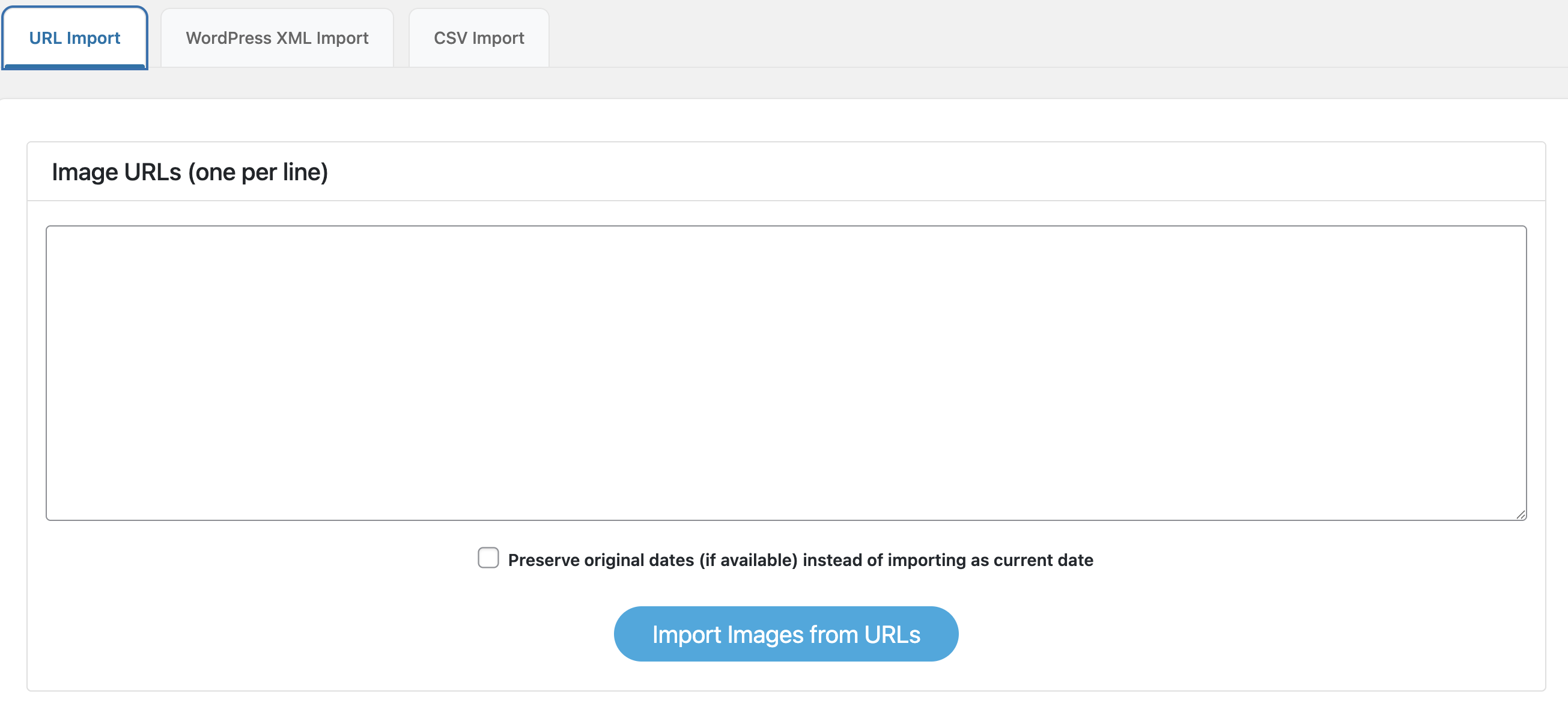
URL import tab for adding images directly from public links.
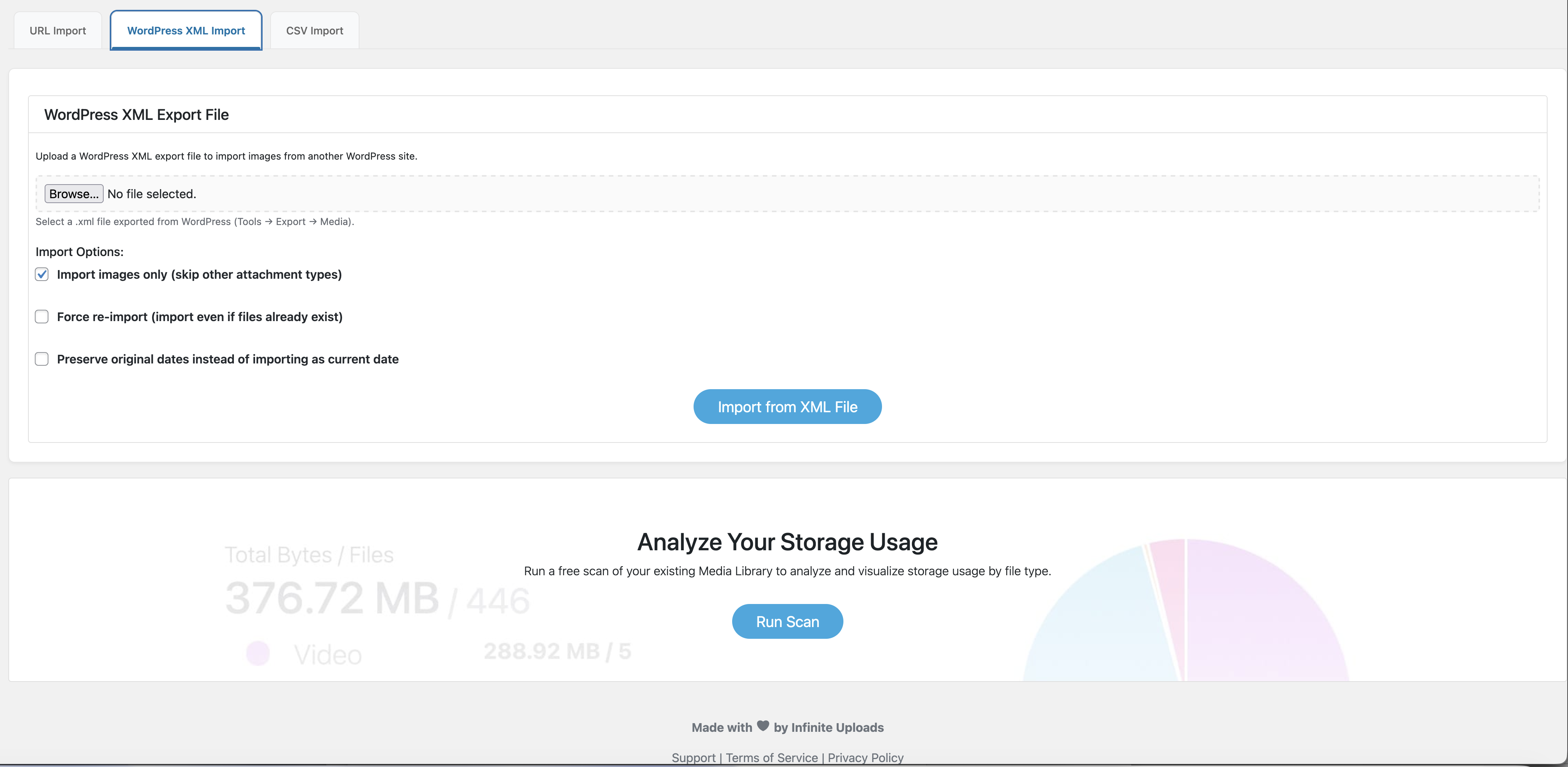
WordPress XML Import tab for importing images from export files.
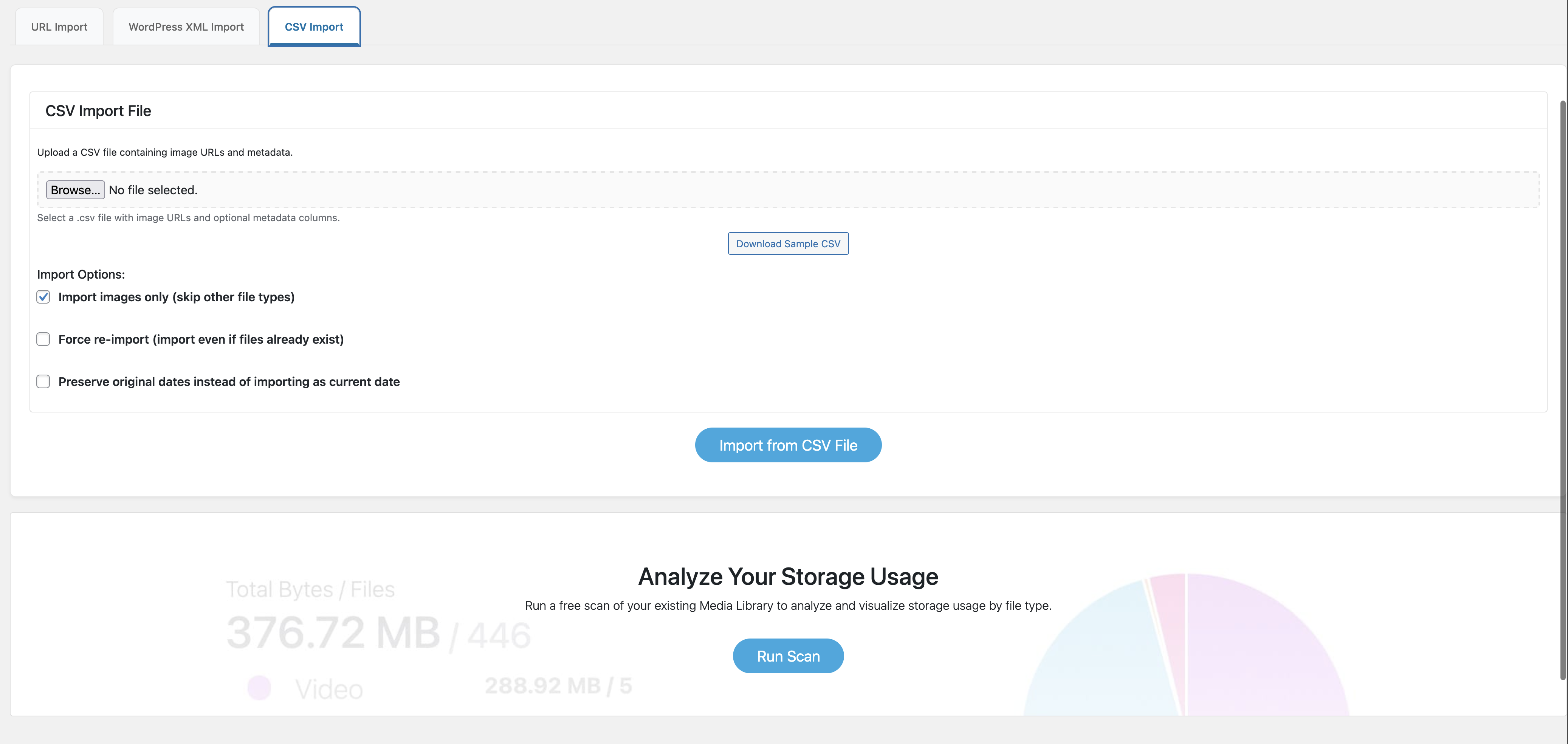
CSV Import tab for importing bulk image URLs and metadata.
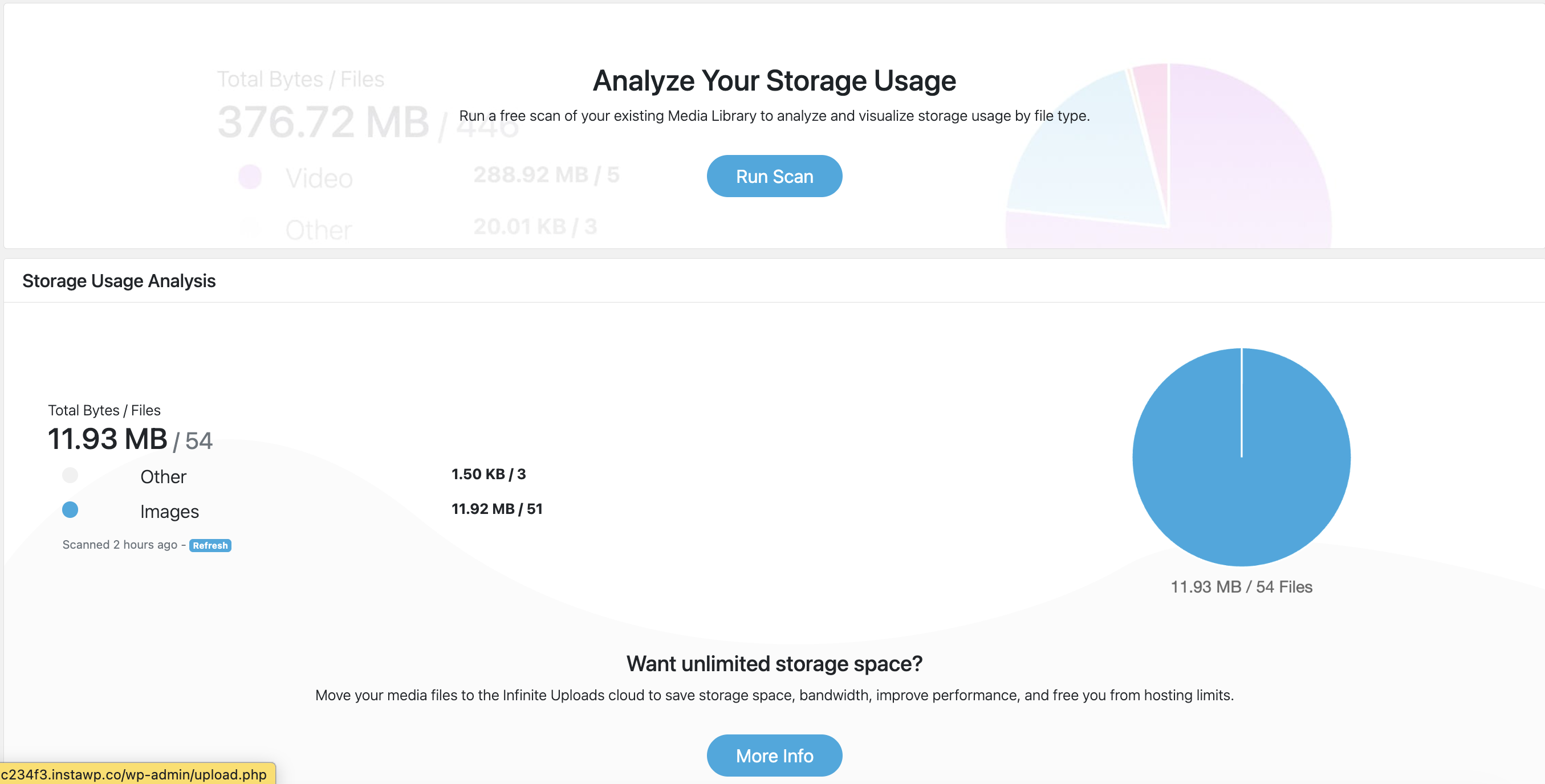
Disk utility for analyzing storage usage by file type.
Changelog
1.0.7 – 11/14/2025
- Added CSV import functionality for batch image imports from spreadsheets.
- Added XML import functionality to support images from WordPress export files.
- Added import option controls (re-import, preserve date, image-only filter).
- Added new UI tabs for URL Import, CSV Import, and WordPress XML Import.
- Added “Download Sample CSV” helper link for quick template setup.
- Improved batch import performance and error handling.
- General performance improvements and UI refinements.
SECURITY FIX – CRITICAL UPDATE - Fixed: Arbitrary file upload vulnerability reported by Wordfence Threat Intelligence
- Security: Removed reliance on user-controlled Content-Type HTTP headers for file validation
- Security: Implemented proper file validation BEFORE writing to disk using wp_check_filetype_and_ext()
- Security: Added actual image content validation using getimagesize()
- Security: Enforced strict mime type checking against WordPress allowed mime types
- Security: Files are now validated in temporary location before moving to uploads directory
- Security: Added unique filename generation to prevent file overwrites
- Hardened: Multiple layers of validation ensure only legitimate image files can be imported
1.0.6 – 10/17/2025
- Added PSR-4 autoloading with Composer for improved code organization
- Added namespace support: UrlImageImporter\Core, \Admin, \FileScan, \Importer, \Ajax, \Utils
- Code quality improvements and bug fixes
1.0 – 1/23/2025
- Initial release