Accessibility by UserWay
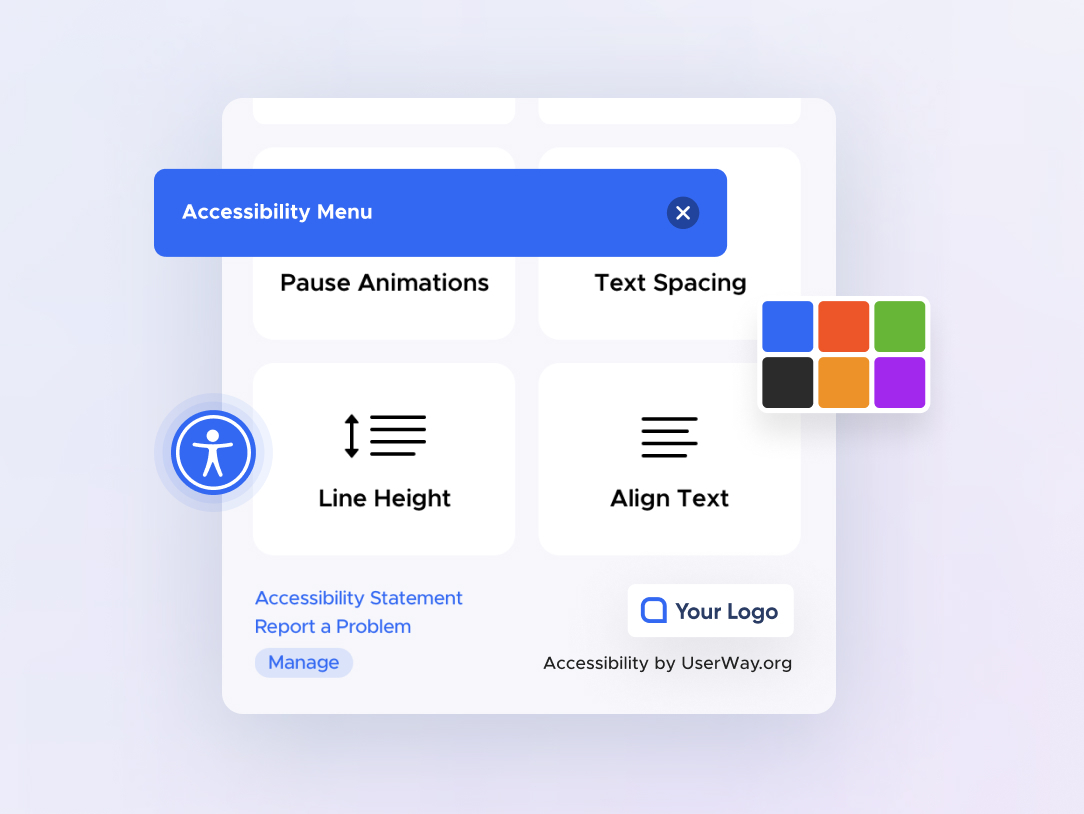
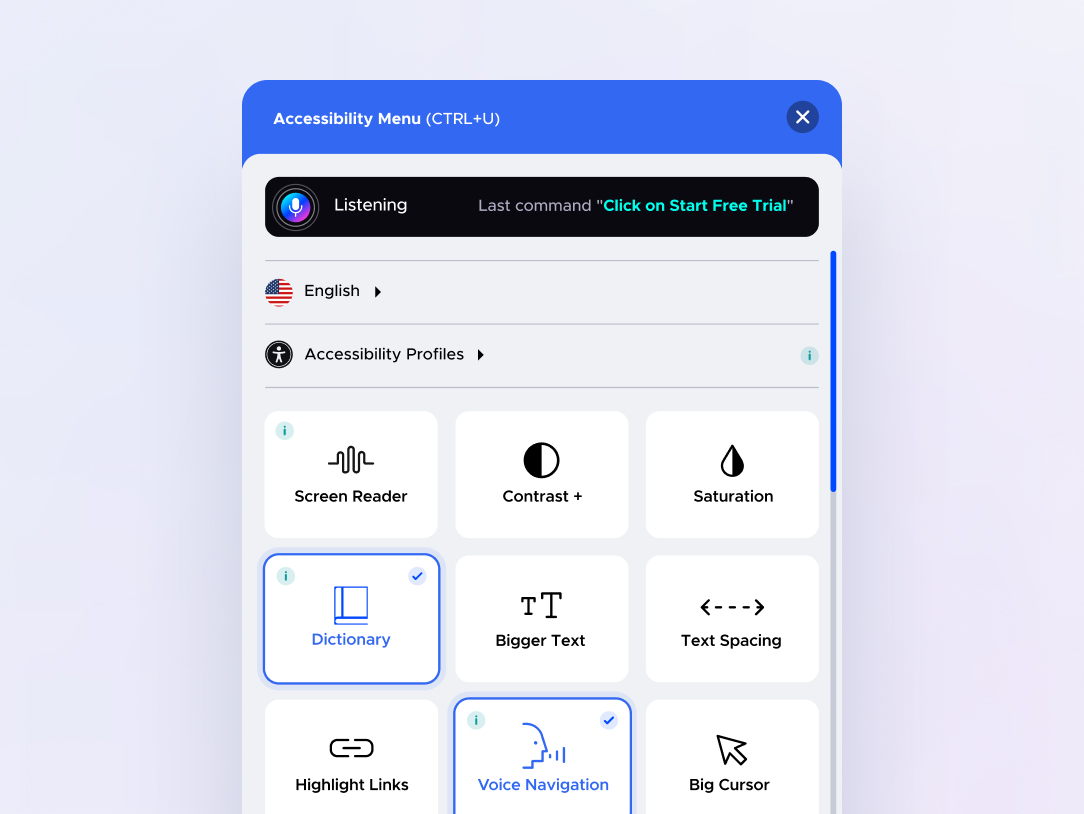
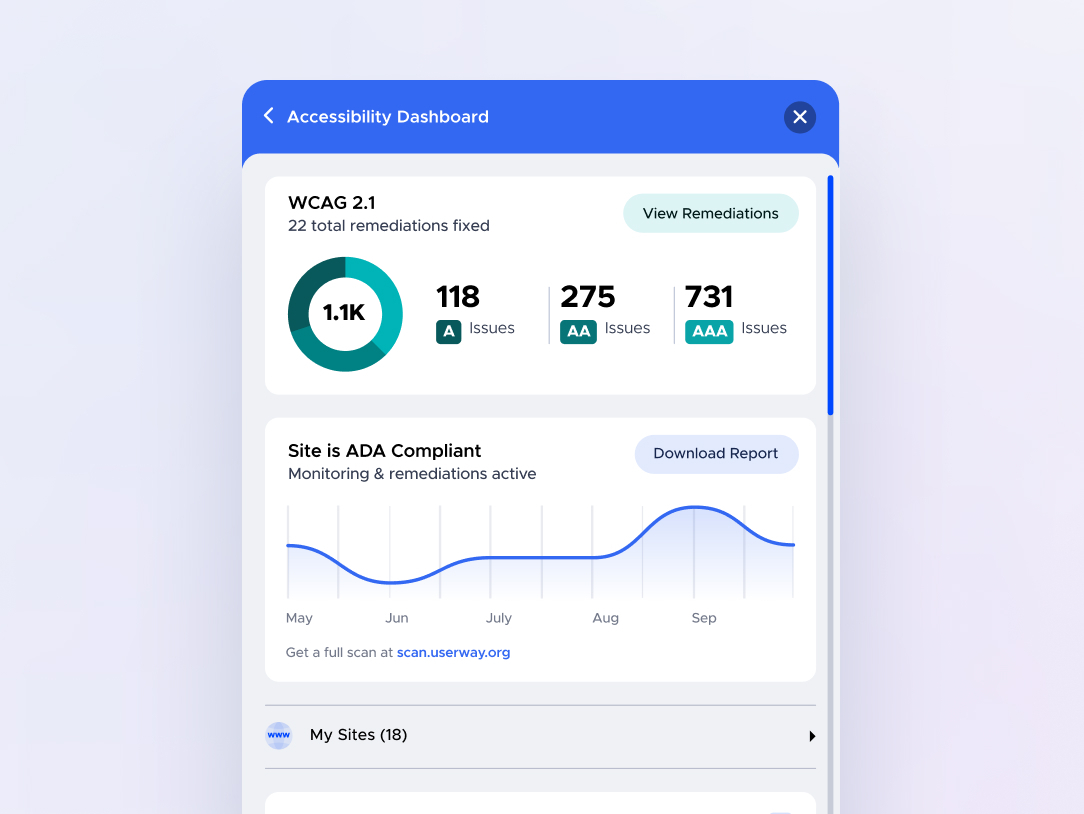
UserWay’s Accessibility Widget creates a simpler and more accessible browsing experience for your users.
Plugin info
Maintenance & Compatibility
Maintenance score
Stale • Last updated 350 days ago • 56 reviews
Is Accessibility by UserWay abandoned?
Likely maintained (last update 350 days ago).
Compatibility
Developers
Similar & Alternatives
Explore plugins with similar tags, and compare key metrics like downloads, ratings, updates, support, and WP/PHP compatibility.
Description
Web accessibility can seem complex and overwhelming if you don’t know where to start.
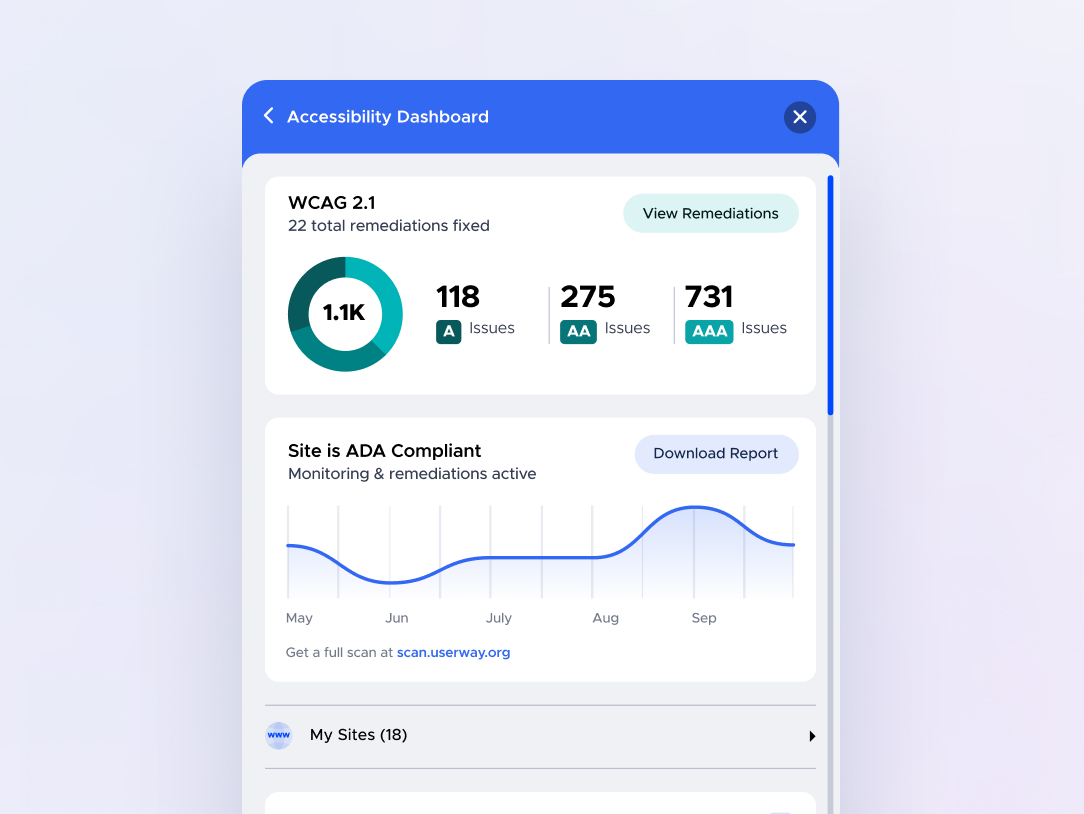
Let us make it easier, and, to coin a phrase, more accessible for everyone. UserWay’s Accessibility Widget creates a simpler and more accessible browsing experience for your users while increasing compliance with WCAG 2.1, ATAG 2.0, European EN 301 549, ADA, & Section 508 requirements.
UserWay’s Accessibility Widget will strengthen any weak areas that could cause accessibility issues on your site. We are proud to say that a significant number of websites are more accessible today thanks to UserWay.
UserWay’s Accessibility Widget makes smart modifications to elements on your site that are identified as being non-compliant, that may prevent keyboard-only navigation, or are in violation of ADA regulations.
Install UserWay’s Accessibility Widget today.
After installing UserWay’s Accessibility Widget, you will receive login instructions to the widget via email.
ADA & WCAG 2.1 Compliance
UserWay’s best-in-class accessibility solutions move your site towards ADA and WCAG 2.1 compliance.
Shield Against Lawsuits
Increasing your accessibility provides real, sustainable improvement for all users, and protects you from accessibility-related lawsuits.
Improve SEO, Boost Traffic
Make your commitment clear: a more inclusive site for everyone expands your demographic and boosts your SEO.
Installation
- Install the plugin into your WordPress project
- Go to website control panel
- Go to the “plugins” webpage
- Activate the plugin “UserWay Accessibility Widget”
- Sign-up plug-in on Settings-> UserWay page
For more details please visit https://userway.org/wp
Frequently Asked Questions
Review feed
There is no such thing as a quick accessibility fix
Screenshots
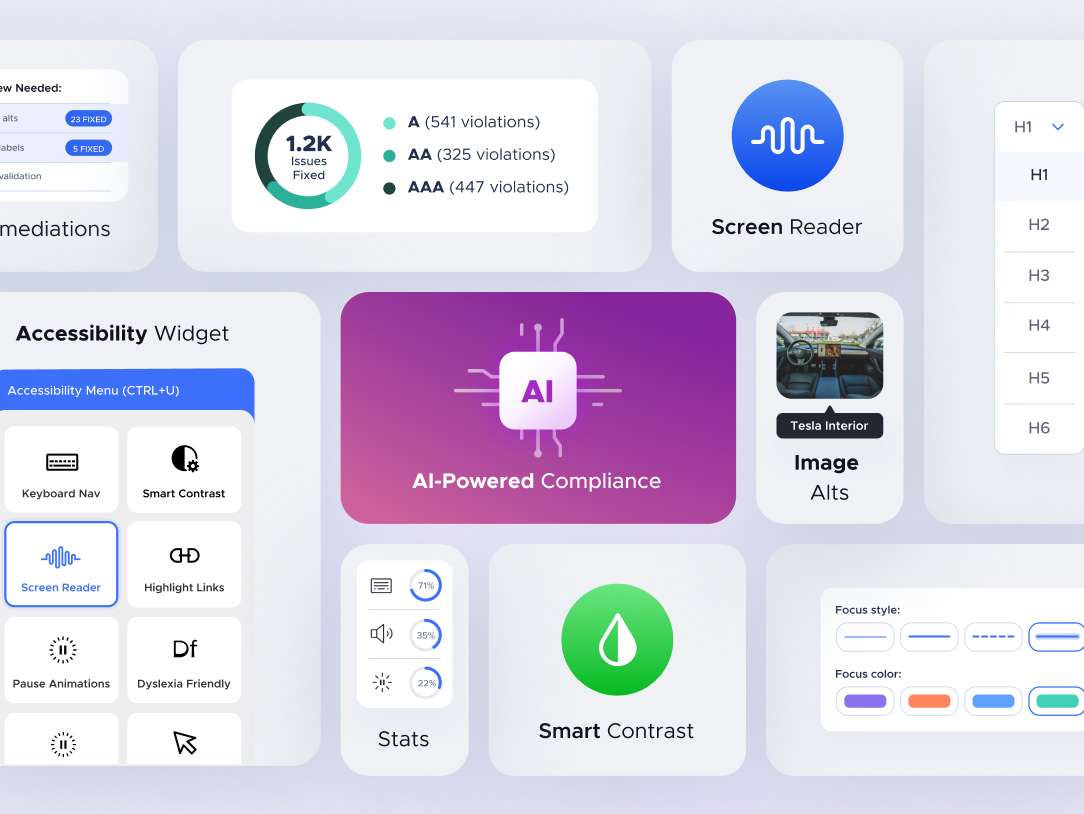
Plugin Check
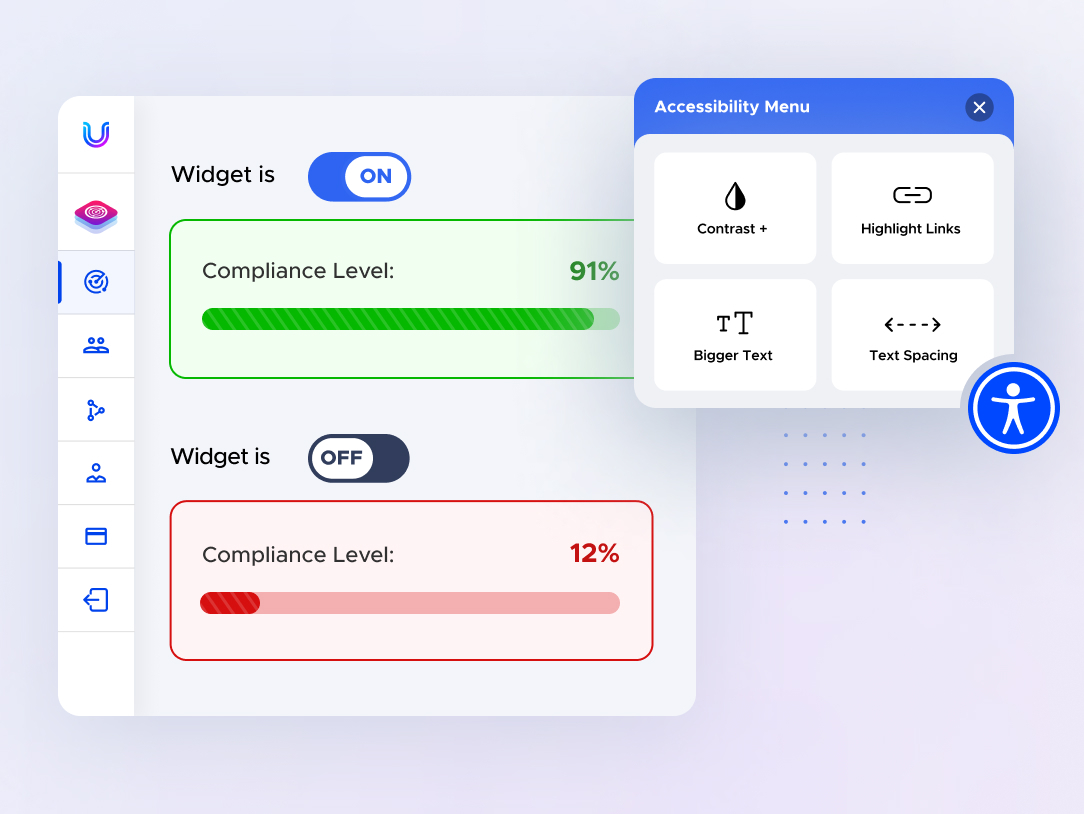
Plugin page on the site.