

UTM Manager
UTM Manager is the essential tool for enhancing website's analytics and driving growth.
Plugin info
Maintenance & Compatibility
Maintenance score
Maintained • Last updated 123 days ago
Is UTM Manager abandoned?
Likely maintained (last update 123 days ago).
Compatibility
Similar & Alternatives
Explore plugins with similar tags, and compare key metrics like downloads, ratings, updates, support, and WP/PHP compatibility.
Description
UTM Manager is a powerful and user-friendly WordPress plugin designed to help you efficiently track and manage UTM parameters across your website. With UTM Manager, you can effortlessly monitor the performance of your marketing campaigns, understand the source of your traffic, and gain valuable insights to optimize your strategies.
✨ Features of UTM Manager
- Automatic UTM Tracking: Seamlessly capture and store UTM parameters from incoming URLs, ensuring you never miss critical campaign data.
- Detailed Analytics: View comprehensive reports on UTM data directly from your WordPress dashboard, including source, medium, campaign, term, and content.
- Customizable Settings: Easily configure which UTM parameters to track and manage, and tailor the plugin to fit your specific needs.
- User-Friendly Interface: Intuitive and easy-to-navigate interface makes tracking and analyzing UTM data straightforward, even for beginners.
- Integration Ready: Compatible with popular analytics tools, allowing you to sync and enhance your data analysis.
- GDPR Compliant: Designed with privacy in mind, ensuring that all UTM tracking complies with GDPR and other data protection regulations.
Why Choose UTM Manager?
- Boost Campaign Performance: Gain deep insights into which campaigns drive the most traffic and conversions, enabling you to make data-driven decisions.
- Save Time: Automate UTM parameter tracking, reducing the need for manual entry and minimizing errors.
- Improve ROI: Optimize your marketing efforts by understanding the effectiveness of different channels and tactics.
Get Started Today:
Install UTM Manager from the WordPress plugin repository and take control of your marketing analytics. Unlock the power of precise UTM tracking to elevate your digital marketing strategy.
Installation
- Upload the plugin files to the
/wp-content/plugins/utm-managerdirectory, or install the plugin through the WordPress plugins screen directly. - Activate the plugin through the ‘Plugins’ menu in WordPress.
- Navigate to WordPress Admin Dashboard > UTM Manager > Leads & Settings to monitoring the UTM leads.
- Configure your tracking settings and start analyzing your UTM data!
Frequently Asked Questions
Yes! The plugin will track all the UTM parameters as configured in plugin settings page.
Absolutely! You can view detailed reports on UTM data directly from your WordPress dashboard.
Yes, UTM Manager is designed with privacy in mind and ensures that all UTM tracking complies with GDPR and other data protection regulations.
Of course! You can easily configure which UTM parameters to track and manage, tailoring the plugin to fit your specific needs.
UTM Manager is integration-ready and compatible with popular analytics tools, allowing you to sync and enhance your data analysis.
- WordPress 5.0 or greater
- PHP version 7.4 or greater
- MySQL version 5.6 or greater
- MariaDB version 10 or later
Review feed
Screenshots
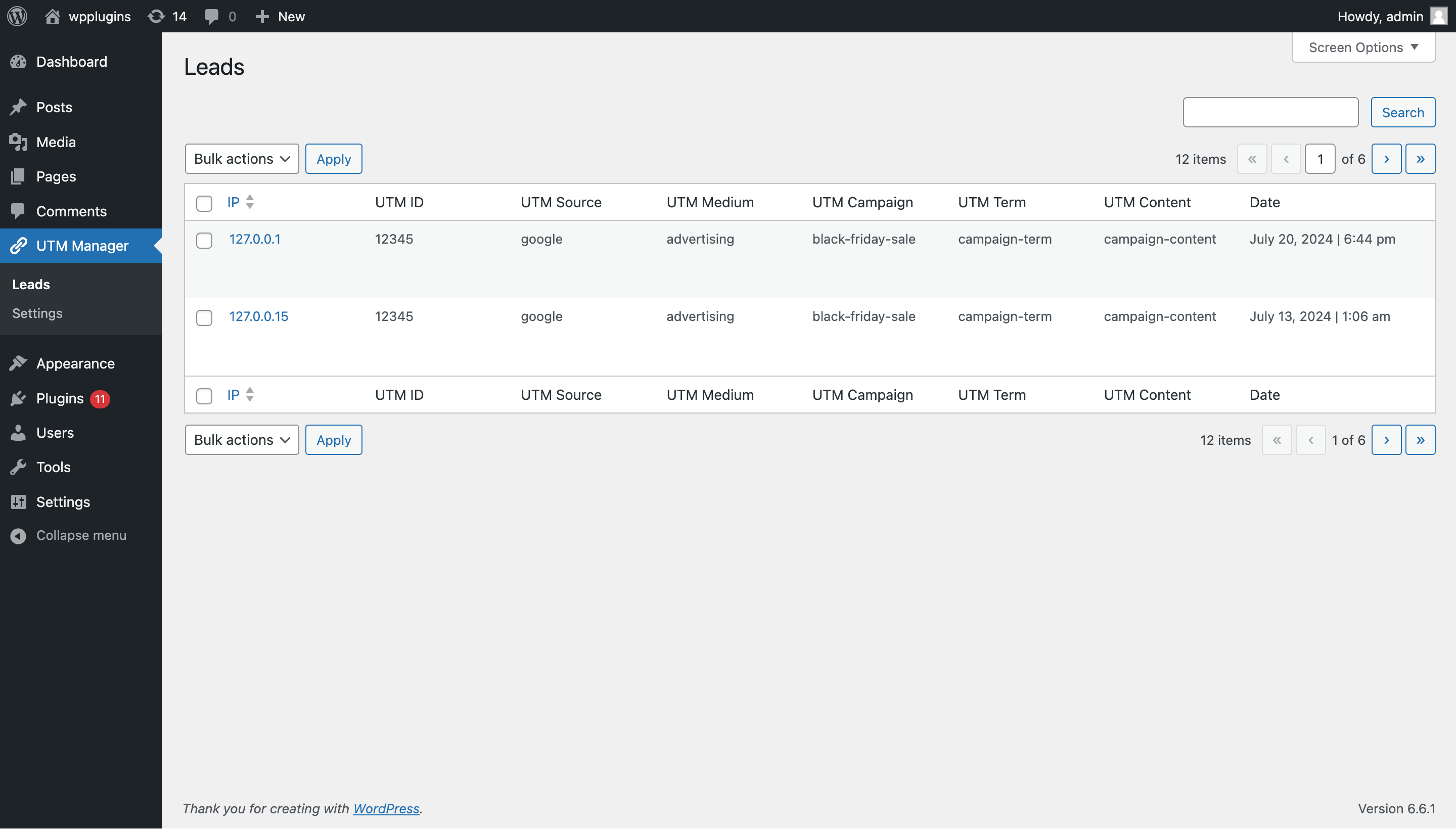
Leads
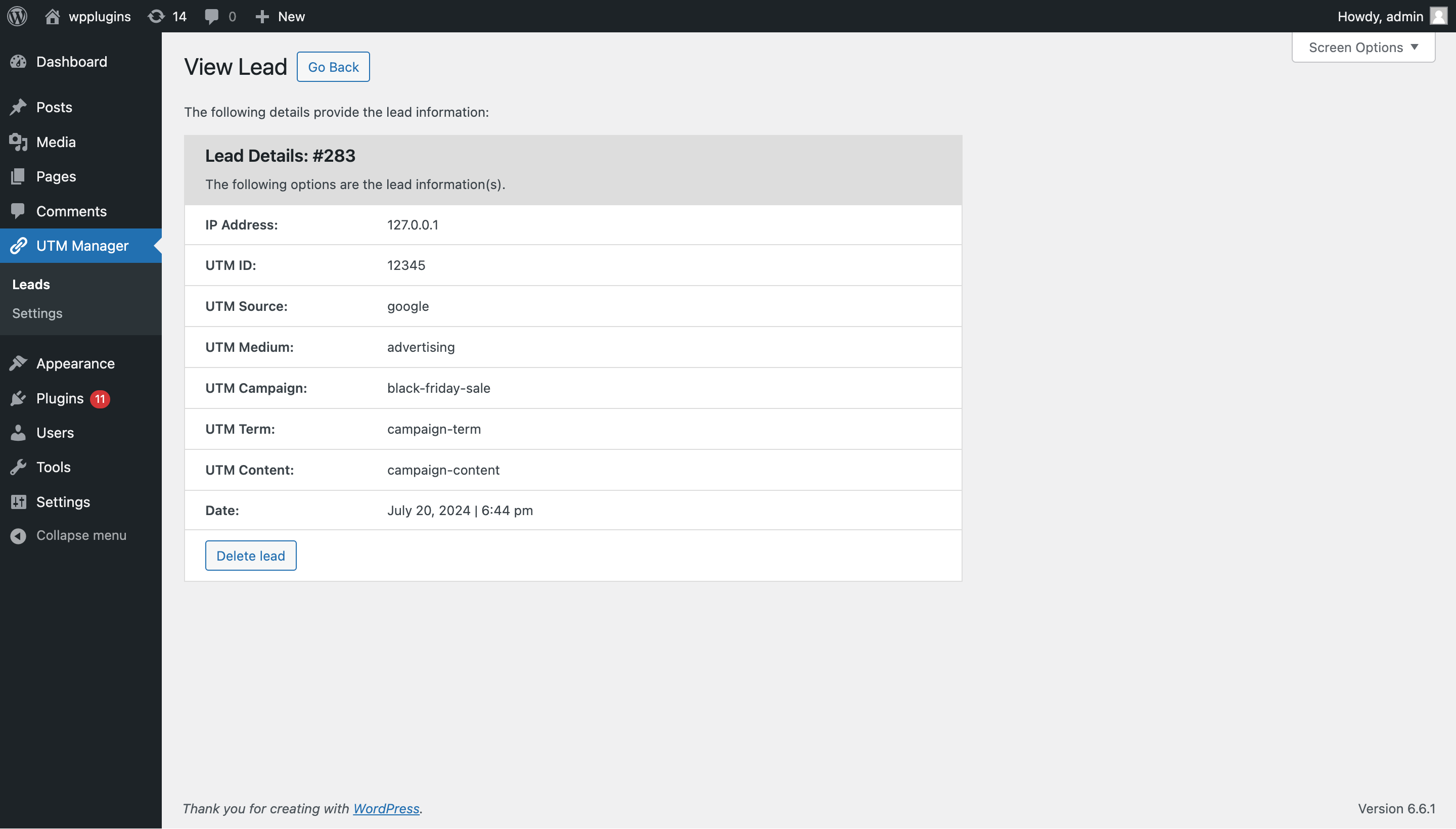
View Lead
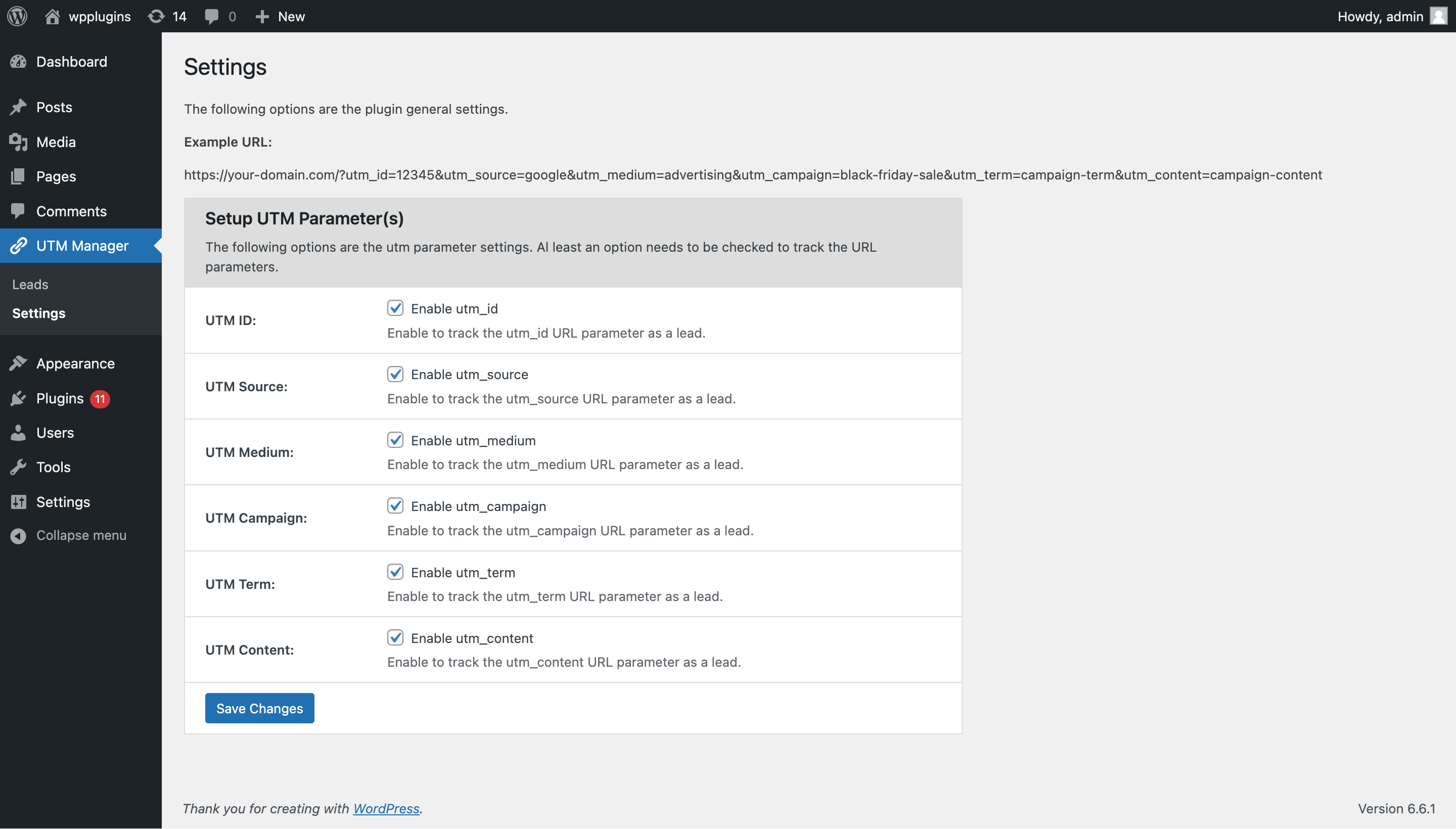
Settings Page
Changelog
1.2.5 (17 October, 2025)
- Fix: Fixed minor bugs and improved overall performance.
1.2.4 (15 July, 2025)
- Fix: Fixed few known issues.
- Security: Improved security measures to protect against potential vulnerabilities.
1.2.3 (12 July, 2025)
- Update: Update the plugin name to match the plugin slug.
- Compatibility: Compatible with the WordPress latest version.
1.2.2 (01 June 2025)
- Fix: Fixed few known issues.
1.2.1 (01 June 2025)
- Compatibility: Compatible with the WordPress latest version.
1.2.0 (23 February 2025)
- New: Update the plugin framework.
- Enhance: Enhance optimized autoloader for better performance.
- Compatibility: Compatible with the WordPress latest version.
1.1.0 (29 July 2024)
- Compatibility: Compatible with the WordPress latest version
- Fix: Plugin banner image is not displaying on the wordpress.org page.
- Enhance: Add the plugin banner image.
1.0.1 (25 July 2024)
- Fix: Few known issues.
- Remove: Extra assets.
1.0.0 (25 July 2024)
- Initial Release.