

Vemetric
Vemetric is a lightweight, privacy-first analytics tool that helps you understand how your users are interacting with your website.
Plugin info
Maintenance & Compatibility
Maintenance score
Maintained • Last updated 132 days ago
Is Vemetric abandoned?
Likely maintained (last update 132 days ago).
Compatibility
Similar & Alternatives
Explore plugins with similar tags, and compare key metrics like downloads, ratings, updates, support, and WP/PHP compatibility.
Description
This is the official WordPress plugin for Vemetric, that automatically adds Vemetric to your website and helps you understand how your users are interacting with your website.
Features:
– Automatically injects the Vemetric script and tracks pageviews and outbound link clicks.
– Optionally track custom events via data attributes or JavaScript.
– Ability to track events in the PHP backend via the Vemetric PHP SDK.
Support
For any issues or support requests, please reach out to us through one of the following channels:
– Chat with us via the chat widget on our Website
– Open an issue in our GitHub repository
Installation
- Install the plugin through the WordPress Plugins page, or upload the plugin files to the
/wp-content/plugins/vemetricdirectory. - Activate the plugin through the ‘Plugins’ page in WordPress.
- Provide your Vemetric project token in the plugin settings. (You can find it in your Vemetric project settings)
- You’re ready to track your website’s traffic and user interactions. Vemetric automatically adds the script to your website.
Frequently Asked Questions
Vemetric provides you with Web- and Product Analytics. Doesn’t matter if you’re running a simple website or a more complex product like a SaaS, Vemetric has you covered and you don’t need another tracking solution in your toolbelt.
By default Vemetric doesn’t use any kind of Cookies and all our servers are hosted in the EU. Vemetric is therefore GDPR compliant. For identifying recurring visitors on the same day, we generate a unique hash for each of your visitors with a daily rotating salt.
Yes, you can take a look at a public dashboard with real live data
Yes, Vemetric is open source and licensed under the AGPLv3 license. You can find the code on GitHub.
You can review the Vemetric Terms of Service
Review feed
Screenshots
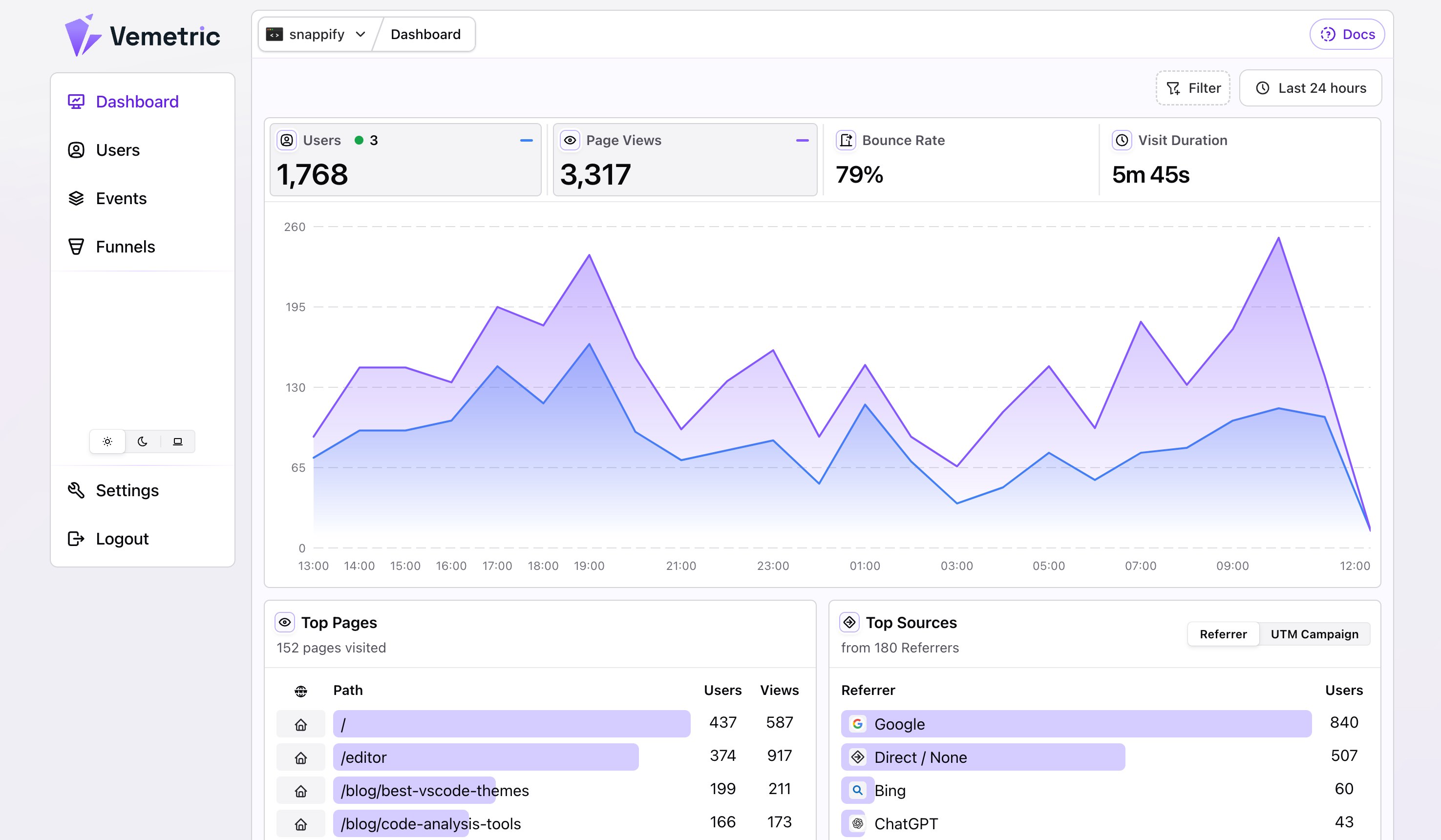
Vemetric Analytics Dashboard
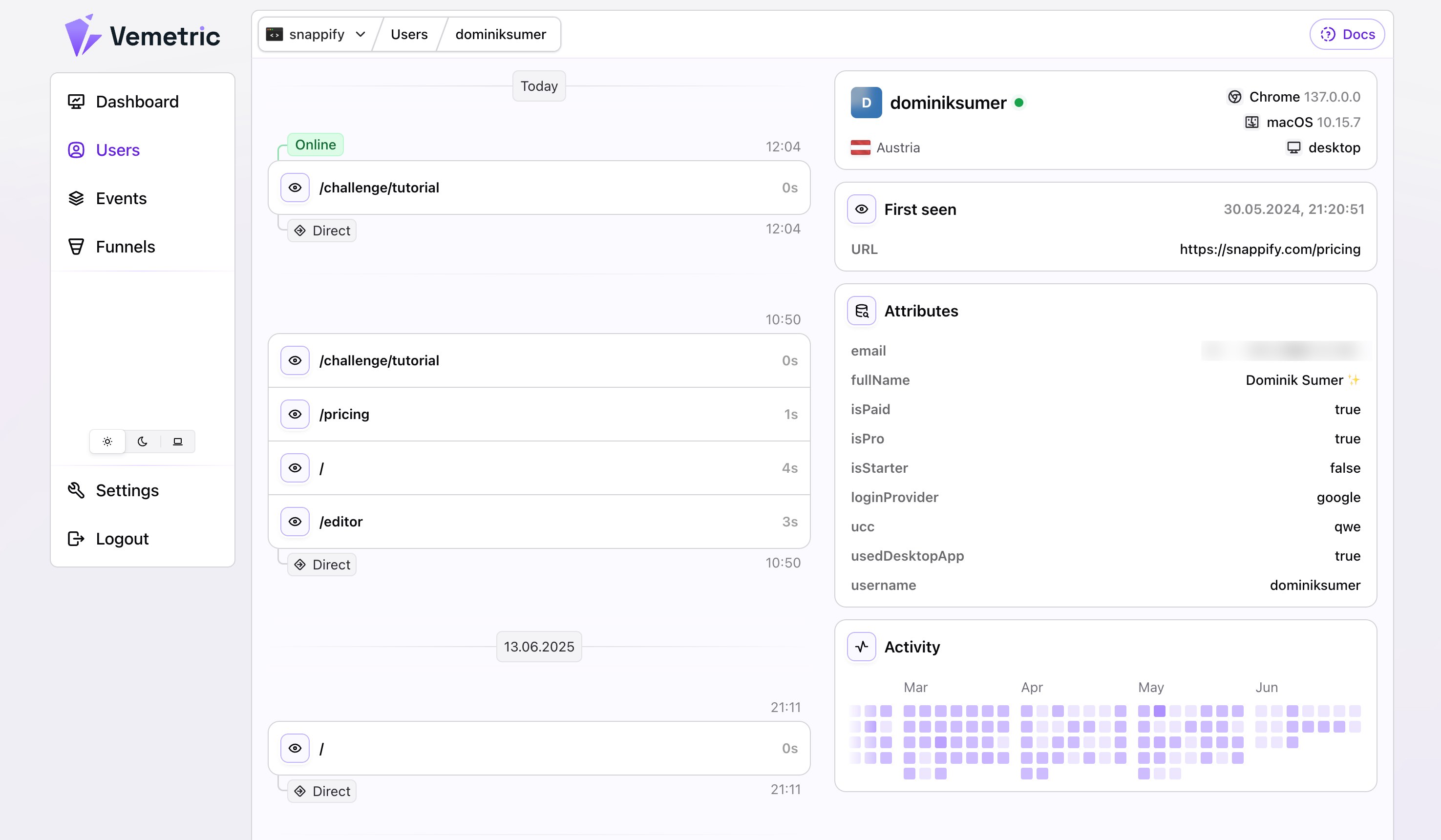
Vemetric User Journey Page
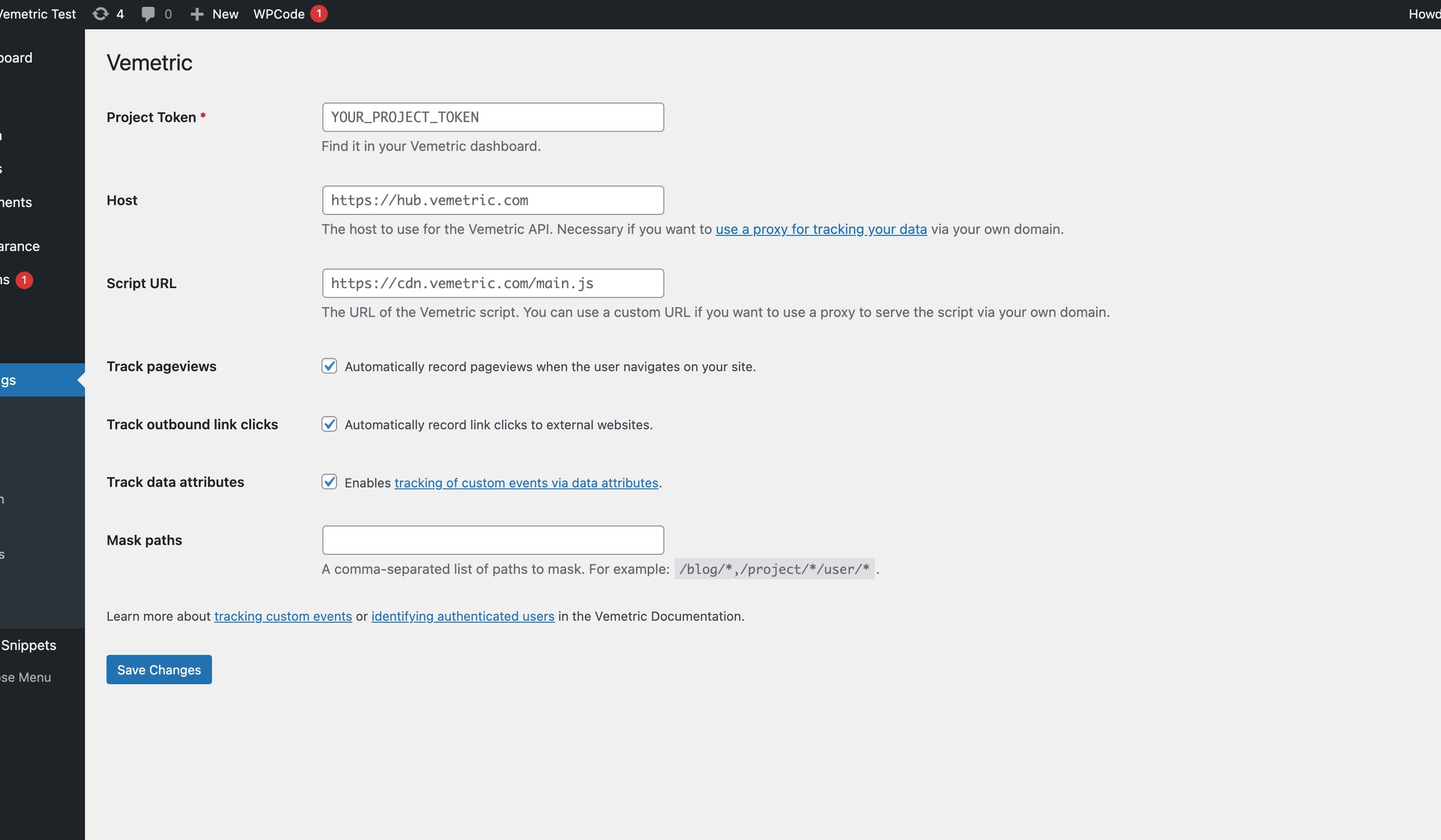
Vemetric WordPress Plugin Settings
Changelog
1.0.5
Provide all Vemetric Options via inline script.
1.0.4
Fixed external dependencies.
1.0.2
Updated Vemetric PHP SDK.
1.0.1
Updated FAQs.
1.0.0
Initial release.