
Maintenance 22/1001389d since update
Active installs
50
Downloads
3,885
Reviews
2
Age
9.5y
Plugin info
Total downloads: 3,885
Active installs: 50
Total reviews: 2
Average rating: 5
Support threads opened: 0
Support threads resolved: 0 (0%)
Available in: 1 language(s)
Contributors: 2
Last updated: 6/13/2022 (1389 days ago)
Added to WordPress: 9/23/2016 (9 years old)
Minimum WordPress version: 5.5
Tested up to WordPress version: 6.0.11
Minimum PHP version: f
Maintenance & Compatibility
Maintenance score
Possibly abandoned • Last updated 1389 days ago • 2 reviews
22/100
Is A Vertical Timeline Responsive abandoned?
Possibly abandoned (last update 1389 days ago).
Compatibility
Requires WordPress: 5.5
Tested up to: 6.0.11
Requires PHP: f
Similar & Alternatives
Explore plugins with similar tags, and compare key metrics like downloads, ratings, updates, support, and WP/PHP compatibility.
No similar plugins found yet.
Description
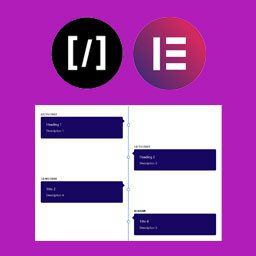
A Vertical Timeline Responsive is a very simple plugin to show vertical timeline to your website. It support shortcode and elementor page builder.
Installation
Step 1. Upload “A Vertical Timeline Responsive” folder to the /wp-content/plugins/ directory
Step 2. Activate the plugin through the Plugins menu in WordPress
Step 3. There is a menu named “V Timeline”.
Step 4. Create timelines as more as you can.
For Elementor, just install, activate and use it in the page builder.
Frequently Asked Questions
No FAQ available
Review feed
No reviews available
Screenshots

Shortcode

Frontend

Using with Elementor
Changelog
2.0.1
- Change of readme file and re-arranged the folders
2.0.0
- Improved design, native metaboxes, Elementor support
1.0.2
- Design fix
1.0.1
- Massive design change
1.0.0
- First stable release