

Plugin info
Maintenance & Compatibility
Maintenance score
Actively maintained • Last updated 77 days ago
Is Vinoshipper abandoned?
Likely maintained (last update 77 days ago).
Compatibility
Similar & Alternatives
Explore plugins with similar tags, and compare key metrics like downloads, ratings, updates, support, and WP/PHP compatibility.
Description
Vinoshipper product catalog & club sign up integration
The plug & play integration plug-in allows Vinoshipper producers to seamlessly integrate their product catalog and club sign-up forms directly into their WordPress websites—no coding required. Whether you’re a small boutique winery or a large producer, this plugin enables you to easily showcase your offerings and grow your club membership with minimal effort.
Key Features
- Effortless integration: Simply install the plugin, set your Vinoshipper Account ID in the settings, and you’re ready to go.
- Block system: Use WordPress’ drag-and-drop blocks to add your product catalog and club sign-up forms exactly where you want them on your site.
- Customizable layouts: Tailor the appearance of your product listings and forms to match your brand’s aesthetic.
- Real-time updates: Automatically sync your Vinoshipper account with your WordPress site, ensuring your product offerings and availability are always up-to-date.
- Exclusively for Vinoshipper clients: This plugin is available exclusively to Vinoshipper customers, adding an extra layer of value to your partnership with us.
Included Components
The plugin includes the following components and Gutenberg blocks:
- Vinoshipper Cart – Allows your customers add and buy products from your website on the Vinoshipper platform.
- Product Catalog – Display a list of your available products. Choose your default list or create a custom list of your products.
- Product Item – Display information, image, and include buy buttons for a specific product.
- Add-To-Cart Button – Display buy buttons for a specific product.
- Announcement – Display announcements managed in the Vinoshipper Producer dashboard.
- Available In – Show which states you’re able to ship product to.
- Club Registration – Allow customers to sign up for your clubs.
Important Information
Use of this plugin connects to Vinoshipper and requires a Vinoshipper Producer account in good standing. This allows the plugin to obtain product and store information to display to your users. This also allows users to add items to a shopping cart and initiate checkout. Please see our Terms & Conditions and Privacy Policy for more information.
Development
Please report bugs in the Vinoshipper Injector WordPress repository on GitHub. Note that GitHub is not a support forum but an efficient platform for addressing and resolving issues efficiently. If you have issues with your Vinoshipper account, please contact Vinoshipper Support
Installation
Install Vinoshipper Injector via the plugin directory, or upload the files manually to your server and follow the on-screen instructions. If you need additional help read our detailed instructions.
Frequently Asked Questions
The Vinoshipper Account ID is available to producers on the Vinoshipper platform, located at Account -> Profile on the Vinoshipper Producer platform.
You can set a number of colors in both light or dark mode. You can set this in the Vinoshipper Settings panel. Most components also conform to the style of your website.
If you wish to further customize the display of Vinoshipper components, we offer advanced styling options.
Review feed
Screenshots
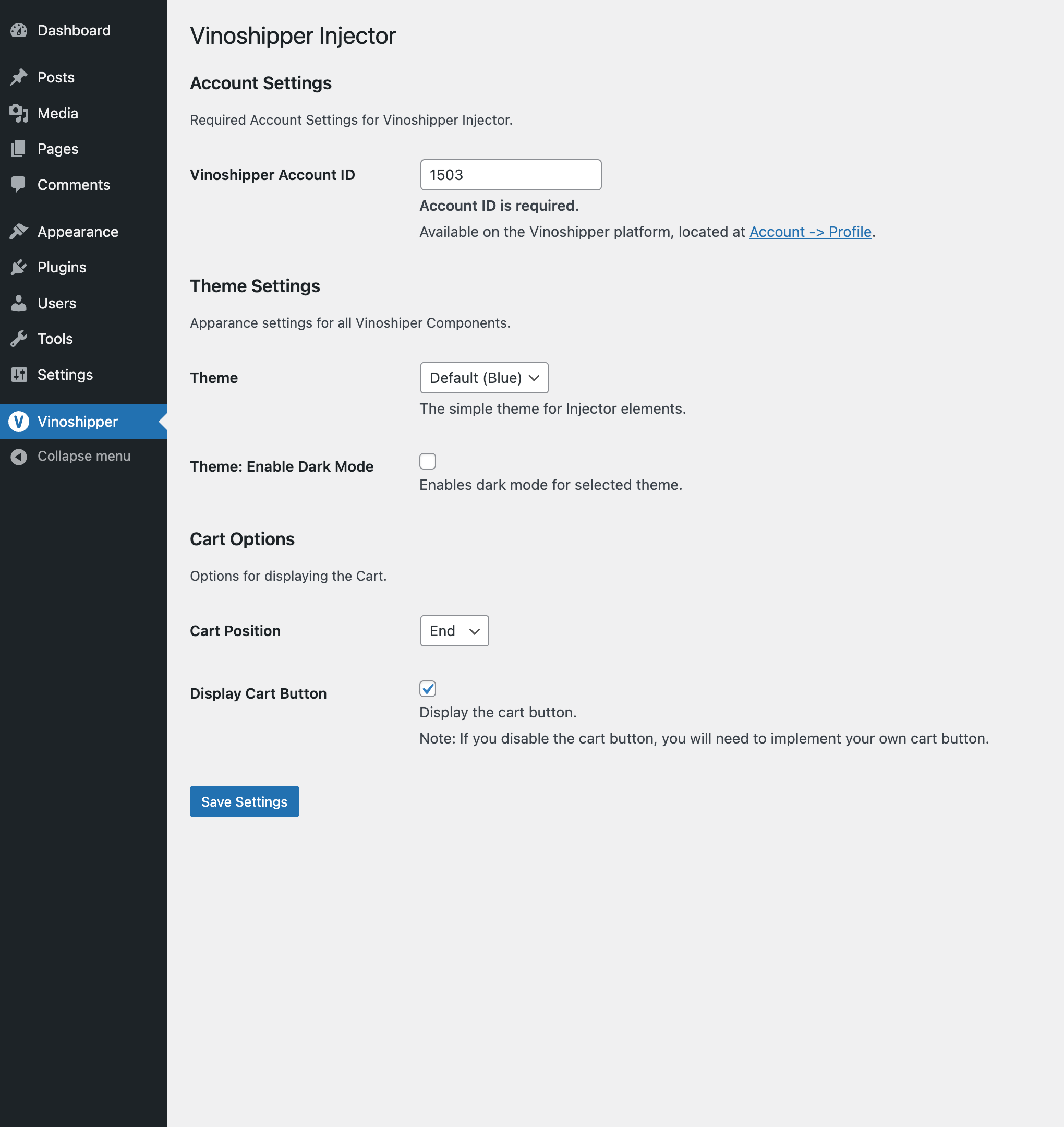
Once installed, set your Account ID and theming settings to match your website.
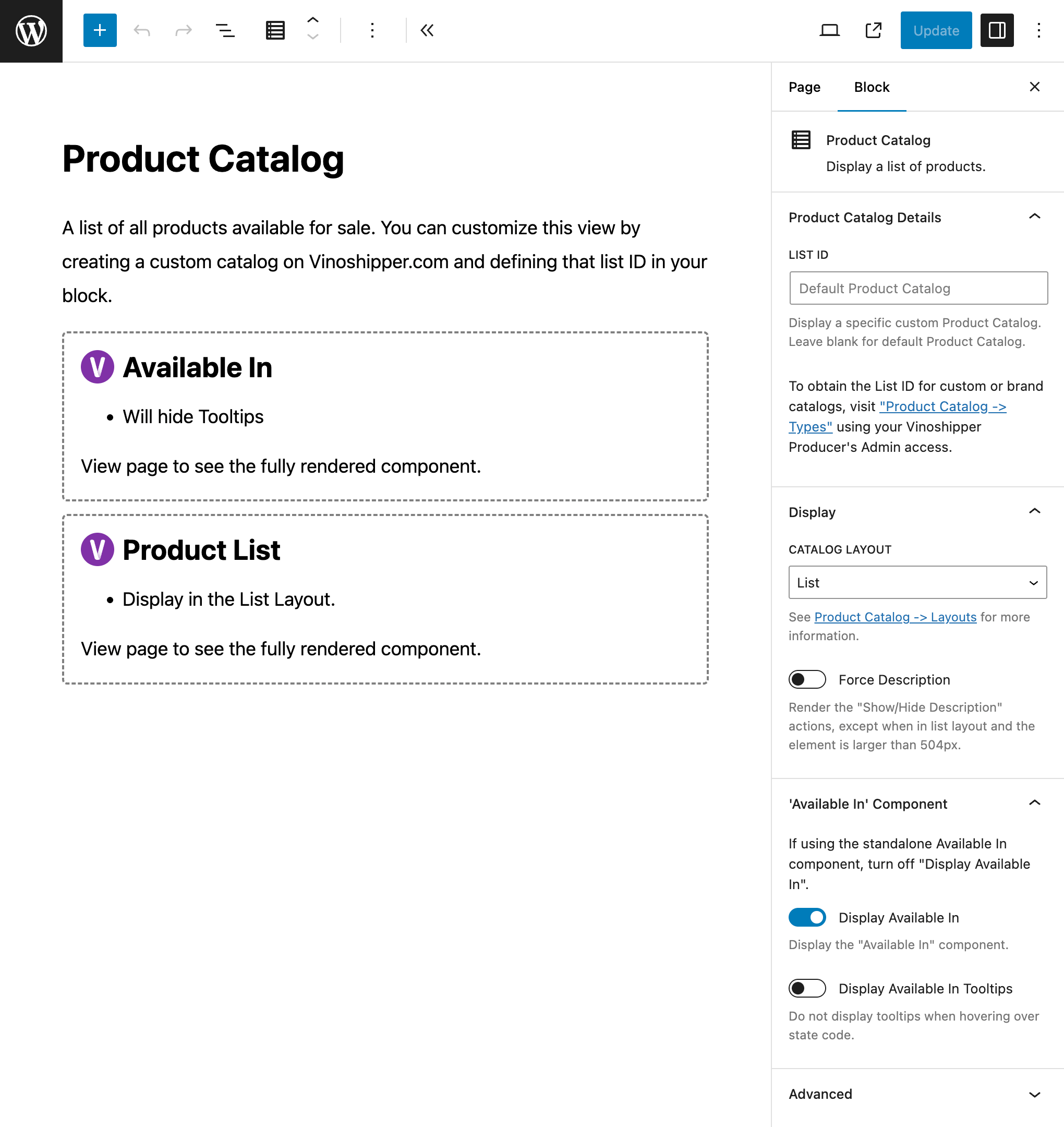
Add your default list of products, or customize with your own custom product catalog.
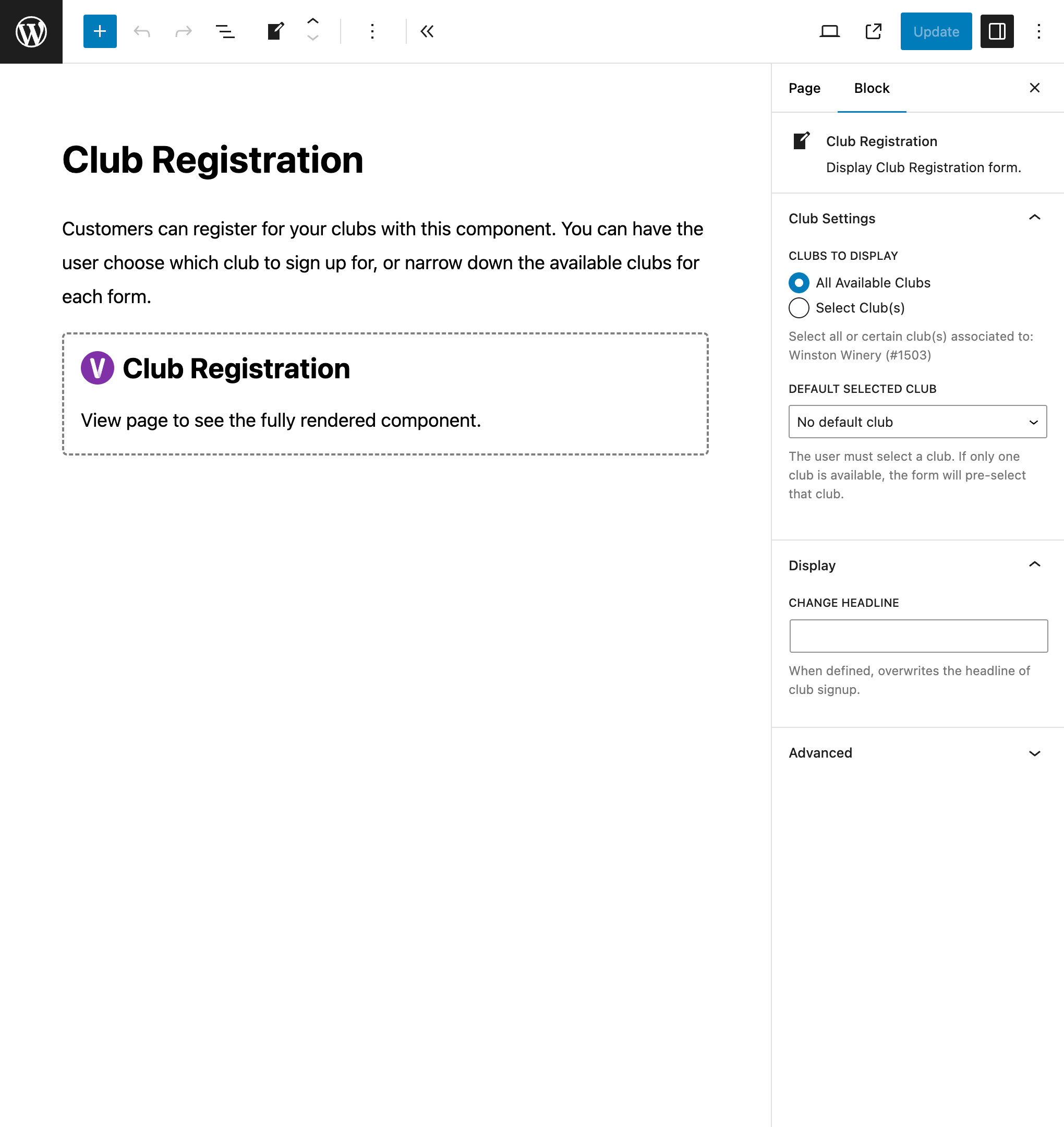
Include your Club Registration form and allow your customers to sign up for your clubs.

Focus on one particular product with product information and buy buttons.
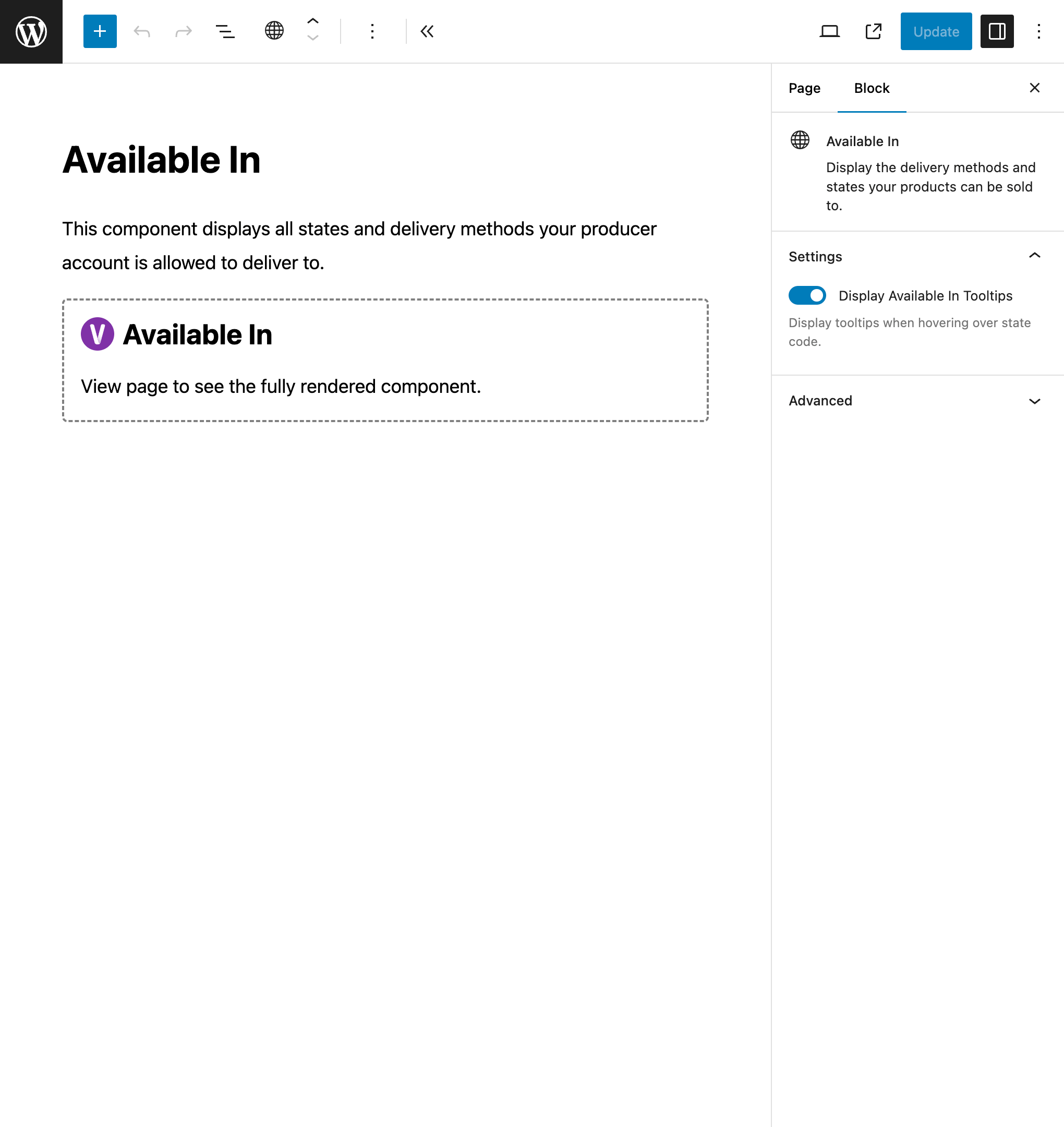
Display the states you are able to ship to and other delivery options you've activated with Vinoshipper.
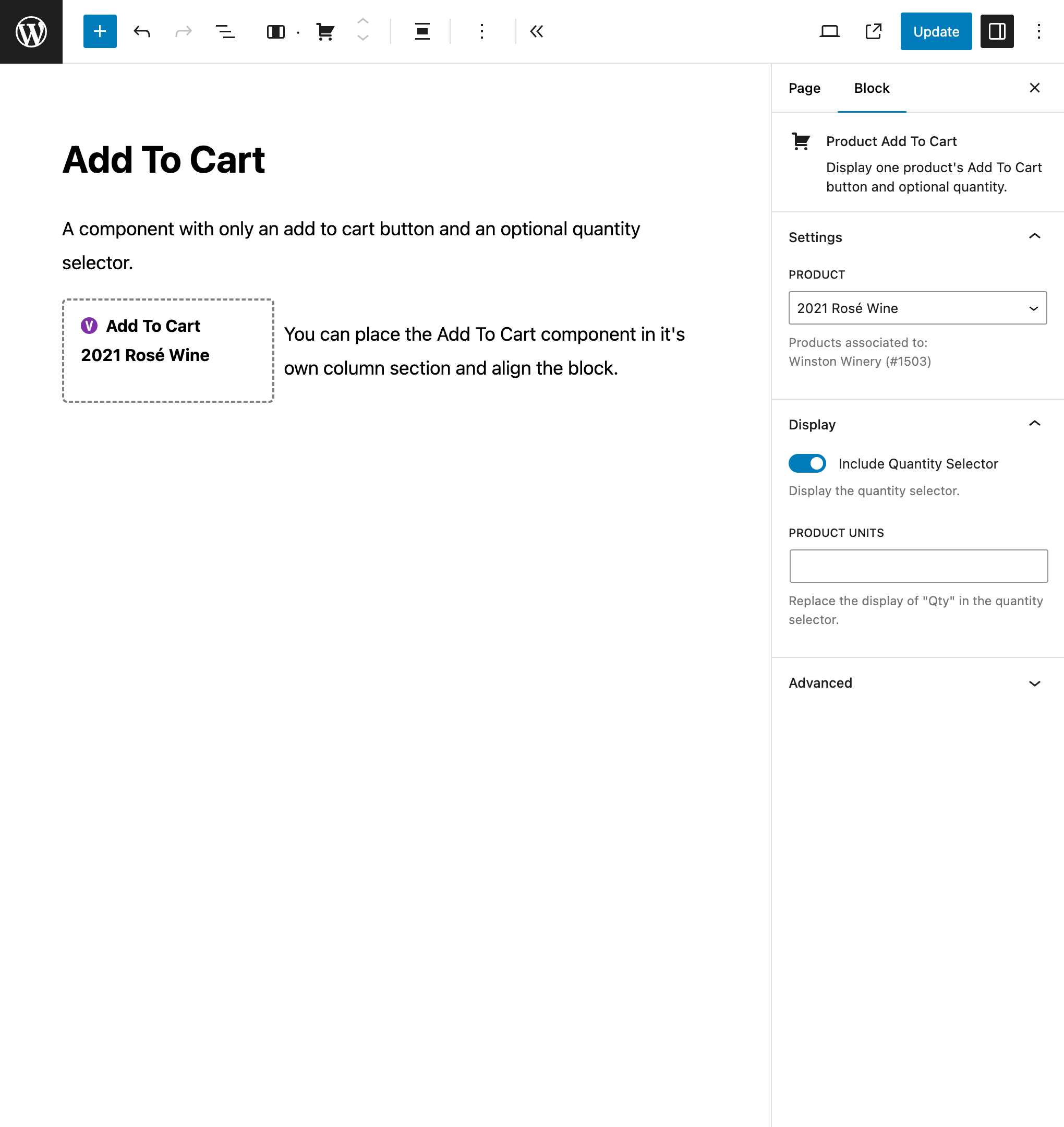
Include Add To Cart buttons to create your own custom product page while leveraging Vinoshipper's Cart.
Changelog
1.2.3
- Minor fixes to WordPress Plugin Standards.
- Add support to WordPress 6.9+
- Update WordPress support files.
1.2.2
- Fix display of custom Product Catalogs.
- Update WordPress support files.
1.2.1
- Update WordPress support files.
- Improve initial loading of blocks.
1.2.0
- Update WordPress support files.
- Require WordPress 6.7+
1.1.0
- Add: Announcement component
- Product Catalog: Add Announcement settings.
- Require WordPress 6.6+
1.0.1
- Minor improvements.
- Tested under WordPress 6.6
1.0.0
- Initial Release