

Visa Acceptance Solutions
Accept payments securely with Visa Acceptance Solutions.
Plugin info
Maintenance & Compatibility
Maintenance score
Maintained • Last updated 172 days ago • Support resolved 0%
Is Visa Acceptance Solutions abandoned?
Likely maintained (last update 172 days ago).
Compatibility
Similar & Alternatives
Explore plugins with similar tags, and compare key metrics like downloads, ratings, updates, support, and WP/PHP compatibility.
Description
This plugin integrates Visa Acceptance Solutions into your WooCommerce store, offering multiple payment methods such as Card Payments, Apple Pay, Google Pay, and Click to Pay.
Securely store customer payment details with our Token Management Services.
Utilize Cybersource’s fraud prevention services to process transactions safely.
Compatible with WooCommerce Subscriptions
Privacy Policy and Terms of Service
Refer to Terms of Service
Refer to Privacy Policy
Admin Notice
Version 2.0.1 is now available. Please refer to change log for details.
Installation
- Upload the entire “visa-acceptance-solutions” folder to the “/wp-content/plugins/” directory in your WordPress installation.
- Activate the plugin through the “Plugins” menu in WordPress.
- Configure the plugin settings in WooCommerce Settings Payments Visa Acceptance Solutions.
For full documentation, please visit our documentation center
Frequently Asked Questions
Configure Plugin in “Test” Environment. Then submit an order with valid billing address and payment information according to our test documentation
Configure Plugin in “Test” Environment. Then submit an order with valid billing address, additional min required fields and payment information according to our 3D Secure Test documentation.
You’ll need your Visa Acceptance Solutions Merchant ID, API Key ID, and Shared Secret Key. For production, you’ll need production credentials, and for testing, you’ll need test credentials from your Visa Acceptance Solutions account. Please visit Support or contact your reseller.
In most cases we can provide support through the WordPress or WooCommerce forums. In some cases we may need you to contact our Support Team or your reseller, if some information is required that should not be in the public domain.
Sign up here. Note sandbox accounts are configured for USD currency
Review feed
Screenshots

Configuration Screen 1
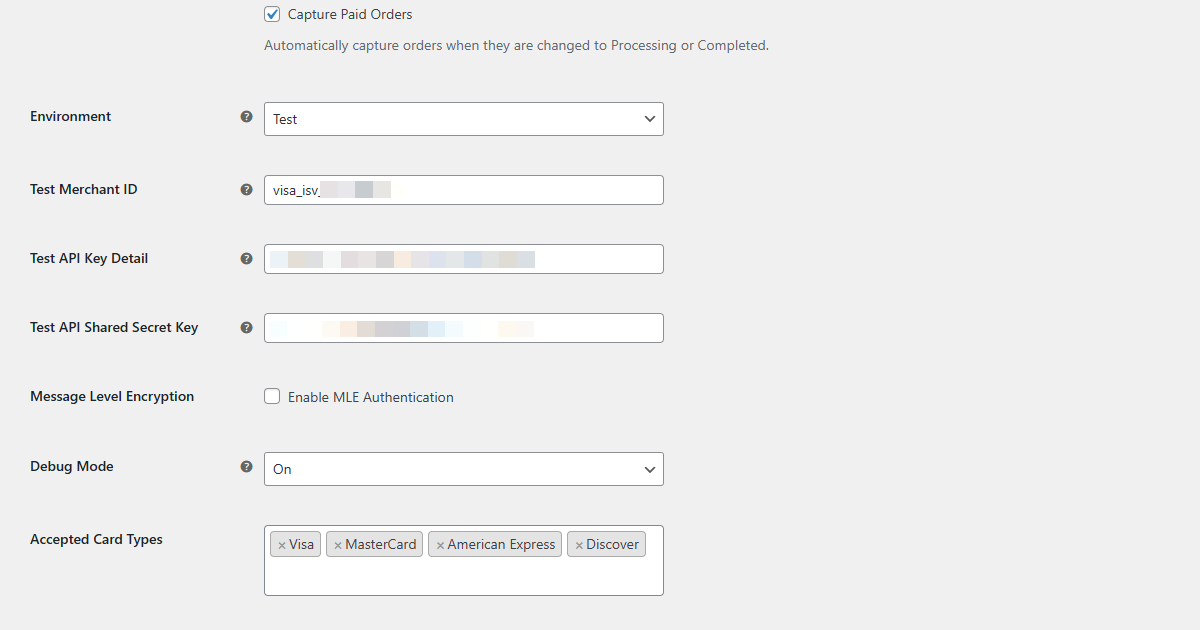
Configuration Screen 2
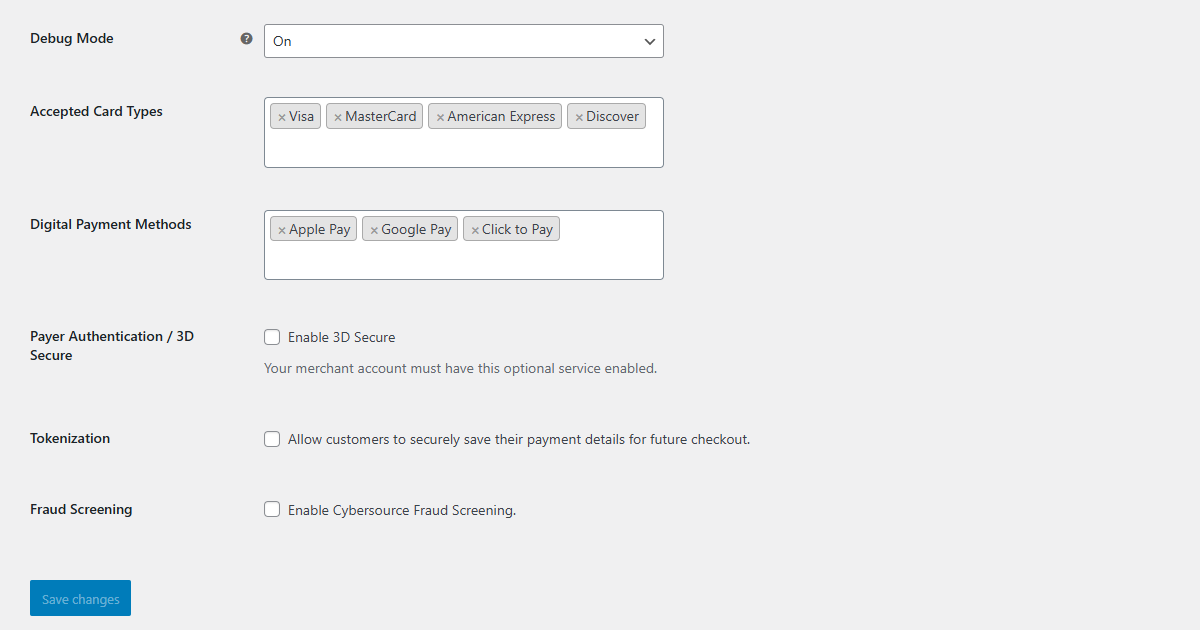
Configuration Screen 3
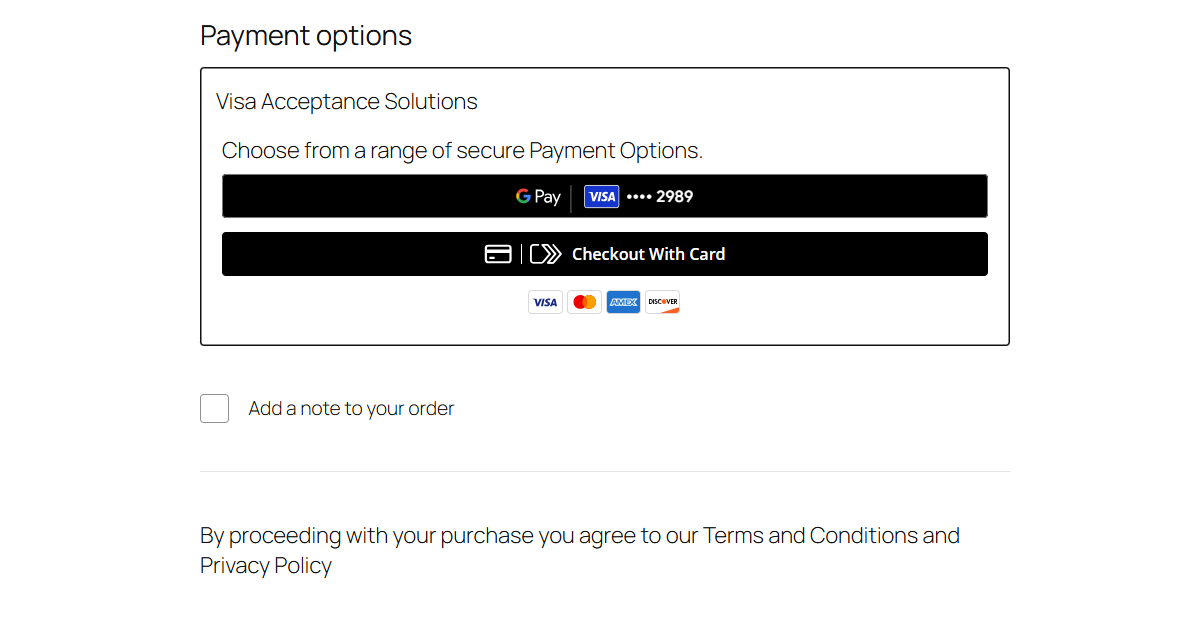
Checkout 1
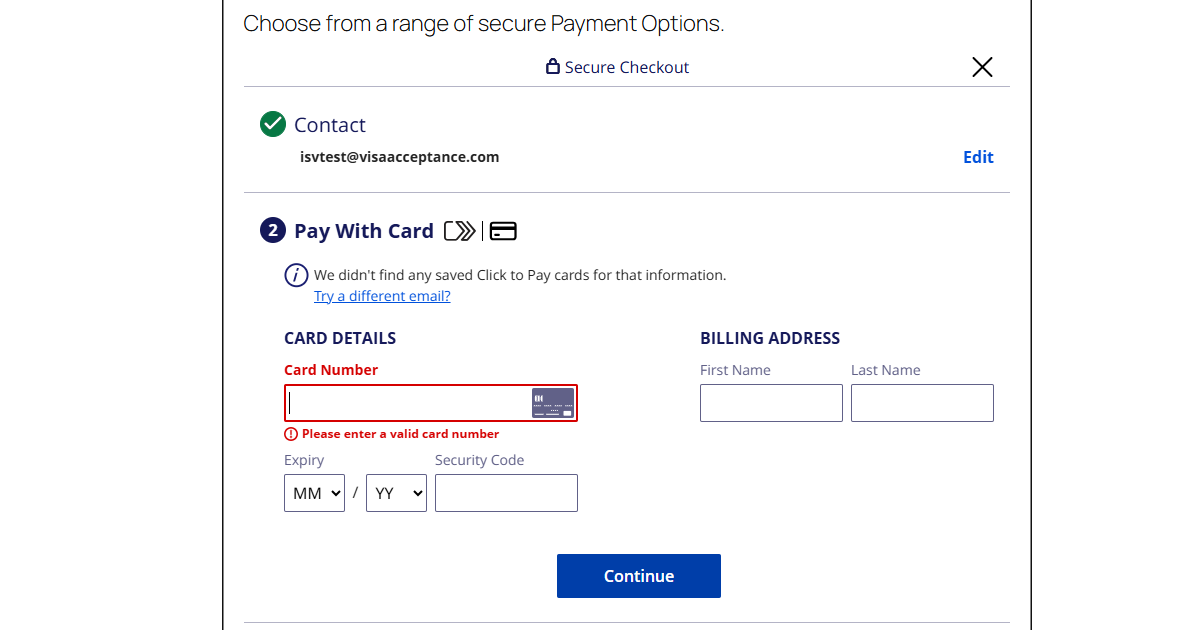
Checkout 2
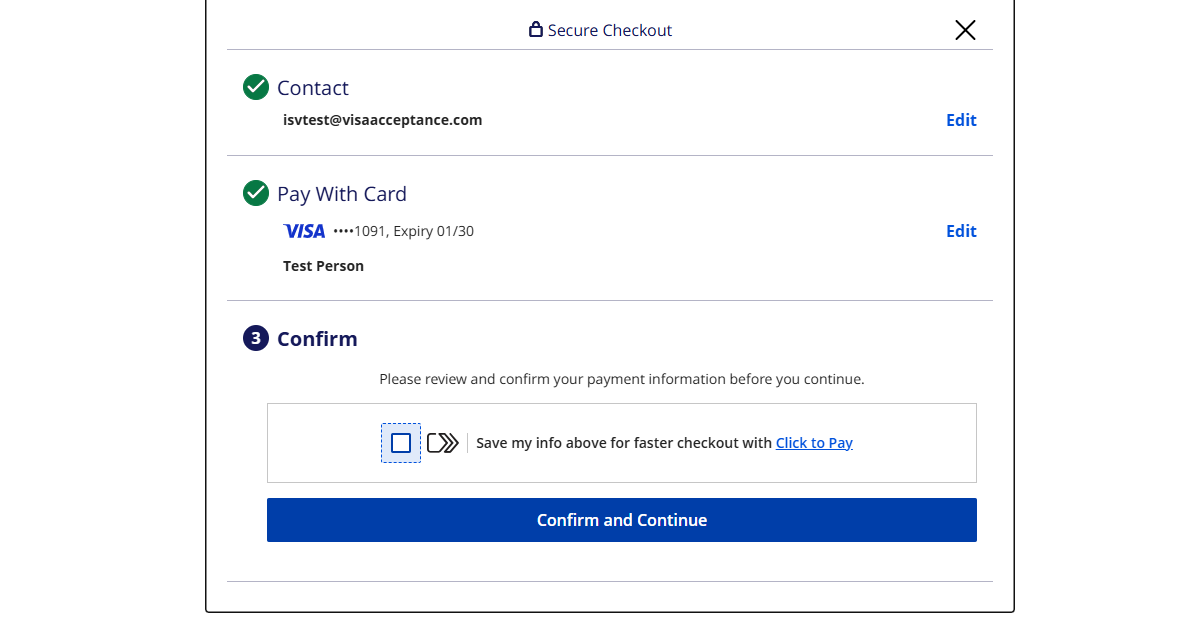
Checkout 3
Changelog
2.0.1
Bug Fix
* Removed the Customer ID for guest user due to exceeding limits within the platform for some processors
* Removed Commerce Indicator from the Payment Acceptance Request
2.0.0
Enhancements
* Unified Checkout v0.23
* Apple Pay
* Adopt Visa Acceptance REST Client SDK
* Message-Level Encryption
* WooCommerce Subscriptions & HPOS Compatibility
1.0.0
Initial release supporting Card Payments, Tokenisation, Payer Authentication (3D Secure), and Fraud Screening tools.