
Visibility Controls for Editor Blocks
Easily hide or show Gutenberg blocks on mobile, tablet, and desktop devices using customizable breakpoints for responsive design.
Plugin info
Maintenance & Compatibility
Maintenance score
Maintained • Last updated 155 days ago • 2 reviews
Is Visibility Controls for Editor Blocks abandoned?
Likely maintained (last update 155 days ago).
Compatibility
Similar & Alternatives
Explore plugins with similar tags, and compare key metrics like downloads, ratings, updates, support, and WP/PHP compatibility.
Description
Visibility Controls for Editor Blocks is a powerful and user-friendly WordPress plugin that allows you to easily control the visibility of Gutenberg blocks across different devices, such as mobile phones, tablets, and desktop computers. With this plugin, you can manage how and when blocks are displayed based on customizable breakpoints, ensuring that your content is perfectly optimized for any screen size.
Whether you want to hide certain blocks on smaller screens, display specific content only to desktop users, or fine-tune your layout for tablets, this plugin gives you full control over your Gutenberg blocks’ visibility. The intuitive settings allow you to configure custom breakpoints for mobile and tablet devices, making it easy to adapt your content for a responsive and user-friendly design.
Now, you can also hide blocks specifically for logged-in users or non-logged-in (guest) users, making it easy to customize the user experience for different types of visitors.
Key Features:
- New: Hide blocks based on user login status — show or hide content specifically for logged-in or guest users.
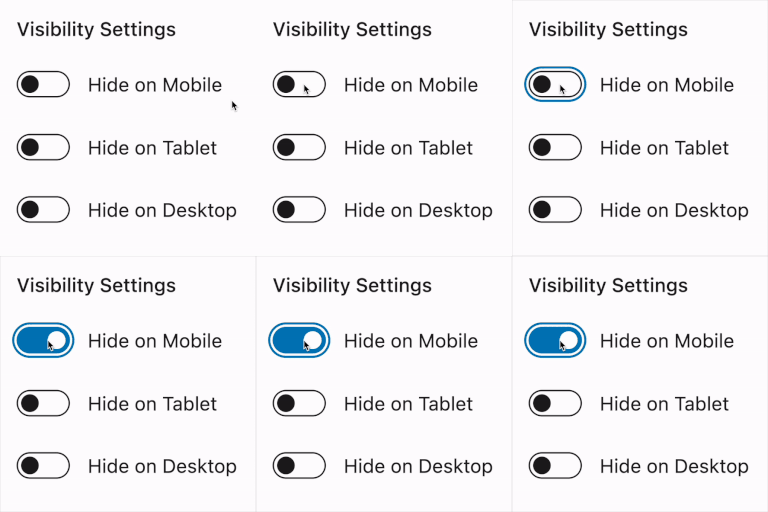
- Device-Specific Block Visibility: Hide or show blocks specifically on mobile, tablet, or desktop devices.
- Custom Breakpoints: Set your own breakpoints to define what counts as mobile, tablet, or desktop.
- Simple and Intuitive Interface: Easily manage visibility settings directly in the block editor without needing to touch any code.
- Seamless Gutenberg Integration: Fully integrated into the Gutenberg editor, making it easy to control visibility settings for any block.
- Responsive Content: Ensure that your content looks great and functions smoothly across all device types.
Ideal For:
- Bloggers and content creators who want to deliver tailored experiences for different devices.
- Website owners looking to optimize page layouts based on screen sizes.
- Developers and designers who need an easy-to-use solution for responsive design without custom code.
With Visibility Controls for Editor Blocks, you can ensure that your WordPress website delivers the best user experience, regardless of the device your visitors are using.
Video tips for using the Visibility Controls for Editor Blocks plugin:
License
This plugin is licensed under the GPLv2 or later. You can find more information at https://www.gnu.org/licenses/gpl-3.0.html.
Installation
- Upload the plugin files to the
/wp-content/plugins/visibility-controls-for-editor-blocksdirectory, or install the plugin through the WordPress plugins screen directly. - Activate the plugin through the ‘Plugins’ screen in WordPress.
- Go to “Settings > Gutenberg Blocks Visibility” to configure the breakpoints for mobile, tablet, and desktop devices.
Frequently Asked Questions
In the WordPress admin area, navigate to Settings > Gutenberg Block Visibility to configure custom breakpoints for mobile and tablet devices.
No, this plugin is designed to work specifically with the Gutenberg block editor.
No, the plugin is optimized
Review feed
Screenshots
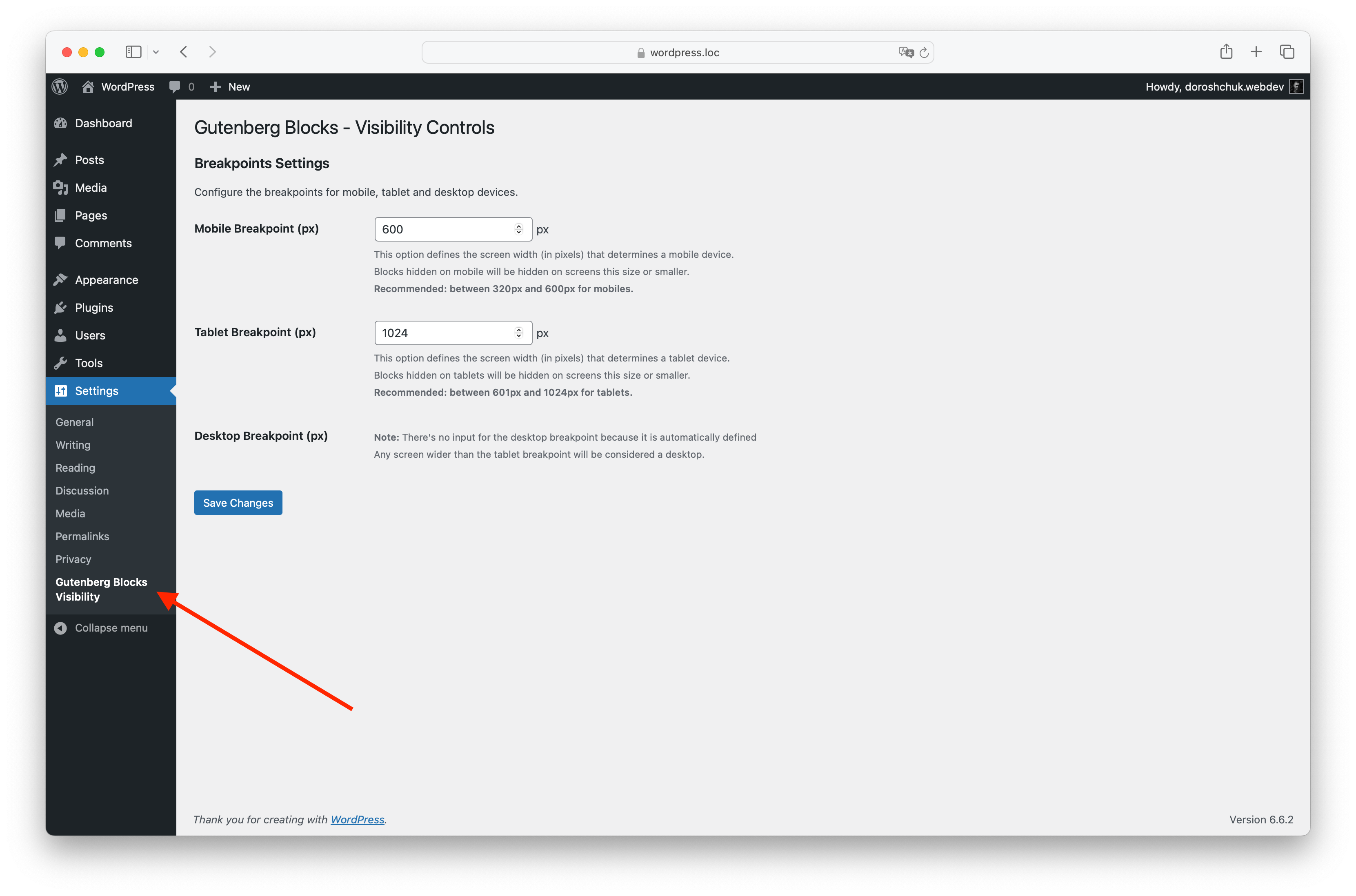
Settings page for configuring breakpoints under Settings > Gutenberg Blocks Visibility.
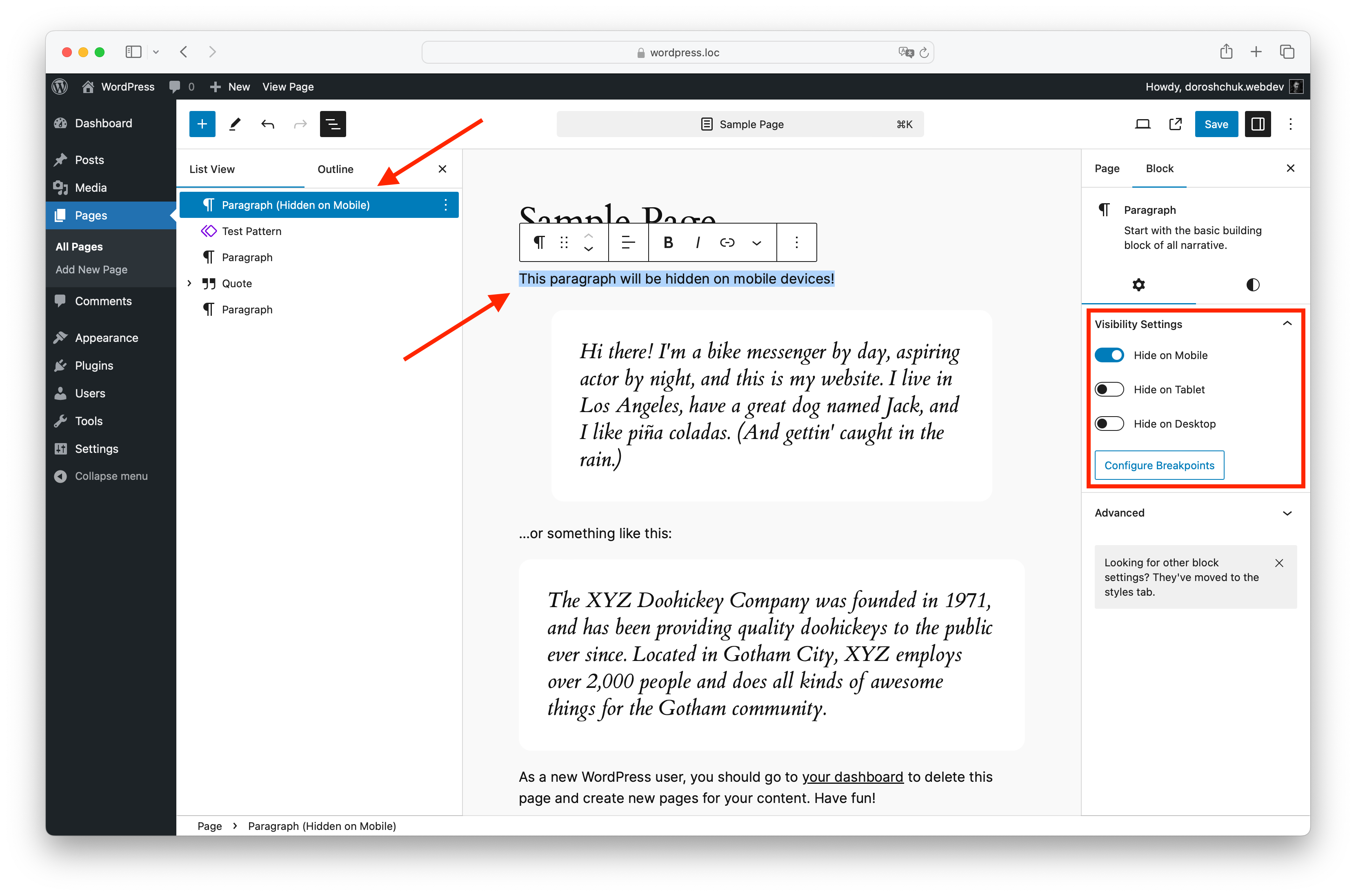
Block visibility options displayed in the Gutenberg editor.
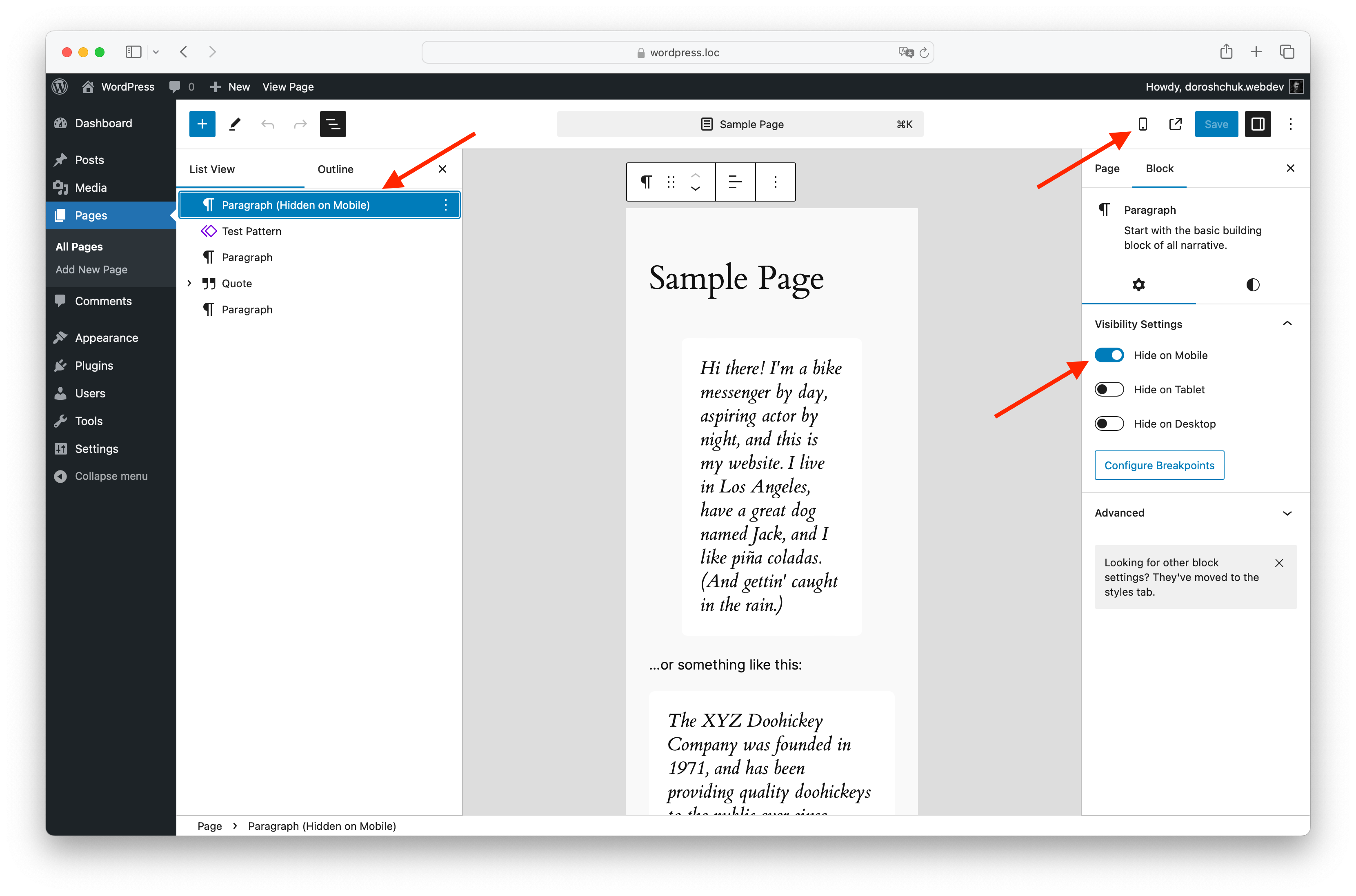
Block visibility settings shown in Gutenberg's preview mode.

Example of how the visibility settings affect the layout on a mobile device.
Changelog
1.2.1
- Fixed a problem with index.js
1.2.0
- Refactored JavaScript build system to use @wordpress/scripts.
- Removed legacy Gulp-based setup for cleaner and more maintainable builds.
- No functional changes for end users
1.1.3
- Fixed a problem with renaming blocks
1.1.2
- Fixed a problem with some dynamic blocks
1.1.1
- Tested up to WordPress 6.8
1.1.0
- Tested up to WordPress 6.7.1
1.0.9
- Tested up to WordPress 6.7
1.0.8
- Added wp.blockEditor.InspectorControls instead wp.editor.InspectorControls
1.0.7
- Added video tips to the settings page
1.0.6
- Small fix
1.0.5
- Added option to hide blocks for logged-in users.
- Added option to hide blocks for non-logged-in users.
- Added visual indication (strikethrough and overlay) for blocks hidden based on user login status in Gutenberg editor.
1.0.4
- Added support for dynamic Gutenberg block, for example: Navigation, Site Logo, Post Content etc.
1.0.3
- Added new language – ru_RU.
- Fixed a small bug.
1.0.2
- Added new option – Disable CSS loading on pages without Gutenberg.
1.0.0
- Initial release with functionality to hide blocks on mobile, tablet, and desktop devices.
- User-configurable breakpoints for each device type.