

Visual Composer Website Builder
Drag and drop page builder that gives the freedom to design WordPress websites, landing pages, custom themes, maintenance mode & coming soon pages.
Plugin info
Maintenance & Compatibility
Maintenance score
Stale • Last updated 238 days ago • 217 reviews
Is Visual Composer Website Builder abandoned?
Likely maintained (last update 238 days ago).
Compatibility
Similar & Alternatives
Explore plugins with similar tags, and compare key metrics like downloads, ratings, updates, support, and WP/PHP compatibility.
Description
[New] Visual Composer – all-in-one WordPress Website Builder & Landing Page Builder
Free WordPress website builder that gives you the freedom to create websites. A page builder with advanced design features, responsive fonts, easy to use interface, and a seamless drag and drop editor powered by React.
Try new Visual Composer Website Builder.
Visual Composer is the ultimate WordPress sitebuilder designed for web creators who need more power to create professional websites efficiently.
A website builder with must-have features, elements, templates, and design options. It is compatible with other plugins, offering compatibility features as well as offering a theme builder, providing users with an all-in-one wysiwyg web builder.
You will need fewer plugins, you will save time, and be able to deliver beautiful websites to your customers much faster.
Not just Website & Page Builder. It Is So Much More
Visual Composer is a free, fast, SEO-friendly website and landing page builder – it has all you need to create a website. The most feature-rich free page builder – 50+ free elements, 10+ free landing page templates, and advanced design options with background and parallax effects.
With an easy-to-use WordPress editor, you can create your own website and more:
- Personal site
- Business website
- Portfolio
- Landing page
- Coming soon page
- Under construction page
- Maintenance mode page
- Blog
- Ecommerce
True Drag and Drop Website Builder
With a fast drag and drop editor, you can design new pages or edit existing ones – no design limits. You have complete freedom to design, create, and develop your website or landing page exactly as you want it.
Frontend Builder with Instant Content Update
The live design and inline editing allow you to see all the changes you make to your page instantly. A true What You See Is What You Get experience (wysiwyg)! Play with the page design until you find the perfect one. Creating a website has never been easier – change colors, fonts, customize options and see the result instantly.
No Coding Skills Required
You don’t have to be a professional website developer to make a beautiful site. Visual Composer drag and drop builder is designed for you to create landing pages without any coding skills. Simply select a predesigned template and drag and drop elements across the page.
500+ Templates, Elements, Addons, and Blocks
Visual Composer Hub, a cloud-based marketplace allows you to download elements, templates, and addons on demand. Visual Composer team adds new content to the library weekly making it an evergreen assets repository. You can add all these assets to your page without leaving the editor.
What’s inside the Visual Composer Hub?
-
Content Elements: Slideshows, Tabs, Video, Testimonials, Buttons, Menu, WooCommerce compatibility, and many more elements. The appearance, styles, and attributes of the elements can be changed as you wish.
-
Templates: There are different category templates available for any web project. Templates for a portfolio and business website, online store, landing page, and others. Simply download ready-made templates, content blocks, sidebars, footers, headers, or sections and replace them with your unique content.
-
Addons: Extensions allow you to enhance your Visual Composer experience with advanced addons. Global Templates, Import/Export, Gutenberg Block template, Popup Builder and others.
-
Integrations: Stock images and GIFs from GIPHY are available straight from the Visual Composer editor. The graphics can be used for both personal and commercial projects.
-
Endless Design Options: Website builder includes powerful design options that allow beginners and experts to create unique page designs. Make custom background effects, take advantage of modern parallax background, control paddings, margins, borders, and radius of any element.
WordPress Theme Builder
Visual Composer is an all-in-one plugin that lets you make beautiful websites from header and footer to archive page and 404 page. You can completely overwrite themes by creating custom post, page, and archive layouts in a code-free way. Assign your custom layouts sitewide or override it on a page level, and reuse them as much as you like.
Make fully custom layouts (including header, footer, and sidebar templates) with the Layout Builder, or save your unique headers, footers, and sidebars as Global Templates to reuse them and save time. Additionally, the Dynamic Content feature allows you to design templates with dynamic content placeholders (devs will love it).
This means that web creators now have all the creative freedom and the topmost control over their website design — all from one place!
Ecommerce Website Builder
Customize your Woocommerce website and provide a unique user experience to people when visiting your online store. Highlight your top product and services by creating specific ecommerce landing page with Visual Composer.
Landing Page Builder
Whatever is your buisness you can attract more users and customers just creating top performers seo landing page that suits any needs: from ecommerce and lead generation landing page, to event landing page and many many more.
Insights
Build better websites by using an in-built qualitative analysis of your page content with Visual Composer Insights – an in-built SEO tool.
Visual Composer Insights is a free addon that analyzes your page content to improve your site’s quality, performance, and SEO. Finally, thanks to the best website builder for seo, you don’t have to be a developer, designer, or marketer to create a website that increases conversions and boosts your business.
Role Manager
With the Visual Composer Role Manager, you can set up and control access to any feature or element of your site. Ensure that your beautiful design stays the way you want it to be by allowing customers to edit only certain parts of a page or use only certain features. And, with the role manager presets, it has never been easier to apply the access rights. Here are the user roles you can manage:
- Administrator
- Editor
- Author
- Contributor
- Subscriber
- Custom roles (from plugins like Yoast, WooCommerce, etc.)
Font Manager
The Visual Composer Font Manager is a built-in addon for customizing the fonts, sizes, and styles of your headings, paragraphs, and blockquotes. You can also change link color options like underlines or hovering effects to make them stand out from the regular text.
For a more customized experience, you can change the letter spacing and line-height as well as margins. You may also capitalize, lowercase, and uppercase letters.
Popup Builder for WordPress
Build unlimited popups and save hundreds or even thousands on this effective marketing tool – built-in Popup Builder. Lets you create beautiful exit intent or email marketing popups fast and easy. Use familiar drag and drop editor, using all the elements, integrations, and design options available in the Visual Composer Hub.
Mobile-Friendly
Create responsive websites. Visual Composer makes sure that your website is automatically responsive. Nevertheless, you can adjust your site’s look, width, and behavior for every device: mobile, tablet, and desktop.
Compatibility Elements
Visual Composer is compatible with other popular plugins, offering compatibility elements inside its asset library. This means that all the Integrations can be managed directly from the Visual Composer frontend editor:
- WooCommerce
- Contact Form 7
- Gutenberg
- Advanced Custom Fields
- MailChimp for WordPress
- WP Forms
- wpDataTables
- TranslatePress
- and many more.
Developers API
Visual Composer is not only for frontend editing. With its API in front, developers can integrate the editor in WordPress themes, build extensions, and create custom tools for clients.
Contributors & Developers
If you want to contribute to the development of the Visual Composer plugin, visit the Visual Composer GitHub Repository and help with your knowledge.
Premium Support
Visual Composer team provides one-on-one email support that is available to Visual Composer Premium users. However, all Visual Composer users can ask for help in the WordPress.org forum, find answers in our Help Center, or ask for advice from other Visual Composer users in our community.
Where To Look For Support?
- Visual Composer Help Center
- Facebook Community
- WordPress.org support section
- Real-person Dedicated Support (available for Premium users)
Let’s Get You Onboard
- Learn about Visual Composer from tutorials on YouTube
- Follow us on Facebook and join our lovely community
>> Discover All The Benefits of Visual Composer Website Builder
Installation
Visual Composer drag and drop builder can be installed like any other WordPress plugin either by uploading a .zip file or install it straight from the plugin repository inside the WordPress admin.
Once installed, click ‘Activate Plugin’ to finish the installation.
Start using Visual Composer Website Builder on your site
- From the Visual Composer Getting Started tab, click ‘Create a New Page’
- or Go to Pages or Posts – choose Add New with Visual Composer
Frequently Asked Questions
Although they are different site builders, both Visual Composer and WPBakery are designed to allow WordPress users to build websites. However, the difference is the performance, functionality, and features that each of these builders offers. Visual Composer Website Builder allows you to build a complete website. Create custom page layouts, design unique headers, footers, and sidebars. For more information, here is a comparison of Visual Composer Website Builder vs WPBakery Page Builder.
No, not at all. Visual Composer page builder is a good fit for both experts and beginners. With an intuitive drag and drop interface and with a range of pre-designed templates and content elements you can convert your imagination into a real website.
What does “properly coded theme” means? A theme that follows official WordPress Codex rules and guidelines.
Yes! Visual Composer Website Builder includes a shortcode element that allows you to add any 3rd party shortcode into your layout.
Yes! The Premium version comes with world-class support and access to Visual Composer Hub where you can download additional elements, templates, addons, and integrations.
Visual Composer Free version is the ultimate page builder to get your web design project started. Visual Composer Premium unlocks a full website builder experience and gives you unlimited access to the Visual Composer Hub (a cloud marketplace of elements, templates, extensions, and integrations).
Yes! Header, Footer, Sidebar, and overall theme edit and design options are available in the Visual Composer Website Builder Premium version.
Yes! The free page builder version comes with a blank page layout option that allows you to create a complete landing page from scratch or by using one of the Visual Composer Hub templates. You can create a landing page on your existing site and it will completely stand out from the rest of your pages – perfect for running your marketing campaigns.
It is both! Visual Composer’s free version works like a page builder where you have full control over the content area defined by your WordPress theme. Want to design a full site including headers and footers? Choose Visual Composer premium as it allows you to go beyond the content area and create a full site just like you want it.
Review feed
One of the best intuitive page builders I have ever used.
Best WordPress site builder which you absolutely should NOT use
Great product, fantastic team
My top choice
giving it 5 for the old but gold title!
Screenshots
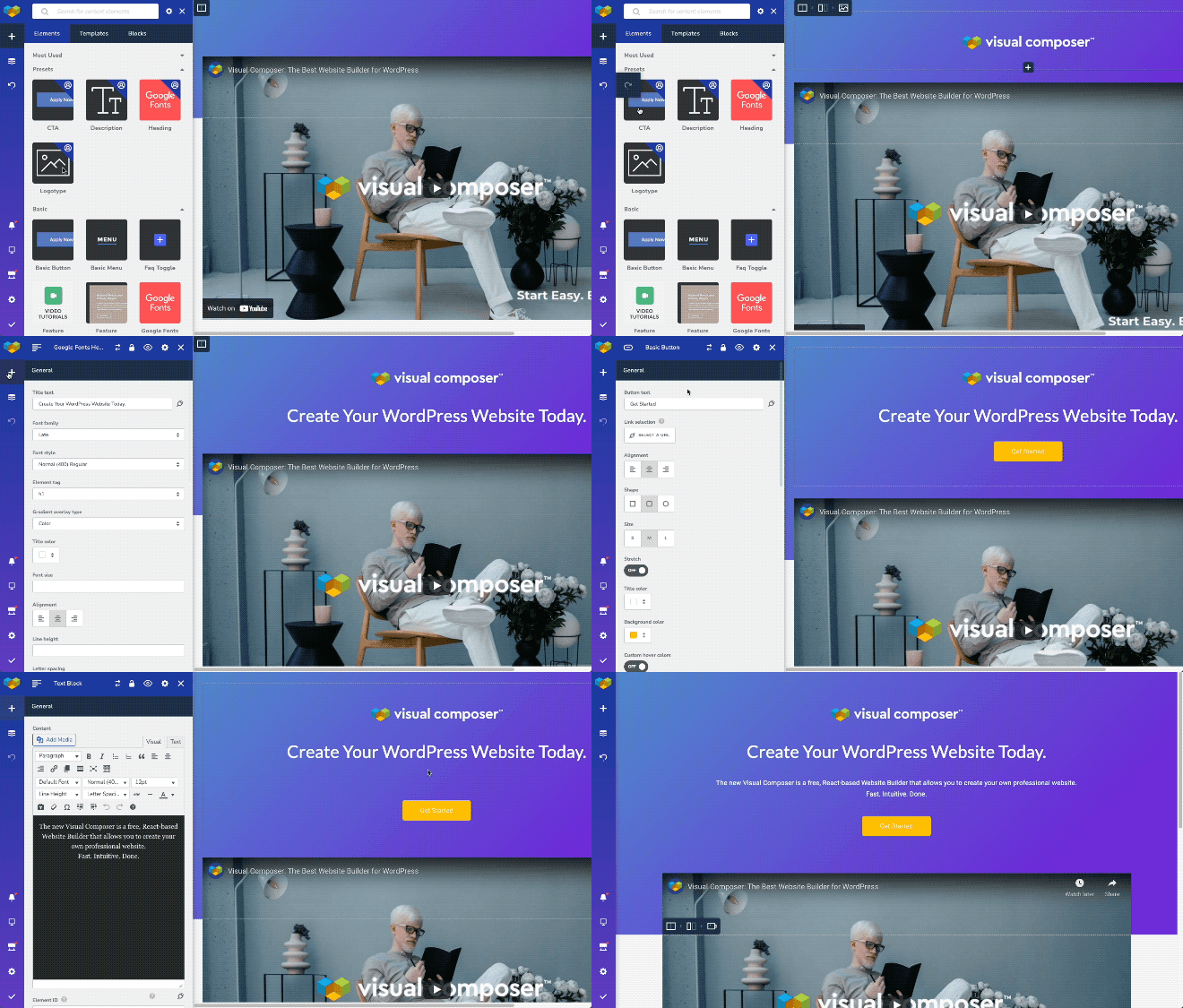
A friendly, intuitive website builder that gives you design freedom and tools to create a beautiful site.
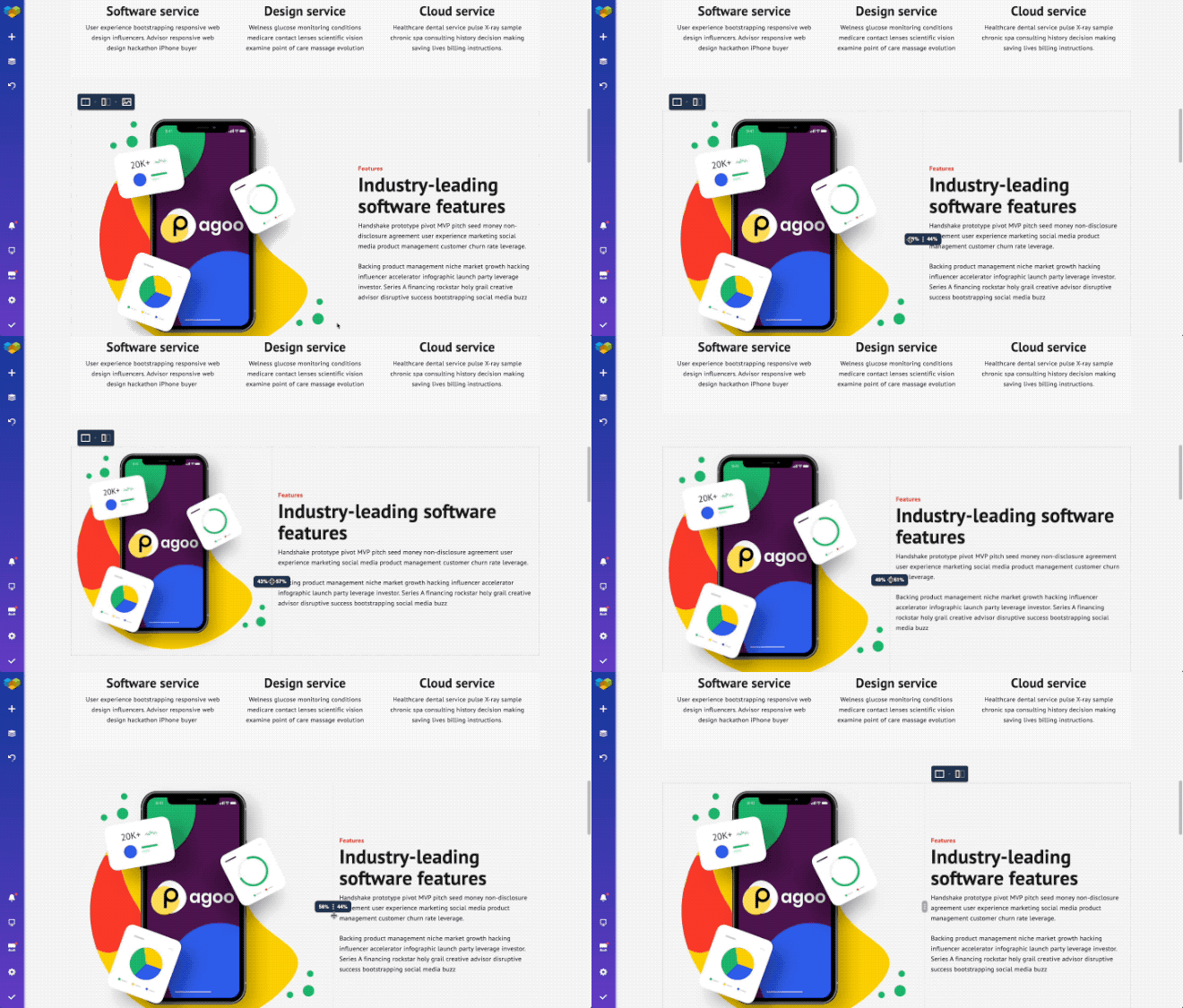
Create any layouts fast and easy with the pixel perfect Visual Composer builder. It helps you structure content in a way that’s exactly how it should be!
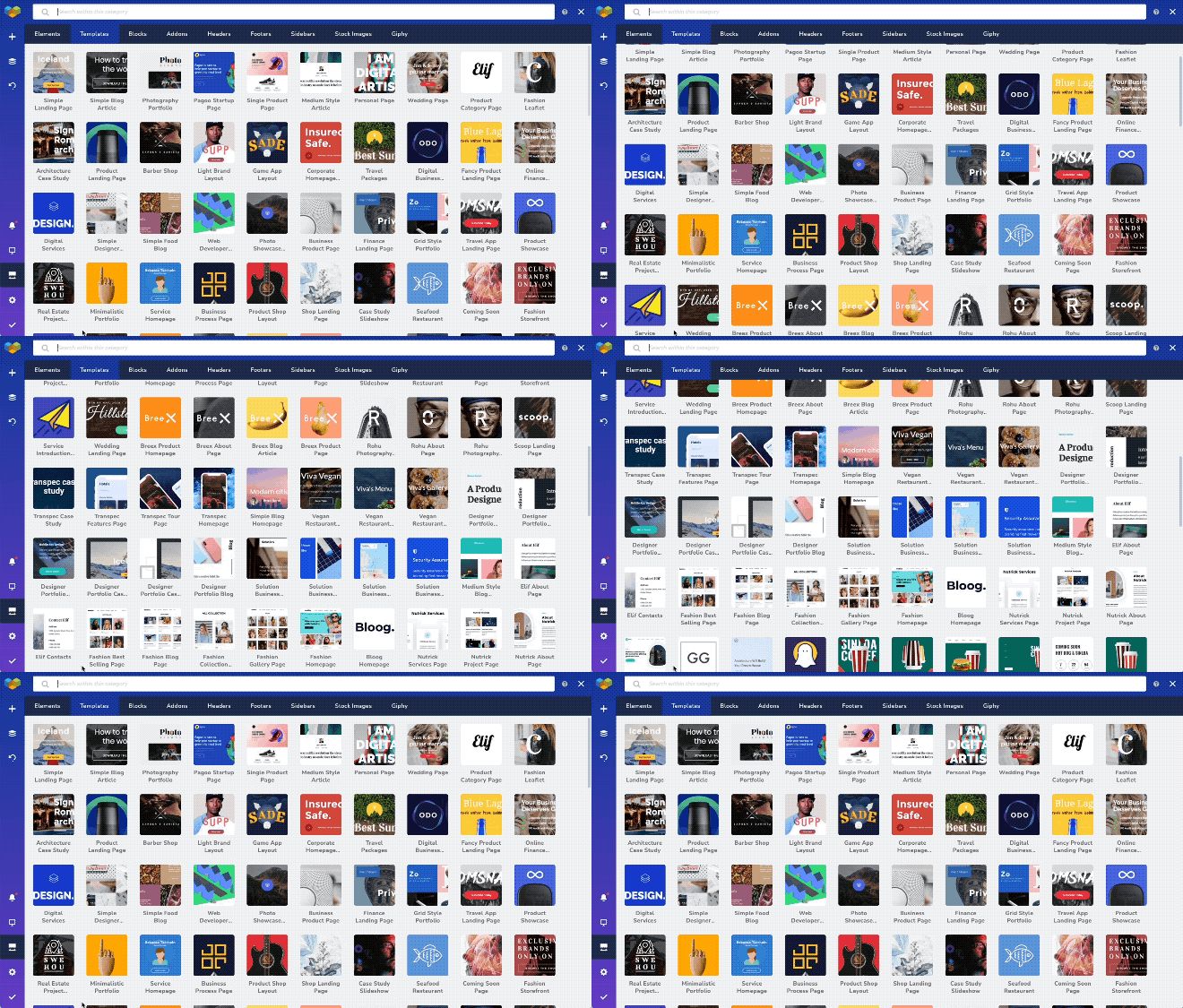
The Visual Composer Hub is a cloud marketplace of elements, templates and extensions. You can find anything to help build your own website in one place with ease!
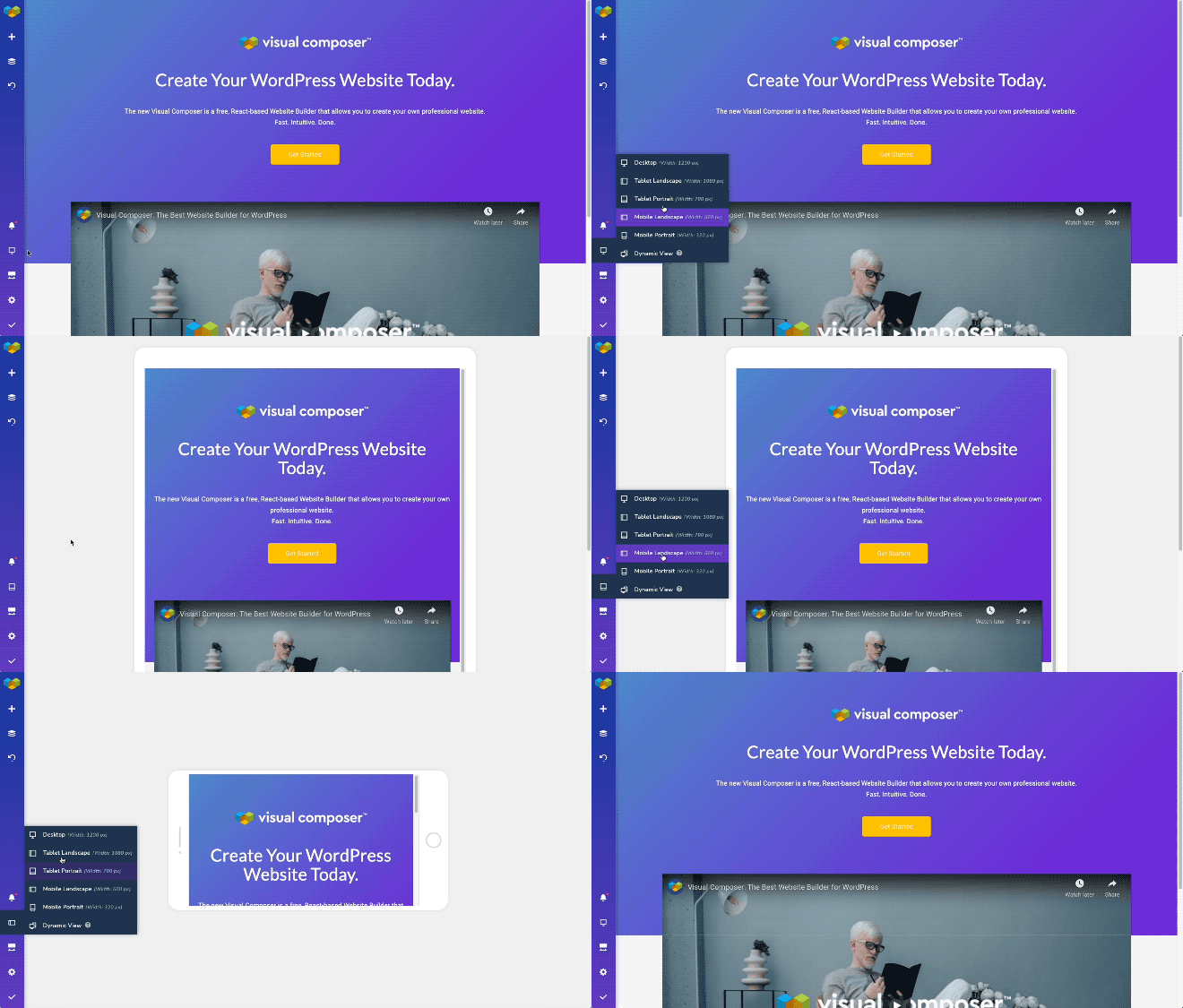
Create a website that will look great on any device with the mobile and desktop optimized WordPress editor.
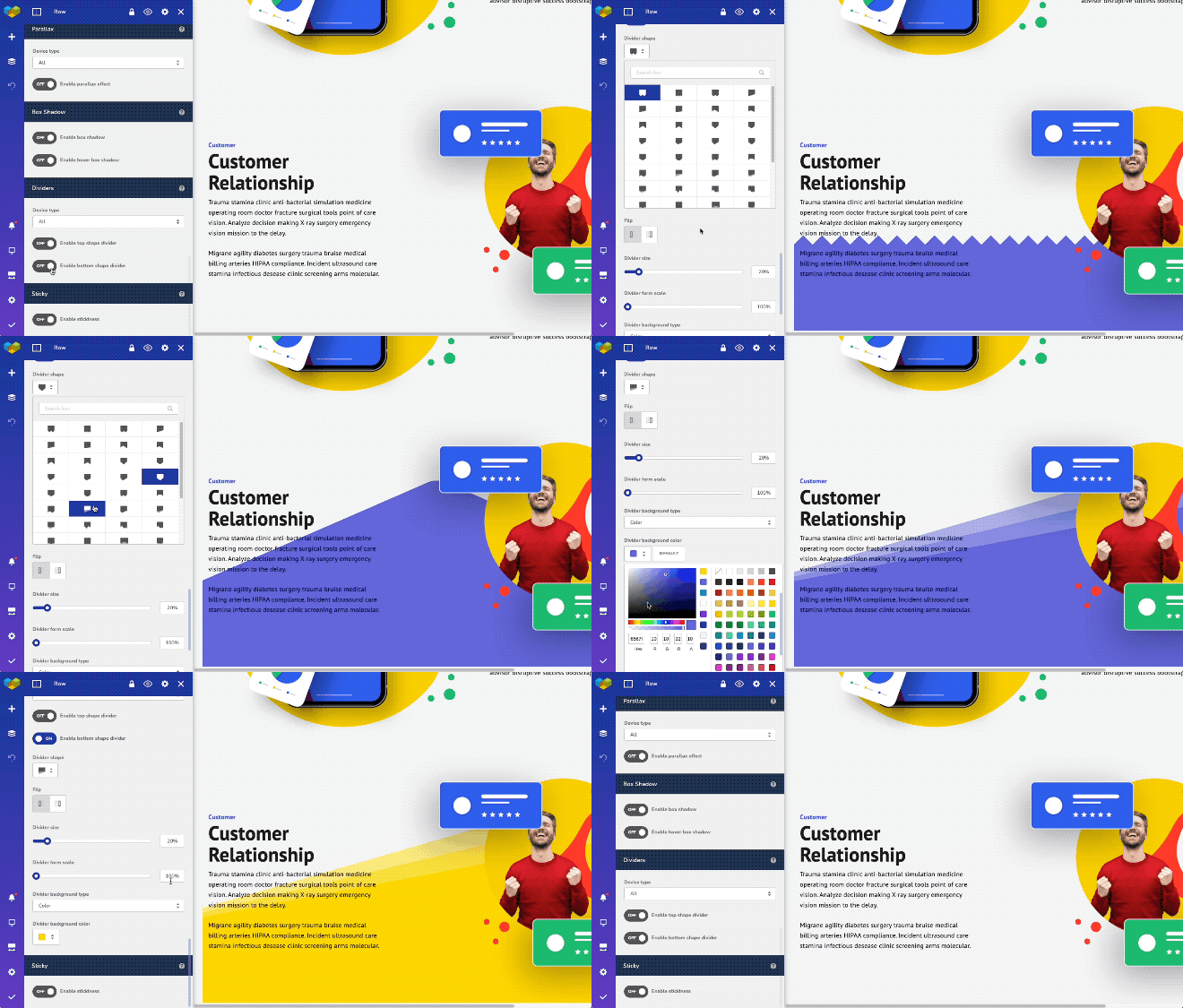
Endless WordPress site design options - build a website just the way you want it with powerful features for beginners and pros.
Changelog
45.15.0
Release Date – 2025-08-06
Free:
- Fix: Vendor folder has been properly included
45.14.0
Release Date – 2025-08-06
Free:
- Update: Violation of WordPress.org rules has been removed
- Fix: XSS vulnerability removed
45.13.0
Release Date – 2025-07-16
Free:
- Update: Customer survey mechanism removed to comply with the WordPress repository terms
- Compatibility: Compatibility with WPBakery improved
- Compatibility: Compatibility with WPML improved
- Fix: Custom post type label works properly with WPML and Visual Composer
45.12.0
Release Date – 2025-05-15
Free:
- Fix: Prevent XSS for post grid pagination
- Fix: Improved vulnerability issue for encoded shortcode content
Premium:
- Compatibility: Works properly with PHP 8.3 and WordPress 6.8
45.11.0
Release Date – 2025-04-17
Free:
- Update: Works properly with WordPress 6.8
- Fix: Vulnerability issue for encoded shortcode content resolved
45.10.0
Release Date – 2024-09-16
Free:
- Update: Google Fonts are updated to feature all latest typographies
- Fix: Warning about document.write usage has been introduced
- Fix: Hidden elements work properly and do not break the editor
- Fix: Strings are set properly and translatable
Premium:
- Compatibility: reCaptcha v2 works properly with the editor
- Compatibility: Visual Composer compatibility with WPML improved
- Fix: Custom ratio works properly for the post grid elements
- Fix: Post tag element is being styled properly in the Layout builder templates
- Fix: Content slider works properly with margin properties
- Fix: Default Visual Composer layouts without comment area do not have comments option control
- Fix: Countdown timer element works properly with the CSS animations in Design Options
- Fix: Accordion element presets work properly in the editor
- Fix: Menu element link colors work properly
- Fix: Popups get triggered properly on button actions
- Fix: Post grid filters work properly on mobile devices
- Fix: A description for custom excerpt length has been updated
- Fix: Import options works properly with webp and avif file format
- Fix: Post title element works properly even if the general title is being disabled
- Fix: Dynamic title works properly for the post grid buttons
- Fix: Half outline button is available in Visual Composer Hub
- Fix: Popups work properly in header and footer layouts
- Fix: Deletion of global templates is being handled properly
- Fix: Classic tab background works properly
45.9.0
Release Date – 2024-05-20
Free:
- Fix: XSS vulnerability fix for the editor
45.8.0
Release Date – 2024-03-20
Free:
- Fix: System status page works properly
- Fix: Stretched row works properly
45.7.0
Release Date – 2024-02-15
Free:
- Update: Editor performance improved
- Update: Editor performance on Safari has been improved
- Update: Performance improvement for operating with large number of assets from the Media Library
- Fix: DISALLOW_UNFILTERED_HTML is applied now properly
- Fix: Sanitization and escaping of user data improved
- Fix: RSS feed validation works properly
- Fix: Fonts loading and display works properly in TinyMCE
- Fix: Content duplication has been prevented when working with Image galleries
- Fix: The editor now works properly in case the user has multiple roles
- Fix: Switching between TinyMCE editor modes does not affect content display
- Fix: Show/Hide option works properly
Premium:
- Compatibility: Compatibility with WPML improved for the archive pages
- Fix: Logo widget works properly with no logo added to the website
- Fix: Column controls for post grid elements work properly
- Fix: Menu replace after source deletion works properly
- Fix: Menu element dropdown works properly on Windows devices
- Fix: Post title element works properly with theme title disabled
45.6.0
Release Date – 2023-10-19
Free:
- Fix: 3rd party elements work properly
- Fix: URL option works properly for gallery elements
Premium:
- Fix: Font Manager preview works properly
- Fix: WPML works properly with custom layouts
- Fix: Layout width works properly for header and footer layouts
- Fix: Layouts with sidebars work properly
45.5.0
Release Date – 2023-08-28
Premium:
- Update: Updated the library of available Google Fonts
- Fix: Maintenance mode works properly with blank layout
45.4.1
Release Date – 2023-08-08
Free:
- Fix: Prevent double text translation in WPML
Premium:
- Fix: Video player element works properly and does not affect editor loading
45.4.0
Release Date – 2023-07-13
Free:
- Fix: Insights analysis works properly for the footer part of the website
- Fix: Gutenberg content editing works properly
Premium:
- Fix: Video elements work properly in the editor
- Fix: The video player element works properly in the editor
- Fix: The video popup element works properly in the editor
- Fix: The social icon set works properly within the Icon Button element
45.3.0
Release Date – 2023-06-19
Free:
- Fix: Template download works properly for different environments
- Fix: Notifications inside the Visual Composer dashboard have been improved for design consistency
- Fix: Gutenberg content editing works properly
Premium:
- New: Role Manager controls user access to the edit element window tabs
- Fix: Row resizing controls work properly in Popup Builder
- Fix: Naming consistency improved for the post grid elements
- Fix: Template import from previous versions of the editor works properly
- Fix: Sliders work properly when using mouse to switch slides
45.2.0
Release Date – 2023-06-01
Free:
- New: Custom CSS option is available for all elements in the element edit window
- New: Data attributes are available for all elements in the element edit window
- New: Navigation to parent element is available for all elements
- New: Element window has tabs for content, design, layout, and advanced attributes
- Update: Improved editor load speed
- Update: User satisfaction survey updated
- Compatibility: The editor works properly with Easy Content Tables
- Compatibility: The editor works properly with the One User Avatar
- Fix: Visual Composer works properly with a multisite environment
- Fix: Posts with no content work properly in the editor
- Fix: Editor works properly on specifically preconfigured server environments
- Fix: Status check works properly and does not deactivate the plugin
- Fix: Memory limit displays properly on the system status page
- Fix: The editor works properly with multiple shortcodes
- Fix: CSS animations work properly with custom responsiveness enabled
- Fix: A large amount of content works properly with WPML
- Fix: Gzip works properly on different server environments
- Fix: Element update works properly with the newest version of the plugin
- Fix: Instant update works properly for nested elements
- Fix: Right-click controls work properly
- Fix: Hidden elements don’t produce extra space
- Fix: The editor works properly with One-Click Demo Import
- Fix: The editor works properly with PHP 8.1
- Fix: The toggle to hide elements in Design Options works properly
Premium:
- New: Div container element is available
- New: Editor recognizes usage of global templates, popups, and layout before deletion
- Update: The Search element improved for ADA compliance
- Compatibility: Theme Builder works properly with WooCommerce 7
- Fix: Custom excerpt length works properly for grid (loop) elements
- Fix: Adding a popup via link selector works properly
- Fix: Layout options work properly for posts
- Fix: Header, footer, and sidebar assigning works properly
- Fix: Search queries and categorizing work properly in the layout builder
- Fix: Global template width works properly in page layouts
- Fix: YouTube videos work properly in the header
- Fix: Role manager presets work properly on the initial save
- Fix: Featured Image Post Grid title is clickable
- Fix: Template importing works properly
- Fix: HubSpot element works properly for different user roles
- Fix: Captions work properly with custom fields
- Fix: Settings reset does not remove the custom header and footer settings
- Fix: Importing and exporting options work properly with Global Templates
- Fix: All Google Fonts work properly with the Font Manager
- Fix: Post list element displays a proper WordPress date format
- Fix: Custom fields with no value are not displayed publicly
- Fix: Custom layout controls work properly
- Fix: Locked elements are not accessible with double-click
- Fix: Spacing for headers in the header builder works properly
- Fix: wp_body_open hook is available for the layout builder layouts
- Fix: Post grid elements work properly with sticky posts enabled
- Fix: Tab links are working properly when linking to another tab
45.1.3
Release Date – 2023-03-22
Free:
- New: Integration with Atarim for better collaboration when developing websites and working with clients
45.1.2
Release Date – 2023-02-02
Free:
- New: pNPS survey added to the editor to collect your feedback
- Compatibility: WPML is fully compatible with the editor
- Fix: gZip works properly on different environments
- Fix: A proper labels are displayed for all free users considering updating to Premium
45.1.1
Release Date – 2022-11-01
Premium:
- Update: License management mechanism improved
45.1.0
Release Date – 2022-10-19
Free:
- Update: CSS Animations for elements improved (Contribution by Lucas Selsek)
- Update: Plugin activation process improved
- Update: Plugin code style updated
- Compatibility: WPML and Visual Composer compatibility improved
- Compatibility: Contact Form 7 works properly in Visual Composer
- Compatibility: Yoast SEO breadcrumbs work properly in Visual Composer
- Fix: Global Custom CSS works properly
- Fix: Initial welcome survey works properly
- Fix: Translation of WordPress works properly with Visual Composer and WooCommerce installed
Premium:
- Compatibility: Theme Builder works properly with WooCommerce 7
- Fix: Font Manager and post grid elements work properly
- Fix: CounterUp element works properly
- Fix: Template import works properly
- Fix: Popups in a sitewide header work properly
- Fix: Font Manager does not impact the CSS styles of the buttons
- Fix: Font Manager does not apply unneeded underline for images and widgets
- Fix: Disabling header and footer works properly
- Fix: Popups added in the Theme Builder layouts work properly
- Fix: Bulk import works properly
- Fix: Dynamic content and ACF works properly
- Fix: Layout width works properly with the Global Template element
- Fix: Gap controls work properly in Twenty Twenty One theme
- Fix: Replace option for headers, footers, and sidebars work properly
- Fix: Link selection works properly in the Typewriter Heading element
- Fix: Countdown Timer element works properly
- Fix: Enabling filters for post grids works properly when working with pages
- Fix: An empty post title does not take space in the layout
- Fix: Php directive “allow_url_fopen” works properly with the Visual Composer import/export
- Fix: Theme Builder layouts work properly in block themes
- Fix: Tab links are working properly when linking to another tab
45.0.1
Release Date – 2022-09-01
Free:
- Fix: To prevent xss vulnerabilities, all roles without ‘unfiltered_html’ capability don’t have an access to the editor
45.0
Release Date – 2022-08-17
Free:
- New: Blank page wizard added for an easier start
- New: Option to drag an image or images from your desktop to an empty column added
- New: Element edit window top menu (dots) introduced for better user experience
- New: Additional API hooks introduced for the 3rd party vendors
- Update: New mixin logic introduced for better performance
- Fix: Layout width settings work properly
- Fix: Data collections work properly in the editor
- Fix: The editor recognizes the end of the session
Premium:
- New: HubSpot form element added to the Visual Composer Hub for compatibility (HubSpot plugin is required)
- Fix: Underline option works properly with the Font Manager settings
- Fix: Accordion element performance improved
- Fix: Dynamic content works properly
- Fix: Nested dynamic fields work properly
- Fix: Tag titles work properly in the archive layouts
- Fix: The maintenance mode add-on is displayed properly in the Visual Composer Hub
- Fix: Export error messages improved
- Fix: The author’s profile picture works properly when added as a dynamic background