

Vitepos – Point of Sale (POS) for WooCommerce
Fast, modern WooCommerce POS plugin for managing sales, outlets, and cashiers directly in WordPress.
Plugin info
Maintenance & Compatibility
Maintenance score
Maintained • Last updated 133 days ago • Support resolved 0% • 50 reviews
Is Vitepos – Point of Sale (POS) for WooCommerce abandoned?
Likely maintained (last update 133 days ago).
Compatibility
Similar & Alternatives
Explore plugins with similar tags, and compare key metrics like downloads, ratings, updates, support, and WP/PHP compatibility.
Description
Vitepos is a lightning-fast and fully responsive Point of Sale (POS) plugin built for WooCommerce.
Developed with the latest web technologies and following WooCommerce coding standards, it brings a seamless POS experience to your online or physical store.
You can manage outlets, counters, customers, invoices, roles, and much more — all from one place.
Vitepos supports barcode scanning, offline order processing, split payments, and complete role-based access control.
Key Highlights
– 👨💼 Role Management: Create roles (Cashier, Manager, etc.) and assign custom permissions.
– 🏪 Outlets & Counters: Manage multiple outlets and assign cashiers per counter.
– 🧾 Custom Invoices: Customize invoice layout and design as you wish.
– 💳 Flexible Login: Use WordPress login or Vitepos built-in login.
– 📦 Add Products from POS: Quickly create and manage products directly from the POS.
– 🏷️ Barcode Support: Use scanners or mobile camera for barcode scanning.
– 💰 Cash Drawer & Hold Cart: Manage cash drawers and temporarily hold customer carts.
– 🌐 Offline Mode: Continue selling even without internet — data syncs automatically.
– 💬 Multi-language Support: Works with Loco Translate and supports multiple languages.
Intro Video:
Quick Install:
Full Playlist:
https://www.youtube.com/playlist?list=PLYrwO-EqSMNuCHzUqp4Znan9mqa8sg-8V
Features
Customer Management: Add or search customers from the POS panel.
Quick Add Products: Instantly create new products with variations.
REST API Based: Built as a single-page application for lightning speed.
Barcode Scanning: Scan products using a barcode device or your mobile camera.
Dynamic Inventory Sync: Ensures no overselling by updating inventory in real-time.
Print Receipts & Invoices: Auto or manual print with custom branding.
Discounts, Fees & Notes: Apply discounts and add notes at checkout.
Offline Mode: Continue operating POS even when the internet disconnects.
Split Payment (Pro): Accept multiple payment methods in one order.
Outlet & Counter Management: Unlimited outlets and counters.
Cash Drawer: Manage drawer open/close and balances.
Vendor & Purchase Module: Manage vendors and record purchases.
Tax Calculation: Tax applied based on outlet location.
Barcode Generator: Generate and print barcodes.
User Access Control: Secure ACL-based permission management.
Shortcuts: Keyboard shortcuts for faster workflow.
Multi-Color Themes (Pro): Choose a color skin that fits your brand.
Offline Order (Pro): Process offline orders easily.
Responsive UI: Works perfectly on mobile, tablet, and desktop.
JavaScript Source
Vitepos frontend (Vue.js based) source code is available here:
https://github.com/appsbd/vitepos-js
External Service Disclosure
This plugin connects to the following external services:
Service: addon.appsbd.com
Purpose: Fetches data about available plugin addons and related functionalities.
Service: Google reCAPTCHA
Purpose: Used for spam protection and user verification in the POS frontend.
The reCAPTCHA API is loaded from https://www.google.com/recaptcha/api.js and may use cookies or tracking as per Google’s Privacy Policy.
Installation
- Upload and install the Vitepos plugin through your WordPress admin dashboard.
- Activate the plugin.
- A new Vitepos menu will appear in your dashboard.
- Create an outlet and counter, then start selling right away.
Frequently Asked Questions
Super easy! Just install the plugin, add your outlet and counter, and you’re ready to go.
Yes, all POS orders are stored in WooCommerce with full details.
Not at all. It’s built using Vue.js, a modern SPA framework, ensuring top performance.
You can report vulnerabilities through the Patchstack Vulnerability Disclosure Program:
https://patchstack.com/database/vdp/9e5fbdf8-f5be-413b-aec4-0ff707bd59db
Review feed
The experience has been quite rewarding
Another Awesome Product by Appsbd
Screenshots
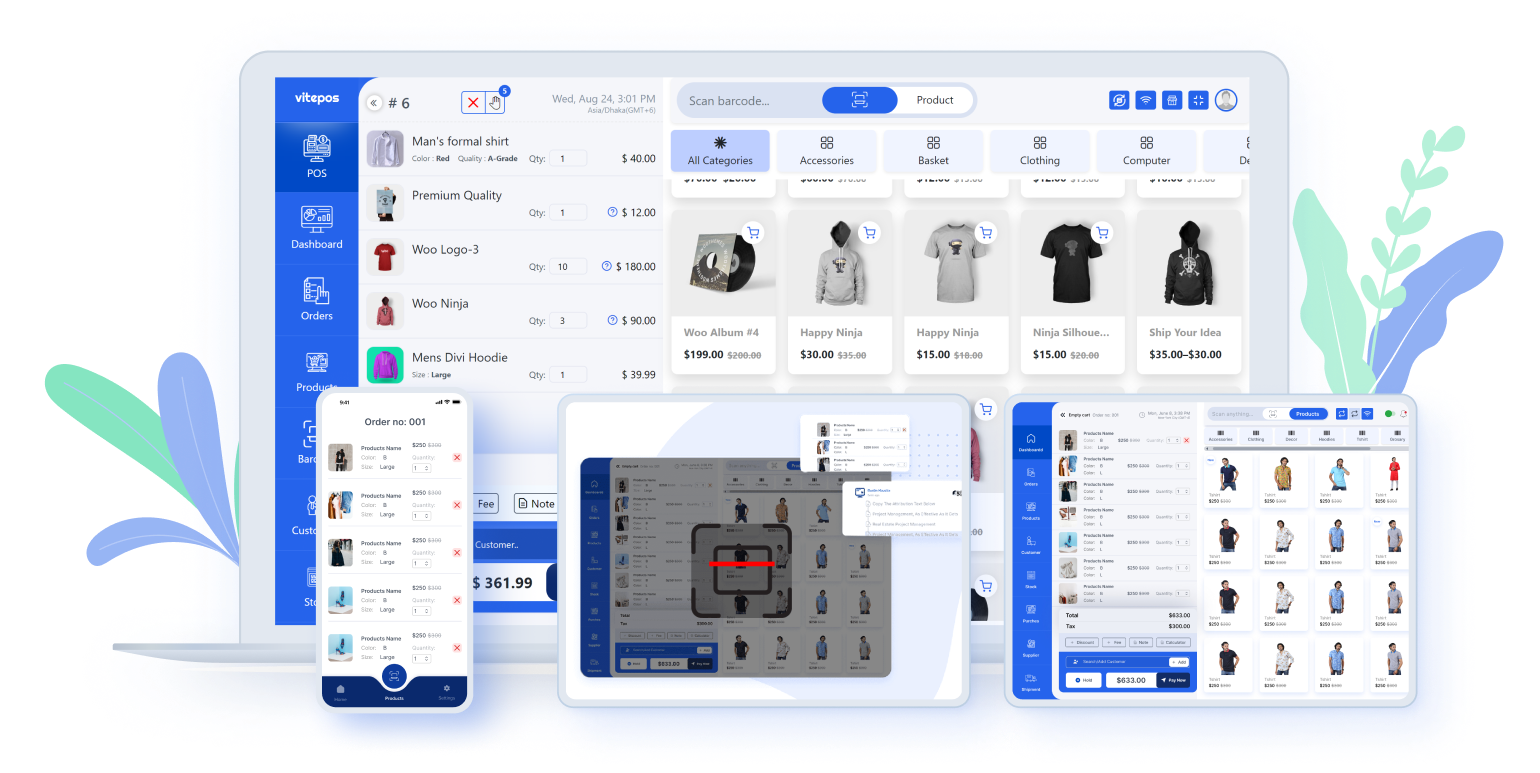
Fully Responsive Interface
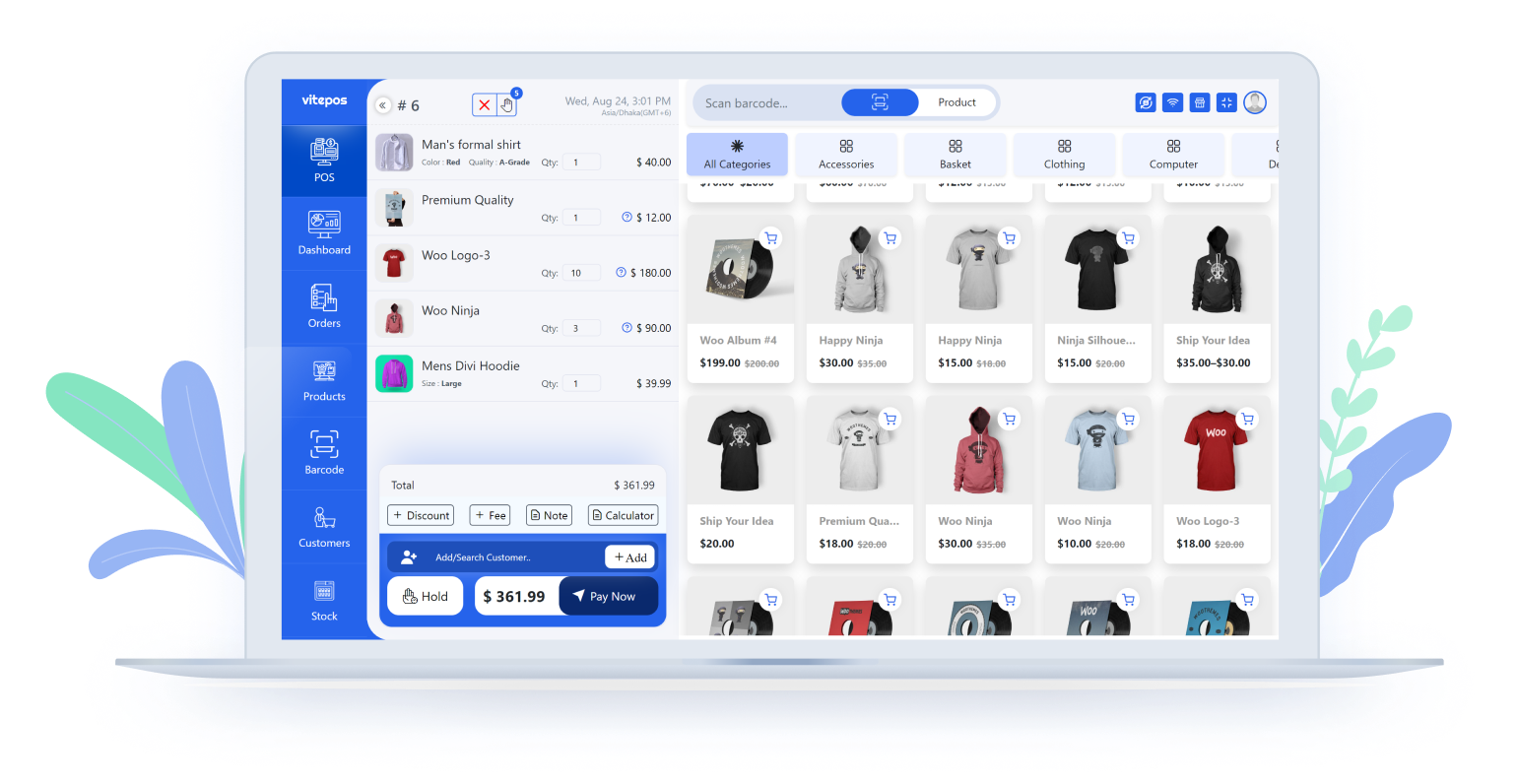
POS Panel
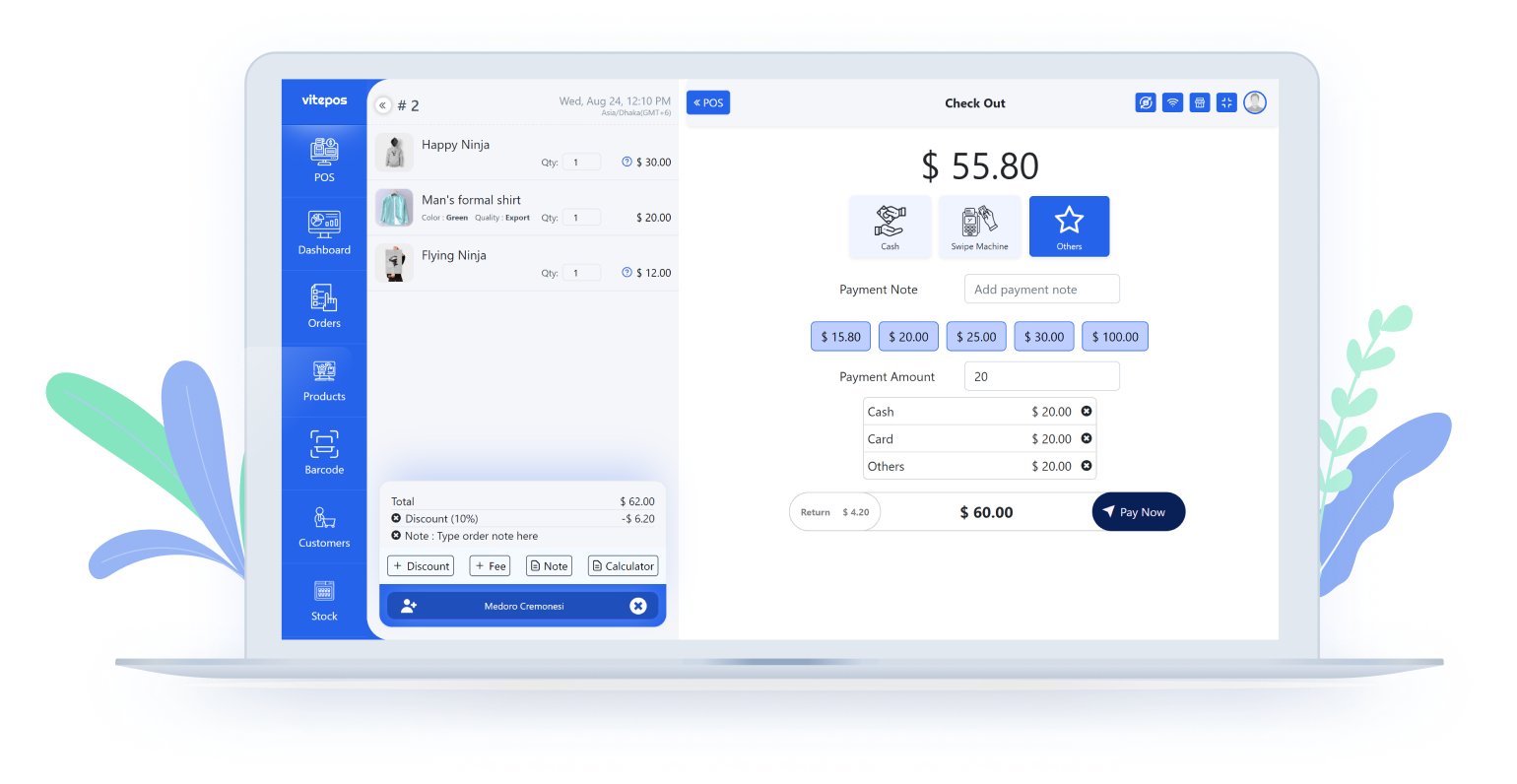
Checkout Page with Split Payment
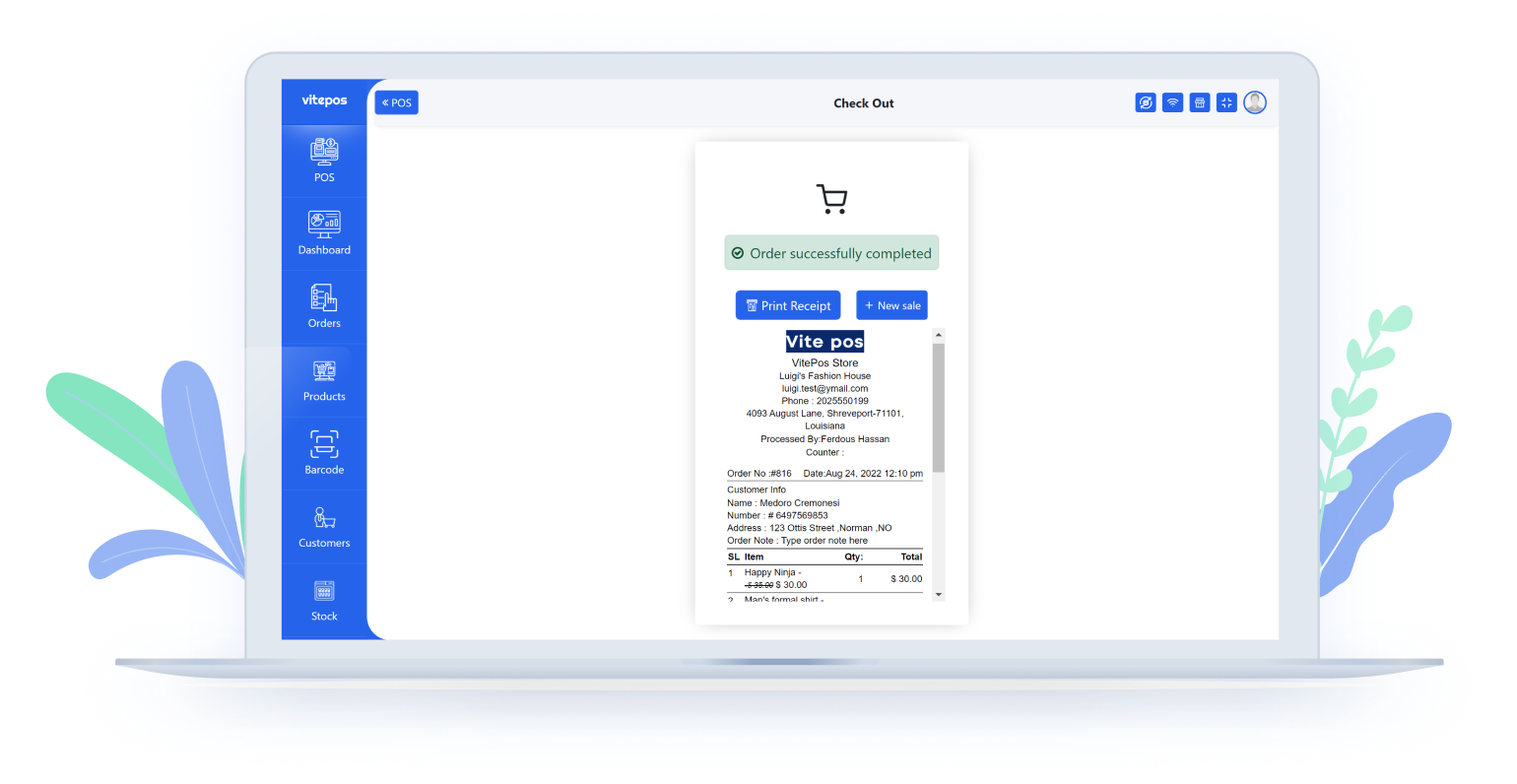
Processed Order View
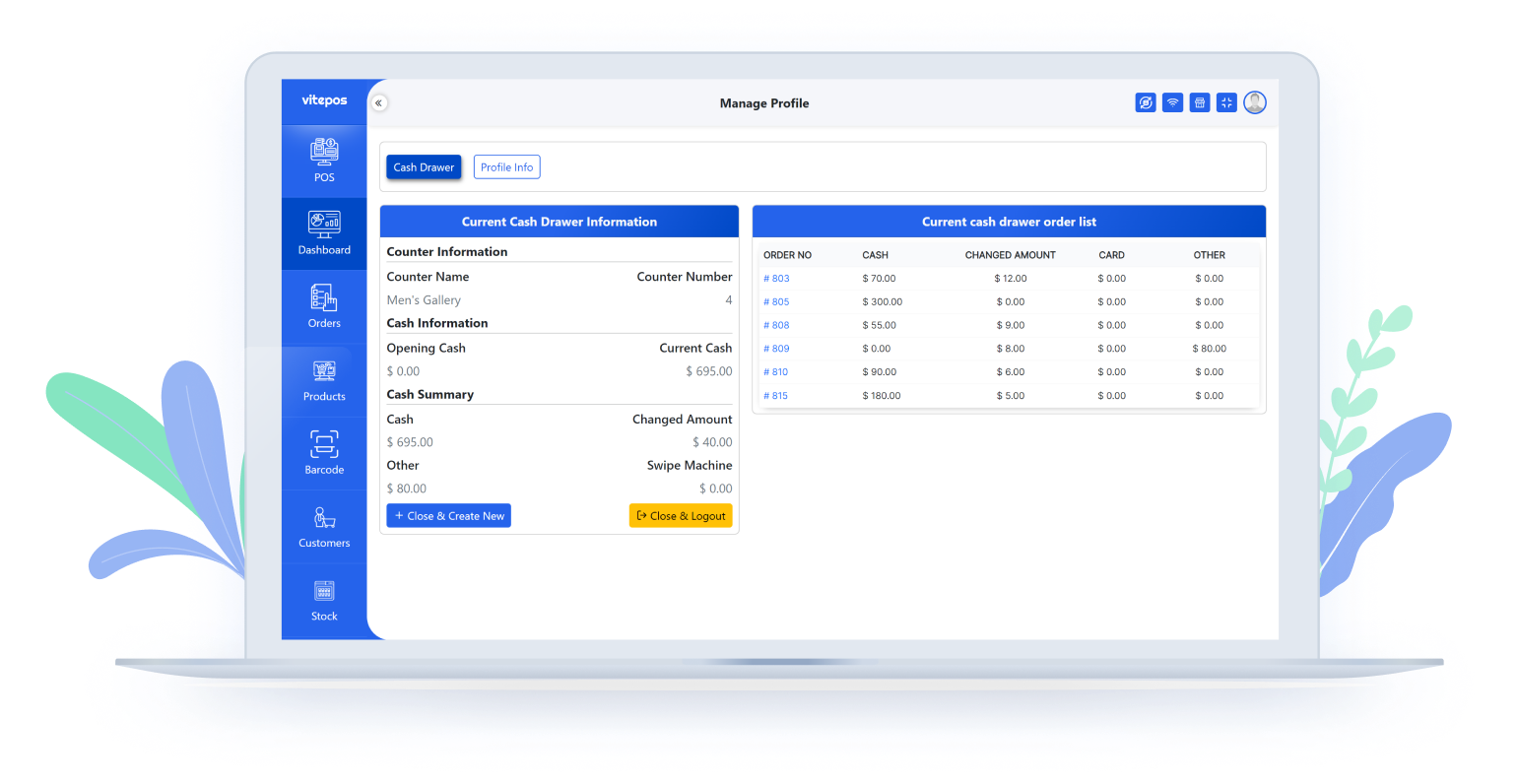
Cash Drawer Panel
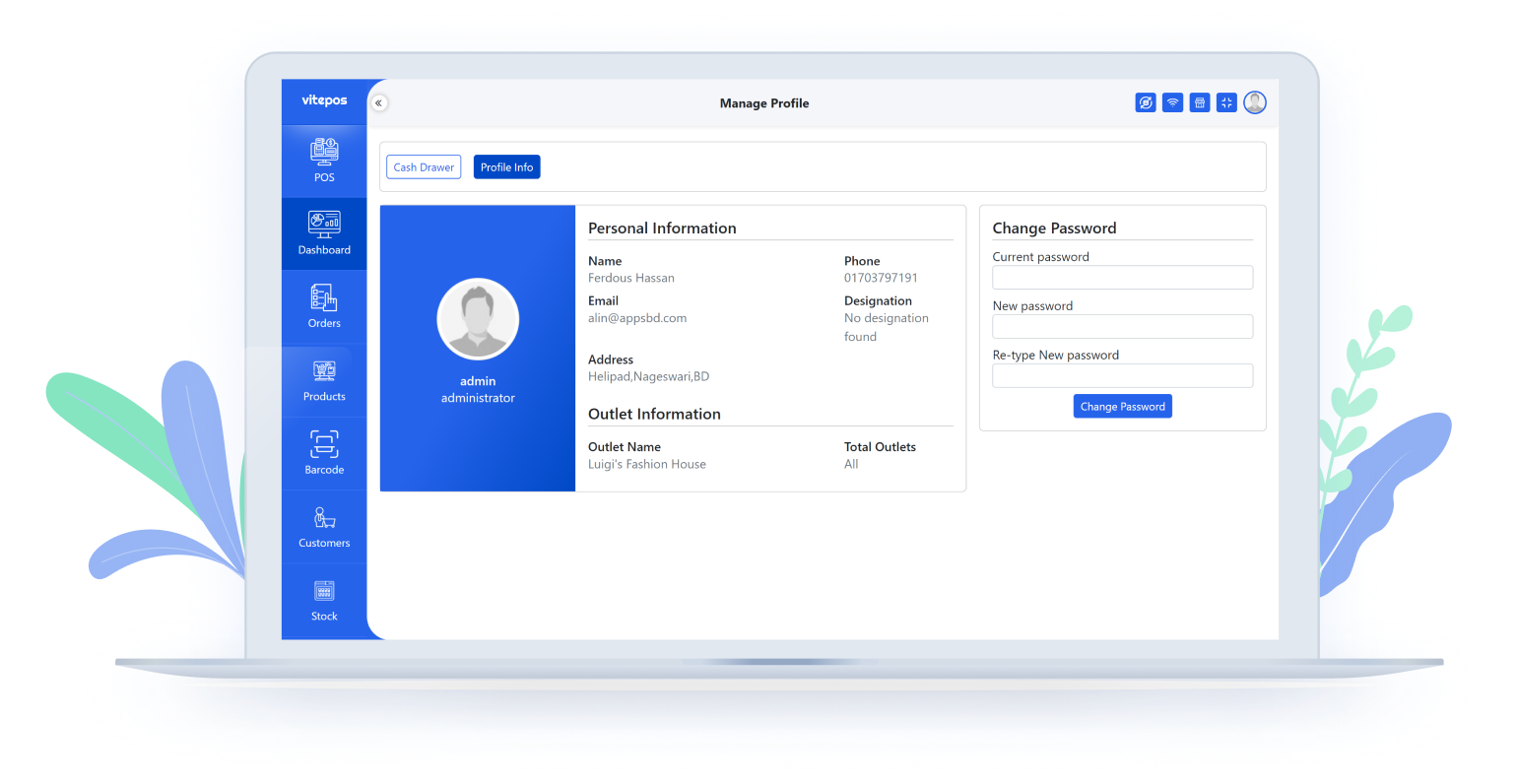
User Profile
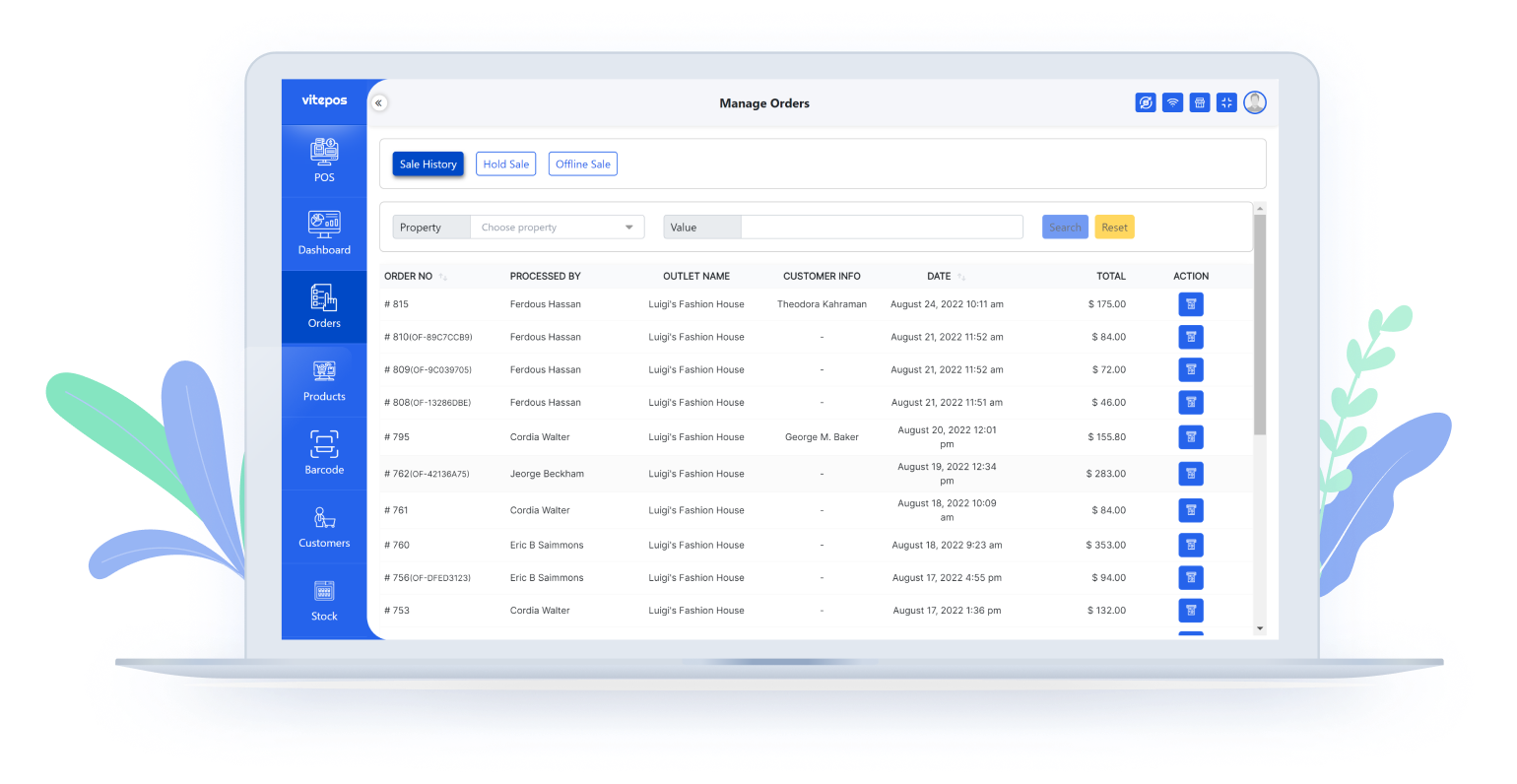
Order List
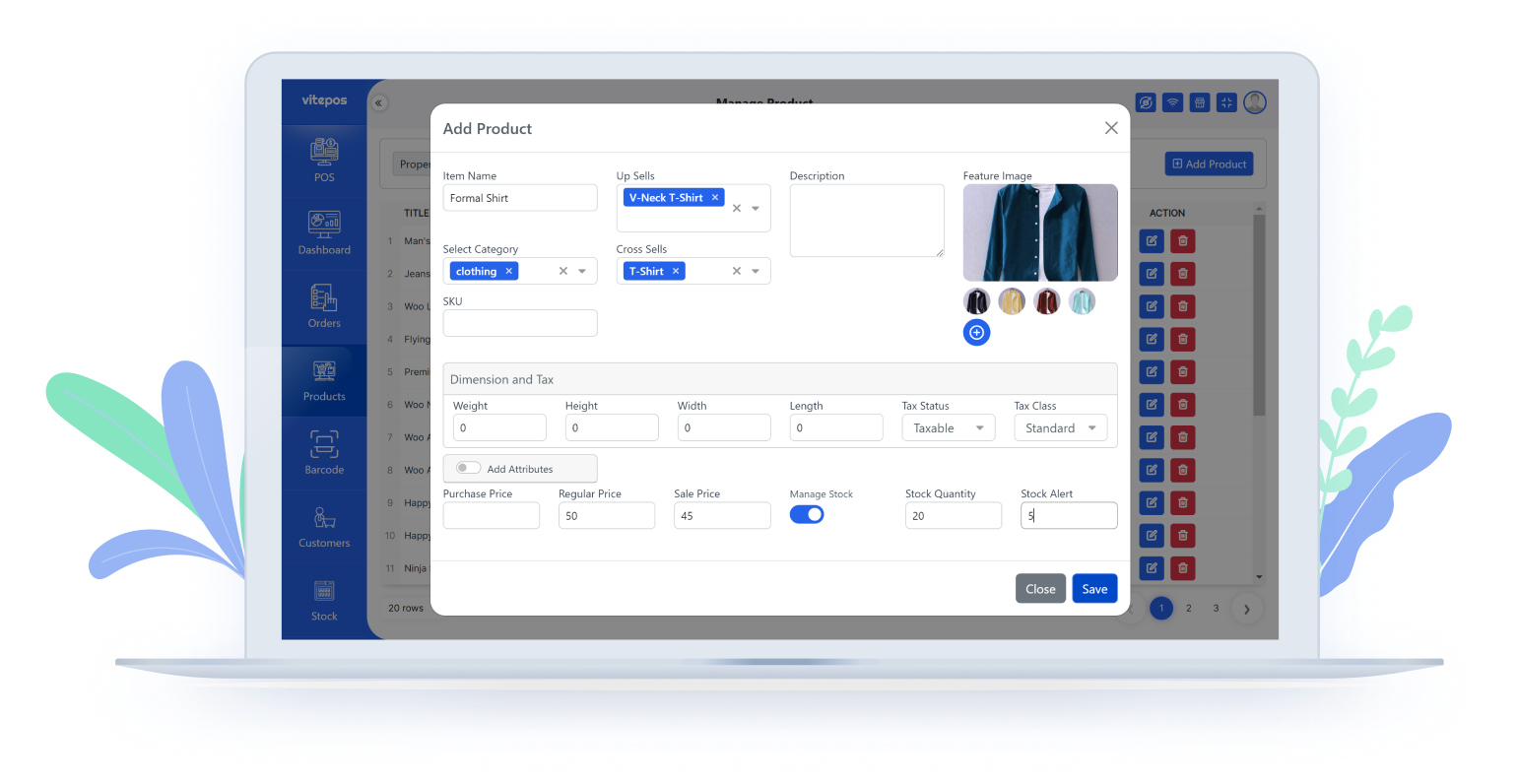
Add Product Panel
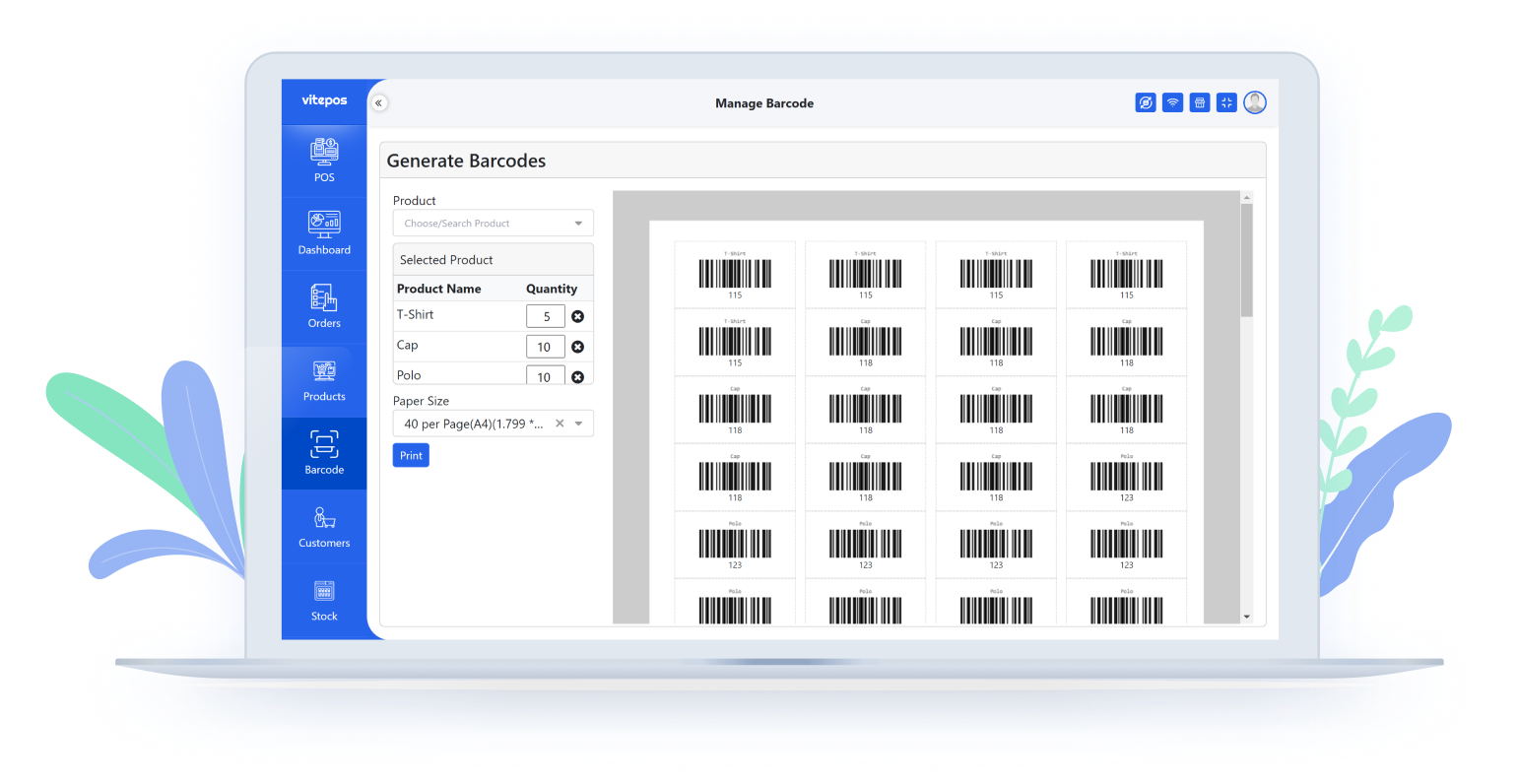
Barcode Generator
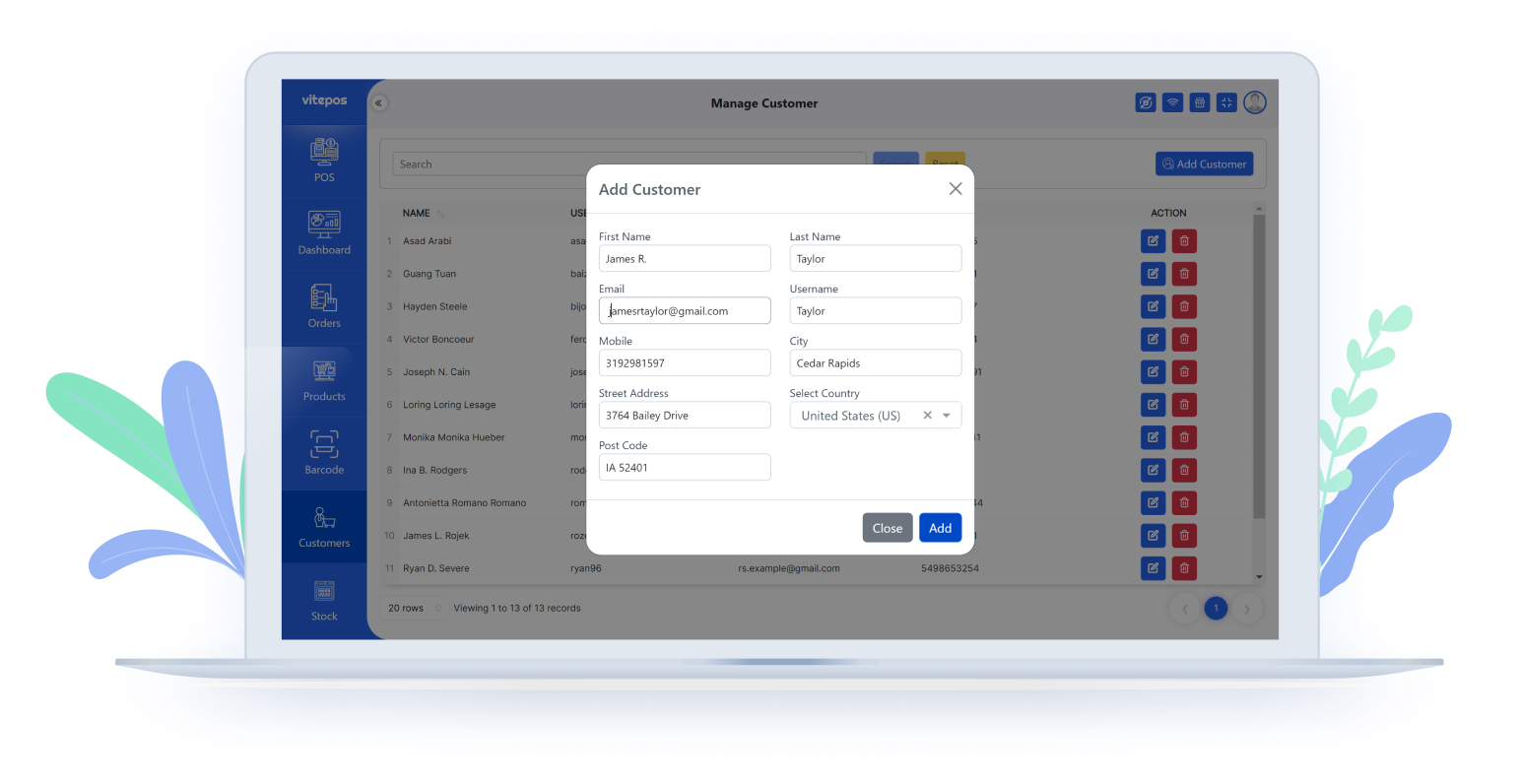
Add Customer
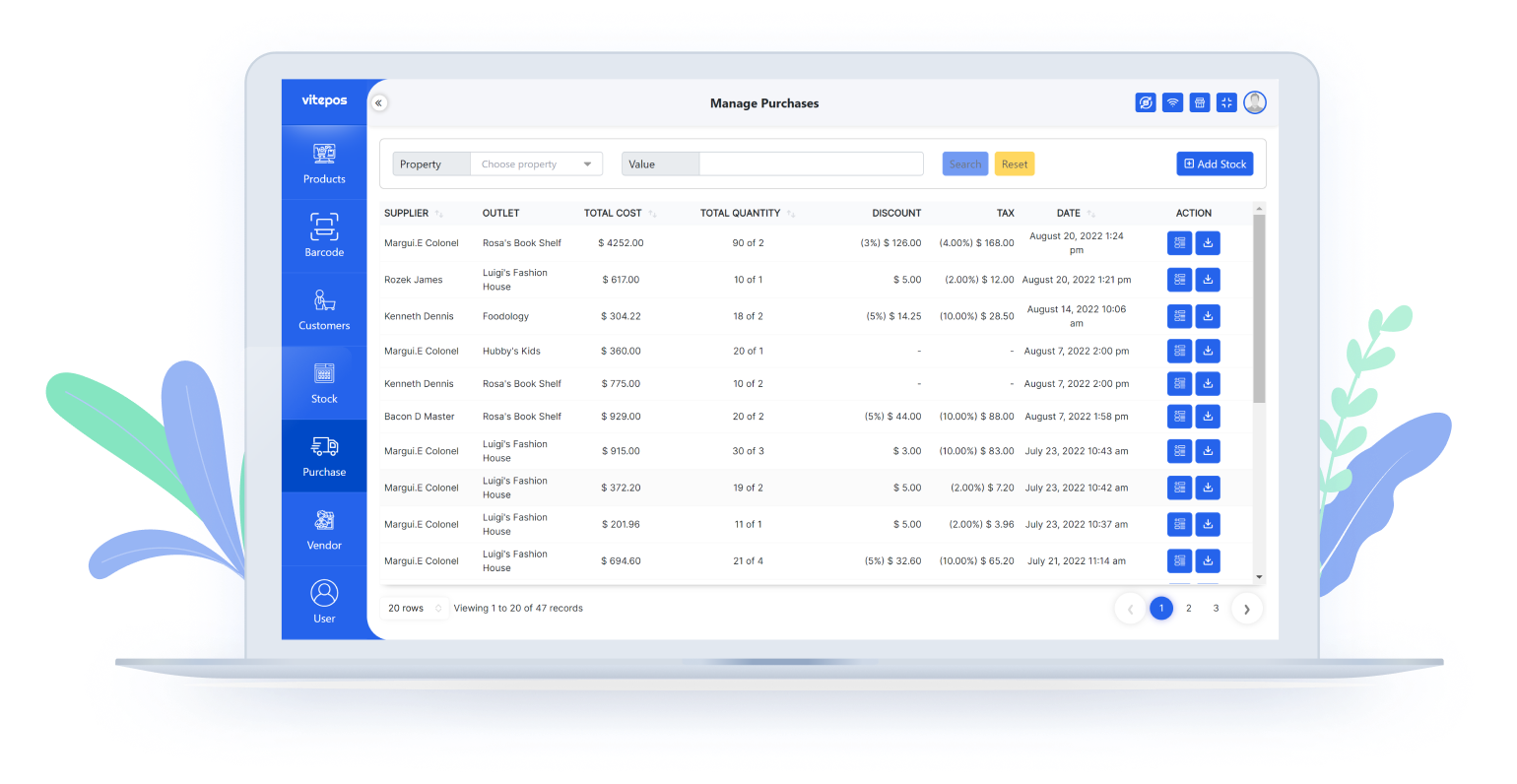
Manage Purchases
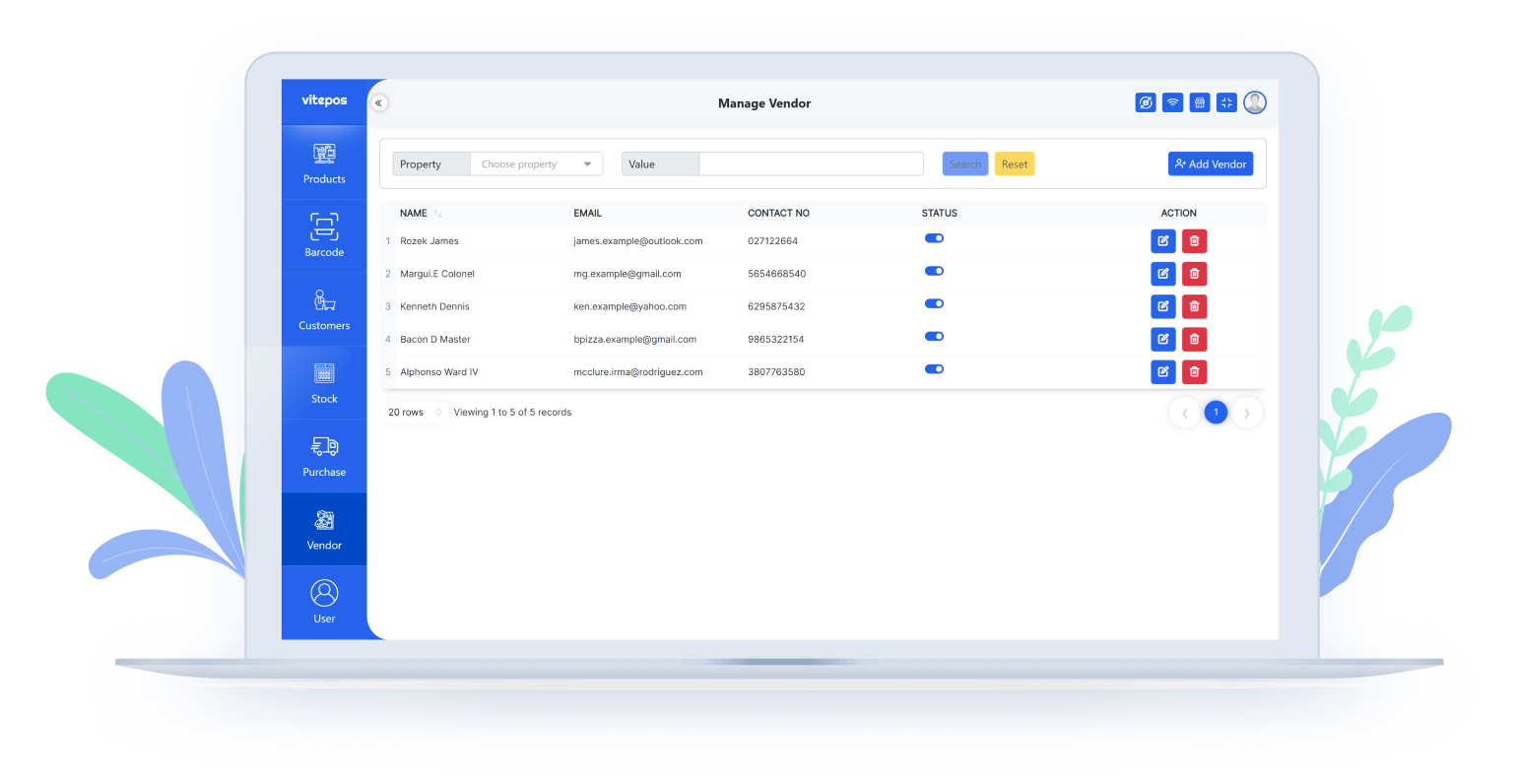
Manage Vendors
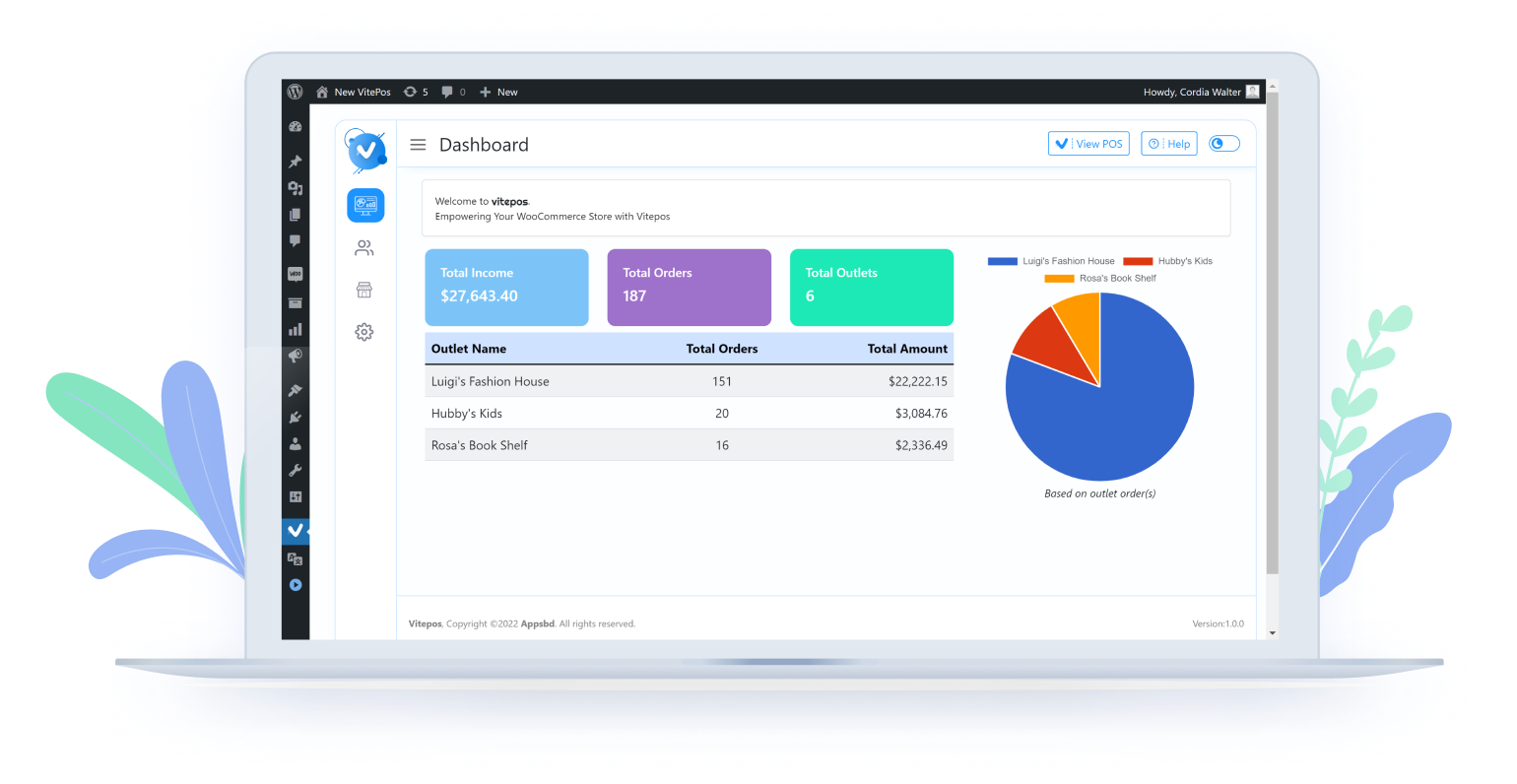
Dashboard (Admin)
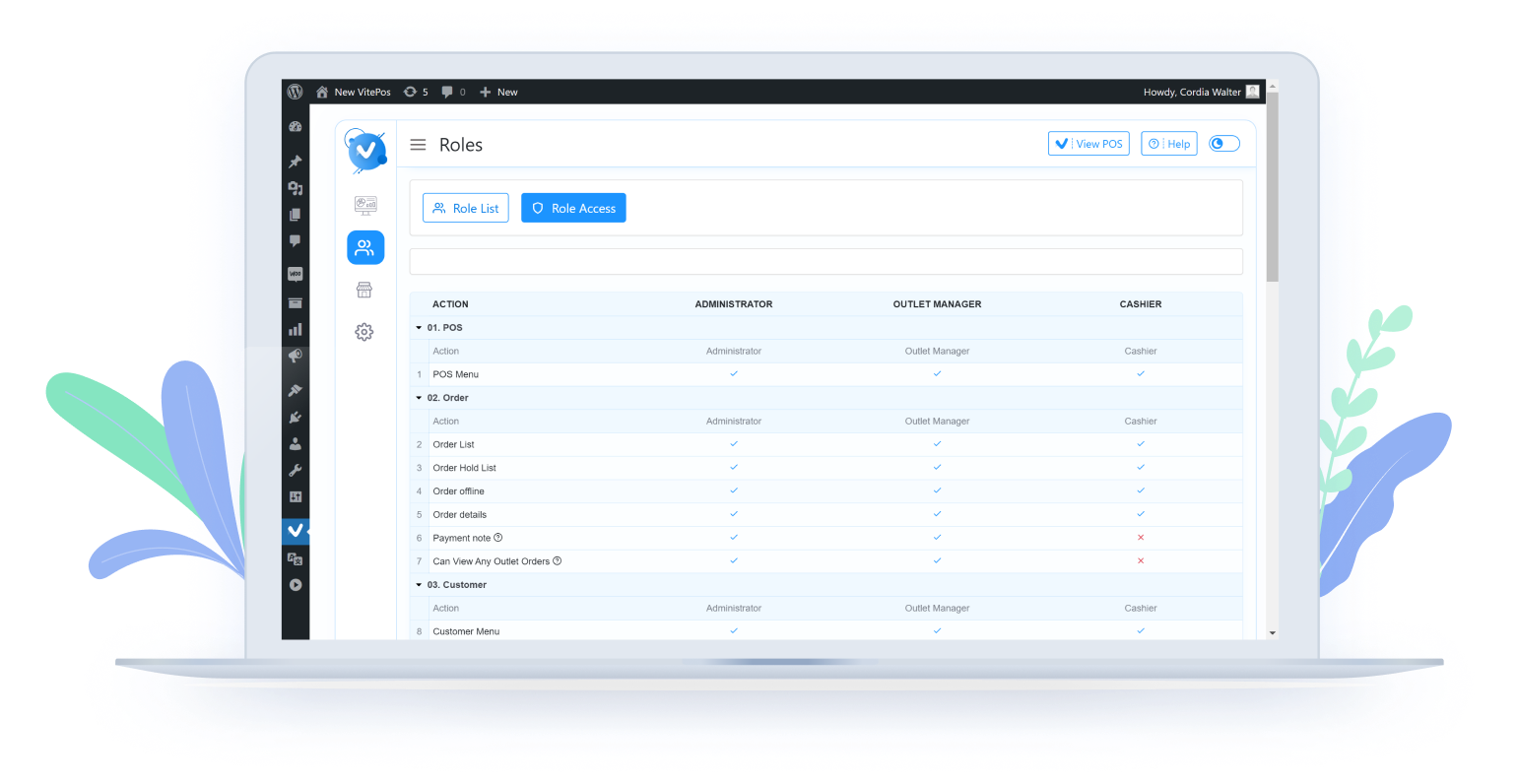
Role Management (Admin)
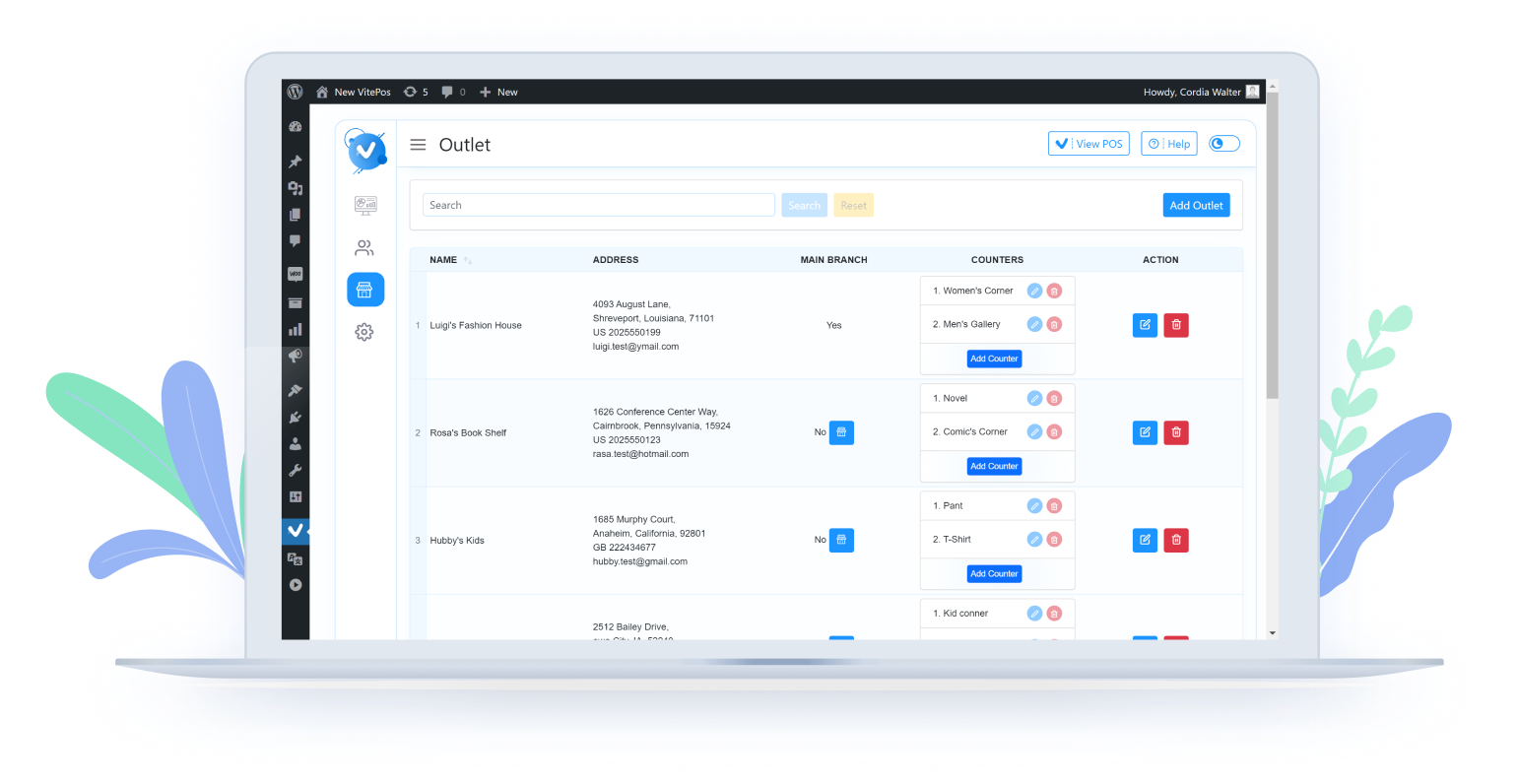
Outlet Management (Admin)
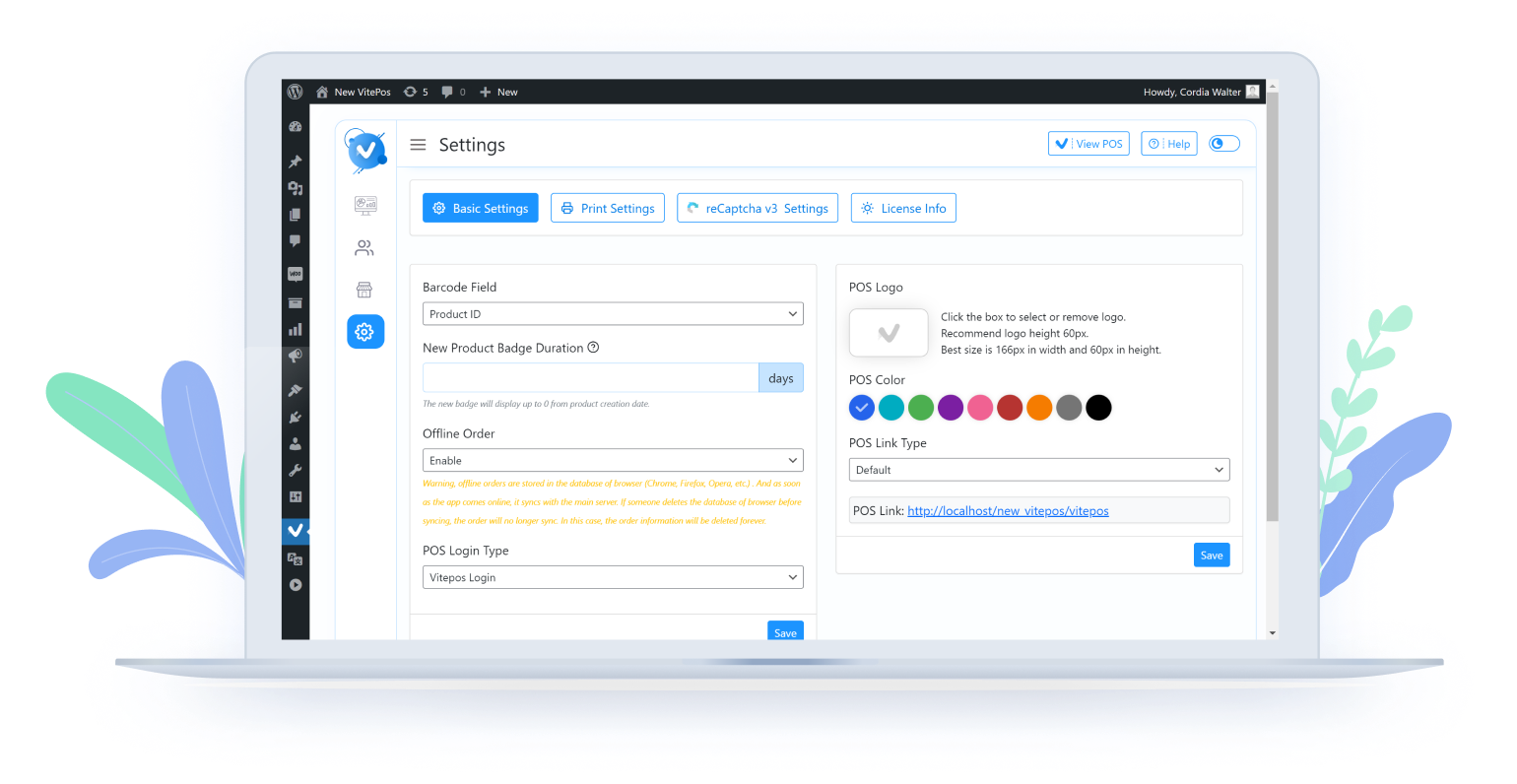
Settings Panel
Changelog
View the full changelog here:
https://vitepos.com/change-log