

Voxpow — Speech Recognition for your website
A tool that adds speech recognition and voice commands to your website for free.
Plugin info
Maintenance & Compatibility
Maintenance score
Possibly abandoned • Last updated 1783 days ago • 5 reviews
Is Voxpow — Speech Recognition for your website abandoned?
Possibly abandoned (last update 1783 days ago).
Compatibility
Similar & Alternatives
Explore plugins with similar tags, and compare key metrics like downloads, ratings, updates, support, and WP/PHP compatibility.
Description
Speech Recognition Tool powered by Machine Learning. Direct on your website and for free.
No coding skills needed. Create up your account and enjoy the power of Speech Recognition
To start using the tool, create a FREE account at voxpow.com to obtain a tracker instance.
You will really enjoy all the free functionality, but you can also spend some time to take a look at our PRO features.
How does it work?
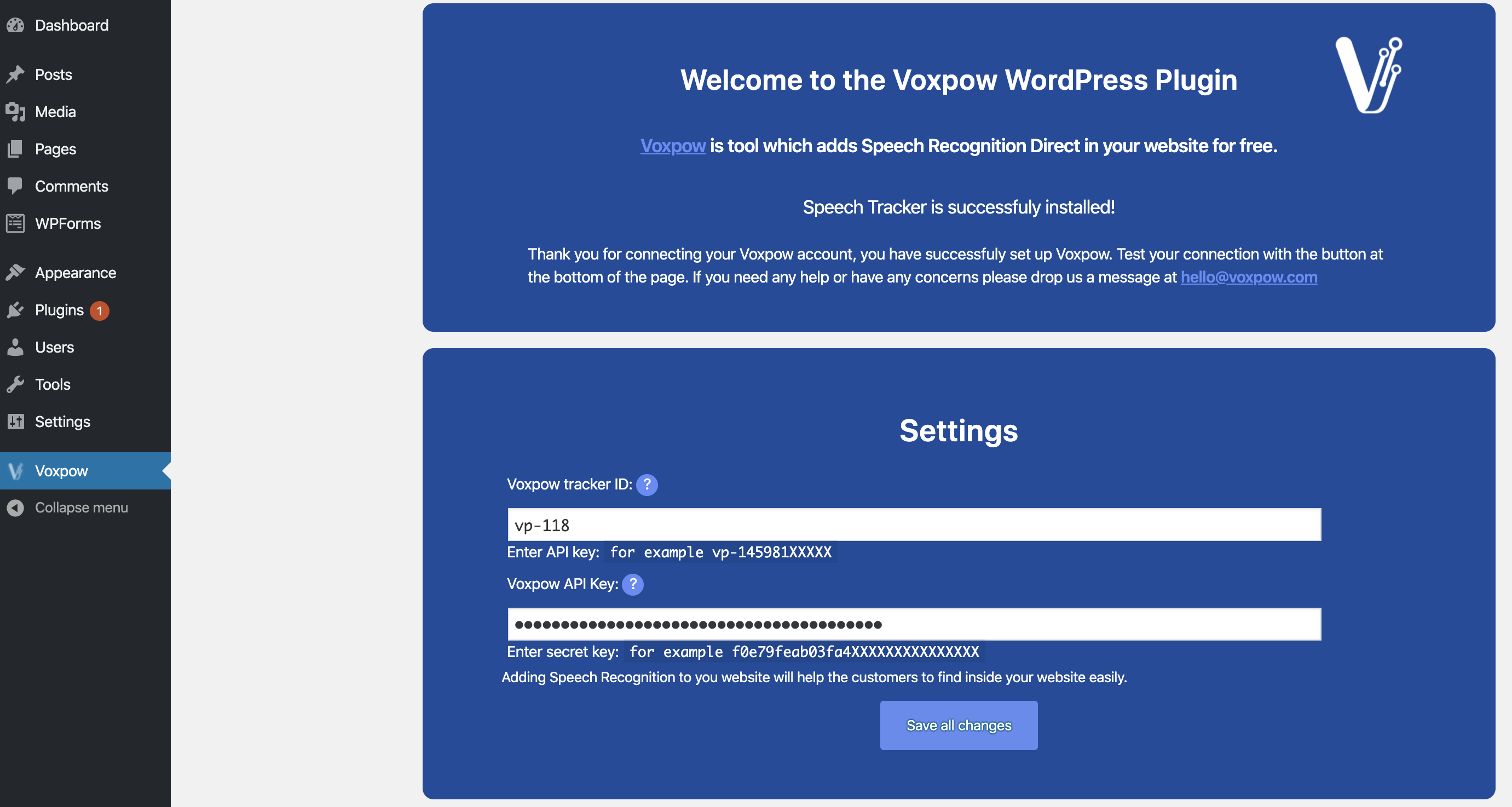
The Voxpow WordPress plugin holds your tracker ID and API key and make everything needed to install the script recognition libraries in your website.
Our plugin installs the code in the body tag of the website.
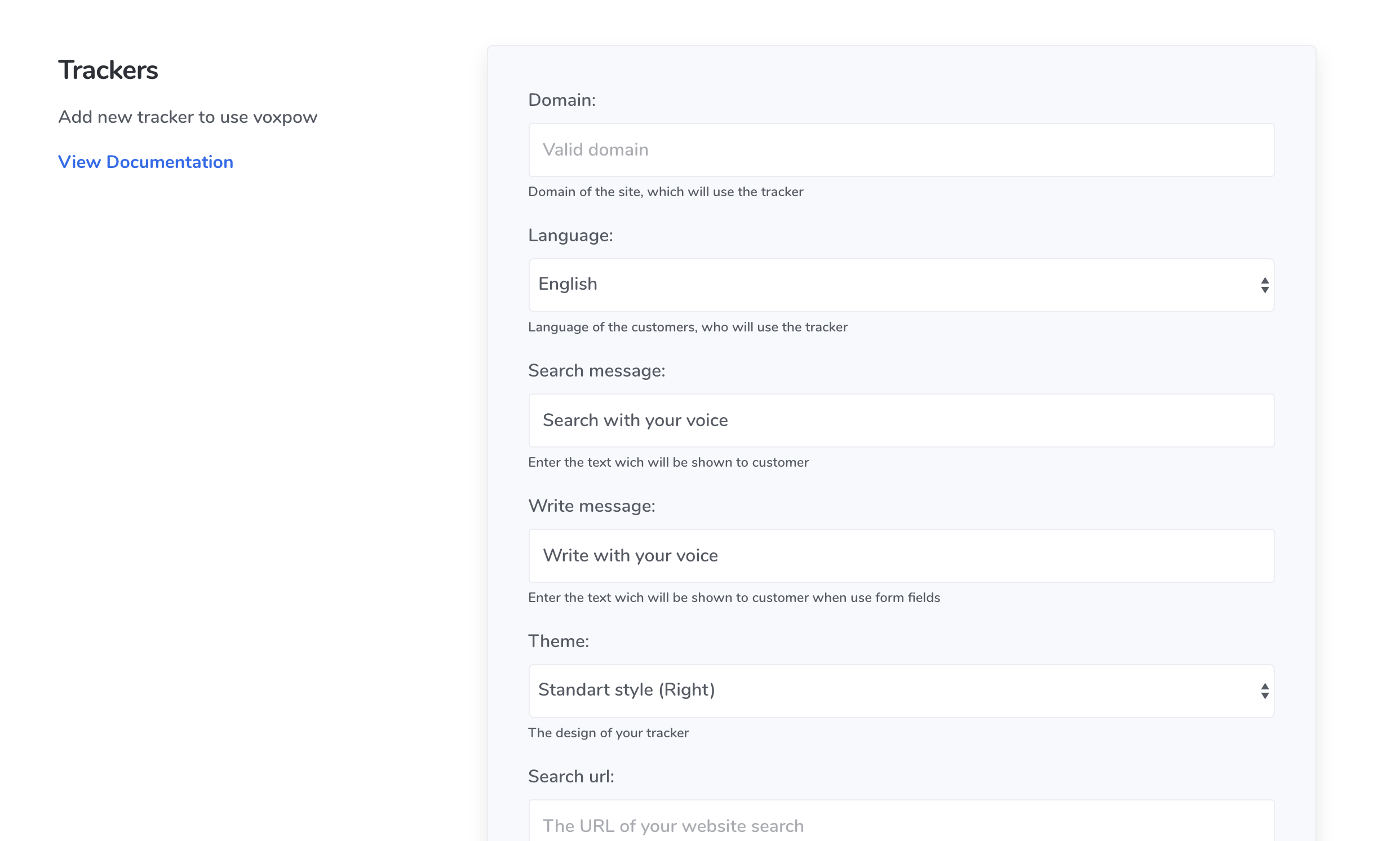
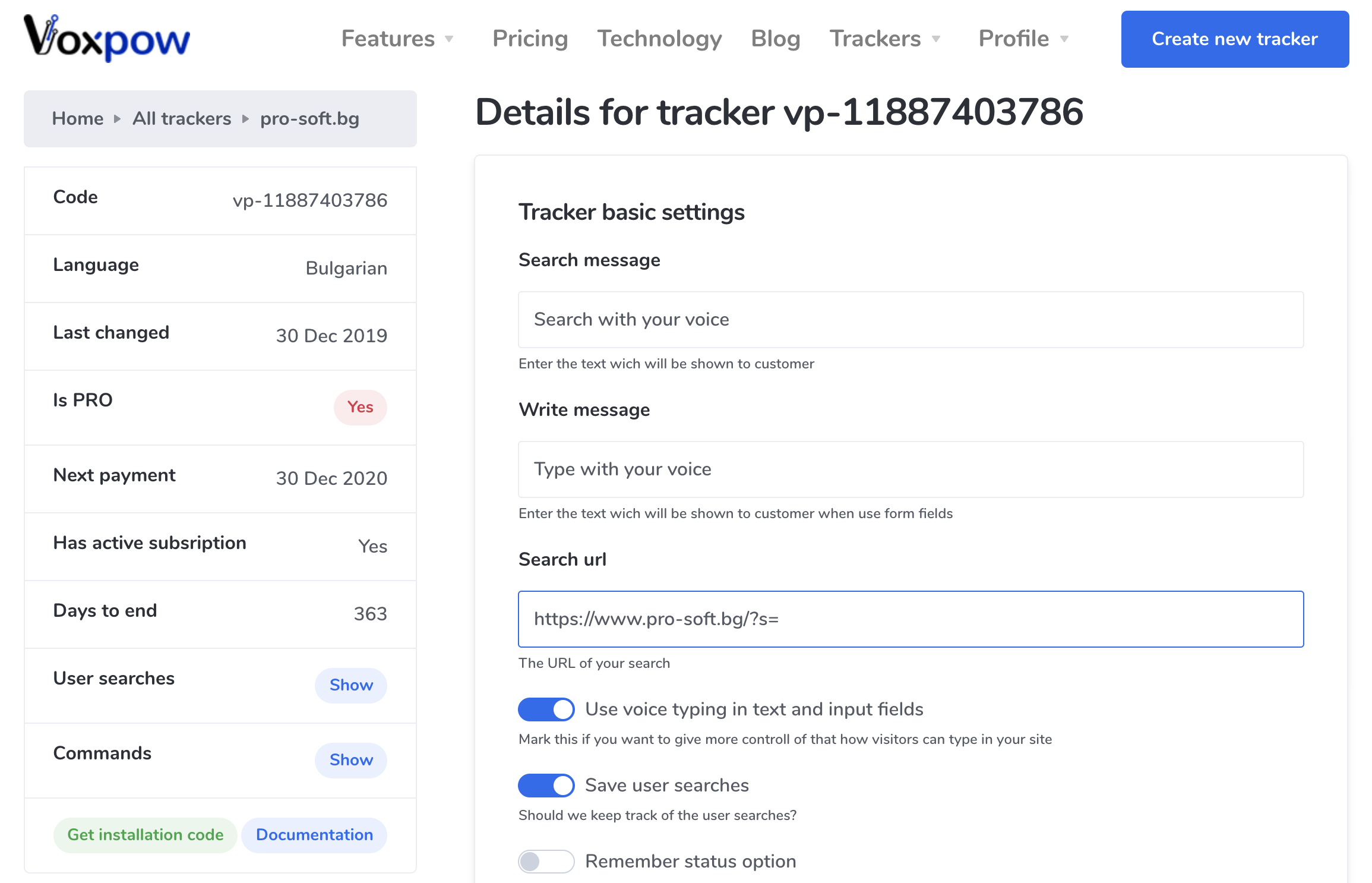
All the additional settings you can control from the admin section in voxpow.com
Documentation
You can find additional information about the setup and advanced configuration here: docs.voxpow.com
Coming soon
* Statistic about searches in WordPress admin section
* List of the user searches inside the WordPress admin section
If you have suggestions for new features, feel free to email us at hello (at) voxpow.com
Installation
- Search and install the plugin through the Install Plugins page of your WordPress dashboard.
- Create a FREE account on the Voxpow website.
- Activate the Voxpow plugin through the Plugins page of your WordPress dashboard by entering your tracker ID and API token.
Frequently Asked Questions
No, we use one of the fastest content delivery networks, and the files are very tiny at all. For PRO trackers – you can enable to keep the user search in order of plain-text. In that situation, we also make sure that our servers respond as fast as possible to remember what the user searches.
Yes, it is possible to catch all user speech and use it for typing and searching. Security is an essential topic for us, so the user can only fill text inputs that are not disabled or hidden. It is not allowed to type passwords or in hidden fields.
Voxpow works with all browsers that implement the Speech Recognition interface of the Web Speech API (such as Google Chrome, Samsung Internet, and other). You can find a more detailed explanation here
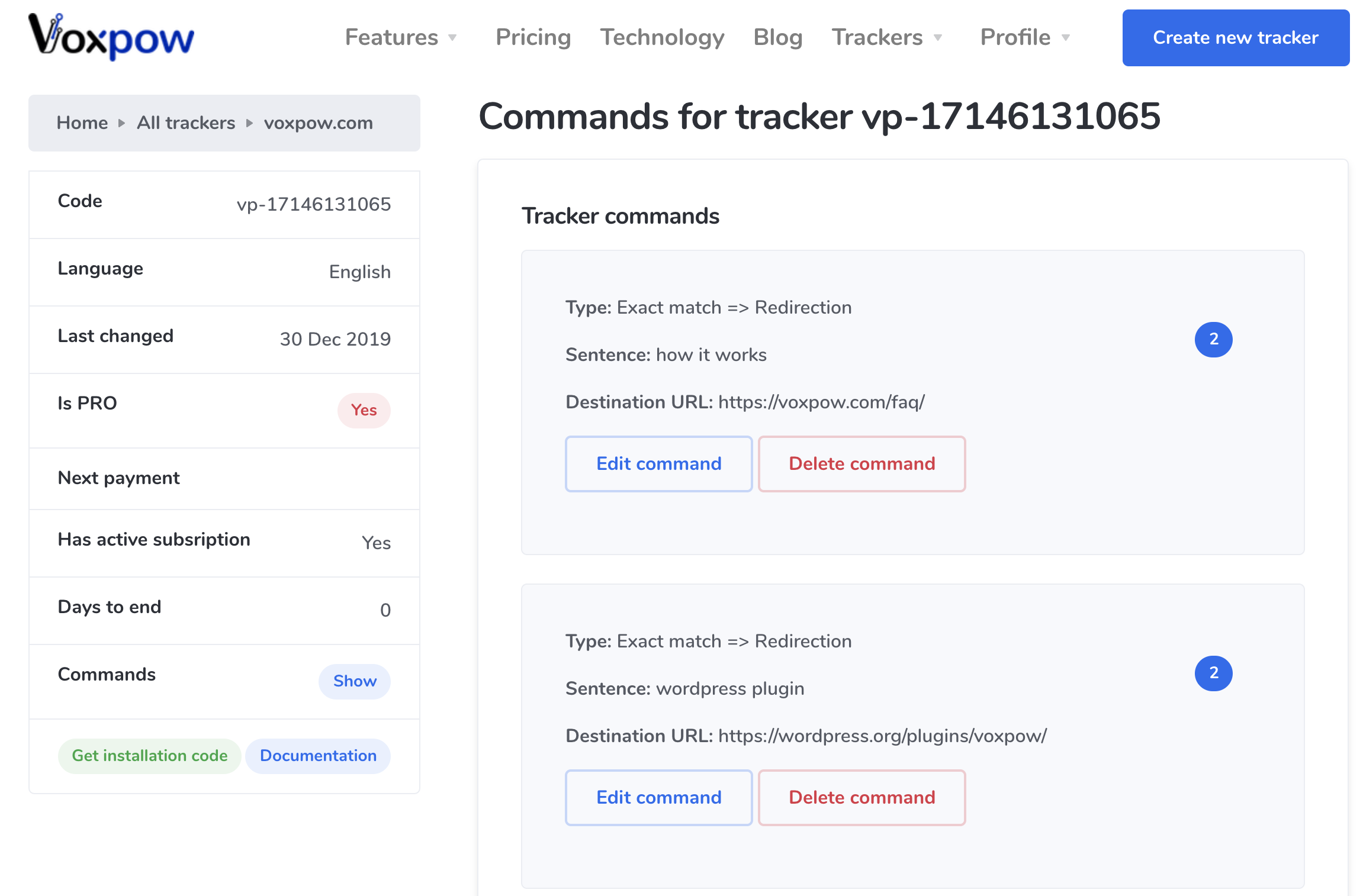
Commands are instructions that you set in the administrative dashboard of our service. They are spread all around the world with CDN, and all users have the last copy of your instructions. Commands, in a nutshell, are something like this: “make this if a user says that”. For example, if a user says “red shoes”, and you defined this type of search in your commands interface – the user is redirected to the address you specified or to the website search if you don’t have a command for that.
At all, it depends on browsers, but you can find a list and additional information here.
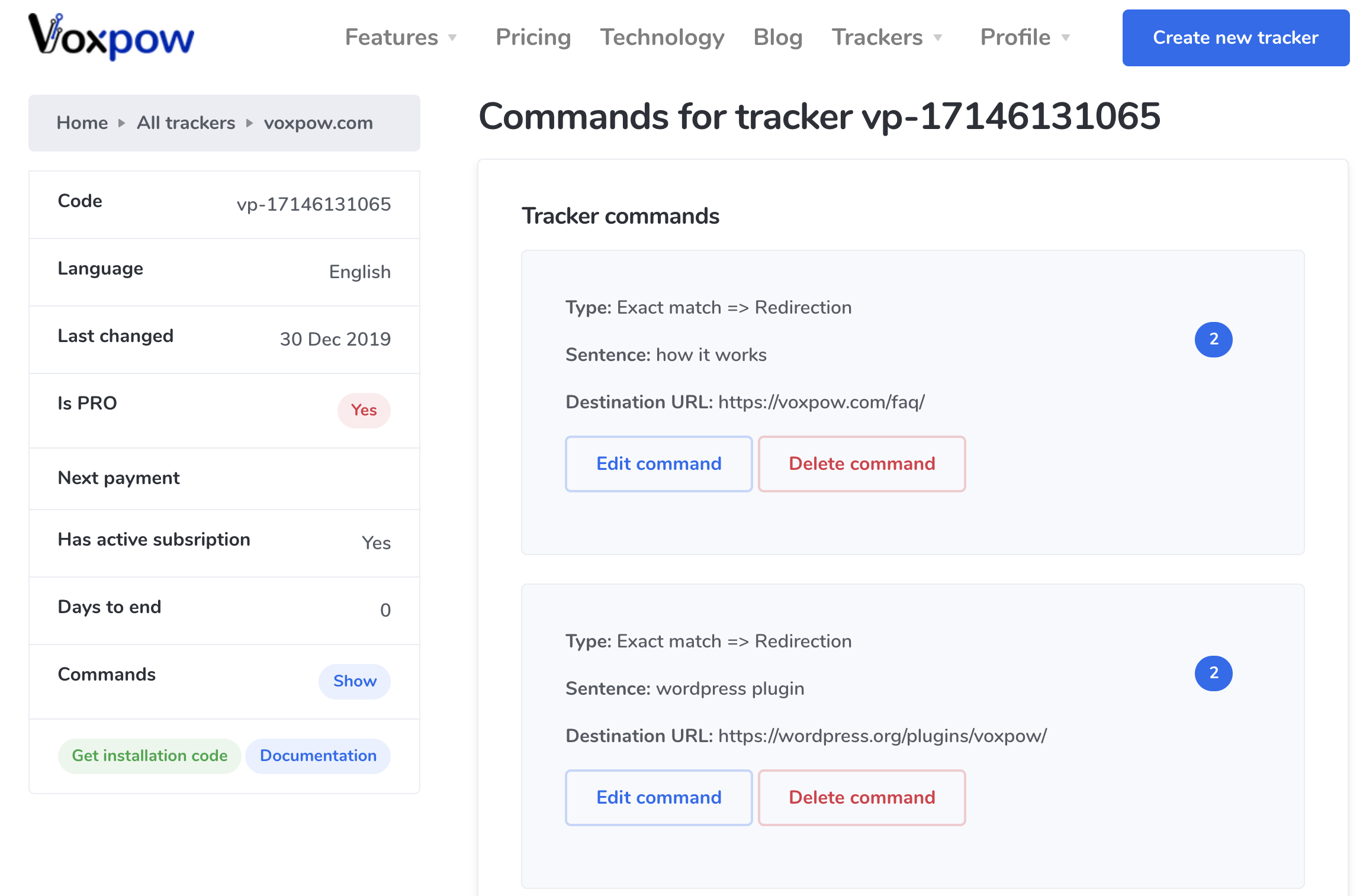
It is a type of command available in PRO trackers. If use says “last news”, you can redirect him to the exact page with the last news. It matches exact, so if he says “last news from today”, your “Exact match => Redirection” command is not fired. Instead – Voxpow will fallback to your website search page if you have such.
The Voxpow code is removed from your WordPress site, and you can not enjoy the power of Speech Recognition.
Review feed
Screenshots

Changelog
1.0
- First release of Voxpow WP plugin
1.1.0
- Bug fixes and improvements in main class
1.1.5
- Bug fixes and improvements in connection class
1.1.6
- Compatibility checks with WordPress 5.5
1.1.7
- Changes in tracking code snippet to support more field types
1.1.8
- Fix some compatibility issues
- Add link to the new documentation