
Low Stock Alert for WooCommerce
Receive instant email alerts when any WooCommerce product stock runs low. Stay ahead and prevent lost sales due to out-of-stock items.
Plugin info
Maintenance & Compatibility
Maintenance score
Stale • Last updated 301 days ago
Is Low Stock Alert for WooCommerce abandoned?
Likely maintained (last update 301 days ago).
Compatibility
Similar & Alternatives
Explore plugins with similar tags, and compare key metrics like downloads, ratings, updates, support, and WP/PHP compatibility.
Description
Low Stock Alert for WooCommerce helps you manage your store inventory by sending automatic email alerts to the admin whenever a product’s stock goes below a defined threshold.
Forget about manually checking your product stock levels — this plugin keeps track for you and notifies you in real time so you can take action fast.
🛍️ Key Features
- ✅ Automatic email notifications when stock is low
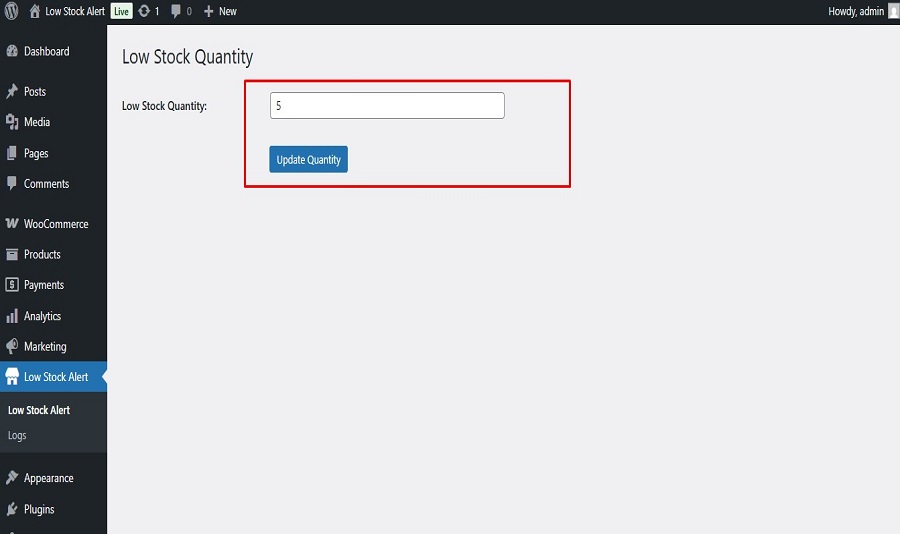
- 🛠️ Customizable alert quantity (global setting)
- 📬 Clean, informative email template
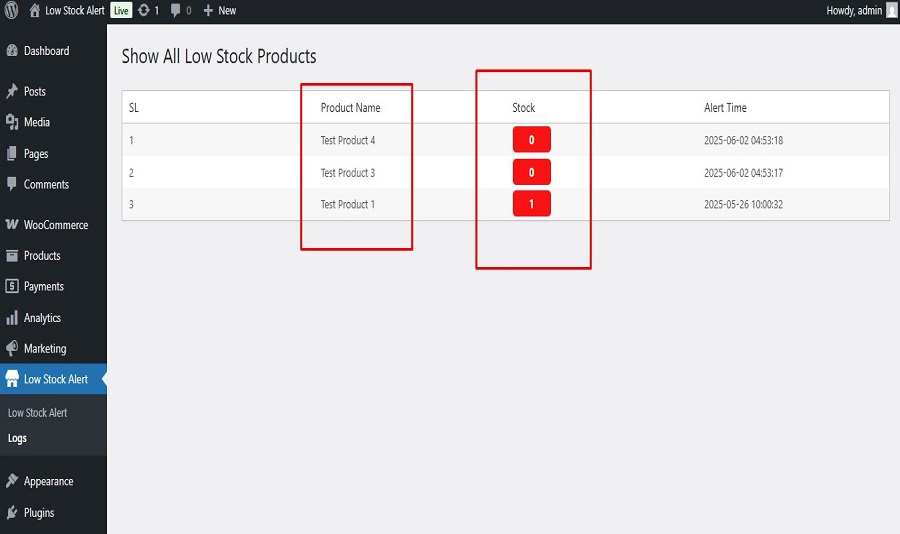
- 📄 Log page showing the last 10 stock alert emails
⚙️ How It Works
- The plugin monitors all WooCommerce products for stock changes.
- If stock falls below the alert quantity, an email is sent to the admin.
- Admins can configure the alert threshold from the plugin settings page.
- A log page shows the 10 most recent alert emails sent.
Credits
Developed with ❤️ by tarikulalways
License
This plugin is licensed under the GPLv2 or later.
Installation
- Upload the plugin files to the
/wp-content/plugins/wc-low-stock-alertdirectory, or install the plugin through the WordPress plugin screen directly. - Activate the plugin through the ‘Plugins’ menu in WordPress.
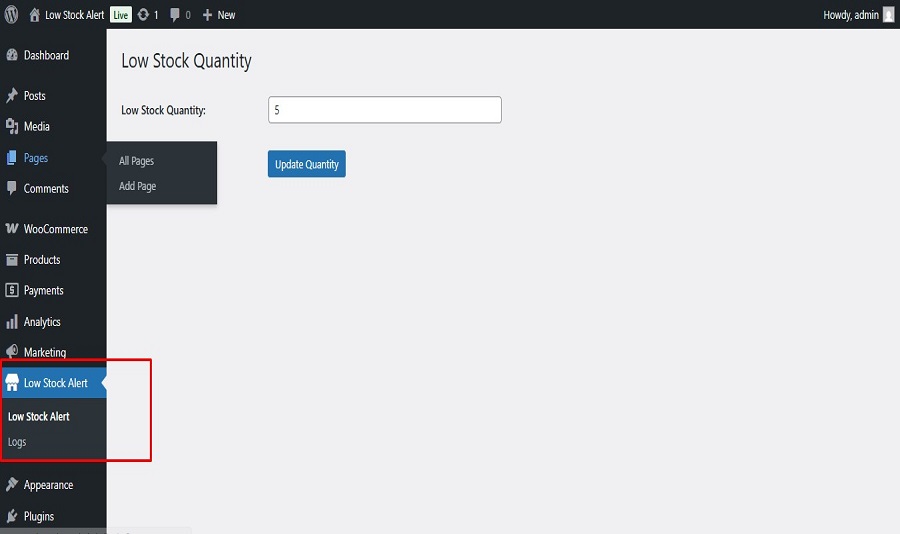
- Go to WooCommerce Low Stock Alert Settings to configure your preferred alert quantity and admin email.
Frequently Asked Questions
Not yet. Currently, the plugin uses a global threshold value. Per-product alert thresholds will be added in a future update.
Yes, it fully supports both simple and variable products.
At the moment, only one email address is supported. Multiple recipients support is coming soon.
Review feed
Screenshots
Plugin Settings Page
Example Low Stock Email Notification
Alert Log – Shows last 10 alerts sent
Changelog
1.0.0
- Initial release
- Email alert on low stock
- Global alert quantity setting
- Alert log for last 10 alerts