

Responsive Videos by Angie Makes
Simple responsive video plugin. Automatically determine aspect ratio. CSS only. No Javascript.
Plugin info
Maintenance & Compatibility
Maintenance score
Possibly abandoned • Last updated 3249 days ago • 10 reviews
Is Responsive Videos by Angie Makes abandoned?
Possibly abandoned (last update 3249 days ago).
Compatibility
Similar & Alternatives
Explore plugins with similar tags, and compare key metrics like downloads, ratings, updates, support, and WP/PHP compatibility.
Description
This plugin was designed and tested to work with Angie Makes WordPress themes.
This plugin will automatically resize your videos inserted in your WordPress editor. The code is light and only uses CSS. No javascript is used so there is no delay in your iframes and/or embeded objects from being resized. This plugin will also try to correctly guess your aspect ratio so your videos always look great. And if the aspect ratio is not correctly identified, then you can easily apply the correct aspect ratio using CSS. Every video is assigned a unique class name.
It currently has been tested for the following providers:
- YouTube
- Vimeo
- DailyMotion
- WordPress TV
- Embed
- Object
- Iframe
Installation
- Uzip the
wc-responsive-video.zipfolder. - Upload the
wc-responsive-videofolder to your/wp-content/pluginsdirectory. - In your WordPress dashboard, head over to the Plugins section.
- Activate WordPress Canvas – Responsive Videos.
Frequently Asked Questions
Installation Instructions
- Uzip the
wc-responsive-video.zipfolder. - Upload the
wc-responsive-videofolder to your/wp-content/pluginsdirectory. - In your WordPress dashboard, head over to the Plugins section.
- Activate WordPress Canvas – Responsive Videos.
How does this plugin work?
Once you activate this plugin, an element will wrap your iframe videos and the following CSS hacks will be applied.
http://css-tricks.com/NetMag/FluidWidthVideo/Article-FluidWidthVideo.php
What aspect ratios do you support?
Currently, 16:9, 4:3, and 3:2. But this will change as people send me tips and suggestions.
Review feed
Works great!
Screenshots
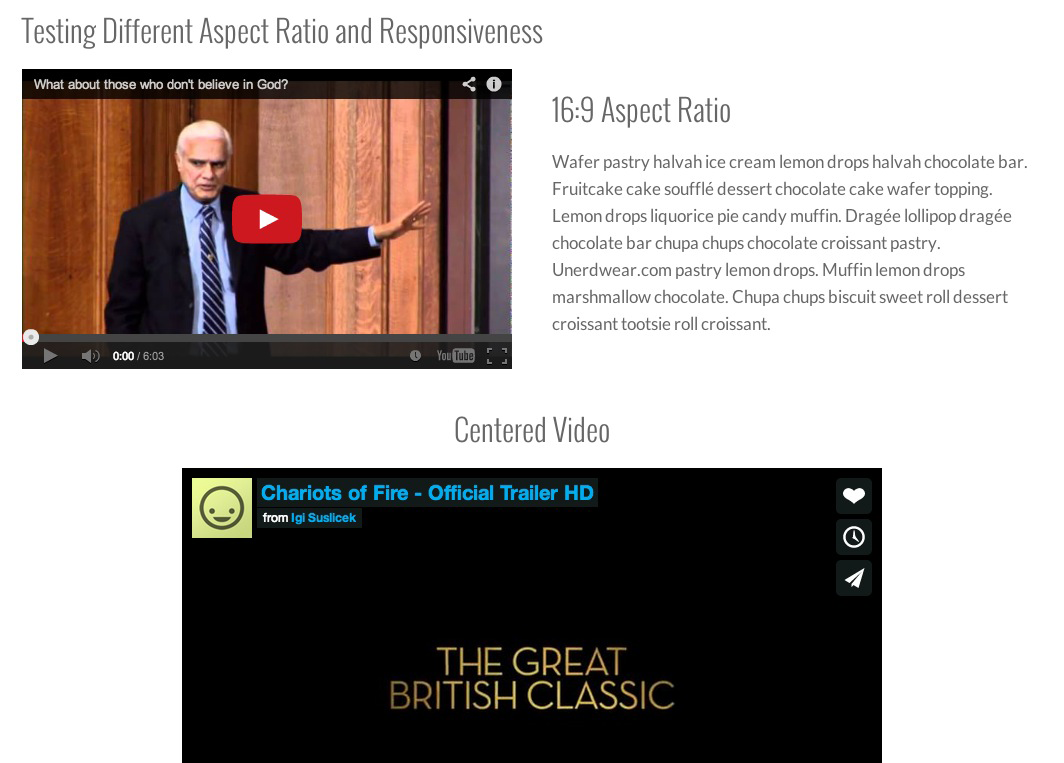
Desktop View

Mobile View
Changelog
Version 1.11
- rebranded
Version 1.10
- Fixed bug with embed links being added to responsive video css
Version 1.9
- Fixed bug with responsive video wrapper being added to WP Editor
Version 1.8
- Added responsive video support for jetpack
Version 1.7
- Fixed division by zero bug
Version 1.6
- responsive support for object and embed
Version 1.5
- Plugin released. Everything is new!