

WCC Gravity Form to Lawmatics
Send Gravity Form Plugin Submissions to Lawmatics.
Plugin info
Maintenance & Compatibility
Maintenance score
Possibly abandoned • Last updated 382 days ago
Is WCC Gravity Form to Lawmatics abandoned?
Possibly abandoned (last update 382 days ago).
Compatibility
Similar & Alternatives
Explore plugins with similar tags, and compare key metrics like downloads, ratings, updates, support, and WP/PHP compatibility.
Description
Gravity Form Lawmatics Plugin sends form submissions from Gravity Form plugins to Lawmatics when someone submits a form. Learn more about Gravity Form Lawmatics Plugin at weconnectcode.com. We also offer other connector for Clio Gravity Form Clio Integration.
License
GPLv2 or later
How to Setup
- Go to “Lawmatics Accounts” tab then add new account.
- Go to “Lawmatics Integration” tab then create new Integration.
- Map required Lawmatics fields to contact form 7 fields.
- Send your test entry to Lawmatics by submiting contact form 7.
- Go to “Lawmatics Logs” tab and verify, if entry was sent to Lawmatics.
Connect Lawmatics account
Connect any contact form 7 to Lawmatics account by safe and secure Oauth 2.0.
Map Lawmatics fields
First select any Lawmatics object then Map contact form fields to Lawmatics object fields. There is No limitation on number of fields. You can map unlimited fields.
Filter contact form 7 submissions
Either Send all contact form 7 submissions to Lawmatics or filter contact form submissions sent to Lawmatics based on user input. For example , send only those entries to Lawmatics which have work email address.
Manually send to Lawmatics
Send contact form 7 submissions to Lawmatics when someone submits a contact form. You can manually send contact form submissions to Lawmatics.
Lawmatics logs
View a detailed log of each contact form 7 submission whether sent (or not sent) to Lawmatics and easily resend any contact form submission to Lawmatics.
Send Data As Lawmatics object Notes
Send one to many contact form fields as Lawmatics object notes when anyone submits a form on your site.
Why we built this plugin
Gravity Form and some other popular contact forms are good but you can not send contact form submissions to any crm including Lawmatics. You can send any contact form submissions from your wordpress site to Lawmatics with this free wordpress Lawmatics plugin.
Premium Version Features.
This plugin has a Premium version which comes with several additional benifits Gravity Form – Lawmatics.
- Lawmatics Custom fields and Particularly Phone Fields.
- Lawmatics Notes Field
- User Agent and IP related Data Of the Entries
- WCC Entries Pro Version With all the Premium Features.
- Super Helpful WCC Addons and Free Updates.
- By Purchasing the Premium Version of the Plugin, You will Get Free Updates
- Get Pro Support
Want to send data to other crm
We have Premium Extensions for 20+ CRMs.View All CRM Extensions
Gravity Form Lawmatics Integration
We have a separate plugin for Lawmatics. Gravity Form Lawmatics
Installation
Frequently Asked Questions
Our team provides free support at https://weconnectcode.com/contact.
You can easily integrate Lawmatics in contact form 7. Simply install Gravity Form Lawmatics plugin , Connect Lawmatics account and finally map contact form fields to Lawmatics object(contact,lead,account etc) fields.
if API access is not enabled for your organization then simply use Lawmatics web to lead. Enter your organization id and map contact form fields to Lawmatics case or lead fields.
- You can use Gravity Form or any other wordpress forms plugin.
- Install this free WordPress Lawmatics Integration plugin then Connect your Lawmatics account to wordpress.
- Create a Lawmatics Integration , select form then map form fields to Lawmatics Object(Lead, account etc) fields.
- When anyone submits form , it will go to your Lawmatics account.
- Easily Connect your Lawmatics account to wordpress site with this free wordpress Lawmatics plugin.
- First Install Gravity Form plugin and create a simple form.
- Connect Lawmatics account to wordpress.
- Create a Lawmatics Integration then map contact form fields to Lawmatics object(lead, contact etc) fields.
- All form submissions will automatically go to your Lawmatics account.
This plugin integrates with the Lawmatics platform. When a user submits a form using Gravity Form, their data is sent to Lawmatics via their API.
Details:
Service Name: Lawmatics
Purpose: To capture and manage inquiries submitted via Gravity Form in the Lawmatics CRM for efficient client management and follow-ups.
Data Sent: Form submission data, including (but not limited to) user-provided name, email, phone number, and message content.
Endpoint: Data is sent securely to the Lawmatics API endpoint.
API Endpoints Used:
    Authorization Endpoint: https://app.lawmatics.com/oauth/authorize
    Token Endpoint: https://api.lawmatics.com/oauth/token
    API Base URL: https://api.lawmatics.com/v1/

Privacy and Terms:
    <a href="https://www.lawmatics.com/terms-of-use/">Lawmatics Terms of Service</
    <a href="https://www.lawmatics.com/privacy-policy/">Lawmatics Privacy Policy</
Review feed
Screenshots
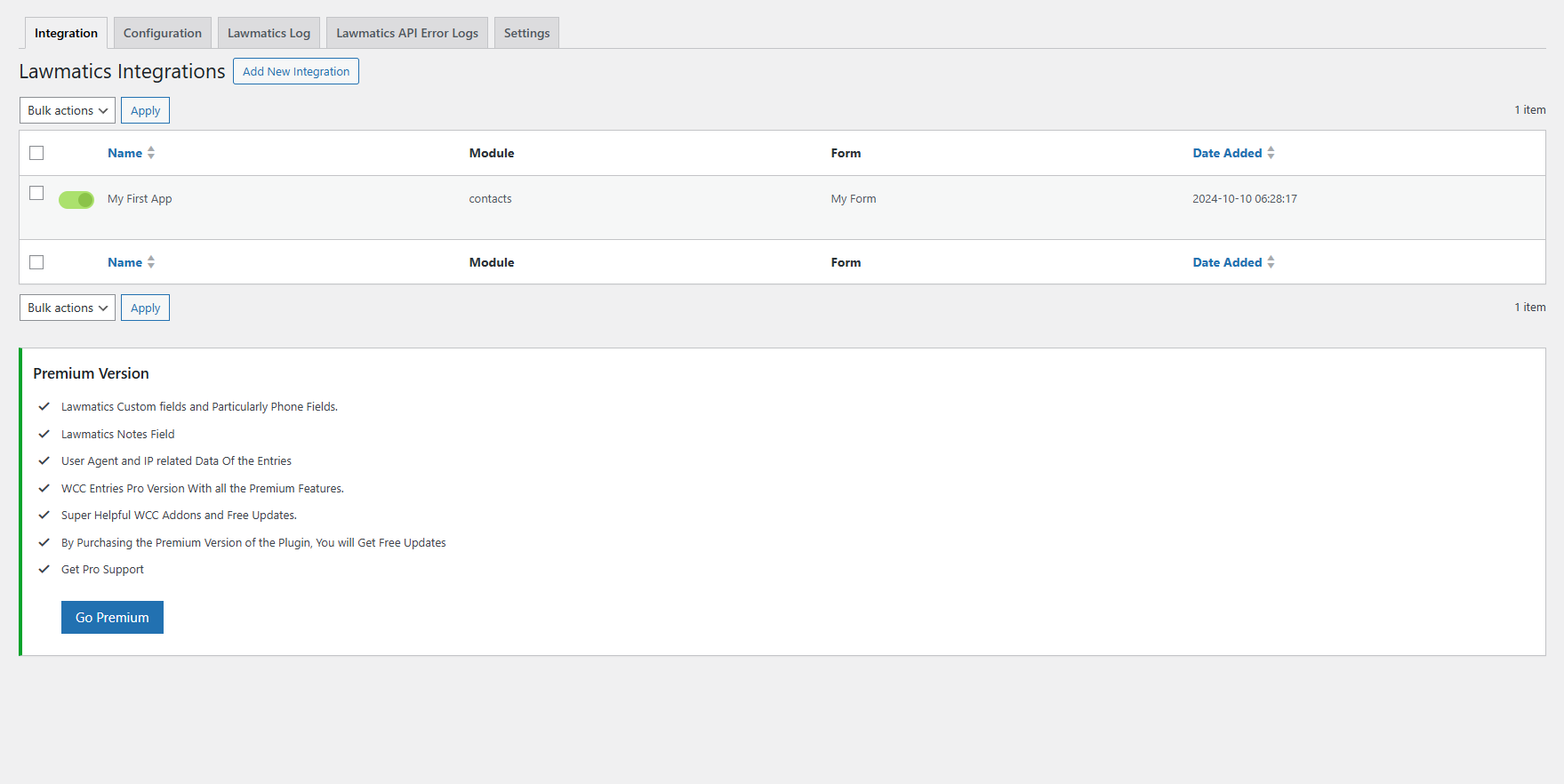
Connect Lawmatics Account. screenshot-1.png
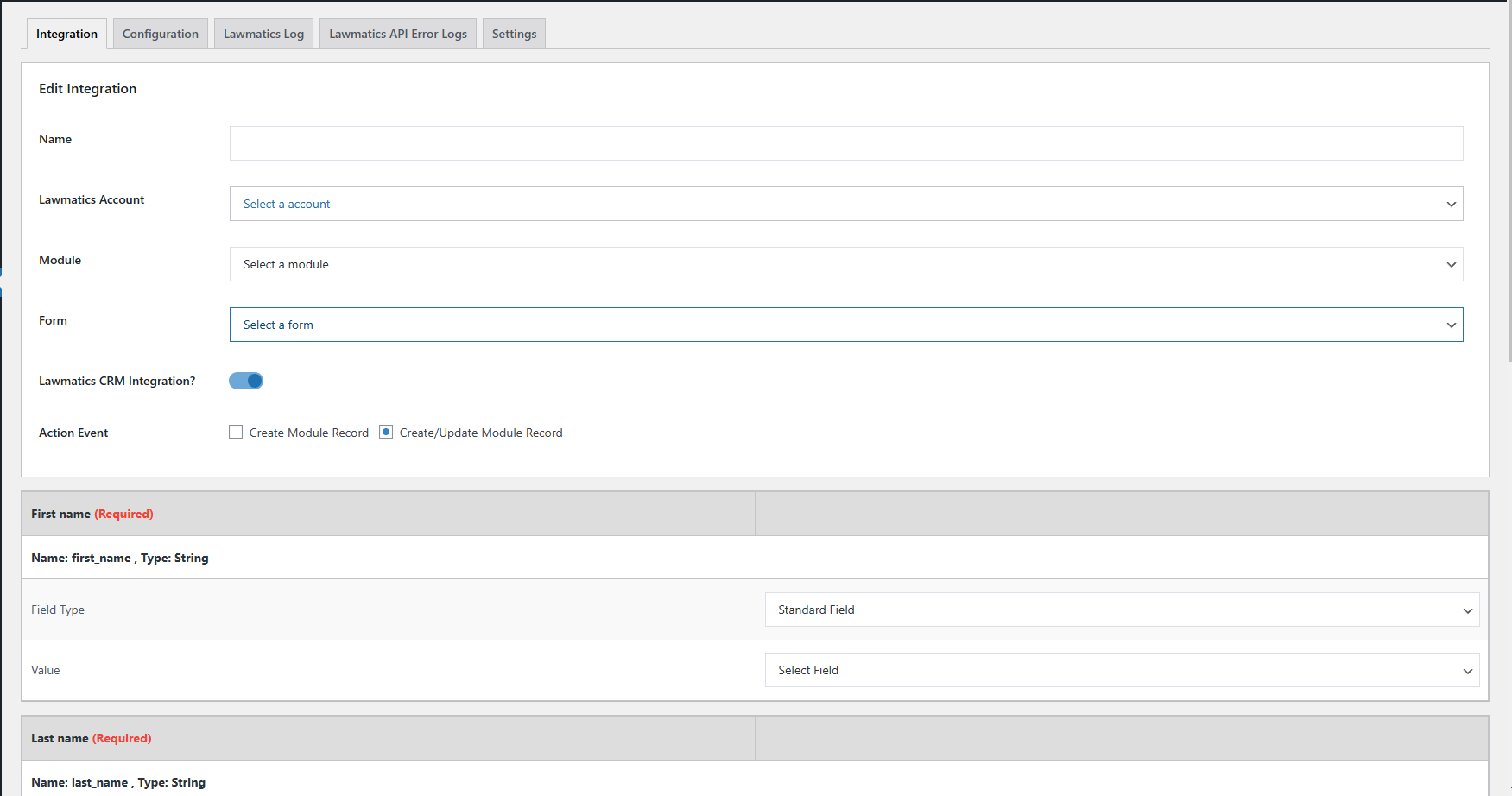
Map Lawmatics fields. screenshot-2.png
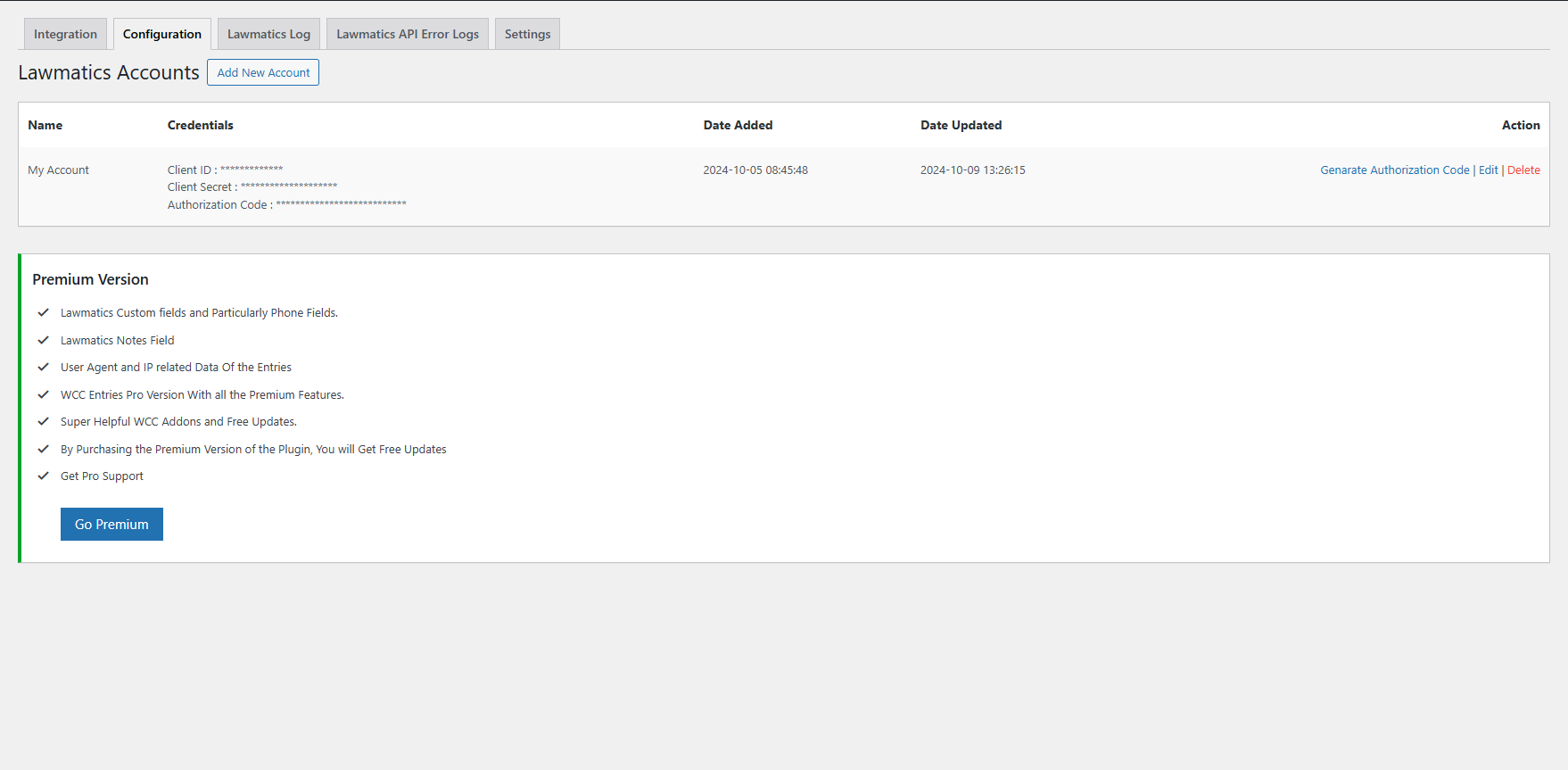
Configuration. screenshot-3.png
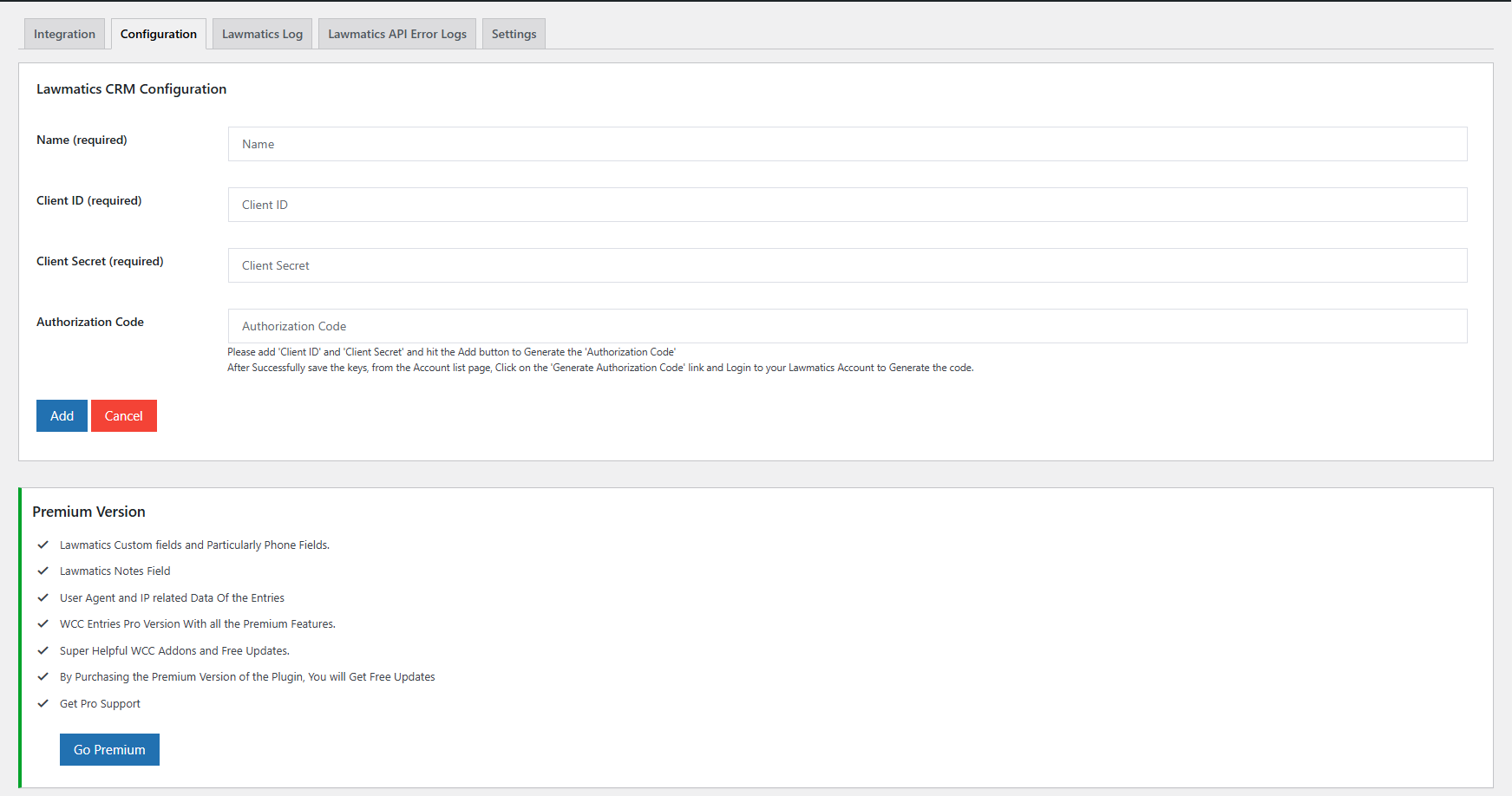
Configuration Setup. screenshot-4.png
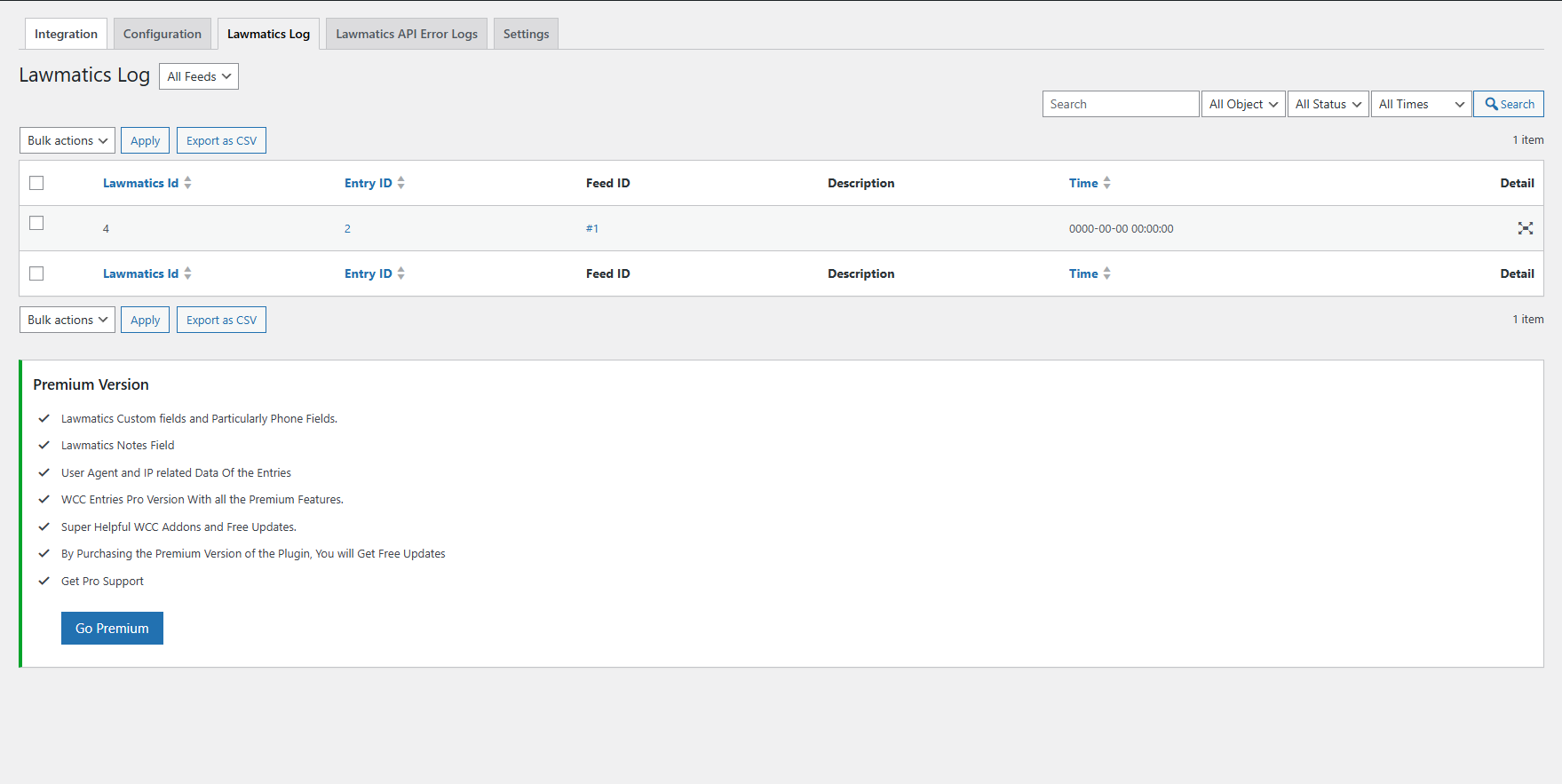
Lawmatics logs. screenshot-5.png
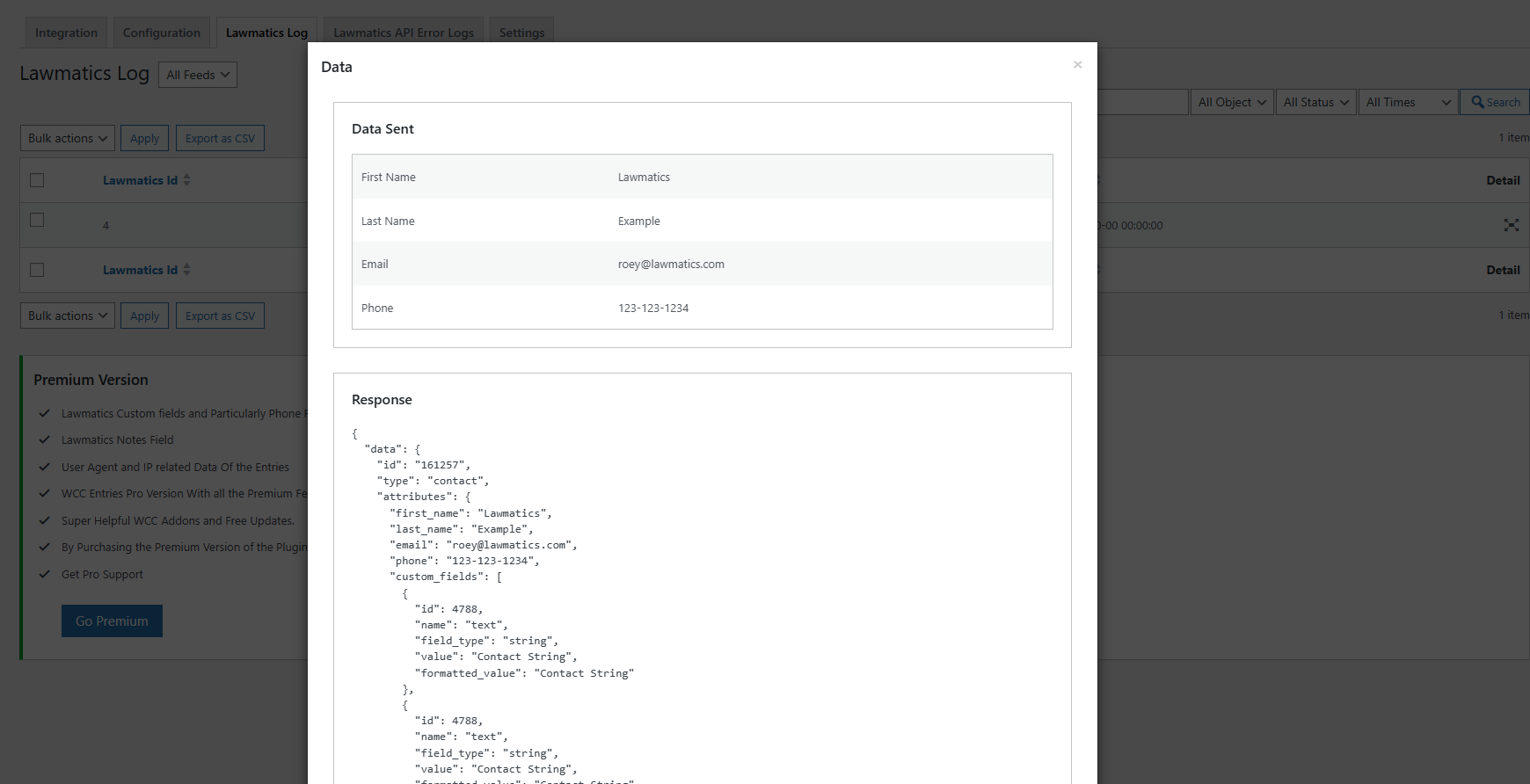
Lawmatics logs details. screenshot-6.png
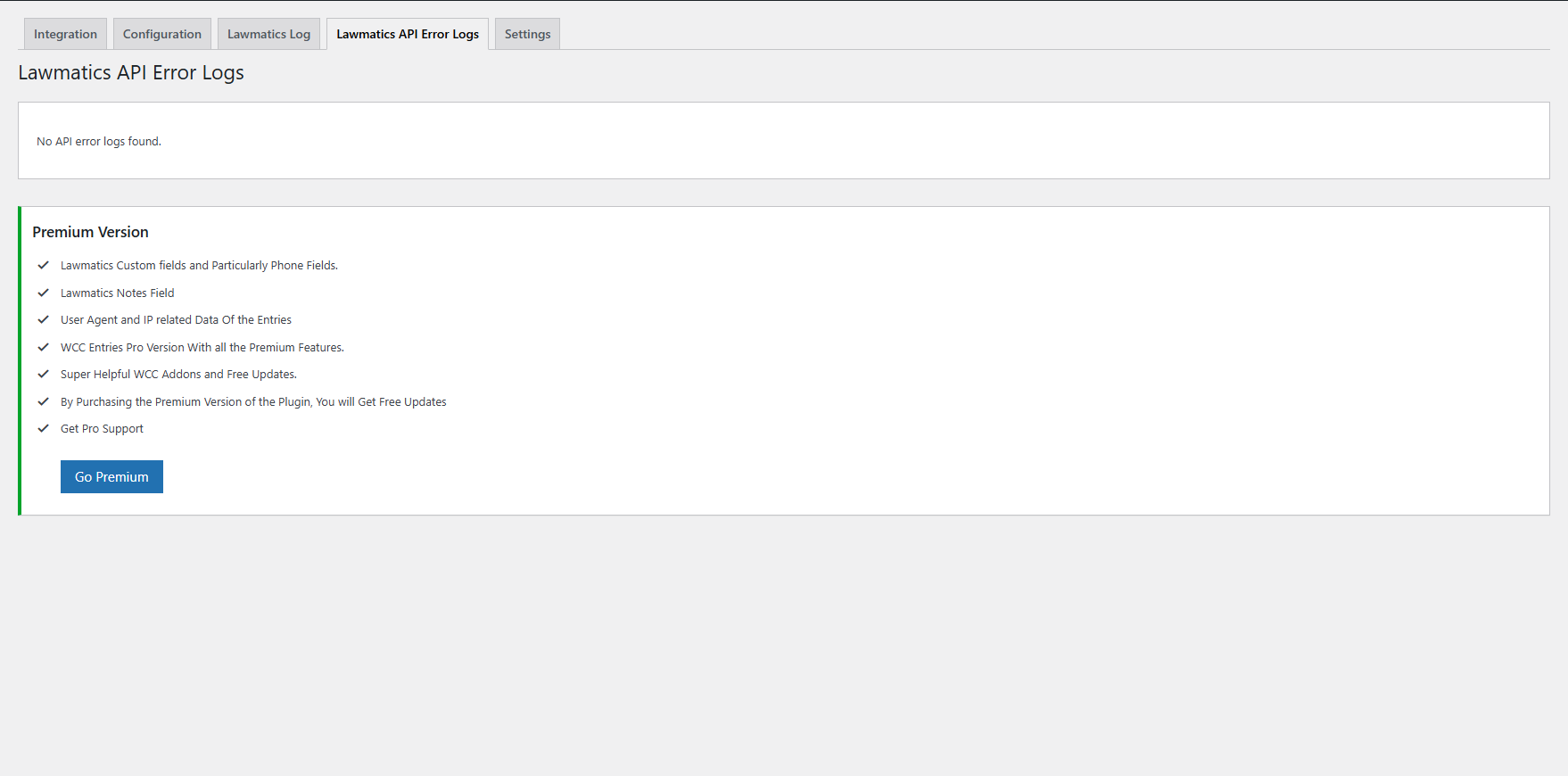
Error log. screenshot-7.png
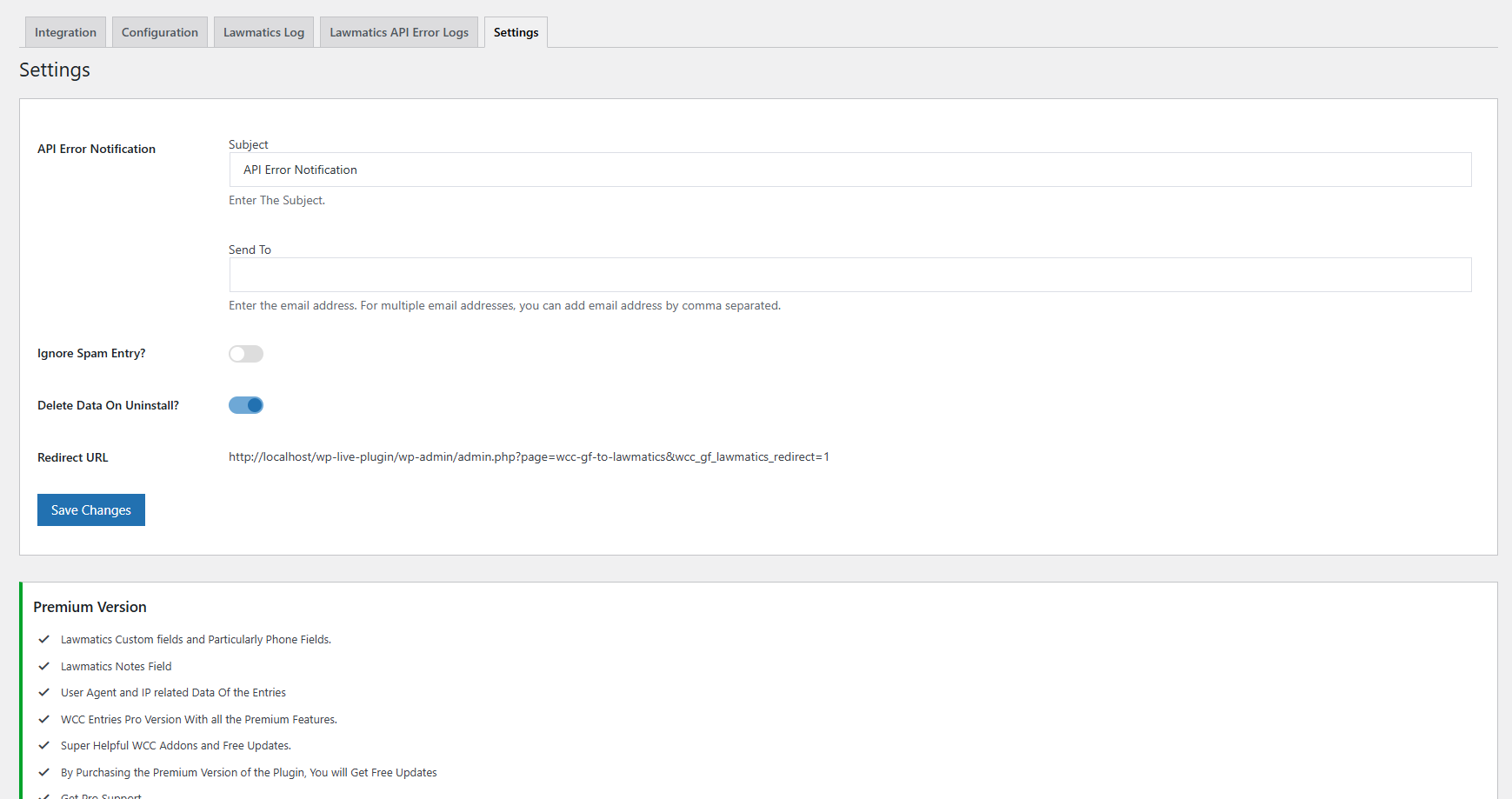
Setting page. screenshot-8.png
Changelog
1.0.0
- Initial release.
1.1.0
- Conditional Logic Added.