
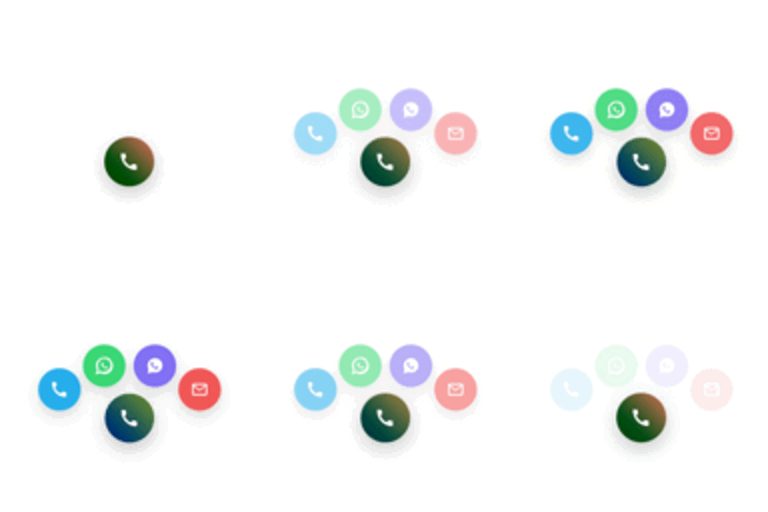
Web Solution Smart Contact Button
A modern floating contact widget for WordPress — includes phone, email, and chat options with beautiful animations and a clean design.
Plugin info
Maintenance & Compatibility
Maintenance score
Maintained • Last updated 137 days ago
Is Web Solution Smart Contact Button abandoned?
Likely maintained (last update 137 days ago).
Compatibility
Similar & Alternatives
Explore plugins with similar tags, and compare key metrics like downloads, ratings, updates, support, and WP/PHP compatibility.
Description
Web Solution Smart Contact Button adds a stylish floating contact widget to your WordPress site,
allowing visitors to reach you instantly
Features
– Floating button with animated bubbles
– Phone, Email, and chat app integration (e.g. WhatsApp, Viber)
– Gradient, Minimal, or Glass button styles
– Smooth pulse and color animations
– Live admin preview (identical to front-end)
– Responsive design for all devices
– Lightweight and fast loading
Perfect for
Freelancers, small businesses, and agencies who want an elegant contact shortcut on their website.
Credits
Developed by Web Solution Network
Installation
- Upload the plugin files to
/wp-content/plugins/web-solution-smart-contact-button/,
or install it directly from the WordPress Plugins screen. - Activate the plugin through the Plugins menu in WordPress.
- Go to Settings Web Solution Smart Contact Button.
- Enable and configure your contact channels.
- Save changes — the floating button will appear on your site.
Frequently Asked Questions
No — it’s lightweight and optimized for performance.
Yes, you can set your own primary and secondary colors, and choose between multiple animation effects.
Absolutely. It works perfectly on both mobile and desktop devices.
Yes, you can enable or disable Phone, Email, or chat options individually.
Review feed
Screenshots
Changelog
1.0.0
- Initial release under the new name “Web Solution Smart Contact Button”.