

Webeyez Analytics – Session Recording, Heatmaps & Conversion Monitoring
See how real users experience your site with free session recordings, heatmaps, funnels, error & conversion tracking. Contributors: webeyez Requir …
Plugin info
Maintenance & Compatibility
Maintenance score
Maintained • Last updated 174 days ago
Is Webeyez Analytics – Session Recording, Heatmaps & Conversion Monitoring abandoned?
Likely maintained (last update 174 days ago).
Compatibility
Similar & Alternatives
Explore plugins with similar tags, and compare key metrics like downloads, ratings, updates, support, and WP/PHP compatibility.
Description
See how real users experience your site, find hidden errors, and stop losing sales.
Webeyez Analytics gives WordPress & WooCommerce site owners a complete monitoring toolkit: from session recordings and heatmaps to error tracking and AI-powered KPI insights.
Unlike traditional analytics, Webeyez connects real-user monitoring with business results (orders, conversions, forms, funnels). You’ll know exactly why conversions drop — slow pages, broken buttons, network errors, or checkout issues.
🔥 Key Benefits
- Automatic setup: Install & activate — your Webeyez account is created instantly and credentials are sent to your WordPress admin email.
- Free forever: Every installation starts with a free account. Upgrade anytime for higher volume or advanced features.
- All-in-one toolkit: No need for multiple plugins — recordings, heatmaps, error tracking, and alerts in one place.
🚀 Features
- Session Recording – Watch real users navigate your site, click by click.
- Heatmaps & Clickmaps – See where users engage (and where they don’t).
- Funnel Tracking – Analyze conversions across checkout, forms, and goals.
- Events Tracking – Measure add-to-cart, form submissions, clicks, and more.
- Error Tracking – Capture JavaScript errors, failed network calls, and broken CTAs.
- Alerting System
- Real-time anomaly alerts (drops in sales, errors, conversions).
- Custom thresholds (e.g., “alert me if checkout conversion falls 30%”).
- KPI Monitoring – Track goals, conversions, uptime, and page speed over time.
- Opportunities Dashboard (AI-powered) – Automatically highlights only the most important issues so you can focus on what impacts your business most.
- Engage & Fix – Quickly drill into problem sessions, segment by device, browser, or funnel stage, and take action.
🎯 Perfect For
- WooCommerce store owners who want to prevent lost sales.
- Marketers who want easy heatmaps & conversion funnels.
- Developers who need to monitor errors, uptime, and performance.
- Anyone who wants one plugin to replace multiple analytics & monitoring tools.
Account & Upgrades
- Every site gets a free Webeyez account (auto-created on activation).
- The free plan includes session recordings, heatmaps, funnel tracking, alerts, and more.
- Upgrades are available if you need more monthly sessions or advanced enterprise features — but not required to start.
Support
Need help? Contact [email protected] or visit www.webeyez.com.
Installation
- Install through the WordPress Plugins screen.
- Activate through Plugins Installed Plugins.
- Webeyez automatically creates an account and sends login details to your WordPress admin email.
Frequently Asked Questions
Review feed
Screenshots
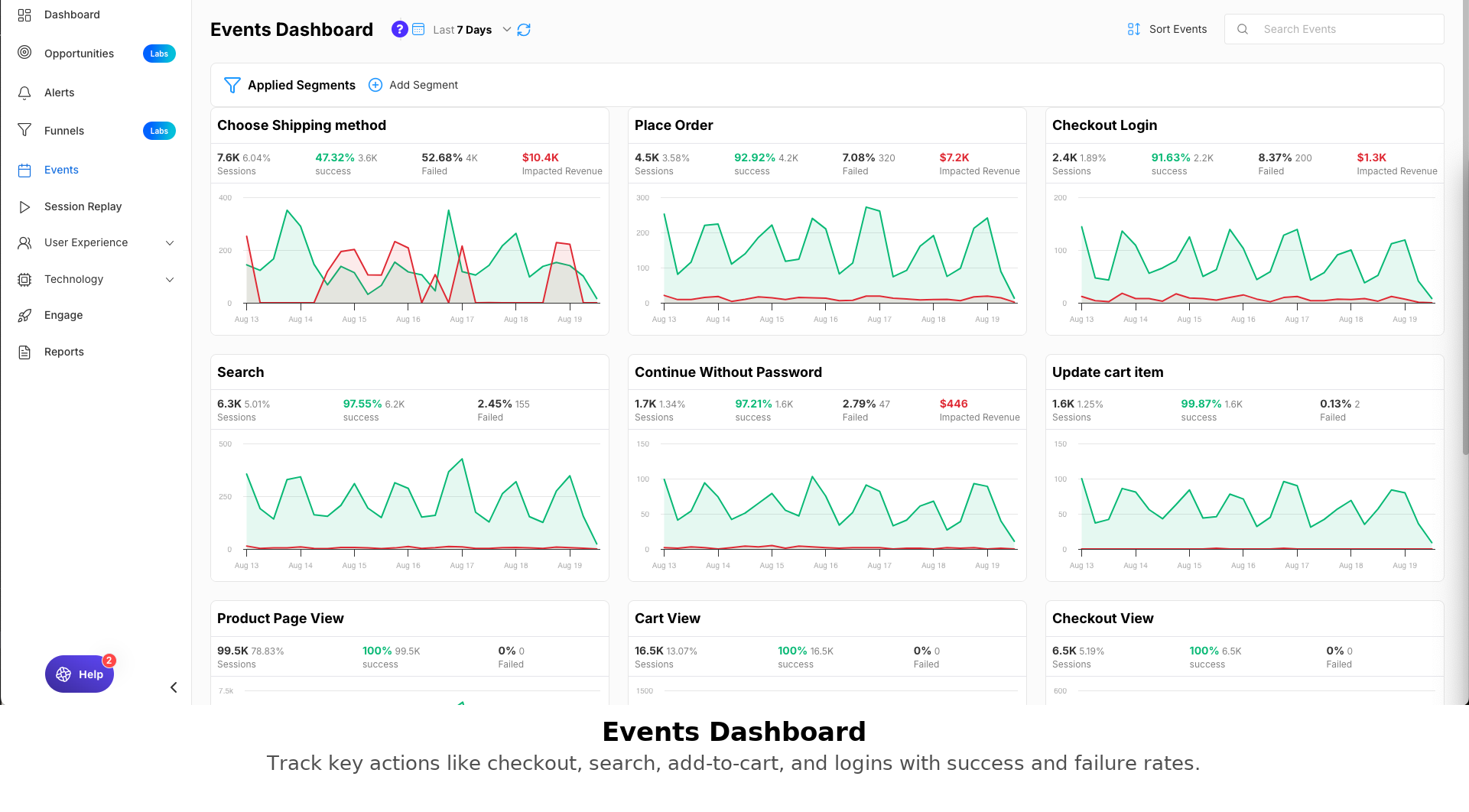
Events Dashboard – Track key actions such as add-to-cart, checkout login, shipping, search, and order placements.
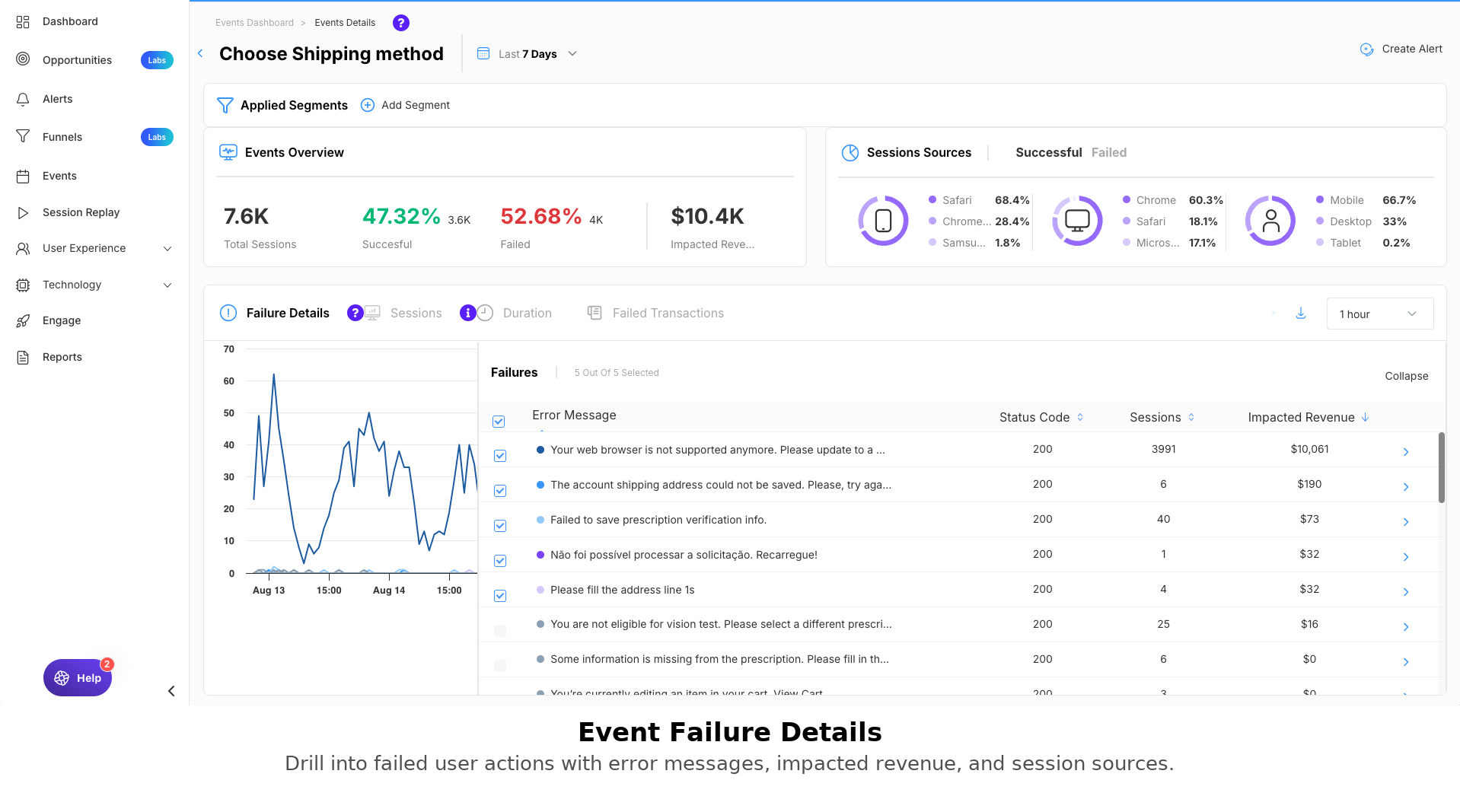
Event Failure Details – Drill into failed actions with error messages, impacted revenue, devices, and session traces.
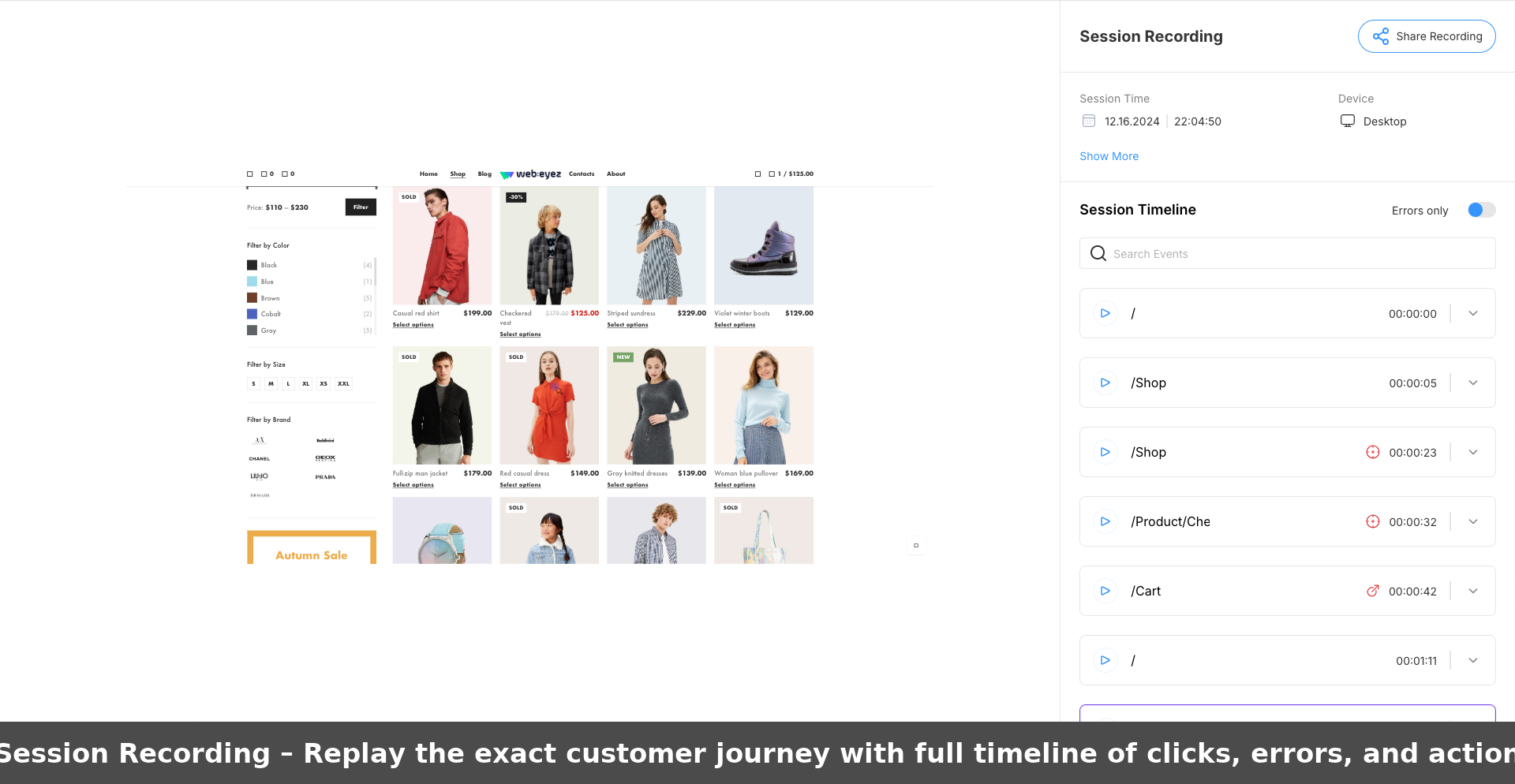
Session Recording – Replay user journeys click-by-click to uncover hidden issues and improve UX.
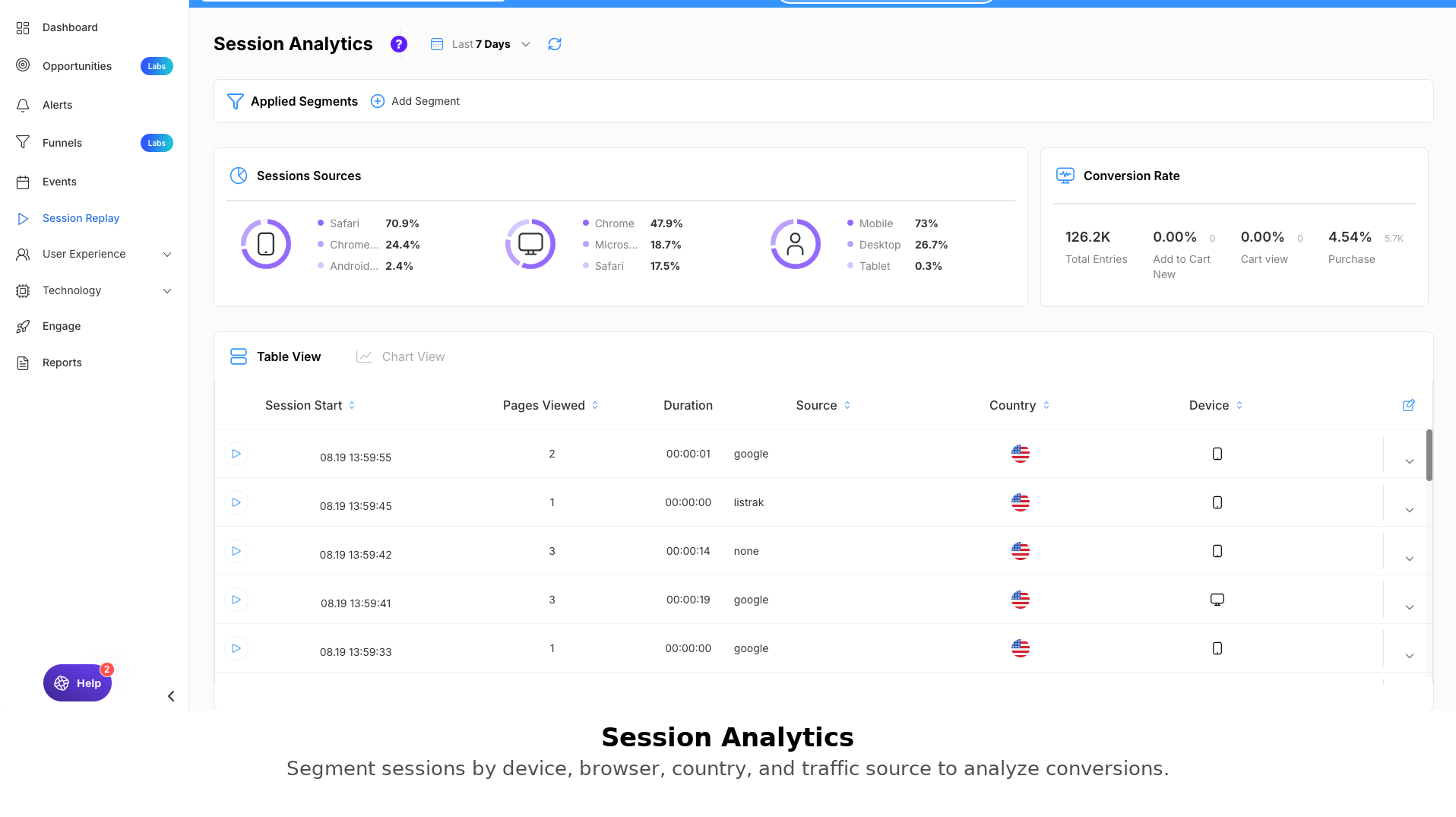
Session Analytics – Segment sessions by device, browser, country, traffic source, and conversion performance.
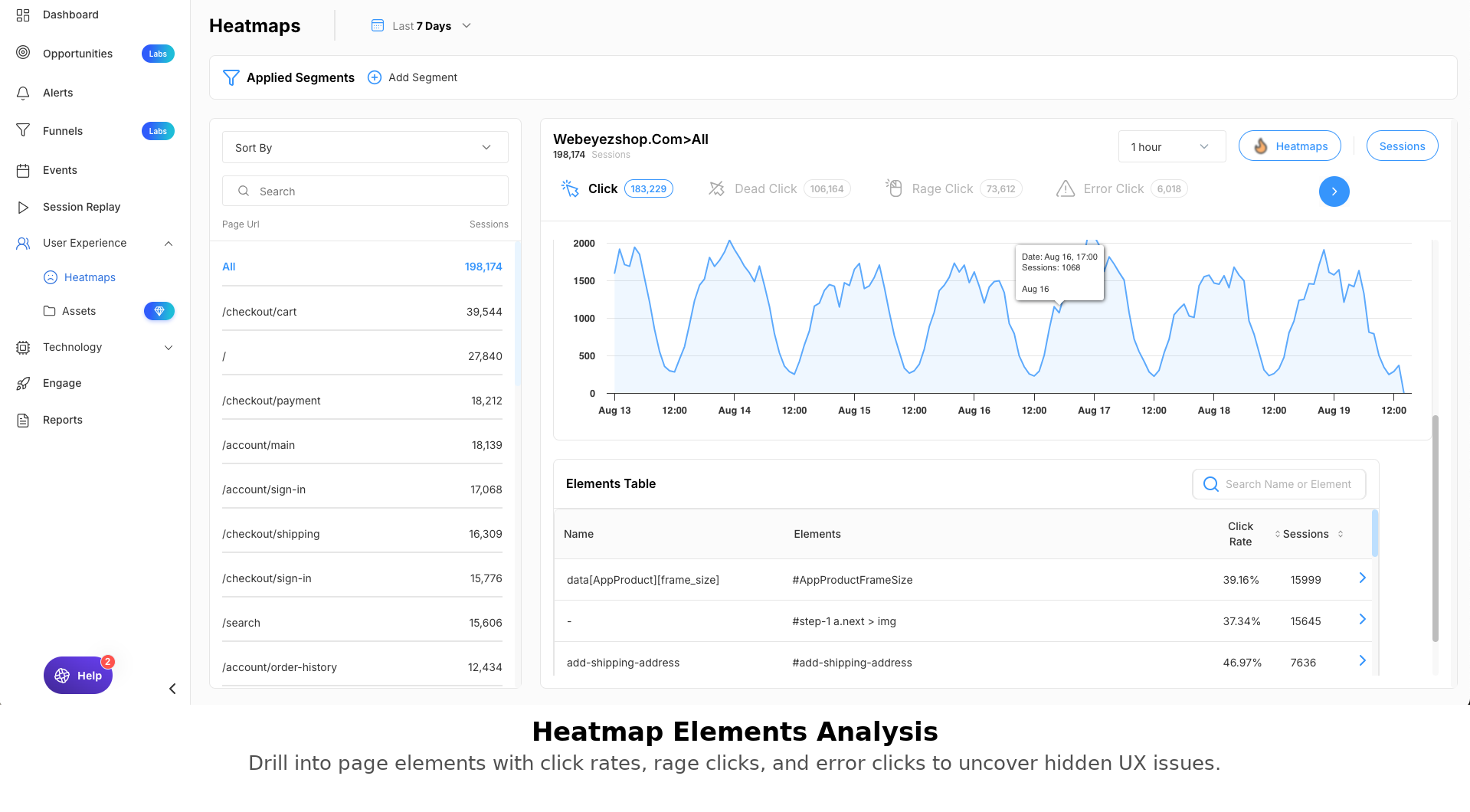
Heatmaps & Clickmaps – See clicks, dead clicks, rage clicks, and user interaction hotspots across your site.
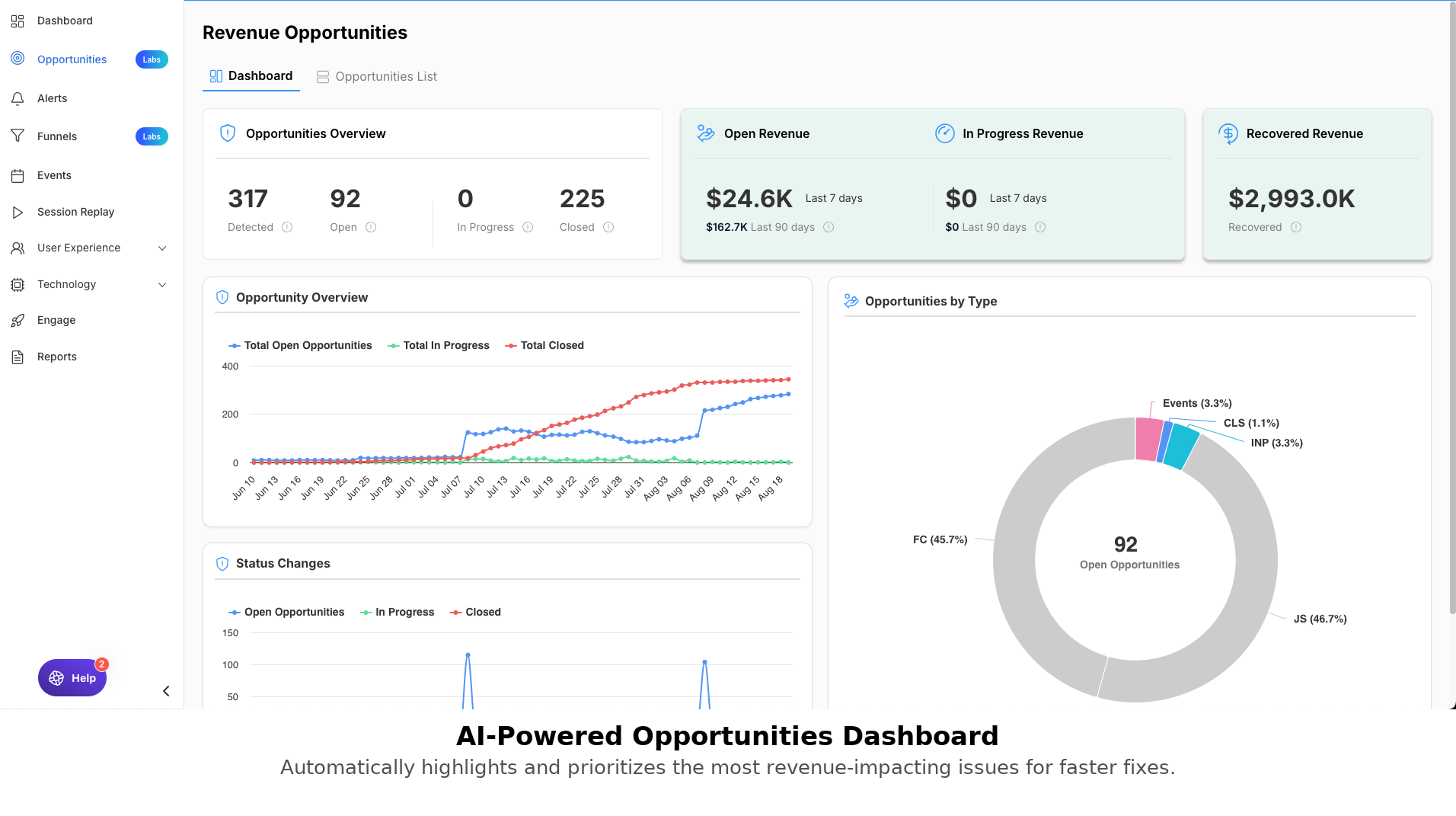
Opportunities Dashboard (AI-powered) – Automatically prioritize the most revenue-impacting issues for quick wins.
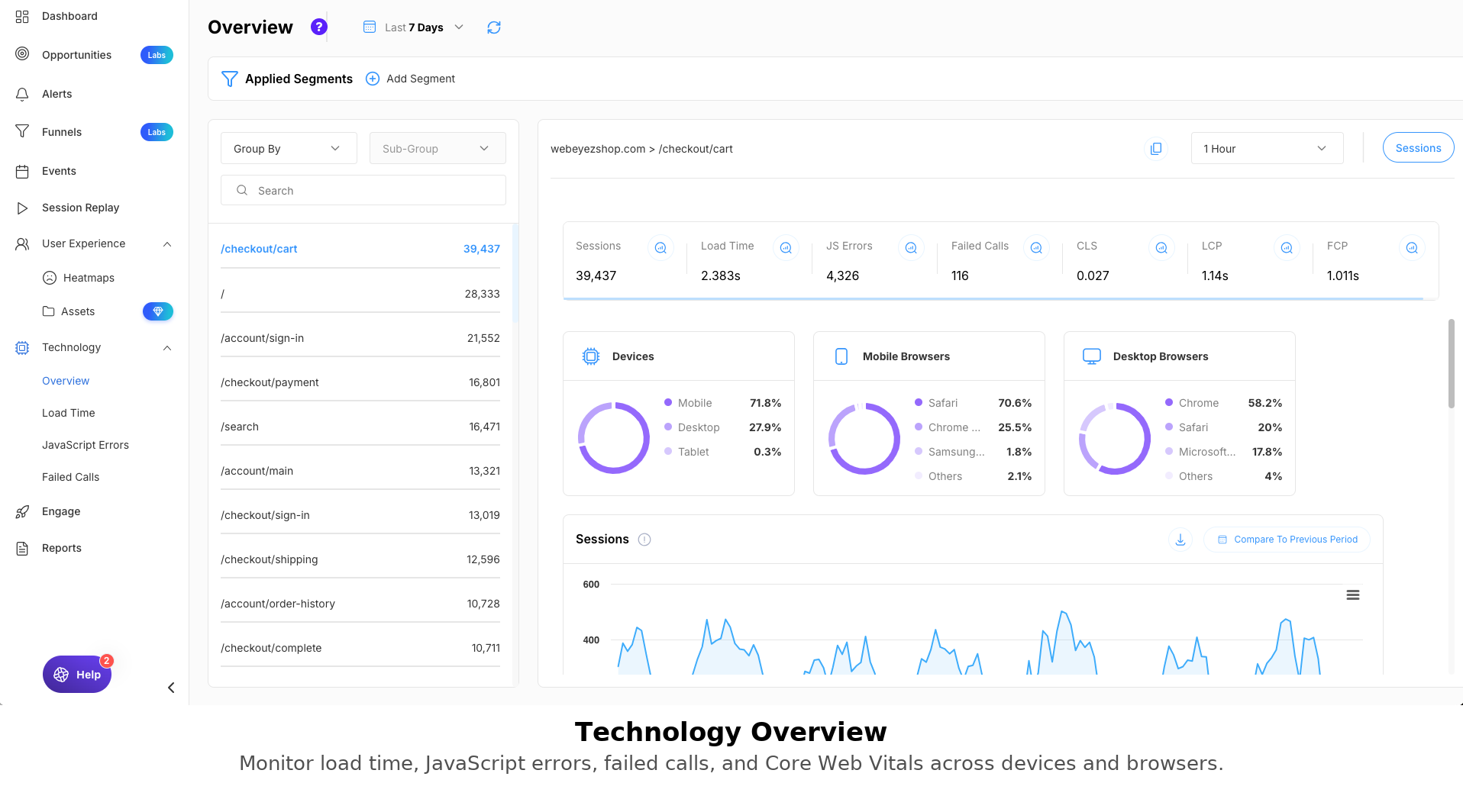
Technology Overview – Track load times, failed calls, JavaScript errors, and performance metrics by page and browser.
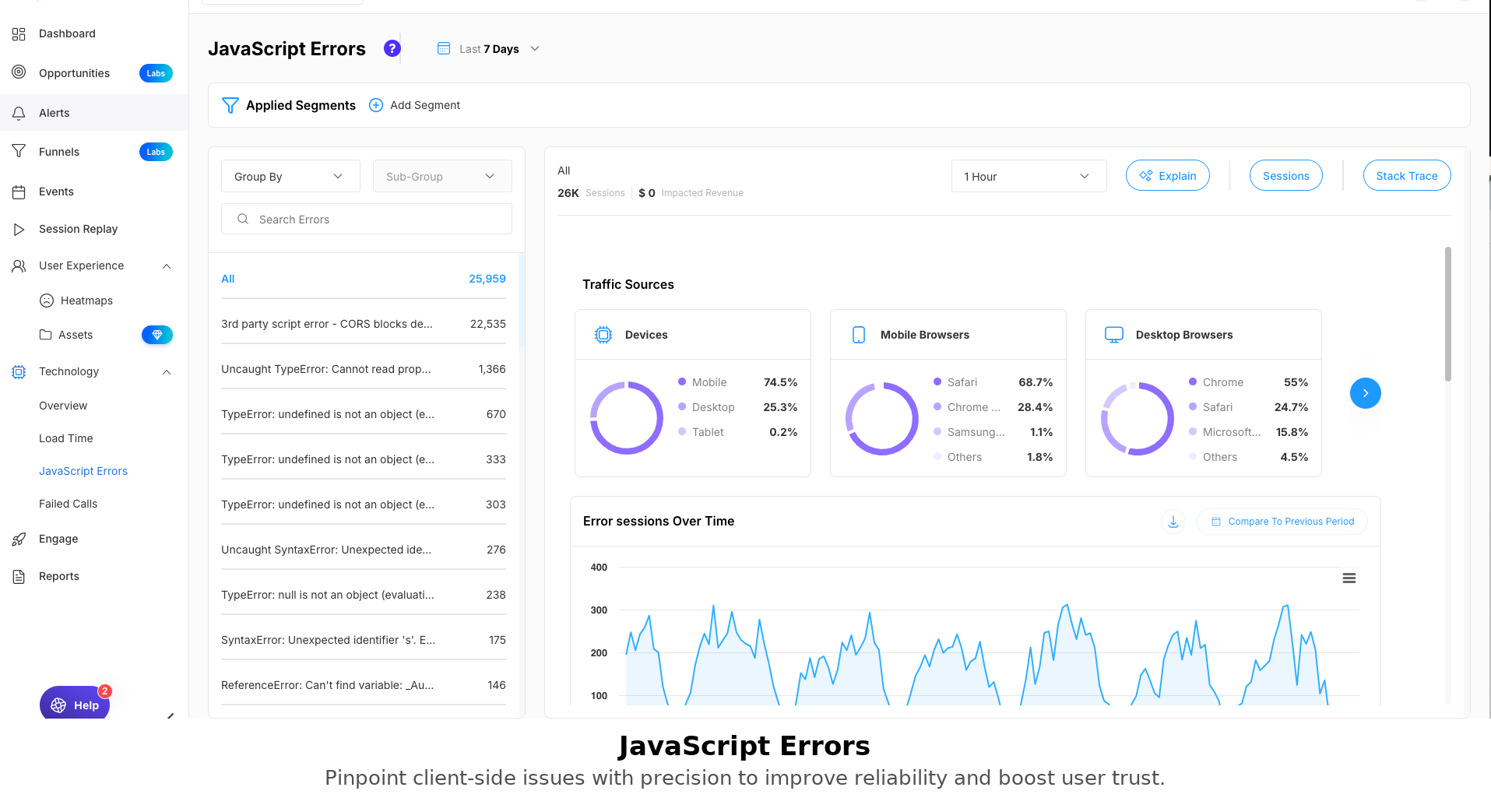
JavaScript Error Tracking – Detect and analyze JS errors with stack traces, traffic segmentation, and error trends over time.
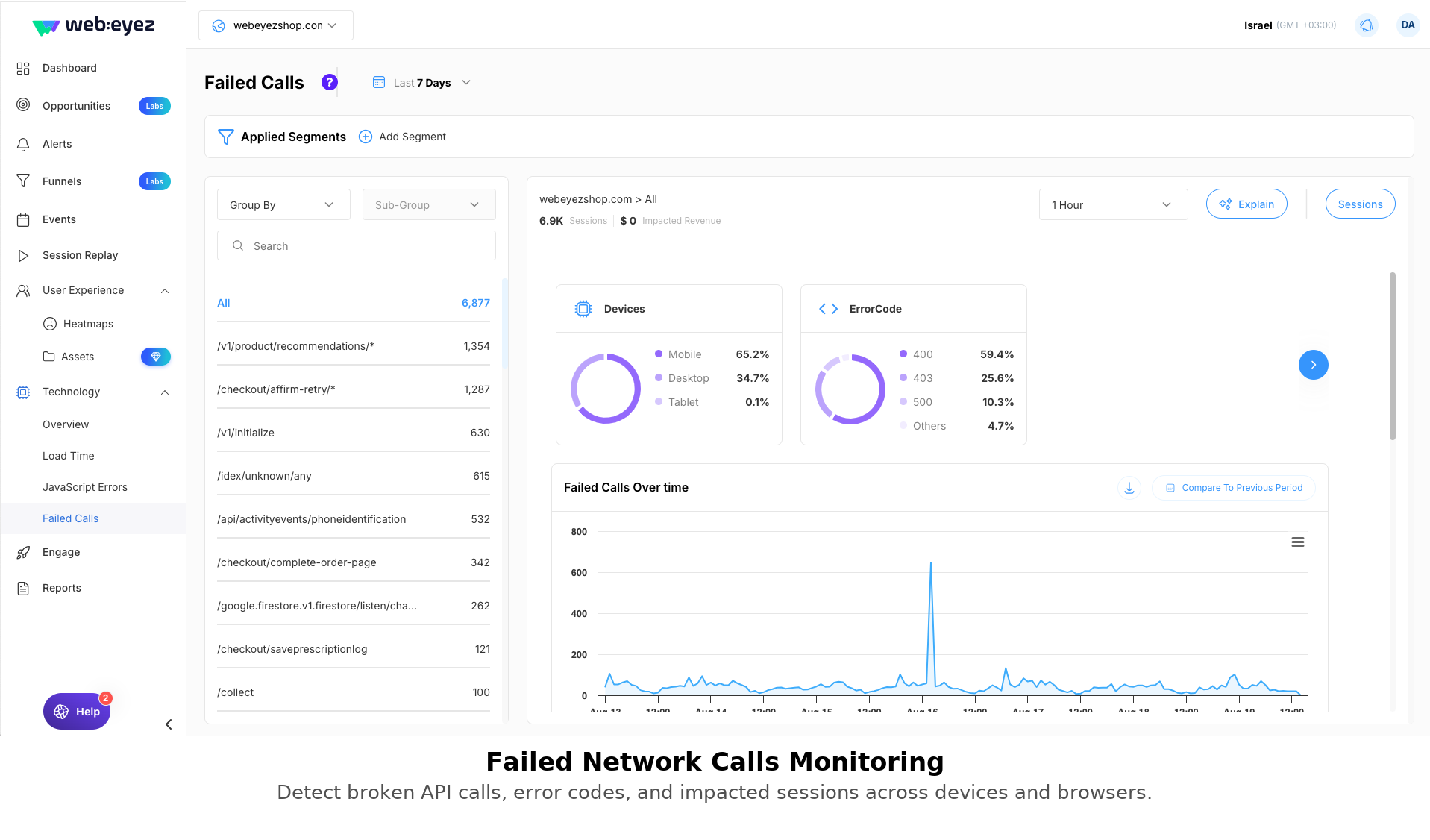
Failed Network Calls – Monitor failed API calls, error codes, impacted sessions, and devices to prevent broken functionality.
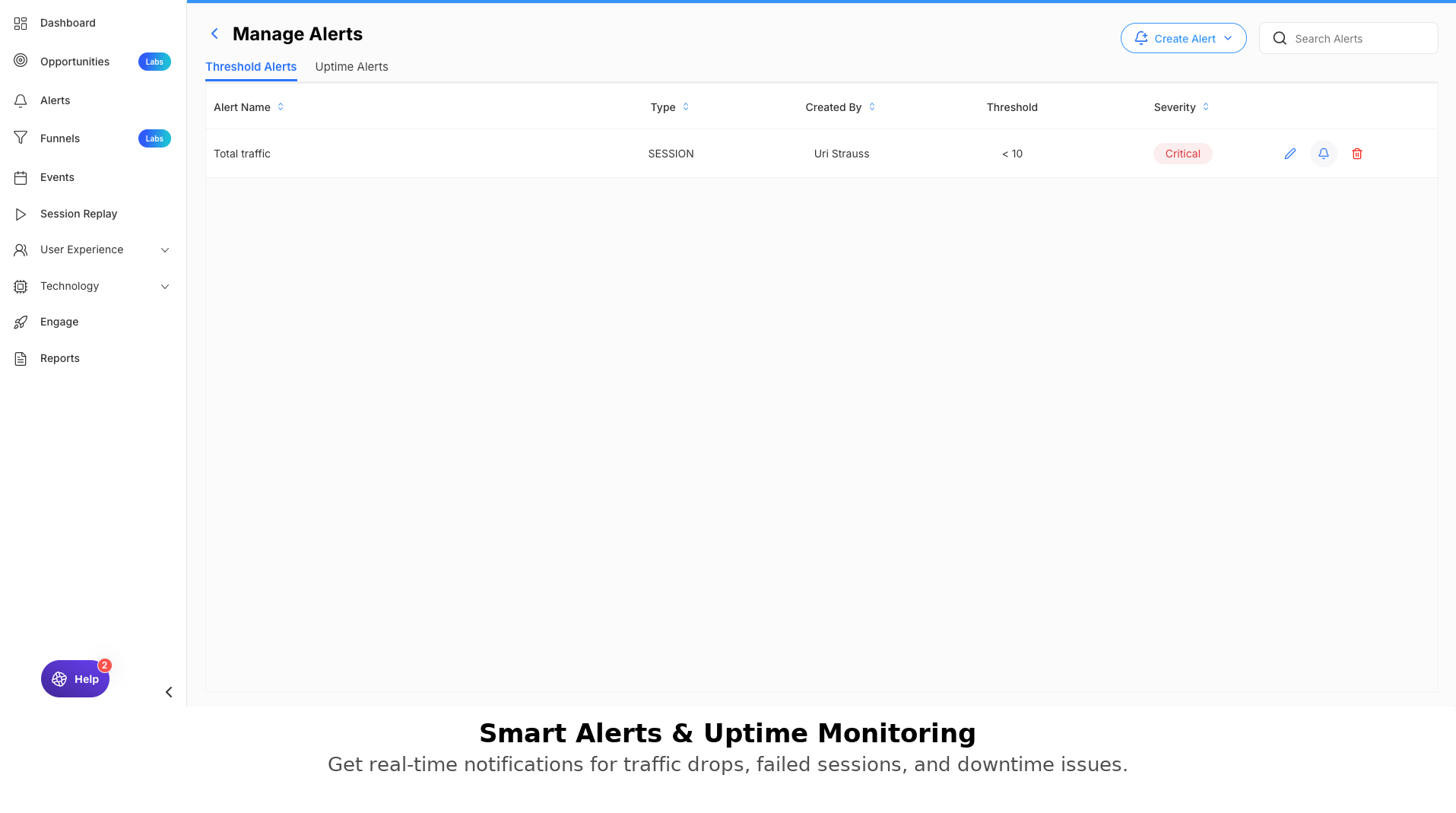
Alerts Management – Configure uptime and threshold alerts to get notified instantly about traffic drops or site downtime.
Changelog
2.0.0
- Major release with new features, internal improvements, and WP 6.8.2 compatibility
1.1.0
- Stability and minor improvements