

Website Status Checker Lite
A lightweight plugin for monitoring website availability and basic performance.
Plugin info
Maintenance & Compatibility
Maintenance score
Stale • Last updated 184 days ago • 2 reviews
Is Website Status Checker Lite abandoned?
Likely maintained (last update 184 days ago).
Compatibility
Similar & Alternatives
Explore plugins with similar tags, and compare key metrics like downloads, ratings, updates, support, and WP/PHP compatibility.
Description
Website Status Checker Lite is a simple and efficient WordPress plugin that allows you to monitor the availability and basic performance of your websites. The Lite version includes essential features for checking website uptime, but does not include advanced functionality such as automated checks, email alerts, or graphical performance reports.
Lite Version Features:
– Manual Website Check – Perform checks on demand
– Website Availability Check – See if your website is online
– Response Time Display – Know how fast your website loads
– Dashboard Widget – View website status from your WP Dashboard
Upgrade to Pro
Upgrade to the Pro version to unlock advanced features:
– Automated website checks
– Email alerts for downtime or slow response
– Detailed performance graphs
– Google PageSpeed Insights integration
Installation
- Upload the
website-status-checker-litefolder to the/wp-content/plugins/directory. - Activate the plugin through the “Plugins” menu in WordPress.
- Go to the “Site Check” admin page to start monitoring your websites.
- Add your URLs and click “Run Check” to view status.
Frequently Asked Questions
Review feed
Screenshots
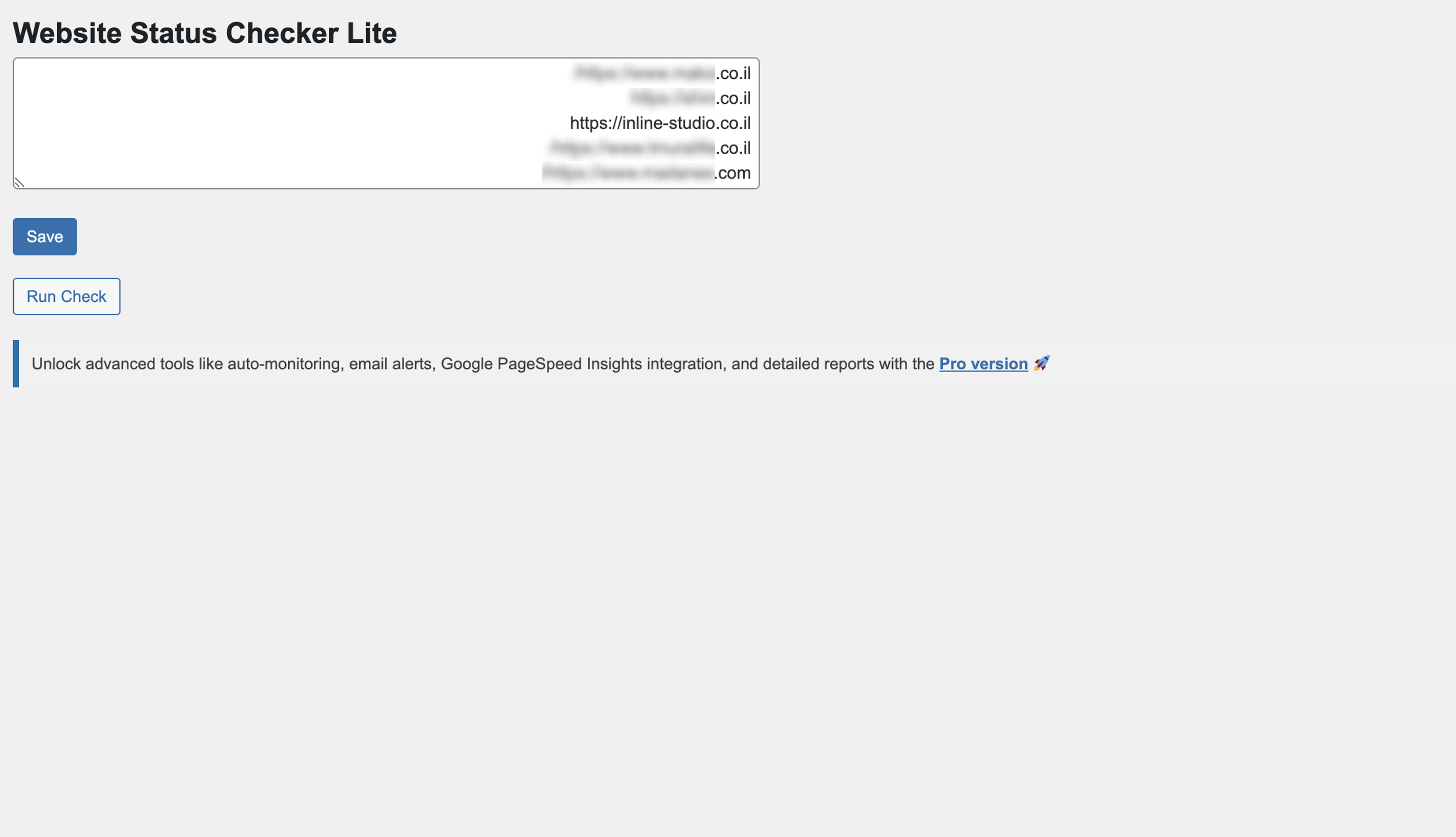
Admin settings page for entering website URLs.

Manual check button and loading animation.

Results display showing website status and response time.

Pro-only performance graphs (available in the Pro version).

PageSpeed Insights integration (Pro version).
Changelog
1.5.1
- Minor bug fixes and performance improvements.
- Updated readme.txt with new stable tag.
1.5
- Added the ability to dismiss admin notices permanently (even after plugin reactivation).
- Fixed issue with displaying admin notices after plugin reactivation.
- Improved code structure for better performance and future updates.
- Enhanced UI/UX for manual check and scheduled check details.
- Minor bug fixes and performance improvements.
1.4
- Improved interface and styling
- Bug fixes and optimizations
1.0
- Initial release
- Manual website checks
- Dashboard widget with results