

Wedding Party RSVP
A simple and secure Wedding RSVP management system. Manage unlimited guests and adult meal choices.
Plugin info
Maintenance & Compatibility
Maintenance score
Maintained • Last updated 117 days ago
Is Wedding Party RSVP abandoned?
Likely maintained (last update 117 days ago).
Compatibility
Similar & Alternatives
Explore plugins with similar tags, and compare key metrics like downloads, ratings, updates, support, and WP/PHP compatibility.
Description
Wedding Party RSVP is a streamlined solution for managing wedding guest lists and RSVPs directly inside WordPress.
How to Purchase Pro
Go to https://landtechwebdesigns.com/wedding-party-rsvp-wordpress-plugin/
Purchase the license key to unlock the full suite of features.
Installation
Upload the wedding-party-rsvp folder to the /wp-content/plugins/ directory.
Activate the plugin through the ‘Plugins’ menu in WordPress.
Create a new Page (e.g., “RSVP”).
Add the shortcode [wedding_rsvp_form] to the page content.
Go to Wedding RSVP -> Settings and set the “RSVP Page URL” to the link of the page you just created.
Frequently Asked Questions
Yes! While tailored for weddings, it works for any event requiring basic RSVP tracking.
Go to Settings and scroll to the bottom “Danger Zone”. Click “Reset Program to Default”.
Review feed
Screenshots
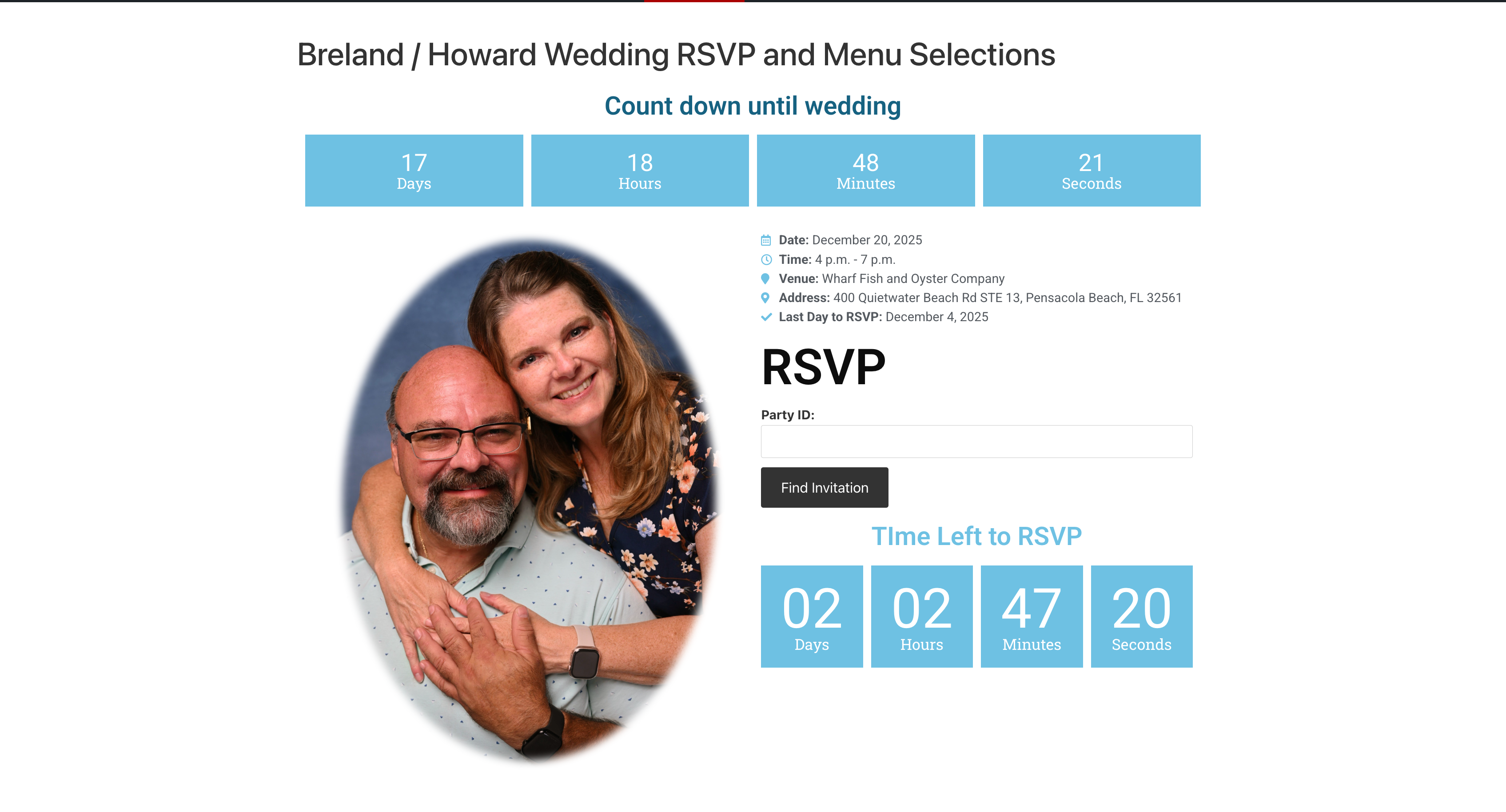
This is the main page where a user enters the invite ID or Party ID (Styled using elementor)
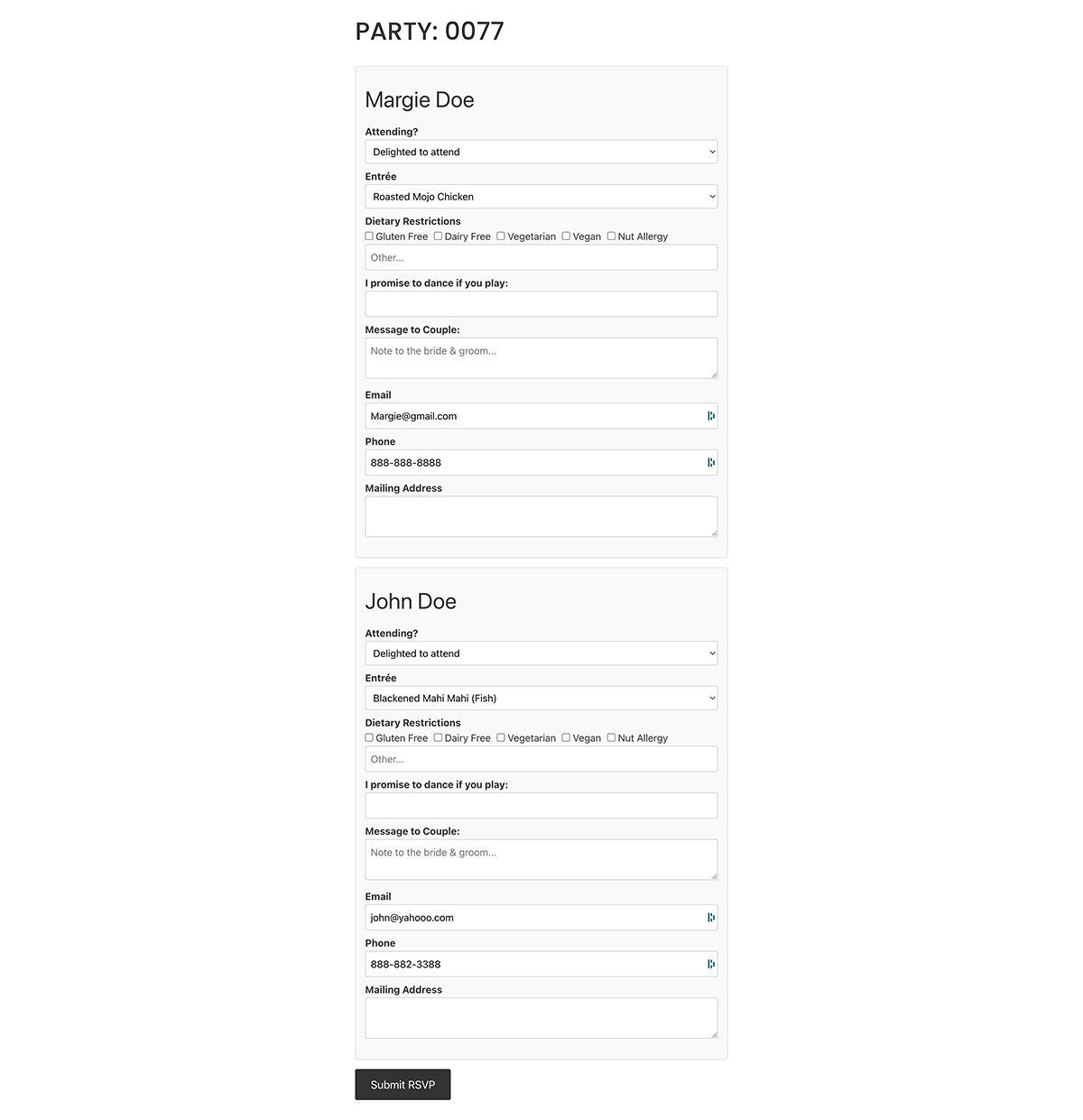
This shows how the widget looks on the frontend after entering Party ID or Invite ID.
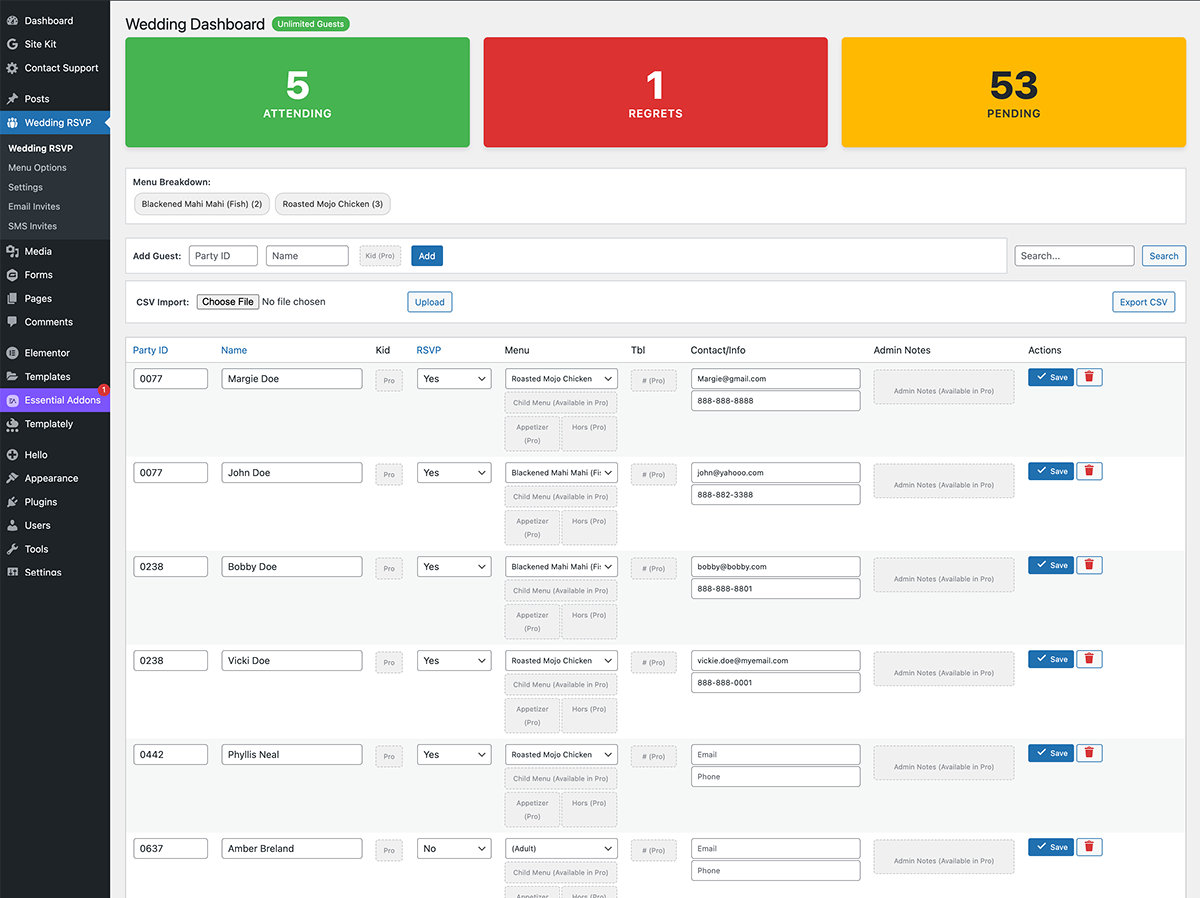
This is the Main Admin Page
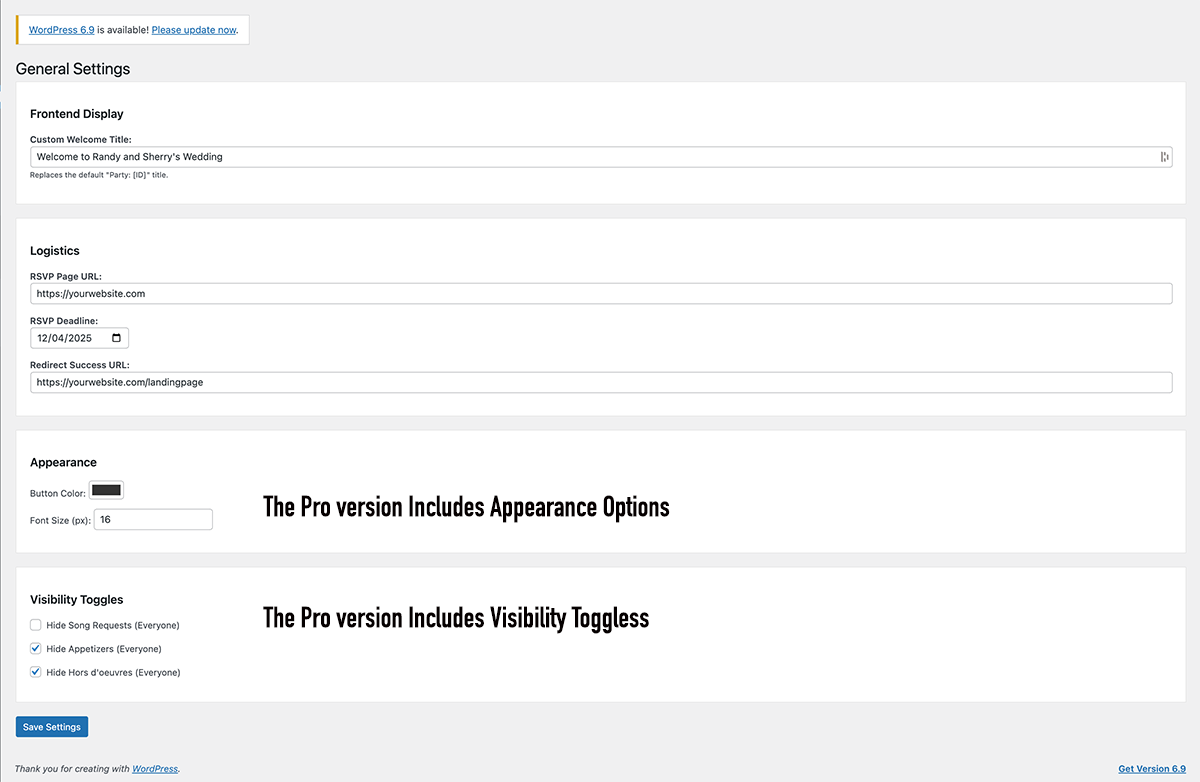
Main Settings Page
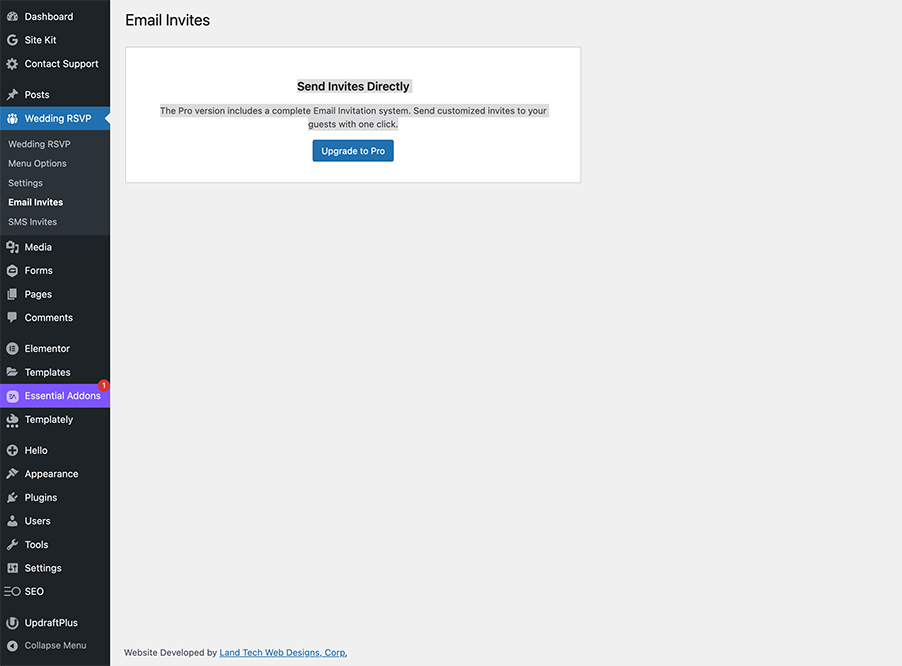
Email Invite Page

Shortcode
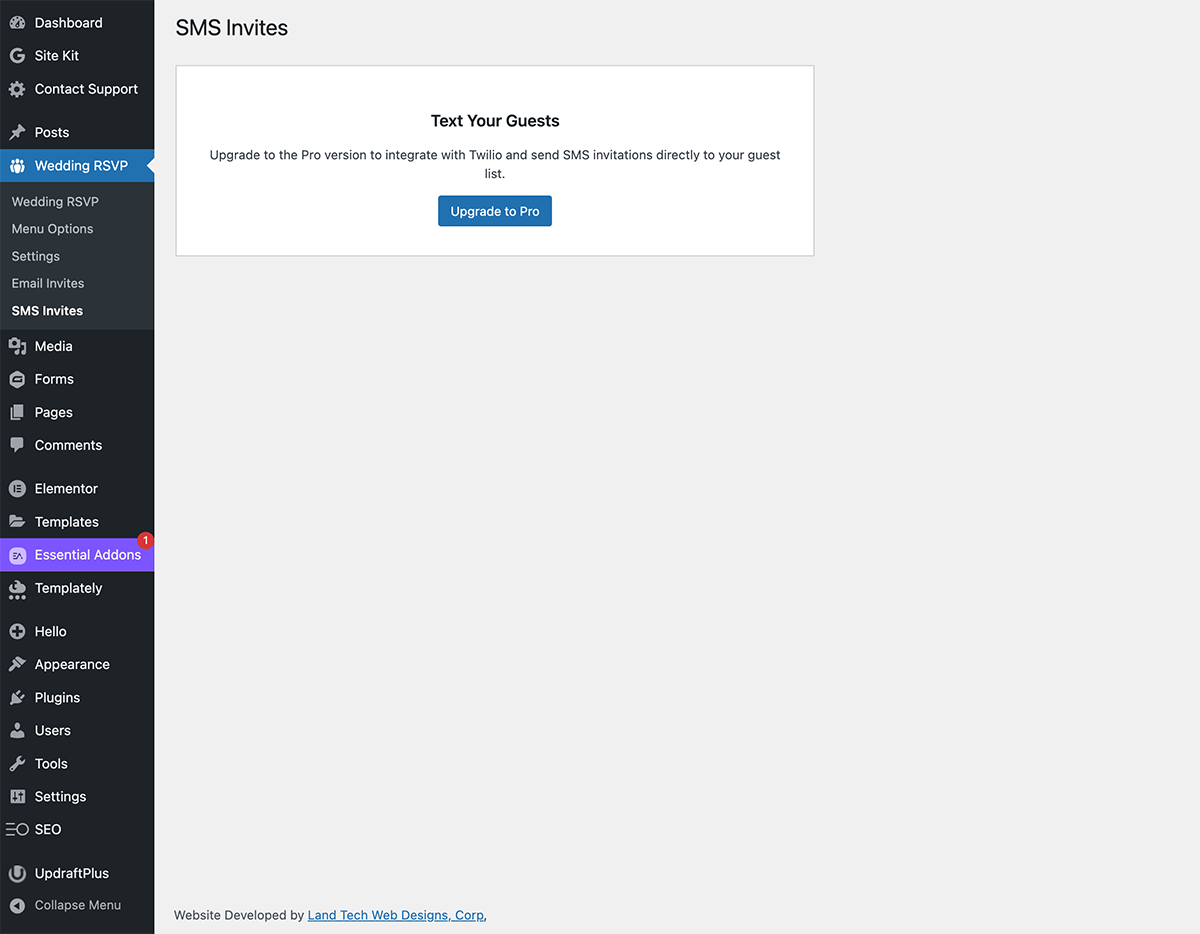
SMS Invite page
Changelog
7.3
Security Update: Implemented late escaping for inline styles and rigorous variable escaping for output.
Cleanup: Removed unused external service references to comply with directory guidelines.
7.2
Security: Updated prefixes, nonce sanitization, and SQL preparation.
Architecture: Moved form processing to init hook for safer redirects.
7.1
Security Update: Fixed escaping and sanitization issues.
Mobile Responsiveness: Updated Admin Dashboard with “Card View”.
Performance: Implemented Object Caching.
7.0
Major update with new UI.
1.0
Initial Release.