

Plugin info
Maintenance & Compatibility
Maintenance score
Possibly abandoned • Last updated 745 days ago • 9 reviews
Is WEN Responsive Columns abandoned?
Possibly abandoned (last update 745 days ago).
Compatibility
Similar & Alternatives
Explore plugins with similar tags, and compare key metrics like downloads, ratings, updates, support, and WP/PHP compatibility.
Description
WEN Responsive Columns provides you with a shortcode that will help display columnized content. Just one shortcode [wrc_column] is in effect for convenience but the sole is enough for generating multiple mixes of columns. Grids could be 2, 3, 4, 5 or 12 and you can easily add columns using button in the editor. Select your desired layout and use shortcode. That’s it !
Plugin: Home Page
If you like this plugin, please rate and review.
If you have any question, suggestion or issue, please post here.
Installation
Using The WordPress Dashboard
- Navigate to the ‘Add New’ in the plugins dashboard
- Search for
wen-responsive-columns - Click
Install Now - Activate the plugin on the Plugin dashboard
Uploading in WordPress Dashboard
- Navigate to the ‘Add New’ in the plugins dashboard
- Navigate to the ‘Upload’ area
- Select
wen-responsive-columns.zipfrom your computer - Click ‘Install Now’
- Activate the plugin in the Plugin dashboard
Using FTP
- Download
wen-responsive-columns.zip - Extract the
wen-responsive-columnsdirectory to your computer - Upload the
wen-responsive-columnsdirectory to the/wp-content/plugins/directory - Activate the plugin in the Plugin dashboard
Frequently Asked Questions
Its simple, in the editor, click Add Block button, select Classic block from Formating category, you’ll see WEN Responsive Columns button on the toolbar. Click it and follow through.
Nice, make a post on the Support Forum and let us know. We are always looking for ways to improve our plugins.
Review feed
Screenshots

Shortcode Generator
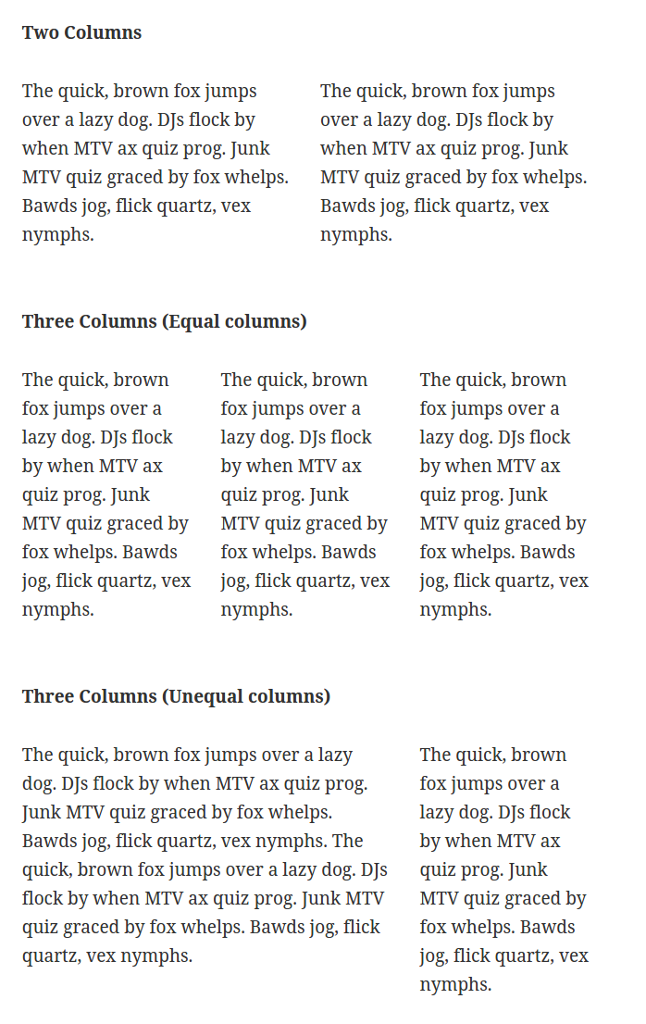
Column sample
Changelog
1.3.4 – Mar 17 2024
- Compatibility tested upto WordPress 6.5
1.3.3 – Jan 23 2024
- Compatibility tested up to WordPress 6.4
- Fix: XXS vulnerability in shortcode attributes (Reported by: Darius https://patchstack.com)
1.3.2 – Aug 06 2021
- Compatibility check up to version 5.8
1.3.1 – Mar 08 2021
- Compatibility check up to version 5.7
1.3 – Mar 18 2020
- Compatibility check up to version 5.4
1.2
- Compatibility check up to version 5.3
1.1.1
- Fix: Text domain issue
- Fix: Minor bug fixes
1.1
- Fix: Minor bug fixes
1.0.1
- Fix: Column misplaced in some theme
- Fix: User role bug
- Fix: Minor bug fixes
1.0.0
- Initial release