

Whistleblowing & Contact Form – Secure, Anonymous, Drag & Drop Builder
Create anonymous whistleblowing or standard contact forms with free conditional logic and secure two-way messaging. GDPR-compliant and responsive.
Plugin info
Maintenance & Compatibility
Maintenance score
Maintained • Last updated 121 days ago • 6 reviews
Is Whistleblowing & Contact Form – Secure, Anonymous, Drag & Drop Builder abandoned?
Likely maintained (last update 121 days ago).
Compatibility
Similar & Alternatives
Explore plugins with similar tags, and compare key metrics like downloads, ratings, updates, support, and WP/PHP compatibility.
Description
Secure Contact & Whistleblowing Form is the ultimate WordPress plugin for building contact or anonymous reporting forms — fully GDPR-compliant, mobile-friendly, and packed with powerful features.
It provides a user-friendly interface for creating secure communication channels, including support for the EU Whistleblower Directive (2019/1937). Whether you’re a company, school, NGO, or club, you can handle confidential submissions with confidence and privacy.
The plugin also serves as a full-featured drag & drop form builder with multi-step forms, conditional logic, and unlimited submissions — all for free.
Short demo video
🔑 Key Features (Free Version)
- 🕵️ Anonymous Submissions – Allow users to report anonymously or include contact details voluntarily.
- 🔁 Two-Way Anonymous Communication – Secure, token-based messaging between reporter and admin.
- 📱 Mobile-Friendly & Responsive – Works seamlessly on all devices.
- 🧠 Conditional Logic (Free) – Show or hide fields dynamically based on user input.
- 🛠 Drag & Drop Form Builder – Create forms visually without coding.
- ♾️ Unlimited Whistleblowers & Submissions – No restrictions on the number of reports or users.
- 📧 Email Notification – Send automatic notifications to one selected email address.
- 📑 Multiple Forms & Shortcodes – Use for whistleblowing, feedback, or contact forms.
💼 Pro Plugin Features (Upgrade)
- 🔒 Full Data Encryption – Encrypt submissions before storage for maximum confidentiality.
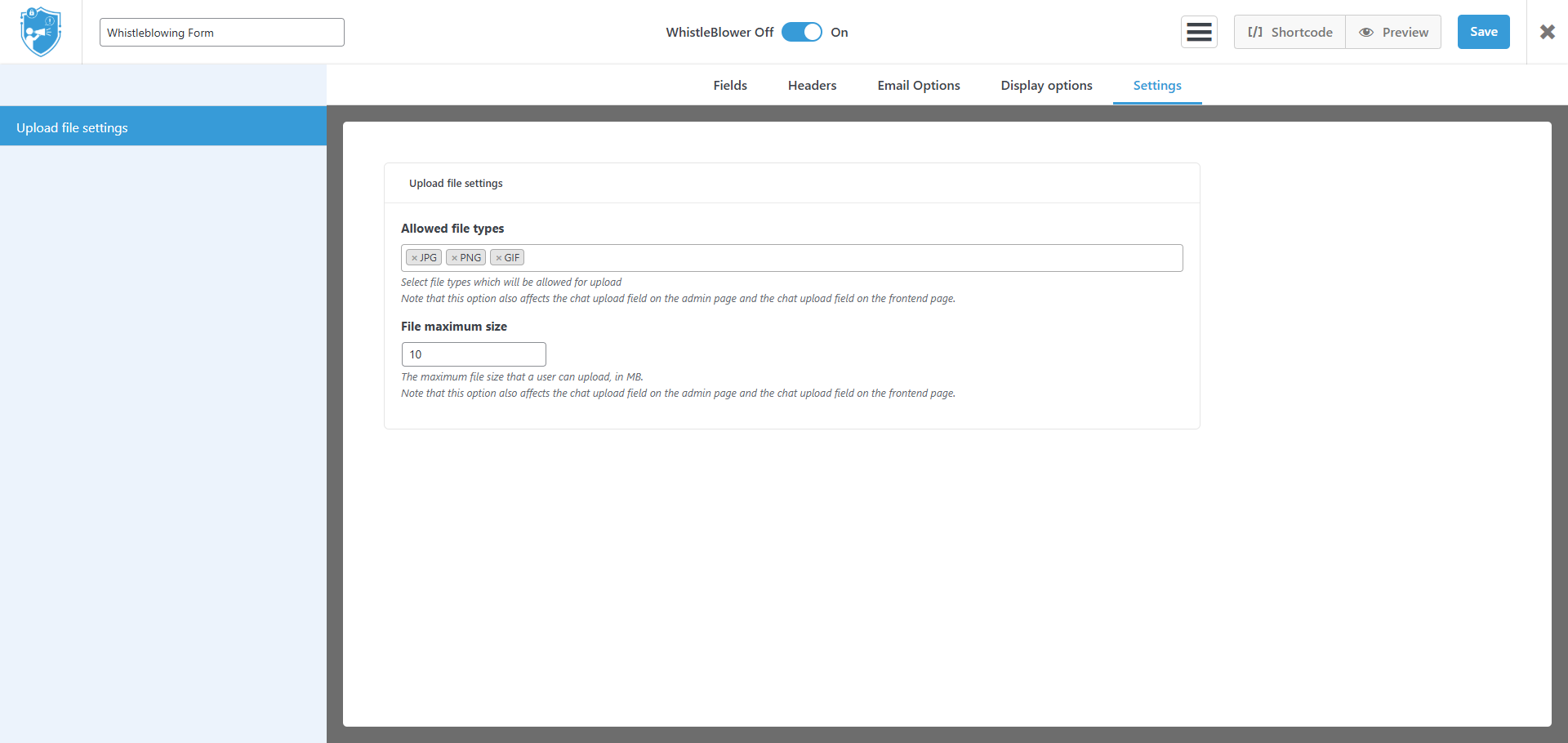
- 📤 File Uploads – Receive supporting documents securely with file size and type restrictions.
- 🧩 Multi-Step Forms – Split long forms into logical steps for better usability.
- 🎨 Customizable Themes – Match your site’s design with advanced styling options.
- 📊 Export to CSV – Download and manage submissions offline.
- 📧 Multi-Recipient Notifications – Send alerts to multiple recipients or departments.
- 🔗 Incoming Webhook – Accept external data into your forms.
- 🔗 Outgoing Webhook – Send submissions to external services or integrations.
Useful Links:
Use Cases
- Internal HR feedback systems
- GDPR-compliant contact forms
- School or university reporting tools
- Secure NGO communication
- Clubs and associations subject to EU regulations
Privacy Notices
Whistleblowing System plugin does not collect and store any data of your users on Whistleblowing-form’s end. All data submitted by your website visitors is stored in your website database. From this perspective, you may be subject to GDPR compliance.
Whistleblowing System imply interaction between website visitors and website owner. As such you may publish forms that require input of Private data. You need to get explicit consent from your users to comply with GDPR. Under GDPR your users may request access and/or erasure of their entry data at any time. Here you can find how to export and/or delete reports.
Notes
Whistleblowing system, with the variety of functions, is working to make your experience the best it can be. We’re one of the only form builders around that offers support for all users. With us you can make sure that your forms are safe, anonymous and designed as per your expectations.
If you have any questions or suggestions, we’re always happy to hear from you. Our dedicated support team will help you with technical questions every Monday to Friday. We are also open for feedback. It helps us see what we lack and which direction to grow towards. It is the key to our success.
World Class Support
- ⏱ Quick responses – typically within a few hours
- 🧑💻 Resolutions in under 24 hours
- 📣 Feedback-driven development
Have questions or suggestions? Reach us anytime via Contact Page
External Services
Deactivation Feedback Endpoint
This plugin optionally sends deactivation feedback when the user chooses to submit it during plugin deactivation.
-Domain: https://whistleblowing-form.de/
-Purpose: To receive voluntary plugin deactivation feedback from the admin user.
-Data Sent:
Admin email (or custom email provided in the feedback form)
Selected deactivation reason
Optional message entered by the user
Site URL
-Conditions:
Data is sent only if the user submits the feedback form.
No data is sent when the user clicks “Skip”.
Installation
- Download the plugin ZIP file.
- Upload via Plugins Add New Upload Plugin.
- Click “Install Now” and then “Activate.”
- Start building forms under Forms Whistleblowing System in your dashboard.
If the installation does not succeed, please contact us for help.
Frequently Asked Questions
Yes, email is optional. Users can submit reports and receive a unique login token to follow up anonymously.
Absolutely. You can create any type of form — contact, feedback, or whistleblowing.
Yes, unlike many other plugins, conditional logic is built in and 100% free.
Yes, you can create paginated multi-step forms for better UX and longer reports.
No limits. You can have unlimited anonymous users and submissions — even in the free version.
Yes, your forms will look and function great on mobile, tablet, and desktop.
Yes, you can enable file uploads with control over allowed file types and size limits.
Review feed
Screenshots

Add field in the contact form.
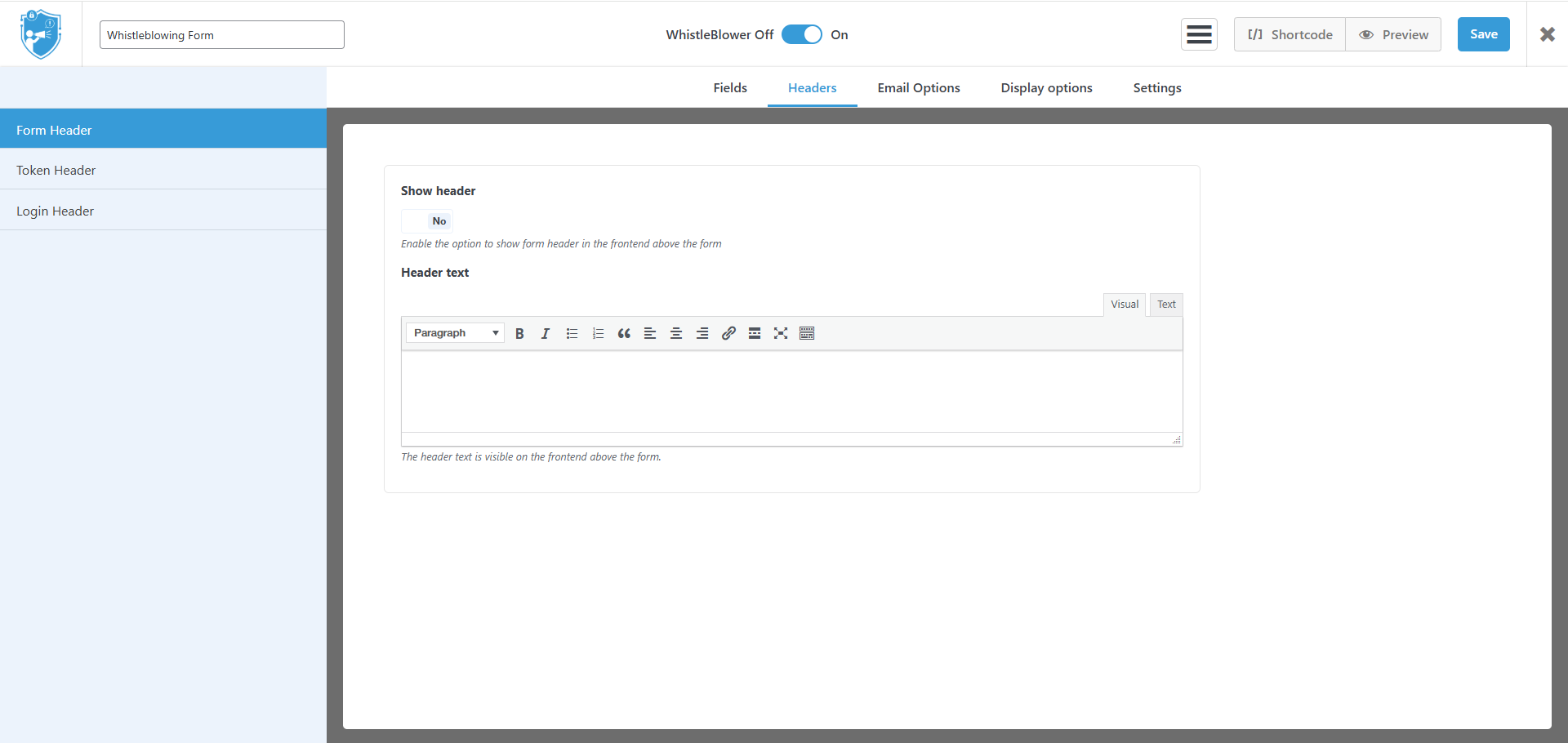
Contact field options.
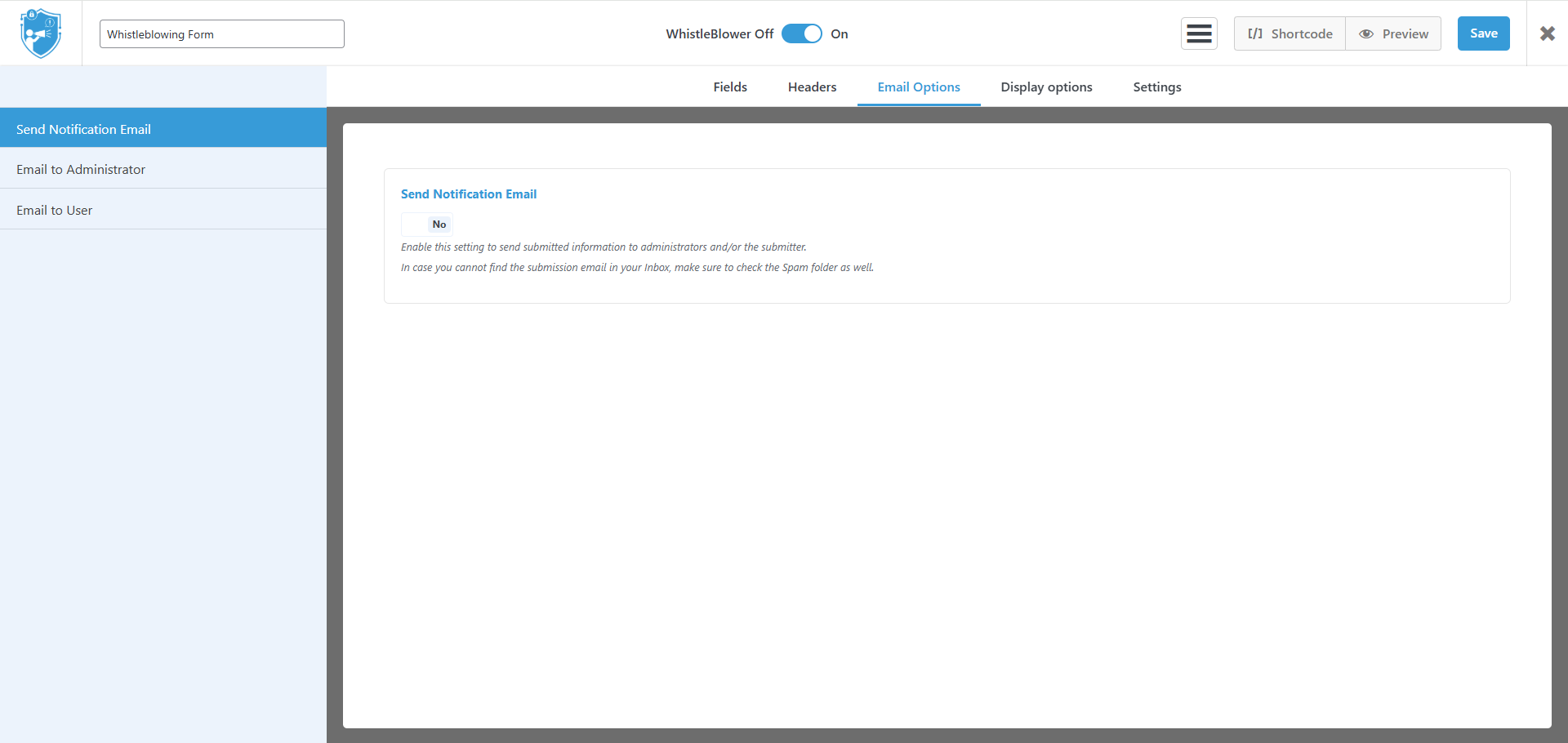
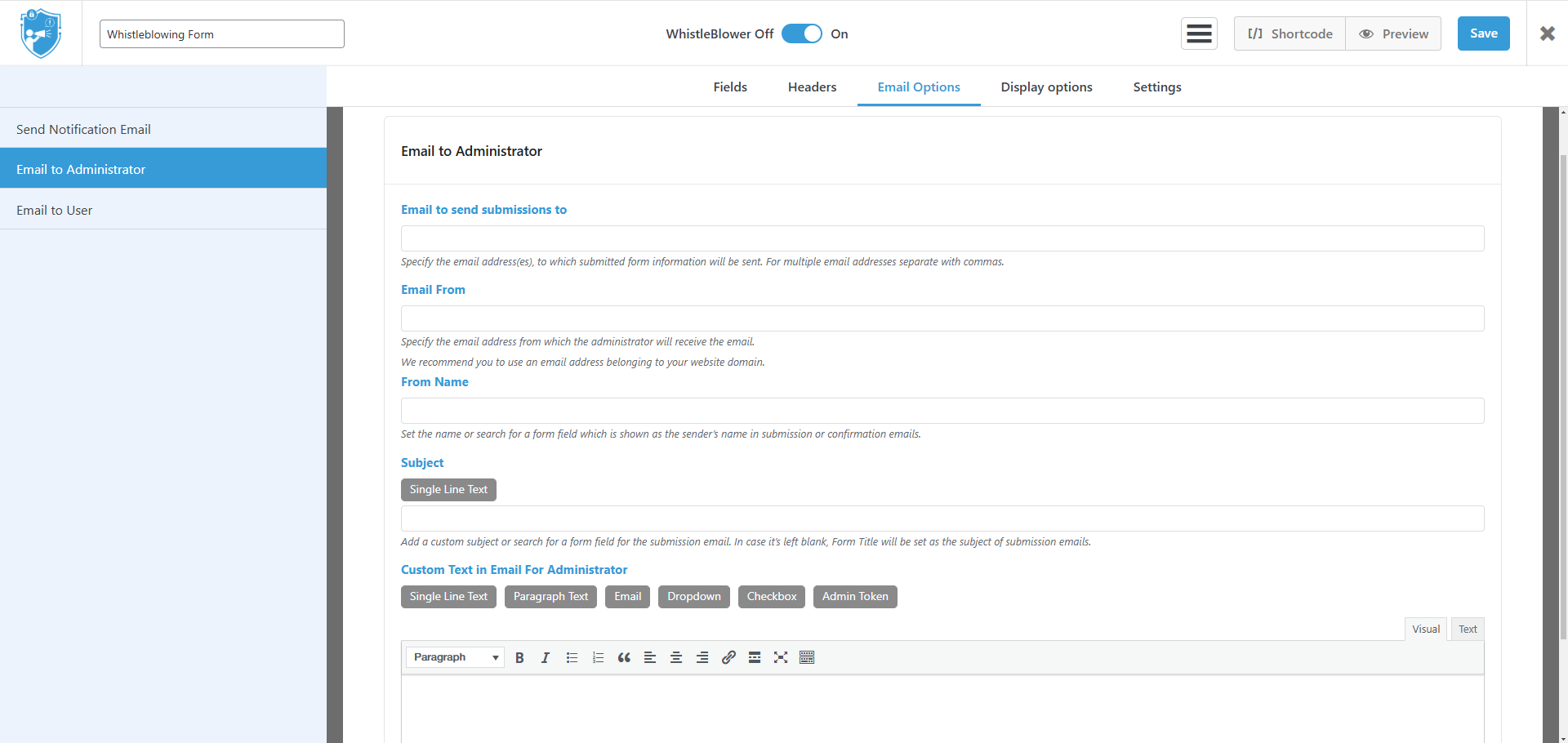
Contact email options.
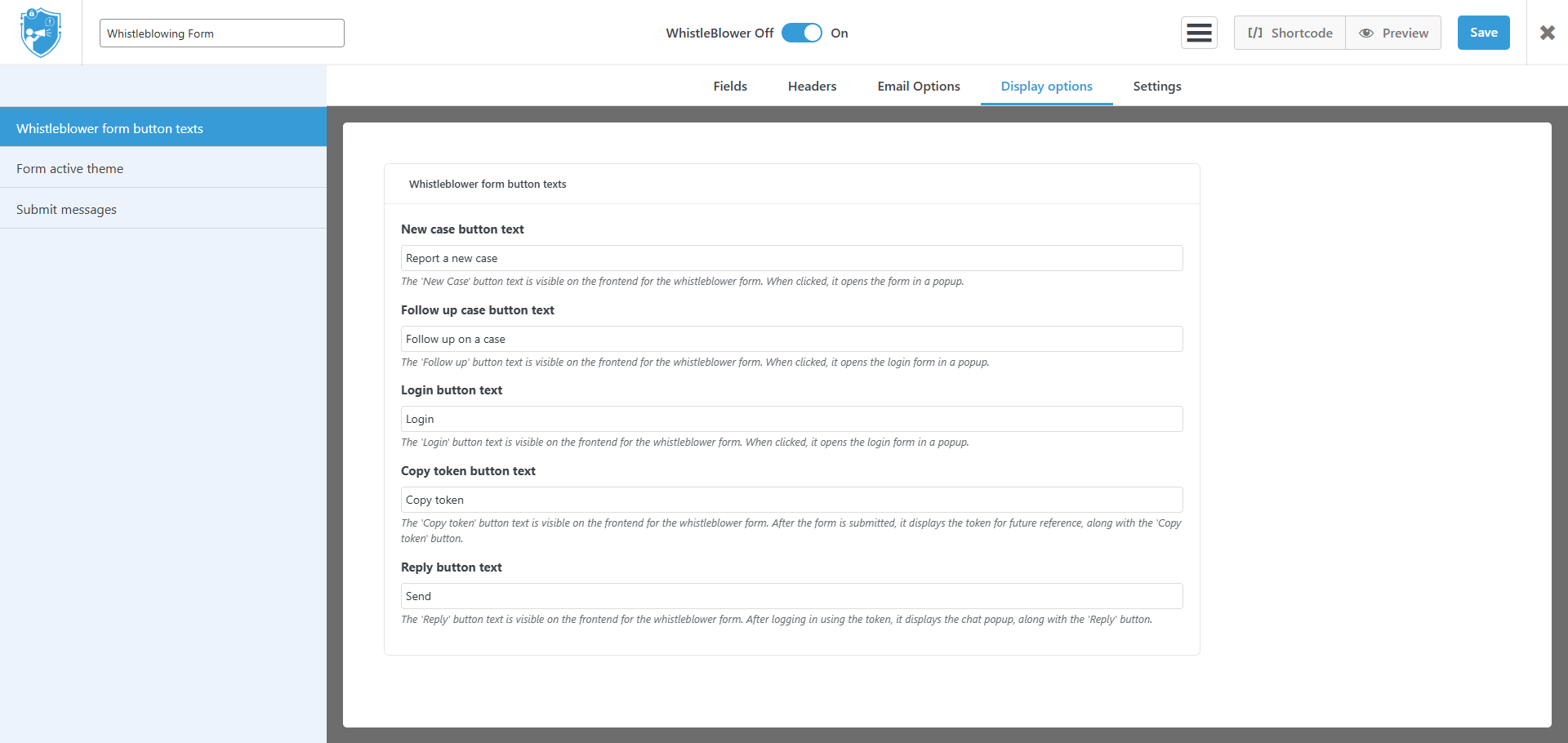
Contact form display options.
Contact form style themes.

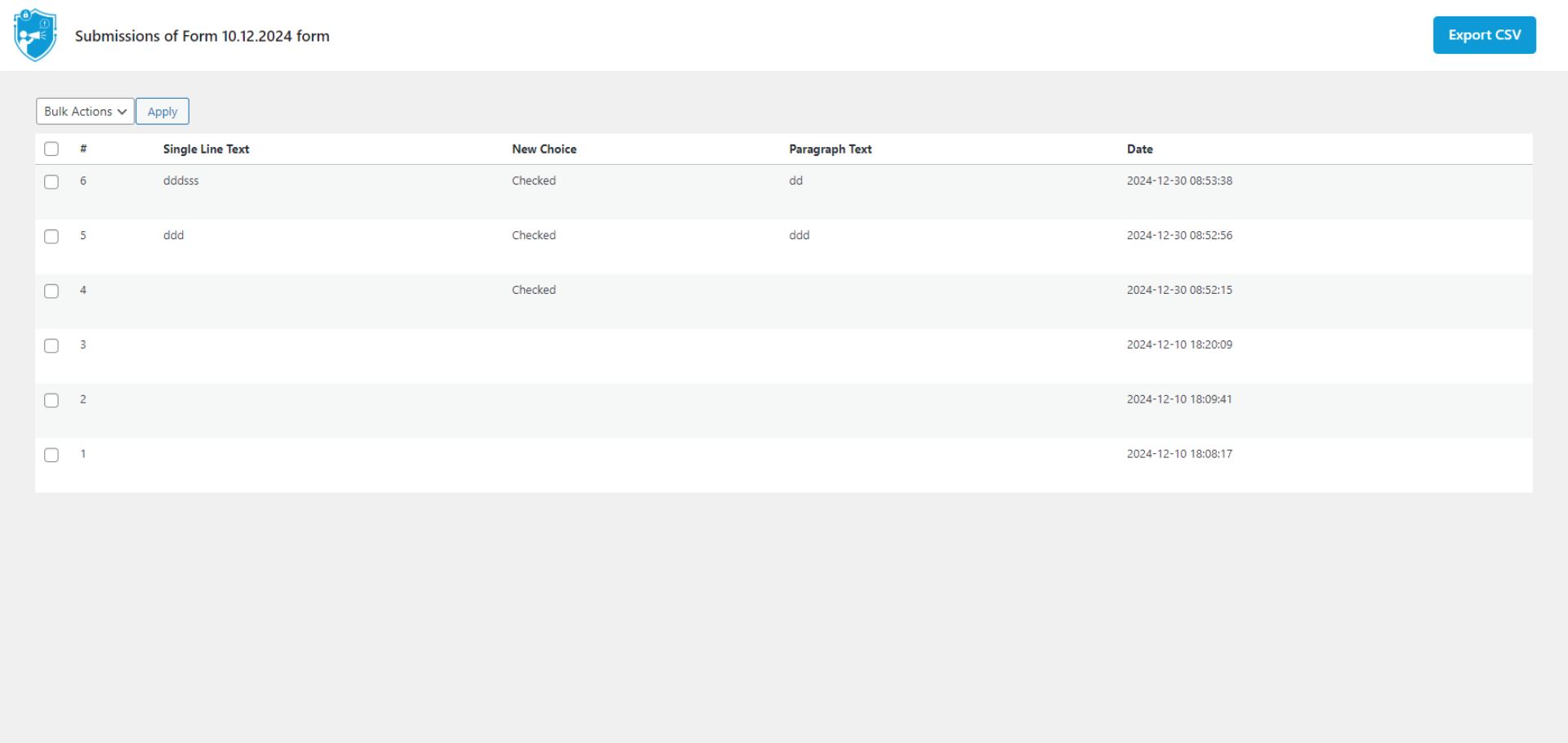
Reports list view.
Whistleblowing chat view.

Changelog
1.4.5
Fixed: Form fields ordering in the email
1.4.4
Added: Status changed in logs
Added: Logged in admin username in logs
Fixed: Bug fixes
1.4.3
Changed: Removed pro trial plugin autoinstall
1.4.2
Fixed: Vulnerabilities
1.4.1
Improved: Updated plugin description and feature list
1.4.0
Added: Pro 14 days trial logic
1.3.16
Added: Rate notification
Fixed: Chat status mark in static view
Fixed: Form Responsiveness
1.3.15
Added: Outgoing webhook (Pro)
Added: Logs Page
Added: preview link in forms list
1.3.14
Fixed: Upload fields bug
1.3.13
Added: Video presentation
1.3.12
Added: Incoming webhook
1.3.11
Added: HTML field
Added: Multi-column drag and drop
1.3.10
Added: Default forms
Fixed: Checkbox required bug fix
1.3.9
Added: Checkbox required field logic for group
1.3.8
Added: Widget in Gutenberg editor
1.3.7
Added: Form duplication
1.3.6
Added: sorting filters in submissions page
1.3.5
Added: chat status indicator
Added: form name, id, submission id in the email notification
Changed: Admin styles
1.3.4
Fixed: shortcode login bug
1.3.3
Added: Data encryption(Pro Version)
1.3.2
Added: New option to hide form after submit
Fixed: Multi page form submit second time if first page has required field
1.3.1
Added: Add form id and submission id placeholders in email options
Added: New setting to show tokens in submissions page
1.3.0
Added: New design for frontend
Fixed: E-Mail text issue
1.2.7
Fixed: Theme insert bug
Fixed: Condition required for hidden fields
Fixed: Date field requirements
1.2.6
Changed: Settings page UI
Added: License functionality
1.2.5
Fixed: Add field JS error
1.2.4
Fixed: Add submit button issue
1.2.3
Added: Date field
Added: Phone field
Fixed: Placeholder add bug fix
1.2.2
Added: Anonymous field
Changed: Radio button design
Fixed: Reset conditions after form submit
1.2.1
Fixed: File type selection in the form settings
Fixed: TinyMce js error
1.2.0
Added: Pagination logic for form
Changed: Form edit page styles
1.1.14
Fixed: Tinymce issue
1.1.13
Added: Multiple files upload option for upload field
Added: Copy token button styles to the theme
Fixed: Checkbox field issue
Fixed: Clear conditions if field removed
Fixed: Condition nesting functionality
1.1.12
Fixed: Conditional logic bug
1.1.11
Added: Submissions bulk actions
Fixed: Theme save issue
Fixed: Email notification issue
1.1.10
Added: Recaptcha field
Fixed: Conditional logic bug
1.1.9
Added: Email options for users
Added: Video file extensions for upload
Added: Admin/User token placeholder in email options
1.1.8
Added: Address field
Added: Admin notification after user reply
Added: Status functionality for submissions
Fixed: Styles
Fixed: Checkbox mini label issue
1.1.7
Fixed: Styles
1.1.6
Added: Headings texts for form, login, token
Changed: Delete functionality for submissions, forms, themes
Fixed: DB prefix issue
Fixed: Single choice required
Fixed: Same type multiple fields title issue
1.1.5
Added: Conditional fields logic
Added: Multilingual admin panel
Added: Email validation
Fixed: Dynamic copy token description
1.1.4
Added: CSV export
Added: pdf, audio files upload
Added: File upload max size option
Fixed: checkbox placeholder in the email options
1.1.3
Added: Separate shortcodes for whistleblowing form and login
Fixed: Theme styles
Fixed: HTML tags in the checkbox label
Changed: Content scrolling under popup
1.1.2
Added: Pro redirect link in plugins list
1.1.1
Fixed: Small bug
1.1.0
Added: Simple contact form
Added: Multiple forms
Added: Multiple themes
Added: Form preview functionality
Added: Fields drag and drop functionality
Added: Radio fields
Added: Full name field
Added: Number field
Added: Email settings for each form
Added: Display settings for each form
Changed: Checkbox field
Fixed: Translation bug fix for german language
1.0.9
Fixed: Translation bug fix for german language
1.0.8
Fixed: Bug fix
1.0.7
Added: German language translation
Added: Frontend buttons texts change
Added: File attachment in the frontend chat page
Fixed: File attachment in the admin ticket page
Changed: Design changes
1.0.6
Added: Form subject in the tickets list page as column
Added: Placeholder for email subject field in the email settings page
Added: Label nearby checkbox field in the admin preview
Fixed: Label and placeholder mix
1.0.5
Added: Remove ticket functionality from admin page
Fixed: Frontend form submit load animation
1.0.4
Changed: Admin page design
Fixed: Admin form page edit fields
Fixed: Ticket answer time
1.0.3
Fixed: Form submision
Fixed: Email send
1.0.2
Added: Loading for form submit
Added: Required field functionality
Added: html for checkbox field
Fixed: Copy buttons
Changed: Design changes
Changed: Form fields styles in the admin
1.0.1
Fixed: Copy button work in the admin
Changed: Form fields styles in the admin
1.0.0
Initial version